Custom SharePoint Site Templates & Design Ideas
Looking for SharePoint intranet templates that hold up after launch, not just in a demo? Explore real intranet, communication site, and department portal designs built around role-based dashboards for teams like yours – then book a free demo to see one built for your SharePoint solutions.”
Get a Free Call
1. SharePoint Communication Site Templates
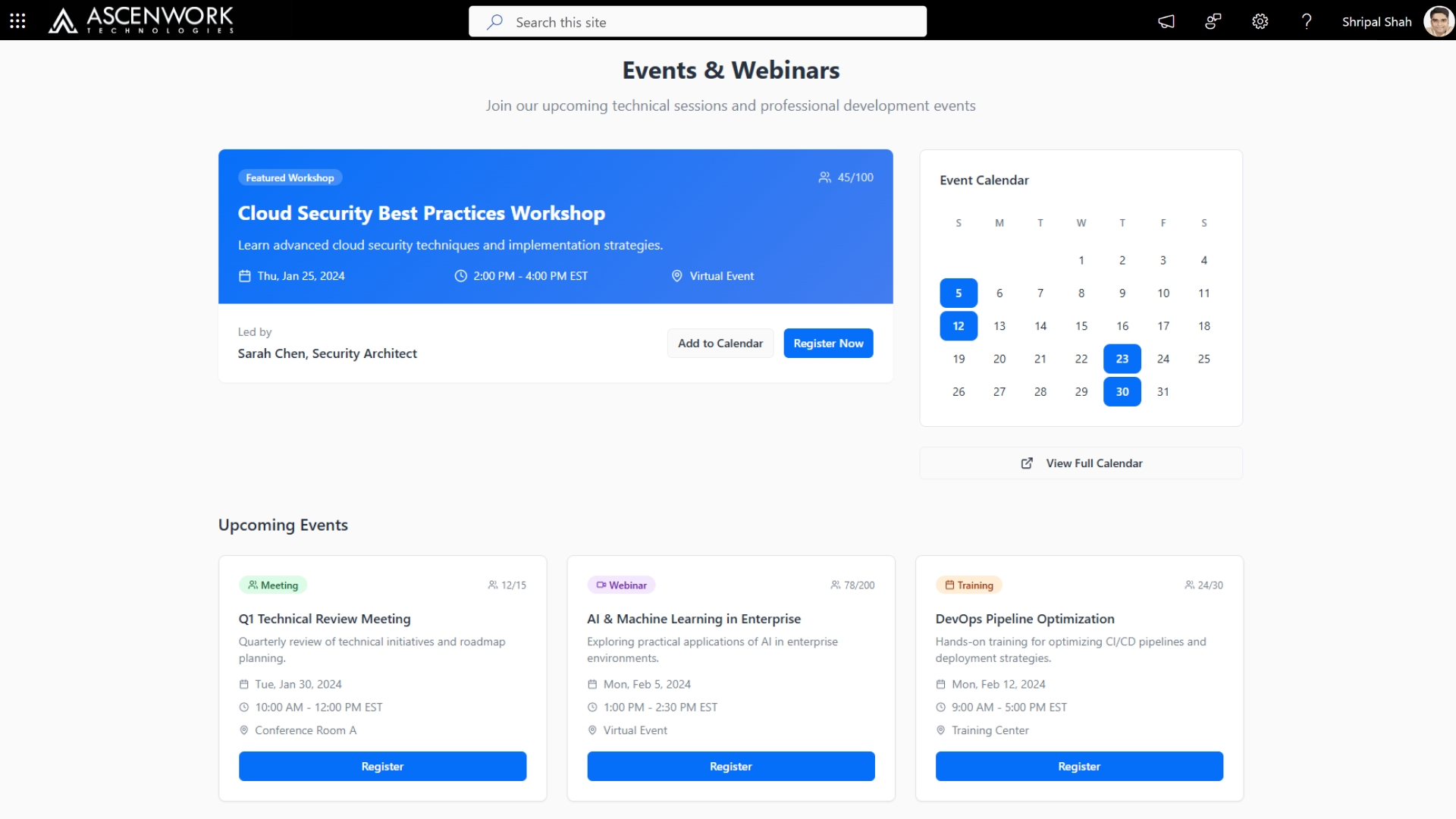
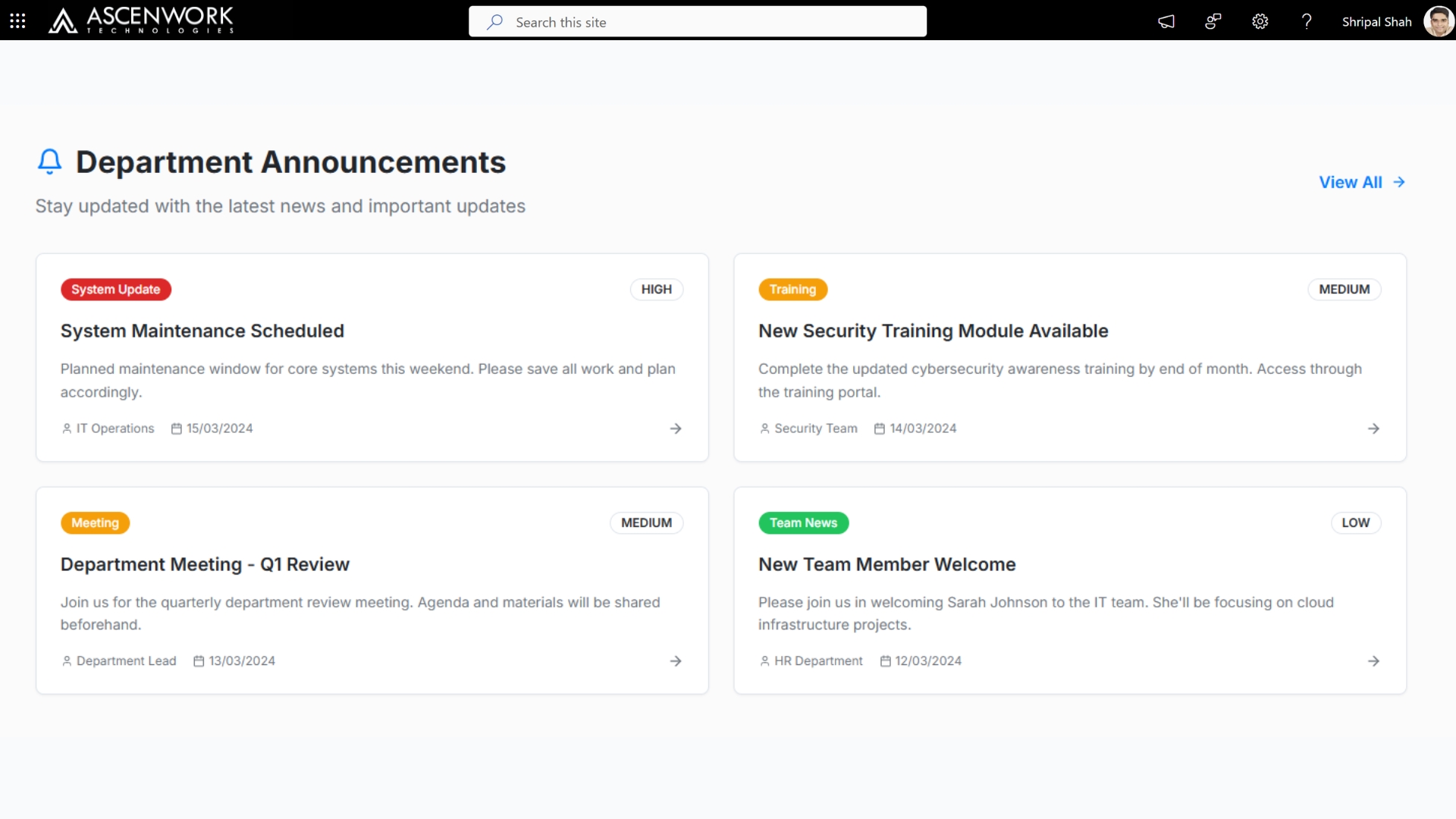
Modern SharePoint communication site templates are built to broadcast company-wide news, leadership updates, and cross-department announcements without losing visual polish. Instead of static text pages, today’s communication sites use card-based layouts, hero banners, and highlighted content web parts that function more like a modern SharePoint dashboard template than a traditional intranet page. AscenWork’s SharePoint site templates designs these sites around three priorities: fast scanning (employees get the update in under 10 seconds), consistent branding across every page, and mobile responsiveness so field or remote staff see the same experience as head office. Below are three communication site layouts we’ve used for clients in professional services and manufacturing – each built with reusable web parts so your internal team can update content without touching code.
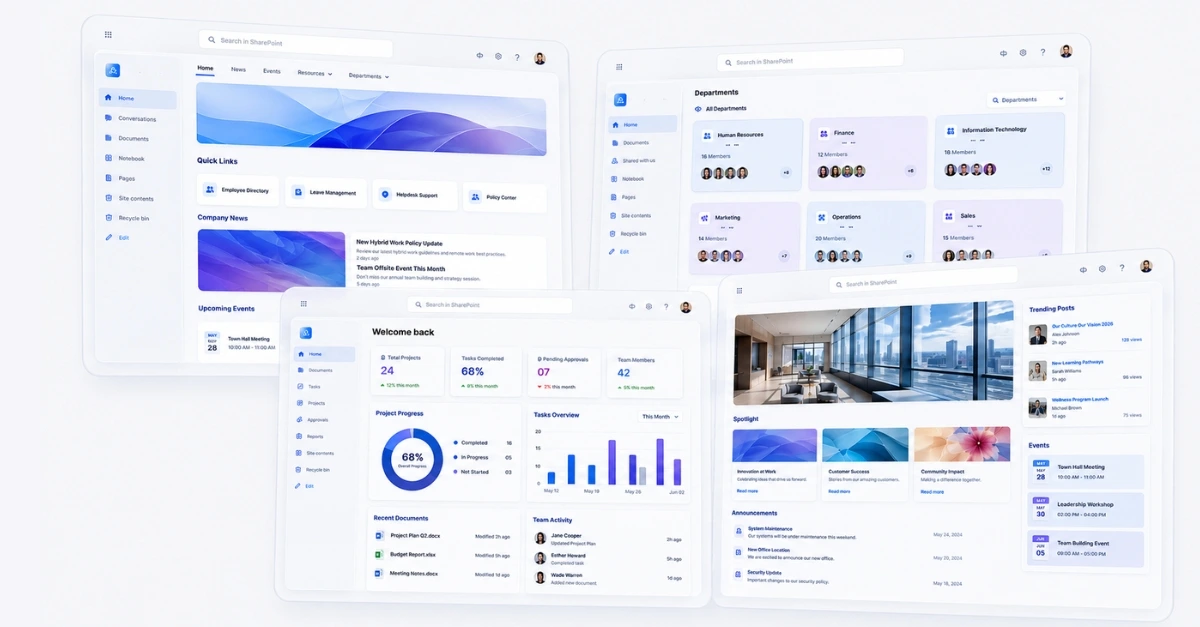
Get Templates and Customize Your Sharepoint Site
2. SharePoint Intranet Templates
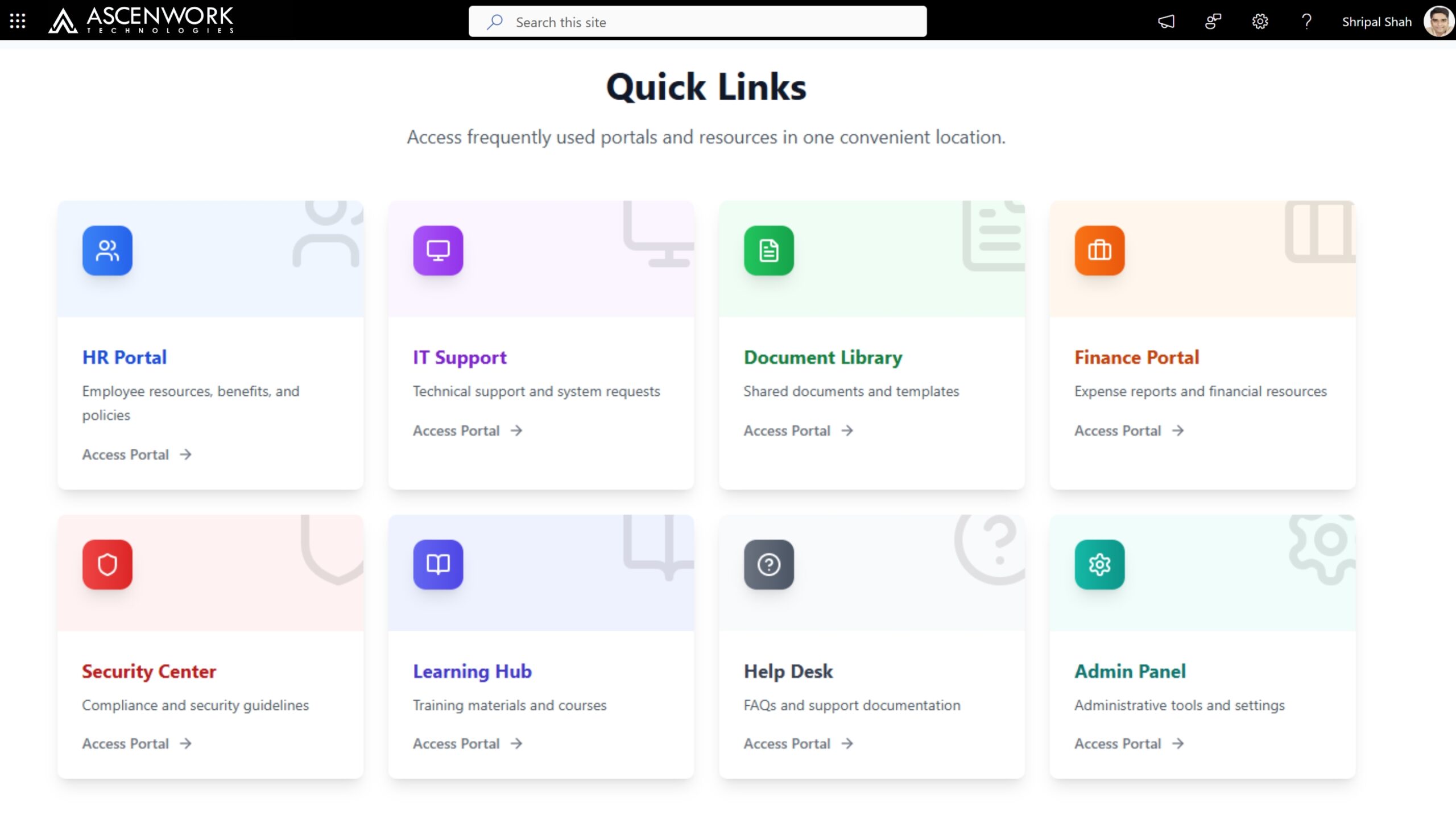
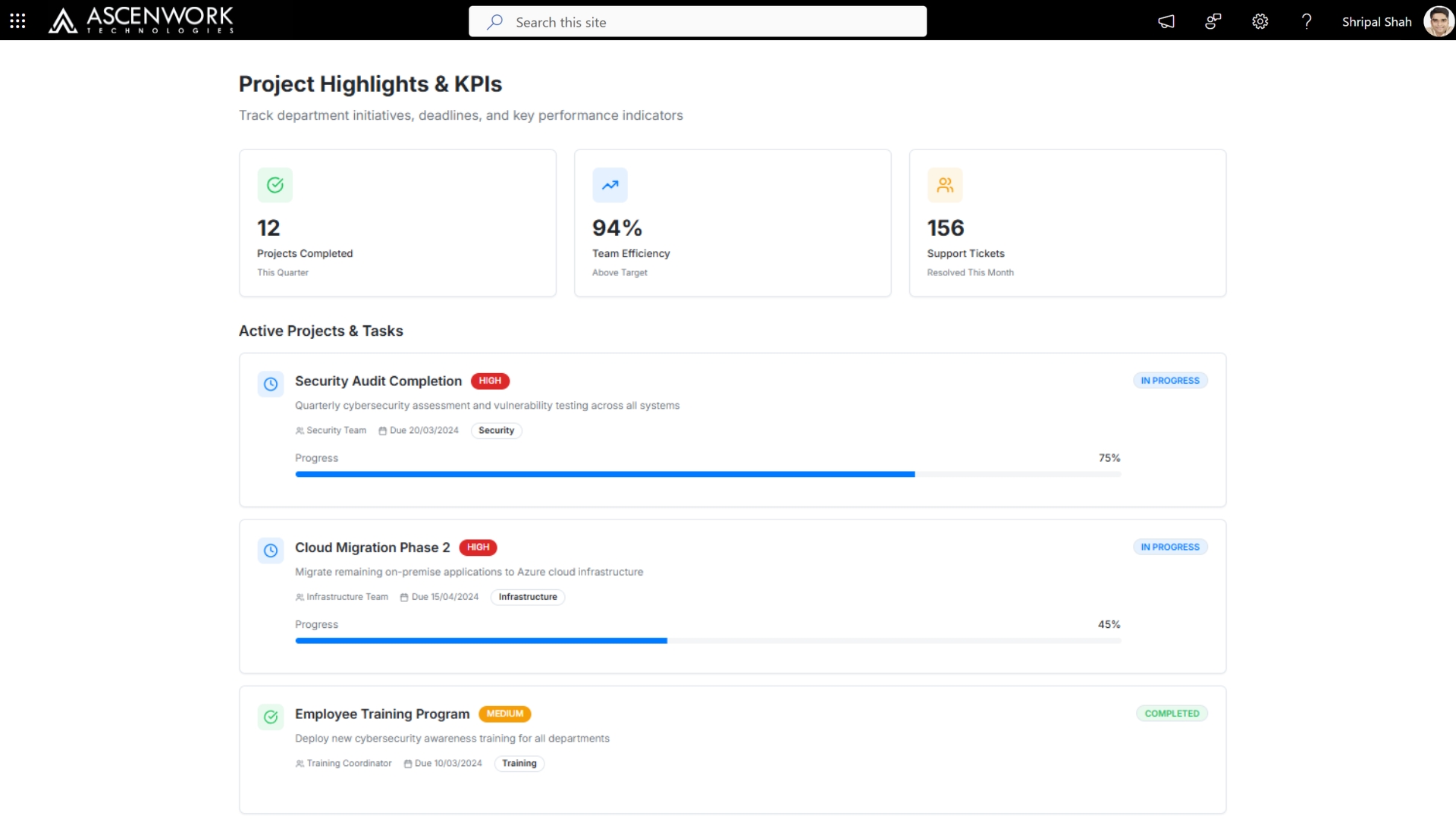
If you’re evaluating SharePoint intranet templates for your organization, the layout you choose will shape whether employees actually use the portal or ignore it. A strong SharePoint intranet template combines personalized web parts (each employee sees their own tasks, team news, and quick links), a clean top-level navigation that doesn’t bury departments three clicks deep, and a homepage that loads fast even with dashboards, images, and embedded Power BI reports on it. AscenWork builds intranet templates around role-based dashboards – meaning a finance employee’s homepage surfaces different quick links and news than a sales employee’s, without maintaining two separate sites. This is the difference between an intranet that looks good in a demo and one that’s still being used a year after launch. The examples below show homepage variants for a 500-person professional services firm, ranging from a minimalist layout to a data-dense executive dashboard view.
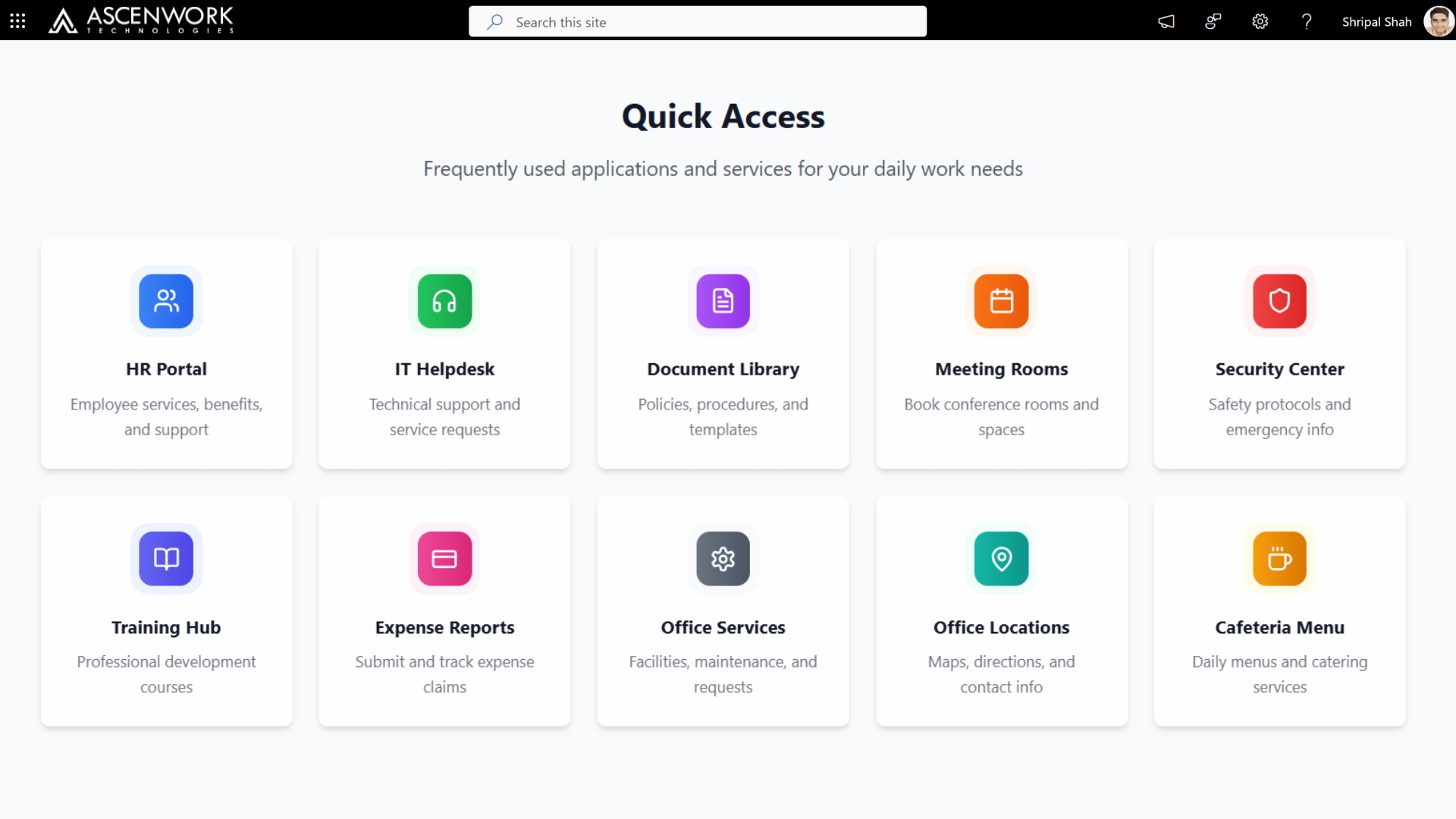
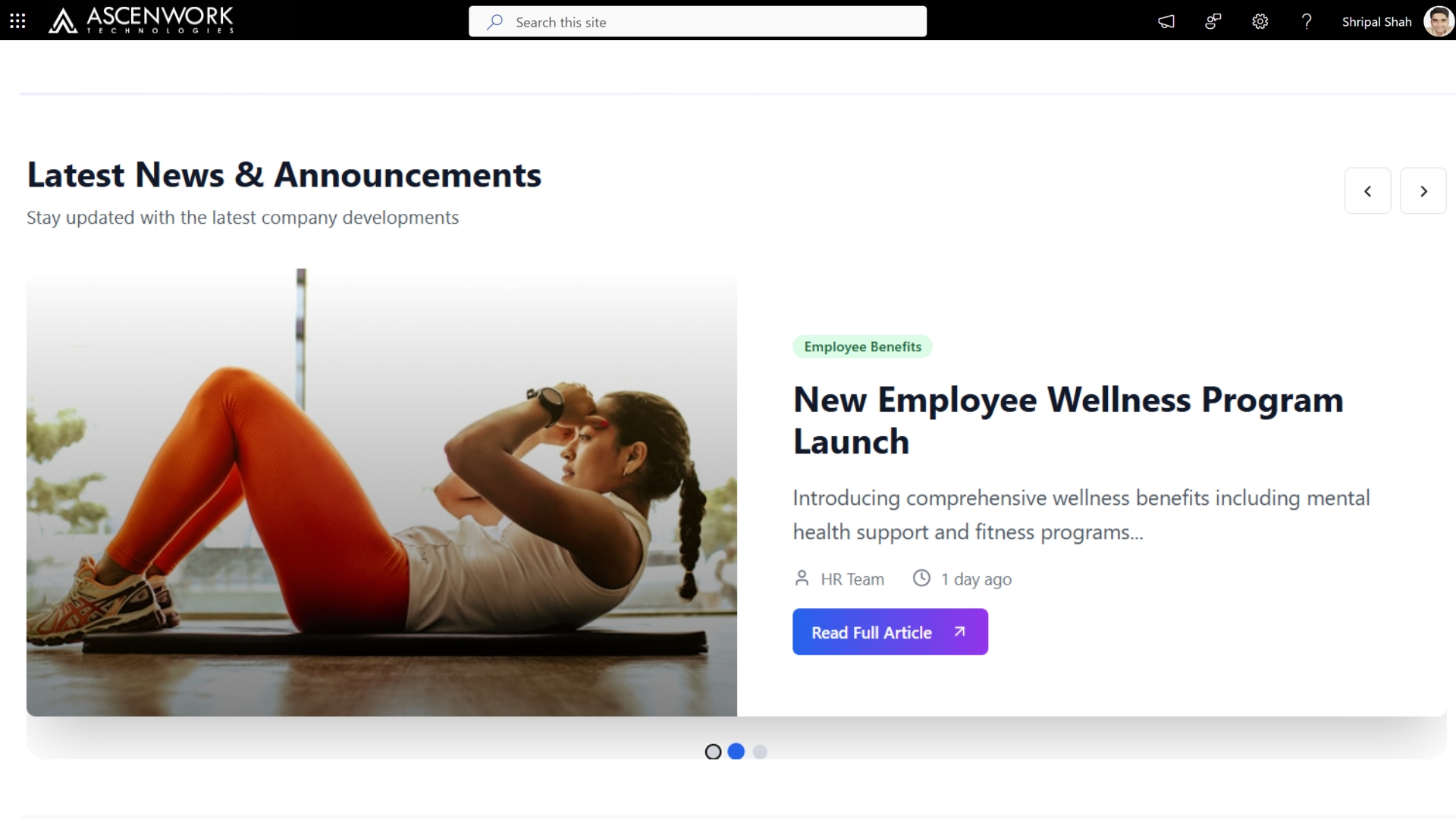
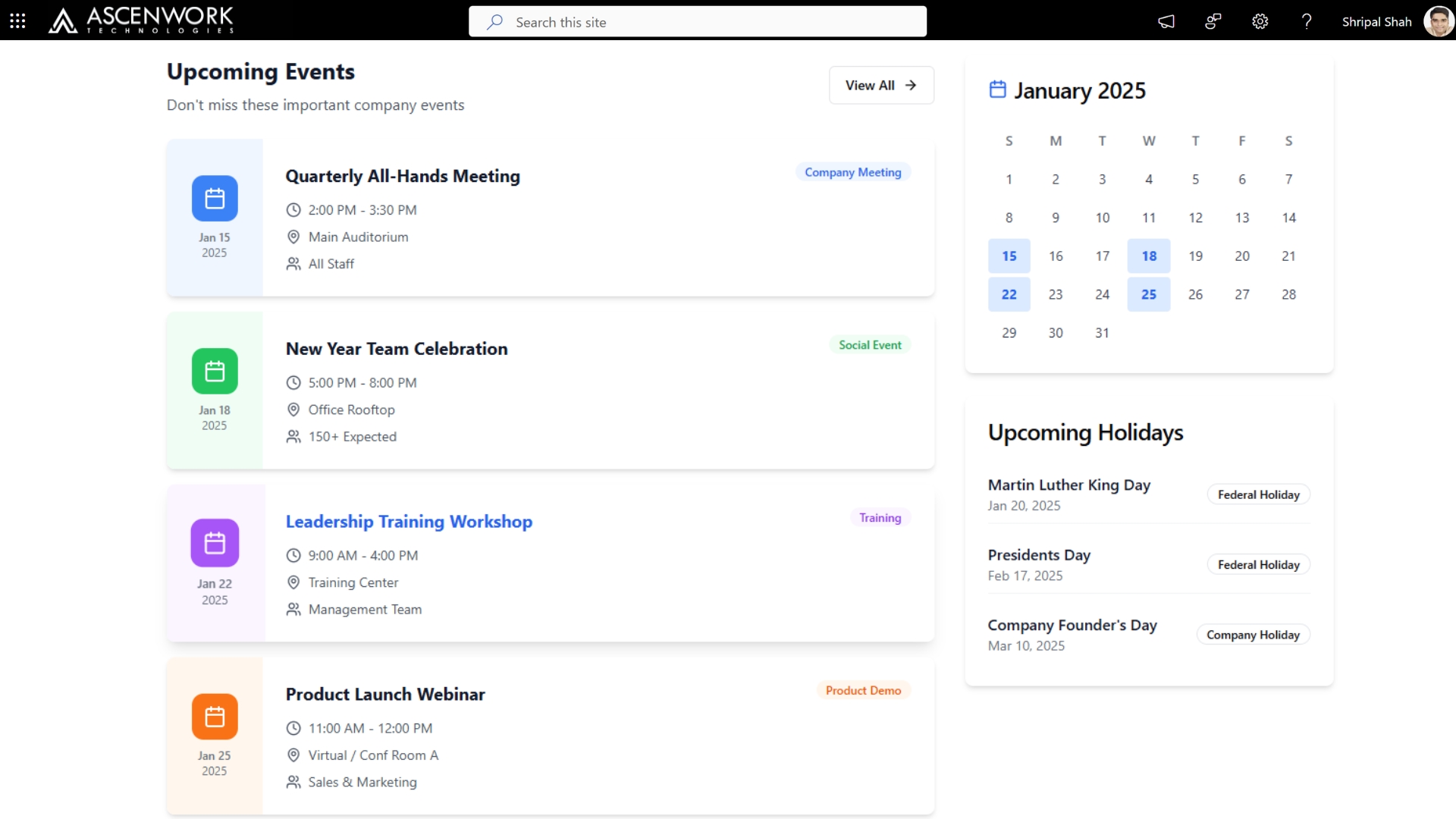
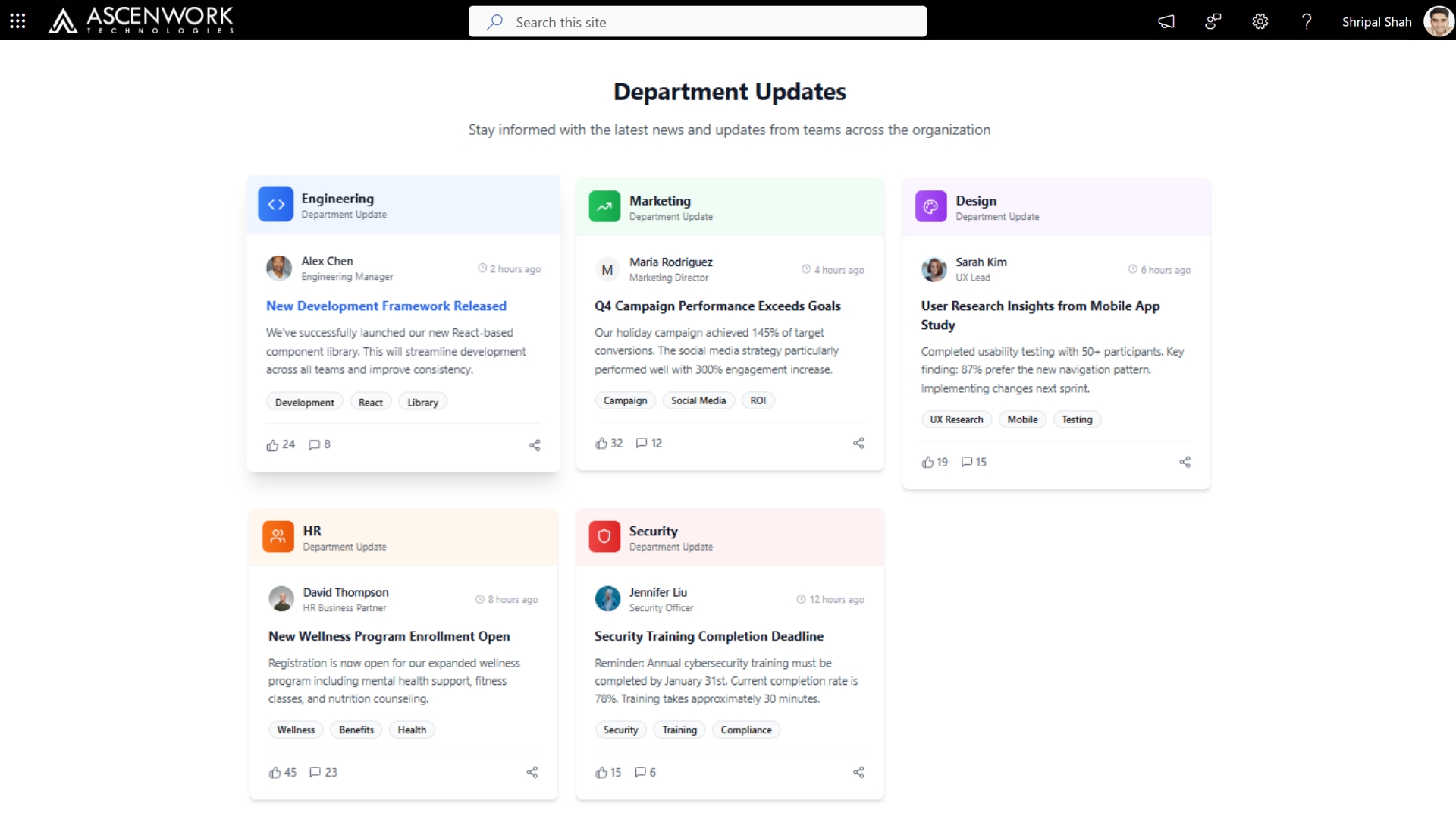
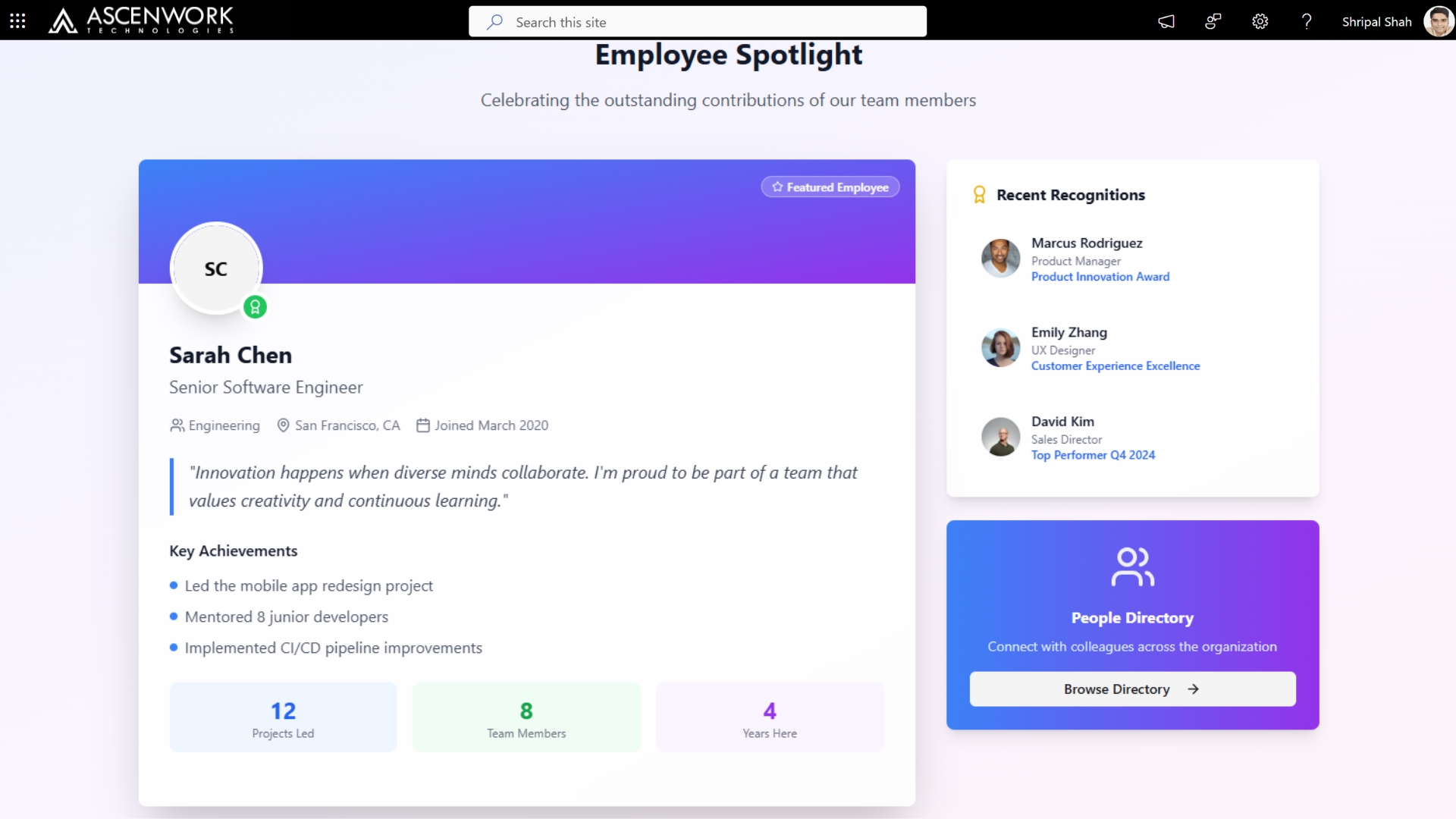
3. SharePoint Communication Site Homepage
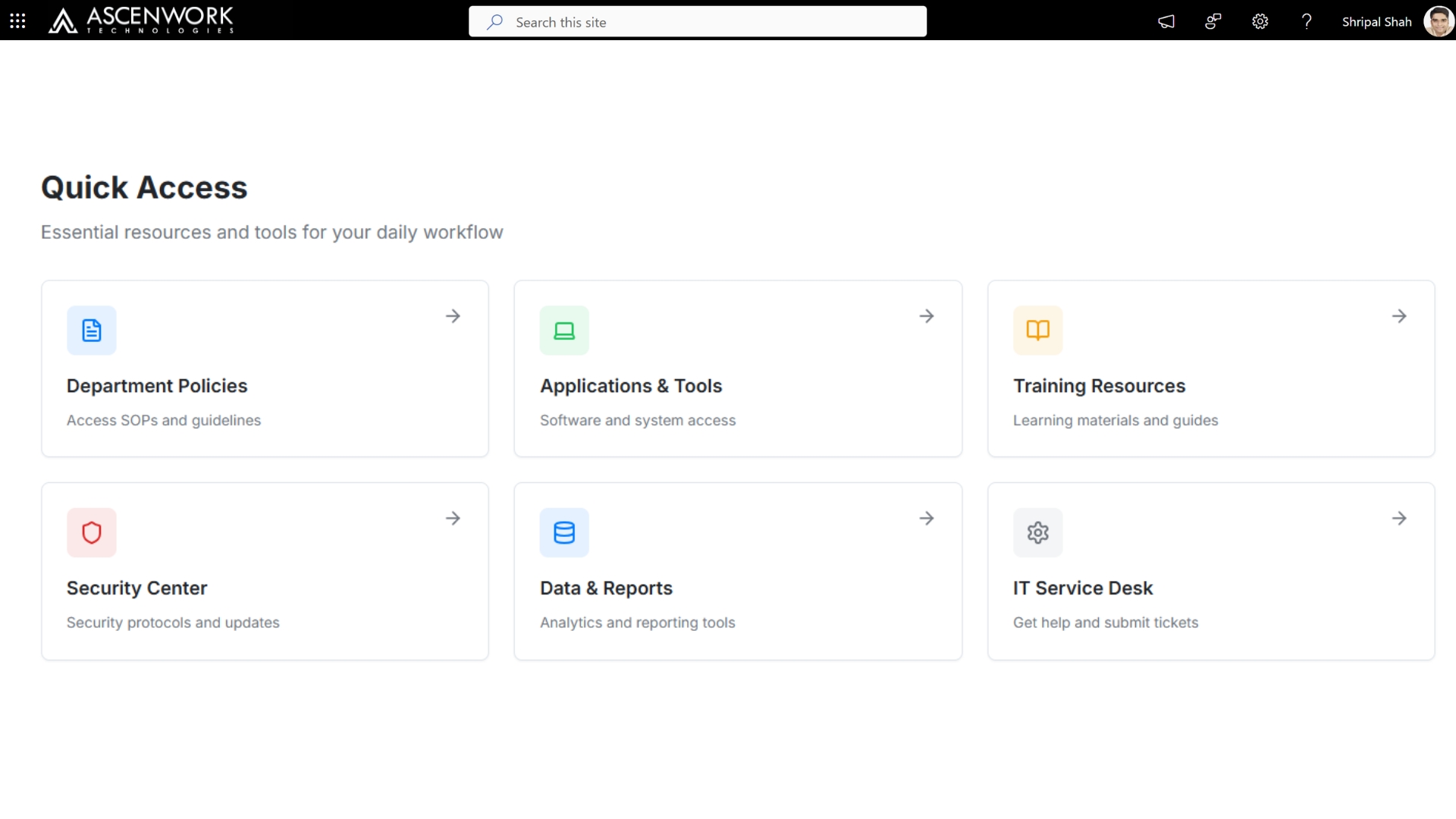
A communication site homepage is the front door of your intranet – it’s usually the first thing an employee sees after logging in, which means it needs to earn attention in seconds. The modern SharePoint dashboard templates approach here pairs a rotating hero section (leadership messages, major announcements) with a lower “quick access” zone linking to the tools employees use daily – timesheets, help desk, policy documents. We typically recommend limiting the homepage to 4-5 content zones maximum; homepages that try to surface everything end up surfacing nothing well. The layout below was built for a client in the tech sector who needed to highlight quarterly OKRs alongside standard company news, without the page feeling cluttered.
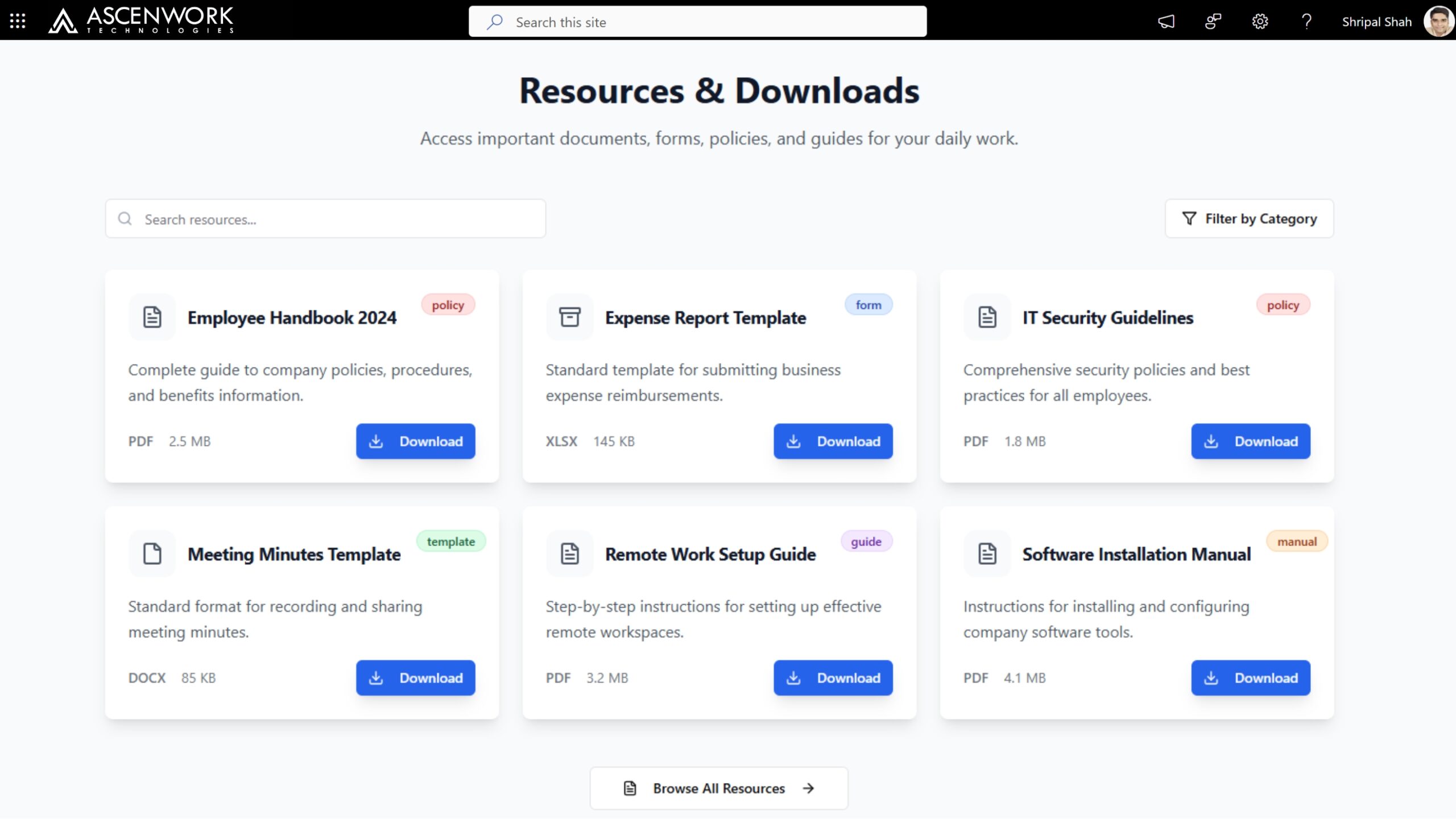
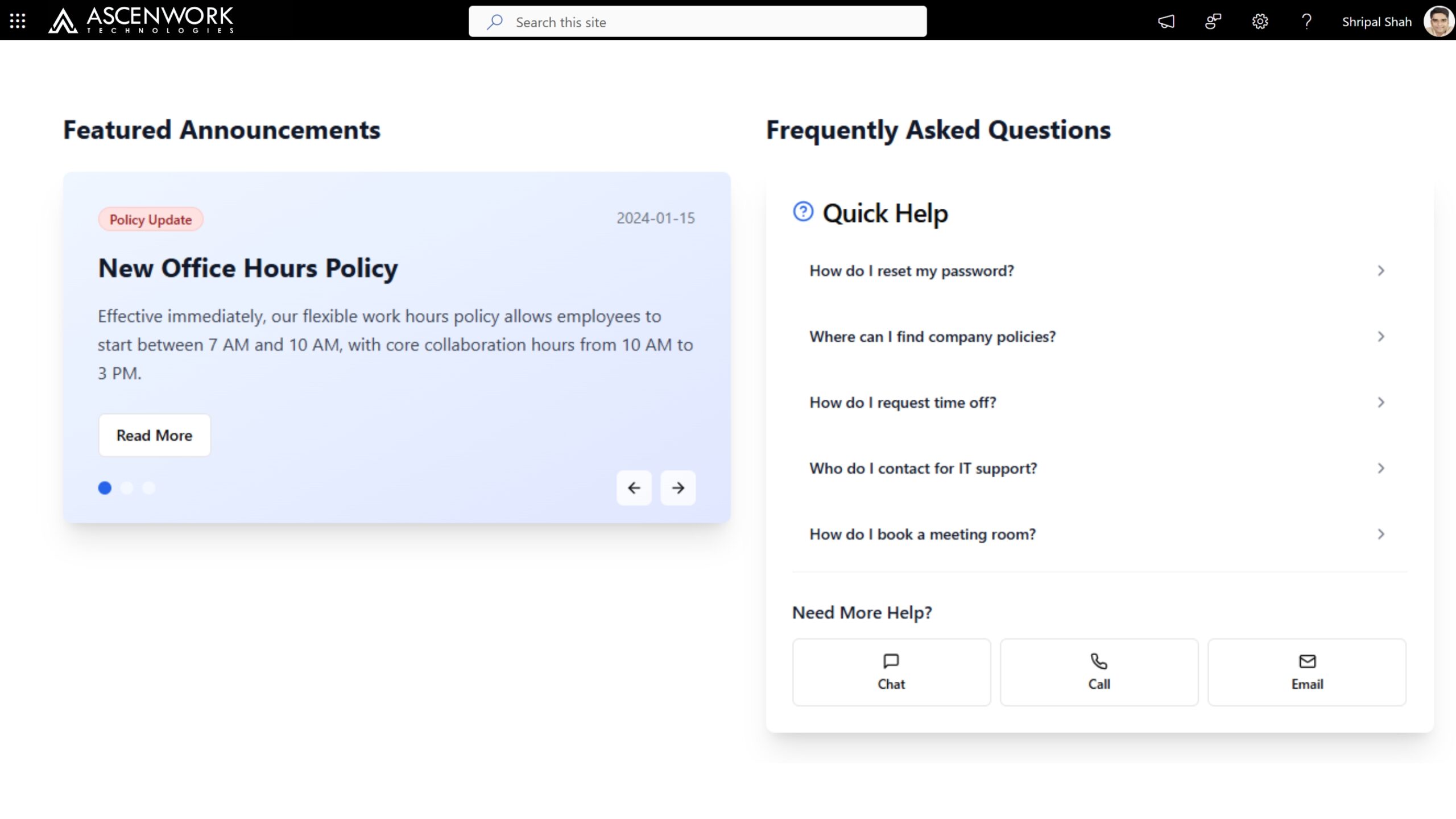
4. SharePoint Design for Financial Services
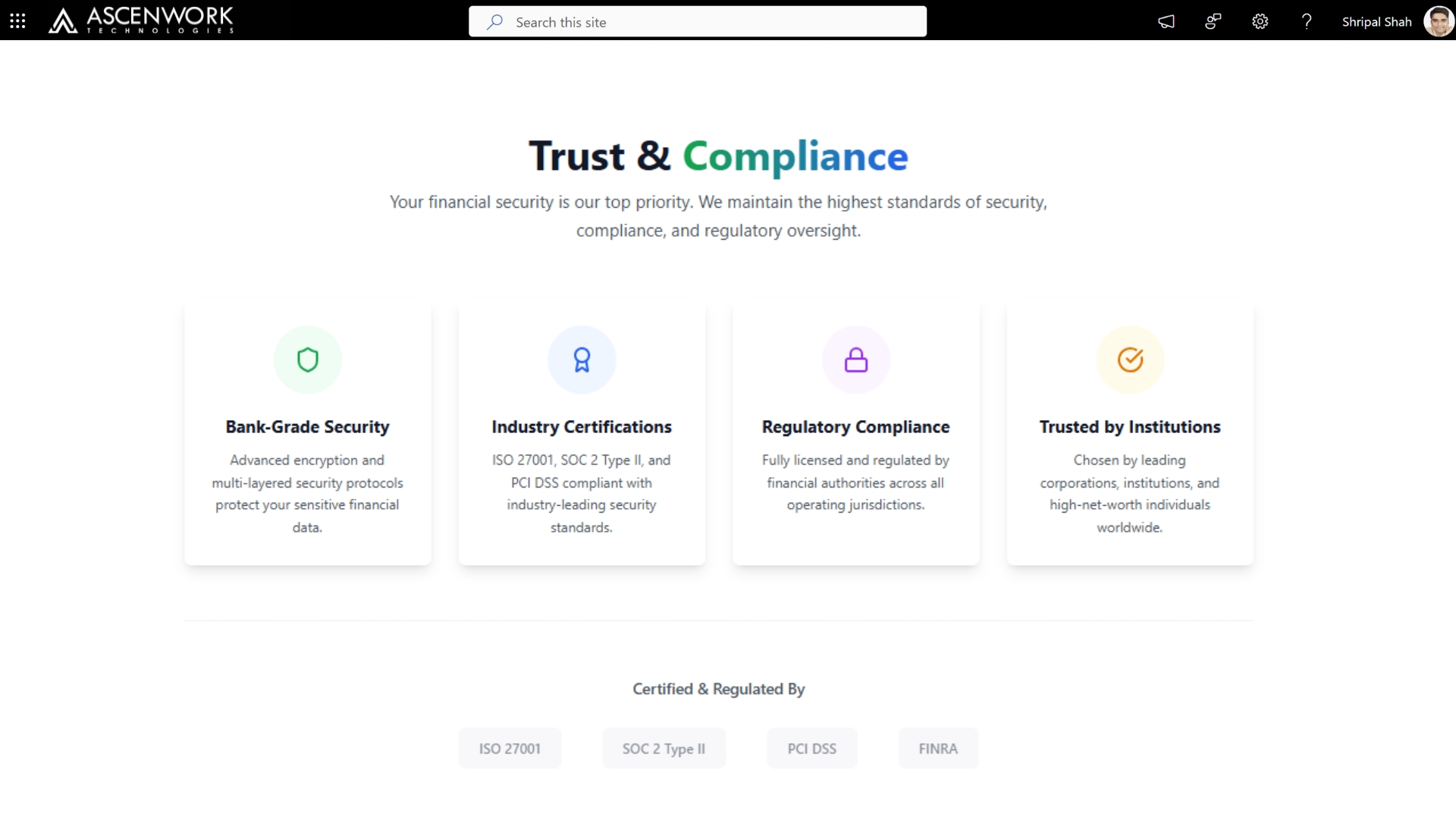
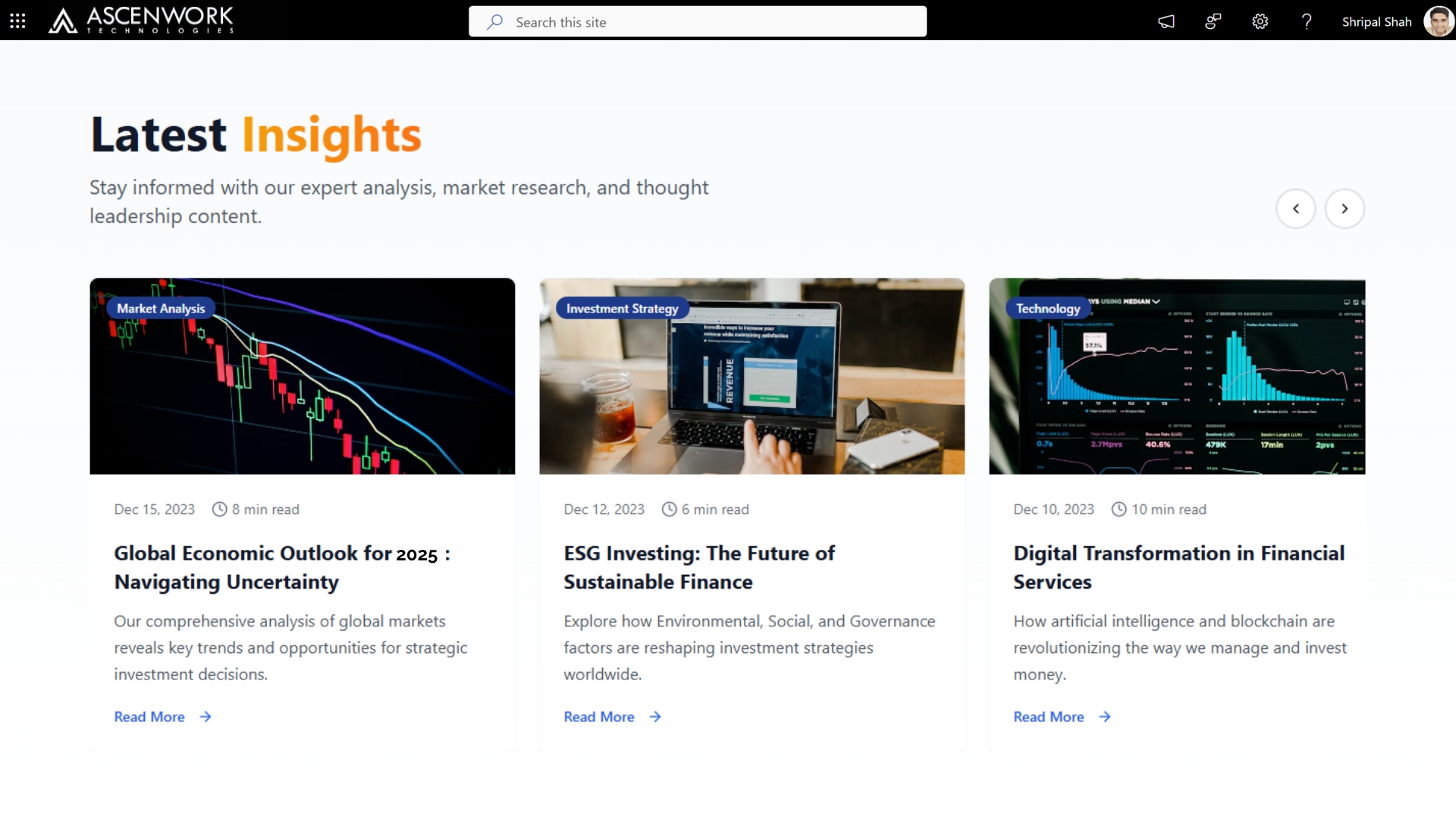
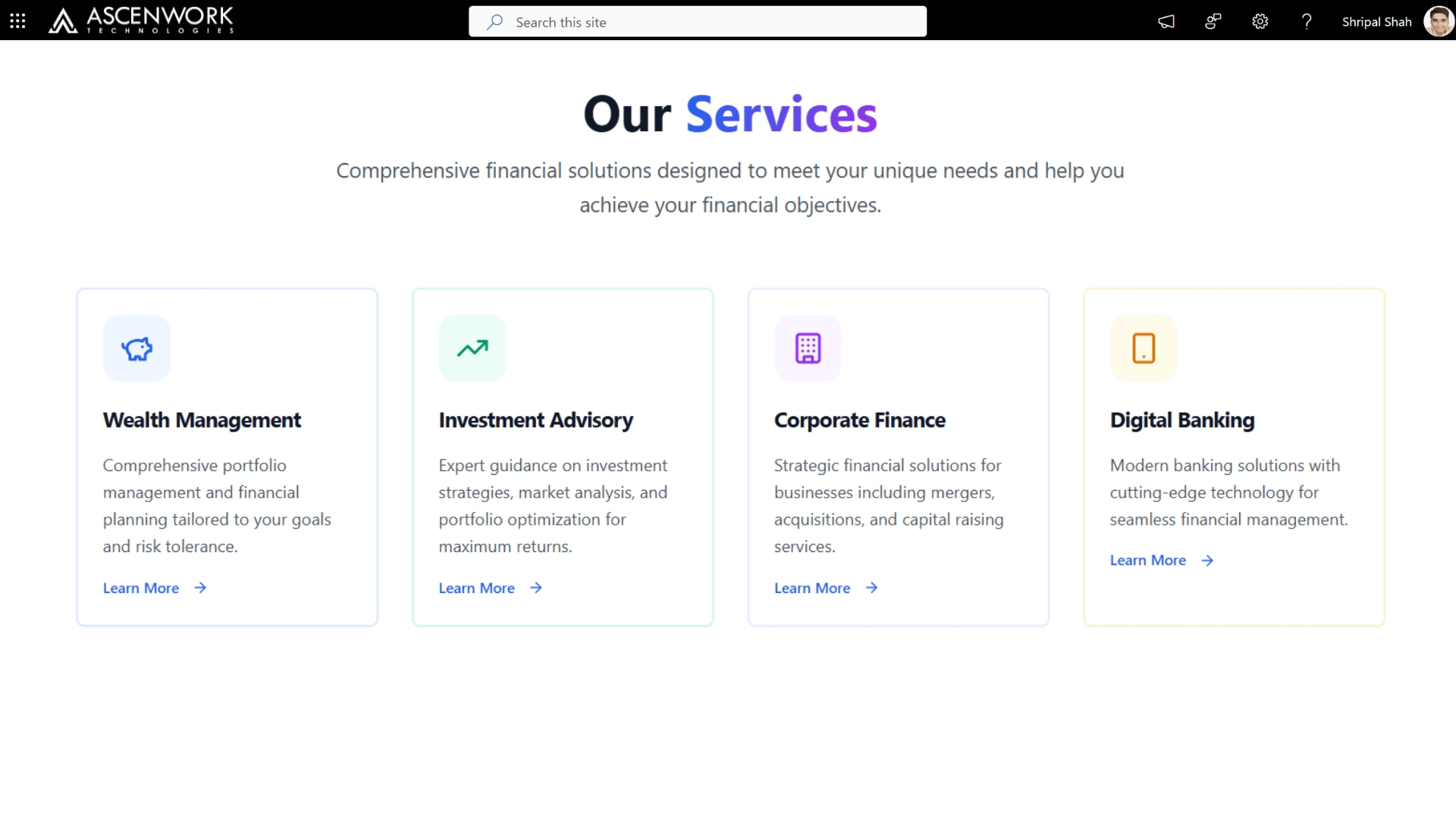
Financial services organizations have design requirements that most industries don’t: strict compliance messaging, role-based templates that separate what a teller sees from what a compliance officer sees, and audit-ready document centers that can’t just be “a folder.” Role-based SharePoint templates are especially important here – a single shared intranet homepage rarely works across retail banking, compliance, and back-office operations, because each group needs different priority content surfaced first. AscenWork’s financial services designs typically include a centralized policy hub with version history visible to auditors, a secure document center with granular permissions built into the page layout (not bolted on afterward), and dashboards that surface compliance deadlines without employees having to search for them.
Need a Compliance-Ready SharePoint Intranet?
Book a demo built around audit trails, role-based permissions, and policy tracking.
Talk to Our Financial Services Team
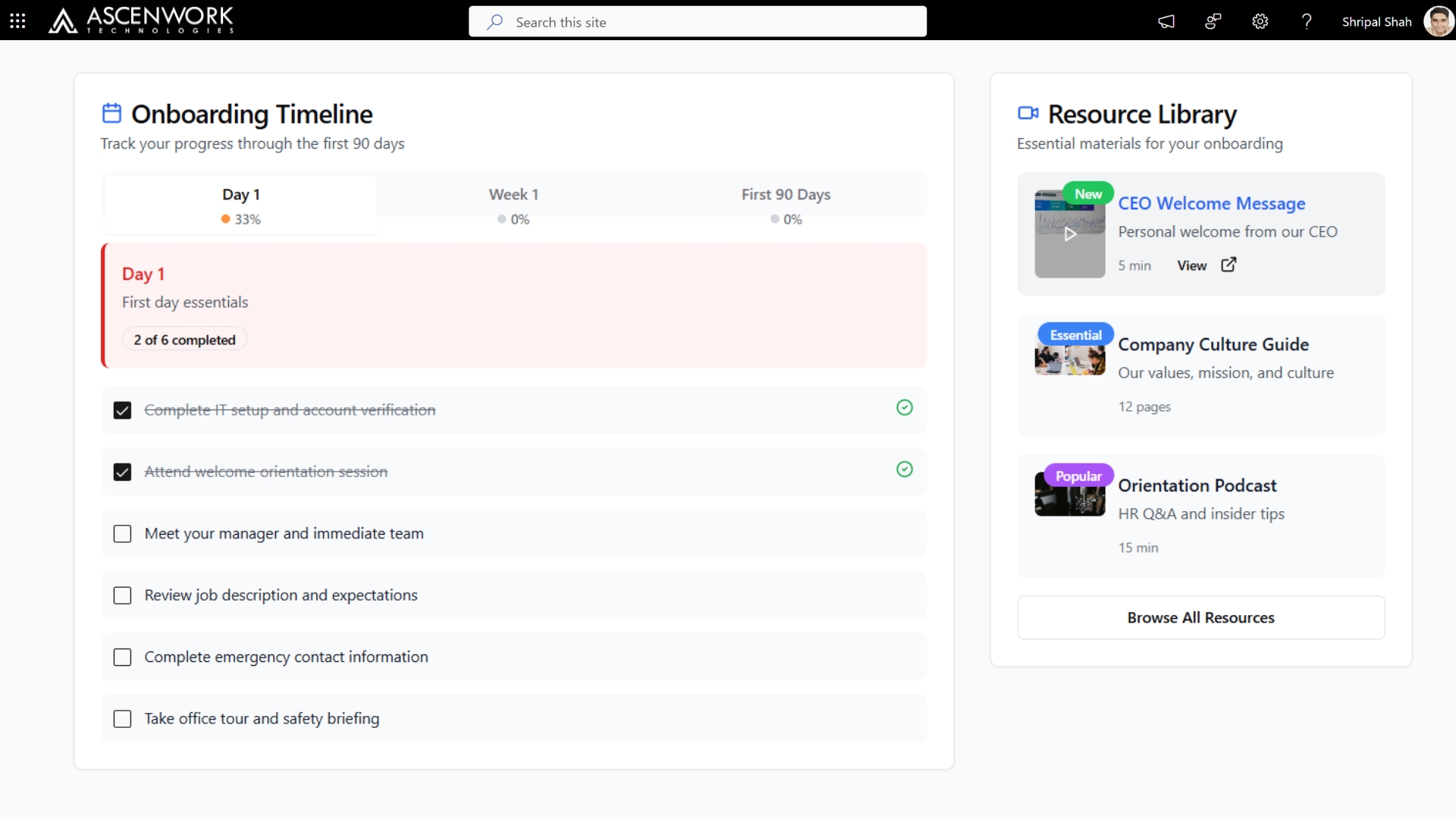
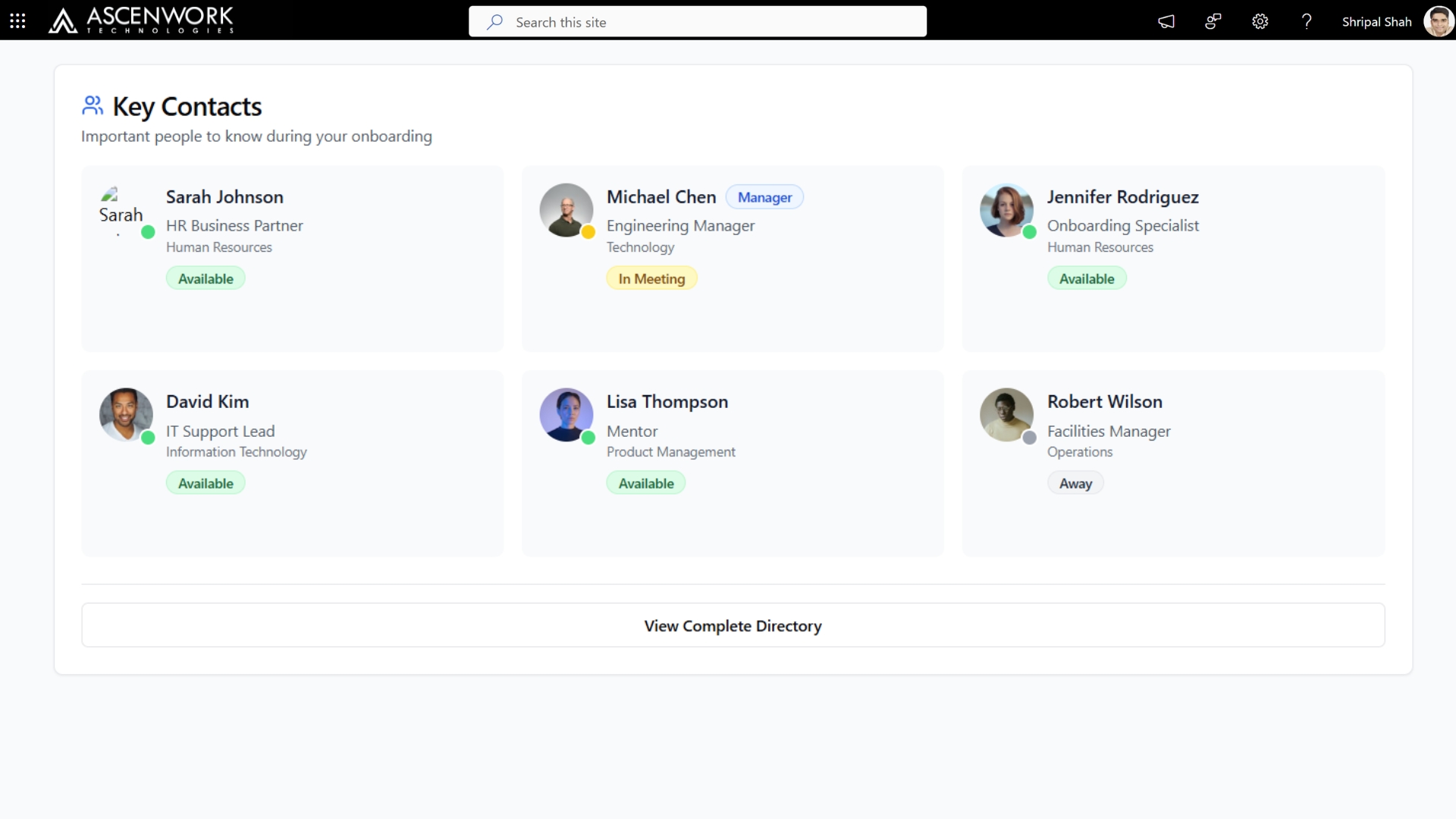
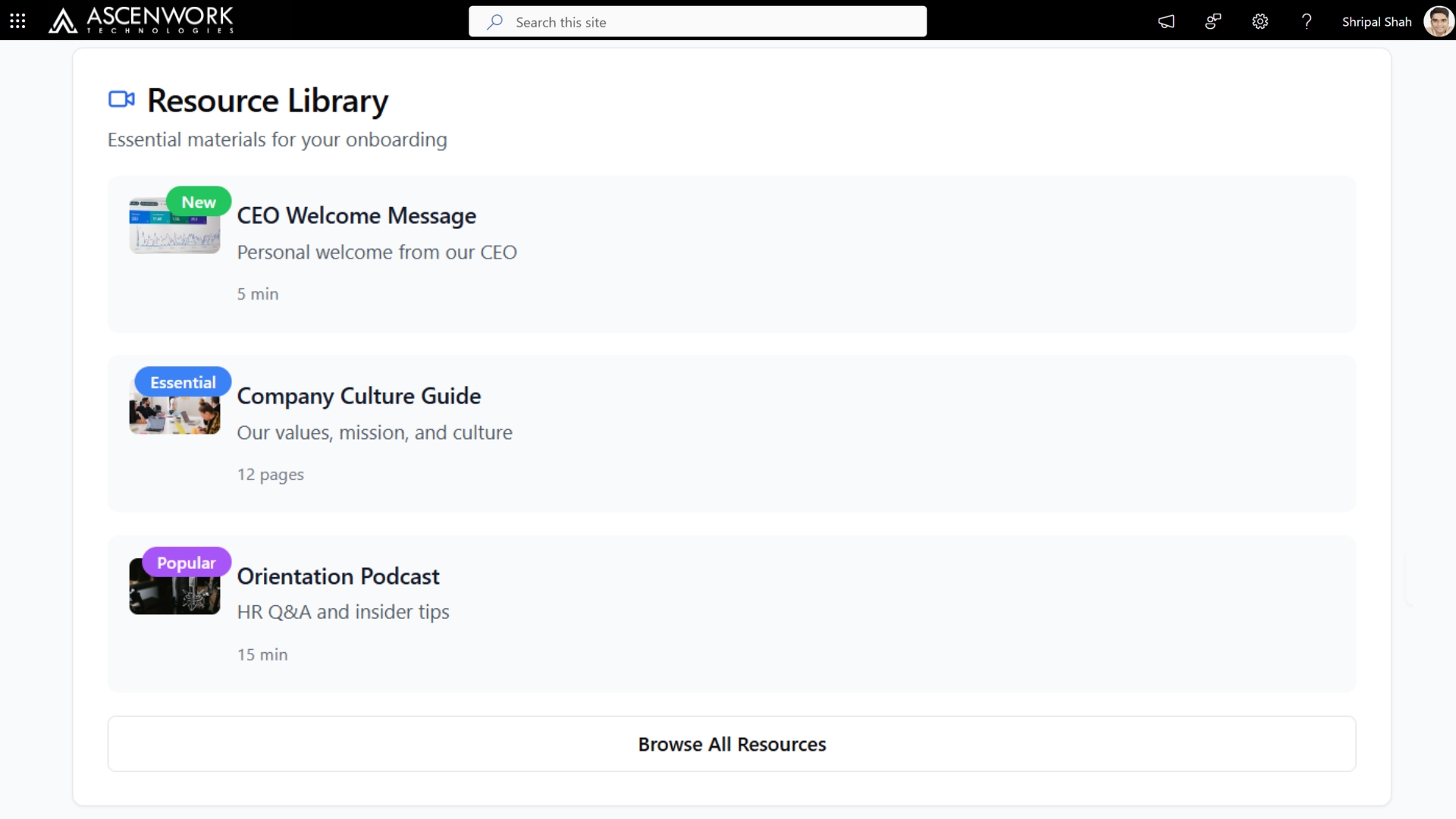
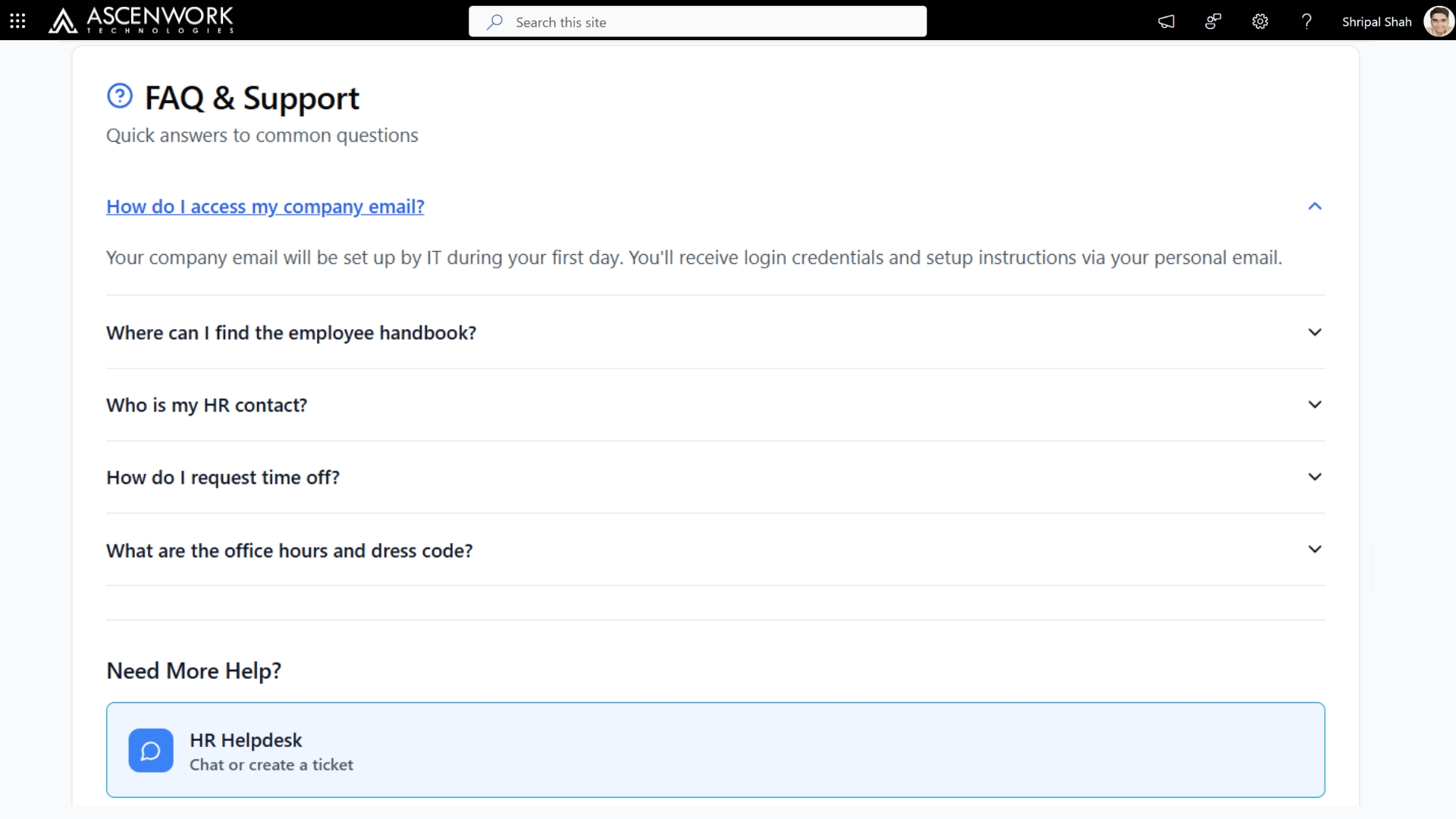
5. SharePoint Landing Page for New Hire Onboarding
A new hire’s first week shapes how they feel about your company for the next two years – the SharePoint portal design for onboarding landing page is a small but real part of that. The strongest onboarding pages we’ve built follow a simple structure: a welcome message from leadership at the top, a checklist-style layout for IT setup and HR paperwork (not a wall of links), and short embedded videos introducing the team rather than a static org chart. We design these pages to SharePoint training and adoption new hires send in week one – if the answer to a common question isn’t findable on this page within 10 seconds, the page isn’t done yet.
6. SharePoint Communication Site for Tech Industry
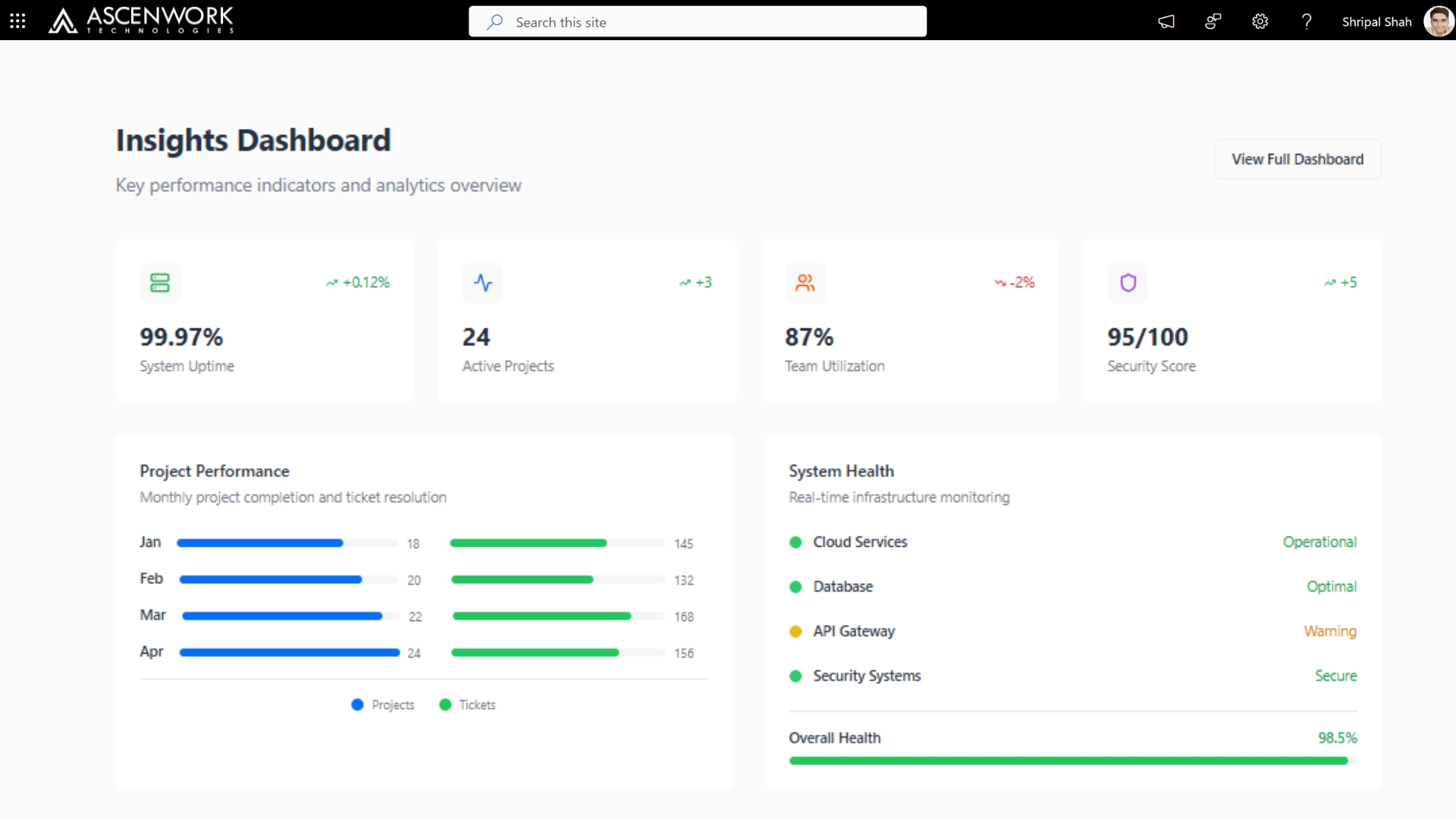
Tech companies tend to move faster than their intranets can keep up with, which is usually the actual problem when a “SharePoint redesign” gets requested. A communication site built for engineering and product teams needs to handle things a standard template doesn’t: release notes, sprint updates, and incident postmortems, alongside standard company news. We design these sites with a dual-feed layout – company-wide announcements on one side, team/project-specific updates on the other – so engineering leads aren’t scrolling past unrelated HR content to find a release note. The example below integrates a live status dashboard pulled from the company’s internal tools directly into the SharePoint homepage.
7. Role-Based SharePoint Department Site Templates
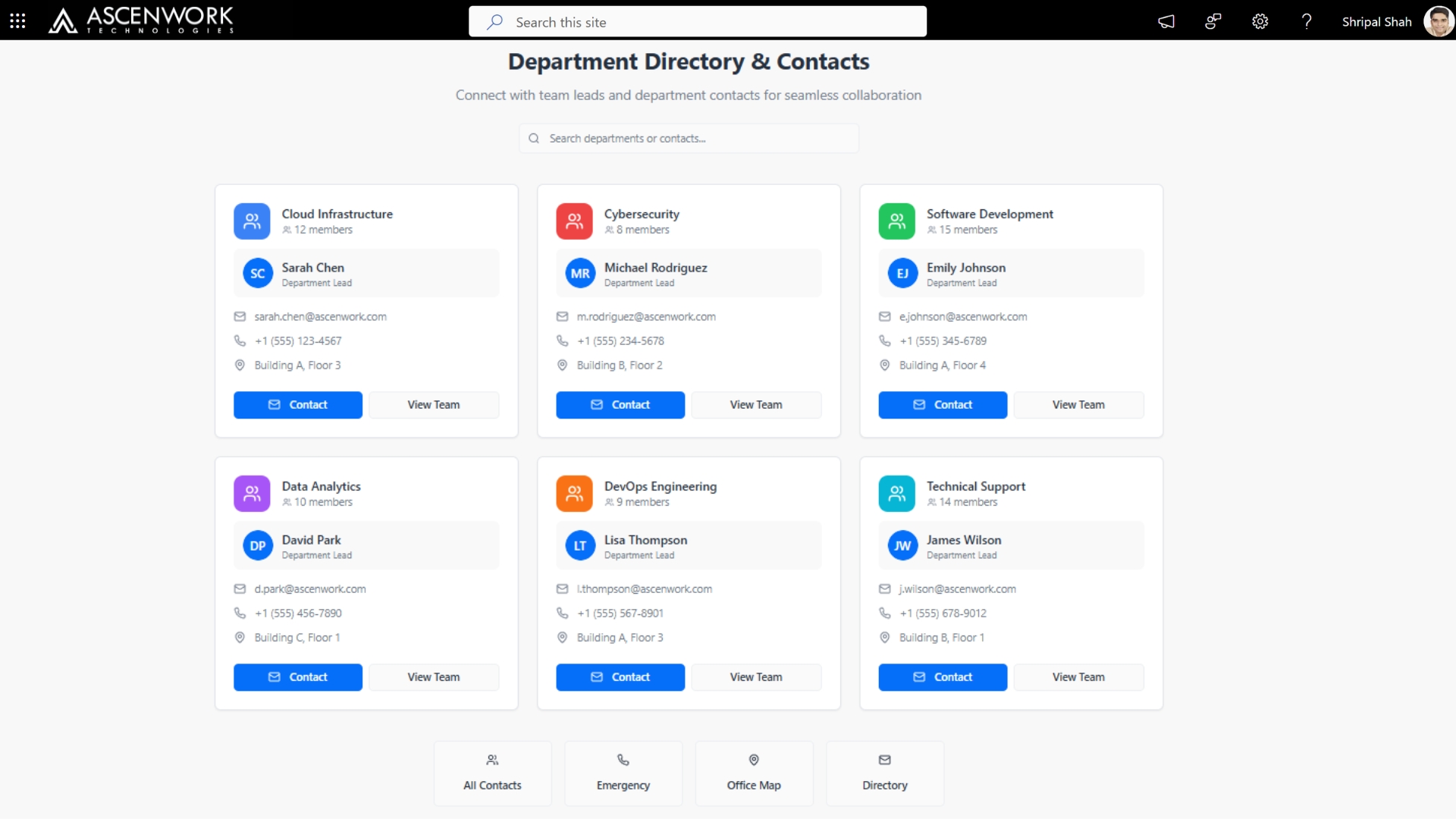
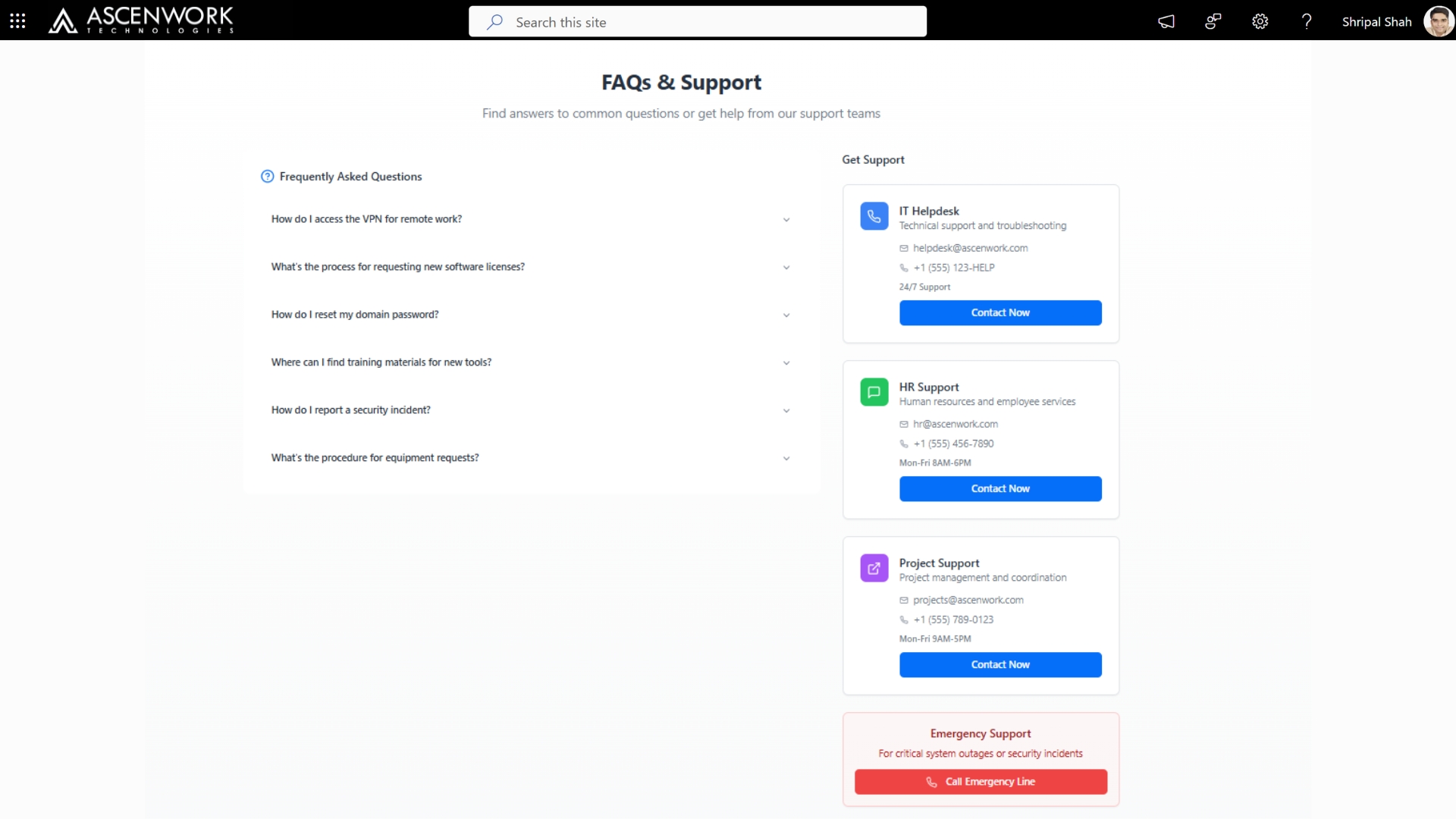
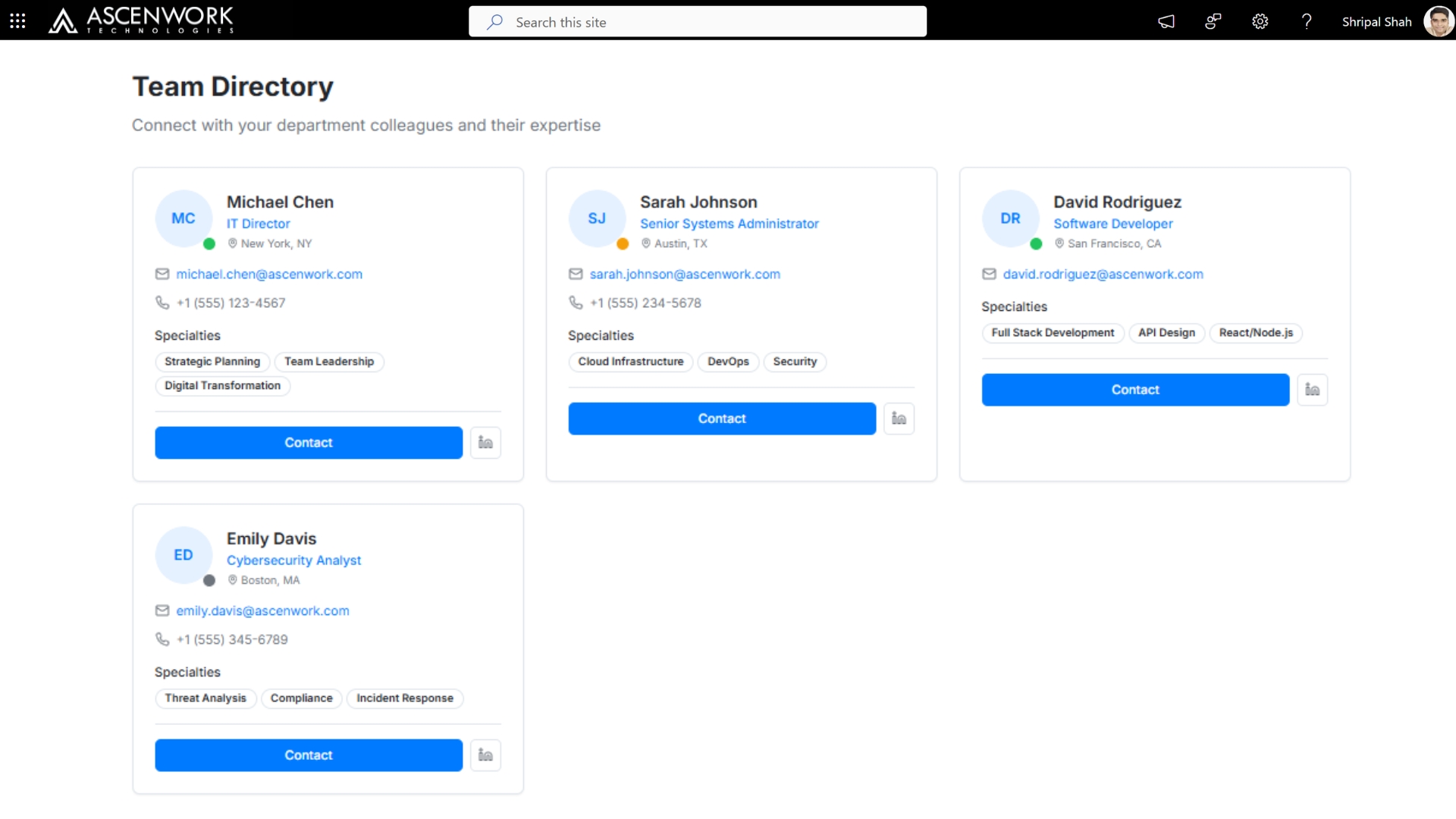
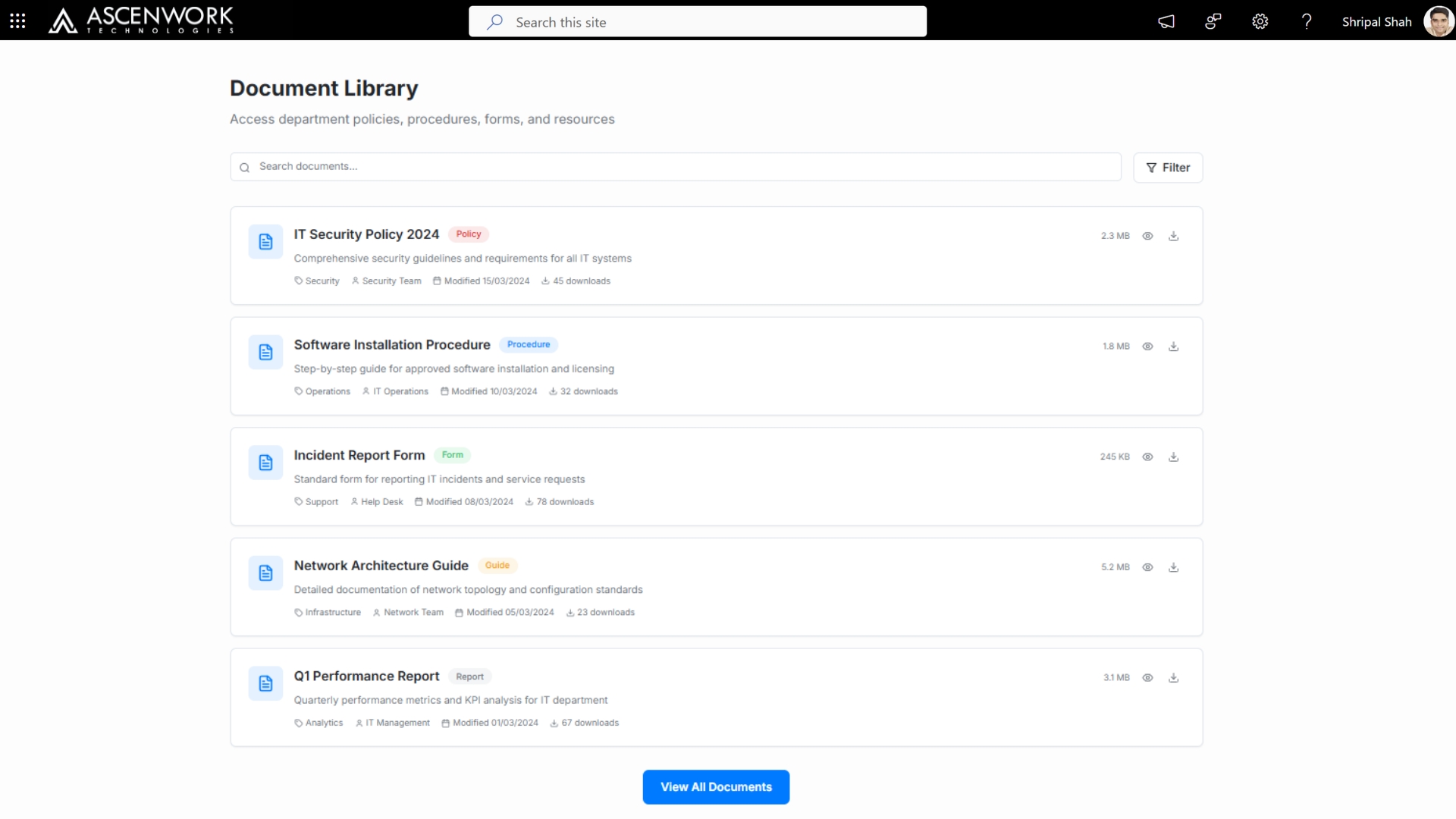
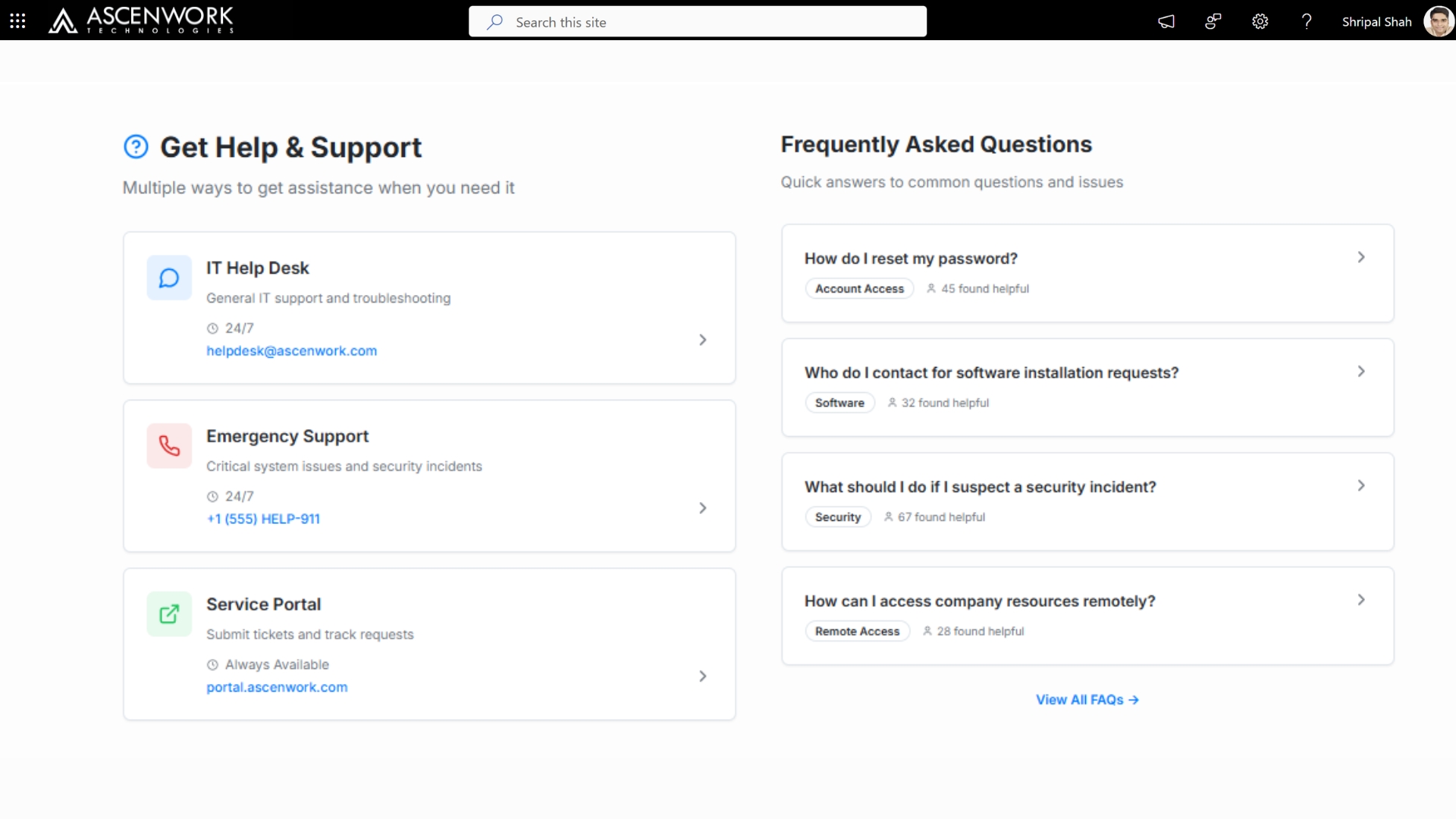
Every department doesn’t need the same site – a role-based SharePoint department template gives HR, Finance, and IT each a homepage suited to how that team actually works, without three separate development projects. HR departments typically need document libraries with strict confidentiality permissions and a policy acknowledgment tracker. Finance departments need approval workflow visibility and budget document centers. IT departments need a ticket queue view and asset tracking front and center. AscenWork builds these as variations of a single underlying template – meaning your organization gets department-specific experiences while your IT team only maintains one system architecture, not five. The examples below show HR, Finance, and IT department homepages built from the same base template.
Still Comparing SharePoint Site Templates?
Skip the guesswork – we’ll show you 2-3 layouts matched to your team size and industry.
Book you free demo
Have a question? check these answers.
The biggest shift is toward role-based dashboards – homepages that adjust content based on department or job function rather than showing every employee the same static page. AI-assisted personalization, mobile-first layouts, and embedded Power BI reporting directly on the homepage are also becoming standard rather than “advanced” features.
Yes. With custom themes, responsive design, and properly configured web parts, a SharePoint intranet can look and feel like a professionally designed corporate website rather than a default portal.
They centralize company news and updates into a clean, scannable layout instead of scattered emails or folders, which measurably improves how quickly employees find and act on important information.
No – most modern design changes use SharePoint’s built-in web parts and theming. Advanced customization (custom web parts, complex integrations) may require SPFx development, which is where a partner like AscenWork typically gets involved.
Yes – role-based SharePoint intranet templates are specifically designed to scale, since each department or team can have its own homepage variant without your IT team building separate systems for each one.
Yes. Portal design and layout can be tailored for regulated industries like financial services and healthcare, as well as fast-moving sectors like tech, each with different compliance, navigation, and content-priority needs.
Custom colors, logos, typography, and spacing pulled from your actual brand guidelines (not SharePoint’s default theme) create a consistent experience that feels like your company, not a generic Microsoft template.
Yes – dashboards that surface relevant tasks, news, and tools specific to an employee’s role tend to get used daily, versus static homepages that employees stop visiting after the first week.
A good SharePoint dashboard template surfaces the 4-5 things an employee actually needs daily – tasks, team news, quick links, and key metrics – without cramming in every available web part. The best dashboards also adapt by role, so a manager’s dashboard and an individual contributor’s dashboard show different priority content even on the same site.
Team sites are built around collaboration and document sharing for a specific group, while communication site designs prioritize broadcasting news and updates to a wider audience – the layout, permissions, and navigation differ significantly between the two.
Yes – AscenWork designs and builds custom SharePoint intranet templates, dashboards, and portal layouts tailored to your organization’s departments and workflows, rather than adapting a generic off-the-shelf template.