Best Workflow Automation Tools for Enterprises in 2026: Comprehensive Comparison
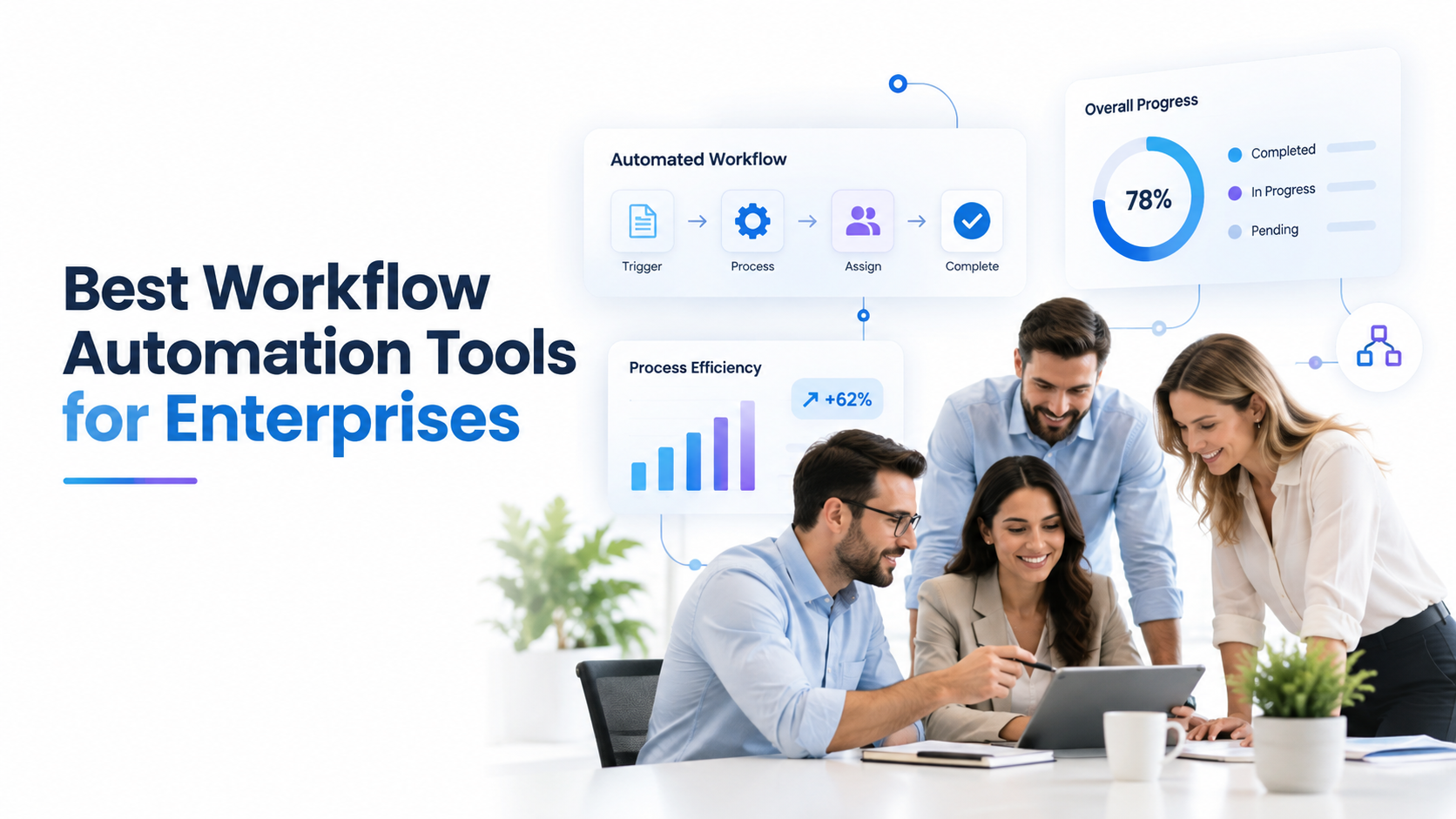
The best workflow automation tools for enterprises streamline repetitive processes, cut manual work by 40%, and reclaim productive capacity across operations teams. But choosing among dozens of platforms requires understanding integration complexity, scalability needs, and your existing tech stack. We’ve put together this guide to compare the leading enterprise workflow automation solutions so operations leaders and IT managers can make confident platform selection decisions.
Key Takeaway
The best workflow automation tool for your enterprise depends on your existing systems, team skill level, and automation scope, not vendor hype. A vendor-neutral evaluation process identifies the platform that delivers ROI fastest for your specific use cases.
In This Article
- Why Workflow Automation Matters for Enterprise Operations Now
- The Core Enterprise Automation Challenges
- Key Capabilities to Compare in Enterprise Workflow Automation Tools
- The Top Enterprise Workflow Automation Platforms Compared
- Enterprise Workflow Automation in Action: Industry Use Cases
- How to Evaluate and Select the Right Tool for Your Enterprise
- Frequently Asked Questions
Why Workflow Automation Matters for Enterprise Operations Now
Enterprise teams waste 20-30% of productive capacity on manual, repetitive tasks. According to Gartner’s 2024 automation outlook, 73% of enterprises plan to accelerate workflow automation investments in the next two years. The business case is straightforward: workflow automation platforms reduce errors, improve compliance visibility, and free up teams to focus on strategic work.
We’re seeing a maturity inflection point in 2025-2026. Early automation focused on cost reduction and back-office efficiency. Today, leading organizations deploy workflow automation to enable new business models, faster time-to-market, and real-time compliance monitoring. Here’s the thing: AI-driven process mining tools reveal hidden inefficiencies that traditional process mapping misses, making the case for platform investment even stronger.
“Enterprises implementing comprehensive workflow automation report a 30-40% reduction in process cycle time and 50% fewer data entry errors within the first year of mature deployment.”
Deloitte Global Automation Adoption Survey, 2024
That said, selecting the right enterprise workflow automation platform requires more than comparing feature checklists. Integration architecture, scalability limits, governance capabilities, and team skill alignment all determine whether a platform succeeds or becomes expensive shelf-ware.
The Core Enterprise Automation Challenges
Organizations pursuing workflow automation face interconnected obstacles. Understanding these challenges helps clarify why platform selection decisions matter so much.
- Legacy system silos prevent end-to-end automation: Finance systems, HR platforms, supply chain tools, and CRM solutions rarely share common APIs or data standards. Stitching these together manually creates technical debt and fragile workflows.
- Lack of process visibility and performance metrics: Without end-to-end monitoring, teams don’t know where bottlenecks occur, whether workflows are executing reliably, or what the true cost of a manual process actually is.
- Balancing speed-to-deploy with governance requirements: Citizen developers can build workflows quickly in low-code platforms, but uncontrolled automation creates compliance violations, audit failures, and data security gaps.
- Team skill gaps across no-code, low-code, and pro-code literacy: Not all team members can code. Most can’t author complex integration logic. This creates dependency bottlenecks and slows deployment velocity.
- Integration complexity and hidden technical debt: Custom API bridges, webhook chains, and one-off scripts accumulate over time. Maintaining these ad-hoc solutions becomes costly and fragile.
- Vendor lock-in risk and total cost of ownership uncertainty: Platform switching is expensive. Choosing the wrong tool means reworking workflows, retraining teams, and absorbing sunk costs.
When these challenges go unaddressed, manual workarounds proliferate. Teams build disconnected automation in tools like Excel macros, Zapier, or IFTTT, creating shadow IT that bypasses governance and audit controls. Stalled automation roadmaps lead to talent attrition as team members perceive outdated tooling as a career limiting factor. Sound familiar?
Key Capabilities to Compare in Enterprise Workflow Automation Tools
Evaluating enterprise workflow automation platforms requires assessing five critical dimensions. Each one directly impacts deployment success, scalability, and long-term TCO.
Integration Architecture: The Foundation of Enterprise Automation
How a platform connects to your existing systems determines whether you can automate end-to-end processes or remain stuck with point-to-point integrations. Native connectors to your core systems accelerate deployment. An API-first architecture ensures you’re not locked into a limited connector ecosystem.
Consider whether the platform supports real-time synchronization or batch-only processing. For customer-facing processes, real-time data flow is non-negotiable. Worth noting: verify data residency capabilities if your organization operates in regulated geographies requiring sovereign data handling.
Ease of Use and Low-Code Authoring
Enterprise workflow automation platforms offer a spectrum from pure visual builders to code-centric approaches. Platforms prioritizing low-code enablement (like Power Automate or Zapier) let business users design workflows without engineering dependency. On the flip side, low-code platforms often sacrifice flexibility for simplicity.
Assess whether the platform’s visual builder can express the business logic your target processes require. Also, evaluate governance features: can you mandate approval workflows before workflows go live? Can admins audit every change? These controls prevent chaos as adoption scales across departments.
Scalability and Performance
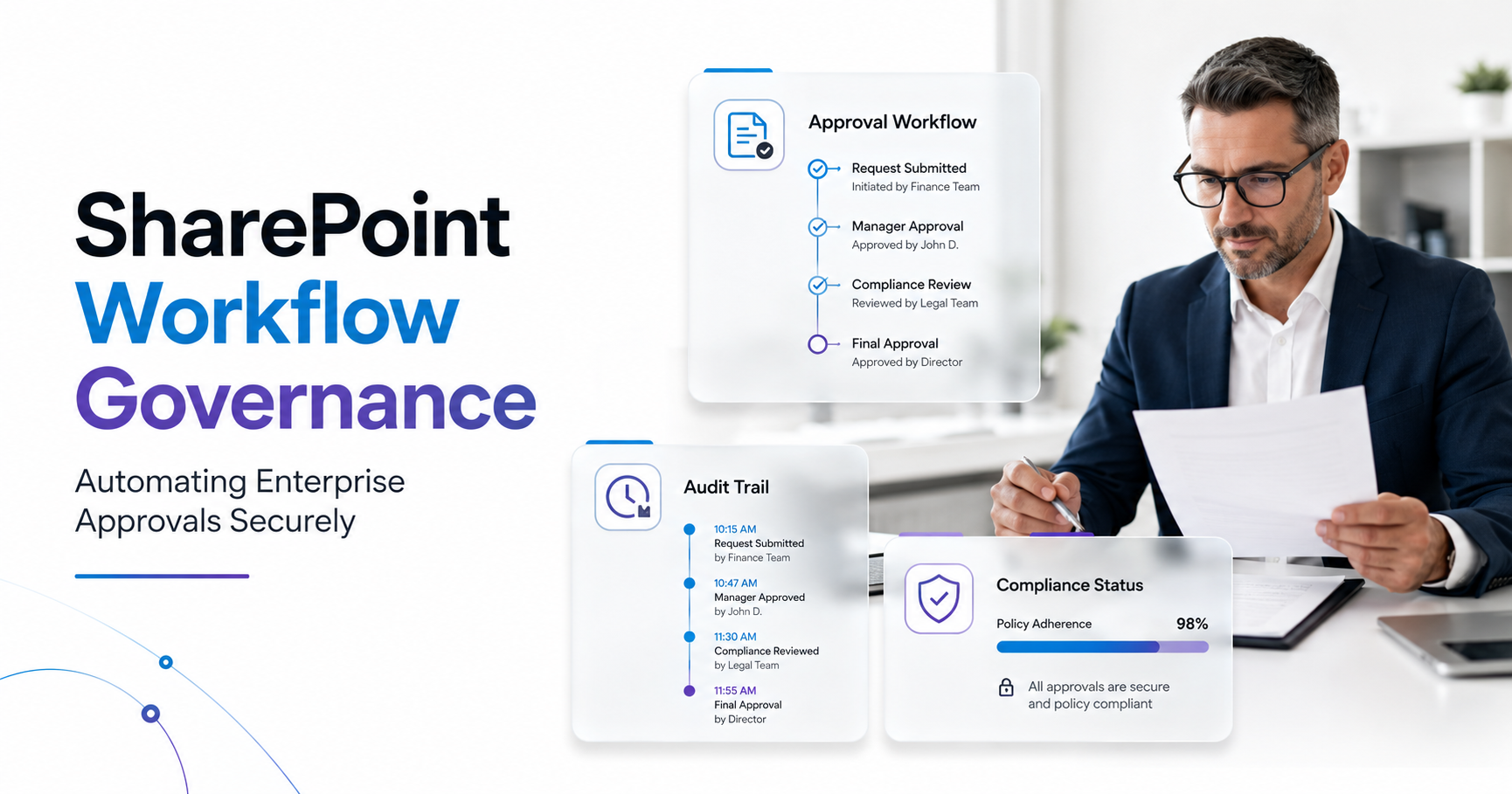
A workflow automation platform that handles 100 transactions per second easily may choke at 10,000 per second. Understand the platform’s throughput capacity and whether it auto-scales or requires manual provisioning. On top of that, verify audit trail capabilities: enterprise workflows must maintain immutable logs of every transaction for compliance and troubleshooting.
Confirm failover and redundancy architecture. If your automation platform goes down, do critical business processes halt? Leading enterprise platforms provide multi-region failover and 99.9%+ uptime SLAs.
Compliance, Security, and Audit Requirements
Enterprise workflows often handle sensitive data: financial records, healthcare information, customer PII. Verify the platform holds relevant certifications: SOC 2 Type II, ISO 27001, HIPAA readiness, PCI-DSS compliance. Specifically, confirm encryption standards, key management practices, and data residency controls.
Also, assess audit logging depth. Can you export complete workflow execution trails for e-discovery? Do audit logs capture not just what happened, but who authorized each step? These capabilities aren’t optional for highly regulated industries.
Expert Perspective
We’ve consistently seen organizations underestimate governance needs in their initial platform evaluation. Start with centralized workflow approval workflows, mandatory change logging, and audit trail export capabilities. This prevents shadow IT sprawl and compliance violations later. Build governance into your platform choice from day one rather than bolting it on after deployment chaos.
The Top Enterprise Workflow Automation Platforms Compared
The following platforms represent the leading solutions for enterprise workflow automation in 2025-2026. Each excels in different contexts; the best choice depends on your technology stack, team capabilities, and automation scope.
| Platform | Best For | Key Strength | Integration Approach | Ease of Use |
|---|---|---|---|---|
| Power Automate (Microsoft) | Microsoft-first enterprises | Native 365/Teams/Dynamics 365 integration, 600+ connectors | Connector-based, API-first | High (visual builder) |
| Zapier | SMB to mid-market, SaaS stacks | Simplicity, speed-to-value, 7000+ integrations | Webhook + native integrations | Very High (no-code) |
| UiPath / Automation Anywhere | Complex RPA + process mining | Advanced analytics, cognitive RPA, process discovery | API-extensible, cloud/on-prem | Medium (more code required) |
| Workato | Multi-enterprise integrations, iPaaS | Built-in process recovery, flexible deployment | API-first, 1000+ connectors | High |
| MuleSoft / Boomi | Legacy system modernization | Mature MDM + API management, proven enterprise scale | iPaaS-native, code-optional | Medium |
Power Automate delivers unbeatable value for organizations already invested in the Microsoft ecosystem. Since it integrates natively with Azure, Dynamics 365, Teams, and Office 365, you can build sophisticated workflows without external connectors. Outlook rule automation, SharePoint list workflows, and Teams-triggered approvals work seamlessly. That said, if your critical systems live outside Azure, you’ll need custom connector development or third-party bridge tools.
Zapier prioritizes simplicity and speed-to-value for SaaS-heavy stacks. Its no-code builder means marketers or operations analysts can automate without engineering handoff. Here’s the reality though: Zapier hits scalability walls around high-volume transaction processing and lacks the governance controls needed for enterprise audit compliance.
UiPath and Automation Anywhere lead the Robotic Process Automation (RPA) category. These platforms excel when you need to automate legacy systems accessed through UI screens rather than APIs. On top of that, their built-in process mining discovers hidden workflow inefficiencies before automation kicks in. That said, RPA platforms require more technical expertise than low-code alternatives and carry higher implementation costs.
Workato positions itself as the integration platform for modern enterprises. Its strength lies in building complex, multi-system workflows with built-in error recovery and retry logic. For organizations managing integrations across 10+ critical systems, Workato’s enterprise-grade reliability proves valuable.
Enterprise Workflow Automation in Action: Industry Use Cases
Workflow automation delivers outsized ROI when applied to high-volume, rule-based processes. The following industry examples show how enterprises leverage these platforms to reclaim capacity and improve compliance.
Financial Services: Invoice Processing and Reconciliation
Finance teams spend enormous hours on invoice receipt, validation, approval routing, and three-way matching. Enterprise workflow automation platforms automate this end-to-end. Document recognition extracts invoice data, validation rules flag exceptions, and approval chains route to cost center owners. On top of that, audit trails satisfy SOX and HIPAA compliance requirements by capturing every approval step and data change. The result: accounts payable cycles compress from weeks to days.
Supply Chain and Logistics: Order-to-Cash Orchestration
Order fulfillment involves dozens of handoffs across systems: order capture, inventory verification, warehouse picking, shipping coordination, and billing. Workflow automation orchestrates these steps in real-time. When inventory runs low, the workflow automatically triggers reorder workflows. If a shipment delays, exceptions trigger customer notification automatically. Real-time visibility replaces manual status checking, and fulfillment latency drops measurably.
Human Resources and Finance Operations: Onboarding and Expense Management
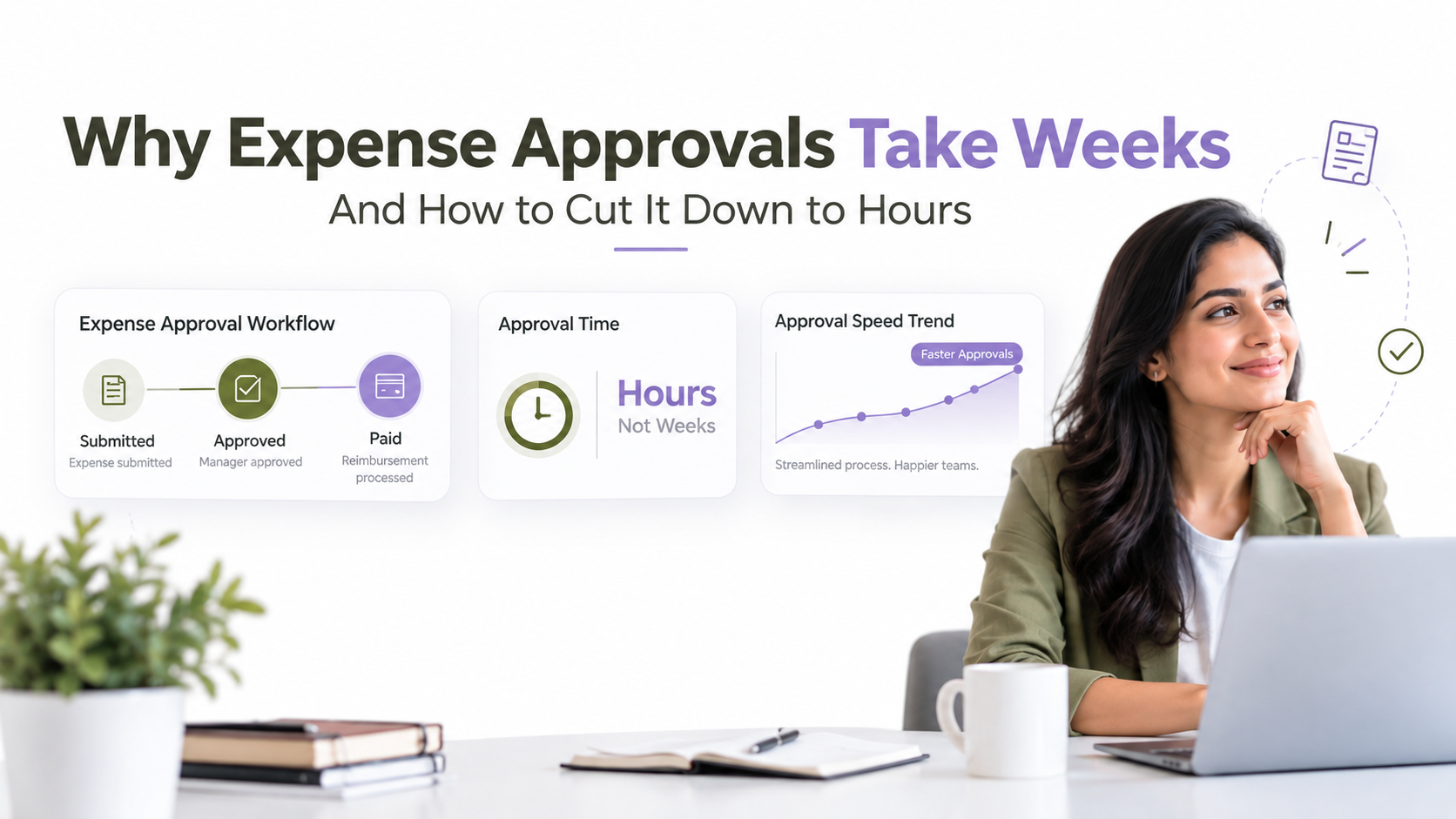
Employee onboarding involves provisioning system access, assigning training modules, setting up payroll, and scheduling orientation sessions. Manual coordination takes weeks and creates inconsistent experiences. Workflow automation orchestrates these steps in parallel, reducing onboarding from 30 days to 5-7 days. Similarly, expense workflows automate receipt collection, policy validation, manager approval, and reimbursement posting without finance team intervention.
Healthcare and Life Sciences: Patient Data and Claims Processing
HIPAA-compliant workflow automation ensures patient data flows securely between electronic health records, billing systems, and insurance platforms. Lab report generation triggers automatic distribution to clinicians and patient portals. Insurance claims processing automates eligibility verification, documentation validation, and resubmission for denials. Since workflows maintain complete audit trails of data access, healthcare organizations demonstrate compliance during audits.
How to Evaluate and Select the Right Tool for Your Enterprise
Selecting an enterprise workflow automation platform requires a structured evaluation approach. This five-step process helps operations leaders avoid costly platform switches and ensures the chosen tool aligns with business requirements.
- Define Your Process Scope and Automation Maturity: Map your organization’s top 3-5 high-impact, repeatable processes. For each process, document current state (fully manual, partially automated, or mostly automated). This baseline clarifies which processes offer the highest ROI and complexity level your chosen platform must support.
- Audit Your Technology Landscape: Inventory your core systems (ERP, CRM, HCM, finance, supply chain, legacy platforms). Document API capabilities, data standards, and integration patterns. This inventory reveals integration complexity and whether candidate platforms’ native connectors cover 80%+ of your critical connections.
- Establish Governance and Skill Requirements: Define who can author workflows (IT-only versus citizen developers), mandatory approval workflows, audit standards, and data classification rules. Align platform capabilities, low-code builders, audit trails, and governance controls with your organization’s maturity level.
- Conduct Hands-On Proof-of-Concept: Test 2-3 finalist platforms by automating one pilot process end-to-end. Evaluate ease of build, integration experience, monitoring, and error handling. This practical experience surfaces gaps that feature comparisons miss.
- Assess Vendor Partnership and Long-Term Fit: Compare transparent pricing models, support tiers, professional services availability, and product roadmap alignment with your priorities. Confirm the vendor can scale with your ambitions and provides training resources for your team.
Following this structured approach helps avoid rushing into platform decisions based on vendor demos or marketing hype. The best workflow automation tool is the one that accelerates your specific automation roadmap with minimal integration friction.
Frequently Asked Questions
What’s the difference between workflow automation, RPA, and BPM?
Workflow automation orchestrates rule-based, structured tasks (approval chains, data transformations). Robotic Process Automation mimics human UI interactions on legacy systems that lack APIs. Business Process Management encompasses process design, continuous improvement, and governance. Most enterprises combine all three: RPA automates legacy system interactions, workflow automation orchestrates modern integrations, and BPM discipline guides optimization. The right tool depends on your process characteristics and system landscape.
Can I start with a no-code tool and scale to enterprise-grade automation later?
Partially, but plan carefully. No-code platforms like Zapier and Power Automate excel at simple integrations but hit limits with high transaction volumes, complex branching logic, and multi-system transactional workflows. As your automation scope grows, you’ll likely need to migrate to a more robust iPaaS platform like Workato or Boomi. This migration is costly in engineering time and workflow rework. Here’s our recommendation: choose a platform from the start that matches your projected automation scale within 2-3 years.
How do I avoid automating a broken process?
Conduct process discovery and redesign before automation. Tools like process mining software reveal inefficiencies and waste that humans overlook. Interview process owners about pain points, exception handling, and decision criteria. Document the optimized process first, then automate the improved version. Automating a broken process just accelerates waste at scale.
What’s the biggest mistake enterprises make when selecting a workflow automation tool?
Most vendors get this wrong: choosing a platform based on vendor hype rather than technical requirements. Organizations often default to the platform their IT vendor already sells, or the tool that sounds most familiar. The honest answer is this: the best platform is the one that integrates seamlessly with your existing systems, supports your required automation complexity, and aligns with your team’s skill level. Prioritize integration architecture and scalability over feature checklists and brand recognition.
How do I know if my organization is ready for enterprise workflow automation?
Readiness depends on three factors: documented processes (not ad-hoc workarounds), available business case (quantified pain points and ROI targets), and organizational support (executive sponsorship for change management). If your organization struggles to document how processes actually work, start there before platform selection. Without executive clarity on automation priorities and governance standards, platform implementation becomes a technical project without business alignment.
Find the Right Workflow Automation Platform for Your Enterprise
Selecting an enterprise workflow automation platform requires technical expertise and hands-on evaluation. We help operations leaders and IT teams assess platforms, design integration architectures, and execute proof-of-concept implementations that prove ROI before committing to broader rollouts. Our experience across finance, supply chain, HR, and healthcare ensures your automation roadmap aligns with industry best practices and compliance requirements.