Here are 7 real SharePoint homepage and intranet design examples for 2026 – covering employee directories, communication sites, onboarding pages, and department hubs – built to help you modernize your Microsoft 365 workplace. Each example below includes a working layout you can adapt, whether you’re redesigning an existing intranet or building one from scratch.
-
7 layouts: directories, sites, hubs
-
Built-in Microsoft 365 search
-
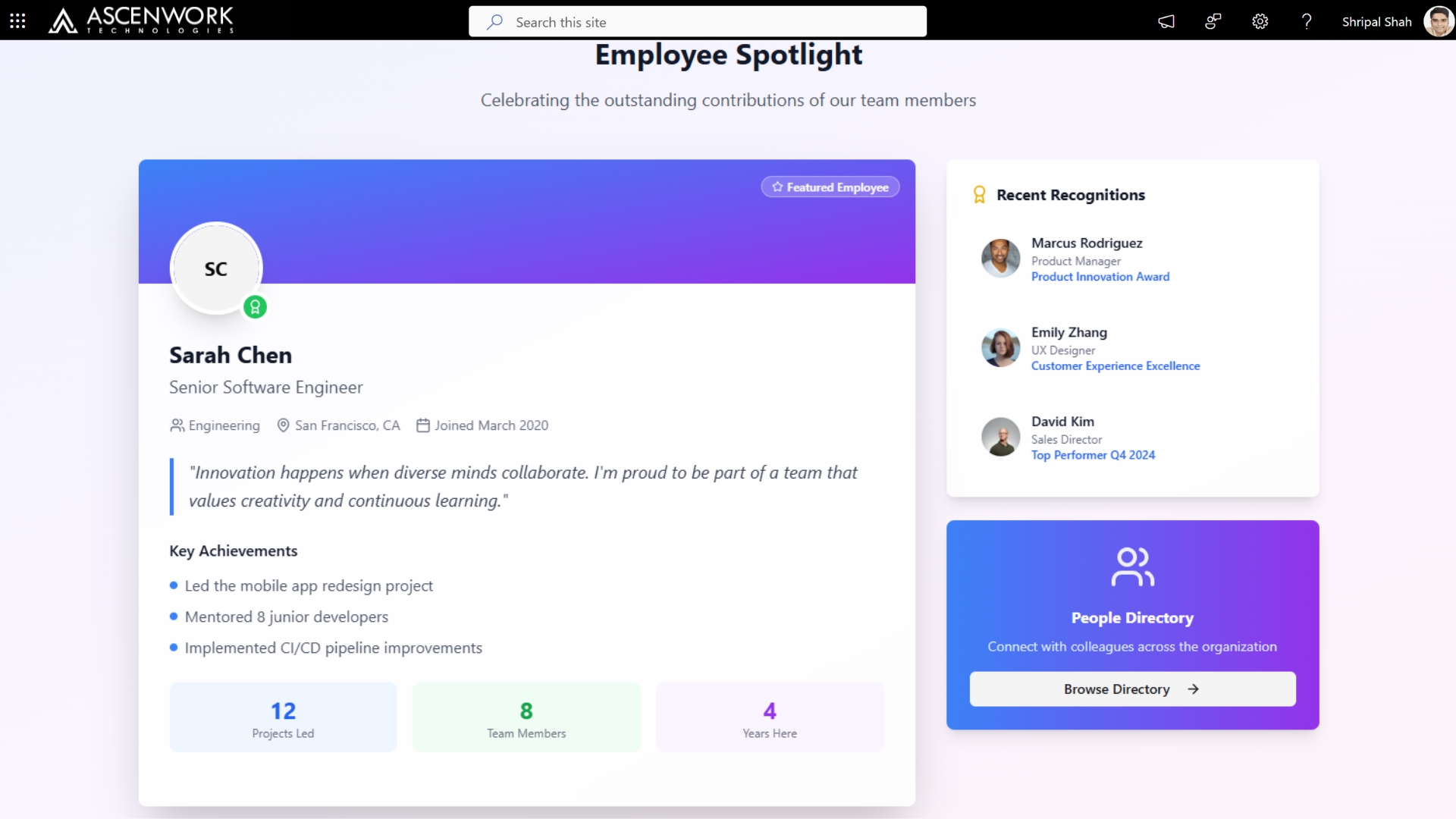
Employee spotlight & recognition modules
-
Customizable branded web parts
Modern SharePoint design ideas help elevate the look and functionality of your Intranet, making it more engaging and user-friendly. These updated SharePoint Online communication site templates are designed to improve user adoption, spark inspiration, and encourage teams to embrace your digital workplace. Fully aligned with Microsoft 365 standards, these layouts showcase what’s possible when you combine smart UX with custom branding. If your goal is to make SharePoint look like a modern website, these design tips and examples will help your site stand out with ease and style.
Experience modern SharePoint design in action. Book a personalized demo with our experts today!
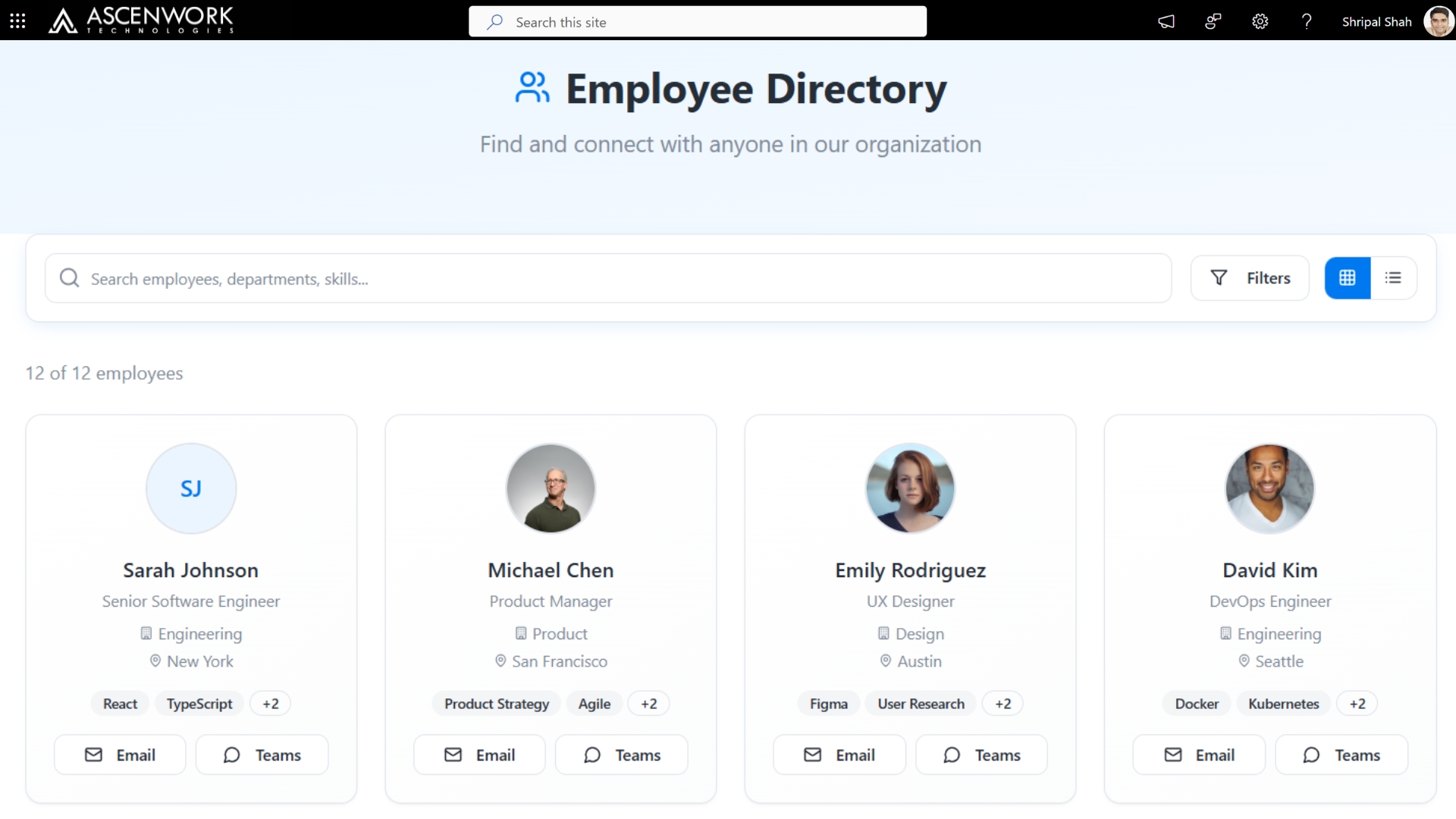
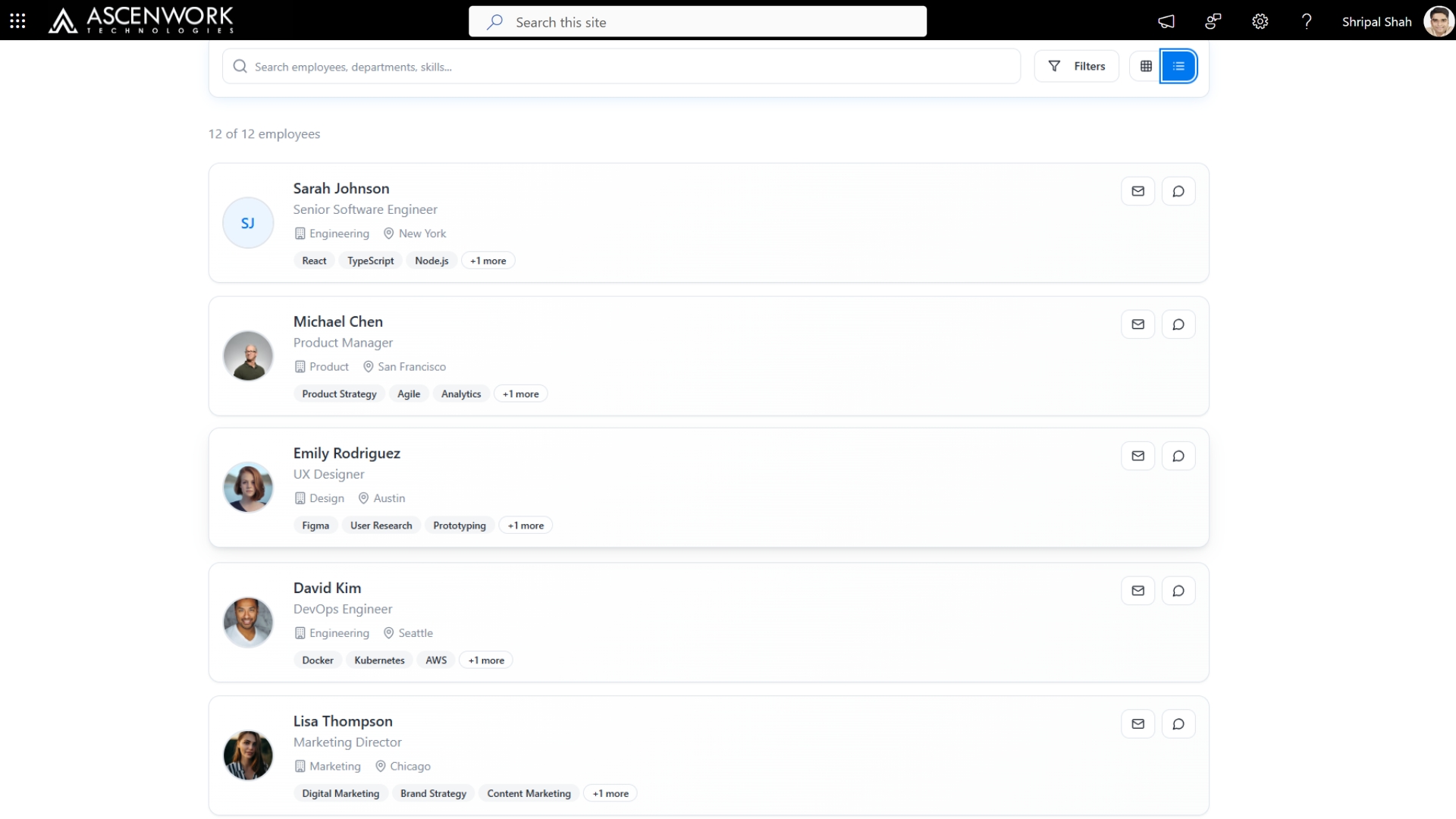
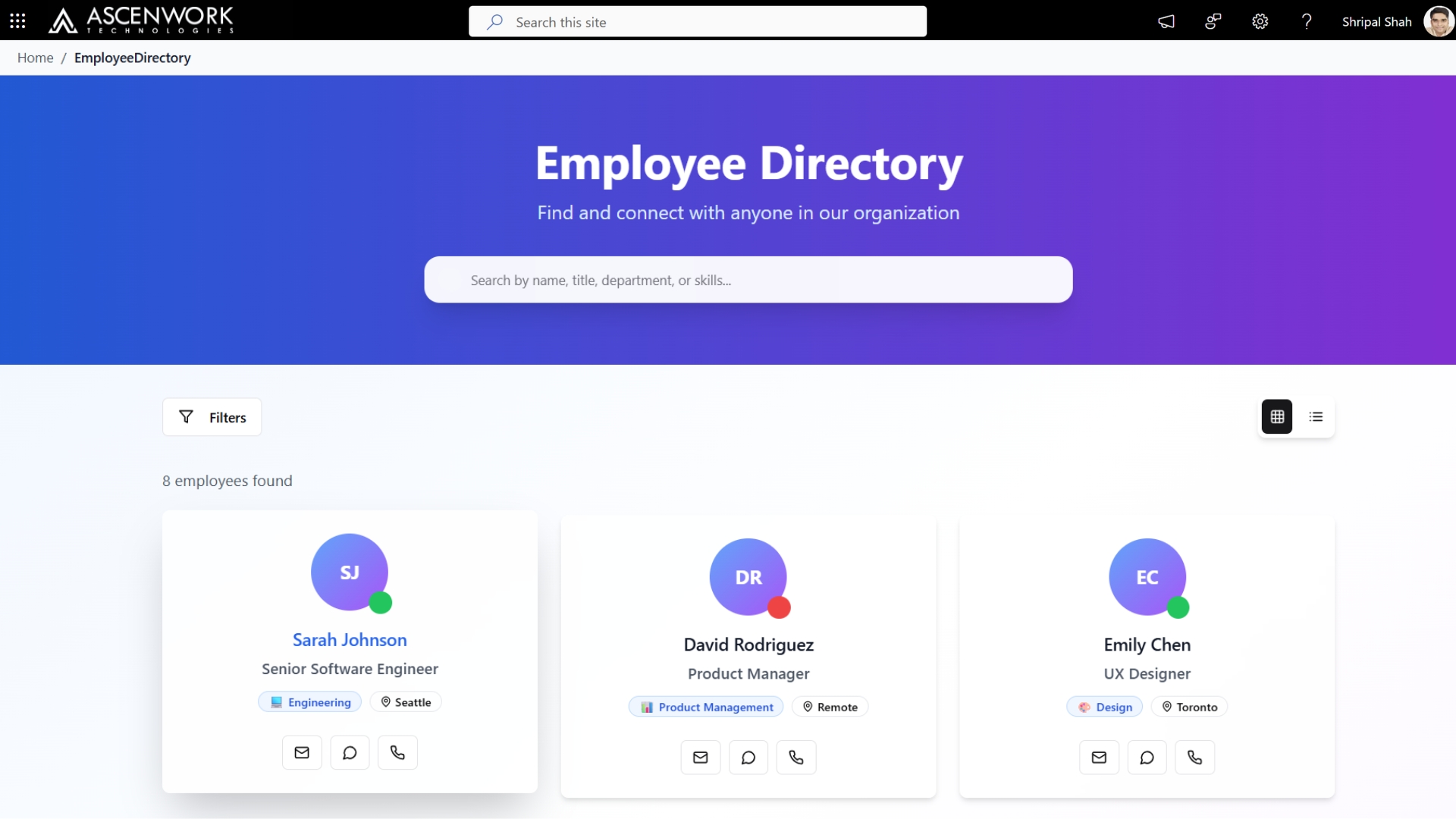
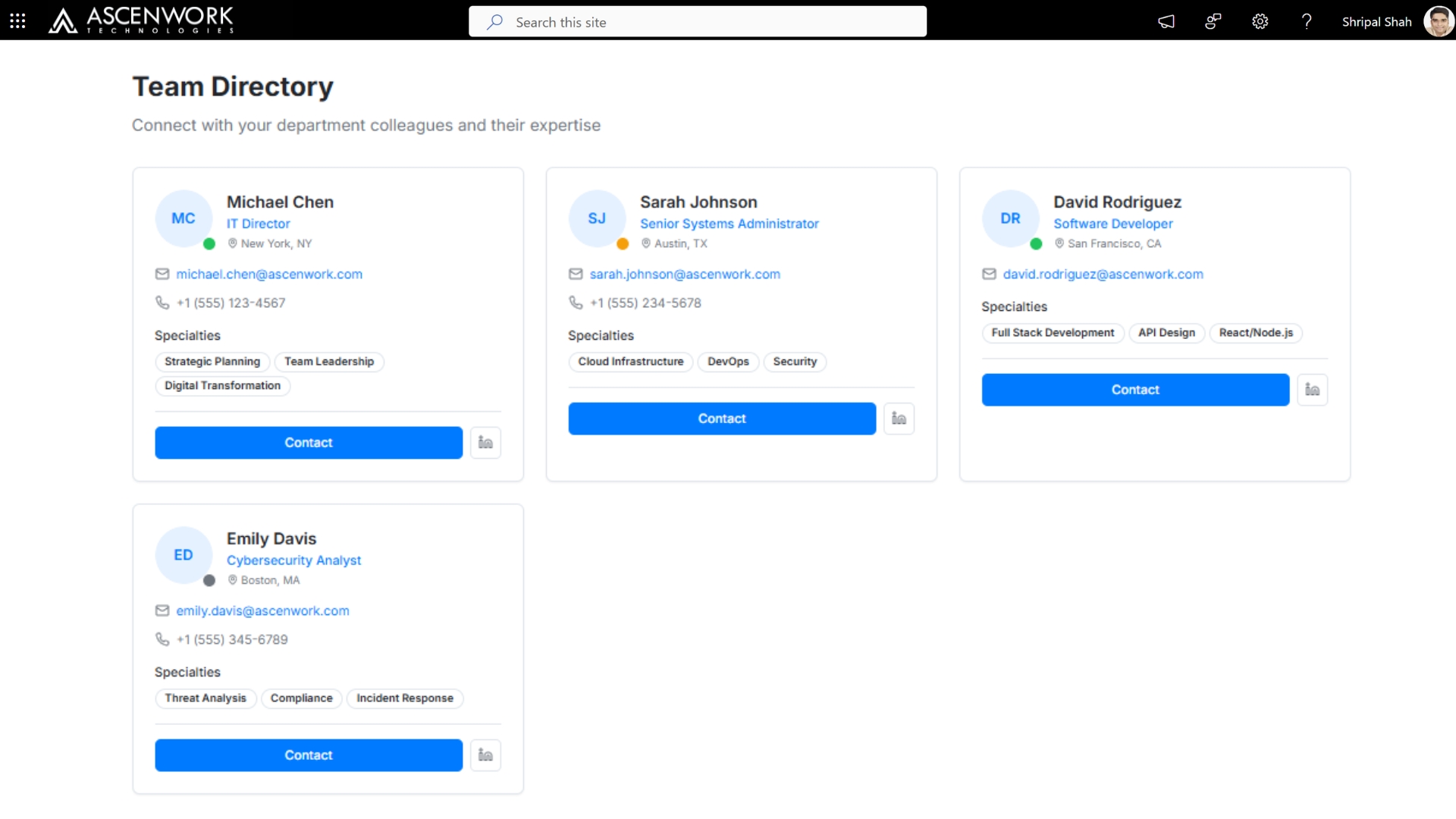
1. Modern SharePoint Employee Directory Design for 2026
A modern SharePoint Employee Directory helps organizations build stronger connections by making it easier to find and collaborate with colleagues. Designed for speed, simplicity, and scalability, it ensures every employee stays connected across departments and teams. With built-in Microsoft 365 integration and AI-powered features, businesses can deliver a seamless experience that supports hybrid work models. The directory enables quick access to people, skills, and expertise, driving productivity and engagement across the workplace.
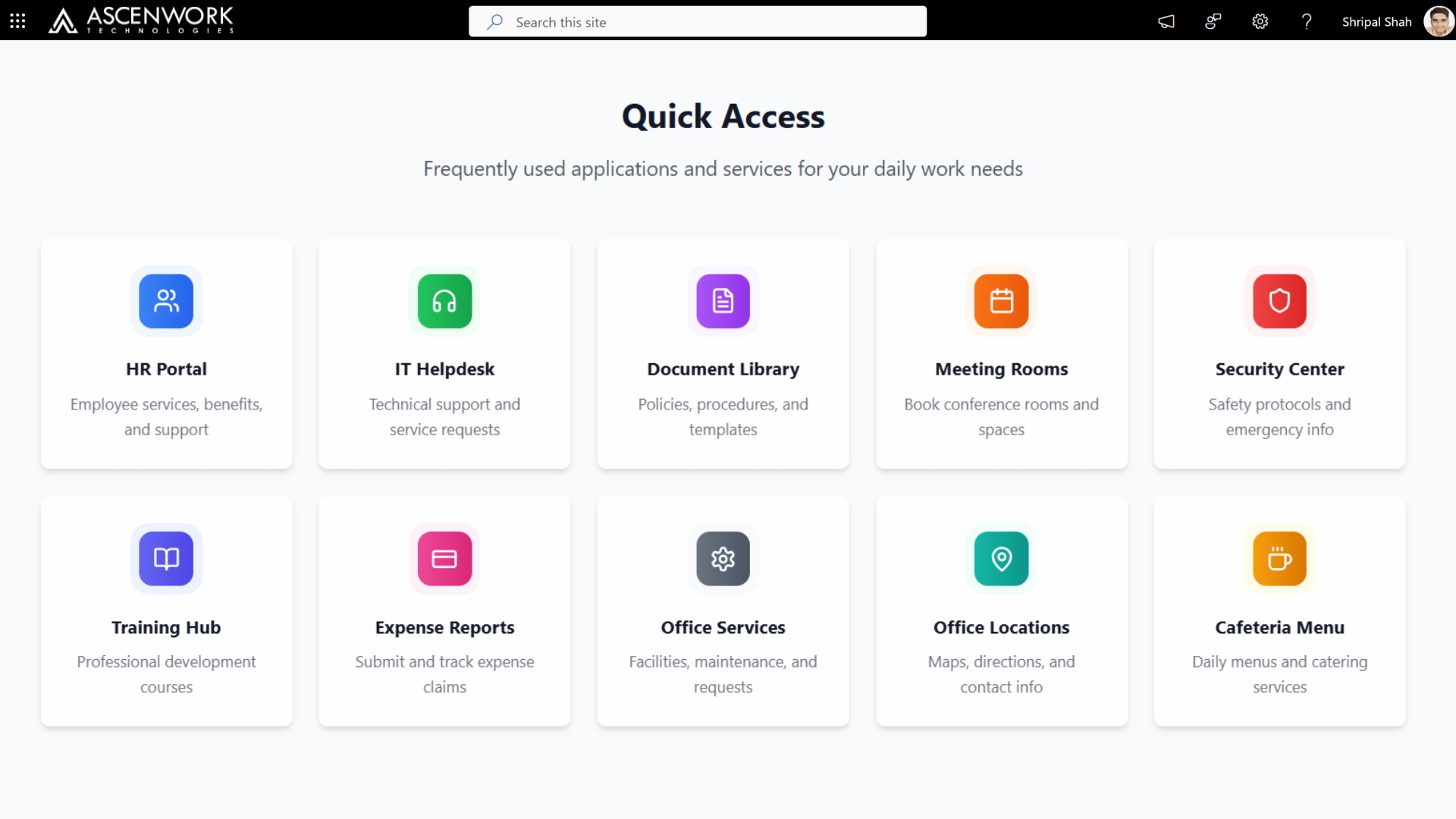
2. SharePoint Design for an Intranet Homepage
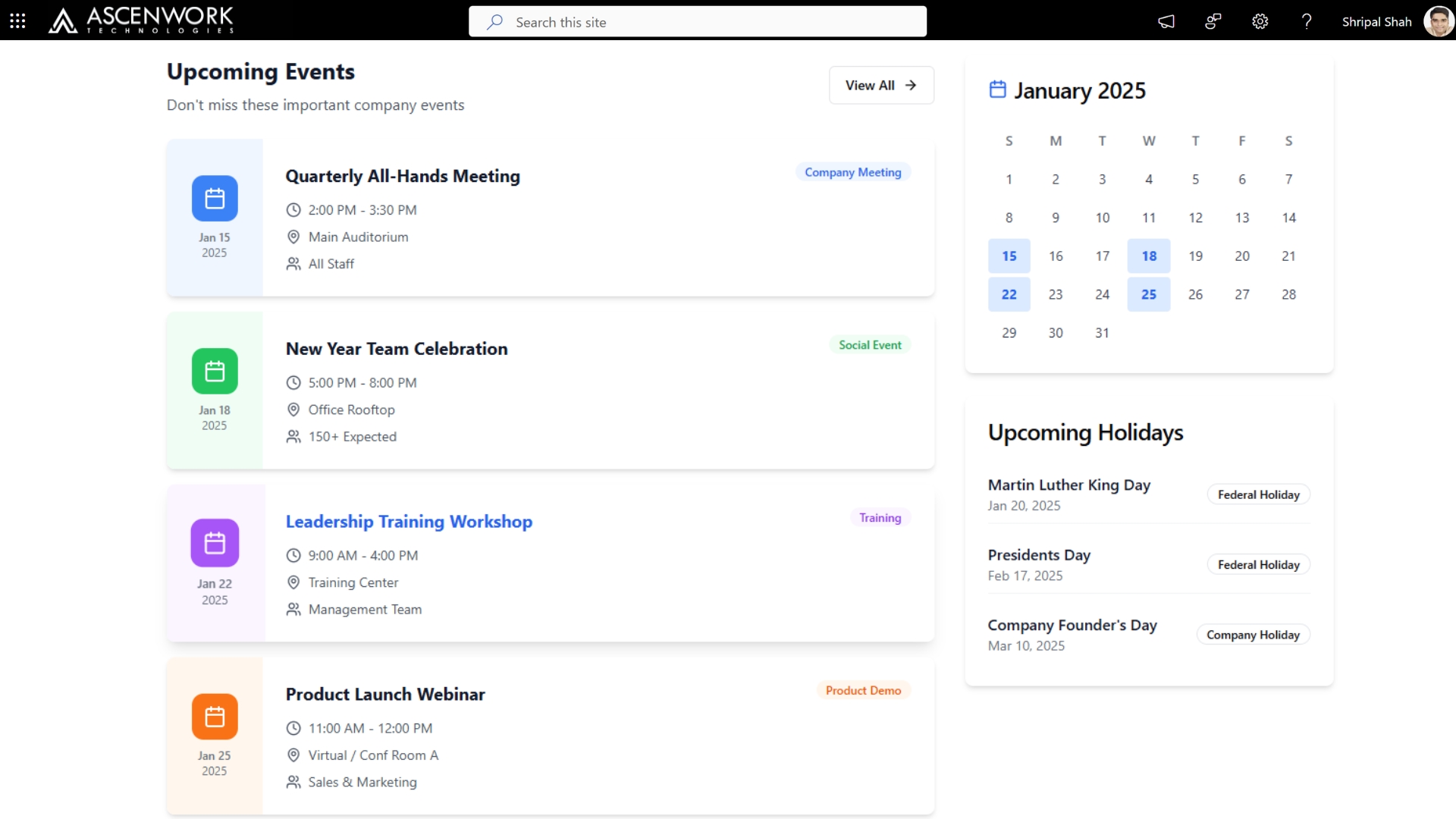
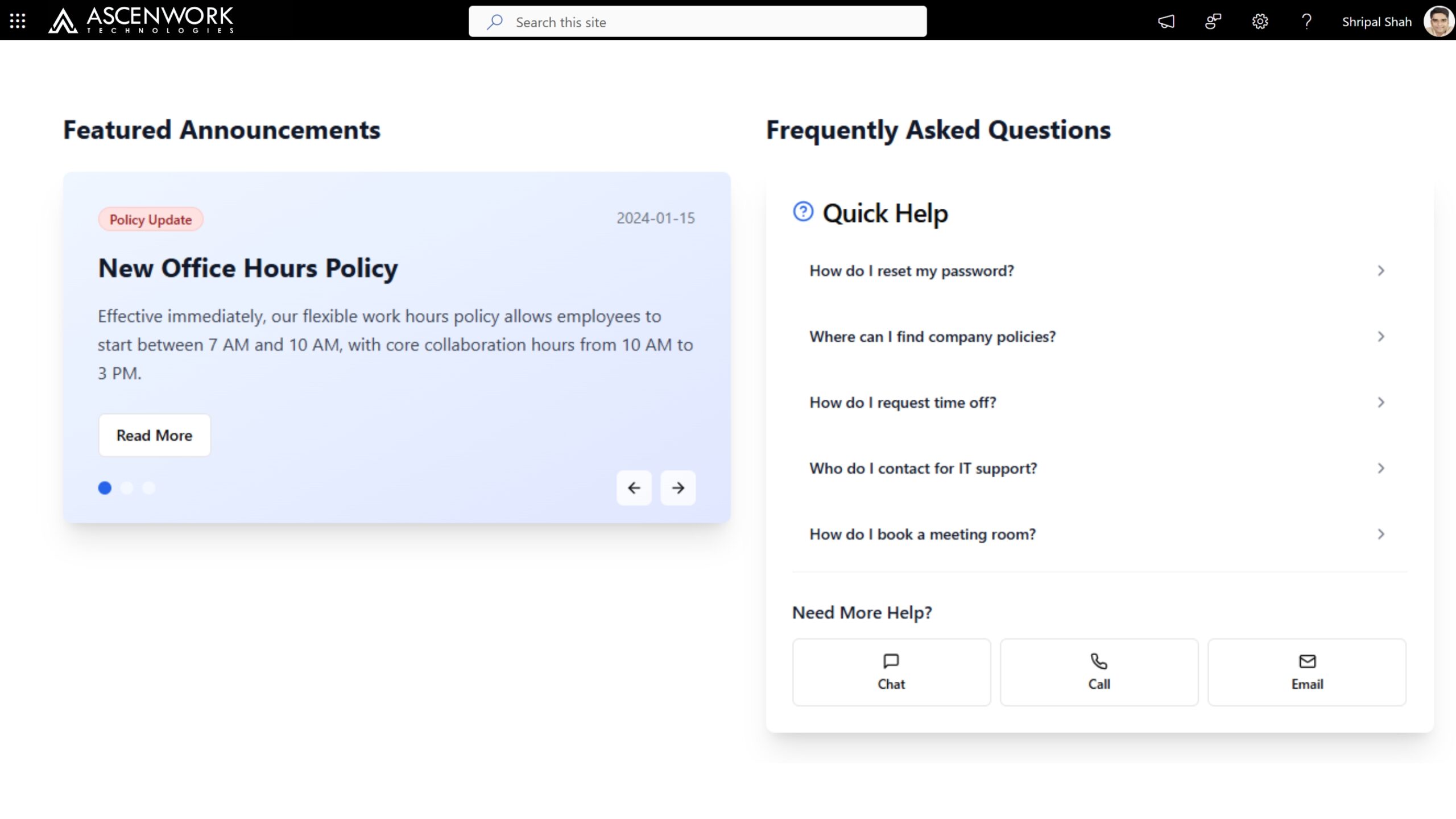
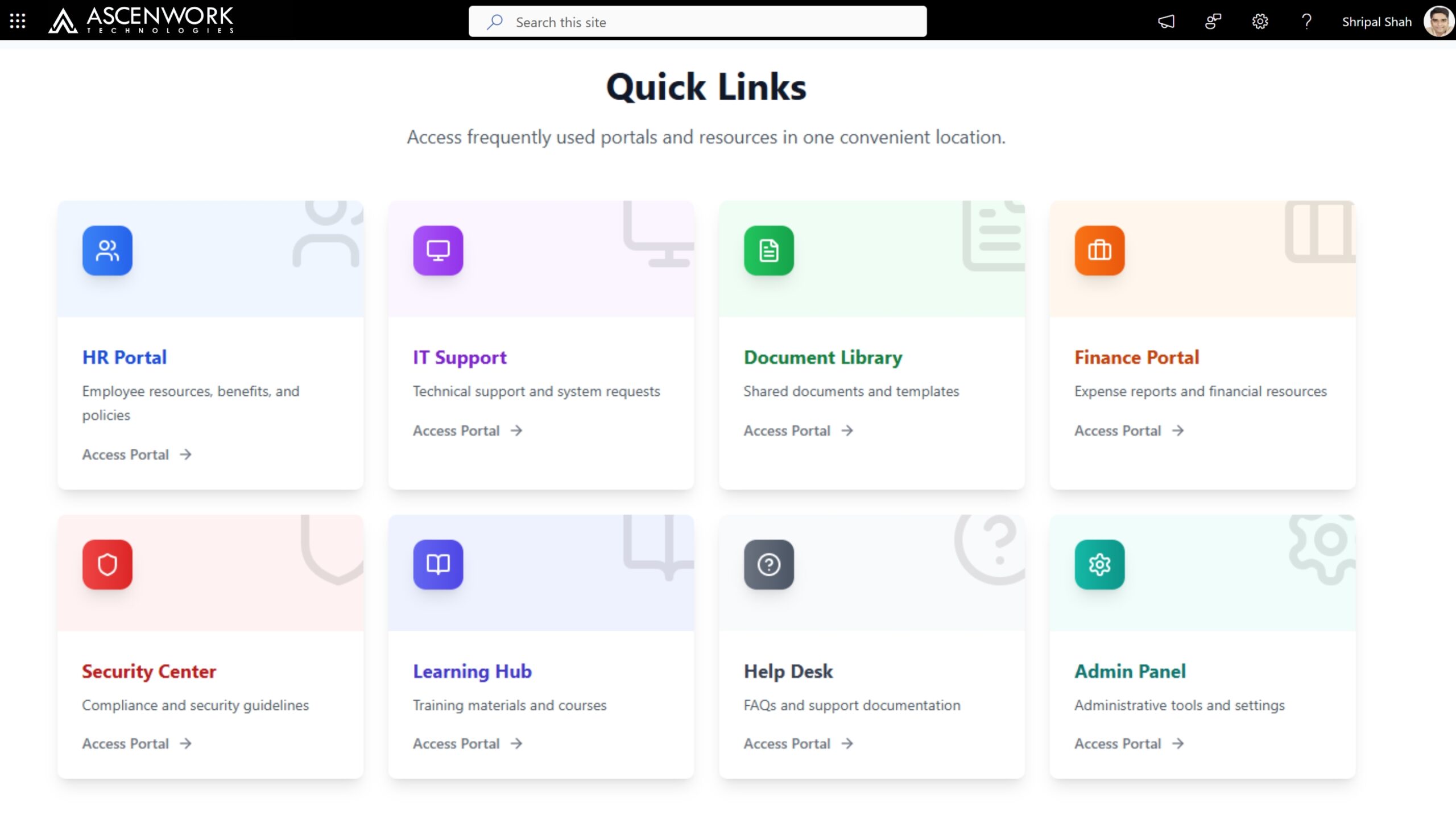
A well-designed SharePoint Intranet homepage sets the tone for your entire digital workplace. By using a modern SharePoint layout with clear navigation, personalized web parts, and responsive design, you can create a homepage that feels more like a professional website and less like a static portal. Whether you’re improving internal communication or boosting engagement, a customized SharePoint UI helps users connect, collaborate, and get work done faster.
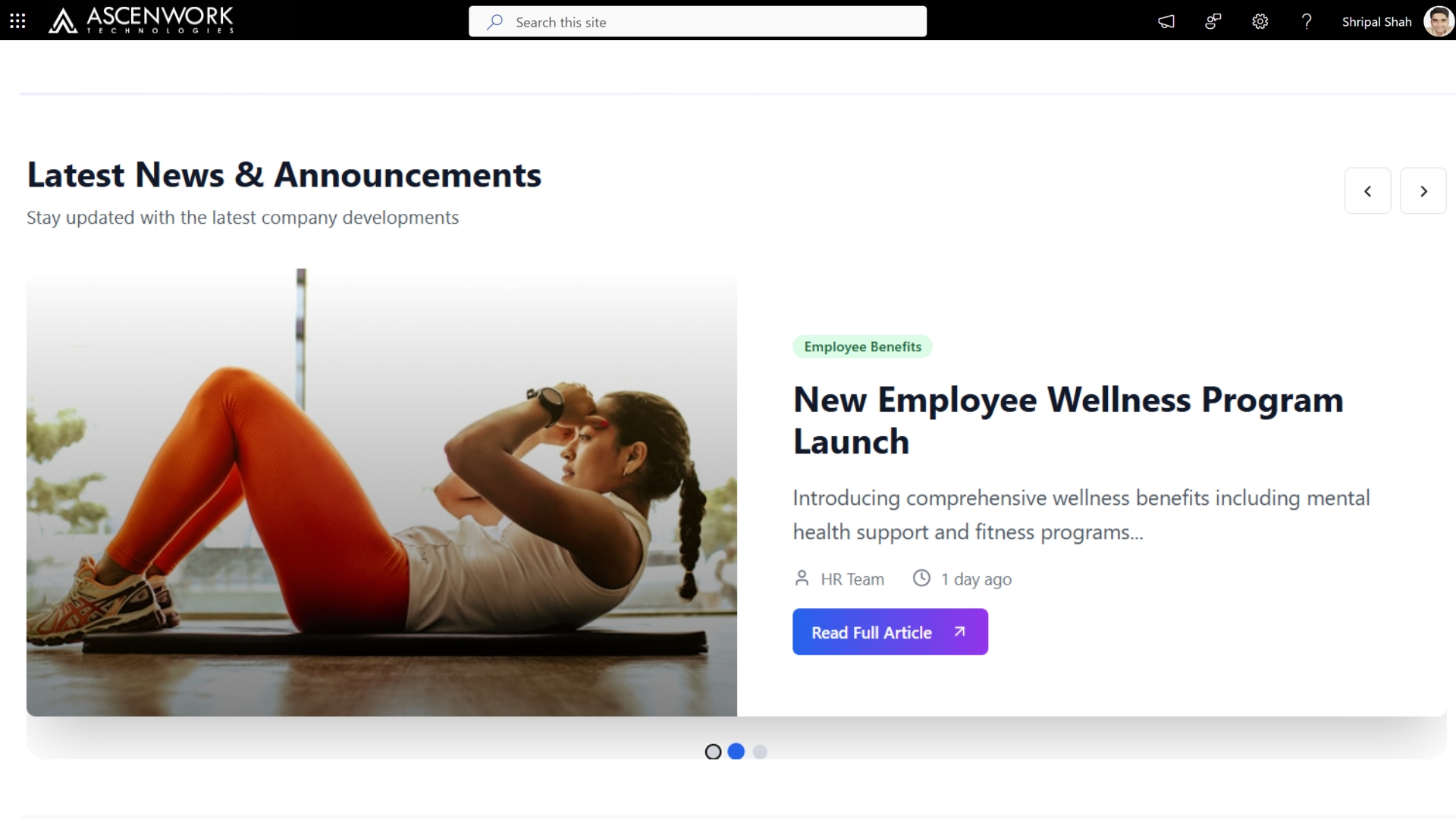
3. SharePoint Homepage Design for a Communication Site
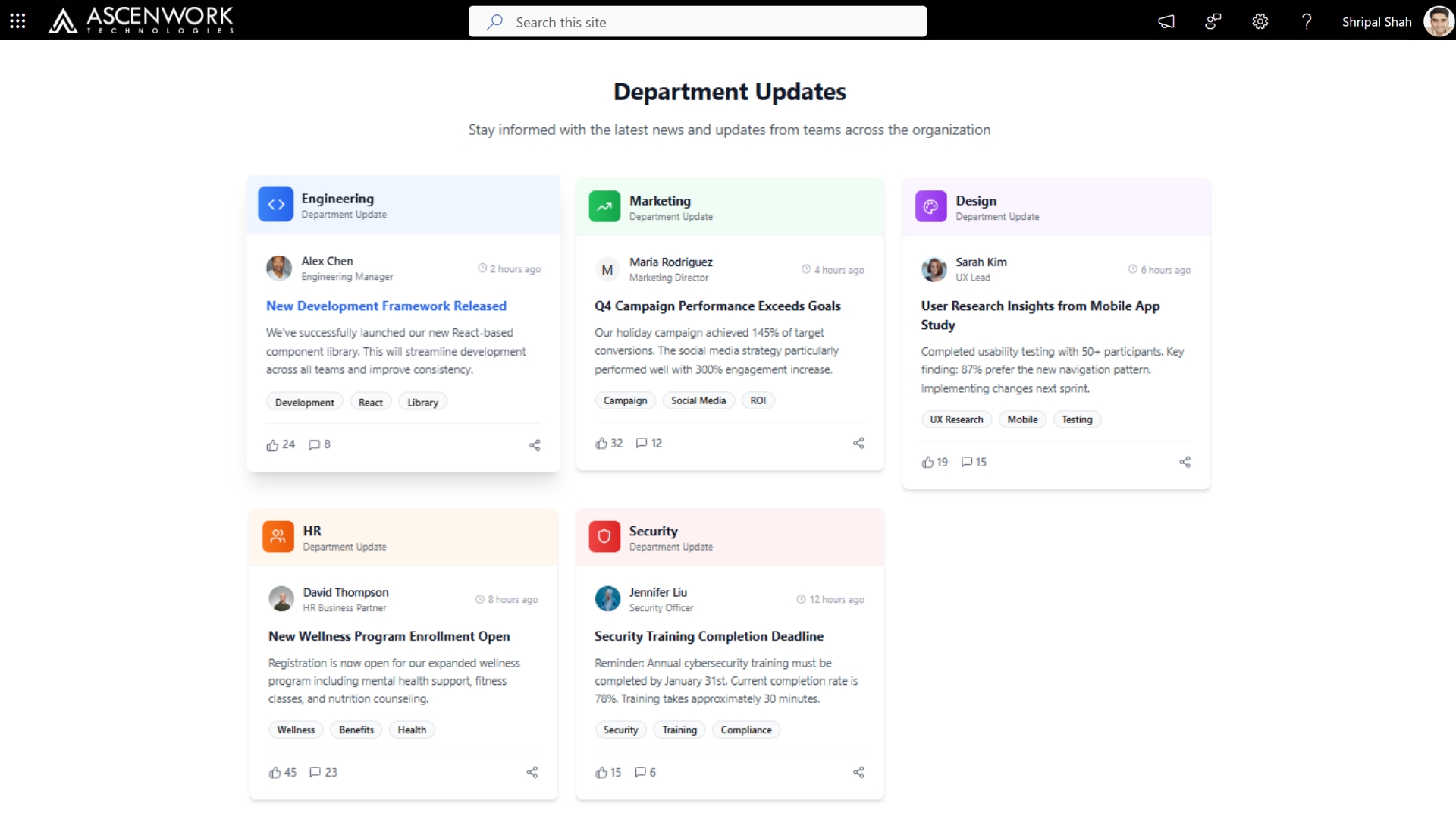
A SharePoint communication site homepage is built to broadcast key updates, share resources, and promote organizational awareness across departments. Using a clean, modern SharePoint homepage layout, you can highlight news, leadership messages, and quick links—all within a fully responsive and branded environment. These templates are ideal for improving transparency, aligning teams, and driving employee engagement through SharePoint Online.
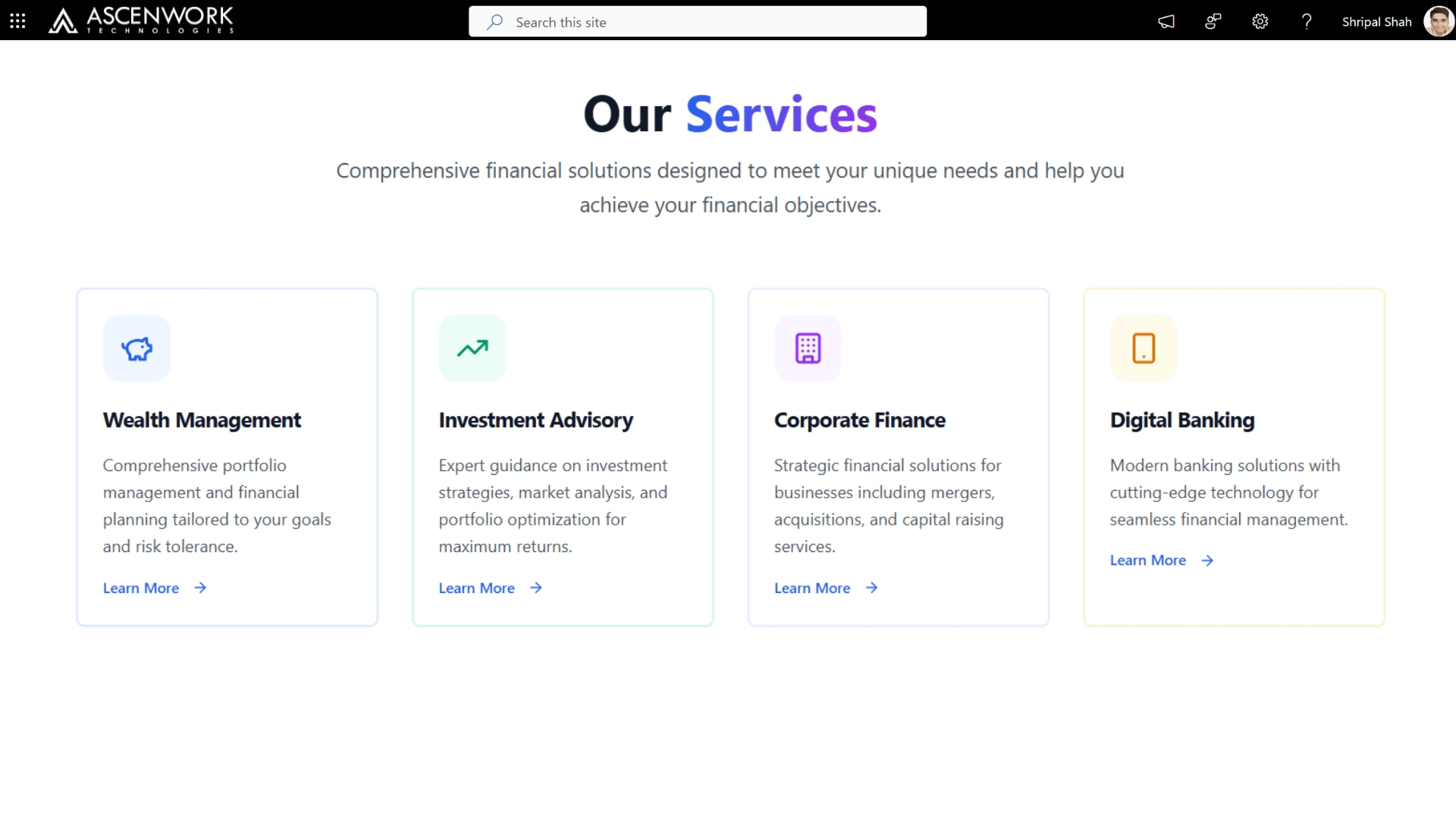
4. SharePoint Design for Financial Services
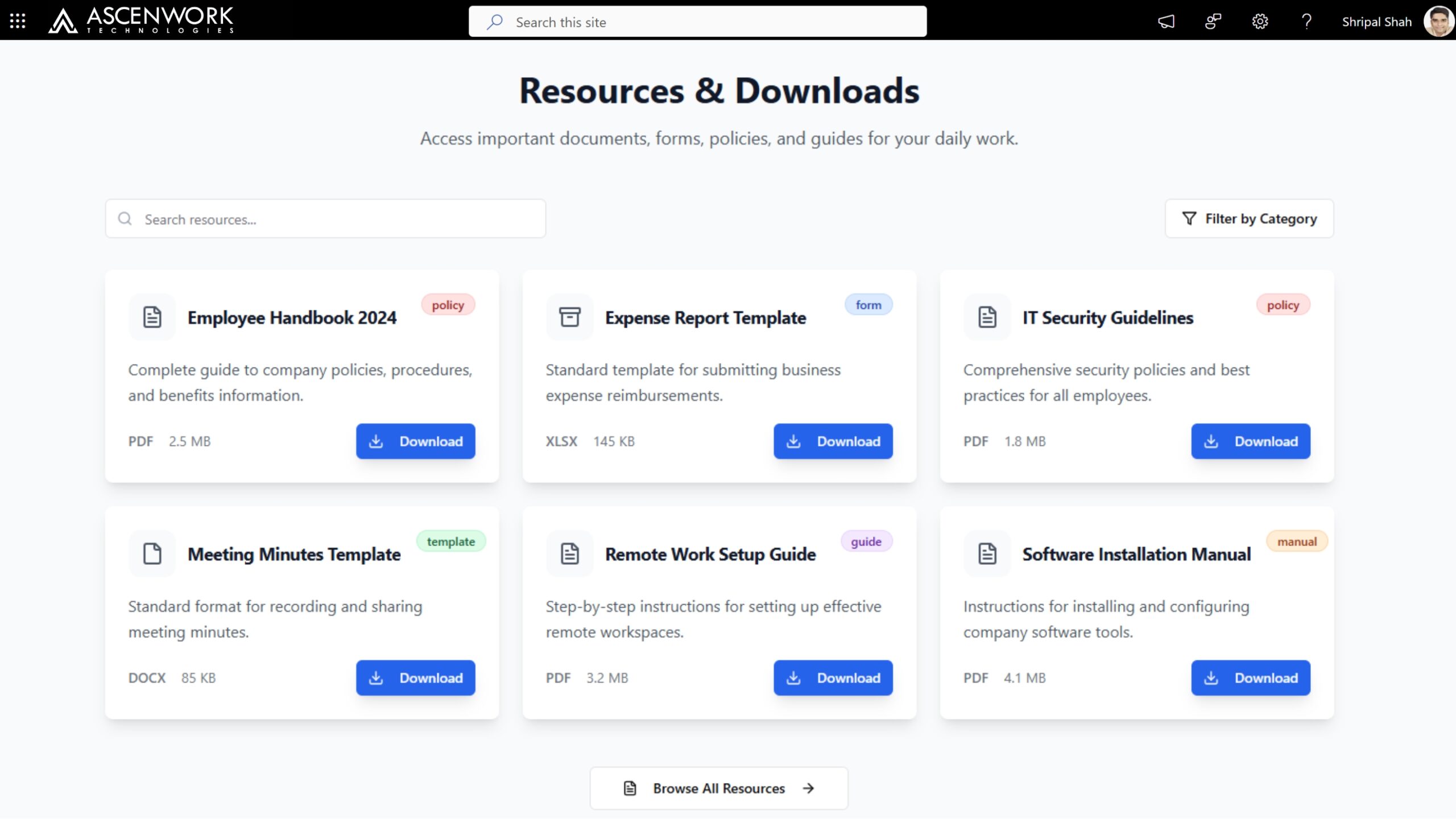
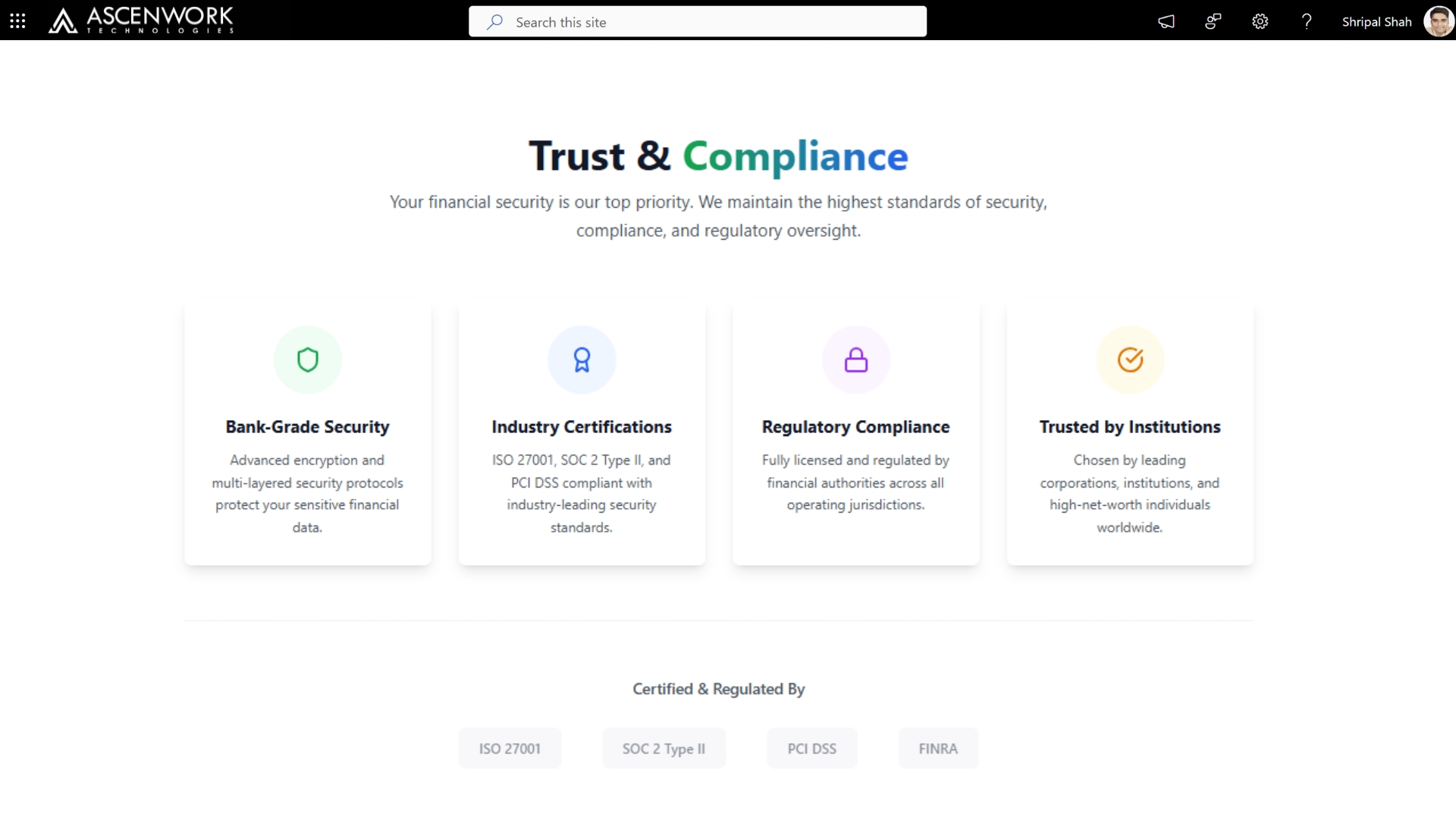
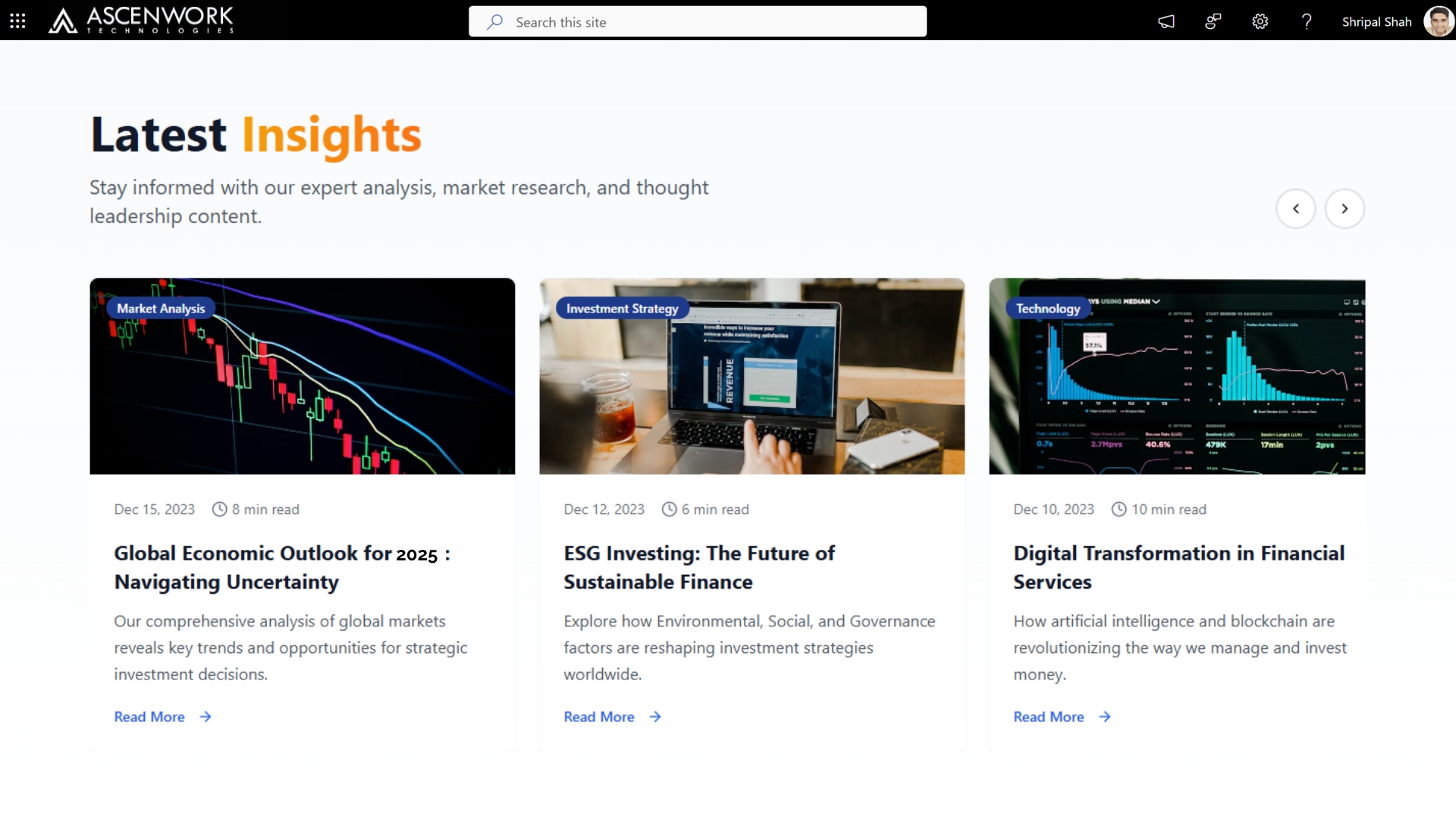
A SharePoint design for financial services focuses on delivering secure, compliant, and data-driven communication portals. From internal dashboards to policy centers, modern SharePoint Intranet solutions for banks, insurance, and finance teams help streamline operations, ensure regulatory compliance, and enhance collaboration. With the right SharePoint communication site templates, financial institutions can create a centralized hub for news, policies, and performance updates—all while maintaining strict security standards.
Experience a modern SharePoint design tailored to your business needs. Schedule a personalized demo with our experts today!
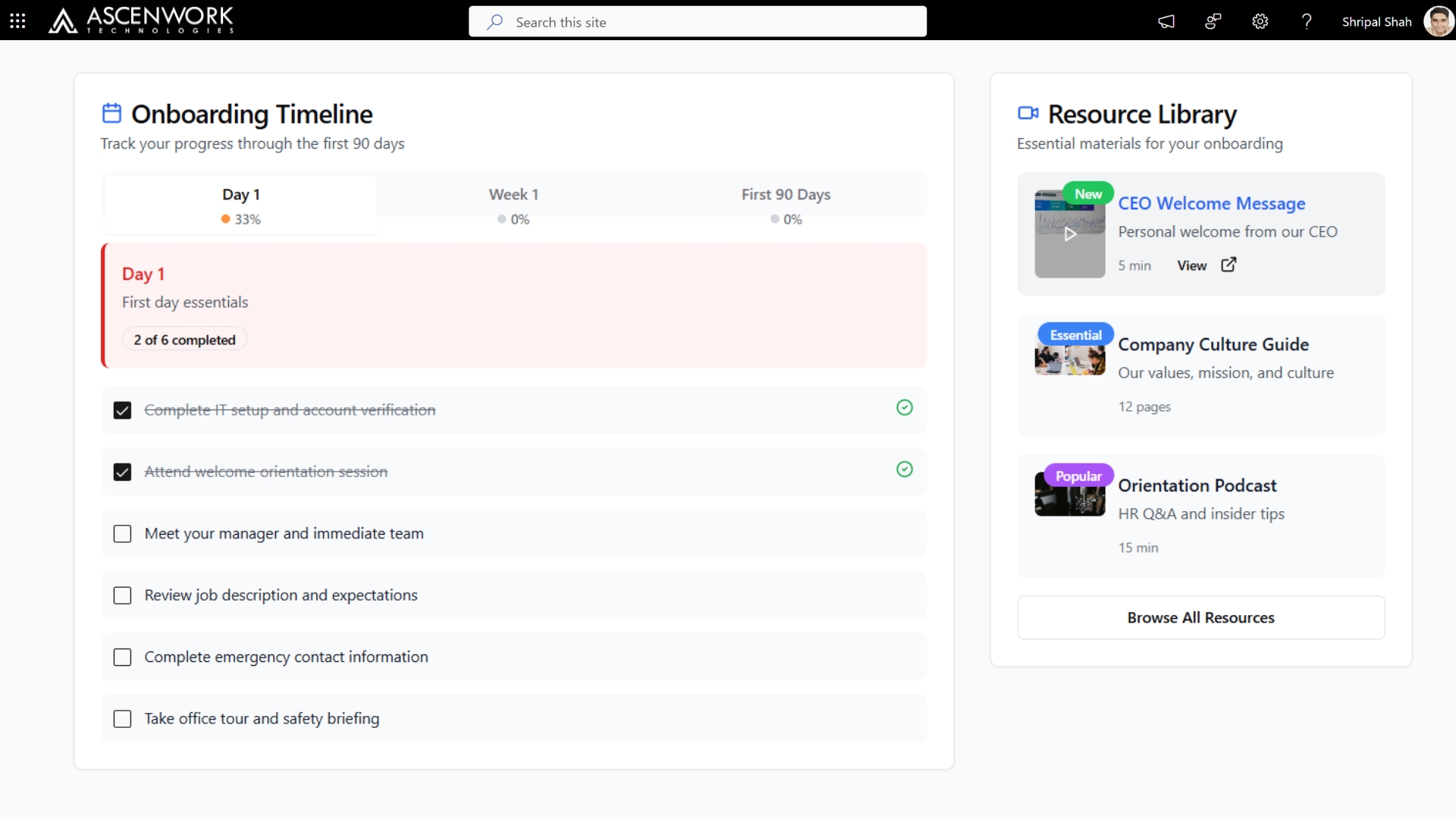
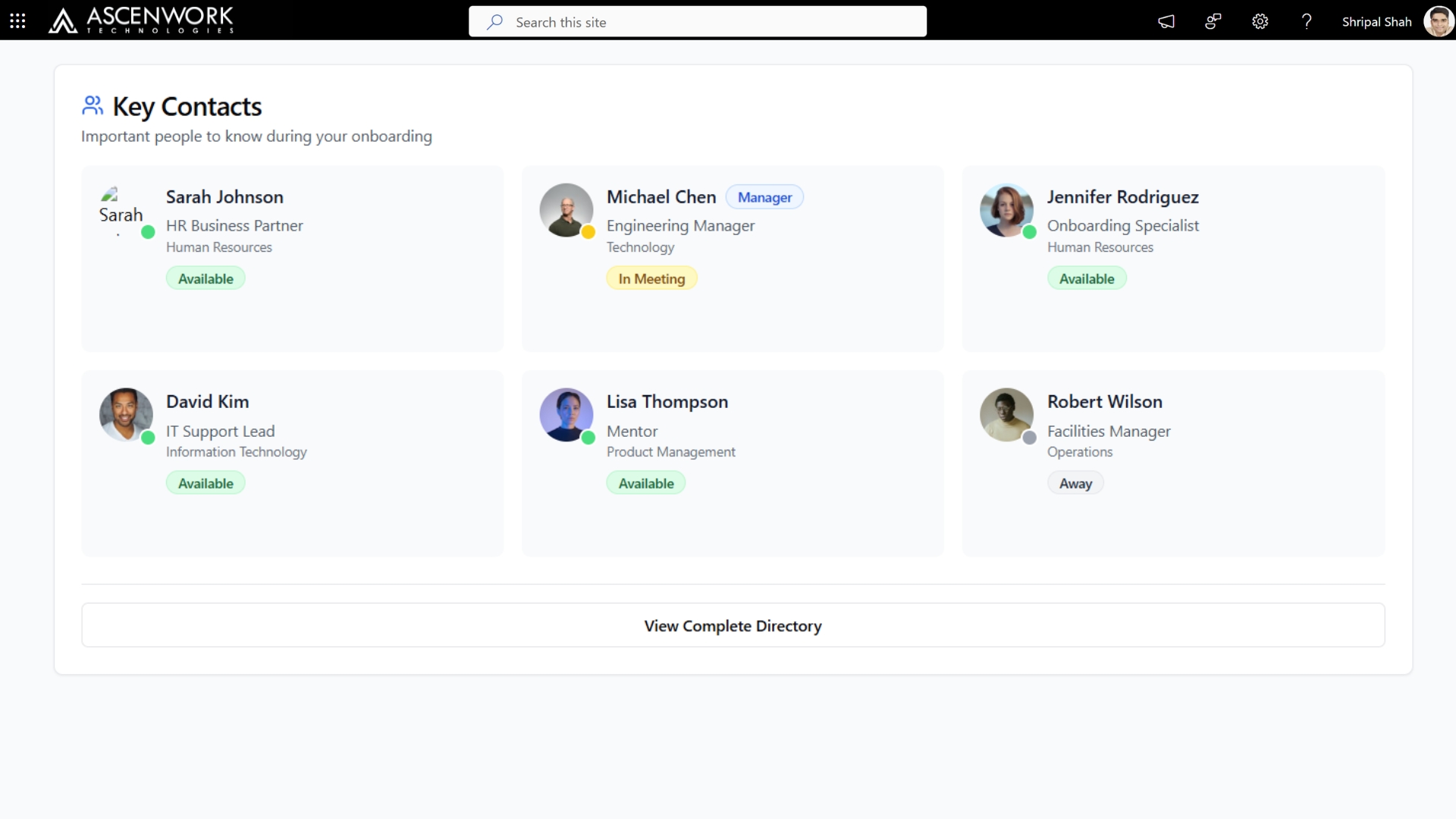
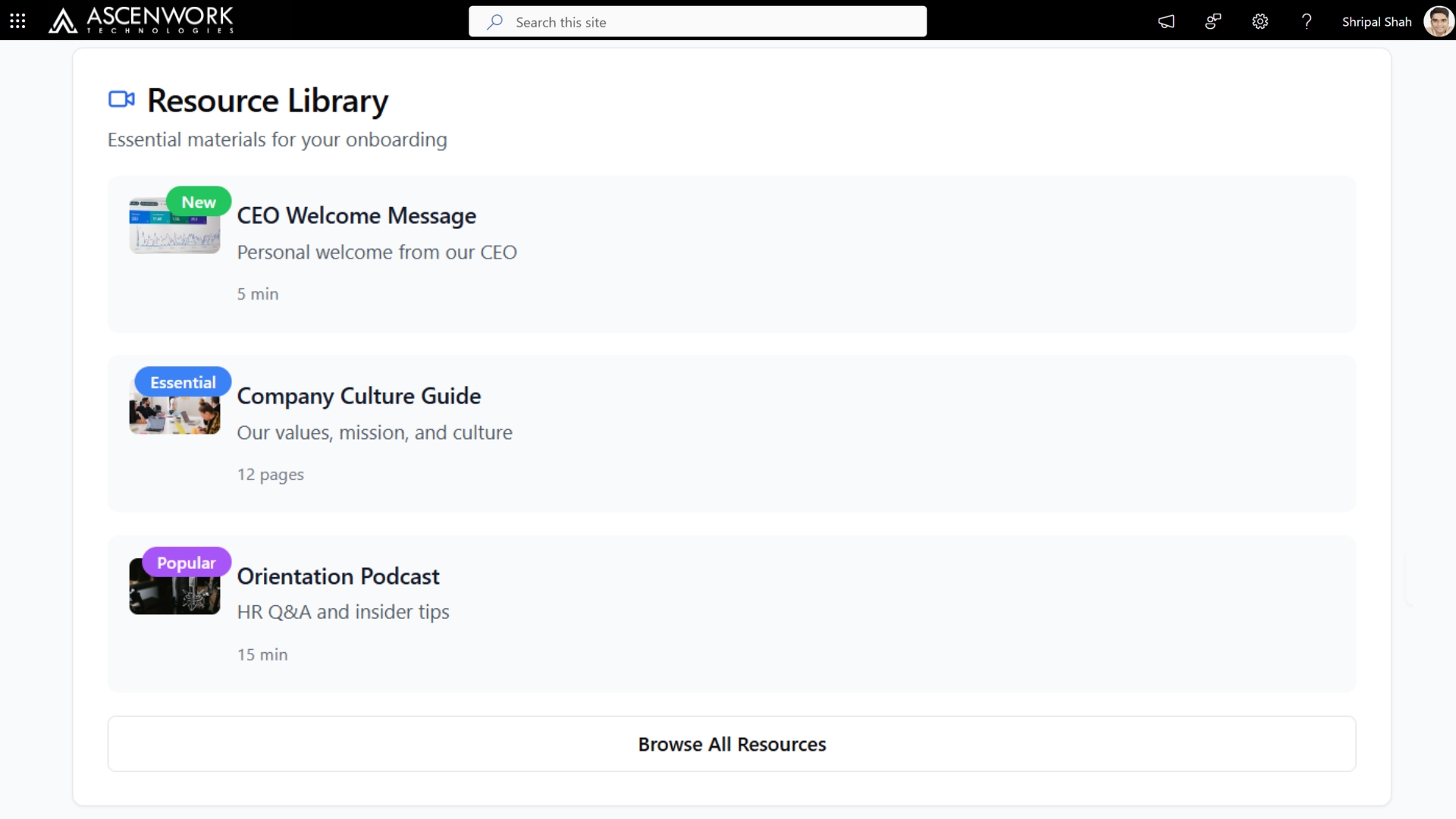
5. SharePoint Landing Page for New Hire Onboarding
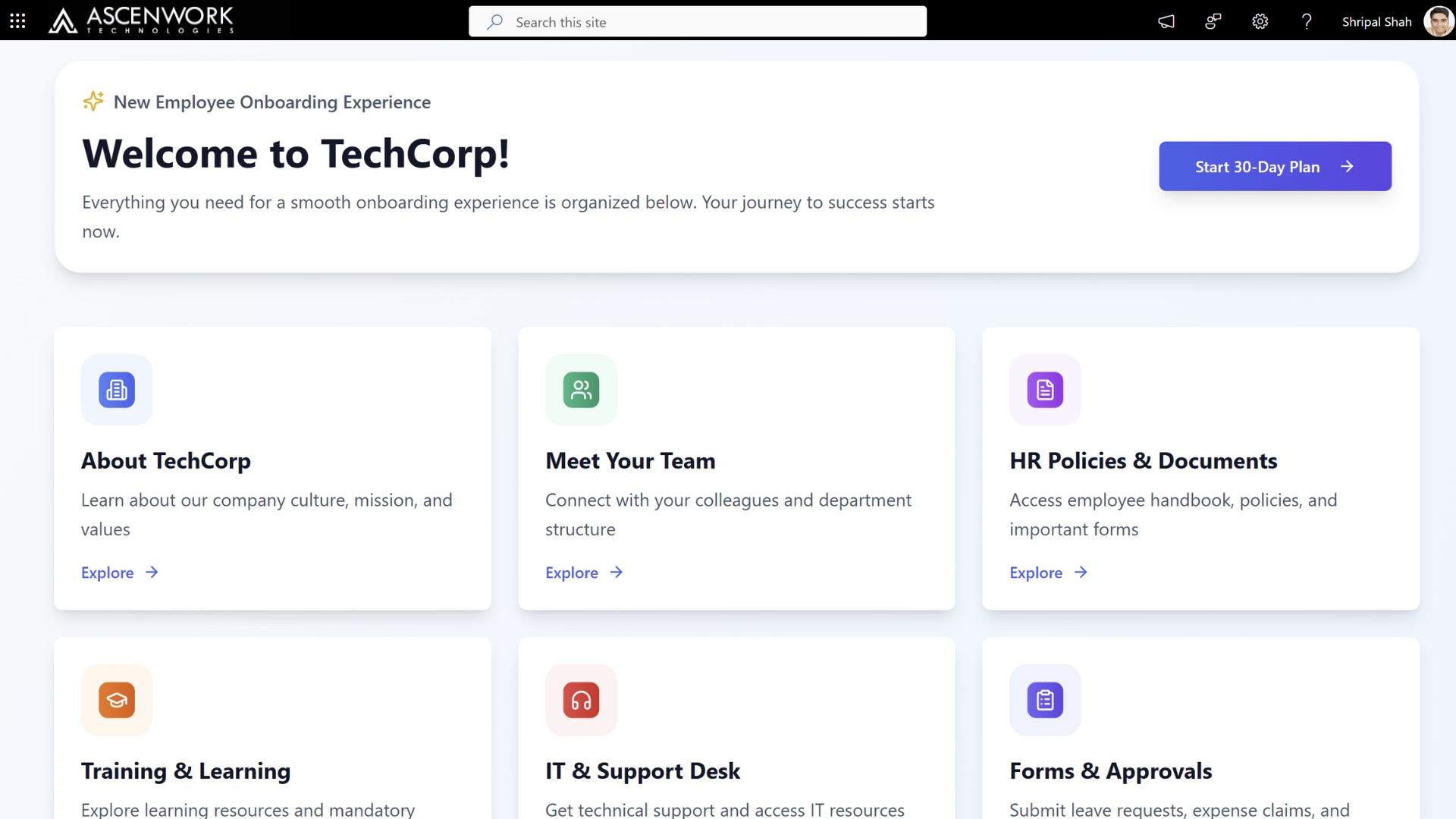
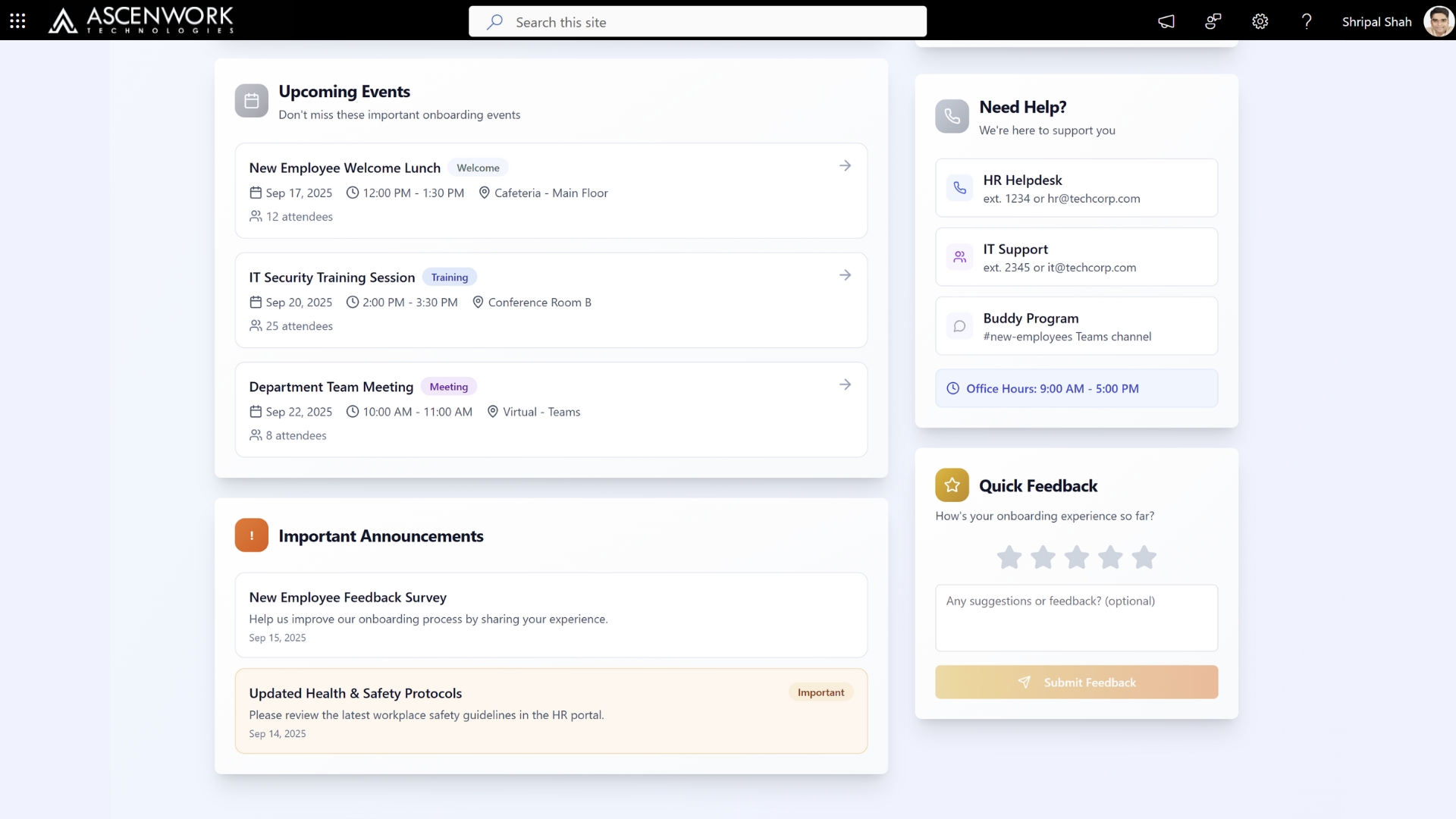
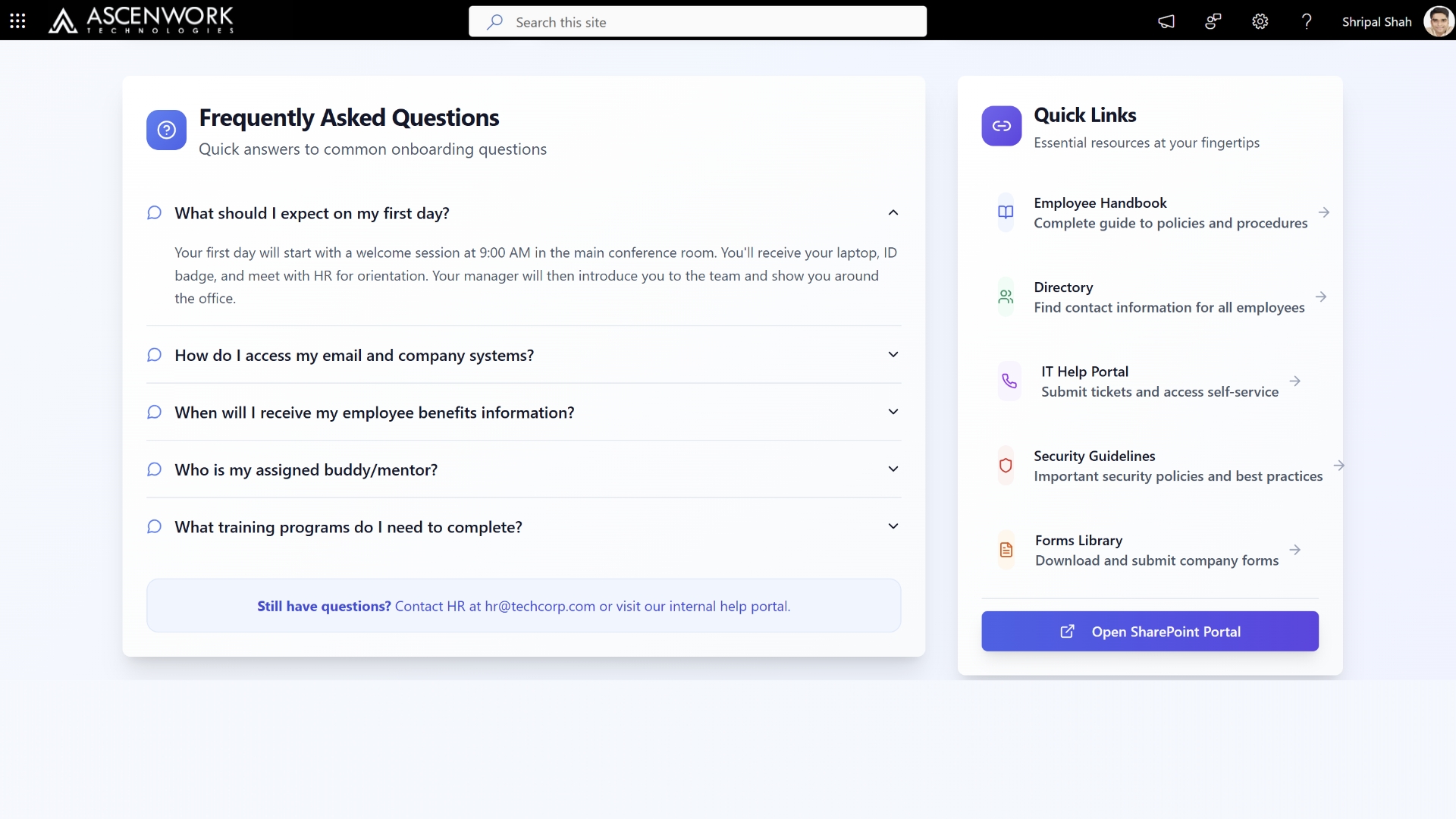
A SharePoint Landing Page for New Hire Onboarding serves as a centralized hub to guide new employees through their first days. It includes key resources like welcome messages, HR documents, IT setup guides, training videos, and team introductions. Designed for clarity and ease of use, the page helps streamline the onboarding process, reduces HR workload, and ensures a consistent experience for all new hires. With modern web parts and intuitive navigation, the landing page enhances engagement and improves knowledge retention. Integrating it into SharePoint Online ensures accessibility, security, and alignment with your organization’s Microsoft 365 environment.
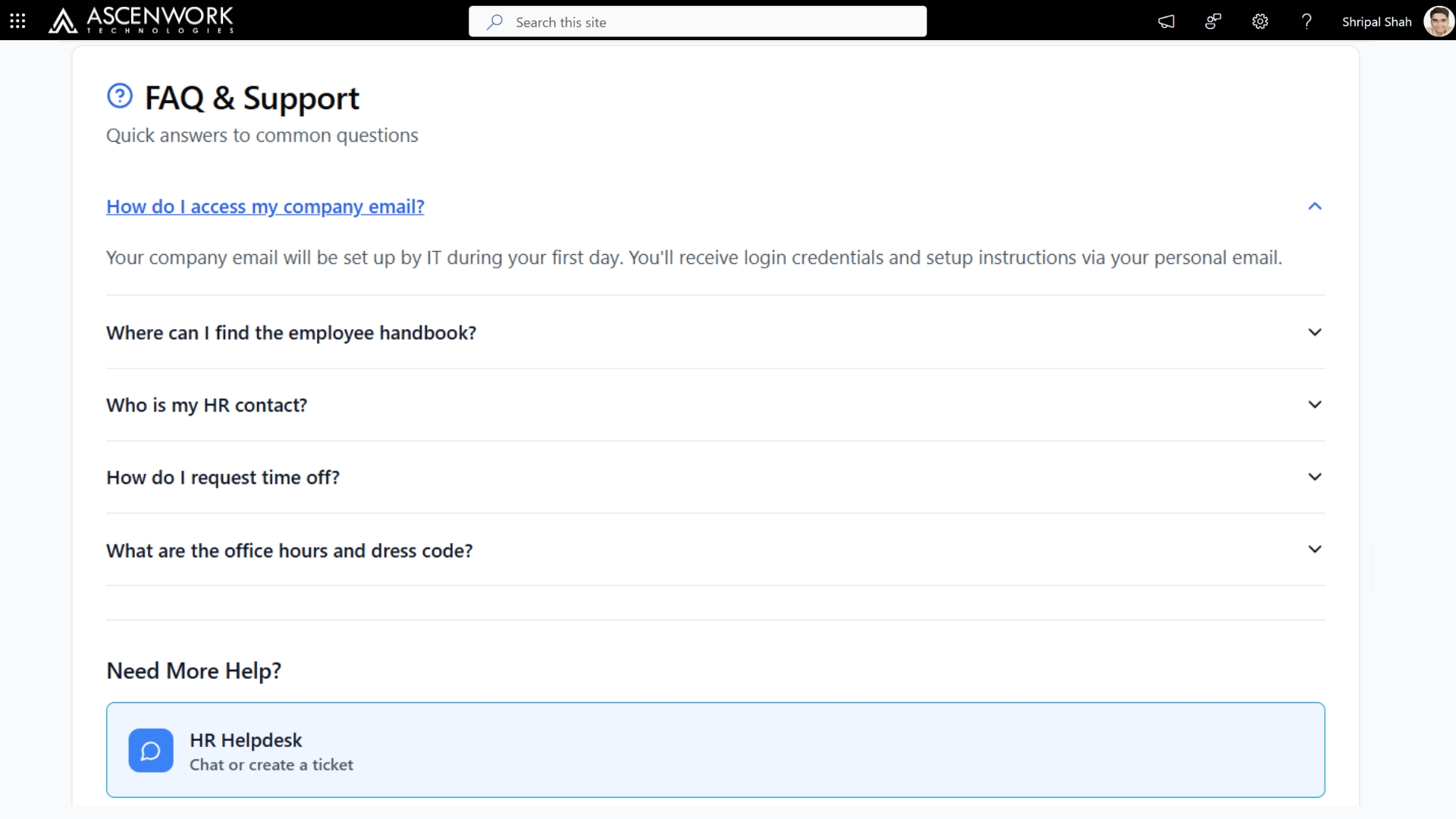
6. SharePoint Communication Site for Tech Industry
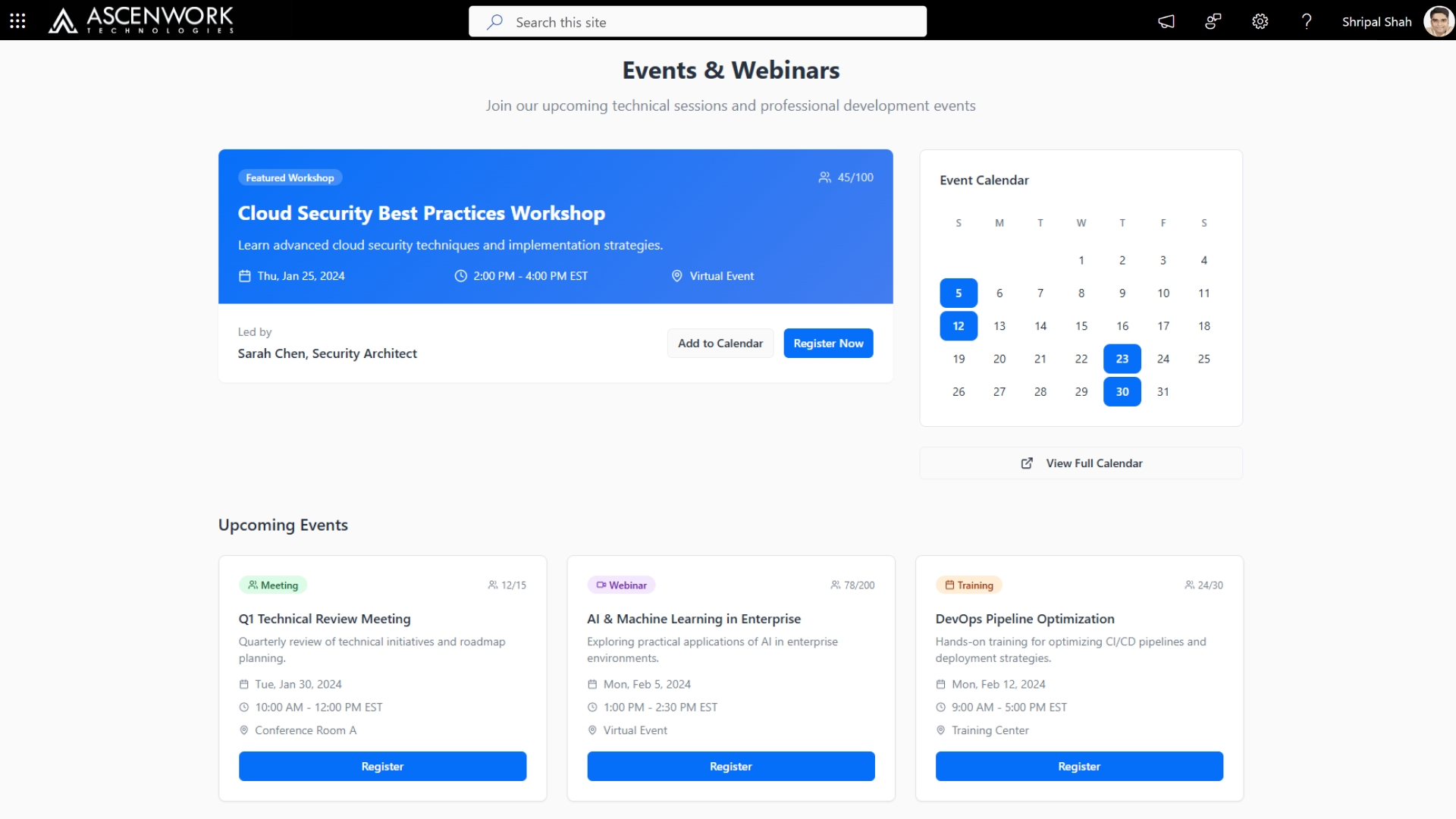
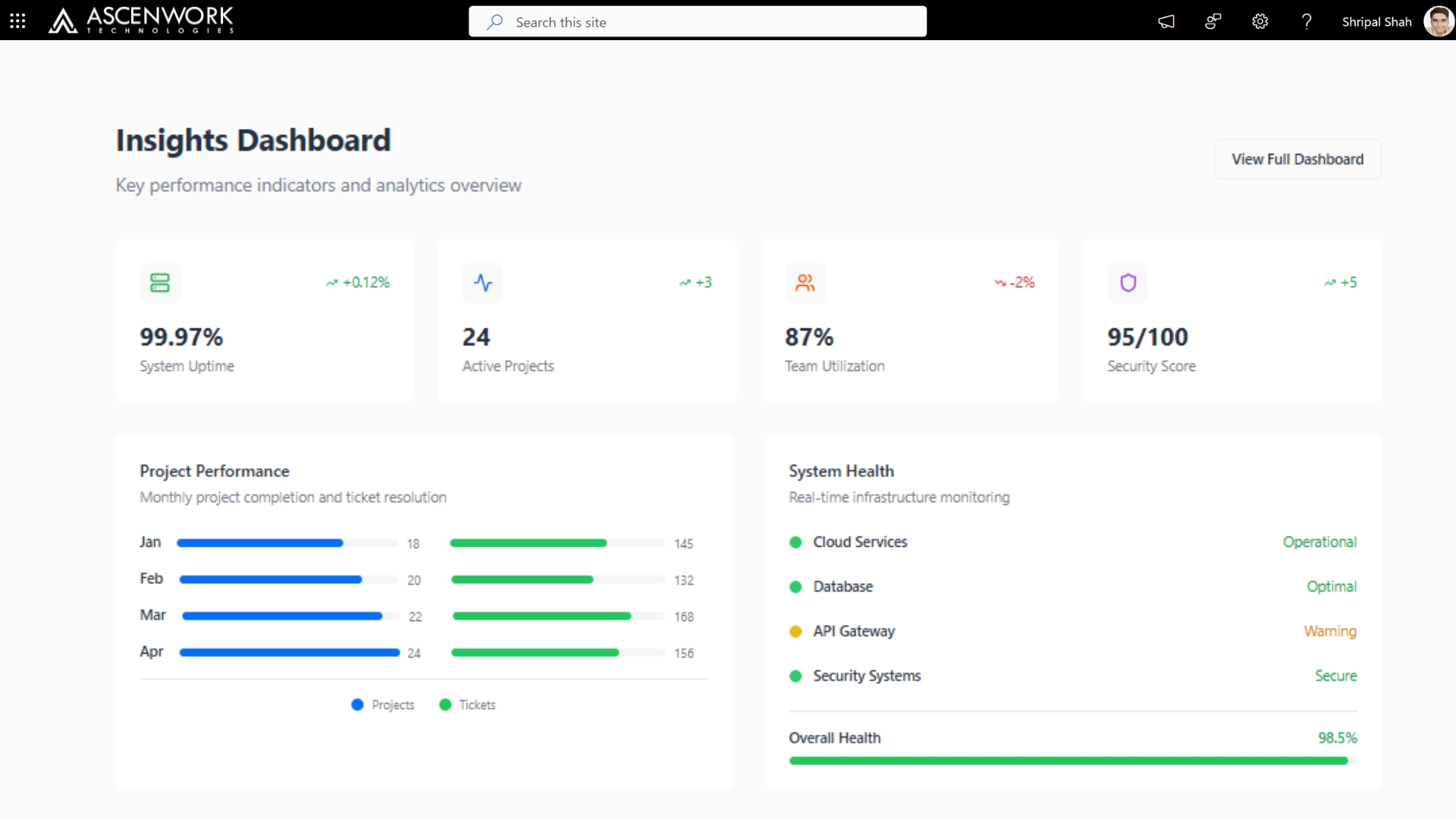
A SharePoint Communication Site tailored for the tech industry serves as a centralized platform to share critical updates, showcase innovations, and align teams. It enables IT leaders and project managers to communicate strategy, milestones, and achievements across departments. With modern web parts like news feeds, event calendars, and dashboards, the site supports real-time collaboration and transparency. Its responsive design ensures accessibility across devices, while integration with Microsoft 365 enhances productivity and security.
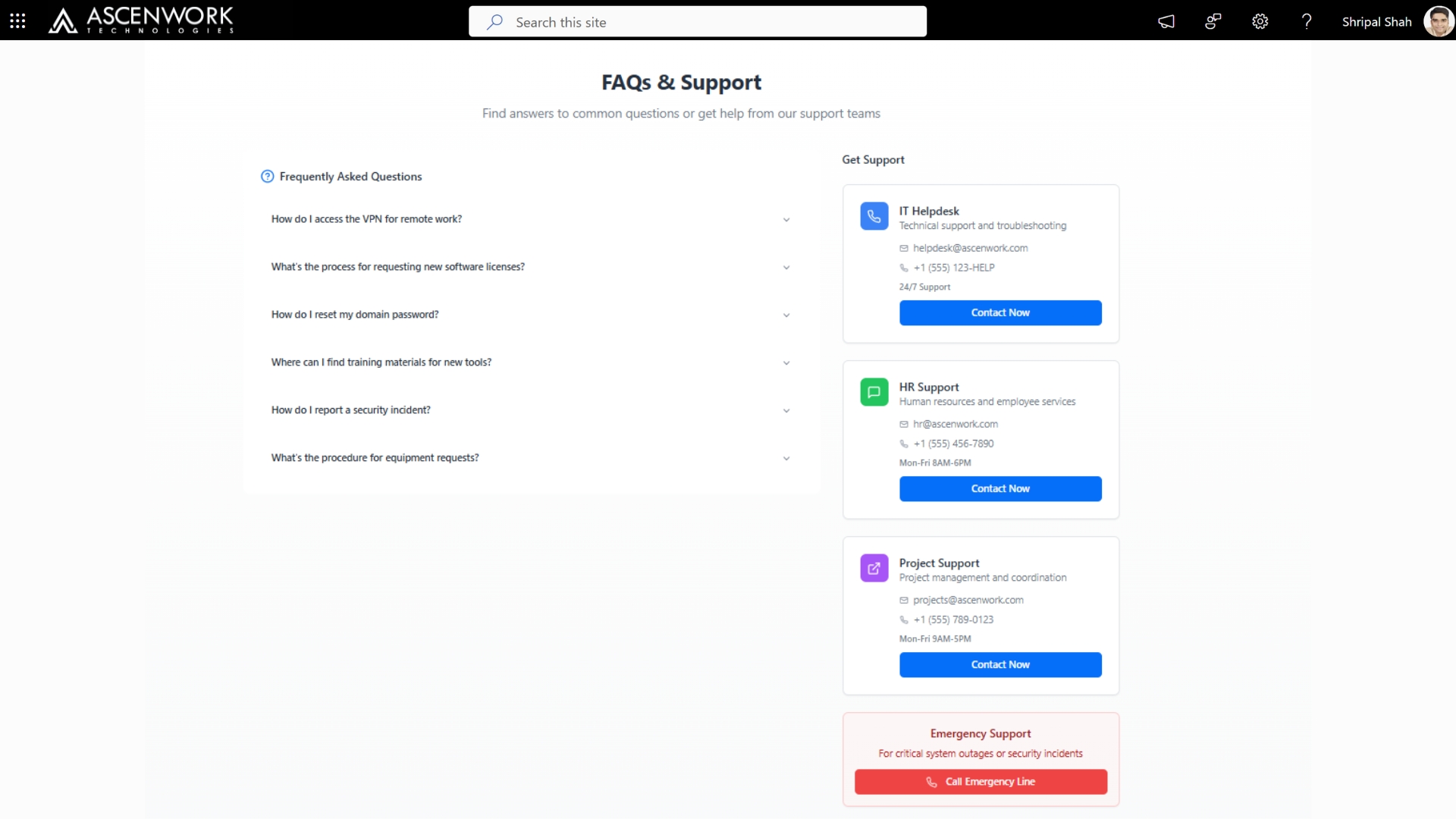
7. Customized SharePoint Department Site Templates Ideas
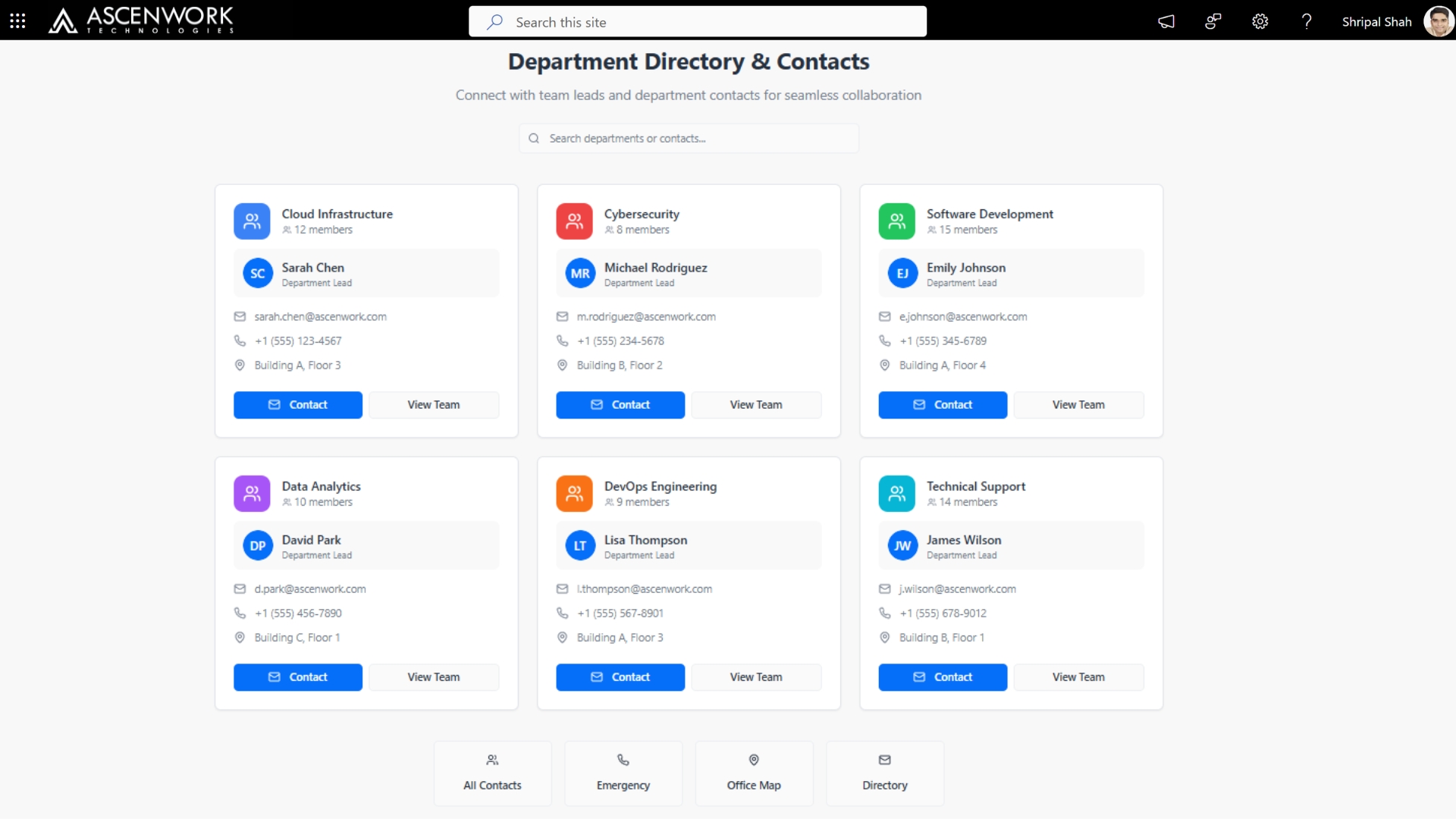
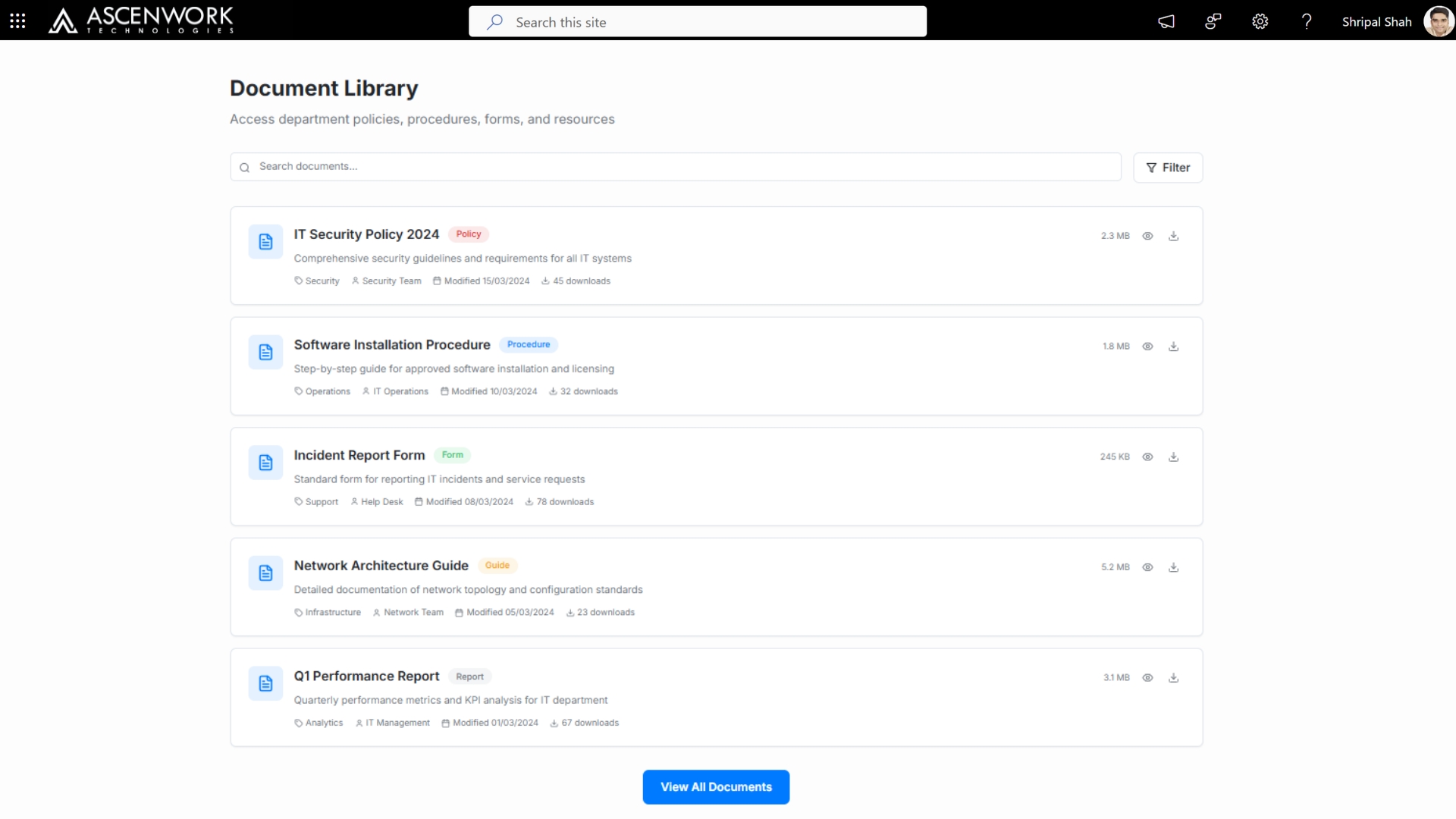
A Customized SharePoint Department Site streamlines team operations by centralizing resources, communication, and workflows. Tailored to each department’s needs—such as HR, Finance, or IT—it features relevant document libraries, task lists, calendars, and news feeds. The site supports role-based access, ensuring data security and relevance. With intuitive navigation and branded design, it improves usability and aligns with company standards. Integration with Microsoft 365 tools like Power Automate and Planner boosts productivity by automating routine tasks.
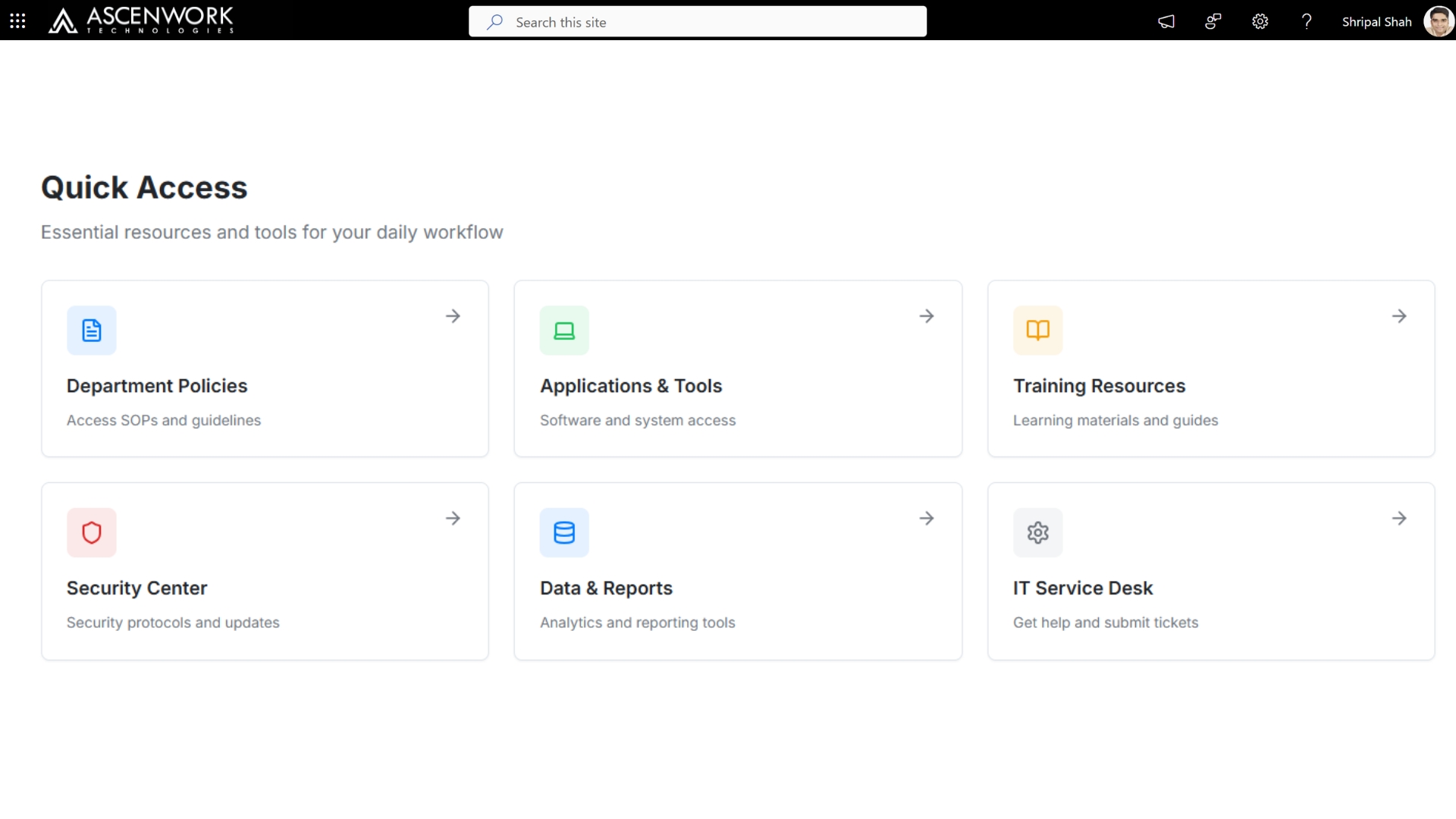
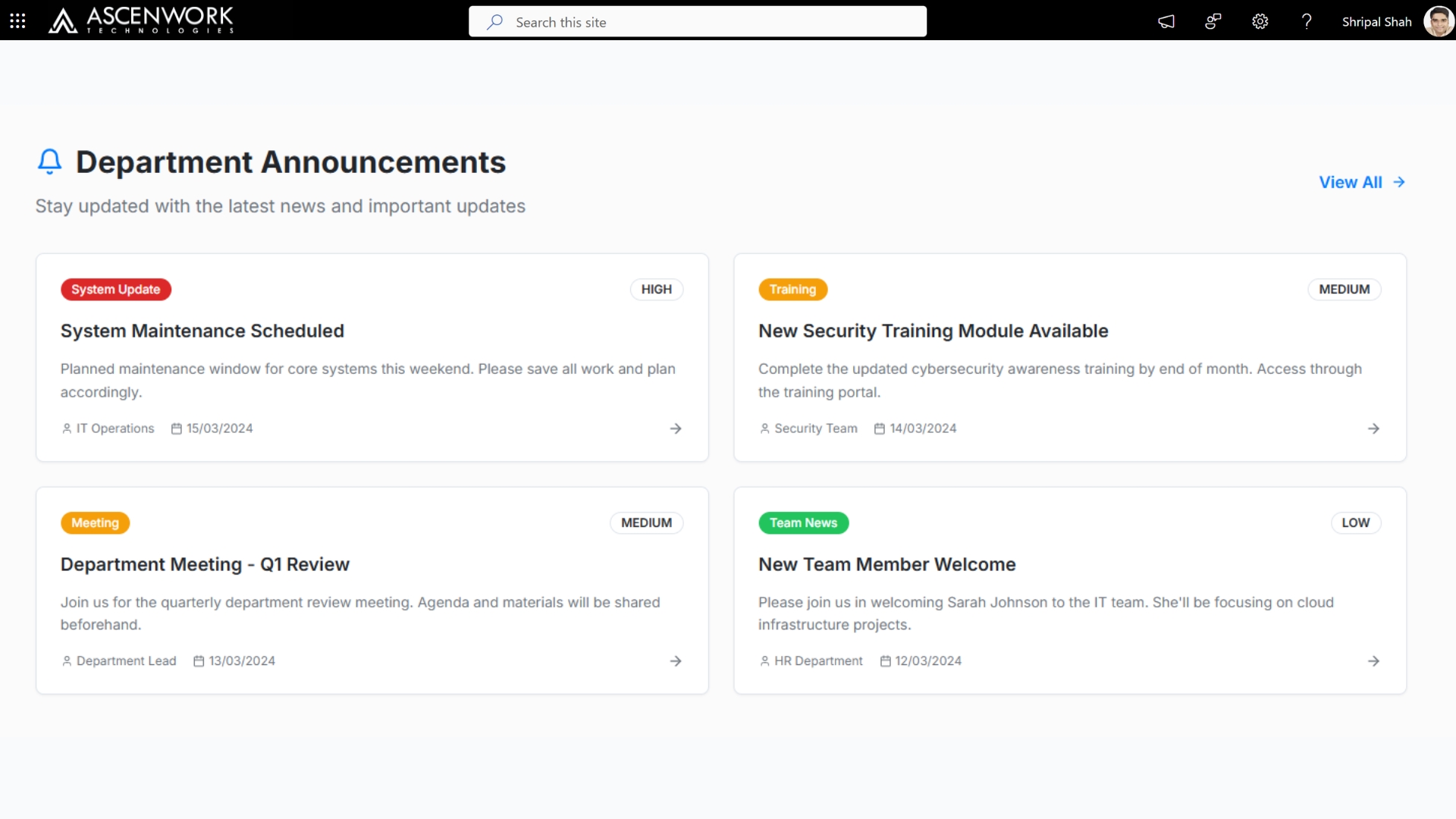
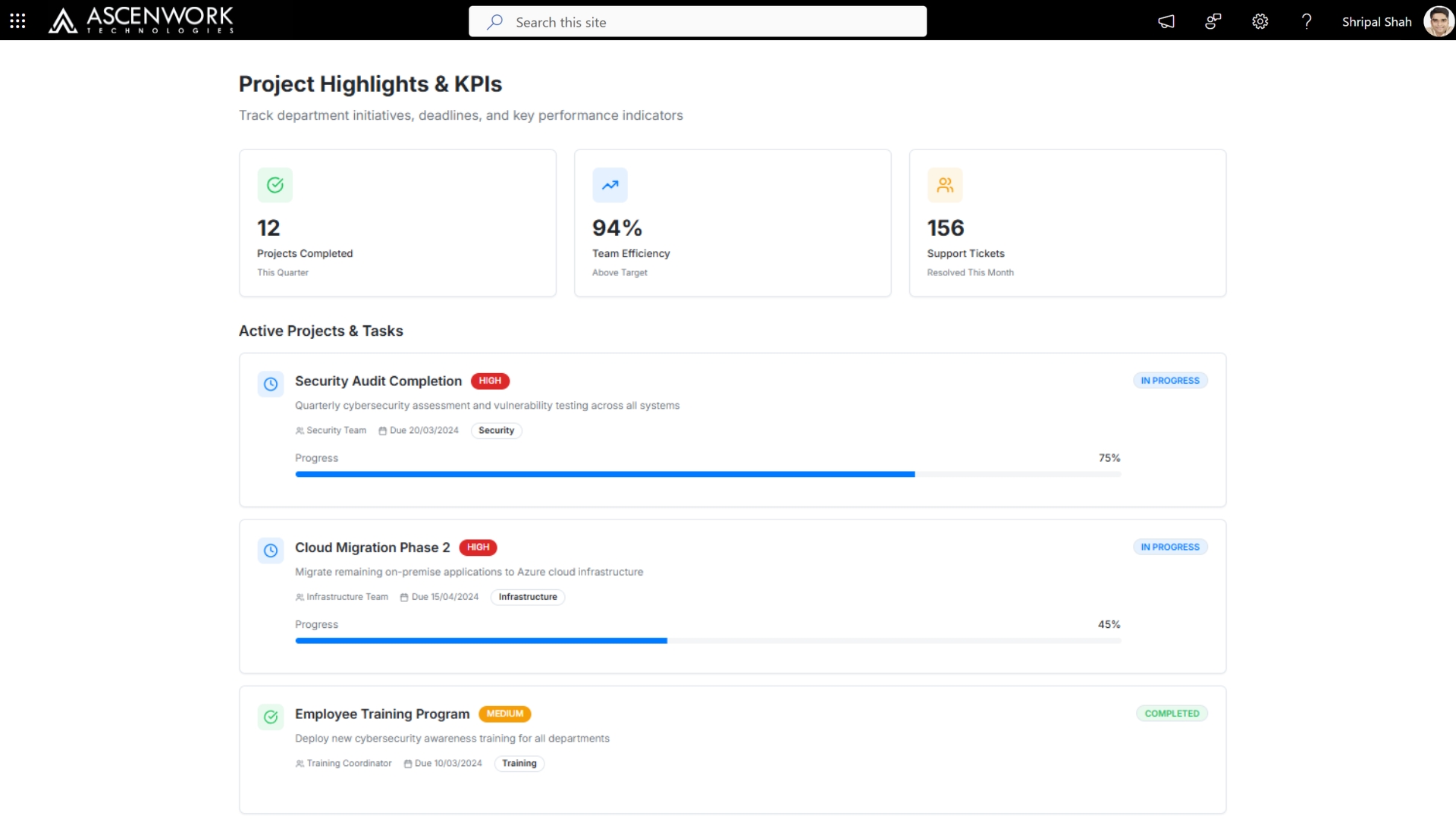
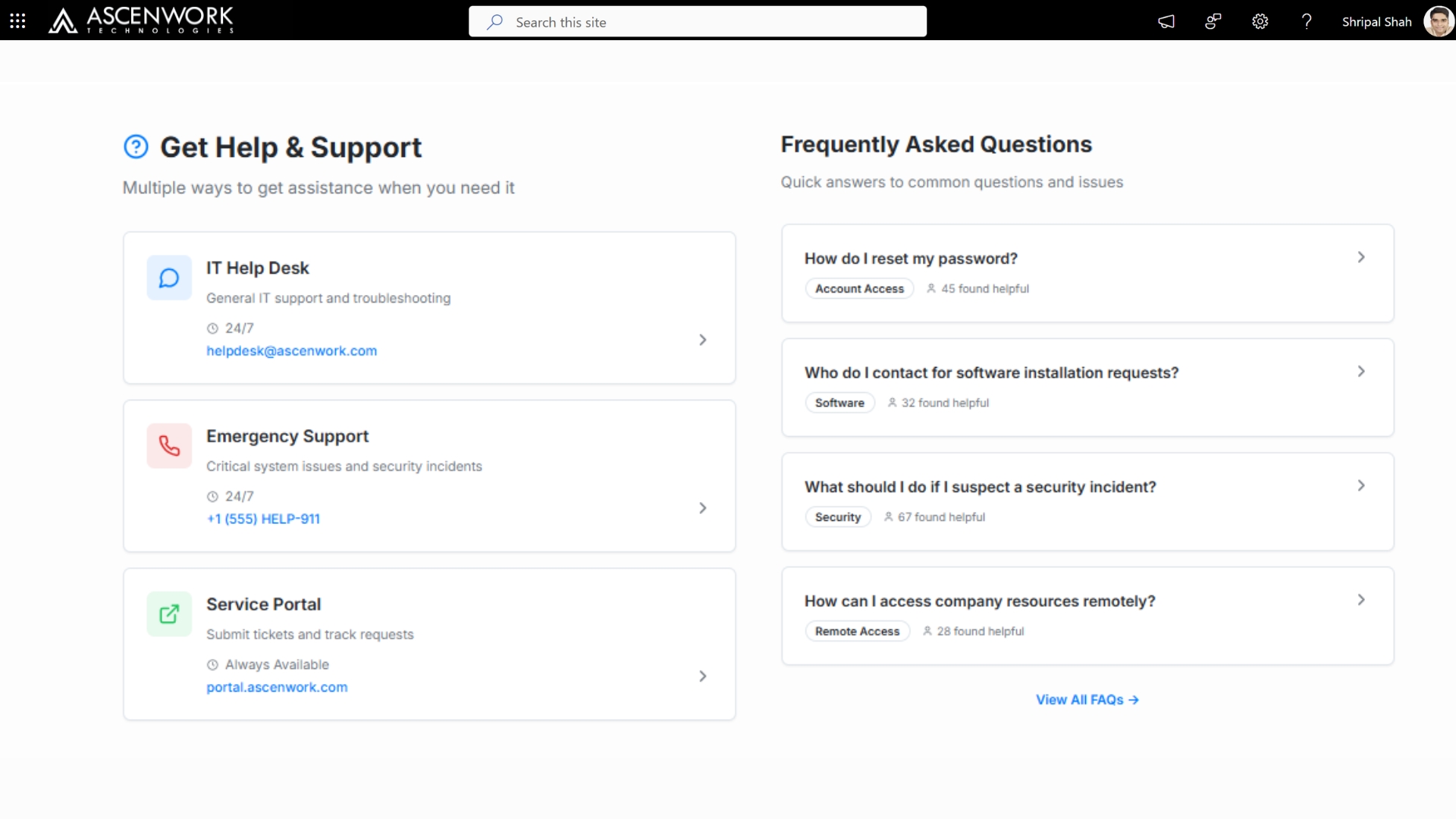
Looking for real SharePoint templates instead of recycled screenshots? This page brings together a practical SharePoint templates gallery with working layout ideas, intranet examples, and SharePoint list templates used by real teams. You’ll see ready-to-use SharePoint site templates, modern intranet designs, and practical list examples for HR, projects, documents, and day-to-day operations — all built for SharePoint Online and modern workplaces.
What you’ll find on this page
-
Real-world SharePoint template gallery
-
Practical SharePoint list templates
-
Intranet and DMS layouts
1. Intranet Homepage Templates
Used by:
- HR teams
- Internal communications
- leadership
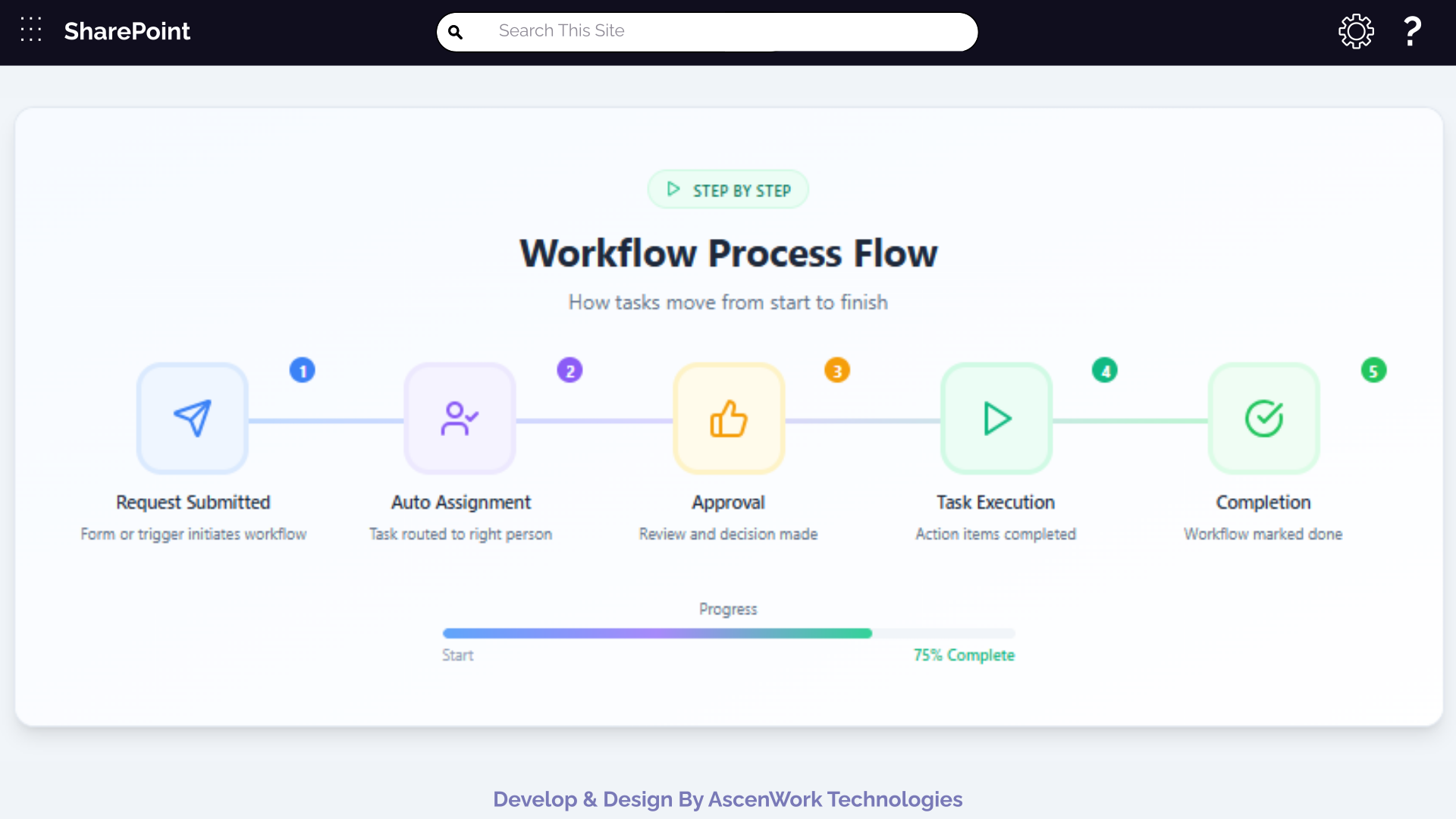
Homepage layouts designed for announcements, company news, quick links, events, employee resources Commonly used as the starting point for company intranets and communication sites.
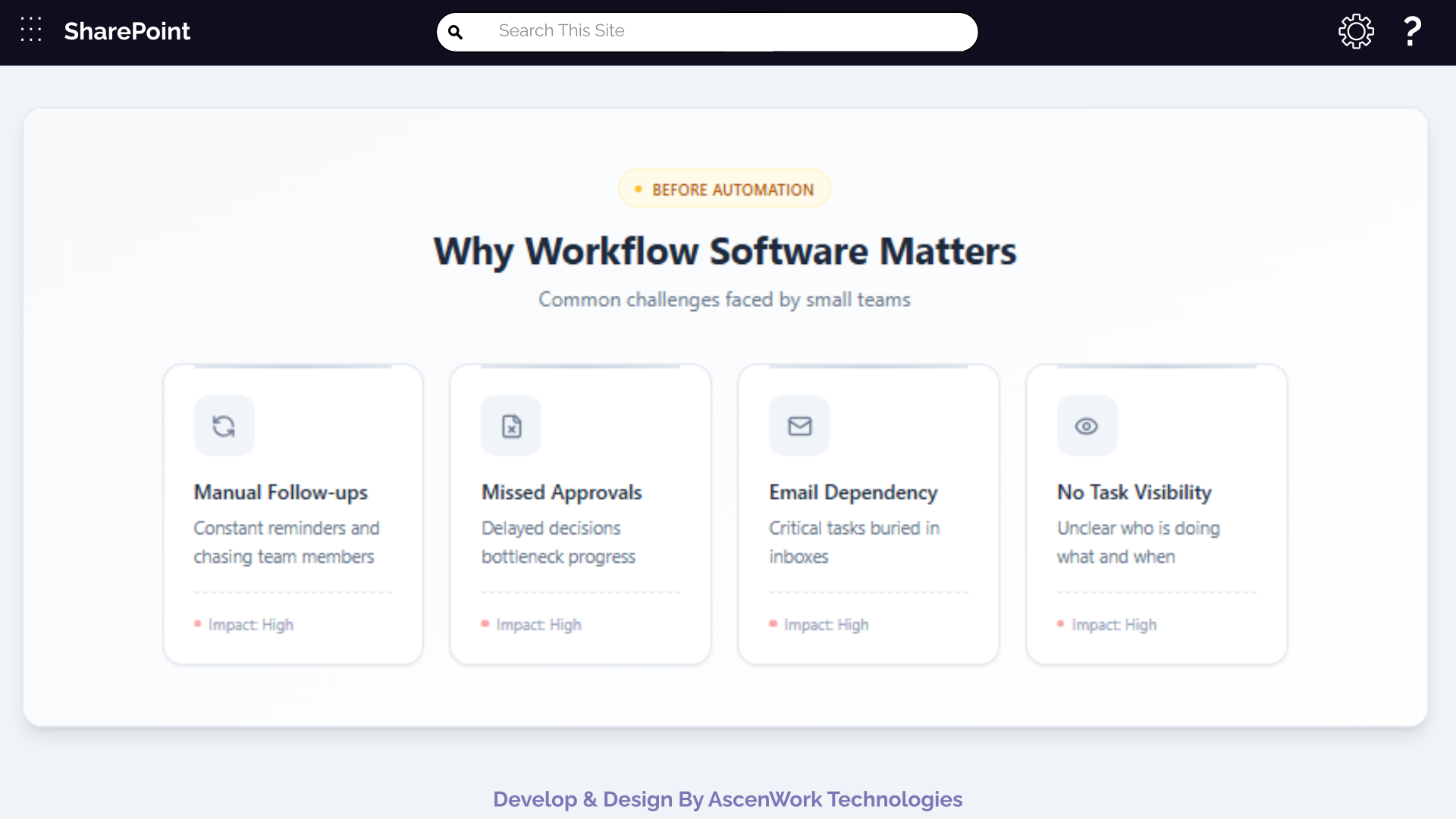
Want to see how an Intranet homepage looks with real data?
2. Department Site Templates
Used by:
- HR
- Finance
- Sales
- IT
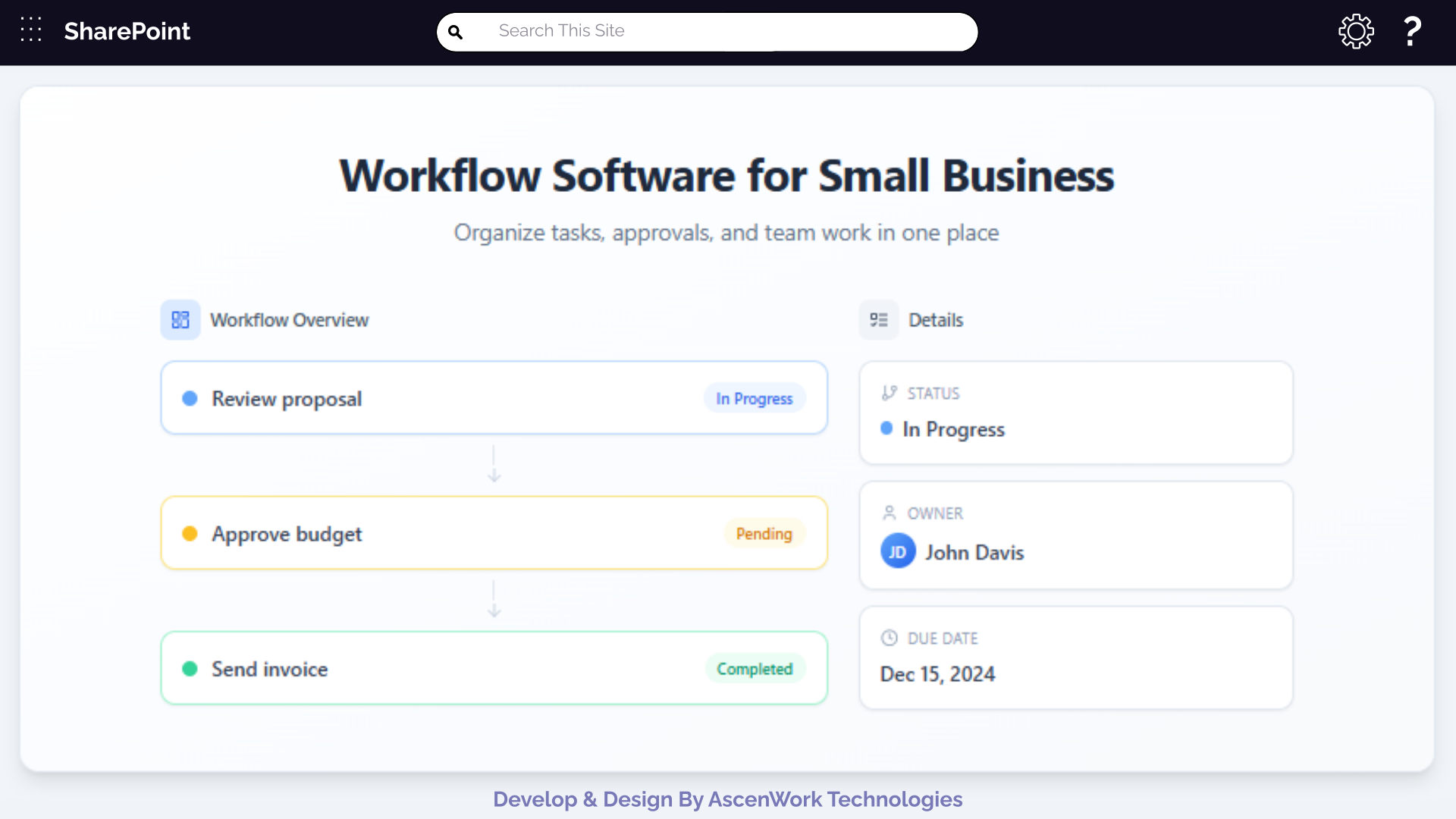
Department-specific SharePoint site templates with document libraries, trackers, dashboards, and role-based access. These help teams work independently without breaking overall structure.
3. Document Management Templates
Used by:
- Operations
- Legal
- Compliance teams
Structured document management templates with metadata, approvals, version history, and clear views — designed to reduce confusion and improve document control.
4. SharePoint List Templates
Used by:
- All business teams
Ready-to-use SharePoint list templates for approvals, assets, tickets, onboarding, internal requests, and tracking.
Need a Custom SharePoint Template Built for Your Business?
We design SharePoint templates that teams actually use — intranet portals, document management systems, dashboards, and custom sites.Have a question? check these answers.
The biggest SharePoint design trends for 2026 are AI-driven personalization (content that adapts per employee role), mobile-first intranet layouts, and fully branded communication sites that don’t look like default SharePoint templates. Most organizations are also adding employee-recognition widgets and smart search to reduce time spent finding information.
Yes, with custom themes, responsive design, and web parts, SharePoint can be styled like a modern corporate website.
They offer clean navigation, rich content layouts, and quick access to resources, boosting adoption and engagement.
No, many modern designs can be implemented with built-in features, though advanced customization may need SPFx development.
Absolutely, these designs help build collaborative intranets with employee directories, news hubs, and dashboards.
Yes, designs can be tailored for industries like finance, manufacturing, IT, or healthcare with role-specific features.
Custom colors, logos, and typography aligned with your corporate identity create a consistent brand experience.
Yes, visually appealing and user-friendly designs encourage employees to use the intranet more effectively.
Team sites focus on collaboration and document sharing, while communication sites highlight news and announcements.
Yes, AscenWork specializes in SharePoint intranet design and development tailored to your business needs.