How Microsoft Copilot and SharePoint Drive Employee Productivity
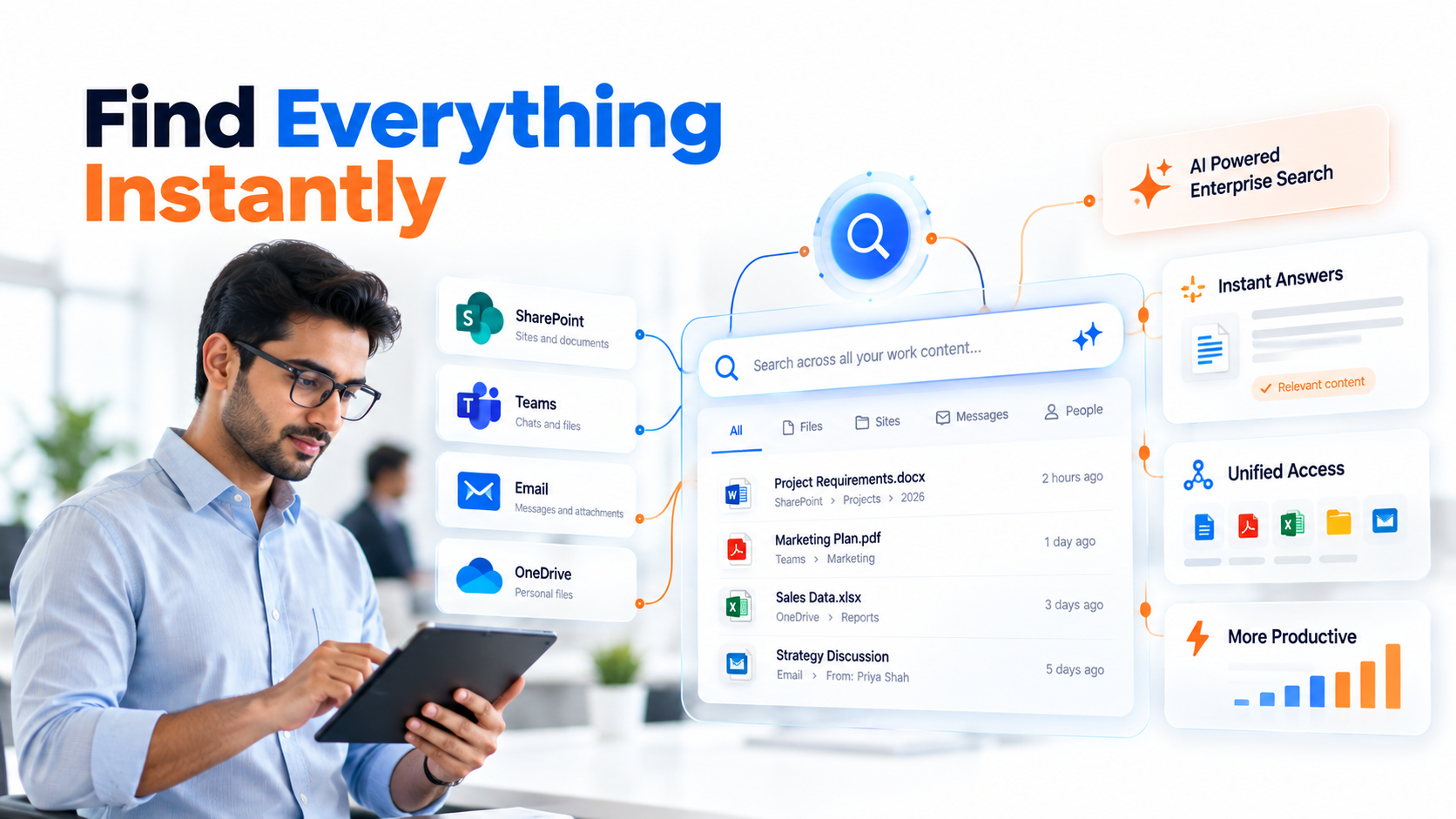
Microsoft Copilot employee productivity combines conversational AI with enterprise content platforms to eliminate information waste. Knowledge workers currently spend roughly 30% of their workday searching for data they already have access to, yet can’t locate quickly. When Copilot integrates deeply with SharePoint, it transforms that experience from a frustrating 10-minute hunt into a 10-second answer.
Key Takeaway
The right Microsoft Copilot integration cuts information discovery time dramatically, letting teams focus on decisions rather than documentation searches.
In This Article
- The Productivity Paradox in Modern Organizations
- Why This Matters Now for Distributed Workforces
- The Core Challenges Organizations Face
- The Solution: Microsoft Copilot as Your SharePoint Productivity Engine
- Why Leading Organizations Choose Copilot and SharePoint Integration
- Industry Applications and Real-World Use Cases
- How to Get Started: A Five-Step Implementation Path
- Frequently Asked Questions
The Productivity Paradox in Modern Organizations
Here’s the tension we see facing most mid-to-large enterprises today: teams invest heavily in collaboration platforms, intranets, and knowledge management systems. Yet paradoxically, employee productivity hasn’t accelerated at the pace those investments promised.
The problem isn’t the tools themselves. SharePoint, Microsoft Teams, and OneDrive are mature, stable platforms. The problem is fragmentation. Information sprawls across email, chat threads, document libraries, and organizational wikis with no unified way to surface the right answer at the right moment. Employees default to asking colleagues on instant message instead of searching, not because they’re lazy, but because keyword search returns 847 results when they need one clear answer.

This is where Microsoft Copilot changes the equation. By adding conversational AI reasoning on top of your existing SharePoint content, organizations unlock a fundamentally different discovery model. Copilot doesn’t just search; it understands context, synthesizes answers from multiple sources, and respects permission boundaries automatically.
Why This Matters Now for Distributed Workforces
The shift to hybrid and remote work has intensified information fragmentation. According to research from Gartner’s analysis of workplace collaboration, 67% of enterprises report difficulty surfacing the right knowledge at the right time, costing both hours of wasted time and missed strategic opportunities.
“Organizations spend an average of 1.5 hours per employee daily searching for information across dispersed systems and networks.”
IDC Workplace Productivity Study, 2023
For Indian enterprises scaling rapidly across multiple geographies and time zones, this challenge compounds. A Bangalore-based operations team, a Mumbai finance unit, and a Chennai customer success group all need access to the same policies, playbooks, and precedent. Without a unified AI-powered discovery layer, each team ends up building tribal knowledge separately, leading to inconsistent decisions and duplicated effort.
On top of that, new employee onboarding becomes friction-filled. A fresh hire in your Delhi office needs to understand organizational policies, approval workflows, and historical context. Without Microsoft Copilot integration, that knowledge lives in scattered email threads and archived SharePoint sites, making self-service impossible. Senior employees spend time answering questions that could be automated.
The Core Challenges Organizations Face
Before adopting Microsoft Copilot employee productivity solutions, recognize the specific friction points your organization likely experiences:
- Information Silos: Data spreads across SharePoint, Teams channels, OneDrive, email attachments, and legacy systems. Users don’t know where to look first.
- Search Friction: Keyword-based search requires exact terminology. Contextual understanding is absent. Users refine queries three or four times to find relevant documents.
- Slow Decision Velocity: Gathering input, data, and precedent for decisions takes days instead of hours. Executives wait for assistants to compile reports manually.
- Knowledge Transfer Bottlenecks: Institutional knowledge stays trapped in subject matter experts. When they leave, organizational memory walks out the door.
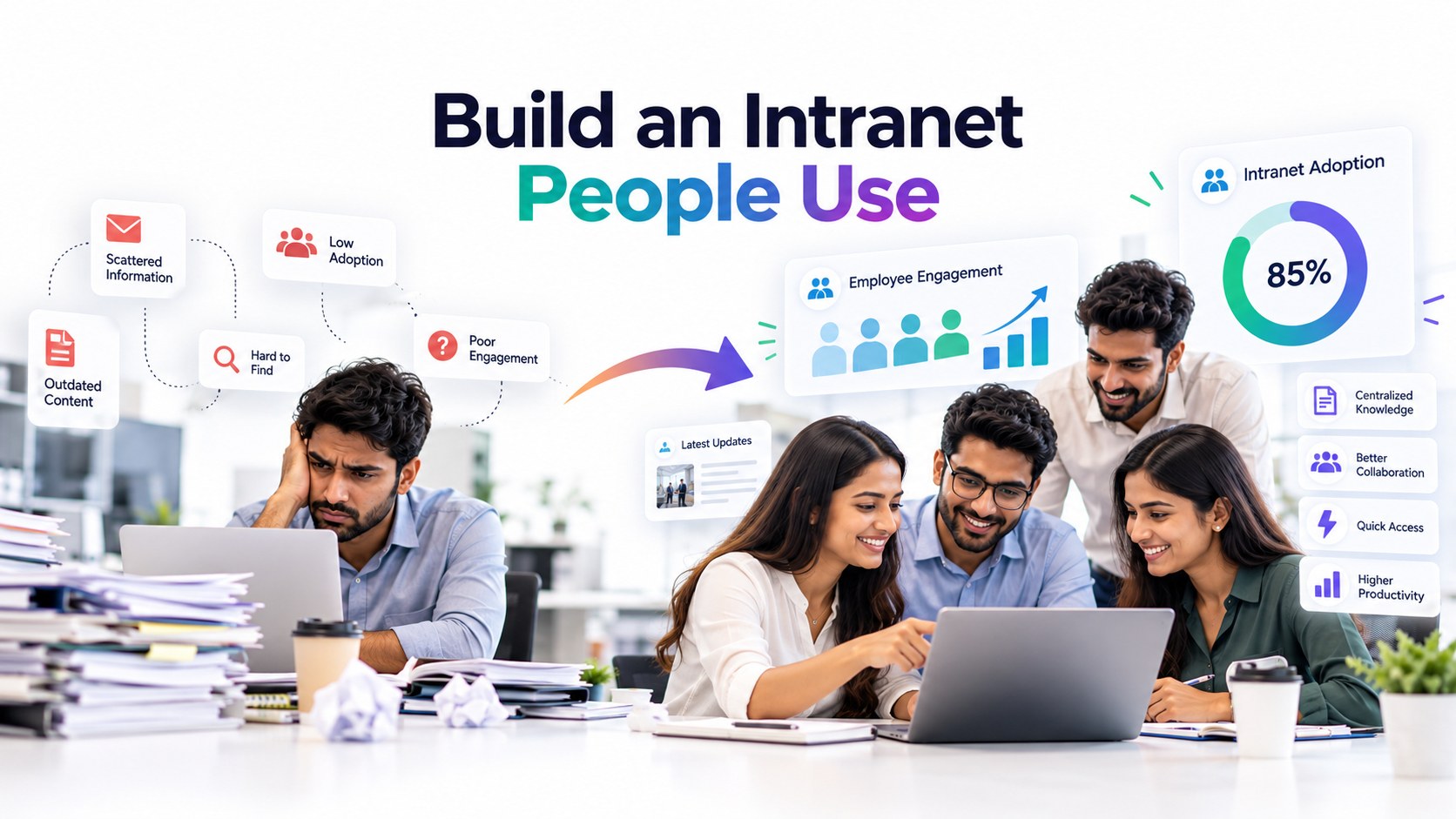
- Low SharePoint Adoption: Despite significant investment, intranet adoption rates stagnate. Teams revert to email and chat because the intranet is hard to navigate.
- Compliance Risks: Without structured content governance, outdated policies remain accessible alongside current ones, creating regulatory exposure.
The downstream consequence: wasted hours, delayed decisions, inconsistent execution, and employee frustration. Knowledge workers feel their time is spent hunting rather than thinking.
The Solution: Microsoft Copilot as Your SharePoint Productivity Engine
Microsoft Copilot employee productivity works because it adds a reasoning layer on top of SharePoint’s content foundation. Rather than replacing your intranet, Copilot amplifies it.
Here’s how the integration transforms the experience. Users ask natural language questions in conversational style: “What’s our policy on remote work approval for contractors?” or “Which vendors have we certified for supply chain resilience?” Copilot retrieves relevant documents from SharePoint, synthesizes the answer, and returns clear insight in seconds. The AI understands organizational context, it knows your department, your role, and your permission level, so it surfaces only information you’re authorized to see.
And here’s the thing, Copilot doesn’t just return documents. It connects patterns. If three different policies touch on the same compliance requirement, Copilot surfaces the connection. If a policy was updated last month but a related playbook wasn’t, Copilot flags the inconsistency. That’s the difference between search and reasoning.
Expert Perspective
Copilot is most effective when SharePoint governance is strong: clean metadata, clear information architecture, and current content. Without that foundation, even advanced AI struggles to distinguish signal from noise. The implementation sequence matters enormously, you can’t AI your way out of poor data quality.
This approach solves each pain point directly. Information silos dissolve when a single conversational interface spans your entire knowledge base. Friction-free discovery replaces Boolean search syntax. Decision velocity accelerates because relevant data synthesizes in real time. Onboarding becomes self-service when new hires can ask questions and get organizational context instantly.
When evaluating a partner for this work, prioritize teams with proven experience auditing and improving SharePoint metadata before Copilot deployment. The foundation matters more than the AI. Look for change management expertise too, technology adoption is 30% tools and 70% people. The best Copilot implementation fails without training, leadership alignment, and clear use case definition.
Why Leading Organizations Choose Copilot and SharePoint Integration
Organizations evaluating Microsoft Copilot employee productivity tools often compare this integrated approach against generic ChatGPT implementations, legacy SharePoint-only models, or point solutions from other vendors. Here’s how the Copilot plus SharePoint combination differentiates:
| Factor | Copilot + SharePoint | Generic ChatGPT + Manual Workflow | Legacy SharePoint Only |
|---|---|---|---|
| Data Security and Compliance | Organization-aware, permission-enforced, GDPR/SOC2 compliant by design | Generic multi-tenant risk, external data exposure, privacy concerns | No AI reasoning, manually intensive, vulnerable to outdated info |
| Contextual Understanding | Understands org structure, policies, user roles, and decision context | No organizational context, generic responses, requires manual context input | No reasoning layer, keyword search only, no synthesis capability |
| Workflow Integration | Native to Microsoft 365: Teams, Outlook, Word, Excel, surfaces insight where work happens | Requires manual copy-paste, separate chat window, breaks workflow continuity | Requires separate search interface, disconnected from daily tools |
| ROI Model | Amplifies existing SharePoint investment, single platform, lower TCO | Multiple tool subscriptions, integration overhead, training complexity | Stagnant adoption, high friction, unrealized platform value |
Three factors drive this differentiation. First, enterprise-grade security: Copilot operates within Microsoft 365’s compliance perimeter, meaning no external data leakage, no multi-tenant risk, and automatic enforcement of your access controls. Second, seamless workflow integration: insights surface in Teams, Outlook, and Word, where knowledge workers already spend their day, rather than forcing a context switch to a separate chatbot. Third, ROI built on existing investment: you’re amplifying SharePoint’s value, not ripping it out and starting over.
This matters significantly for Indian enterprises managing sensitive data across distributed teams. Compliance requirements around data residency, encryption, and access controls aren’t negotiable. A Copilot integration native to Microsoft 365 India data centers meets those requirements by design. External AI services often require data residency negotiations, adding complexity and cost.
Industry Applications and Real-World Use Cases
Financial Services and Banking
Loan officers need instant access to compliance policies, customer history, and precedent during client conversations. Microsoft Copilot employee productivity cuts a 15-minute research delay into a 90-second synthesis. “Summarize our policy for this customer profile and flag recent compliance updates” returns verified guidance immediately. Underwriting accelerates, compliance gaps shrink, and customer experience improves measurably.
Manufacturing and Supply Chain
Operations teams manage production schedules, vendor compliance, and logistics constraints. Knowledge about supplier certifications, safety records, and capacity often lives in email and spreadsheets. With Copilot, “Which vendors meet our sustainability standards for this component?” returns current vendor intelligence linked to compliance documentation. Schedule changes that previously cascaded delays now resolve with clear visibility.
Healthcare and Life Sciences
Clinicians need current protocols, training materials, and regulatory guidance instantly. Outdated protocol references create patient safety risks. Copilot enables “Show me the latest protocol for this condition and flag safety considerations,” surfacing verified, current guidance automatically. Protocol adoption accelerates and clinical consistency improves across practice locations.
Retail and E-Commerce
Multi-city retail teams need synchronized information about product promotions, inventory policies, and competitive context. Regional inconsistency previously arose because teams relied on email threads and WhatsApp instead of a single source of truth. Copilot resolves this: “What’s the current promotion for this SKU and inventory status across regions?” delivers one clear answer instantly. Consistent customer experience follows, and regional confusion disappears.
How to Get Started: A Five-Step Implementation Path
Organizations moving toward Microsoft Copilot employee productivity should follow a structured approach. This path avoids common pitfalls and ensures your foundation is ready for AI reasoning.
- Audit and Assess: Evaluate your current SharePoint structure, content freshness, and metadata practices. Identify high-impact use cases where Copilot could unblock your highest-value teams. Assess data governance readiness and security posture to ensure compliance alignment. Outcome: clear roadmap with defined success metrics tied to business outcomes.
- Prepare the Foundation: Improve SharePoint information architecture with clear taxonomy, consistent naming conventions, and accurate metadata tagging. Conduct a content health review and retire outdated information that could confuse Copilot responses. Define permission models so the AI enforces your access controls automatically. Outcome: SharePoint optimized for AI reasoning and accuracy.
- Plan and Design Copilot Strategy: Identify pilot teams and specific use cases, such as a department or function where impact will be visible quickly. Define which data sources Copilot should access and how to monitor accuracy and adoption. Plan feedback loops so you can iterate based on real-world usage patterns. Outcome: clear deployment blueprint ready for controlled rollout.
- Pilot and Learn: Deploy Copilot to your pilot group and measure adoption rates, response accuracy, and user satisfaction. Gather detailed feedback and refine both your SharePoint structure and Copilot configuration based on insights. Build an internal champion community that socializes best practices and answers peer questions. Outcome: proof of concept with scaled playbook for broader rollout.
- Scale and Optimize: Expand Copilot access to broader user populations and integrate it into standard workflows like Teams daily standups or Outlook email composition. Monitor usage analytics continuously. Refine content governance based on real-world patterns. Establish a continuous improvement mindset. Outcome: organization-wide productivity uplift and sustained competitive advantage.

Frequently Asked Questions
How long does a Microsoft Copilot and SharePoint integration typically take?
Timeline depends on your starting point. Organizations with mature SharePoint governance and clean data move faster than those managing legacy intranet architecture and inconsistent metadata. Rather than provide a specific duration, focus on the quality of your foundation first. A thorough assessment phase ensures realistic planning aligned with your actual readiness level. Reach out to discuss your current state and we’ll map a realistic path forward.
Does Copilot work with our existing SharePoint content, or do we need to rebuild?
Copilot works with your existing content, but effectiveness depends on quality. If your SharePoint contains well-organized, clearly tagged, and current information, Copilot performs excellently immediately. If content is disorganized or outdated, Copilot inherits those problems. The right approach is to audit your foundation, clean what matters most, and roll Copilot out alongside ongoing governance improvements. You don’t rebuild, you optimize strategically.
How does Copilot handle permissions and sensitive data?
Copilot is permission-aware by design. It understands which documents, sites, and information each user can access, then synthesizes responses using only authorized content. This is fundamental to how Copilot integrates with Microsoft 365, not an add-on. You don’t need separate security layers, permission enforcement is built in. Your confidential information stays confidential.
What happens if Copilot gives an incorrect or outdated answer?
This is where governance matters. If your SharePoint contains conflicting versions of a policy or outdated procedures alongside current ones, Copilot can return inconsistent guidance. The solution isn’t better AI, it’s better content governance. Establish a single source of truth for each type of information, retire obsolete content explicitly, and version your policies clearly. Monitoring tools then alert you when Copilot accuracy dips, prompting governance review.
Can we pilot Copilot with just one team, or does it require organization-wide rollout?
Pilot deployments are not only possible but recommended. Start with a team that has a clear, high-impact use case and access to well-organized SharePoint content. Use that pilot to refine processes, build internal expertise, and gather feedback before expanding. Pilots also surface governance gaps early, when they’re easier to fix. Your pilot team becomes your champion network for broader adoption.
Ready to Transform Employee Productivity?
Microsoft Copilot employee productivity transforms how teams access knowledge and make decisions, but success depends on the right strategy and implementation partner. Let’s assess your organization’s readiness and design a path that maximizes ROI on your existing Microsoft 365 investment.