3 Common Document Management Pitfalls and How We Fix Them
Document management SharePoint systems fail not because the technology is weak, but because organizations underestimate the governance, change management, and architectural discipline required to make them work. Across enterprises worldwide, document management pitfalls cost organizations millions in lost productivity, compliance violations, and security breaches, yet most CIOs don’t realize the root causes stem from preventable system design flaws.
Key Takeaway
The difference between a thriving document management system and a failing one often comes down to governance, user adoption, and information architecture, not the platform itself. Microsoft 365 and SharePoint provide the framework, but success depends on clear policies, training, and continuous optimization.
In This Article
- Why Document Management System Issues Matter to Your Enterprise
- 3 Common Document Management Pitfalls Enterprises Face
- How SharePoint and Microsoft 365 Fix These Problems
- SharePoint vs. Legacy Document Management Solutions
- Document Management System Use Cases Across Industries
- How to Get Started: 5 Steps to Evaluate Your DMS
- Frequently Asked Questions About Document Management
Why Document Management System Issues Matter to Your Enterprise
Enterprise data sprawl is accelerating. Organizations today store documents across email inboxes, shared drives, cloud storage, legacy file management systems, and shadow IT tools. It’s a visibility nightmare and a compliance disaster waiting to happen.
“75% of enterprises lack visibility into where their sensitive data is stored, and 62% have experienced a data breach or security incident in the past year due to poor document governance.”
Gartner 2024 Data Governance Study
When document management falls apart, three systemic problems emerge. First, data silos multiply. Files exist in multiple versions across multiple locations, creating confusion about which version is current and who should have access. Second, compliance and audit trails evaporate. Without native version control, retention enforcement, and activity logging, enterprises struggle to meet regulatory requirements. Discovery during litigation becomes a costly nightmare. Third, user adoption collapses. If your document management system feels disconnected from daily workflows or harder to use than email and local drives, teams bypass it entirely. Sound familiar?
The hidden cost compounds fast. Duplicate data wastes storage and increases security surface area. Version confusion leads to rework and decision delays. Non-compliance exposes the organization to regulatory fines and litigation risk. Poor user adoption means shadow IT flourishes, employees create parallel systems to get work done, fragmenting governance further.
Here’s the question CIOs need to ask themselves: does your current document management architecture address these root causes, or does it perpetuate them?

3 Common Document Management Pitfalls Enterprises Face
Most document management failures trace back to three preventable mistakes. Understanding these pitfalls helps you assess whether your current system, or a prospective one, can genuinely solve your governance challenges.
Pitfall 1: Data Silos and No Single Source of Truth
Files scatter across multiple repositories. Active documents live in shared drives and Teams; historical records sit in email archives; contract originals hide in a partner’s cloud. Teams spend hours searching for the current version. Duplicate files accumulate. Nobody can confidently say which document is authoritative.
This fragmentation wrecks compliance. Auditors demand proof that a document was approved, modified, or retained according to policy. But if the document exists in three places with different timestamps, the audit trail collapses. On top of that, security teams lose visibility. Shadow IT accelerates because users create workarounds rather than navigate fragmented systems.
Pitfall 2: Weak Access Control and Permission Sprawl
Legacy file systems rely on NTFS-based folder permissions, which are difficult to audit and enforce consistently. Over time, permissions become overly permissive. People leave teams but retain access. Contractors, vendors, and departed employees linger in access lists. New hires inherit bloated permission sets from predecessors.
The consequence is insider risk and compliance failure. When auditors ask “who accessed this sensitive document in the past year?”, the answer is often unclear. Document management systems without granular, auditable access control can’t meet GDPR, HIPAA, SOX, or other regulatory standards. Worth noting: over-permissive access increases the blast radius of any security incident.
Pitfall 3: Poor User Adoption Due to Friction and Disconnection from Daily Workflows
Many enterprise document management systems demand users learn a separate interface, navigate unintuitive menus, and abandon their familiar Office tools. When the DMS feels like a chore rather than a helper, adoption stalls. Users revert to email, local drives, and USB sticks instead.
The result is predictable: the governance framework the CIO implemented sits idle while work happens elsewhere. Compliance policies go unenforced. Security visibility disappears. The DMS becomes a graveyard of archived documents, and the organization’s actual working documents remain unmanaged.
How SharePoint and Microsoft 365 Fix These Problems
Document management SharePoint implementations succeed because they’re built into the tools teams already use daily: Office, Teams, OneDrive. Rather than bolting on a separate system, you’re integrating with what people already know. This integration eliminates friction and dramatically improves adoption rates compared to standalone document management platforms.
Expert Perspective
In our work with enterprise clients, we’ve observed that the organizations with the highest DMS adoption rates share one trait: their document management system integrates seamlessly with daily workflows. SharePoint’s native integration with Teams, OneDrive, and Office applications removes the need for parallel systems, cutting complexity and training burden significantly.
Here’s how Microsoft 365 addresses each pitfall:
Unified Data Architecture. SharePoint combined with OneDrive and Teams creates a single, coherent information architecture. Active documents live in SharePoint libraries or Teams file storage; historical records are retained in archive locations; and access is consistent and auditable across all repositories. Users don’t navigate five different systems, they work in Teams and Office. All documents are governed through a single retention and access control framework.
Granular, Auditable Access Control. Azure Active Directory (Azure AD) powers identity and access management across Microsoft 365. Permissions are assigned at the library, folder, or item level, and every access event is logged. Sensitivity labels automatically apply retention policies, data loss prevention (DLP) rules, and encryption based on document classification. When compliance teams ask “who accessed this document?”, the audit trail is complete and defensible.
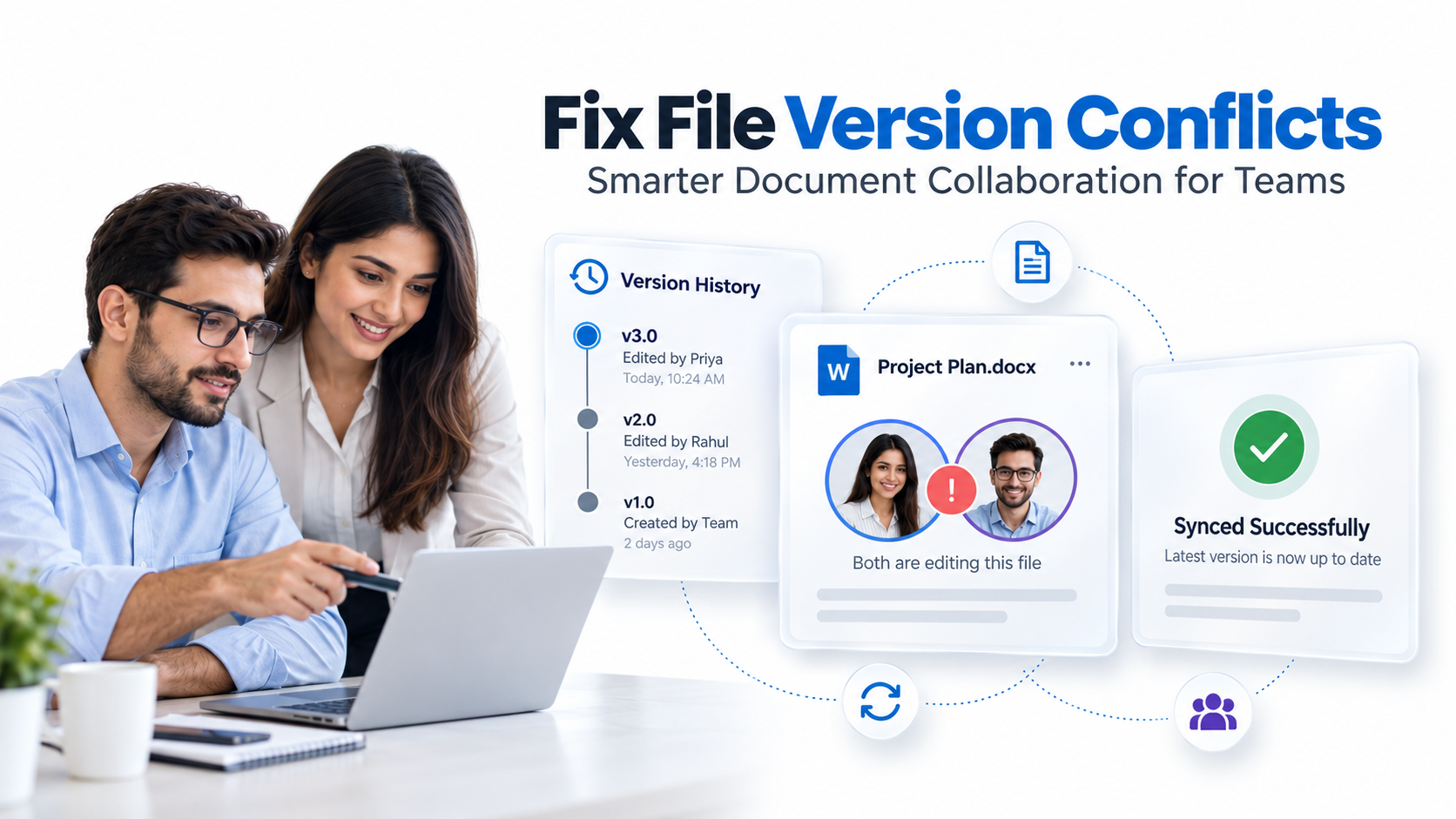
Native Collaboration and Version Control. Co-authoring in Word, Excel, and PowerPoint is built into SharePoint. Multiple users edit simultaneously, versions are tracked automatically, and comments create a non-destructive audit trail. Teams integrates with SharePoint file storage, so documents live in one place and conversations stay linked to the files they reference. The result is far superior to email attachment workflows or manual versioning.
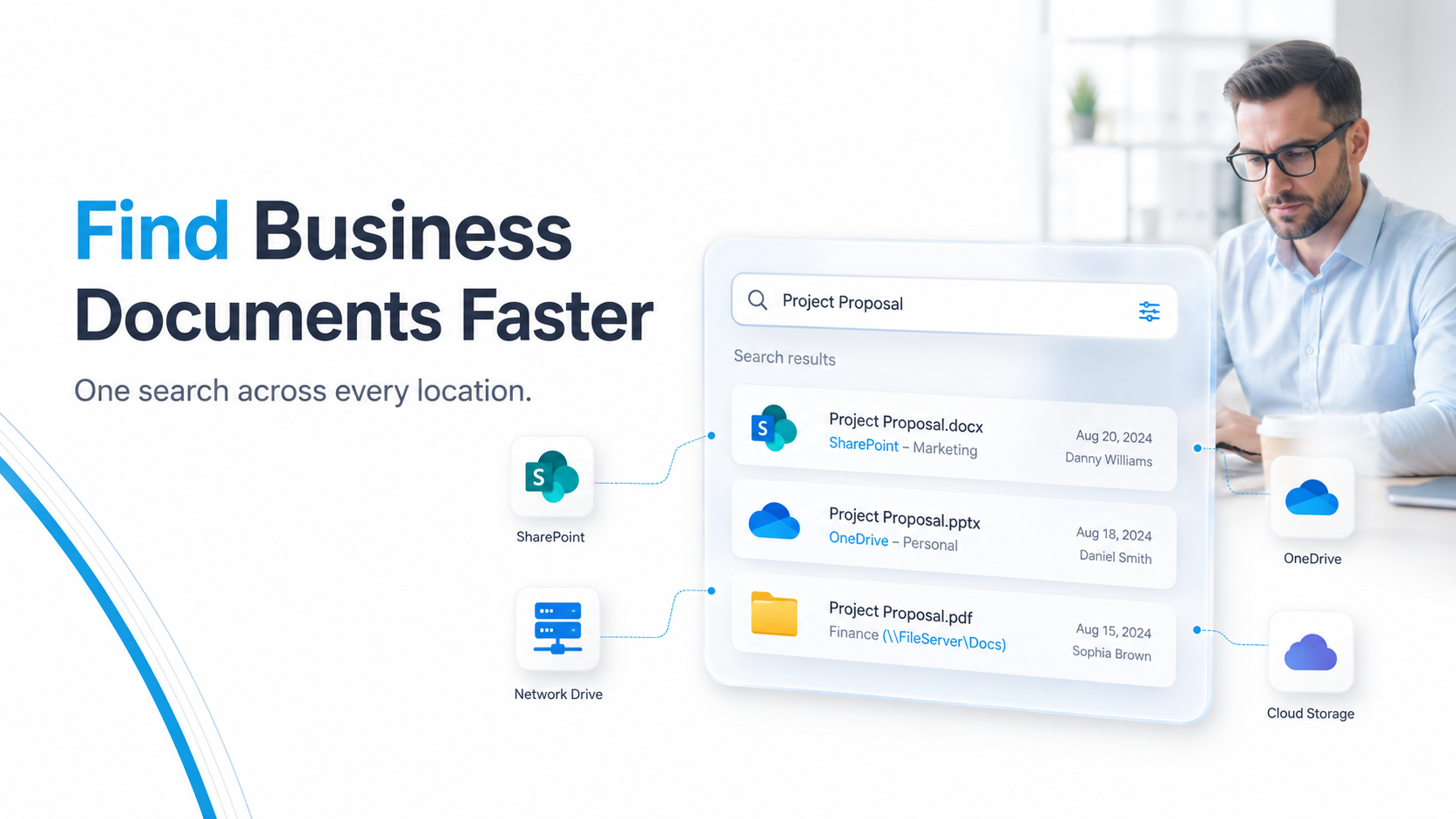
Intelligent Search and Metadata. SharePoint’s metadata taxonomy and content types enforce consistent tagging. Intelligent search surfaces documents based on content, metadata, and context, not just filename matching. If governance is properly designed upfront, users find what they need without endless folder drilling or calling colleagues for file locations.
Compliance-by-Design Governance. Retention labels, eDiscovery holds, and Data Loss Prevention (DLP) rules are native to SharePoint and enforced automatically. A document marked “confidential” can be encrypted, restricted from external sharing, and automatically deleted after its retention period expires, without manual intervention. This approach scales compliance across the enterprise and reduces human error.
SharePoint vs. Legacy Document Management Solutions
When evaluating document management systems, consider how different architectures handle the three core challenges we discussed.
| Factor | SharePoint + Microsoft 365 | Legacy On-Premises DMS | Third-Party Cloud DMS |
|---|---|---|---|
| Integration with Office Apps | Native; seamless co-authoring and file linking | Limited; requires custom connectors and plug-ins | Partial; often depends on third-party APIs or extensions |
| Compliance and Audit Trail | Built-in (retention labels, DLP, eDiscovery, full logging) | Manual configuration; audit trails often incomplete or non-exportable | Varies; some solutions strong, others require add-ons at extra cost |
| User Adoption Speed | High; familiar Office interface; minimal training friction | Low; steep learning curve; requires specialized training and change management | Medium; depends on UX design; often requires learning a new interface |
| Scalability and Global Reach | Global cloud infrastructure; scales on-demand with organizational growth | High capital expense; on-premises capacity constraints; limited geographic distribution | Cloud-based; scales well but may have data residency limitations or variable performance |
| Identity and Access Security | Azure AD integration; conditional access, MFA, passwordless authentication | Legacy authentication methods; harder to audit and enforce modern security standards | Cloud-native security; variable standards depending on vendor maturity |
SharePoint doesn’t win on every dimension for every organization. Purpose-built DMS solutions may offer specialized features like advanced optical character recognition (OCR), workflow automation for legal matter management, or industry-specific templates. However, for organizations already committed to Microsoft 365, the integration advantage, governance maturity, and user adoption rate of SharePoint outweigh the features of standalone systems in most cases.
And here’s the thing most vendors won’t tell you: when you factor in the cost of custom integrations, parallel system maintenance, and training overhead for legacy DMS platforms, the total cost of ownership typically favors SharePoint. Organizations that have migrated from legacy DMS to SharePoint report higher adoption rates and faster time to compliance value realization.

Document Management System Use Cases Across Industries
Document governance challenges differ by industry. Here’s how document management SharePoint addresses specific compliance and workflow requirements across key sectors.
Financial Services and Banking
Financial institutions face multi-layered regulatory requirements: SOX (Sarbanes-Oxley), AML (anti-money laundering), regulatory reporting, and internal audit trails. Documents must be retained for defined periods, access must be auditable, and records of modification can’t be altered retroactively. SharePoint’s retention labels and immutable audit logs ensure that financial records meet these requirements. When regulators audit, the organization can export a defensible record of what was stored, who accessed it, and when it was deleted.
Healthcare and Life Sciences
HIPAA compliance requires that patient records be encrypted, access restricted to authorized personnel, and audit trails maintained for all interactions with protected health information (PHI). SharePoint’s sensitivity labels automatically encrypt documents marked as PHI. DLP rules prevent accidental external sharing. Azure AD ensures that only clinicians with valid business need can access patient files. For healthcare organizations transitioning from paper or legacy EHR file systems, SharePoint provides the governance infrastructure to manage the compliance and security burden.
Legal Services and Professional Firms
Law firms and corporate legal teams manage attorney work product, client confidentiality, and matter-specific retention holds. SharePoint’s granular permission model ensures that case files are accessible only to authorized attorneys and paralegals. Retention holds prevent accidental deletion of litigation-sensitive documents. When a matter closes, automated workflows archive relevant documents and apply retention policies. This approach reduces the manual burden of matter management and mitigates the risk of inadvertent disclosure.
Manufacturing and Engineering
Manufacturing organizations manage engineering drawings, change orders, supplier documentation, and compliance certifications. Document versioning is critical, an outdated specification could lead to production errors or safety failures. SharePoint’s version control and metadata (e.g., “approved by quality,” “revision 3.2,” “effective date”) ensure that shop floor teams always access the correct version. Integration with Power Automate enables approval workflows, so engineers confirm sign-off before a new drawing takes effect.
How to Get Started: 5 Steps to Evaluate Your DMS
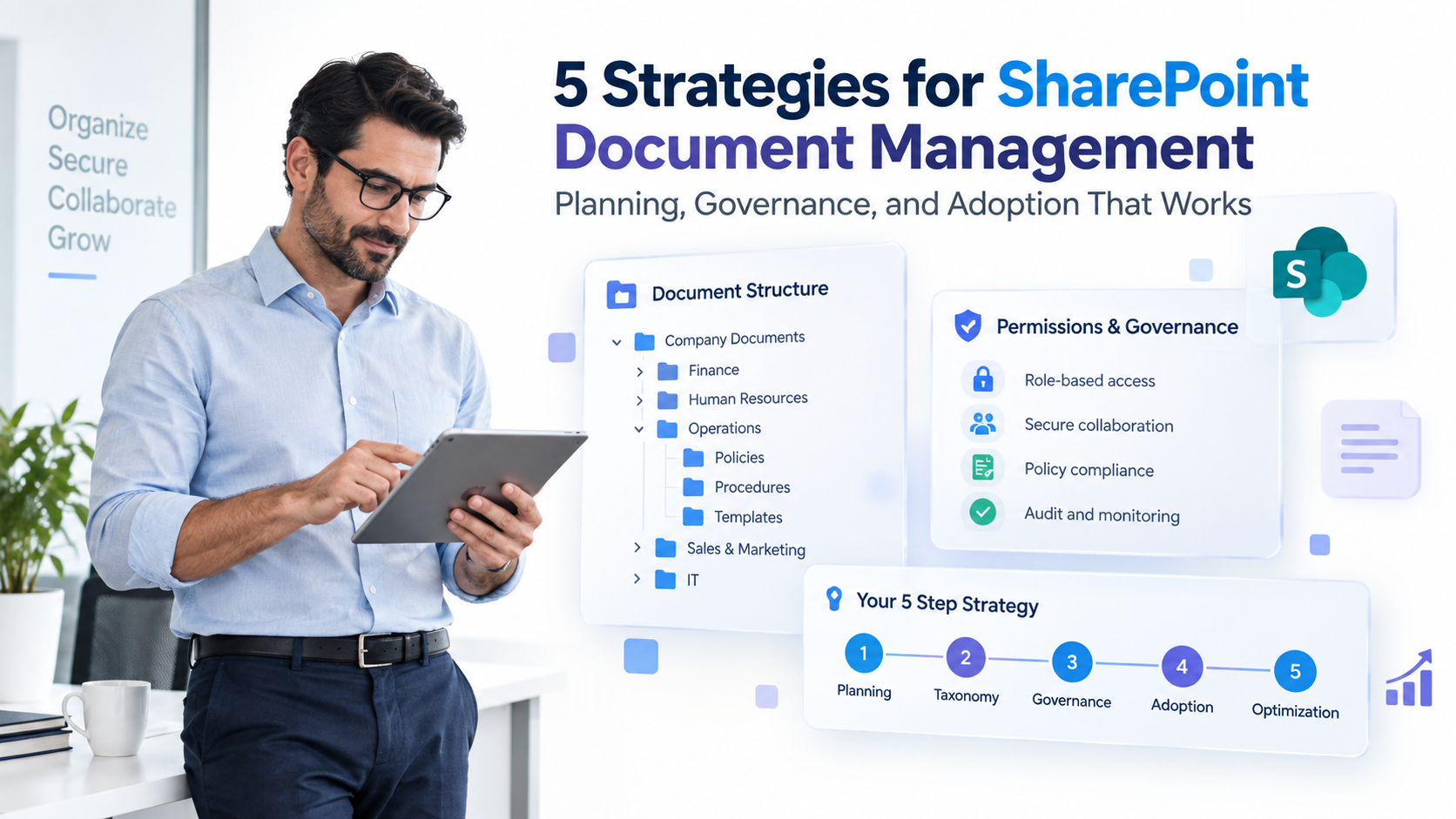
Transforming your document management architecture isn’t a quick fix, it’s a structured journey. Here’s how to begin.
- Audit your current state. Map where documents currently live (shared drives, email, cloud storage, legacy DMS). Document the access control model. Identify compliance gaps. Quantify the pain points: search time lost, version confusion incidents, audit failures. Outcome: a baseline understanding of your information architecture and governance maturity.
- Define your information architecture and governance model. In collaboration with business stakeholders and compliance teams, establish a metadata taxonomy, content types, retention schedules, and sensitivity classifications. This step is critical. Technology can’t enforce governance that hasn’t been defined. Outcome: a governance blueprint that technology will enforce, not a tool that you hope will impose governance.
- Evaluate technology fit and implementation approach. Assess whether your current DMS or SharePoint can enforce your governance model. Consider your organization’s Microsoft 365 maturity, skill level, and change readiness. If you’re already committed to Microsoft 365, SharePoint integration often reduces complexity compared to a standalone system. Outcome: a clear decision on whether to modernize within your current platform or migrate to SharePoint.
- Plan migration, governance rollout, and change management. Develop a phased approach: pilot with a single business unit or document type, validate governance policies in a controlled environment, then roll out to broader teams. Invest heavily in training and communication. The governance model only works if users understand and adopt it. Outcome: a structured migration and adoption roadmap that builds organizational muscle over time rather than overwhelming teams with sudden change.
- Monitor, measure, and continuously optimize. Track adoption metrics (% of documents in SharePoint, search success rate, permission audit completion), compliance metrics (retention policy violations, eDiscovery time to resolution), and user satisfaction. Use feedback to refine governance policies and search taxonomy. Document management isn’t a “set and forget” project, it requires ongoing stewardship. Outcome: sustained value realization and a culture of information governance.
Frequently Asked Questions About Document Management
What is the most common reason a document management system implementation fails?
Poor governance and change management, not the platform itself. Even the best technology, including SharePoint, fails if users aren’t trained, processes aren’t enforced, and leadership doesn’t model adoption. Governance must precede technology. Organizations that succeed in DMS transformation invest heavily in defining roles, policies, and workflows before implementing the system.
How does SharePoint compare to purpose-built document management solutions?
SharePoint excels at integration with Office 365, governance at enterprise scale, and user adoption due to its familiar interface. Purpose-built DMS solutions may offer specialized features (e.g., advanced OCR, legal matter management templates, industry-specific workflows). The right choice depends on your existing ecosystem, compliance requirements, and team skill level. For organizations already using Microsoft 365, SharePoint reduces complexity and cost compared to maintaining a parallel system.
Can SharePoint really meet our regulatory compliance requirements?
Yes. SharePoint’s retention labels, holds, eDiscovery capabilities, DLP rules, and immutable audit logs meet GDPR, HIPAA, SOX, and other regulatory standards, provided governance policies are correctly configured and monitored. Compliance isn’t automatic, it requires upfront definition of retention schedules, sensitivity classifications, and access controls. When done properly, SharePoint enforces compliance at scale without manual effort.
How do we prevent users from circumventing our document management system?
Make the DMS easy to use by integrating it with Teams, OneDrive, and Office. Users shouldn’t have to switch contexts to file a document. Enforce it through technical controls like conditional access and DLP rules. Communicate the business value and compliance risk so teams understand why governance matters. User adoption is as much about process design and culture as it is about technical controls.
What happens to our legacy documents when we migrate to a new document management system?
A phased migration approach preserves historical documents in archive storage (accessible but read-only) while active documents are reorganized in SharePoint. Proper metadata enrichment and taxonomy make legacy content discoverable. The key is not to rush the migration or attempt to clean and restructure every document upfront, that’s a project killer. Instead, migrate in waves, starting with active working documents, and archive older content as-is for historical reference.
Transform Your Document Management with Expert Governance and Microsoft 365
Document management SharePoint success is achievable, but it requires more than licensing the platform. It demands clear governance, phased implementation, change management discipline, and ongoing optimization. When organizations address these fundamentals, the integration, compliance capability, and user adoption advantages of SharePoint deliver measurable value.
Whether you’re evaluating SharePoint for the first time, migrating from a legacy DMS, or optimizing an existing implementation, the challenge is the same: align technology with governance, users, and business outcomes. That’s where specialized expertise makes the difference.
For CIOs and IT leaders managing this transformation, consider engaging partners who understand both the governance frameworks you need to enforce and the technical depth of SharePoint configuration required to sustain them. When do you need SharePoint consulting for workflow automation? is a detailed guide for assessing your readiness. Additionally, our guide on how to leverage document management systems to ensure compliance without compromising efficiency walks through the governance-first mindset that drives success.
The organizations winning at document governance aren’t the ones with the shiniest platform. They’re the ones with clear policies, strong user adoption, and partners who understand both the business and technical dimensions of transformation.
Ready to Fix Your Document Management?
We help enterprises architect SharePoint governance models that drive adoption, enforce compliance, and eliminate data silos. Our approach combines governance strategy with hands-on implementation, so your document management system becomes a competitive advantage, not a cost center.