Essential SharePoint Features for Effective Document Management
Document management in SharePoint has become central to how enterprise organizations govern, secure, and scale their unstructured data. Without intentional architecture, companies waste hundreds of hours annually searching for documents, face compliance risk from inconsistent retention practices, and struggle to maintain version control across departments. This guide walks CIOs through the core SharePoint features that underpin modern document management best practices so you can evaluate whether native capabilities align with your governance roadmap before investing in additional tools or vendors.
Key Takeaway
SharePoint’s native document management capabilities, when implemented with intentional governance, reduce compliance risk, improve knowledge access, and lower the total cost of ownership compared to standalone DMS platforms.
In This Article
- Why Document Management Matters in Modern Enterprises
- The State of Enterprise Document Management Today
- Core Challenges in Document Management That SharePoint Addresses
- SharePoint’s Core Document Management Features
- SharePoint vs. Standalone DMS Solutions: When SharePoint Fits
- Industry Applications: How Different Sectors Use SharePoint
- Implementing Effective Document Management in SharePoint
- Frequently Asked Questions
Why Document Management Matters in Modern Enterprises
Enterprise organizations manage terabytes of unstructured data annually. Without a cohesive document management strategy in place, CIOs face rising regulatory fines, eroded user adoption, and operational inefficiency that compounds year over year. Sound familiar?
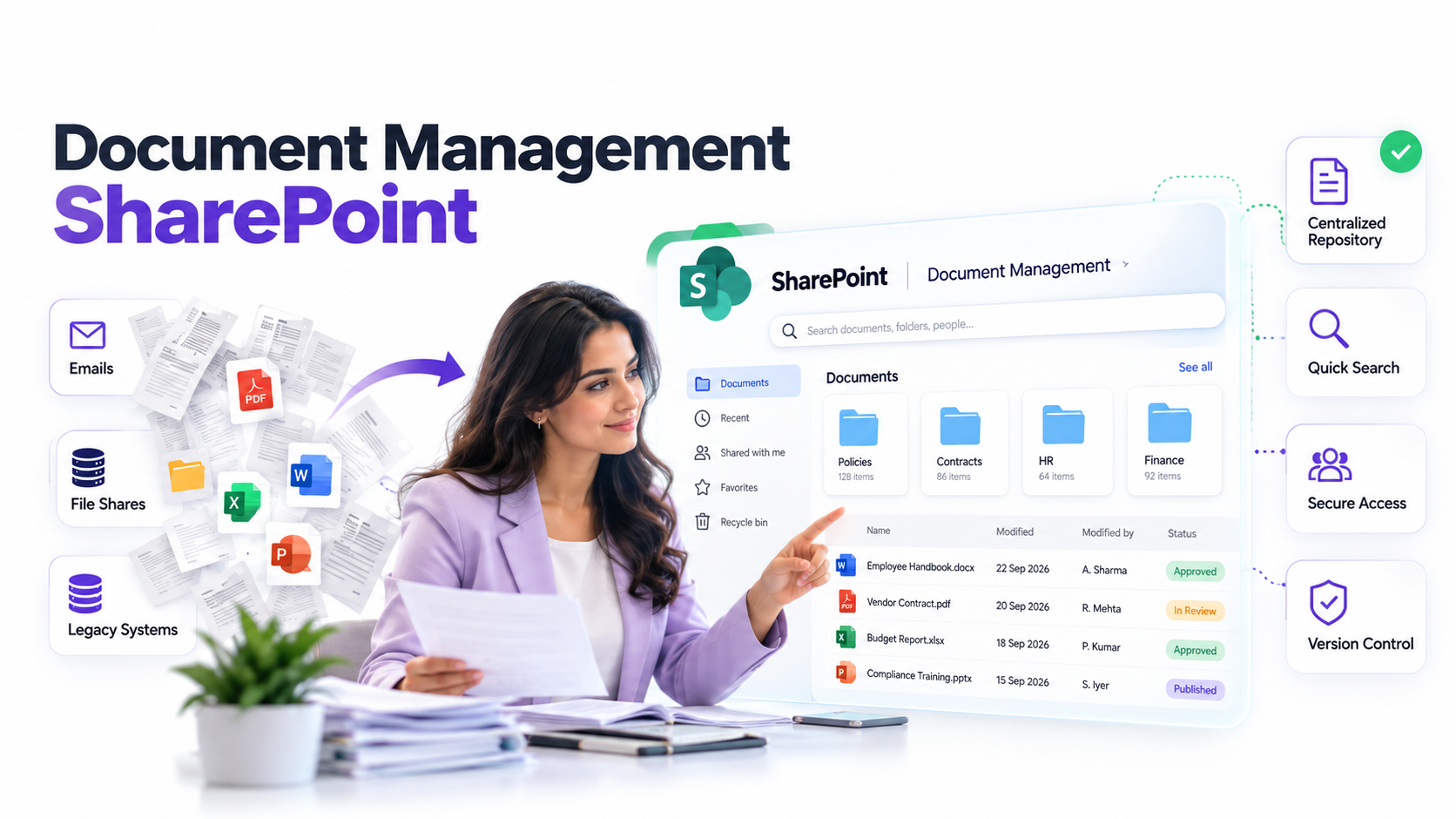
The problem isn’t just volume. It’s visibility. When documents scatter across shared drives, Teams channels, OneDrive accounts, and email inboxes, nobody knows which version is authoritative. Compliance teams can’t audit who accessed sensitive data. IT can’t enforce retention schedules. Users waste hours hunting for information that should take minutes to find.
Modern document management solves this by centralizing governance, automating lifecycle policies, and embedding security into workflows. The result is an environment where users find what they need, compliance audits succeed, and sensitive data stays protected by design.

The State of Enterprise Document Management Today
Digital transformation budgets are shifting decisively toward enterprise content management (ECM) modernization. Organizations recognize that legacy file-share architectures simply don’t scale anymore.
“78% of organizations report that poor document discoverability negatively impacts productivity and increases compliance risk.”
AIIM International, 2023 State of ECM and Intelligent Information Management Report
Regulatory pressure accelerates the trend. GDPR, HIPAA, SOX, and industry-specific data-residency rules demand audit-capable systems that prove who accessed documents, when, and what they changed. Remote and hybrid work models have amplified the urgency. Centralized, cloud-accessible document hubs aren’t nice-to-have anymore. They’re foundational to operational continuity.
And here’s the thing: talent retention depends on reducing friction in day-to-day work. Employees working across departments, time zones, and geographies need seamless access to the right information. When that access requires manual searches or escalations to IT, adoption suffers and people leave.
Document management in SharePoint addresses these pressures head-on by providing governance infrastructure that scales with organizational complexity.
Core Challenges in Document Management That SharePoint Addresses
Unmanaged document environments create predictable pain points across enterprises. Here are the five most common challenges we see CIOs wrestling with:
- Fragmented repositories. Files scattered across shared drives, Teams, OneDrive, email, and legacy systems with no single source of truth.
- Poor governance standards. No consistent naming conventions, versioning discipline, metadata tagging, or retention schedules.
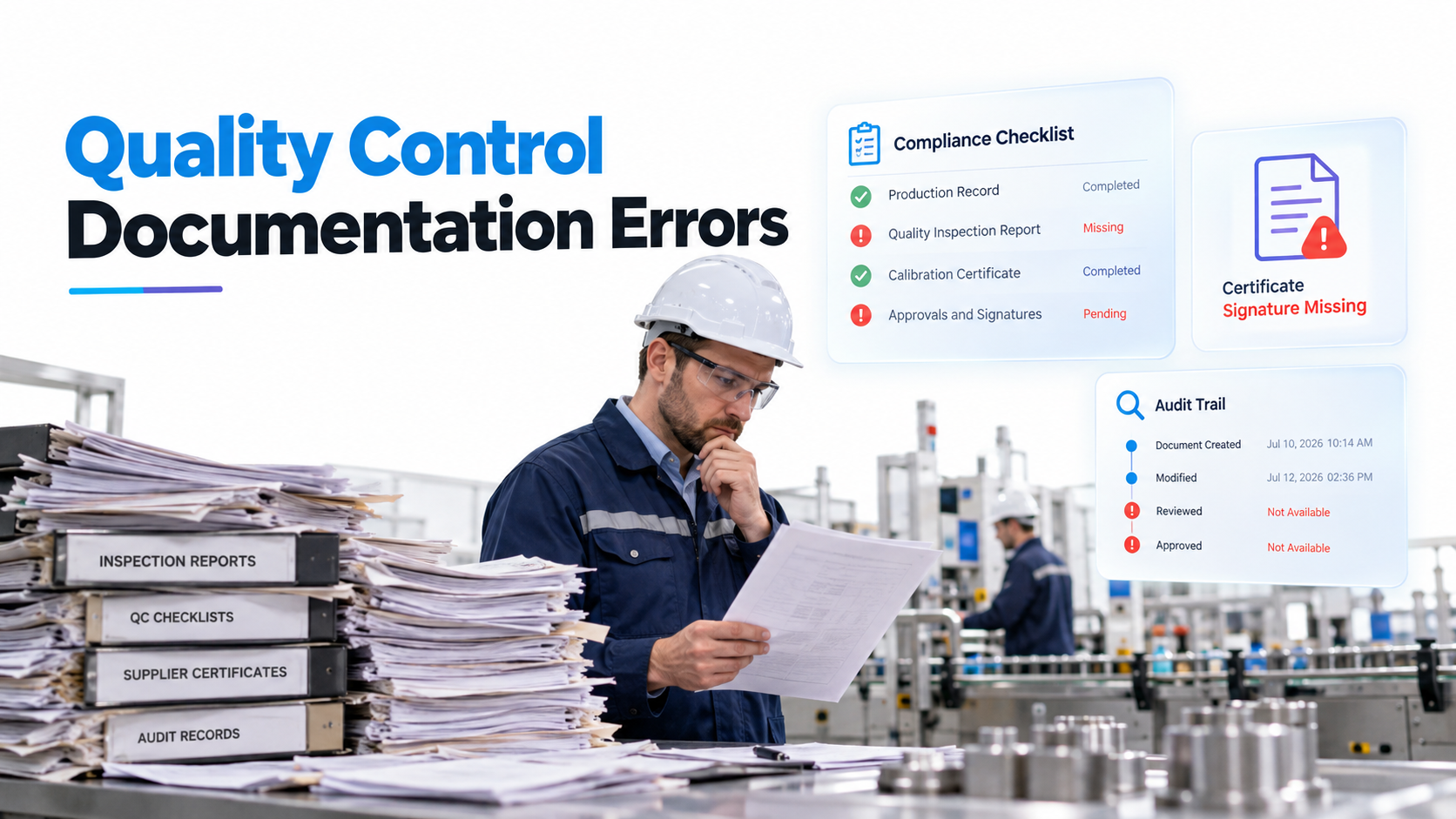
- Compliance blind spots. Inability to audit who accessed sensitive documents, when, and from where; no proof of retention or disposal.
- Slow discoverability. Users spend hours hunting for the right document version instead of focusing on work that drives revenue.
- Permission sprawl. Inconsistent access controls that lead to over-sharing (security risk) or over-restriction (productivity drag).
- Version chaos. Multiple conflicting versions with no clear lineage, no rollback capability, and no audit trail of who changed what.
These challenges converge into a single outcome: data chaos that exposes organizations to breaches, regulatory fines, operational delays, and eroded user trust in IT systems. The cost isn’t always visible in a budget line, but it surfaces as lost productivity, failed audits, and missed retention deadlines.
SharePoint’s Core Document Management Features
Document management in SharePoint provides native, integrated tools for modern governance when you configure it intentionally. Here’s what enterprise IT should prioritize:
Document Libraries and Content Types
SharePoint document libraries are structured containers, not flat file shares. Content types enforce consistent metadata and document structure across your organization.
Unlike traditional shared drives where anyone can dump files into folders, libraries with content types mandate naming, required fields, and taxonomic structure. A Finance department might use a “Contract” content type with mandatory fields for vendor name, contract value, renewal date, and legal owner. When a user creates a new contract document, the library enforces these fields before saving.
Enterprise organizations use content types to standardize HR policies, legal contracts, engineering specifications, and patient records. The result is consistent data capture from day one, not retrofit data cleaning later.
Managed Metadata and Taxonomy
Managed metadata creates a centralized, curated vocabulary that bridges how IT organizes information versus how business users search for it. Instead of letting each department invent tags (e.g., “FY24 Budget” vs. “2024 Budgeting” vs. “Fiscal Year 24”), managed metadata enforces a single source of truth.
A multi-level hierarchy might include: Department, Finance, Accounts Payable, Accounts Receivable, Budgeting. This structure improves search refinement and helps users navigate large libraries without needing IT expertise.
On top of that, managed metadata integrates with SharePoint’s search engine to suggest completions and narrow results. When a user searches for documents related to “HR”, the system surfaces related terms like “Compensation”, “Recruitment”, and “Employee Relations”.
Versioning and Version History
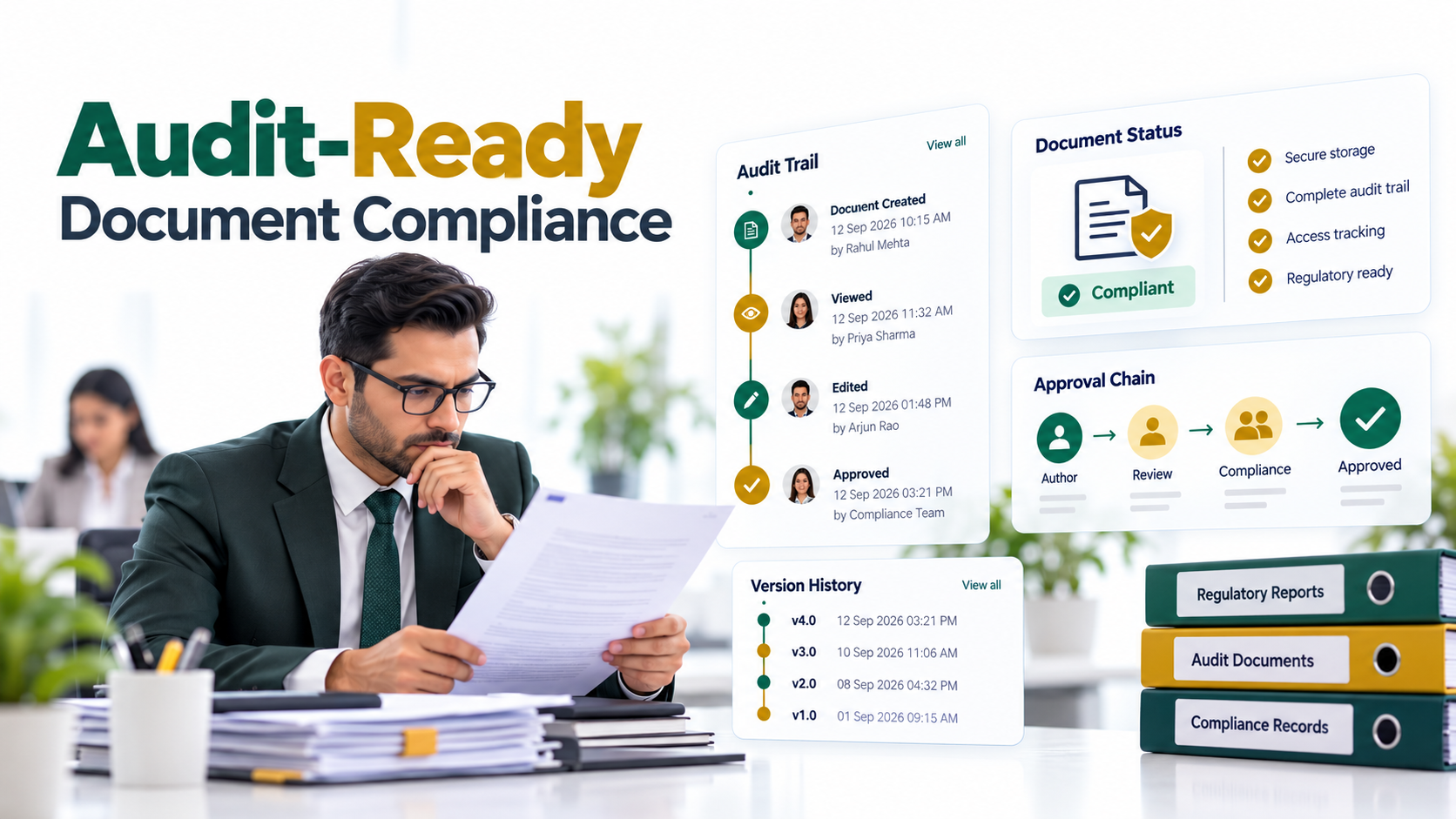
Automatic version control eliminates the chaos of “final_v2_REAL_FINAL.docx” naming conventions. Every edit creates a timestamped version with an associated author.
SharePoint stores version history in the background, so users can view prior versions, restore documents to earlier states, and see exactly who changed what and when. This is critical for compliance-heavy industries like healthcare, finance, and government. Auditors can trace document lineage from initial draft through final publication.
Importantly, version limits are configurable. Organizations can keep all versions, the last 10 versions, or archive older versions to save storage. This flexibility scales governance to fit organizational size and regulatory requirements.
Retention and Disposition Policies
Retention labels and policies automate document lifecycle management at scale. Instead of manually deleting files or archiving them, retention policies trigger automatically based on rules you define.
For example, a retention label might specify: “Delete this document 7 years after last modification, unless a legal hold is active.” When the policy activates, documents are automatically deleted or moved to a compliance archive. This eliminates manual compliance overhead and ensures your organization never accidentally keeps data longer than required (GDPR violation risk) or deletes it too early (legal hold risk).
Therefore, retention policies transform compliance from a periodic manual audit into an always-on, automated system that tracks and enforces disposal at scale.
Sensitivity Labels and Encryption
Data classification doesn’t stop at metadata tags. Sensitivity labels tie classification to automated protection policies. A document labeled “Confidential” automatically encrypts at rest, restricts download to company devices only, and expires after 90 days.
Plus, sensitivity labels integrate with Microsoft’s Data Loss Prevention (DLP) policies. If a user tries to email a document labeled “Highly Confidential” to an external recipient, the system blocks the action or requires approval from a compliance officer.
This shifts security from a checklist exercise (hoping users remember to encrypt before sending) to a design principle embedded in the platform.
Search Refiners and Query Rules
SharePoint’s search engine goes beyond keyword matching. Refiners allow users to narrow results by metadata facets, content type, modification date, author, and custom properties.
A user searching for “budget” sees refiners like Department, Fiscal Year, and Status. Clicking “Finance” and “2024” instantly filters results to only budget documents from Finance in fiscal year 2024.
Additionally, query rules allow IT administrators to improve search relevance. If users frequently search for “employee handbook” but the document is titled “Staff Policies and Procedures”, a query rule can elevate that document to the top of search results for handbook-related queries.
Expert Perspective
In our work with clients, many CIOs overlook managed metadata and retention policies in the first 12 months of SharePoint implementation. These features are where governance truly shifts from manual and reactive to scalable and proactive. Without intentional metadata design upfront, even the best SharePoint instance devolves into search chaos within 18 months.
SharePoint vs. Standalone DMS Solutions: When SharePoint Fits
The question every CIO asks: should we build document management in SharePoint or invest in a dedicated DMS platform?
The honest answer is that it depends on your ecosystem, budget, and complexity. SharePoint excels in Microsoft 365 environments where users already spend time in Outlook, Teams, and Office apps. Standalone DMS platforms excel in highly specialized industries where proprietary workflows justify separate tooling.
| Criterion | SharePoint (with Governance) | Standalone DMS |
|---|---|---|
| M365 Integration | Native (Teams, Outlook, Word, OneDrive) | Requires API connectors; workflow friction |
| Cost of Ownership | Lower (included in M365 license; no separate platform) | Higher upfront licensing; dedicated support staff |
| Customization Depth | Moderate (Power Platform, custom apps, workflow automation) | High (purpose-built for specialized workflows) |
| Ease of Deployment | Faster if governance is pre-planned; slower if ad-hoc | Varies widely; longer implementation for complex orgs |
| Compliance and Audit | Strong (audit logs, sensitivity labels, retention, eDiscovery) | Strong (feature-parity with enterprise needs) |
SharePoint delivers strong document management capabilities at a lower total cost of ownership for organizations with moderate to complex governance needs. Implementation does require planning and expertise, but the return on investment is high because users already have M365 licenses and are familiar with Office apps.
Standalone DMS tools make sense for legal case management firms, pharmaceutical R&D labs, or government agencies with specialized workflows that don’t map cleanly to SharePoint. Most enterprises benefit from a hybrid approach: SharePoint for operational, day-to-day documents; specialized tools for high-value, complex-workflow content.
Industry Applications: How Different Sectors Use SharePoint
Real-world document management SharePoint use cases vary widely by industry. Here’s how leading organizations in four sectors have implemented SharePoint governance:
Financial Services and Banking
Banks manage thousands of loan files, compliance documents, audit trails, and regulatory filings annually. Retention policies must align with SEC rules, which mandate 7-year holds. Version control must prove SOX compliance. Sensitivity labels protect personally identifiable information (PII) from accidental exposure.
A mid-sized regional bank replaced 15 legacy systems with SharePoint document libraries, centralizing compliance oversight and reducing audit workload by 40% through automated retention and eDiscovery capabilities.
Healthcare and Life Sciences
Healthcare organizations manage patient records, clinical trial documentation, and HIPAA-regulated protected health information (PHI). Encryption, granular permissions, and automatic purge policies are non-negotiable.
Multi-hospital networks use SharePoint to federate records across sites while maintaining strict HIPAA compliance. Sensitivity labels encrypt PHI at rest and in transit. Retention labels automatically purge records after statutory holding periods.
Government and Public Sector
Federal and local agencies face Freedom of Information Act (FOIA) requests, records retention mandates, and mandatory disposition schedules. SharePoint’s eDiscovery capabilities streamline FOIA responses by allowing rapid search and export of responsive documents.
Worth noting: retention labels enforce records schedules mandated by the National Archives. When a records schedule says “destroy after 5 years”, SharePoint automatically flags and removes the document on schedule.
Manufacturing and Engineering
Global manufacturers manage design documents, engineering specifications, change orders, and product files across regional teams and time zones. Managed metadata enables quick retrieval of versioned blueprints. Content type structures mirror product hierarchies.
A multinational aerospace supplier uses SharePoint to synchronize CAD libraries and engineering specifications across 12 regional offices, ensuring all teams work from the same baseline and reducing costly rework from version misalignment.
Implementing Effective Document Management in SharePoint
Deploying document management in SharePoint requires a structured roadmap. Rushing into library creation without governance planning leads to chaos within 12 months.
Step 1: Audit and Assess Current State
Start by understanding where documents currently live: shared drives, Teams, OneDrive, email, legacy systems. Map existing naming conventions, permission models, and pain points. Identify which departments have the most acute discoverability or compliance problems.
Outcome: A clear baseline and stakeholder buy-in for change management.
Step 2: Design Governance Framework
Define content types, metadata taxonomy, retention schedules, and permission strategies aligned with business needs and regulatory rules. Document where content should live, who manages metadata, and how documents flow through their lifecycle.
Therefore, this design phase is where governance becomes deliberate, not reactive.
Step 3: Configure SharePoint Libraries and Policies
Set up document libraries with content types and managed metadata. Apply retention labels and sensitivity labels. Configure search refiners and query rules to improve discoverability.
Additionally, establish a metadata governance committee that reviews and updates taxonomy quarterly as business needs evolve.
Step 4: Pilot with a Department
Onboard one team (e.g., HR, Finance, or Legal) to validate governance and collect real-world feedback. Adjust metadata, permissions, and workflows based on actual usage patterns, not assumptions.
Outcome: A validated playbook that you can scale organization-wide without costly rework.
Step 5: Train, Communicate, and Scale
Roll out to the broader organization with department-specific guidance. Establish ongoing governance and policy review cadence so the system stays current as regulations and business priorities change.
Moreover, invest in change management. Technology is only 40% of the battle: the other 60% is user adoption and behavioral change.

Frequently Asked Questions
Does SharePoint require third-party tools to meet DMS best practices?
SharePoint has strong native capabilities for document management, governance, and compliance. However, some organizations add third-party tools for specialized workflows. For example, legal teams might add e-signature integration. Healthcare organizations might add audit-logging plugins for enhanced HIPAA compliance. The key is that SharePoint’s native features (managed metadata, retention, sensitivity labels, eDiscovery) cover the majority of enterprise document governance needs without additional tools.
What’s the difference between SharePoint libraries and OneDrive?
OneDrive is personal cloud storage designed for individual users and small team collaboration. SharePoint libraries are organizational containers with governance, metadata, and retention policies built in. OneDrive syncs files to your local machine. SharePoint libraries live in the cloud and integrate with compliance infrastructure. For organizational document management, SharePoint libraries are the correct choice. OneDrive is for personal files and small teams.
How does SharePoint handle regulatory compliance like GDPR and HIPAA?
SharePoint addresses compliance through encryption, retention policies, audit logging, and sensitivity labels. GDPR compliance relies on data retention and deletion schedules (retention labels), audit logs proving data access, and the right to erasure (automated disposal). HIPAA compliance requires encryption at rest and in transit (sensitivity labels), role-based access control (SharePoint permissions), and audit trails of PHI access (SharePoint audit logs). Importantly, SharePoint is compliant-ready, but IT must configure these features intentionally. Default SharePoint settings don’t automatically meet regulatory requirements.
Can we migrate documents from our legacy file share to SharePoint?
Yes. Most organizations migrate from legacy file shares to SharePoint using batch migration tools or consulting partners. However, migration is more than copy-paste. During migration, you have the opportunity to clean metadata, apply content types, set retention labels, and establish permissions correctly. Many organizations use migration as a forcing function to archive stale documents and establish governance from day one, rather than migrating chaos and governance failures into a new system.
What’s the learning curve for end users adopting SharePoint document management?
The learning curve depends on whether your users are already familiar with Microsoft 365 tools. Users already comfortable with Teams and OneDrive find SharePoint libraries intuitive. Power users benefit from advanced features like managed metadata and query rules. The key is that governance should be invisible to casual users. They should experience SharePoint as a better file share, not as a compliance system. Training should focus on the benefits (find documents faster, guaranteed version control) rather than the governance mechanics behind the scenes.
Ready to Modernize Document Management in SharePoint?
Transform Your Enterprise Document Governance Today
Document management in SharePoint, done right, unlocks productivity, reduces compliance risk, and lowers your total cost of ownership compared to standalone platforms. AscenWork helps CIOs and IT teams design governance frameworks, configure SharePoint for enterprise scale, and drive adoption across departments so your organization wins with information management.