How Field and Remote Staff Can Access Files Outside the Office
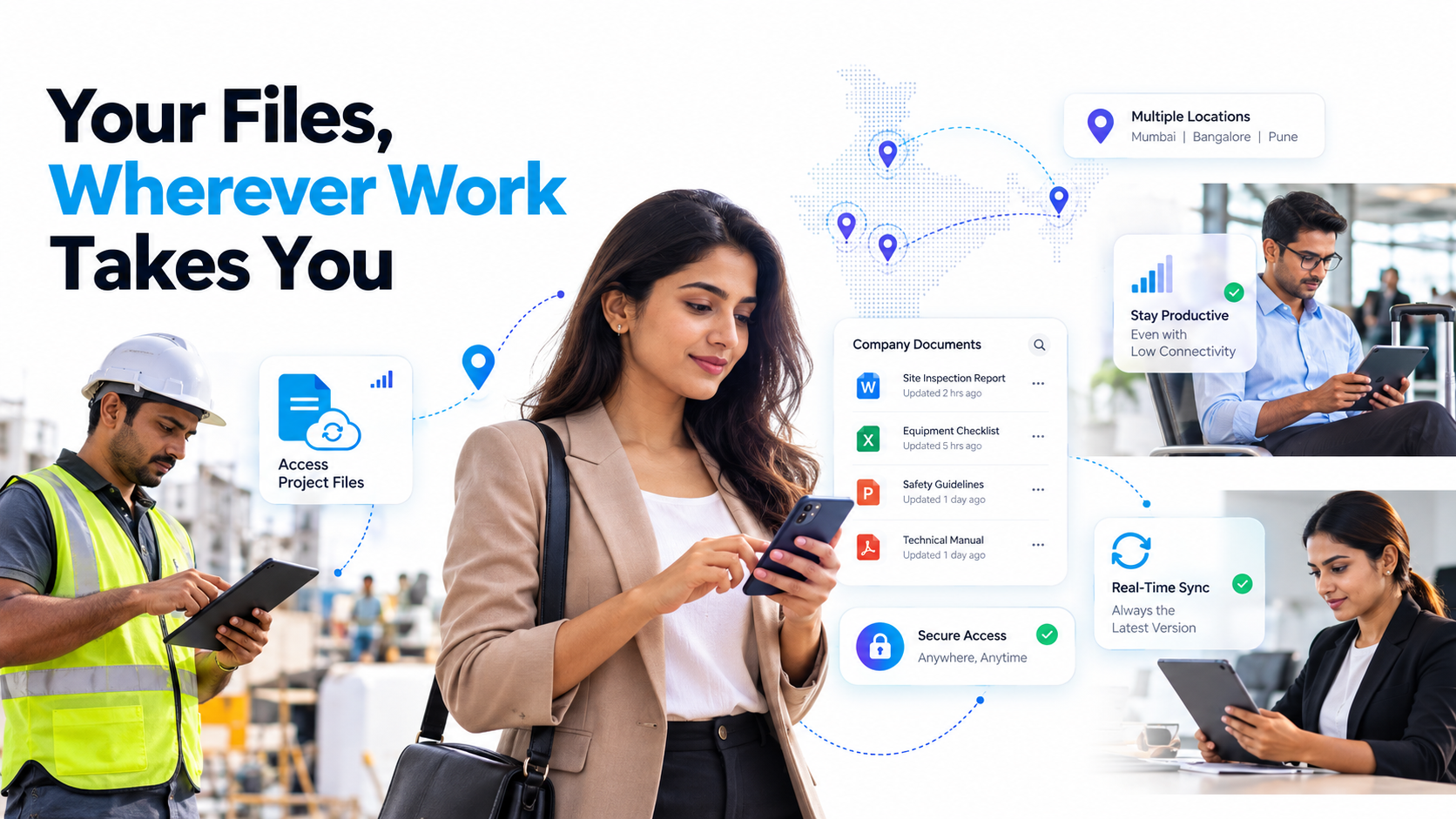
Remote access to company files isn’t a luxury anymore for distributed teams, it’s a fundamental requirement. When field technicians, remote consultants, and regional managers can’t retrieve critical documents outside the office, productivity stalls, security risks multiply, and clients notice the delay. The challenge is particularly acute in India’s fast-growing logistics, healthcare, field services, and professional services sectors, where teams operate across multiple locations and connectivity isn’t always reliable. The right mobile document access strategy transforms how your field staff works.
Key Takeaway
Field teams without instant remote access to company files lose an average of 3-5 hours per week to delays, security risks, and workarounds. A purpose-built mobile DMS eliminates these friction points entirely.
In This Article
Why This Challenge Is Growing
The shift toward hybrid and fully distributed workforces isn’t slowing down. India’s tech hubs, manufacturing sectors, and healthcare networks increasingly rely on teams that split time between offices, client sites, and remote locations. Here’s the problem: most enterprise file storage systems, including on-premises file servers and even some cloud platforms, were designed for office-centric workflows where everyone connects from a predictable, managed network.
On top of that, regulatory demands continue to intensify. Industries like healthcare, finance, and logistics face strict compliance requirements around data access, audit trails, and encryption. A sales manager emailing a contract to a field colleague, or a technician storing confidential documents on a personal device, creates compliance violations that can result in significant penalties.
And here’s the thing: competitive pressure is mounting. Organizations that move slowly on mobile access are losing field talent to competitors who offer better tools, and they’re losing deals because response times suffer. The gap between “available in the office” and “available in the field” is no longer tolerable for high-performing teams.
“According to Forrester’s 2024 Digital Workplace research, 62% of organizations report that poor mobile document access is a top barrier to field team productivity. Within three years, this is predicted to be cited by 78% of organizations with distributed workforces.”
Forrester Digital Workplace Study, 2024
The Core Challenge: Field Teams and File Access Friction
When remote access to company files isn’t built into your workflow, the friction manifests in predictable ways. Each pain point creates a ripple of lost time, security gaps, and employee frustration. Here’s what we see repeatedly across organizations:
- Inconsistent Access Across Devices: Files may be on a shared drive, but they’re not synced to mobile. Cloud folders require VPN connections that drain battery and bandwidth. Different team members use different devices (iOS, Android, Windows), and no single platform serves them all equally.
- Network Dependency: Field teams often work in locations with low or no connectivity: construction sites, rural client offices, warehouses, remote clinics. Cloud-first solutions that require constant internet access can’t help in these scenarios. Staff resort to downloading files before leaving the office, but if the project scope changes, those files become outdated.
- Security Workarounds: Unable to access files securely, staff turn to email chains, WhatsApp messages, USB drives, or personal device storage. Each workaround creates compliance violations and IP risks. There’s no audit trail of who accessed what or when.
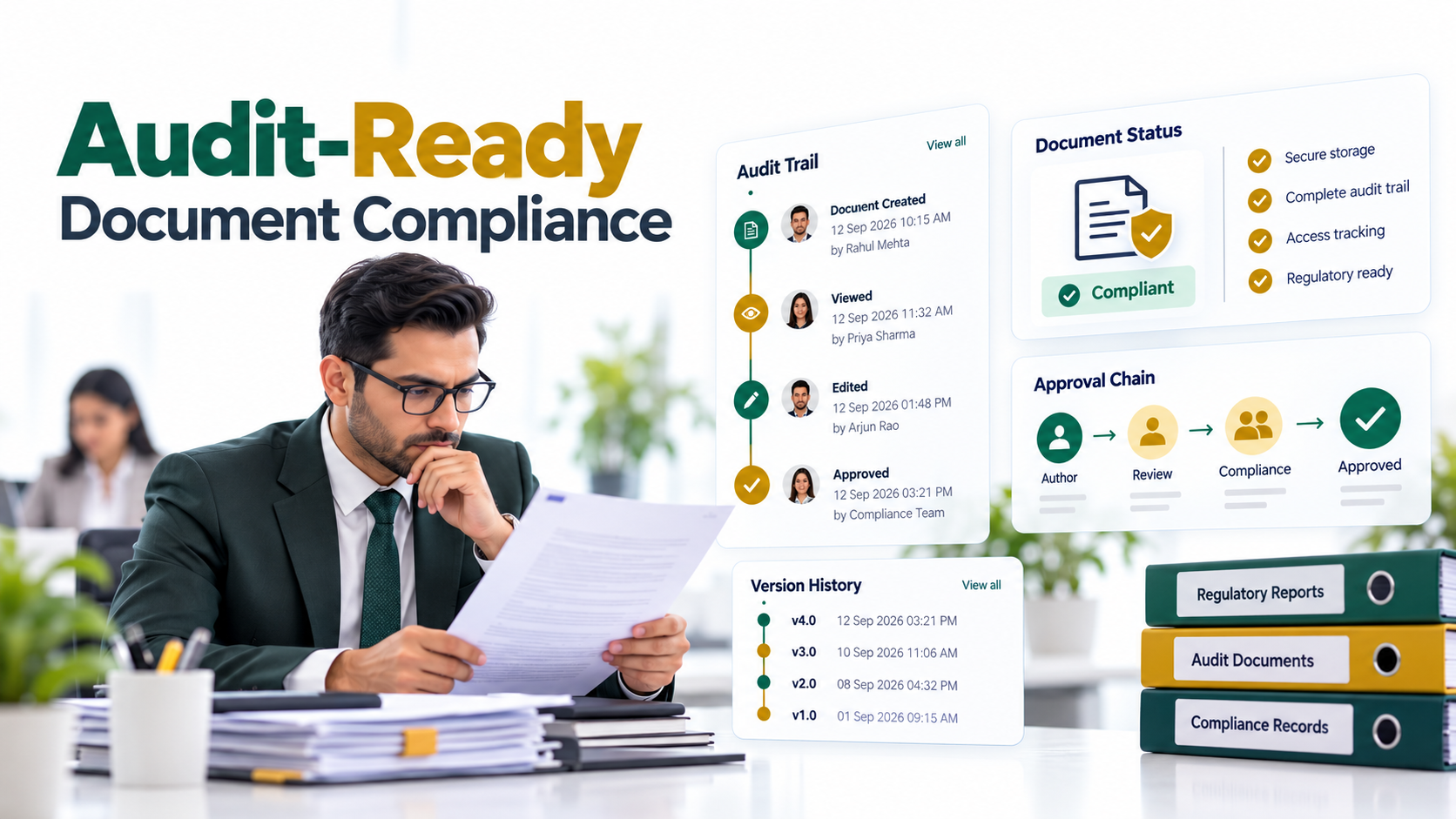
- Compliance and Audit Gaps: Without a proper mobile DMS, there’s no centralized record of access. Regulated industries like healthcare and finance can’t prove who retrieved patient records or financial documents, when they accessed them, or from where. This creates significant regulatory exposure.
- Version Control Chaos: Multiple versions of the same document circulate across email and messaging apps. Staff doesn’t know which contract is current, which policy version is in effect, or which technical manual is up to date. Rework multiplies, and errors compound.
- Productivity Loss: A technician waiting 20 minutes for an office staff member to send a document. A consultant unable to pull up a proposal 10 minutes before a client meeting. A field supervisor delaying a decision because compliance documentation isn’t accessible. These delays accumulate into lost hours, missed deadlines, and frustrated teams.
The cumulative impact is significant. Delayed access to documents directly impacts client responsiveness, deal closing timelines, service completion speed, and employee satisfaction. High-performing field staff eventually leave organizations where tools don’t match the demands of their work.

The Solution: Mobile Document Access Software
Remote access to company files requires a fundamental shift from “cloud storage” to “intelligent mobile-first document management.” The right approach doesn’t just move your files to the cloud and hope mobile devices can access them. Instead, it architects the entire system around the reality of field work: intermittent connectivity, small screens, touch interfaces, and security constraints that traditional office systems ignore.
Here’s how a modern mobile DMS addresses each pain point:
| Pain Point | Mobile DMS Solution |
|---|---|
| Inconsistent Access | Native iOS and Android apps with automatic offline sync, unified search interface, and seamless integration across device types |
| Network Dependency | Offline-first architecture; users work without internet, then intelligent sync when connection returns |
| Security Workarounds | Role-based permissions, encrypted local storage, document expiration controls, data loss prevention, comprehensive audit logging |
| Compliance Gaps | Complete access audit trail, encryption in transit and at rest, compliance reporting for SOC 2, HIPAA, GDPR, and industry-specific standards |
| Version Control | Single source of truth with version history, automatic conflict resolution, and clear indicators of current versions |
| Productivity Loss | Real-time notifications, smart search with OCR capabilities, integration with existing systems (SharePoint, OneDrive, file servers), offline-capable access |
The technical difference matters here. Generic cloud storage solutions (like Dropbox or OneDrive) sync files to a device’s storage when you’re connected, but they aren’t designed for field operations. They still require active internet for meaningful work. A dedicated mobile DMS, by contrast, uses intelligent caching and synchronization protocols that assume connectivity will be intermittent. Users can open documents, annotate them, and mark changes offline. When connectivity returns, the system handles conflict resolution and syncs seamlessly.
Expert Perspective
From our work with distributed operations teams across India’s logistics, healthcare, and field services sectors, the biggest wins come from solutions that combine three elements: true offline capability (not just caching), granular permission controls that respect field-level security needs, and transparent audit logging. Without all three, you’re still leaving gaps in security, usability, or compliance.
When evaluating solutions for remote access to company files, prioritize these capabilities:
- Native Mobile Apps: Not web wrappers or browser-based solutions. True iOS and Android apps optimized for touch interaction, offline performance, and intermittent connectivity. Web apps load slowly on weak connections and drain battery faster.
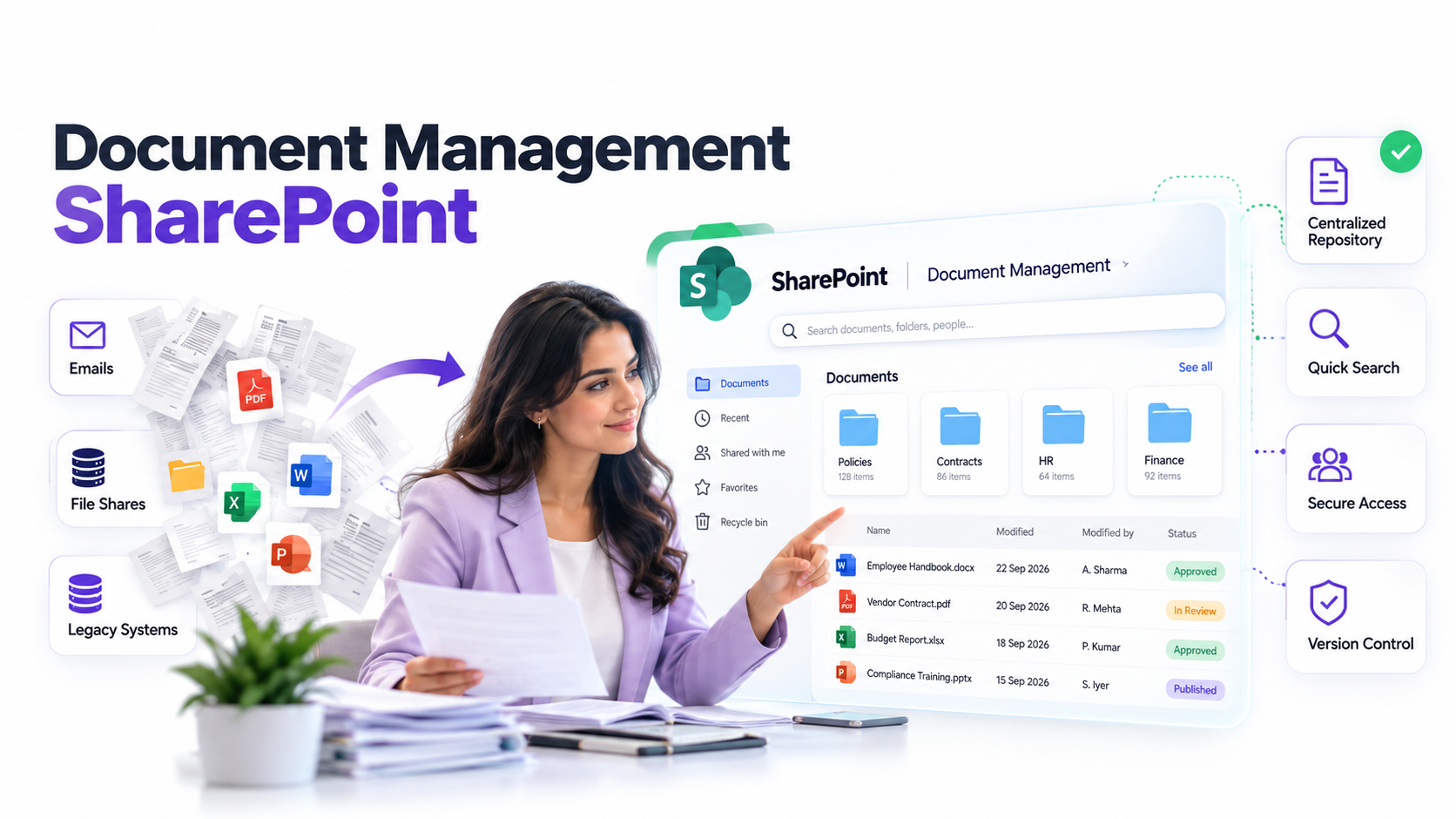
- Deep Integration Capability: Does it connect seamlessly to your existing file stores (SharePoint, OneDrive, network shares, legacy on-premises servers) without forcing a costly migration? True integration means single sign-on, automatic permission sync, and no duplicated storage.
- Offline-First Design: Can users open, view, and annotate documents without an internet connection? Does the system intelligently sync changes when connectivity returns, handling conflicts without data loss?
- Granular Security Controls: Role-based permissions that let you control which teams see which documents. Encryption for data in transit and at rest. The ability to remotely wipe sensitive files from a device if it’s lost or an employee departs.
- Compliance and Audit Ready: SOC 2 Type II certification, GDPR compliance, HIPAA readiness (if healthcare-relevant), and industry-specific standards. Complete audit logging with searchable records of who accessed what, when, and from where.
Why Leading Organizations Choose Mobile DMS for Remote Access to Company Files
The choice between a generic cloud storage solution and a purpose-built mobile DMS often comes down to this fundamental question: Is your solution architected for the field team’s reality, or is the field team expected to adapt to a consumer-grade tool?
Leading organizations across India’s fastest-growing sectors choose dedicated mobile DMS platforms because they eliminate the constant friction of workarounds. Here’s how they compare to generic alternatives:
| Evaluation Criteria | Dedicated Mobile DMS | Generic Cloud Storage (Dropbox, OneDrive) | On-Premises + VPN |
|---|---|---|---|
| Offline Access Quality | Native sync for seamless offline work; conflict resolution built in | Limited; requires active connection for most operations | Slow over VPN; high latency in field conditions |
| Field-Specific UX | Optimized for mobile: smart search, DLP controls, touch-friendly navigation | Desktop-centric interface; not intuitive on small screens | Not mobile-optimized; bandwidth-heavy |
| Compliance & Audit | Comprehensive audit trail, role-based controls, encryption, compliance reporting built in | Basic compliance features; audit scattered across logs | Full control; but manual management and IT overhead |
| Implementation & Integration | Cloud-native; integrates with existing stores; no forced migration | Requires migration or dual systems; fragmented workflows | Requires infrastructure; complex IT management; high maintenance |
| Security Posture | Zero-trust model; encrypted sync; remote wipe; device-level controls | Shared link model; limited device-level security | Network-dependent; perimeter-based security only |
| Scalability Across Regions | Handles geographic distribution; works in low-bandwidth zones | Assumes consistent connectivity; struggles in remote areas | Geographic expansion requires new infrastructure |
The three differentiating factors that matter most are mobile-first architecture, audit and compliance by design, and seamless legacy integration. A mobile-first system isn’t a retrofit of desktop software onto a mobile interface. It’s architected from the ground up for field conditions: offline work, intermittent connectivity, touch input, battery constraints, and low-bandwidth performance. Audit and compliance aren’t bolted on afterward. They’re woven into every action. Every access is logged. Every permission change is tracked. Every file version is maintained. And seamless integration means you don’t have to force your organization into a new file storage system. Your remote access to company files solution works alongside SharePoint, network shares, and on-premises legacy systems without requiring a disruptive migration.
Organizations that get this right see immediate improvements: field teams close deals faster because they have documents instantly. Compliance teams sleep better because every access is logged and traceable. IT teams reduce support tickets because the interface is intuitive and offline-capable. And employees stay longer because they have tools that respect the reality of distributed work.
Industry Applications
Field Services and Equipment Maintenance
A technician arrives at a client site to service industrial equipment. They need the equipment manual, the service history, warranty details, and the latest safety protocols. Without remote access to company files, they’re waiting for an office staff member to email the documents or, worse, making decisions without critical information. With a mobile DMS, every document is in their pocket. They pull up the manual in seconds, identify the issue, complete the service, file the inspection report on-site, and the client sees immediate professional competence. Service callbacks drop. Customer satisfaction rises. Revenue per technician increases.
Healthcare and Distributed Clinics
Mobile clinicians, nursing coordinators, and regional supervisors need access to patient records, clinical protocols, compliance documentation, and treatment guidelines outside the main facility. HIPAA-compliant mobile access means they can retrieve sensitive information securely while respecting privacy regulations. The audit trail is automatically maintained. Care decisions happen faster. Patient outcomes improve. The organization maintains full compliance without the friction of workarounds.
Logistics and Supply Chain
Field supervisors and drivers need access to shipping manifests, route documentation, delivery proofs, and compliance certificates across regions and time zones. Real-time file access means they retrieve documents at checkpoints without delays. Route changes are communicated instantly. Proof of delivery is captured immediately. The entire supply chain moves faster, and accountability is built in at every step.
Professional Services and Consulting
Consultants and project managers working on client sites need instant access to proposals, contracts, methodologies, case studies, and project documentation. Secure offline-capable access means they can work anywhere without VPN lag or concerns about data leaks. They reference the current proposal during a client conversation. They pull up the relevant case study to illustrate a point. They share insights without fumbling for files. Client engagement deepens. Closing rates improve.
How to Get Started
Implementing remote access to company files doesn’t require a long, disruptive project. A structured four-step approach helps you move forward with confidence:
- Audit Your Current Landscape: Map where files currently live (SharePoint, OneDrive, file servers, external drives), identify the key use cases where field teams struggle most, and document compliance requirements specific to your industry. Outcome: a clear picture of today’s fragmentation and the highest-priority pain points.
- Define Mobile Access Requirements: Clarify which teams need offline access, which file types are critical for field operations, what device types your staff uses (iOS, Android, or both), and what security controls are non-negotiable. Outcome: a requirements document that guides solution evaluation.
- Evaluate Solutions with Field Staff: Test 2-3 mobile DMS platforms with a representative group of field employees working in real conditions (low connectivity zones, on-site with clients). Assess ease of use, offline performance, integration compatibility, and compliance readiness. Outcome: an informed recommendation based on actual user feedback, not vendor claims.
- Plan Phased Rollout and Training: Design a rollout that starts with a pilot team, establishes baseline metrics for productivity and security, and develops lightweight onboarding and training. Outcome: a repeatable process for scaling across your organization with minimal disruption.
Throughout this process, resist the urge to force every document into a single new system. The best solutions integrate with what you already have. If you’re running SharePoint, a good mobile DMS connects to SharePoint without requiring migration. If you have legacy file servers, the solution works alongside them. This integration-first approach reduces risk, speeds deployment, and respects the complexity of real enterprise environments.
One more thing to keep in mind: involve IT security and compliance teams early. Their concerns about encryption, audit logging, and access controls shouldn’t be addressed after the technology is chosen. They should inform the evaluation. Organizations that do this move faster and with more stakeholder buy-in.
Frequently Asked Questions
What’s the difference between offline access and sync-based cloud storage?
Offline access means the file is stored locally on your device, and you can open, view, and edit it without an internet connection. The app then syncs changes back to the central repository when connectivity returns. Sync-based cloud storage, by contrast, caches files on your device when you’re connected but may not work properly without internet. For field operations in low-connectivity zones, true offline access is essential. It’s the difference between working reliably in a warehouse with spotty Wi-Fi and being stuck waiting for a connection.
Will a mobile DMS slow down my organization’s adoption of new file storage platforms?
No. The best mobile DMS solutions are platform-agnostic. They integrate with SharePoint, OneDrive, Google Drive, and on-premises file servers without forcing you to migrate. This means you can deploy mobile access immediately while you plan larger storage consolidation projects. In fact, you may find that mobile access reveals which storage platforms your field teams actually use most, which informs future consolidation decisions.
How do we ensure sensitive documents don’t end up on lost or stolen devices?
A purpose-built mobile DMS provides device-level controls that consumer cloud storage doesn’t. You can set expiration dates on documents so they automatically delete after a specified time. You can enforce strong authentication (multi-factor authentication) so a lost device can’t be unlocked by someone else. You can remotely wipe sensitive files from a device when an employee departs or a device is lost. And the entire access log is maintained for audit purposes. These controls transform mobile access from a security risk into a security improvement over email and USB drives.
Can field staff work with documents when they have zero connectivity?
Yes, if you deploy a true offline-first mobile DMS. Staff can open and work with documents that have been cached on their device, even in areas with no cellular or Wi-Fi signal. When they regain connectivity, the app syncs changes back to the central repository. This is essential for teams working in remote locations, rural sites, or regions with unreliable networks. However, they need to have downloaded the relevant documents before entering a no-connectivity zone. A good mobile DMS makes this easy with smart pre-download recommendations based on the user’s typical work patterns.
How do we handle version control when multiple field staff are editing the same document offline?
This is where dedicated mobile DMS solutions shine compared to generic cloud storage. They include intelligent conflict resolution built in. When multiple users edit the same document offline, the system detects conflicts upon sync and provides clear options: keep this version, keep that version, or merge both changes. Some solutions use collaborative editing protocols that prevent conflicts from happening in the first place. The key is choosing a system that handles this gracefully, not one that locks files or forces users to work sequentially.
Enable Secure Field Access to Company Files
Your field teams deserve tools that match the reality of their work. A purpose-built mobile DMS transforms remote access to company files from a compliance headache into a competitive advantage. Let’s explore how your organization can eliminate access friction and accelerate field productivity.