How to Fix File Version Conflicts When Multiple People Edit the Same Document
File version conflicts are the silent productivity killers in every collaborative team. Your team finishes a proposal, two people hit save simultaneously, and one version vanishes. Here’s the honest truth: without proper document version control, multiple people editing the same file creates real chaos. Lost work. Confusion over which version’s current. Compliance gaps. Hours wasted redoing edits that were already done.
Key Takeaway
Version conflicts cost teams an average of 2 to 4 hours per week in rework and lost productivity. The fix is straightforward: implement document version control software with automated file locking and comprehensive audit trails.
In This Article
- Why File Version Conflicts Happen (And Why They’re Getting Worse)
- The Core Challenges Teams Face
- The Solution: Document Version Control Software
- Key Features of Modern Document Version Control
- Industry Applications
- Version Control in Popular Tools: What You Already Have vs. What You Need
- How to Get Started
- Frequently Asked Questions
- Ready to Eliminate Version Conflicts
Why File Version Conflicts Happen (And Why They’re Getting Worse)
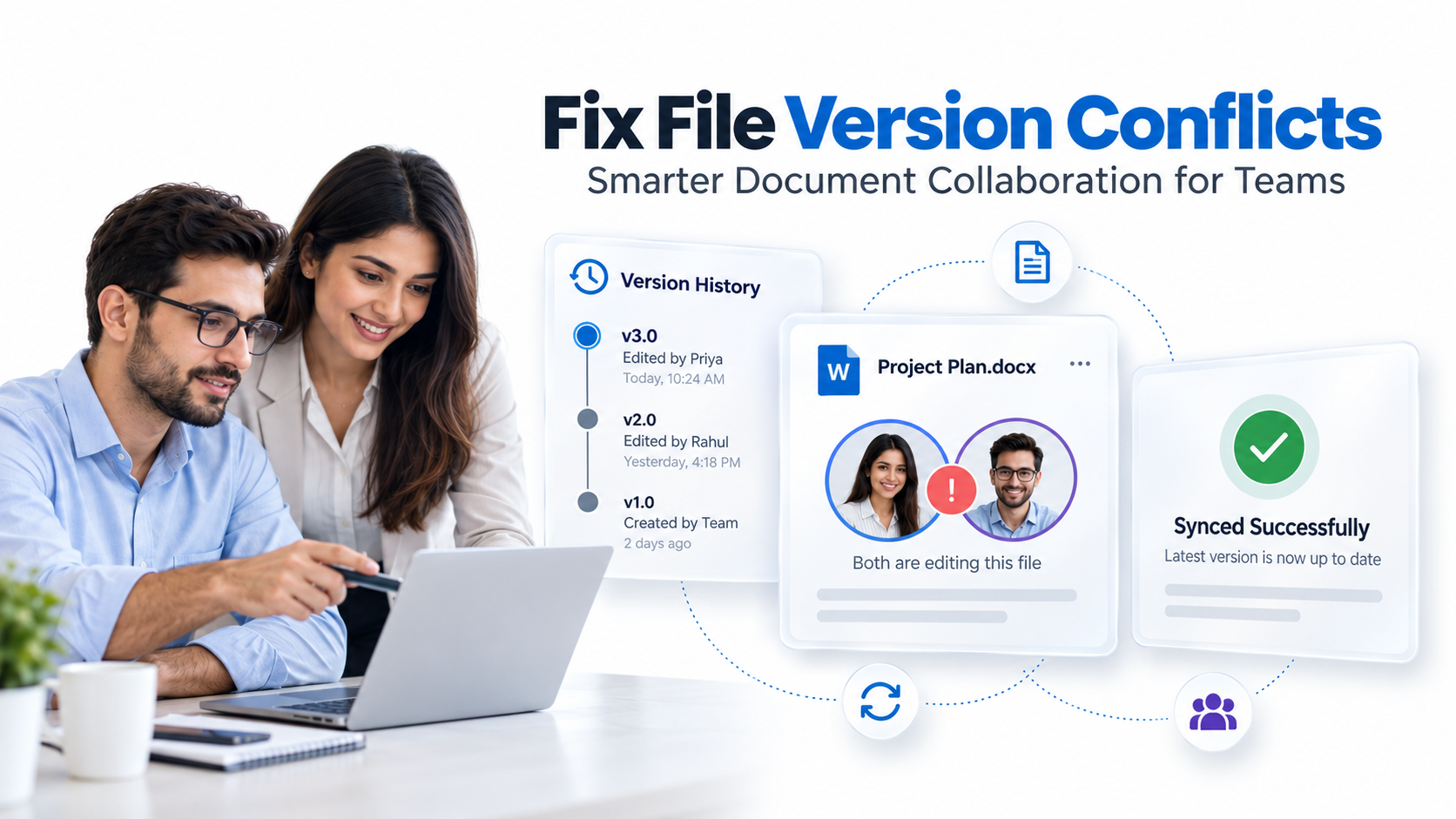
The technical problem is simple: concurrent file writes. When two people save a document at the same time without proper access controls, the last writer wins and overwrites the first person’s changes. That earlier edit just disappears.
Here’s the thing most guides won’t tell you: basic cloud storage platforms like OneDrive, Google Drive, and Dropbox were designed for accessibility and sharing, not for enforcing strict version control. They offer basic version history, but they lack the enforcement mechanisms needed to prevent overwrites from happening in the first place.

The problem’s gotten dramatically worse. Remote and hybrid work have multiplied the scenarios where teams edit documents simultaneously across different locations and time zones. Finance teams processing loan applications in parallel. Marketing teams iterating on campaigns across regions. Legal teams reviewing contracts with multiple stakeholders editing markup at the same time. Sound familiar?
“Organizations report that 41% of employees have experienced lost work due to file synchronization issues or version conflicts in the past year, with rework consuming an average of 2.5 hours per incident across the team.”
IDC Workforce Collaboration Study, 2023
Legacy shared drives make it even worse. They offer no built-in version control whatsoever, forcing teams to rely on error-prone manual naming conventions like “Final_v3_REAL_FINAL.docx” and duplicate files scattered everywhere.
The Core Challenges Teams Face
When file version conflicts aren’t managed, teams face real operational headaches. Understanding these challenges helps you recognize whether your organization’s at risk.
- Lost edits when files are saved simultaneously: The “last writer wins” scenario means one person’s changes disappear entirely, forcing rework and frustration.
- Confusion over which version is live or approved: Without a single source of truth, team members unknowingly edit outdated versions or implement decisions from an old iteration.
- Time wasted manually merging conflicting versions: When conflicts do occur, someone must manually reconcile changes, compare files, and re-enter lost information.
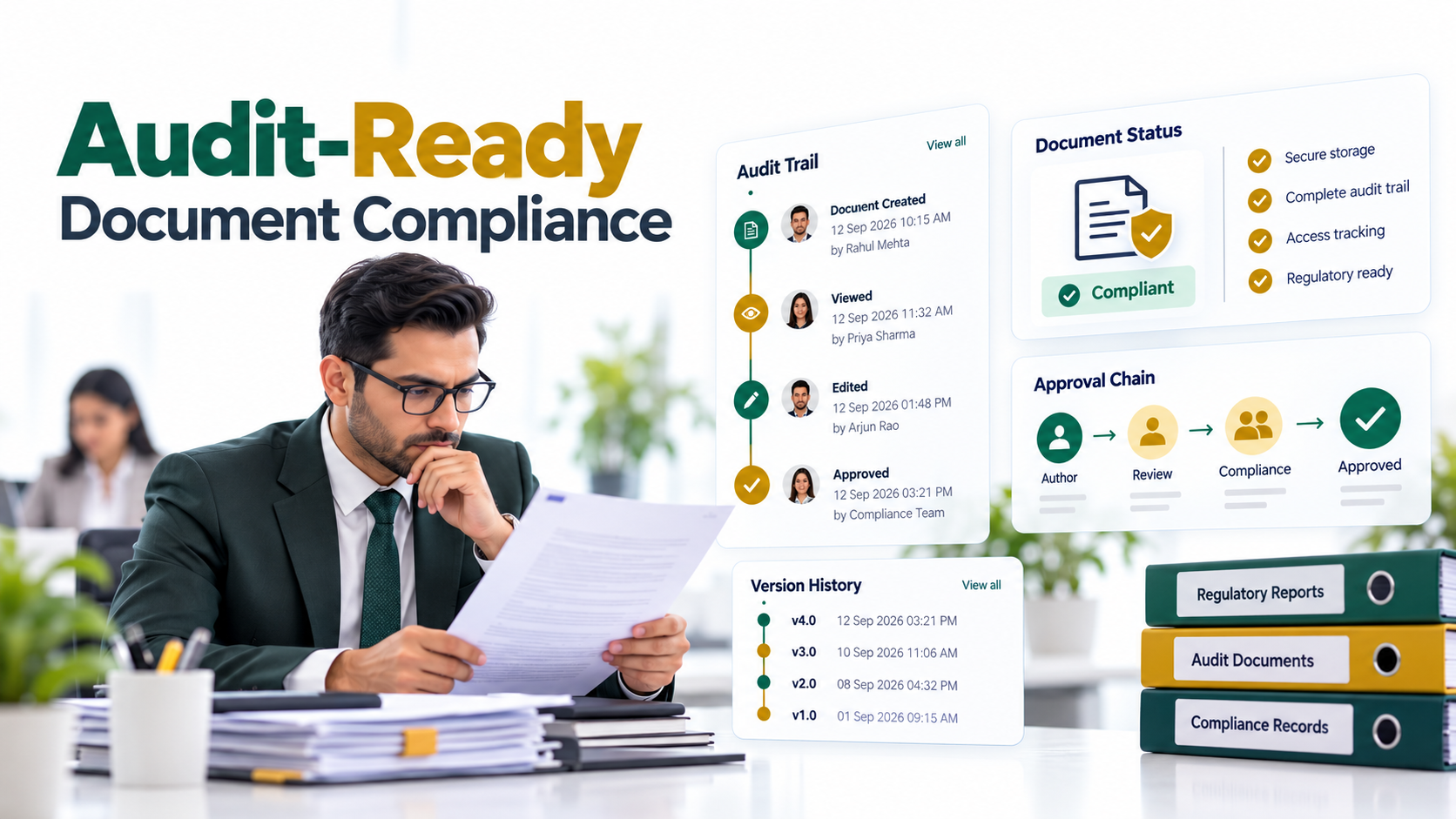
- Compliance gaps when version history isn’t tracked: Regulated industries (finance, healthcare, legal) require detailed audit trails showing who changed what, when, and why. Basic cloud storage doesn’t provide this level of detail.
- Support tickets and escalations from frustrated users: IT teams spend hours helping people recover lost files or understand version confusion, diverting resources from strategic work.
- Inability to recover earlier versions if corruption occurs: Without robust rollback capability, corrupted or accidentally deleted content may be unrecoverable.
Without enforced version control, teams default to chaos. Governance breaks down. Audit risk spikes. Productivity plummets.
Document Management in SharePoint: Key Features You Need
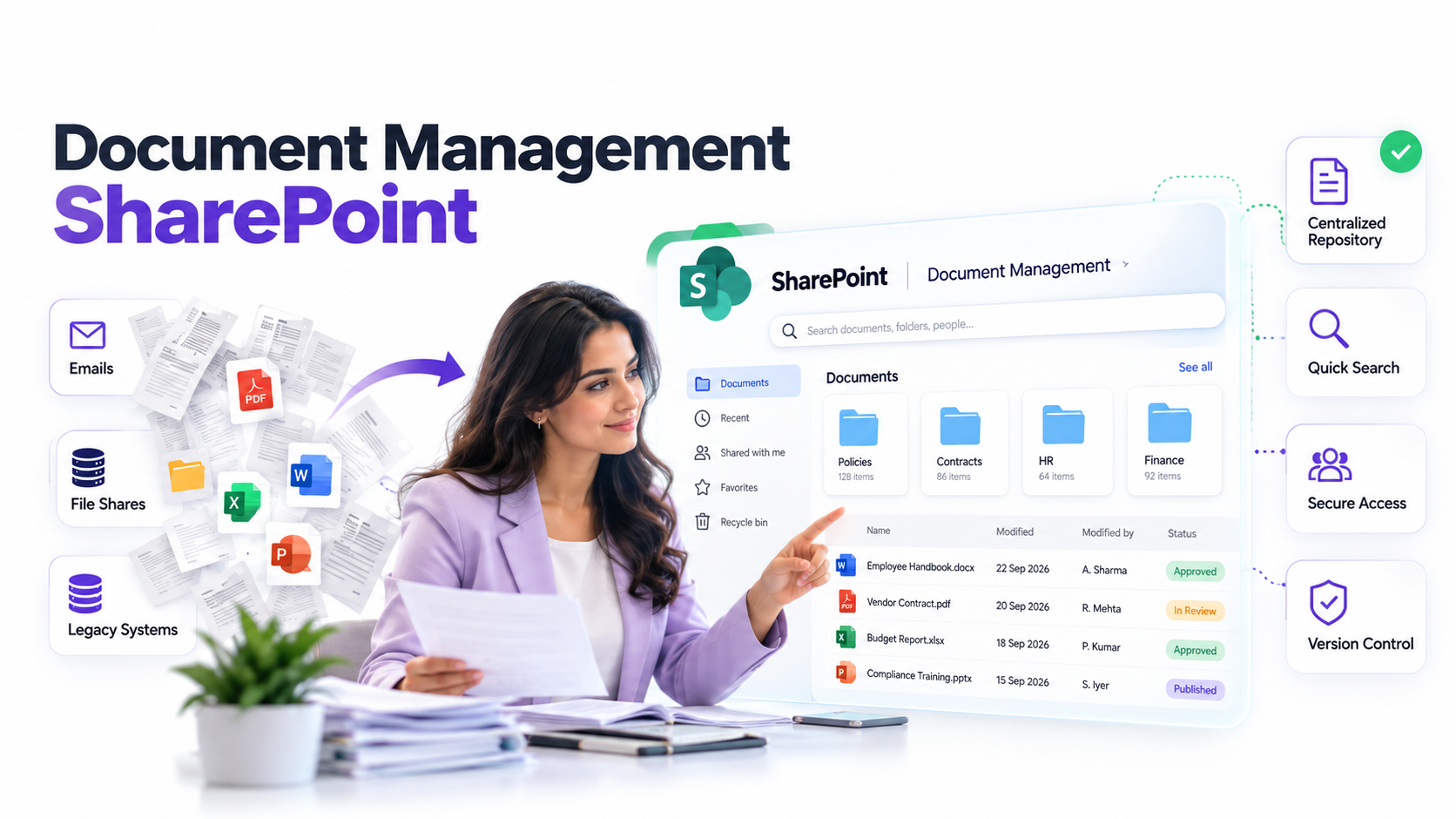
Many organizations standardize on Microsoft SharePoint for document management and collaboration. If your team uses SharePoint, understanding its native version control capabilities helps you decide whether additional tools are necessary. Document management in SharePoint includes version history, check-in/check-out workflows, and content approval processes that address many common file version conflicts.
Here’s the thing though: SharePoint’s versioning is only as effective as your governance framework. If users don’t follow check-in/check-out discipline or if your site design doesn’t enforce access controls, conflicts still occur. The technology must be paired with clear processes and training.
Cannot Restore an Older SharePoint File Version? Here’s What to Check
Even with robust version control in place, users occasionally struggle with restore operations. Understanding common restoration issues helps your team recover quickly when problems occur. If you can’t restore an older SharePoint file version, common culprits include insufficient permissions, version limit settings, or deleted items in the recycle bin. Your IT team should document these troubleshooting steps and make them easily accessible.
How to Find Business Documents When Files Are Scattered Across Multiple Locations
Version control is only half the battle. If your documents are scattered across multiple shared drives, email attachments, and cloud storage services, even a perfect version history system won’t help if users can’t find the document they need. Implementing centralized document search across all repositories creates a single source of truth and reduces the likelihood of users working from outdated versions. When every document has a clear home and a discoverable version history, file version conflicts become almost impossible.
Key Takeaway
Fixing file version conflicts requires three parallel efforts: version control software to prevent overwrites, clear governance workflows to enforce discipline, and centralized document management so users find the right version every time.
The Solution: Document Version Control Software
Document version control software eliminates file version conflicts by design. Rather than hoping users coordinate manually, the software enforces rules that prevent conflicts from happening in the first place.
Here’s how it works. When a user opens a document, the system can either lock the file so no one else can edit it simultaneously, or allow multiple people to edit in parallel and then merge their changes intelligently. The best systems let you choose which approach makes sense for each document based on its criticality and workflow.
Expert Perspective
In our work with clients, we’ve found that enterprise document management systems separate authorship from file access and permissions brilliantly. Only one user can modify a file at a time when using pessimistic locking, eliminating overwrites at the source. Meanwhile, automatic version history captures every change, creating a complete audit trail for compliance and recovery.
Beyond preventing overwrites, modern document version control software provides what cloud storage simply lacks: comprehensive audit trails, granular access controls, role-based permissions, and compliance reporting. When a finance team closes a loan, when a healthcare team updates a treatment protocol, or when a legal team finalizes a contract, every change is documented with metadata including who made it, when, and why.
When evaluating a solution, look for these must-haves: centralized access controls, real-time notifications of who’s editing what, rollback and restore functionality, compliance-ready audit reports, and seamless integration with Office, Google Workspace, or web-based editors your team already uses.
Key Features of Modern Document Version Control
Understanding the technical features helps you evaluate options and choose the right fit for your team’s workflow.
Optimistic vs. Pessimistic Locking
Pessimistic locking blocks concurrent access entirely. When you open a document, no one else can edit it until you close it. This prevents conflicts absolutely but can feel restrictive for collaborative teams.
Optimistic locking allows multiple people to edit simultaneously, then intelligently merges their changes when they save. This supports collaboration but requires skilled users who understand how merging works. In most cases, modern document systems default to optimistic locking for user experience but let you lock critical documents pessimistically when necessary.
Check-In and Check-Out Workflows
Check-out/check-in workflows give users explicit control over document access. When you check out a document, you reserve it and can work offline if needed. When you check it back in, your changes are committed to the version history and others can access it again. This is familiar to anyone who’s used source code management systems and provides a clear handoff experience.
Audit Trails and Change Tracking
Modern systems capture who edited what, when they edited it, and often why through comment or change description fields. This creates a complete historical record required for compliance in regulated industries. For SOX, HIPAA, GDPR, and other frameworks, these audit trails aren’t optional. They’re non-negotiable.
Rollback and Restore Capability
Accidental deletions happen. Files get corrupted. Decisions need to be reversed. Robust version control systems let you restore any previous version with a single click, protecting your team against catastrophic loss.
Integration with Familiar Tools
The best solutions integrate with Office, Google Workspace, and web-based editors so users don’t need to learn a new interface. Version control happens transparently in the background while teams work in the tools they know.
Industry Applications
Finance and Accounting
Loan officers and underwriters edit the same application document in parallel during due diligence. Version conflicts delay closings and create liability exposure. Document version control software with audit trails prevents overwrites and satisfies SOX compliance requirements for financial documentation.
Healthcare and Life Sciences
Clinical teams, nurses, compliance officers, and physicians collaborate on treatment plans, protocols, and regulatory documentation. A single incorrect version used in clinical care creates patient safety risk. HIPAA-compliant version control with locked audit trails ensures accuracy and accountability.
Legal and Professional Services
Contract teams review and edit legal documents with partner and client markup. Version conflicts confuse negotiation status and create legal risk. Complete version history with comment threads creates a negotiation record and prevents accidental reversions to outdated terms.
Manufacturing and Operations
Work instructions, standard operating procedures, and quality documents are edited by process owners and compliance teams. An outdated SOP used on the production floor creates quality problems and audit failures. Version control ensures floor teams always use the current approved version.
Version Control in Popular Tools: What You Already Have vs. What You Need
Your team probably already uses cloud storage. Understanding what it provides and where it falls short helps you make an informed decision about whether you need dedicated document version control software.
| Feature | Cloud Storage (OneDrive, Google Drive, Dropbox) | Dedicated DMS with Version Control |
|---|---|---|
| Version History | 30, 180 days, basic metadata | Unlimited retention, detailed change logs |
| Access Control | Share permissions only | Granular, role-based, attribute-driven |
| File Locking | Manual or unreliable | Enforced, real-time notifications |
| Audit Trail | Limited or absent | Comprehensive, compliance-ready |
| Conflict Prevention | No enforcement | Built-in by design |
| Compliance Reporting | Not designed for it | Yes, regulatory-grade |
Cloud storage excels at accessibility and real-time collaboration. You can share a folder with your team instantly, and everyone can edit simultaneously with live co-authoring. But cloud storage was designed for shared access and convenience, not for strict versioning and compliance enforcement. That said, it’s the right tool for certain use cases.
For teams managing critical or regulated documents, a dedicated document management system adds the enforcement, accountability, and audit capability that cloud storage doesn’t provide. Your team may continue using cloud storage for casual collaboration while moving mission-critical documents to a managed system.

How to Get Started
Implementing document version control doesn’t require a complete overhaul of your infrastructure. Start with these actionable steps.
- Audit Current Pain Points: Document which files and teams experience the most version conflicts. Outcome: You’ll understand the scope of the problem and identify your highest-priority documents.
- Define Governance Requirements: Decide on your locking strategy (pessimistic vs. optimistic), approval workflows, retention policies, and compliance needs. Outcome: You’ll have clear requirements to evaluate solutions against.
- Evaluate and Pilot a Solution: Test a document version control system with a pilot group on non-critical documents first. Outcome: You’ll measure adoption friction and confirm the tool solves your actual pain points.
- Integrate with Existing Workflows: Ensure seamless handoff between your version control system and email, project management, and business applications. Outcome: Users see version control as invisible, not an obstacle to their work.
- Train and Monitor Adoption: Support your team through the initial learning curve with documentation and training sessions. Outcome: Adoption accelerates, support tickets decline, and team confidence in the system grows.
Frequently Asked Questions
How do I know if my team needs document version control software?
Warning signs include frequent complaints about lost work, multiple copies of the same file floating around, confusion about which version’s current, and time spent re-doing edits. If two or more people regularly edit the same document, version control’s worth evaluating. Start by talking to your team about their pain points.
Can I just use cloud storage like OneDrive or Google Drive instead?
Cloud storage offers basic version history and simultaneous editing, but it doesn’t prevent overwrites or enforce access controls. For compliance-heavy or mission-critical documents, cloud storage alone creates audit and governance risk. Many organizations use cloud storage for casual collaboration and a dedicated system for regulated or critical documents.
What’s the difference between file locking and version history?
Version history lets you see past changes and recover old versions after the fact. File locking prevents conflicts from happening in the first place by restricting who can edit a document simultaneously. Best-in-class systems include both: they prevent conflicts proactively while maintaining a complete recovery record.
How does version control help with compliance and audits?
A complete audit trail documenting who edited what, when, and why is required for regulated industries like finance, healthcare, and legal. Cloud storage often lacks the detailed change logs and user attribution needed to satisfy auditors. Document version control software provides compliance-grade audit reports.
Will implementing version control slow down my team’s workflow?
There’s an initial learning curve while your team adjusts to check-in/check-out workflows and new interfaces. However, once adopted, teams save significant time by eliminating rework and manual version management. The inconvenience of learning a new system is quickly outweighed by the productivity gains from preventing conflicts.
Stop Lost Work and Version Chaos
Your team deserves a document system that prevents conflicts by design, not one that hopes users coordinate manually. Let’s talk about how to eliminate version overwrites and build accountability into your document workflows.