Modern businesses rely on fast, transparent, and auditable approvals. With SharePoint and Power Automate, organizations can eliminate manual follow-ups, emails, and spreadsheets by using pre-built approval workflow templates designed for real business scenarios.
In this guide, we explore the most commonly used approval workflow templates that help teams streamline decisions, improve compliance, and accelerate operations across departments.
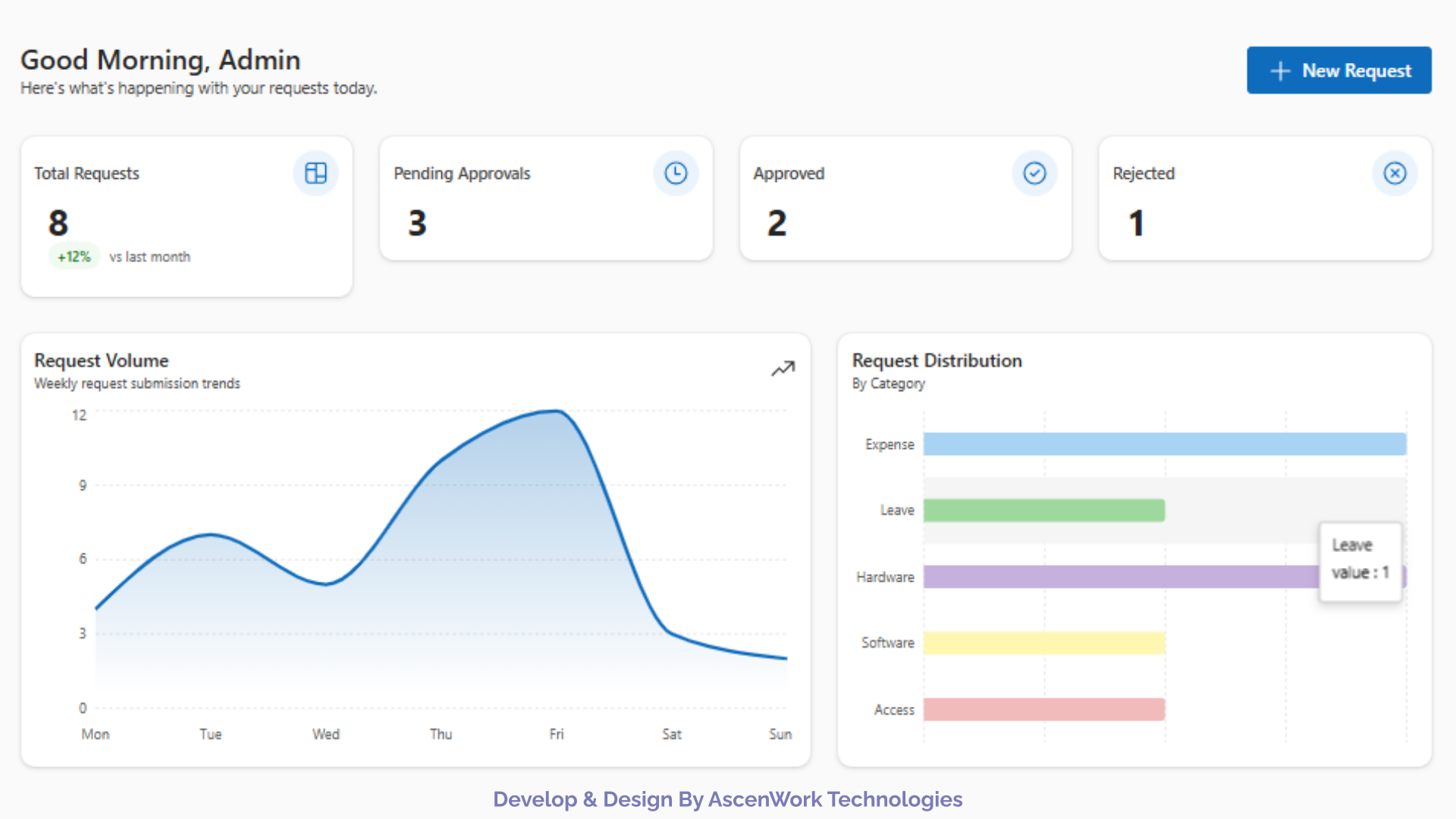
This template automates the review and approval of documents stored in SharePoint libraries. It ensures the right stakeholders are notified, versions are tracked, and approvals are logged for compliance.
Key benefits:
-
Automated routing to reviewers
-
Version-controlled approvals
-
Audit-ready approval history
-
Integration with SharePoint document libraries
Best for: Policies, SOPs, contracts, proposals
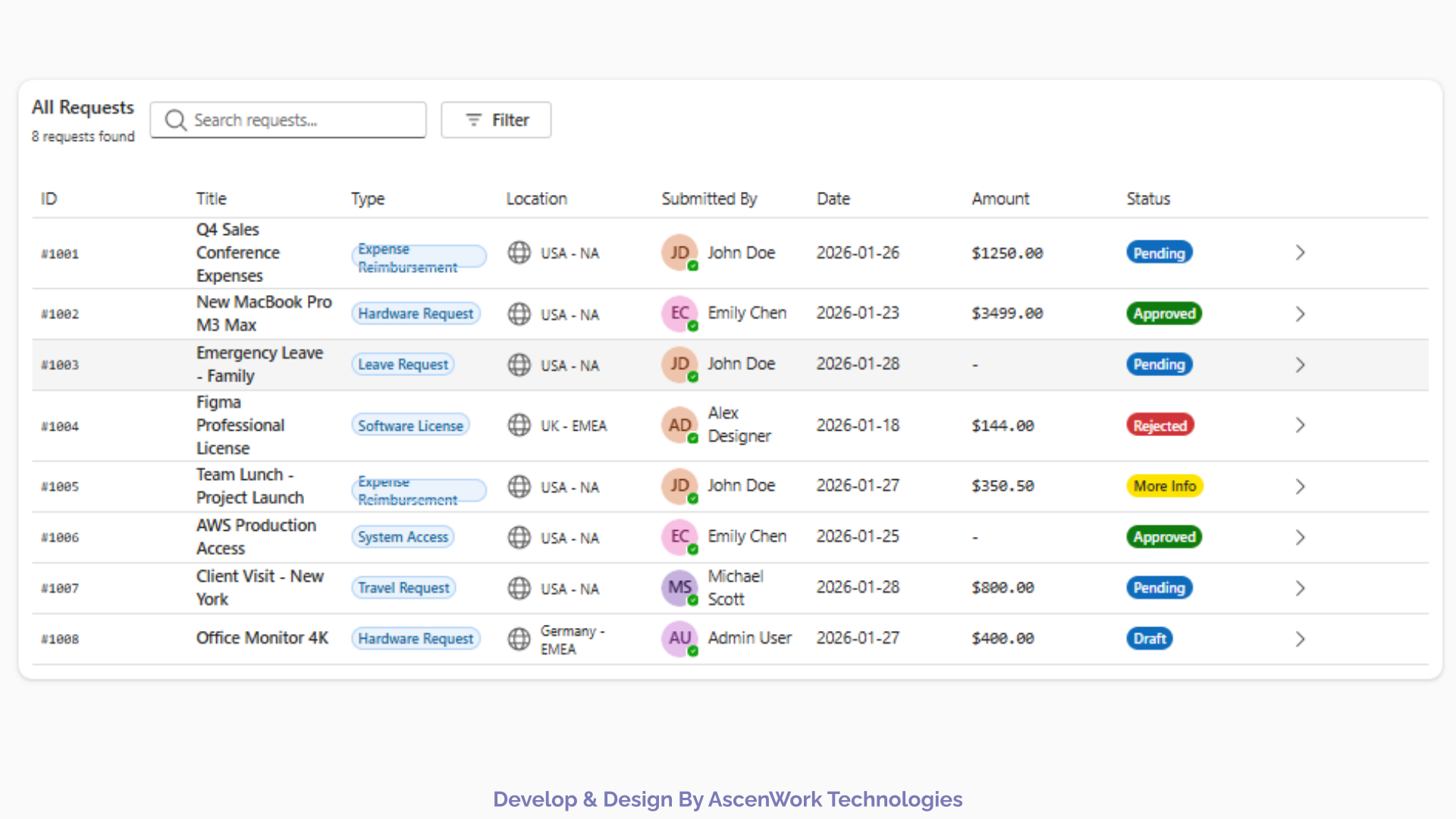
Build faster, error-free approvals using SharePoint & Power Automate.
Purchase Request Approval Workflow
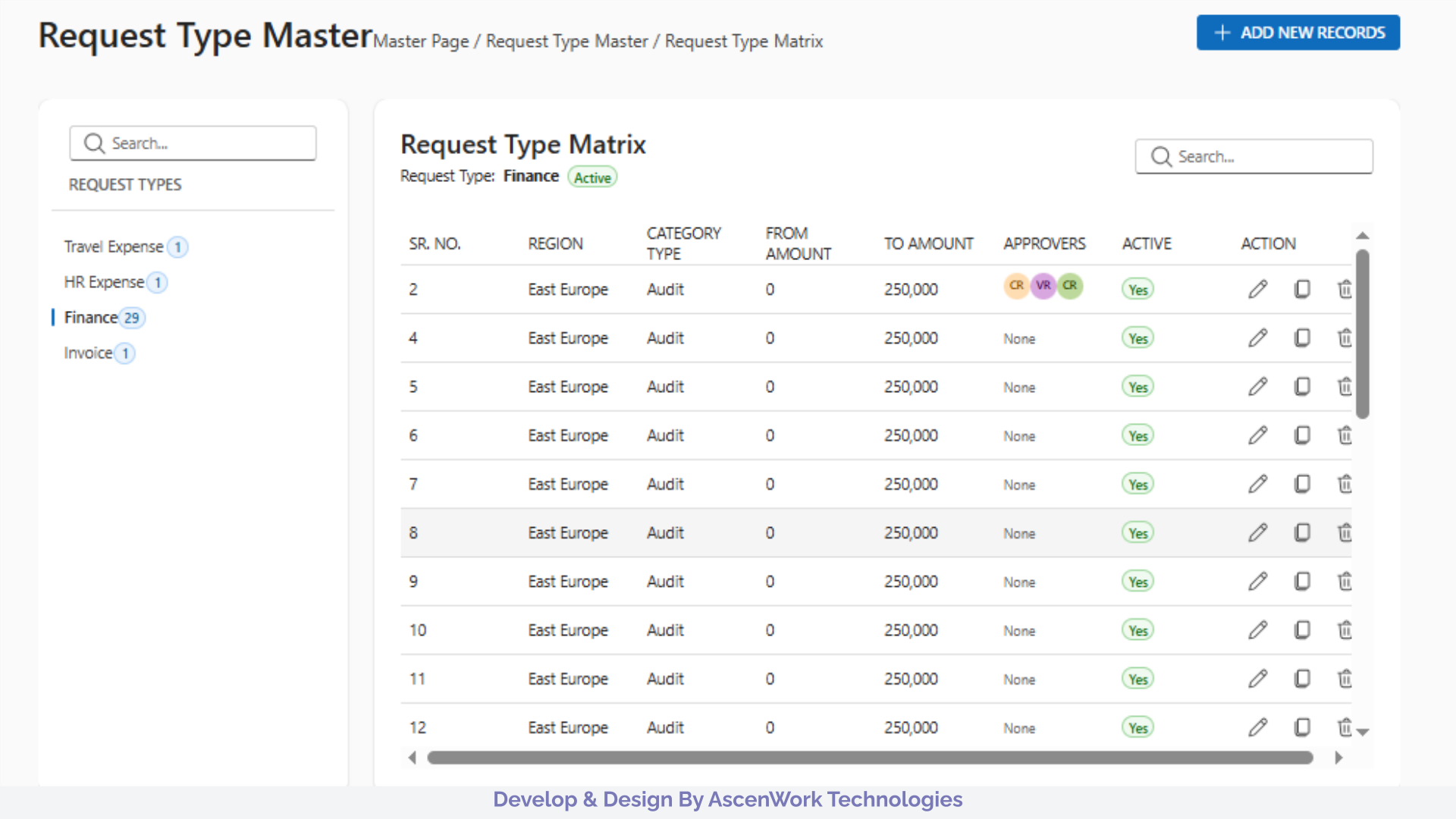
A structured workflow for submitting, reviewing, and approving purchase requests. Requests can be routed based on amount, department, or approval hierarchy.
Key benefits:
-
Multi-level approvals based on thresholds
-
Budget visibility and control
-
Automated notifications and reminders
-
Integration with finance systems
Best for: Procurement, finance, operations teams
Leave & HR Approval Workflow
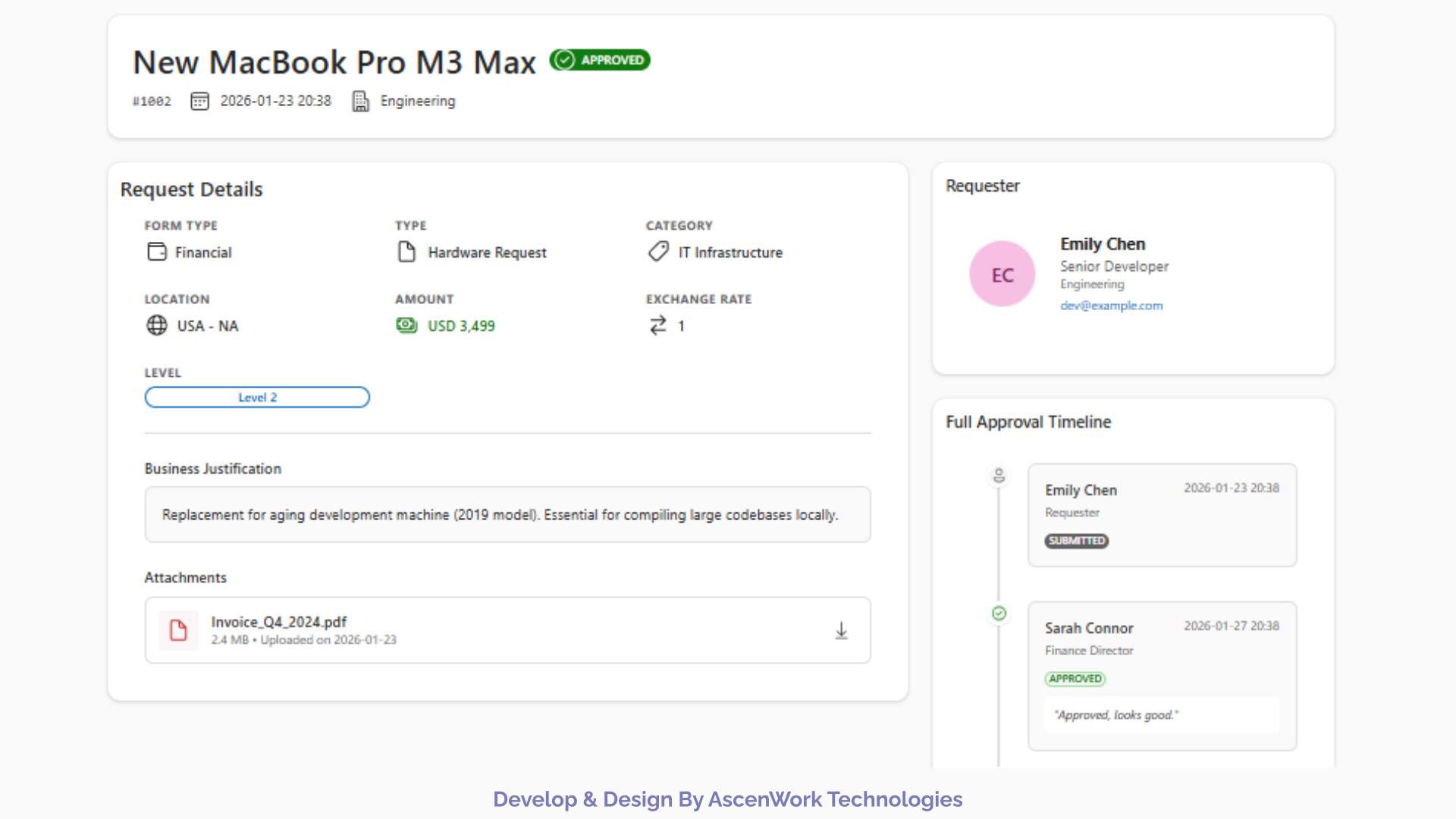
This workflow manages employee leave requests, onboarding approvals, and HR-related submissions in a centralized system.
Key benefits:
-
Self-service request submission
-
Manager and HR approvals
-
Calendar and payroll integration
-
Real-time approval status
Best for: HR departments and people operations
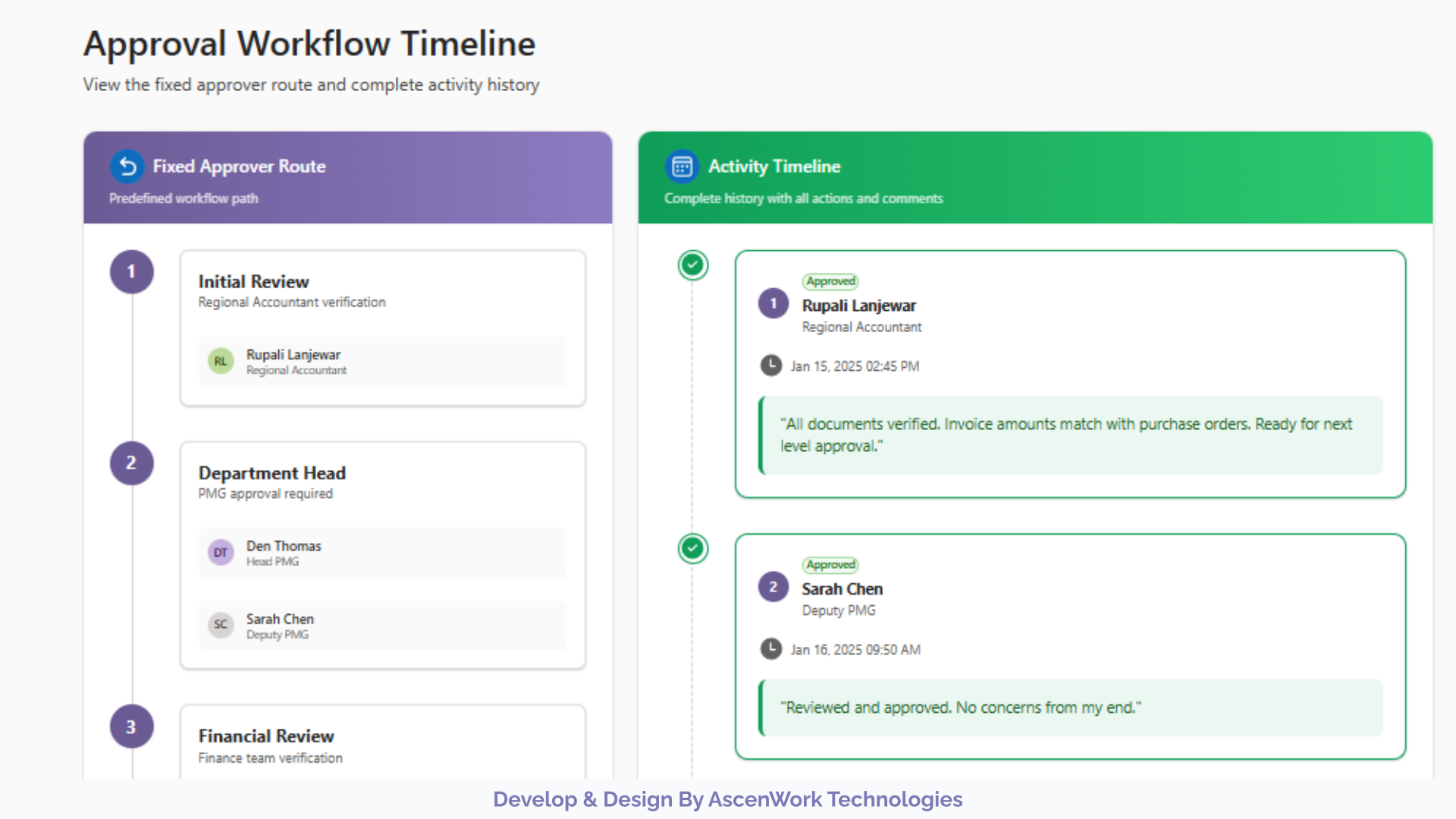
Invoice Approval Workflow Template
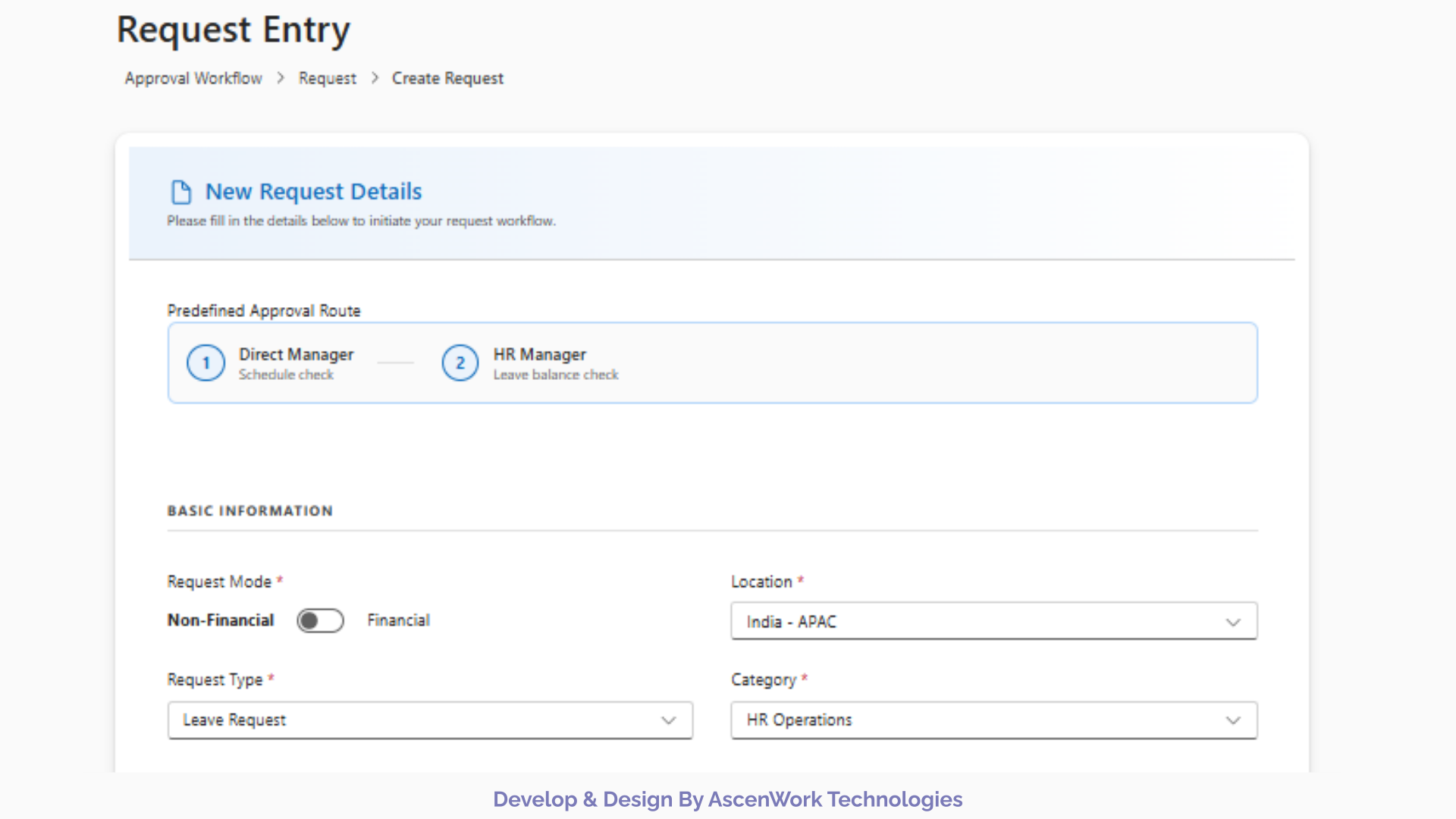
Automate invoice validation and approvals to avoid delays and errors in vendor payments.
Key benefits:
-
Invoice attachment and metadata capture
-
Conditional approvals based on value
-
Finance team visibility
-
Faster payment cycles
Best for: Accounts payable and finance teams
IT Access & Change Request Approval
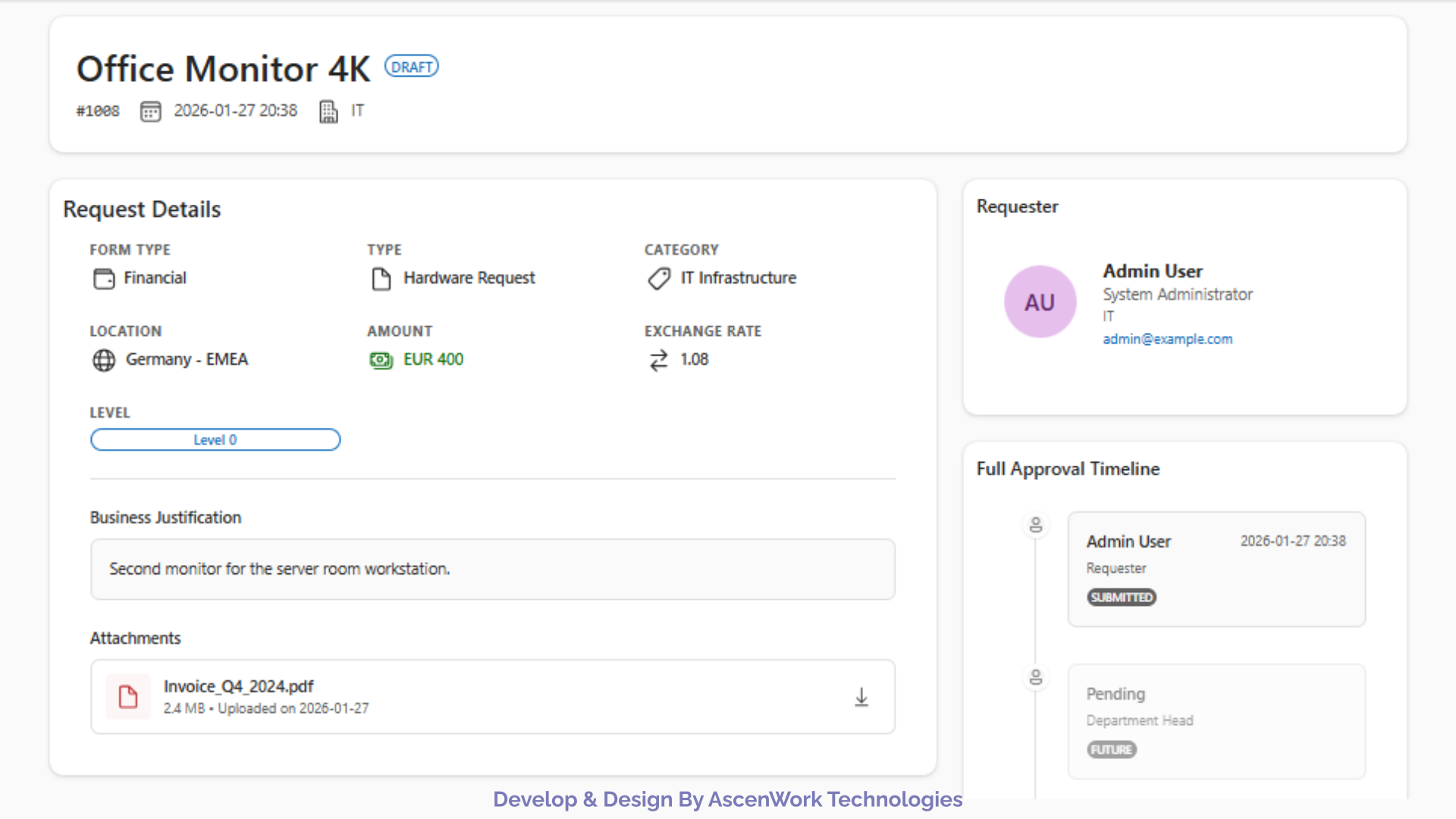
This workflow ensures secure and compliant approvals for IT access, system changes, or service requests.
Key benefits:
-
Role-based approvals
-
SLA tracking
-
Audit and compliance readiness
-
Integration with ITSM tools
Best for: IT departments and security teams
We design workflows tailored to your business rules and compliance needs.
Contract Review & Legal Approval Workflow
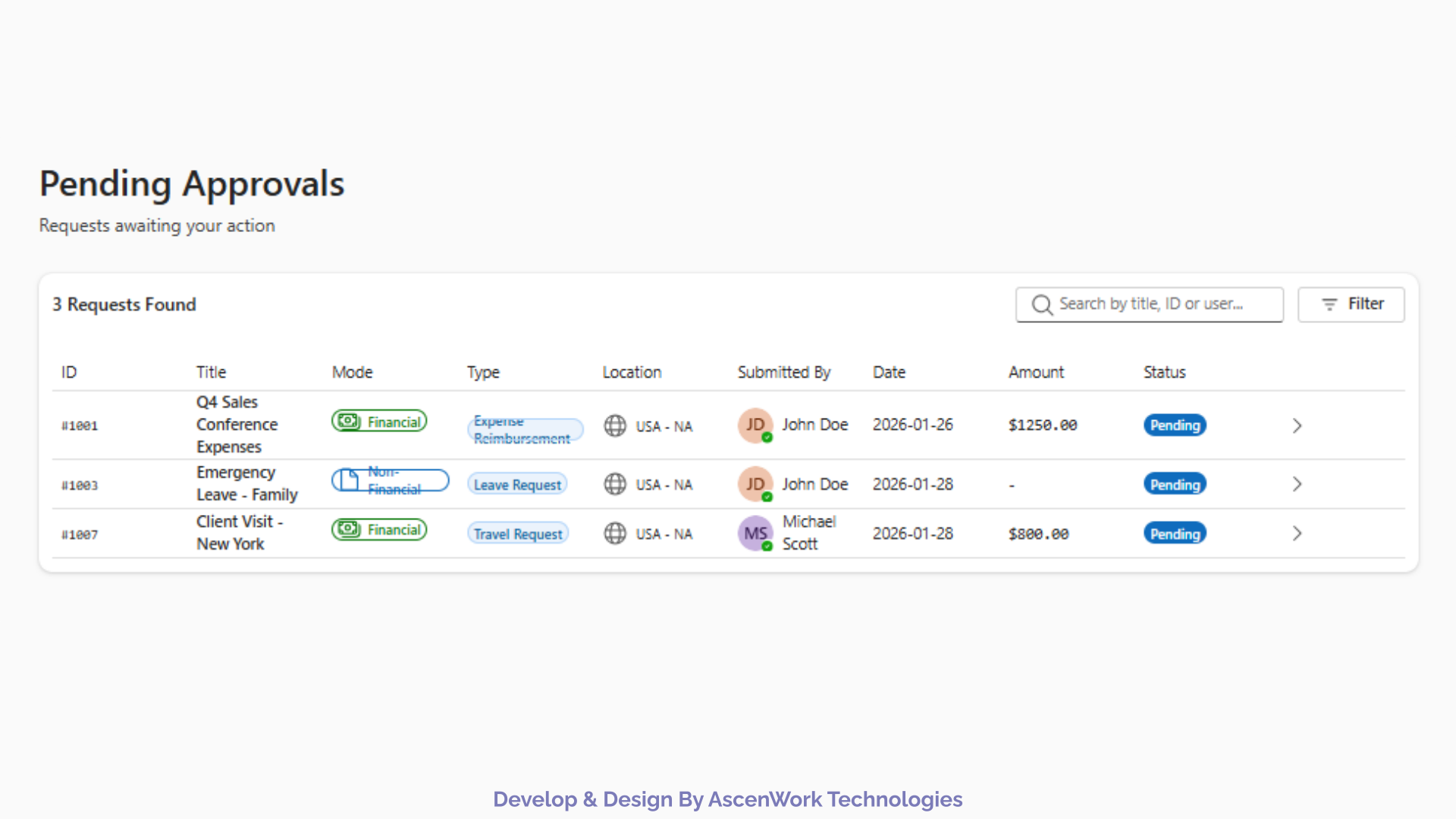
Designed to route contracts through legal, finance, and leadership teams with structured approval stages.
Key benefits:
-
Sequential or parallel approvals
-
Legal compliance tracking
-
Centralized contract repository
-
Reduced turnaround time
Best for: Legal, procurement, leadership teams
Custom Business Approval Workflow Templates
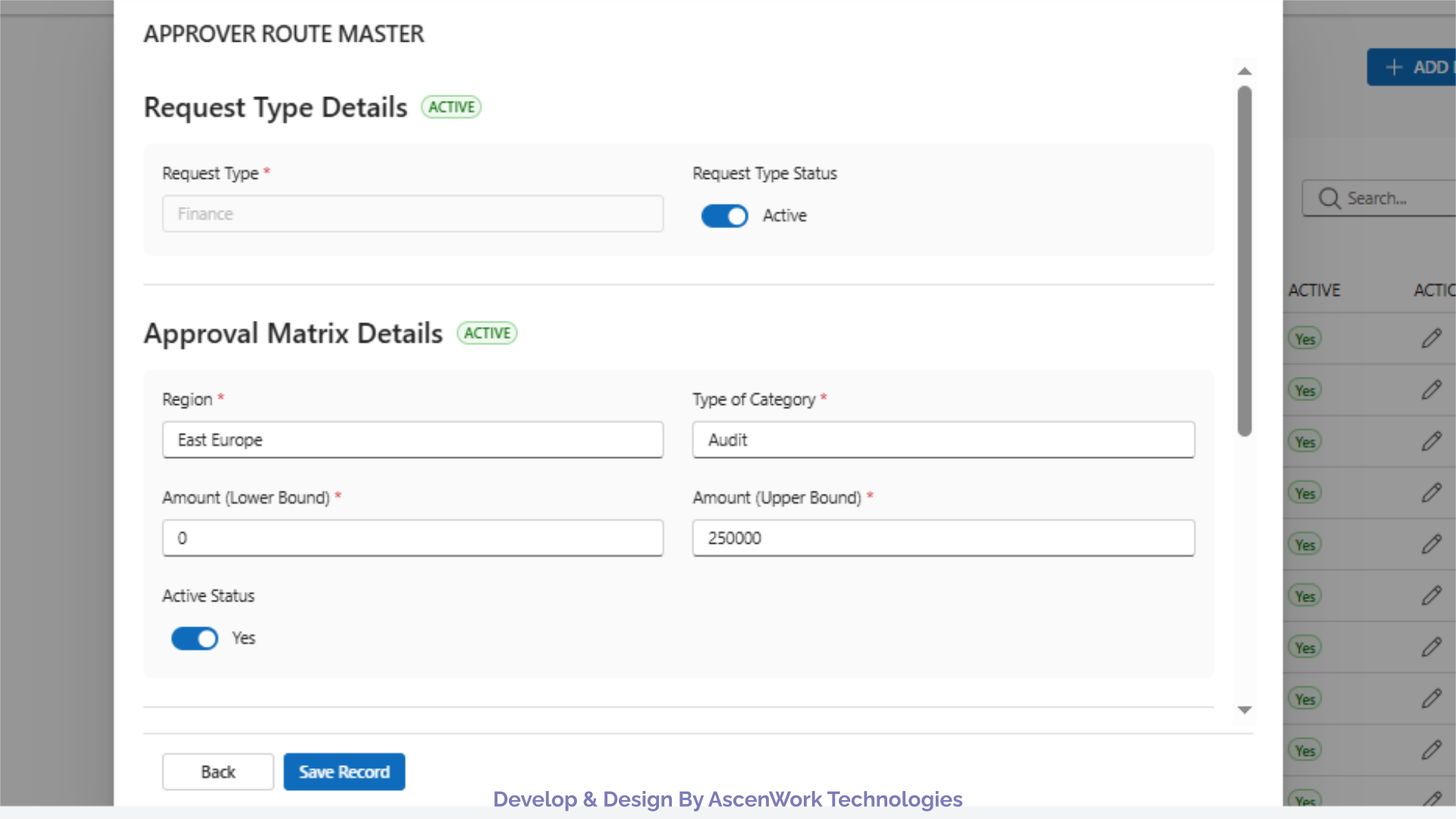
Every organization has unique approval needs. Custom workflows can be designed using SharePoint lists, Power Automate, and Microsoft Teams.
Key benefits:
-
Fully customizable logic
-
Integration with existing systems
-
Scalable for enterprise use
-
Role-based dashboards
Best for: Complex or industry-specific processes
Why Use SharePoint Approval Workflow Templates?
Using ready-made approval workflow templates reduces implementation time while ensuring best practices are followed.
Key advantages:
-
Faster deployment
-
Consistent approval logic
-
Reduced manual errors
-
Better governance and visibility
AscenWork specializes in building secure, scalable, and business-ready approval workflows on SharePoint and Power Automate.
Why organizations trust us:
-
Microsoft 365 workflow expertise
-
Industry-specific workflow design
-
Secure and compliant architecture
-
Ongoing support and optimization
Request Approval Workflow Demo
Let us help you implement ready-to-use or custom approval workflow templates tailored to your business needs.Have a question? check these answers.
Yes, all approval workflow templates can be customized using Power Automate logic, conditions, and connectors.
Yes, approvals can be triggered and completed directly within Microsoft Teams.
All approvals are logged in SharePoint and Power Automate for full traceability.
Absolutely. Conditional, sequential, and parallel approvals are supported.
Absolutely, these designs help build collaborative intranets with employee directories, news hubs, and dashboards.
No-code and low-code configurations are available, with optional advanced customization.