SharePoint Contract Document Management: Enterprise Solutions for Businesses
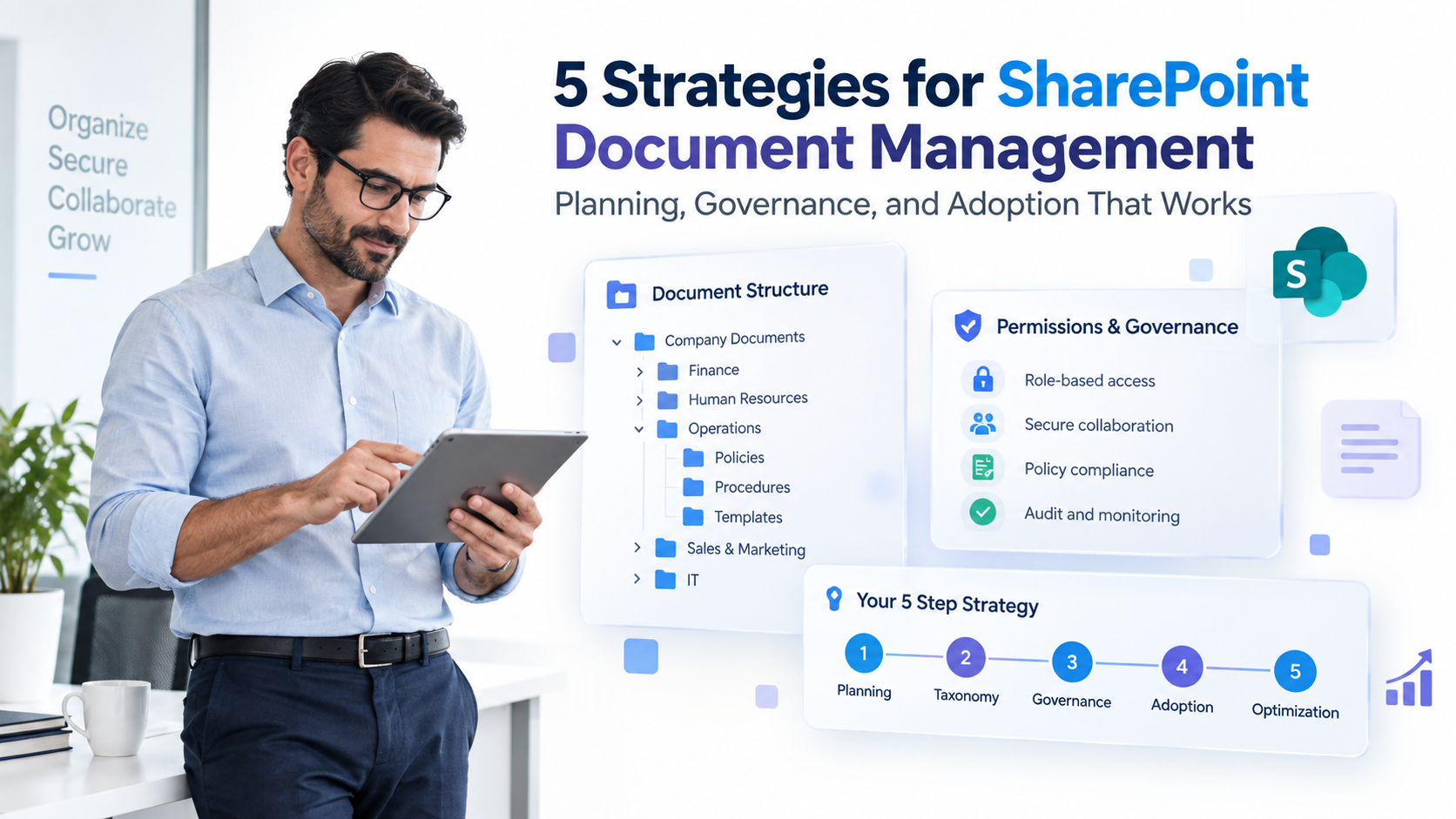
SharePoint contract document management systems are transforming how Mumbai’s fastest-growing enterprises organize, approve, and track legal agreements. Without a unified platform, contracts scatter across email, shared drives, and filing cabinets, creating compliance gaps, missed renewal deadlines, and operational bottlenecks. This guide explains how a centralized SharePoint-based solution accelerates your contract lifecycle, ensures regulatory compliance, and reduces legal risk.
Key Takeaway
A centralized SharePoint contract document management solution can reduce contract cycle time by 30-40% while ensuring complete audit trails, regulatory compliance, and automated approval workflows that eliminate manual handoffs.
In This Article
- Why Contract Management Matters Now for Indian Enterprises
- The Core Challenge: Managing Contracts Without Central Visibility
- The Solution: SharePoint-Based Contract Document Management
- Why Leading Mumbai Enterprises Choose SharePoint for Contract Management
- Industry Applications in Mumbai and India
- How to Get Started
- Frequently Asked Questions
Why Contract Management Matters Now for Indian Enterprises
India’s regulated sectors, banking, insurance, pharmaceuticals, manufacturing, and logistics, are accelerating their digital transformation. Organizations are consolidating legacy systems and migrating to cloud-native platforms like Microsoft 365 to stay competitive and meet evolving compliance requirements.
Mumbai, as India’s financial and legal hub, faces especially intense regulatory scrutiny. RBI mandates for banking, SEBI requirements for financial services, and GST compliance rules demand that enterprises demonstrate complete contract governance and audit readiness. Enterprises managing hundreds of contracts across multiple departments and jurisdictions need systems that provide centralized visibility.
“Cloud adoption across Indian enterprises grew 40% year-over-year from 2023 to 2024, with Microsoft 365 adoption leading digital workplace transformation.”
NASSCOM India Digital Report, 2024
Modern contract document management solutions aren’t a nice-to-have anymore. They’re essential for operational efficiency, legal risk mitigation, and regulatory compliance. Organizations that delay adoption face increasing penalties, slower deal cycles, and difficulty attracting partners who demand transparent, auditable contract governance.

The Core Challenge: Managing Contracts Without Central Visibility
We see this pattern repeatedly across Mumbai-based enterprises: contracts live in disconnected systems with no single source of truth. Here’s what it looks like:
- Multiple storage locations: Contracts scattered across email inboxes, Google Drive, OneDrive, physical filing cabinets, and departmental shared drives. Sound familiar?
- Undefined approval workflows: No standardized process for contract review and sign-off. Delays compound as documents move manually between teams.
- No visibility into renewal dates: Contract renewal obligations slip through the cracks, resulting in missed deadlines and lost revenue opportunities.
- Compliance documentation gaps: When auditors (RBI, SEBI, income tax) request proof of contract adherence, teams spend weeks hunting through systems to locate specific clauses.
- Version control nightmares: Multiple conflicting versions of the same contract create disputes and legal exposure.
- Lack of audit trails: Manual processes leave no digital record of who reviewed, edited, or approved each contract, creating regulatory risk.
The real cost? Delayed deal closures, regulatory fines, legal disputes over conflicting contract versions, and operational inefficiency that impacts deal teams and procurement staff. Organizations spend 40% more time managing contract administration than they should.
The Solution: SharePoint-Based Contract Document Management
A SharePoint contract document management system consolidates all contracts in a single, secure, searchable repository integrated with Microsoft 365. Here’s how it addresses each pain point:
- Centralized repository with role-based access: One location for all contracts. Permission controls ensure only authorized users see confidential agreements.
- Automated approval workflows: Power Automate orchestrates contract reviews through defined teams without manual handoffs or email delays.
- Metadata tagging and intelligent search: Tag contracts by type, vendor, status, renewal date, and regulatory requirement. Retrieve any contract in seconds.
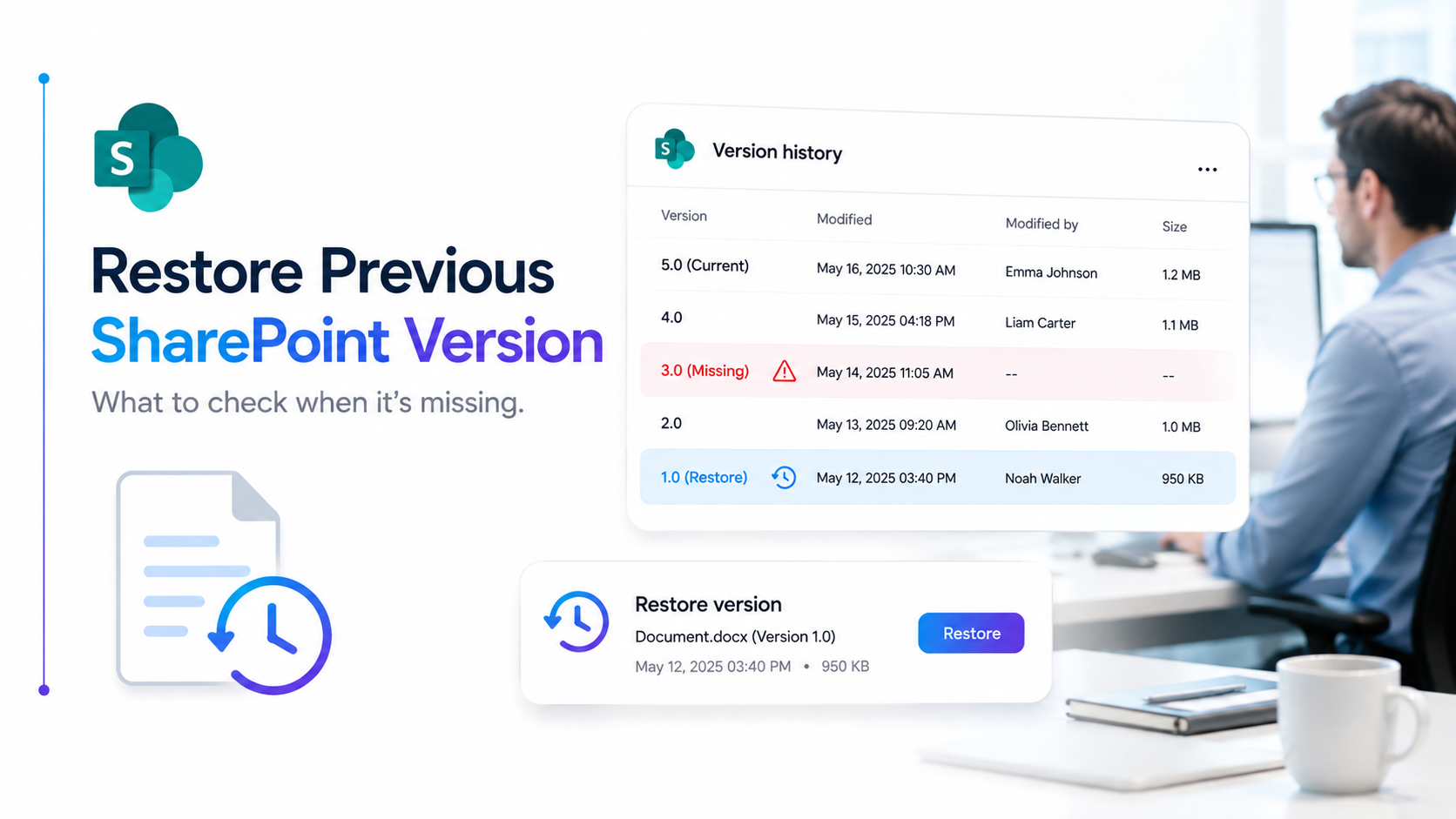
- Complete version control: Every edit is tracked with timestamps and audit logs, eliminating disputes over which version is current.
- Renewal alerts and task automation: Automated reminders surface expiring contracts 90, 60, and 30 days before renewal, preventing missed deadlines.
- E-signature platform integration: Connect seamlessly with DocuSign, Adobe Sign, or other platforms to move contracts from negotiation to execution without leaving SharePoint.
- Compliance and audit readiness: Complete audit trails, Data Loss Prevention (DLP) controls, and retention management satisfy RBI, SEBI, and GST compliance audits.
Expert Perspective
SharePoint’s real strength lies in how deeply it integrates with Microsoft 365. Teams, Outlook, Power Automate, and Power BI can be layered in to create a complete contract lifecycle management ecosystem without switching platforms. This integration reduces IT overhead, accelerates user adoption, and eliminates data silos. Most enterprises we work with already own Microsoft 365 licenses, so a SharePoint contract document management system provides immediate ROI by leveraging existing infrastructure.
That said, SharePoint alone isn’t a complete Contract Lifecycle Management (CLM) platform. For advanced analytics, predictive renewal alerts, or AI-powered clause extraction, many enterprises layer in third-party CLM add-ons or build custom Power Automate logic. The key is selecting a partner who understands both the platform and your industry-specific compliance needs.
When evaluating a SharePoint implementation partner, look for three things: deep Microsoft 365 architecture expertise, proven experience with India-specific compliance frameworks (RBI, SEBI, GST), and the ability to customize workflows without heavy coding or months of development.
Why Leading Mumbai Enterprises Choose SharePoint for Contract Management
Organizations across Mumbai’s financial services, manufacturing, and healthcare sectors are standardizing on SharePoint for contract document management. Why? It balances cost, compliance, and integration seamlessly.
| Factor | SharePoint-Based CLM | Manual/Email-Based |
|---|---|---|
| Centralization | Single source of truth, all contracts in one secure repository | Contracts scattered across email, drives, and cabinets |
| Compliance & Audit | Full audit trails, DLP controls, retention policies for regulatory proof | No audit record, difficult to prove compliance |
| Microsoft 365 Integration | Native integration with Teams, Outlook, Power Automate, Power BI | No integration, manual data entry and switching |
| Approval Workflows | Automated via Power Automate, eliminates manual routing delays | Manual email-based workflows, bottlenecks, slow cycles |
| Cost Efficiency | Leverages existing Microsoft licenses, lower TCO | High manual labor cost, inefficient time use |
Three factors drive this preference. First, SharePoint is natively integrated into Microsoft 365, reducing tool sprawl and IT complexity. Second, it’s regulatory-ready, with audit trails, DLP, and compliance controls pre-built for Indian standards. Third, it aligns with your team’s daily workflow. They already use Teams, Outlook, and OneDrive, so adoption friction is minimal.

Industry Applications in Mumbai and India
Finance and Banking
Banks and financial services firms manage hundreds of loan agreements, vendor contracts, and regulatory filings daily. SharePoint contract document management enables compliance with RBI mandates for contract governance and audit readiness. Here’s what we’ve seen work: a Mumbai-based bank reduced contract review cycles from 14 days to 4 days by automating approval workflows through Power Automate. Relationship managers close deals faster while legal teams maintain full visibility and audit trails.
Pharmaceutical and Healthcare
Regulated healthcare organizations juggle clinical trial agreements, supplier contracts, regulatory submissions, and patient confidentiality requirements simultaneously. A centralized contract document management system ensures all agreements meet regulatory standards and compliance documentation is instantly available during audits. What’s changed? Compliance teams can now audit contract adherence in real-time with full digital trails, eliminating the weeks-long manual audit process.
Manufacturing and Supply Chain
Manufacturers manage vendor agreements, purchase orders, logistics contracts, and quality certifications across multiple suppliers and geographies. Automated renewal alerts prevent supply chain disruptions by surfacing expiring vendor contracts before operations are affected. Pattern we’re seeing: enterprises using SharePoint contract document management reduce supply chain contract disputes by 35% because all parties reference the same, centrally-managed contract version.
Insurance and Reinsurance
Insurance firms manage policyholder contracts, reinsurer agreements, and regulatory filings under IRDAI oversight. A centralized legal document management system built on SharePoint meets IRDAI compliance requirements while enabling faster policy processing. Here’s the impact: reinsurance teams can now retrieve historical contract data and regulatory filings within minutes, supporting faster claims resolution and audit readiness.
How to Get Started
Implementing a SharePoint contract document management system follows a structured path. Each step builds on the previous one to ensure smooth adoption and long-term success:
- Audit your current state. Map all contract repositories, measure contract volume across departments, and identify compliance gaps specific to your industry. You’ll get a clear picture of where contracts live today and what needs to be improved.
- Define requirements and workflows. Document your contract approval chains, metadata standards (contract type, vendor, renewal date, regulatory category), and integration touchpoints with e-signature or finance systems. This detailed requirements document guides configuration and prevents rework.
- Design and configure SharePoint. Build the repository structure, set up Power Automate approval workflows, configure search and metadata tagging, and integrate with external systems. You’ll have a fully functional contract document management system ready for data migration and user testing.
- Migrate and integrate. Move existing contracts into the new system, validate e-signature and downstream system integrations, and run parallel testing. Historical contracts become discoverable in the new system and all integrations function reliably.
- Train and optimize. Roll out user training, establish governance policies, monitor adoption metrics, and iterate on workflows based on feedback. Your teams adopt the system, contracts flow through defined processes, and you continuously improve based on real usage patterns.
Frequently Asked Questions
Can SharePoint alone serve as a complete contract management system?
SharePoint provides the foundation: centralization, version control, compliance controls, and basic workflows. However, for advanced analytics, predictive renewal alerts, or AI-powered clause extraction, many enterprises integrate third-party CLM add-ons or build custom Power Automate logic. Your choice depends on contract complexity and your team’s analytics needs.
How does SharePoint contract document management meet India’s compliance requirements like RBI, SEBI, and GST?
SharePoint’s audit trails, DLP policies, and retention management support compliance documentation. You’ll need to configure retention schedules specific to your regulatory framework, set up eDiscovery for compliance audits, and establish access controls aligned with your industry’s requirements. A compliance-experienced implementation partner is essential to get these controls right.
What’s the difference between SharePoint-based contract management and dedicated CLM software?
Dedicated CLM tools often include advanced features like AI-powered contract analysis, automatic obligation extraction, and predictive spending insights. SharePoint offers flexibility, lower total cost of ownership, and seamless Microsoft 365 integration. Most enterprises start with SharePoint and augment with specialized tools as they scale and identify specific analytical needs.
How does implementation complexity vary across organizations?
Scope varies widely based on contract volume, departmental complexity, integration requirements, and current governance maturity. A basic repository setup is simpler than a full enterprise rollout with multi-department workflows and third-party system integrations. During a discovery conversation, we assess your specific needs and map out a realistic path.
Will a SharePoint solution integrate with our existing e-signature and finance systems?
Yes. Power Automate connectors enable integration with DocuSign, Adobe Sign, SAP, NetSuite, Salesforce, and other enterprise systems. Integration complexity depends on your system landscape and data requirements. A proper architecture review early in the engagement prevents costly rework and ensures seamless data flow between systems.
Transform Your Contract Management Today
Stop losing contracts in email and spreadsheets. A SharePoint contract document management system gives your team centralized visibility, automated approvals, and complete audit readiness, without switching platforms or adding complexity. Our SharePoint experts can help you design a solution aligned with your Mumbai-based enterprise’s unique compliance and operational needs.