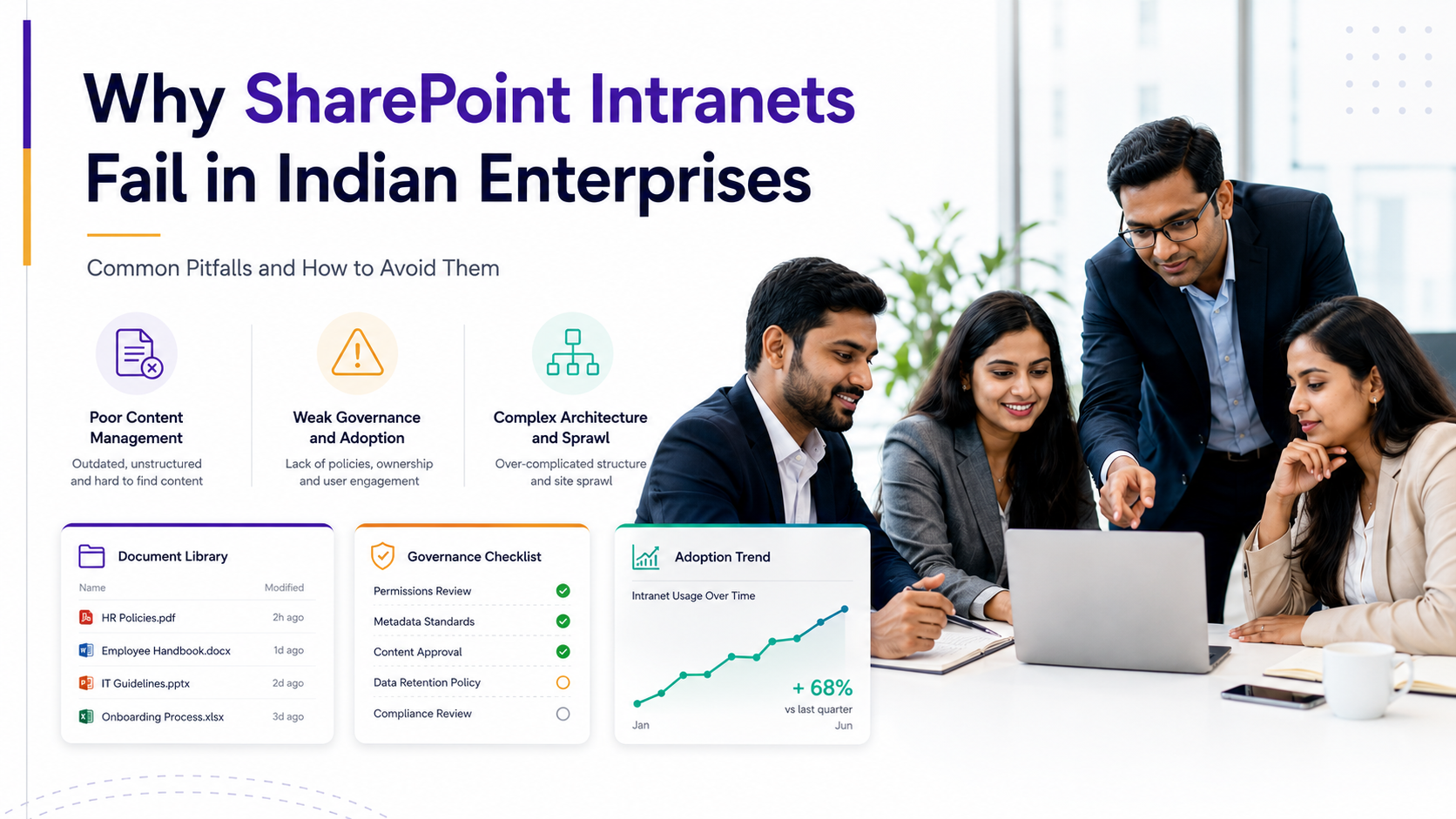
Why SharePoint Intranet Development Fails and How to Succeed
SharePoint intranet development represents one of the most ambitious yet frequently underperforming digital workplace initiatives in modern enterprises. You’ve invested in SharePoint. You’ve built the infrastructure. But employees still aren’t using it. Why? The answer rarely lies in the technology itself. Most intranet challenges stem from organizational factors, strategy misalignment, and insufficient change management, not from SharePoint’s capabilities.
Key TakeawayMost intranet challenges aren’t technical, they’re organizational. Success requires balancing technology, strategy, and people. The investment upfront in discovery, governance, and adoption dramatically improves long-term outcomes and reduces costly rework.
In This Article
- Why SharePoint Intranet Projects Matter (And Why They Often Struggle)
- Why Successful Intranet Projects Start With Strategy, Not Technology
- The 6 Most Common SharePoint Intranet Pitfalls
- How to Build a Successful Intranet: Strategic Solutions to Common Pitfalls
- Key Success Factors for Successful Intranet Implementations
- Industry Applications: SharePoint Intranet Across Different Sectors
- How to Get Started With Your SharePoint Intranet Strategy
- Frequently Asked Questions About SharePoint Intranet Development
Why SharePoint Intranet Projects Matter (And Why They Often Struggle)
Digital workplaces have become critical infrastructure. Employees expect seamless access to information, collaboration tools, and company resources from any device, at any time. SharePoint intranet development addresses this need, but only when you execute it strategically.
According to Gartner’s digital workplace research, 60% of intranet initiatives fail to achieve adoption targets within the first year. The reason isn’t lack of budget or poor technology selection. It’s that organizations approach SharePoint intranet development as a technical deployment project rather than a strategic business initiative.
“Organizations that treat intranet implementation as a technology project rather than a business transformation experience 3x higher abandonment rates than those that invest in strategy, change management, and user adoption from the outset.”
Gartner Digital Workplace Trends, 2024
Sound familiar? How many intranets have been built, launched with great fanfare, and then quietly neglected because employees didn’t understand why they should use it? The technology worked fine. But the people side, communication, training, integration with daily workflows, got overlooked.
Here’s the thing: SharePoint intranet development succeeds when you recognize that the platform is only one piece of a larger puzzle. The other pieces include clear governance, information architecture that reflects how people actually work, change management that builds adoption momentum, and ongoing content maintenance that keeps the intranet relevant and trustworthy.

Why Successful Intranet Projects Start With Strategy, Not Technology
There’s a fundamental difference between deploying SharePoint and building a strategic intranet. Deployment is what IT does: provisioning servers, configuring permissions, installing updates. Strategy is what business does: understanding employee needs, defining governance models, planning adoption approaches.
The most successful SharePoint intranet development initiatives dedicate significant effort to the discovery and strategy phase before a single line of code is written. This phase typically includes user research through interviews and surveys, analysis of existing content and workflows, definition of intranet goals and success metrics, and alignment on governance and information architecture decisions.
We see this constantly: IT managers feel pressure to “show progress quickly.” That creates temptation to skip discovery and jump straight into building. The result? An intranet that doesn’t match how employees actually work, leading to poor adoption and wasted resources. Now contrast that with organizations that invest 20 or 30 percent of their effort in strategy and discovery before implementation. Those projects consistently achieve higher adoption and deliver measurable business value.
Expert PerspectiveOrganizations that conduct thorough user research and define clear intranet goals before building report 40 percent higher engagement and significantly lower content maintenance burden. The upfront investment pays dividends in faster adoption, higher trust, and better long-term outcomes.
SharePoint intranet development that’s driven by strategy asks hard questions early: Who will use this intranet, and what problems does it solve for them? How does it integrate with existing tools and workflows? Who owns content governance, and how will we maintain quality over time? What are we measuring, and how do we know if we’re successful? These conversations happen in the strategy phase, not after launch.
The 6 Most Common SharePoint Intranet Pitfalls
After working with dozens of organizations on intranet initiatives, clear patterns emerge. These six pitfalls appear repeatedly, and the good news is they’re preventable.
1. Lack of Clear Governance and Information Architecture
Poor taxonomy and folder structures make content impossible to find. Users resort to search (which returns too many results), email (which replicates information), or asking colleagues instead of using the intranet. Without clear governance, content ownership becomes unclear. Documents become outdated. Duplicate versions proliferate. Trust erodes fast.
SharePoint intranet development fails when information architecture is treated as a technical decision rather than a strategic one. The structure should reflect how your employees think and work, not how IT organizes servers.
2. Insufficient User Research and Needs Assessment
An intranet built on assumptions rather than actual employee workflows becomes irrelevant quickly. Maybe IT assumes the intranet will be a central document repository. But employees actually need quick access to shift schedules, policy updates, and training resources. The mismatch creates poor adoption. Resources are wasted. The project is perceived as a failure.
Successful SharePoint intranet development includes interviews with frontline employees, managers, executives, and support teams. What information do they need? How do they currently find it? What tools do they use daily? These insights shape the intranet’s structure and features.
3. Underestimating Change Management and Adoption
Technical launch without proper communication or training is the most common mistake we see. The intranet goes live. An email announcement is sent. Users are confused about why they should use it. Adoption stalls. The project is deemed unsuccessful.
Effective SharePoint intranet development includes a comprehensive change management strategy that runs parallel to technical implementation. This includes clear communication about why the intranet exists, what problems it solves, how to use it, and how adoption will be measured. It includes training tailored to different user groups. It identifies champions within departments who advocate for adoption.
4. Treating Content Migration as a Technical Task, Not a Strategic One
Legacy content dumped into SharePoint without review, curation, or metadata creates “digital clutter.” Users encounter outdated policies, conflicting information, and duplicate documents. They lose confidence in the intranet. Trust erodes, and adoption declines.
Strategic SharePoint intranet development includes a content audit and migration plan. What content adds value? What’s outdated and should be archived? What needs refreshing? Who owns each piece of content? Which content should be prioritized for migration first? This governance upfront prevents digital clutter and maintains trust.
5. Ignoring Mobile and Modern User Experience Expectations
Intranets that look like document repositories instead of modern platforms frustrate today’s employees. This is especially problematic for frontline workers and deskless staff who access the intranet primarily on mobile devices.
Successful SharePoint intranet development uses modern, responsive design. Information is presented clearly and navigation is intuitive. Mobile access is a primary design consideration, not an afterthought. Power Apps or intranet apps enable common tasks like leave requests, service ticketing, and knowledge searches, not just browsing folders.
6. Inadequate Planning for Integration With Other Tools
SharePoint built in isolation from Teams, Power Automate, Power BI, and other Microsoft 365 tools creates a fragmented employee experience. Users navigate between tools. Functionality is duplicated. The “unified digital workplace” promise feels empty.
Strategic SharePoint intranet development accounts for how the intranet works alongside other tools. Teams becomes the communication and collaboration layer. Power Automate handles workflow automation. Power BI surfaces analytics and insights. The intranet serves as the content and knowledge foundation, with clear pathways to collaborative spaces.
How to Build a Successful Intranet: Strategic Solutions to Common Pitfalls
For every pitfall, there’s a corresponding solution. These approaches have proven effective across industries and organization sizes.
Start With a Discovery and Strategy Phase
Before building, invest in understanding your organization’s needs. Conduct user research through interviews with different employee groups: frontline staff, managers, executives, and support teams. Create journey maps showing how employees currently find and share information. Define intranet goals and success metrics aligned with business objectives. Align leadership on a governance model.
This phase typically reveals insights that wouldn’t surface otherwise. Maybe your organization needs a mobile-first intranet for field workers. Maybe your biggest challenge is policy communication and compliance. Maybe your intranet needs to serve as a hub for manager-specific resources or training content. These insights shape your SharePoint intranet development strategy.
Design Information Architecture Intentionally
Develop a clear taxonomy that reflects how users think, not how IT organizes data. Should content be structured by role or department? By process or project? By content type or business goal? The answer depends on your user research findings and how your organization actually works.
Plan for content maintenance and governance from day one. Who owns each section? What’s the approval workflow? How often is content reviewed? What happens to outdated content? These governance decisions determine whether your intranet stays fresh or becomes a digital graveyard.
Invest in Change Management Early
Create a communication and adoption roadmap before launch. Identify champions and advocates within departments who will champion the intranet. Plan for training that matches how different employee groups prefer to learn: some prefer videos, others prefer hands-on workshops or printed guides. Establish feedback loops post-launch so you can respond to issues quickly.
Change management should run parallel to technical implementation, not after launch. Early communication builds awareness and anticipation. Training before launch ensures employees can use the intranet effectively from day one.
Treat Content Migration as a Strategic Initiative
Audit existing content before migration. Decide what stays, what’s archived, and what’s deleted. Classify and tag content for discoverability. Refresh outdated information. Assign content ownership. Then migrate selectively. Prioritize high-value, high-traffic content first. Avoid the “dump and run” approach where legacy content is simply migrated as-is into SharePoint.
Quality content earns trust. Trust drives adoption. Poor content drives users away.
Prioritize Modern, Mobile-First Design
Use modern SharePoint templates and responsive design principles. Test the intranet on mobile devices and optimize the experience. Consider intranet apps or Power Apps for common tasks. Make it easy for employees to find information, access resources, and complete routine tasks on whatever device they’re using.
Plan for Integration From Day One
Map how SharePoint will work with Teams, Power Automate, Power BI, and other Microsoft 365 tools. Use Teams channels as extensions of the intranet for community discussion and real-time collaboration. Use Power Automate to streamline workflows tied to intranet content. Use Power BI to surface analytics and key metrics. Eliminate tool sprawl and confusion.
Key Success Factors for Successful Intranet Implementations
Beyond addressing the six common pitfalls, successful SharePoint intranet development depends on a set of core success factors. These appear consistently in high-performing intranet initiatives.
| Success Factor | Why It Matters | Common Pitfall |
|---|---|---|
| Executive Sponsorship | Signals organizational priority. Removes adoption barriers. Provides resources when needed. | Intranet treated as IT-only initiative. Leadership engagement lacking. |
| Clear Governance Model | Defines roles, content ownership, and decision-making. Prevents chaos and duplication. | No one is accountable for content quality. Ownership unclear. |
| Adoption Metrics and Measurement | Shows ROI. Identifies what’s working. Enables data-driven improvements. | Intranet launched with no measurement plan. Success undefined. |
| Ongoing Content Management | Keeps intranet relevant and trustworthy. Prevents digital decay. | Content becomes stale. Users lose confidence in the tool. |
| User-Centric Design | Reflects how employees actually work. Drives adoption naturally. | Intranet designed by IT for IT processes. Limited user input. |
Here’s the thing: successful SharePoint intranet development recognizes that adoption isn’t a one-time event. It’s an ongoing process. Early communication builds awareness. Training ensures competence. Feedback mechanisms identify issues. Continuous improvement keeps the intranet relevant as organizational needs change.
Organizations that treat adoption as a multi-phase initiative (launch, stabilization, growth, and optimization) consistently outperform those that treat launch as the finish line.

Industry Applications: SharePoint Intranet Across Different Sectors
SharePoint intranet development needs differ by industry. Understanding sector-specific requirements improves implementation success.
Financial Services
Banks and financial institutions use intranets to improve compliance communication and ensure frontline staff access current policy information. A well-governed intranet reduces compliance risks and improves policy adoption. Integration with security and permission controls is critical.
Healthcare
Hospital systems use intranets to streamline shift handoffs, share clinical protocols, and reduce reliance on outdated printed materials. Mobile access is critical for nursing and clinical staff. Integration with scheduling systems and clinical information systems is essential.
Manufacturing
Manufacturing companies use intranets to share safety updates, training materials, and production schedules across multiple facilities. Integration with Power Apps enables frontline workers to report issues, access safety documentation, and participate in safety programs. Mobile-first design accommodates workers on the production floor.
Retail and Hospitality
Retail chains and hospitality groups use intranets to communicate promotions, training, and scheduling to store and hotel employees. Mobile-first design ensures accessibility on personal devices. Integration with scheduling and point-of-sale systems keeps information synchronized.
How to Get Started With Your SharePoint Intranet Strategy
Moving from intranet challenges to intranet success follows a clear sequence. These steps provide a practical roadmap.
- Assess your current state. Document existing tools, content, and workflows. Identify what’s working and what’s not. Understand employee pain points and unmet needs related to information access and collaboration.
- Conduct user research. Interview employees across different roles and levels. Ask what information they need, how they currently find it, and what frustrates them. Create journey maps showing current workflows. Identify quick wins and strategic priorities.
- Define your intranet vision and success metrics. What problems does your intranet solve? Who are the primary users? What are you measuring: adoption, engagement, time savings, improved compliance? Align leadership on objectives before building.
- Design information architecture and governance model. Structure content based on how users think and work. Define content ownership, approval workflows, and maintenance responsibilities. Document governance policies so everyone understands expectations.
- Build, migrate, and launch with change management. Implement the intranet using modern design principles. Migrate content strategically. Execute a comprehensive change management program including communication, training, and adoption support. Measure results and iterate.
Organizations that follow this sequence report faster adoption, higher engagement, and more sustainable long-term outcomes than those that skip phases or compress timelines.
Frequently Asked Questions About SharePoint Intranet Development
What’s the biggest reason SharePoint intranet projects fail?
Lack of strategic planning and change management. Many organizations underestimate the people and process side, focusing instead on technical deployment. SharePoint intranet development succeeds when technology is treated as an enabler of strategy, not as the strategy itself.
How long does it take to see ROI from a SharePoint intranet?
It depends on your baseline and metrics. Organizations report improved employee engagement and reduced time spent searching for information within weeks of launch. Broader cultural shifts and sustained adoption take longer. Success requires ongoing measurement and iteration.
Should we migrate all our legacy content to SharePoint?
No. A selective approach is better. Audit your content. Archive or delete what’s outdated. Migrate only content that adds value and can be properly maintained. Quality content earns user trust. Volume without quality drives users away.
How do we ensure users actually adopt and use the intranet?
Adoption requires communication, training, integration with daily workflows, and demonstrable value. Don’t rely on a one-time launch event. Plan for ongoing engagement, feedback loops, and continuous improvement. Identify and support champions who advocate for the intranet within their teams.
How does a SharePoint intranet integrate with Microsoft Teams?
SharePoint powers Teams: documents are stored in SharePoint behind the scenes, and Teams provides the communication and collaboration layer. Your intranet strategy should account for how Teams will be used alongside it. Teams channels can serve as extensions of the intranet for discussion and real-time collaboration around specific topics or projects.
What’s the difference between a document management system and an intranet?
A document management system organizes and stores files with version control and access permissions. An intranet is broader: it’s a digital workplace platform that combines information access, collaboration, community, and organizational communication. SharePoint intranet development builds on document management capabilities but extends far beyond them.
Can we build a successful intranet without external help?
Some organizations build successful intranets internally, especially those with strong in-house SharePoint expertise and bandwidth. However, many benefit from external partners who bring objective perspective, experience across industry best practices, and specialized skills in change management and user adoption. The decision depends on your team’s capacity and expertise.
Ready to Transform Your Intranet Strategy?
SharePoint intranet development succeeds when you balance technology with organizational strategy and change management. AscenWork helps IT leaders plan and implement SharePoint intranets that drive real adoption and measurable business value. Let’s discuss your intranet goals and explore how strategic planning can transform your digital workplace.