How to Find Business Documents When Files Are Scattered Across Multiple Locations
Centralized document search solves one of the most frustrating problems in modern enterprises: employees wasting hours locating files buried across SharePoint, OneDrive, network drives, cloud storage, and physical archives. Your finance team hunts through three systems for a single invoice. Your compliance officer can’t identify which policy document version is current. Your operations manager discovers a contract stored on a 2019 network drive nobody remembers. Without a unified search system, document retrieval becomes a productivity drain that compounds across departments.
Key Takeaway
A centralized document search system can reduce retrieval time by up to 70% while eliminating compliance gaps caused by siloed storage locations.
In This Article
- Why Finding Documents Across Multiple Locations Is a Business Problem
- The Core Challenge: Fragmented Document Storage in Modern Enterprises
- The Solution: Enterprise Document Search and Centralized Retrieval
- Key Capabilities of a Centralized Document Search System
- Industry Applications: Real-World Document Search Scenarios
- How to Implement a Centralized Document Search System
- Frequently Asked Questions
- Getting Started: Your Next Steps
Why Finding Documents Across Multiple Locations Is a Business Problem
Knowledge workers spend an average of 1.5 to 2 hours per week searching for documents they can’t locate on the first try. That’s roughly 78 hours per year per employee. For a 100-person organization, that’s 7,800 hours of lost productivity annually. Multiply that by labor costs, and the impact becomes undeniable.
Here’s the thing that most organizations don’t talk about: scattered documents create compliance vulnerabilities. When your finance, legal, and operations teams store records in different systems without a unified audit trail, you can’t prove document authenticity, access history, or retention compliance during a regulatory audit. Healthcare organizations face HIPAA penalties for this. Financial services firms risk SOX violations. Public companies can’t certify their controls with confidence.
On top of that, version control breaks down across silos. Three copies of a contract exist: one on SharePoint, one in OneDrive, one in a shared network drive. Which version is current? Nobody knows. That ambiguity causes teams to miss renewal deadlines, apply outdated policies, and duplicate work.
“Information workers spend an estimated 9.3 hours per week managing emails and documents, with roughly 2.5 hours lost to ineffective search and retrieval.”
AIIM Industry Benchmarks, 2023
The business impact spreads beyond individual productivity. Teams delay decisions waiting for documents. Audit readiness suffers. Compliance costs rise. Institutional knowledge walks out the door when employees leave and take mental maps of where files live with them.

The Core Challenge: Fragmented Document Storage in Modern Enterprises
Most organizations didn’t plan to scatter documents across multiple locations. It happened gradually. The company started with network drives. Then SharePoint launched. OneDrive rolled out for remote work. Google Drive arrived for collaboration. Legacy systems stayed in place. Physical archives never got digitized. Merger and acquisition brought in a partner’s systems.
Here’s what happens next: each system operates independently with its own naming conventions, metadata standards, and permission models. A document labeled “2024 Budget Plan” on SharePoint might be filed under “FY24_Budget_Final_FINAL” on the network drive. The same file could exist in three locations with different version numbers.
When you try searching documents across multiple locations, you run into these specific pain points:
- No unified search interface: Employees manually check each system one by one, wasting time and often giving up before finding what they need.
- Inconsistent metadata and taxonomy: Tags, classifications, and naming conventions differ across repositories, making the same document invisible to searchers using slightly different keywords.
- Permission complexity: A document may be accessible in one system but restricted in another, creating confusion about who can actually view what.
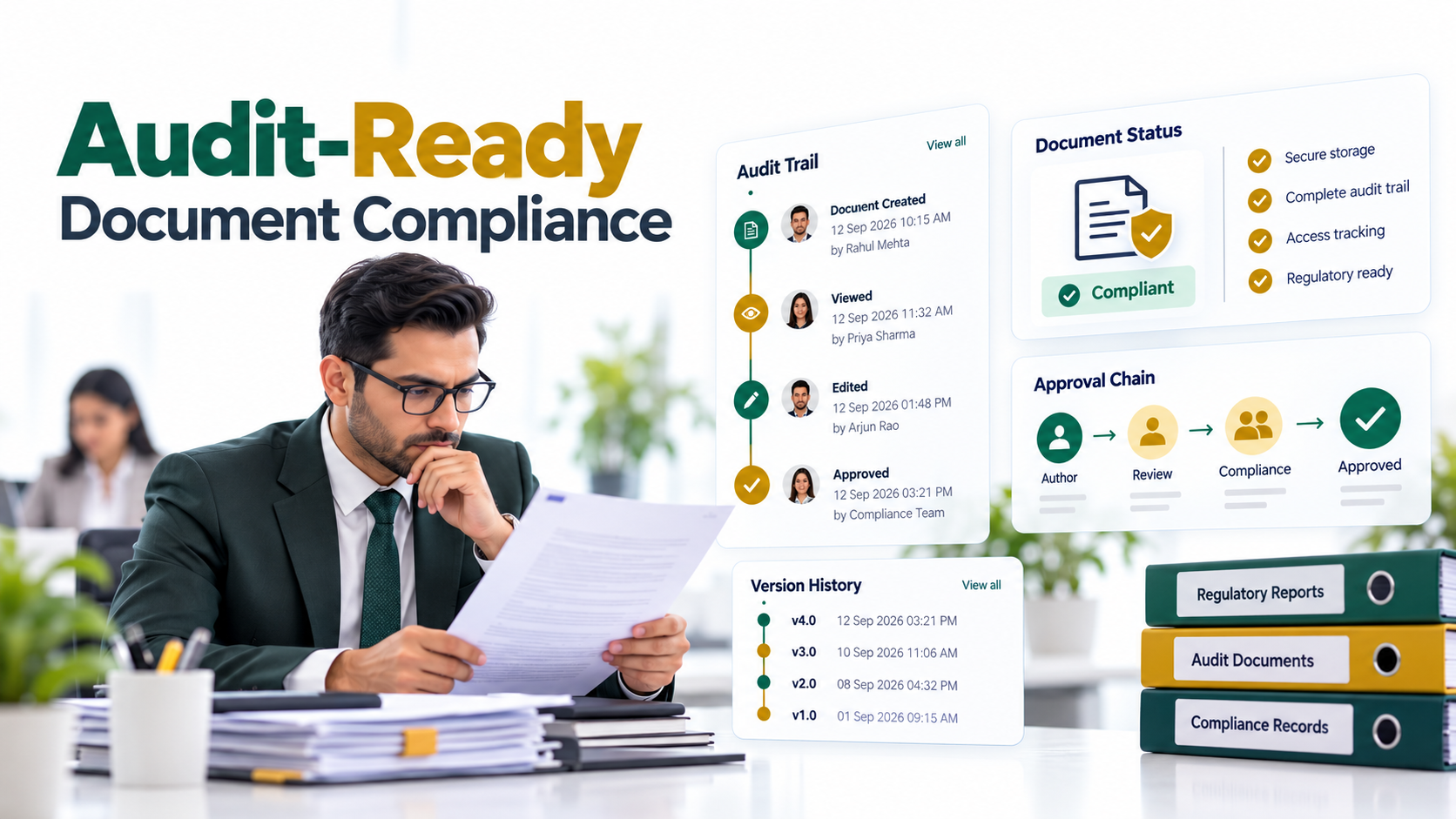
- Broken audit trails: When documents live in silos, compliance teams can’t generate comprehensive reports showing who accessed what, when, and for how long.
- Unenforced retention policies: Documents persist beyond their required retention period in some systems while others auto-delete too early, creating legal and operational risk.
- Duplicate files and version chaos: Multiple “current” versions proliferate, with no clear mechanism to identify the authoritative copy.
When organizations don’t solve this challenge, they face downstream consequences. Regulatory audits fail because document chains of custody can’t be proven. Mergers stall because due diligence teams discover records are unorganized. Customer support teams can’t fulfill information requests quickly. Finance teams miss payment deadlines because invoices were misfiled.
The Solution: Enterprise Document Search and Centralized Retrieval
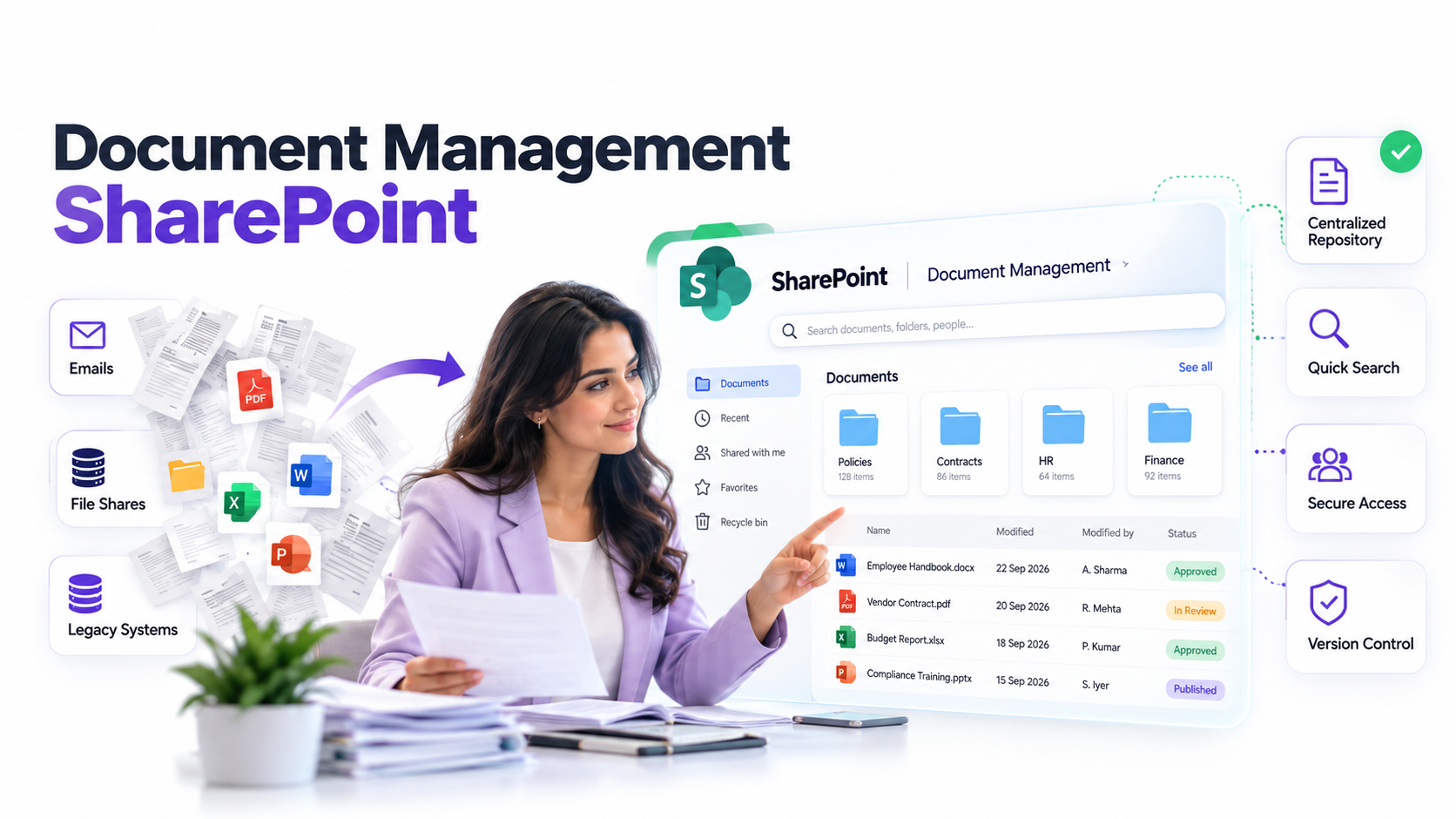
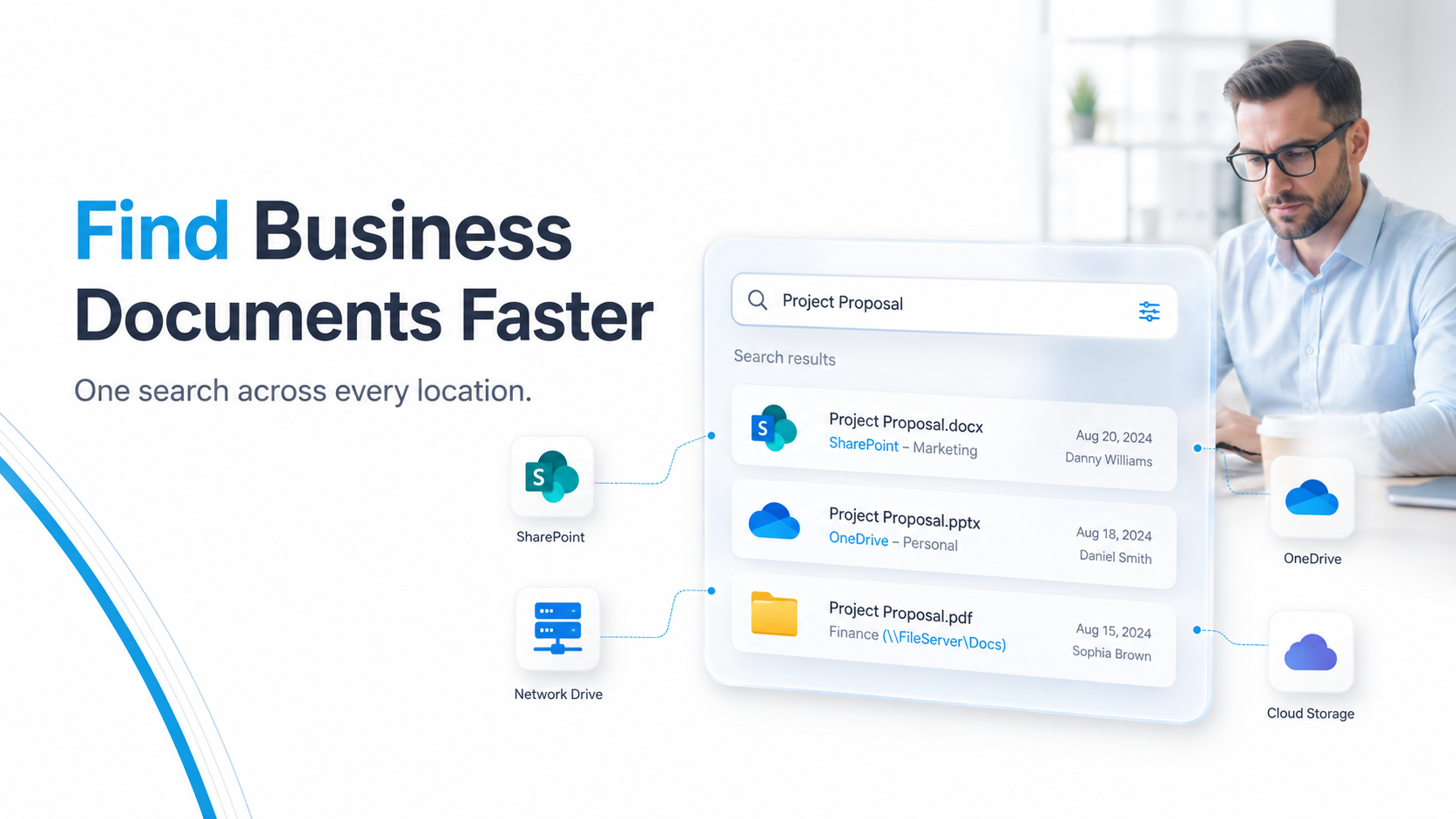
Centralized document search eliminates these pain points by creating a single, unified index across all your document repositories. Instead of checking SharePoint, OneDrive, the network drive, and cloud storage separately, your team searches once and finds documents wherever they live.
Here’s how centralized document search addresses each core challenge:
- Unified indexing engine: A search platform crawls and indexes all your repositories in real time or on a scheduled basis, creating one searchable corpus that spans every location.
- Metadata enrichment: The system applies consistent tagging, classification, and naming standards across all documents, regardless of where they originated.
- Permission-aware retrieval: The search results respect the original permissions from each source system, so users only see documents they’re authorized to access.
- Complete audit trails: Every search, access, and modification is logged with timestamps and user identifiers, creating the compliance evidence regulators require.
- Automated retention enforcement: Policies apply uniformly across repositories, ensuring documents are retained for the required period and disposed of on schedule.
- Single source of truth: Version control and deduplication tools identify the authoritative document, eliminating confusion about which copy is current.
Expert Perspective
Modern enterprise document search platforms use full-text indexing and AI-driven metadata enrichment to surface the right document in seconds rather than minutes, while maintaining granular security controls and comprehensive audit compliance. The key differentiator is whether the system respects your existing infrastructure or forces costly migrations.
When evaluating a centralized document search partner, focus on these capabilities: multi-connector architecture that links to SharePoint, OneDrive, network storage, and cloud platforms simultaneously; role-based access control that inherits permissions from source systems; real-time or frequent indexing so new documents are searchable within hours; compliance reporting that exports audit trails in formats auditors expect; and API flexibility for integrating with your existing tools and workflows.
The best solutions don’t require migrating documents to a new location. Instead, they index documents where they live, preserving your existing workflows while adding a powerful search layer on top.
Key Capabilities of a Centralized Document Search System
Understanding the technical backbone of centralized document search helps you evaluate whether a platform will actually solve your problem. These capabilities separate enterprise-grade solutions from consumer search tools:
Full-text indexing across repositories. The search engine crawls every word in every document, including text inside PDFs, images, and Microsoft Office files, and builds an index that returns results in milliseconds. This happens continuously or on a scheduled refresh, so new documents become searchable automatically without manual action.
Worth noting: metadata and taxonomy standardization ensures that documents tagged inconsistently across systems become findable through a single classification scheme. A document labeled “Contract” on SharePoint and “Legal Agreement” on the network drive both appear when someone searches for contracts, because the system normalizes the metadata behind the scenes.
On top of that, permission-aware search means results respect source system access controls. If a user doesn’t have permission to view a document in SharePoint, they won’t see it in search results either. This prevents the risk of exposing confidential files and eliminates the confusion of users seeing documents they can’t actually open.
In most cases, centralized document search solutions provide compliance and audit reporting that tracks every search query, document access, and modification. Exportable reports show auditors exactly who accessed which documents when, meeting requirements from frameworks like HIPAA, GDPR, SOX, and NIST standards.
Finally, integration with existing tools means the search experience works seamlessly within SharePoint, Teams, Outlook, and other platforms your teams already use daily. You don’t force employees to log into a separate system. Instead, search becomes available in their natural workflow.
The combination of these capabilities transforms document retrieval from a time-consuming, compliance-risky manual process into a fast, auditable, permission-safe experience that works at enterprise scale.
Industry Applications: Real-World Document Search Scenarios
Centralized document search delivers specific value across industries with different regulatory requirements and document-heavy workflows. Here’s how leading organizations in key sectors use unified search to solve real problems:
Finance and Accounting
Finance teams manage contracts, invoices, expense reports, tax documents, and audit correspondence spread across multiple systems. During mergers and acquisitions, contract discovery becomes critical. Centralized document search allows teams to locate all vendor agreements, payment terms, and regulatory filings in one search instead of manually reviewing years of email attachments and network drives. Audit readiness improves because every document access is logged, satisfying SOX compliance requirements.
Healthcare
Healthcare organizations store patient records, compliance certifications, regulatory correspondence, and quality documentation across electronic health records (EHR) systems, SharePoint, and paper archives. HIPAA requires proving that access logs exist and retention policies are enforced. Centralized document search with permission-aware retrieval ensures patient records are accessible only to authorized staff while creating the audit trails regulators expect during compliance reviews.
Legal and Compliance
Legal departments face e-discovery demands requiring them to locate every document related to a case within tight deadlines. Centralized document search enables rapid location of contracts, emails, meeting notes, and correspondence across all systems. Compliance officers use unified search to track policy updates and ensure every department is following current versions rather than outdated procedures.
Manufacturing and Supply Chain
Manufacturing firms manage supplier agreements, compliance certificates, quality documentation, and technical specifications distributed across legacy systems, cloud storage, and physical archives. Centralized document search helps procurement teams verify supplier compliance quickly. Quality teams locate relevant standards and certifications without manually searching multiple locations. During audits, manufacturers produce complete documentation chains of custody proving compliance.

How to Implement a Centralized Document Search System
Moving from scattered documents to centralized document search follows a structured path. Here’s the framework successful organizations use:
Step 1: Audit your current document landscape. Identify every location where your organization stores documents: SharePoint sites, OneDrive accounts, network drives, cloud storage services, legacy systems, and physical archives. Estimate document volume in each location. Catalog existing metadata inconsistencies. This audit creates a clear inventory and baseline for measuring progress.
Step 2: Define your information governance framework. Develop a consistent document taxonomy, classification scheme, retention policies, and access control standards that apply organization-wide. Work with stakeholders from IT, compliance, operations, and business units to agree on these standards. This step ensures that when you centralize search, the underlying data is standardized rather than just collecting chaos in a single index.
Step 3: Select and configure your search platform. Evaluate solutions based on connector support for your systems, indexing speed, search user interface, compliance reporting capabilities, and vendor stability. Configure the platform to connect to all your repositories. Test search performance and relevance with real queries from different departments.
Step 4: Migrate and normalize metadata. Clean up document metadata across repositories. Standardize tags, file naming conventions, and classifications. Identify and remove duplicate files. This step is time-intensive but critical: a centralized search of bad data is still bad data. Many organizations handle this in phases, starting with the highest-priority repositories.
Step 5: Train users and monitor adoption. Roll out the search platform to teams with tailored training for different roles. Finance teams learn how to search for invoices and contracts. Compliance officers learn audit reporting. Support staff learn how to find customer correspondence. Gather feedback monthly and refine search relevance, training, and support processes as you monitor adoption metrics.
Frequently Asked Questions
How quickly does a centralized document search system return results?
Enterprise solutions return results in under 2 seconds across most repositories. Speed depends on your document volume and indexing frequency. Real-time indexing delivers faster freshness but requires more infrastructure. Many organizations choose scheduled indexing that runs nightly or several times daily, which balances freshness with infrastructure costs.
Can a centralized search system work with my legacy systems?
Yes. Leading platforms support legacy system integration through APIs, database connectors, file crawlers, and custom adapters. The integration approach depends on your systems’ architecture and data accessibility. Some legacy systems require middleware layers. Others connect directly. A capability assessment during the evaluation phase clarifies integration feasibility for your specific environment.
How do I ensure compliance and security with a unified search across all my repositories?
Enterprise solutions enforce role-based access control by inheriting permissions from source systems. Every search is logged with user identifiers and timestamps. Results are filtered so users only see documents they’re authorized to access. Encryption protects data in transit and at rest. Audit reports export in compliance-ready formats: SOX, HIPAA, GDPR templates. Security assessments should verify the vendor’s certifications, ISO 27001 and SOC 2 Type II.
Do I need to move all my documents to a single location?
No. Modern centralized document search systems index documents where they live: SharePoint, OneDrive, network drives, cloud storage, without requiring migration. This approach reduces disruption, eliminates data movement risks, and preserves your existing workflows and team familiarity with current systems.
What’s the difference between consumer search tools and enterprise document search?
Consumer search tools (Google, Bing) prioritize speed and simplicity for general internet searches. Enterprise solutions add metadata management, permission-aware filtering, compliance reporting, audit trails, retention enforcement, and integration with business systems. Enterprise platforms also provide support for formats and workflows specific to regulated industries, making them fundamentally different products with different architectures.
Getting Started: Your Next Steps
Begin by assessing your current document landscape and identifying the most acute pain points. Which teams waste the most time searching? Where do compliance gaps exist? Which systems are causing the most confusion?
Next, benchmark your current state. Estimate how many hours per week your organization spends on document retrieval across all departments. This baseline makes ROI easier to measure after implementation.
Then, research solutions focused on multi-connector architecture, strong audit capabilities, and industry certifications. Request demonstrations focused on search speed, metadata accuracy, and compliance reporting relevant to your industry.
Finally, plan a pilot program with one department or repository. Start small, validate that the platform solves your actual problems, measure adoption and time savings, and build internal support before enterprise rollout. This phased approach reduces risk and increases the likelihood of organization-wide success.
Centralized document search isn’t a one-click fix. It requires upfront planning, metadata cleanup, and ongoing governance. Yet the payoff: faster retrieval, stronger compliance, less wasted time, clearer audit trails, compounds across your entire organization over time.
Transform How Your Teams Find Documents
Centralized document search eliminates the chaos of scattered files across multiple systems. Talk to an AscenWork document management specialist to see how enterprise search works in your specific environment. Get clarity on integration approach, timeline factors, and which capabilities matter most for your compliance and operational goals.