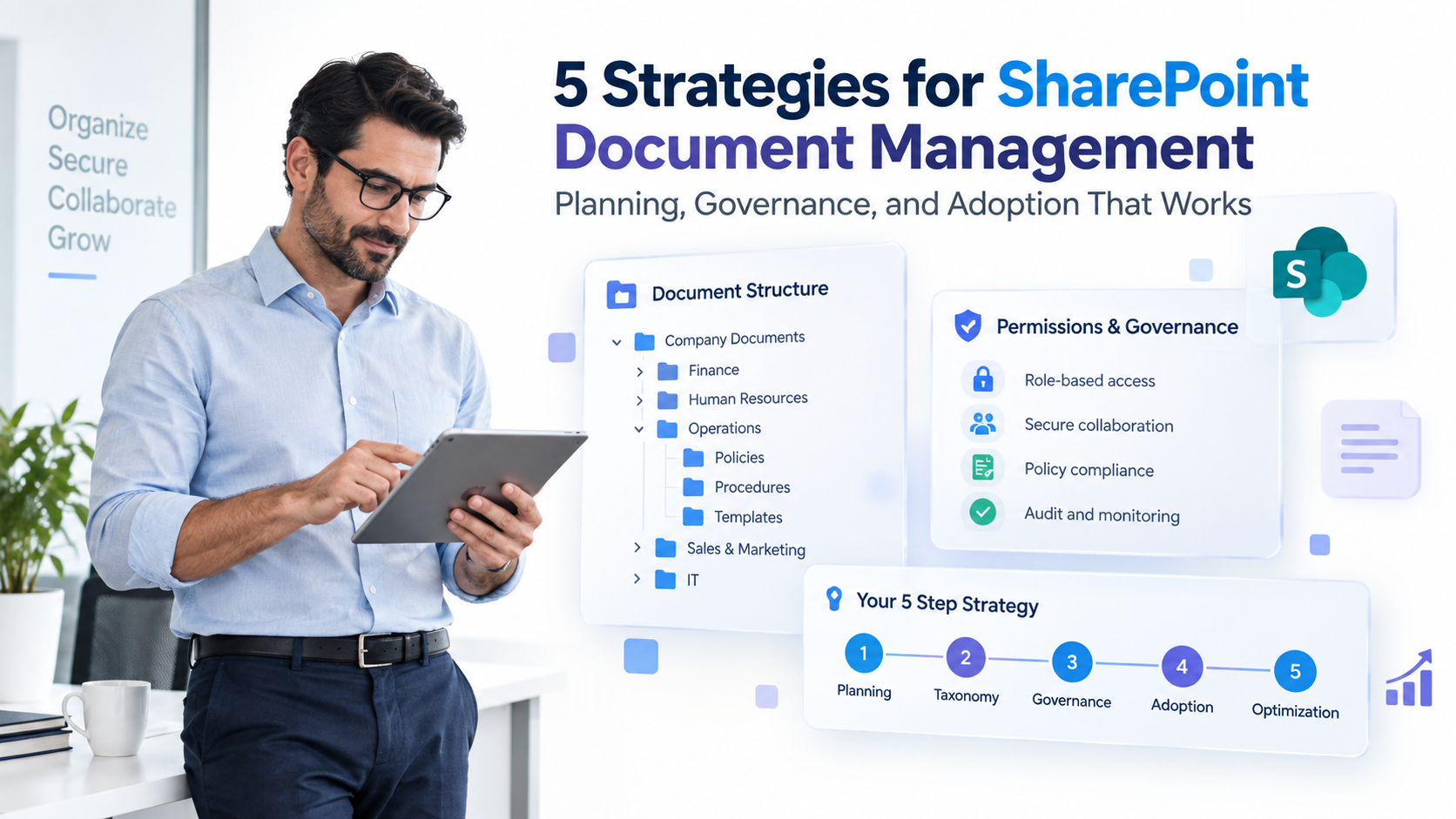
5 Essential Strategies for Effective Document Management in SharePoint
Document management in SharePoint has become non-negotiable for operations teams managing distributed workforces and regulatory compliance demands. Yet most organizations implement SharePoint without a clear strategy, resulting in scattered files, security gaps, and minimal adoption. The difference between a chaotic SharePoint rollout and a transformative one comes down to five foundational strategies: planning, taxonomy, governance, adoption, and continuous optimization.
Key Takeaway
Effective document management SharePoint implementation requires upfront planning and governance. Organizations that invest in clear information architecture and change management see dramatically improved compliance, faster document retrieval, and higher team adoption rates.
In This Article
- Why Document Management Strategy Matters Now
- The Core Challenge Operations Teams Face
- 5 Strategies for Effective Document Management in SharePoint
- Why Operations Leaders Choose SharePoint for Document Management
- Document Management Strategies by Industry
- How to Get Started with SharePoint Document Management
- Frequently Asked Questions

Why Document Management Strategy Matters Now
The shift to hybrid and remote work has fundamentally changed how teams access and collaborate on documents. What once worked with shared network drives and email attachments now creates chaos at scale. According to research from Gartner, 83% of organizations struggle with unstructured data governance, and document sprawl is a leading contributor.
For operations teams specifically, this challenge hits hard. Team members spend hours searching for documents instead of completing strategic work. Compliance risks mount when access controls are unclear or version control fails. On top of that, regulatory pressure from GDPR, HIPAA, SOX, and industry-specific standards means document management isn’t optional anymore, it’s survival.
“Organizations lose approximately 40% of their productivity searching for documents across disconnected systems.”
IDC, Digital Transformation Research 2023
SharePoint DMS offers a centralized solution, but only when implemented with intention. A well-planned document management SharePoint strategy reduces search time, strengthens compliance, and enables teams to focus on work that actually matters.
The Core Challenge Operations Teams Face
Without a clear document management strategy, SharePoint becomes just another storage silo. Here are the pain points we see operations heads encounter repeatedly.
- Version Control Nightmares: Multiple versions of the same file scattered across folders and email inboxes create confusion. Teams work on outdated versions, and critical changes get lost in the shuffle.
- Security and Compliance Gaps: Unclear permission structures lead to accidental oversharing or, conversely, legitimate users locked out. Audit trails are incomplete, making regulatory reviews stressful and uncertain.
- Poor Discoverability: Teams spend hours searching for documents because search is ineffective. Inconsistent naming and folder structures mean files are unfindable even when they exist.
- Lack of Standardization: Without governance, every department creates its own folder structure and naming conventions. Knowledge of where files live becomes tribal.
- Weak Adoption: Teams revert to email and local drives because SharePoint feels overcomplicated or irrelevant to their workflows. Technology without change management fails silently.
The consequence? Operational inefficiency, compliance violations, wasted productivity, and frustrated teams. That’s why document management SharePoint requires more than just setting up a library.
5 Strategies for Effective Document Management in SharePoint
Effective document management in SharePoint starts with intentional architecture and governance. Here are the five strategies that actually drive success.
Strategy 1: Build a Clear Information Architecture
Your document management SharePoint foundation rests on a well-designed metadata framework. This means defining consistent tags, document types, business units, and classification schemes that every team understands. For example, a financial services team might classify documents by document type (contract, invoice, report), business unit (accounting, legal, operations), fiscal year, and confidentiality level.
Use SharePoint content types to standardize document structure. This ensures that every contract contains the same metadata fields, every invoice follows the same naming pattern, and every team member knows where to look.
Expert Perspective
A well-designed taxonomy is the unsung hero of document management SharePoint success. In our work with clients, we’ve seen teams that invest three months in designing their information architecture recover that time within six months through reduced search overhead and fewer version control errors. The upfront effort compounds into sustained operational efficiency.
Strategy 2: Implement Governance Policies
Governance transforms document management SharePoint from a file storage system into a compliance engine. Set up retention schedules that automatically delete or archive documents according to regulatory requirements. Define access permissions by role and department so financial records are only accessible to finance teams, and HR documents are isolated appropriately.
Use sensitivity labels to flag confidential information. SharePoint’s built-in retention policies enforce consistency without manual intervention. Worth noting: audit logs track every access, download, and modification, creating the paper trail regulators require.
Strategy 3: Optimize Search and Discovery
A document is only useful if teams can actually find it. Configure SharePoint’s managed properties to make search intuitive and fast. Use query rules to surface the most relevant documents based on common search terms. If teams frequently search for “annual audit 2024,” create a rule that surfaces the official audit documentation first.
Maintain a consistent file naming convention across document management SharePoint. Instead of “Final_Report_REVISED_v3_JK_Comments.docx,” use a standard format like “2024_Financial_Audit_Annual_Final.” This reduces search friction and makes document intent immediately clear.
Strategy 4: Drive Adoption Through Change Management
Here’s the thing most guides won’t tell you: technology alone doesn’t change behavior. Successful document management SharePoint requires intentional change management. Train teams on the “why” behind SharePoint: how it protects their work, reduces their search time, and makes compliance easier. Provide clear, role-specific documentation so finance teams understand their workflow, and operations teams understand theirs.
Celebrate early wins. When one department successfully moves to SharePoint and reports time savings, other teams notice. Adoption accelerates when it’s driven by peer success, not mandates. Establish a feedback loop so that team input shapes ongoing refinement of your information architecture.
Strategy 5: Monitor, Measure, and Refine
Document management SharePoint isn’t a one-time implementation. Track adoption metrics: which teams are using it most, what documents are searched most, where are compliance gaps? Audit access patterns to catch oversharing or unauthorized access attempts.
Iterate on your taxonomy and workflows based on real usage data. If teams consistently search using terms that don’t match your metadata structure, adjust your metadata. If certain retention policies cause friction, refine them. Continuous improvement keeps document management SharePoint aligned with actual business needs.
Why Operations Leaders Choose SharePoint for Document Management
SharePoint DMS stands out in a crowded marketplace because it combines scalability, compliance, and integration in a single platform. Here’s how it compares to legacy alternatives.
| Factor | SharePoint DMS | Legacy File Servers | Manual Processes |
|---|---|---|---|
| Scalability | Handles enterprise scale without exponential cost increases | Storage growth requires infrastructure investment | Doesn’t scale beyond one or two departments |
| Security and Compliance | Built-in governance, sensitivity labels, audit trails | Basic folder permissions, no audit capability | No automated enforcement, compliance is manual |
| Search and Discovery | AI-powered search with metadata-driven results | Folder-based navigation only, slow to search | Manual file lookup, highly error-prone |
| Integration | Seamless connection to Teams, Outlook, Power BI, Power Apps | Standalone system, limited automation | Multiple disconnected systems, siloed workflows |
| Cost of Ownership | Single unified platform, reduced IT overhead | Separate backup, security, and storage costs | Labor-intensive, high ongoing manual effort |
Three factors make SharePoint the preferred choice for document management among operations leaders. First, the integrated ecosystem: SharePoint works seamlessly with Microsoft 365, meaning teams don’t juggle separate tools for email, collaboration, and document storage. Everything connects in one workflow.
Second, compliance by design. SharePoint includes retention policies, sensitivity labels, and audit logs natively. Organizations don’t need to bolt on third-party tools or rely on manual processes to meet regulatory requirements.
Third, scalability without complexity. As your organization grows, SharePoint grows with you. A document management SharePoint implementation that works for 50 people works equally well for 5,000 people, without the infrastructure headaches of legacy systems.

Document Management Strategies by Industry
Document management in SharePoint works across industries, but the specific use cases vary. Here’s how different sectors leverage SharePoint DMS effectively.
Finance and Accounting
Financial teams centralize invoices, contracts, tax documentation, and audit records in SharePoint. Automated retention policies ensure that records are kept for the legally required period and then archived or deleted. The result: faster audits, cleaner compliance, and reduced risk of missing critical documents during regulatory reviews.
Healthcare
Healthcare organizations use document management SharePoint to secure patient records, clinical protocols, and compliance documentation. Role-based access ensures that only authorized clinicians access patient data. HIPAA-compliant retention policies automatically manage the lifecycle of sensitive medical records, reducing both privacy risk and storage costs.
Legal and Professional Services
Law firms and consulting firms organize case files, client deliverables, and matter-based metadata in SharePoint. Teams can quickly find all documents related to a specific client matter, improving service quality and reducing billable time spent searching. Document metadata tracks work product, versions, and approval workflows.
Manufacturing and Logistics
Supply chain and manufacturing teams centralize standard operating procedures, quality records, and supplier documentation. A consistent document management SharePoint framework ensures consistency across multiple locations and faster onboarding for new employees. Version control prevents teams from working with outdated SOPs or safety procedures.
How to Get Started with SharePoint Document Management
Implementing document management in SharePoint doesn’t require a massive upfront effort. Here’s a practical, phased approach that reduces risk and builds momentum.
- Assess Your Current State: Audit existing documents and workflows to understand pain points and compliance requirements. Outcome: a clear picture of what success looks like.
- Design Your Information Architecture: Define metadata frameworks, content types, folder structures, and naming conventions. Outcome: a blueprint for organizing all documents consistently.
- Set Up Governance Policies: Configure retention schedules, permissions, and sensitivity labels to enforce consistency and compliance. Outcome: rules and guardrails that work automatically.
- Pilot with a Department: Launch with a smaller team to test, refine, and learn. Outcome: a proven model ready to scale across the organization.
- Roll Out and Sustain: Train all users, monitor adoption metrics, and refine based on feedback. Outcome: sustained operational efficiency and compliance.
This phased approach minimizes disruption while building a strong foundation for long-term document management SharePoint success. Early wins from the pilot phase build momentum for broader adoption.

Implementation Best Practices for Document Management in SharePoint
Beyond the core five strategies, a few additional practices separate thriving implementations from stalled ones. First, start small. Implement document management SharePoint with one department or use case before rolling out organization-wide. This allows you to refine your approach and build credibility through demonstrated success.
Second, invest in training. Teams need to understand not just how to use SharePoint, but why document organization matters for their work. Role-specific training is more effective than generic sessions.
Third, establish a governance council. This cross-functional group meets regularly to oversee your document management SharePoint strategy, resolve policy questions, and ensure alignment across departments. This council becomes the voice of sustained change management.
Fourth, document your decisions. Write down why you made specific metadata choices, how your retention policies align with regulations, and what your folder structure represents. This institutional knowledge prevents confusion when team members change or when new teams come onboard.
Finally, monitor adoption and outcomes. Track which departments are using SharePoint most, which search queries return poor results, and where compliance gaps exist. Use this data to iterate. Document management in SharePoint improves continuously when you’re measuring what matters.
Common Mistakes to Avoid in SharePoint Document Management
Organizations often stumble on the implementation when they avoid these pitfalls. First, don’t replicate your old folder structure in SharePoint. Legacy systems organized files hierarchically by department or year. SharePoint works better with metadata-driven organization, where a single document can belong to multiple categories simultaneously without duplication.
Second, don’t ignore the end-users. Consulting IT alone often results in a document management SharePoint system that’s technically perfect but operationally unusable. Involve the teams who will actually use the system in design decisions. That involvement builds adoption momentum early.
Third, don’t set governance policies and forget them. Retention policies that made sense three years ago may no longer align with current regulations. Review and refine your document management SharePoint governance at least annually.
Fourth, don’t treat adoption as a one-time event. Launch training, yes, but recognize that adoption is ongoing. New hires need training. Teams evolve their workflows. Document management SharePoint requires sustained education and support.
Finally, don’t expect perfection before launch. Your information architecture will evolve as you use it. Build flexibility into your system design so that taxonomy adjustments don’t require catastrophic reorganization. Learn from the most common document management mistakes to accelerate your success.
Measuring Success with Document Management in SharePoint
How do you know if your document management SharePoint implementation is working? Define metrics upfront. Track adoption rates by department and by document type. Measure average search time to find a document before and after implementation.
Monitor compliance metrics: audit trail completeness, access violations caught and remediated, documents retained or deleted according to policy. Survey team satisfaction and perception of efficiency. These metrics guide iterative improvements and justify the business investment in document management SharePoint.
Additionally, look for operational signals. Are teams spending less time in meetings searching for files? Are compliance reviews smoother? Do new employees onboard faster when they have access to centralized, well-organized documentation? These qualitative outcomes often matter more to operations leadership than raw metrics.
Key Takeaway
Effective document management SharePoint implementation is a journey, not a destination. Success comes from clear upfront planning, continuous monitoring, and iterative refinement based on real usage patterns and team feedback.
The operations teams that thrive with SharePoint are those that treat document management as a strategic capability, not a compliance checkbox. They invest in information architecture, enforce governance consistently, and support their teams through change. The payoff is substantial: reduced search time, stronger compliance, faster decision-making, and higher team morale.
Document management in SharePoint requires discipline and intention. However, the alternative, scattered files, compliance risk, and wasted productivity, is far more costly.
Frequently Asked Questions
How do I migrate existing documents into SharePoint without causing chaos?
Plan a phased migration: start with high-priority documents, clean them during migration to remove duplicates, and map them to your new information architecture. Consider using third-party migration tools that can validate the transfer and ensure nothing is lost. The honest answer is you shouldn’t migrate everything at once, which overwhelms teams and creates confusion.
What’s the difference between SharePoint DMS and just using OneDrive or Teams?
OneDrive and Teams are excellent for team collaboration and day-to-day file sharing. SharePoint DMS, however, provides enterprise-scale governance, retention policies, compliance auditing, and search capabilities that OneDrive alone doesn’t offer. Use Teams for active collaboration and SharePoint as the centralized repository for official records and compliance-critical documents.
How do I ensure my team actually adopts SharePoint instead of reverting to email?
Change management is the key differentiator. Show teams the “why” behind SharePoint: efficiency gains, compliance protection, and easier collaboration. Provide clear, role-specific training. Make it easier to find documents in SharePoint than in email. Celebrate and communicate early wins from teams that adopt successfully. Sound familiar?
Can SharePoint handle sensitive or regulated documents?
Absolutely. Use sensitivity labels to classify documents, role-based permissions to restrict access, and retention policies to enforce compliance with GDPR, HIPAA, SOX, and other standards. However, you must configure these correctly from the start. Governance set up incorrectly is worse than no governance at all.
How often should I review and update my document management strategy?
Review your document management SharePoint strategy at least quarterly. Examine search patterns to spot gaps, audit compliance adherence, gather user feedback, and refine your taxonomy and policies. Document management isn’t a static solution, it evolves as your organization grows and regulations change.
What happens if I implement SharePoint but teams don’t use it?
Failed adoption usually stems from unclear value proposition, complex workflows, or insufficient training. Revisit your change management approach: simplify the interface, retrain teams, and create incentives for adoption. Also, consider whether your information architecture itself is too complicated and needs simplification.
Ready to Transform Your Document Management
Effective document management SharePoint implementation removes friction from daily operations and transforms compliance from a burden into a strength. Our team has helped dozens of organizations design and launch SharePoint strategies that stick, driving adoption and delivering sustained operational wins.