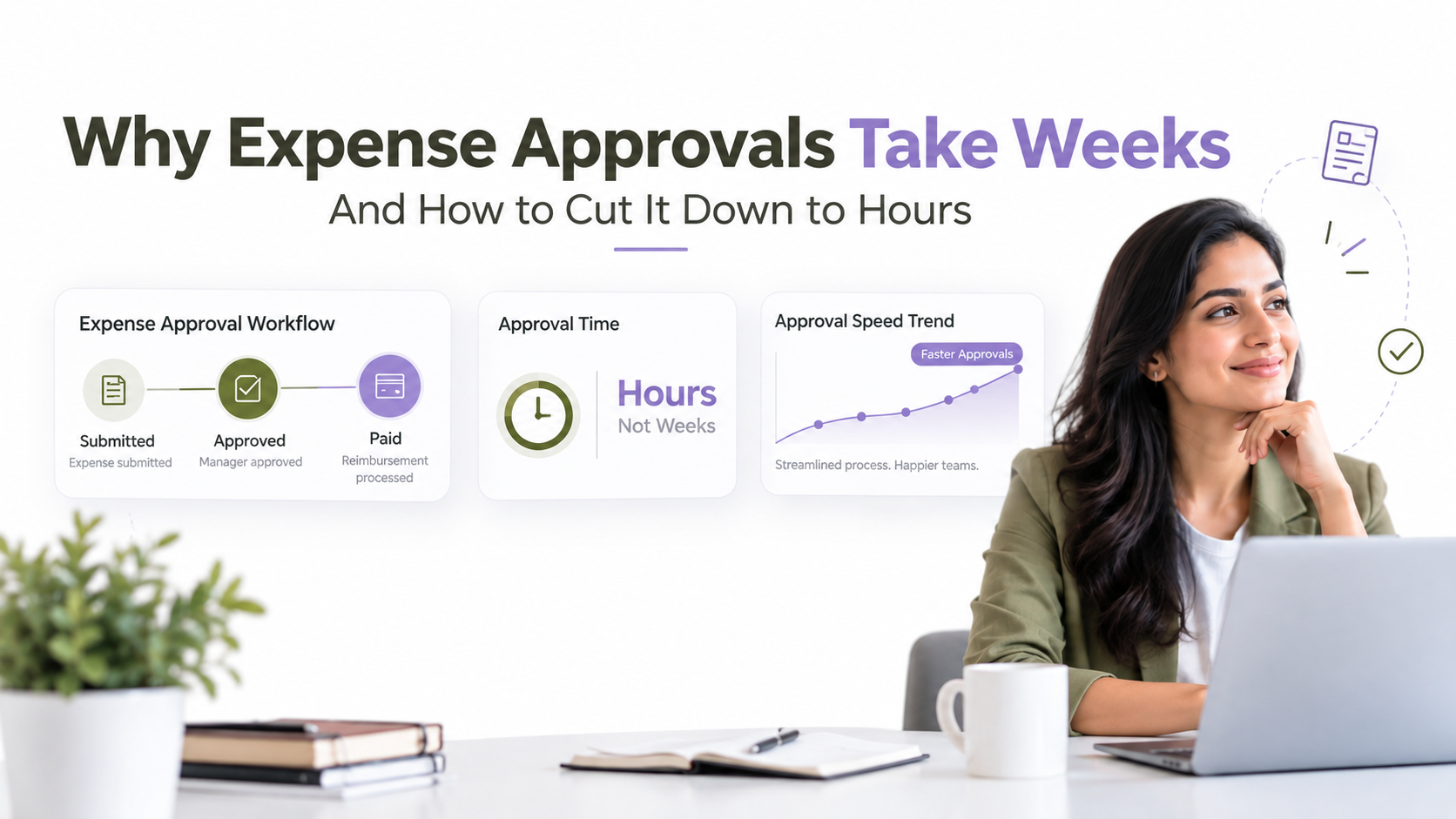
Why Expense Approvals Take Weeks (And How to Cut It Down to Hours)
Expense approval delays are costing your finance team hours every week. Right now, an employee’s reimbursement request is stuck in an email chain, bouncing between departments with no visibility into when it’ll actually get approved. This isn’t a small inconvenience. It’s a systemic bottleneck that impacts cash flow, employee satisfaction, and your ability to scale operations.
Key Takeaway
Most finance teams waste 5 to 10 hours weekly managing expense approvals manually. Automated expense approval workflows reduce that to near-zero, cut approval cycles by 60 to 75%, and eliminate compliance risk.
In This Article
- Why Expense Approval Delays Cost Your Business
- The Core Challenge: Email Isn’t a Workflow System
- The Solution: Automated Expense Approval Workflows
- Why Leading Finance Teams Choose Workflow Automation
- Industry Applications Across Sectors
- How to Implement Expense Approval Automation
- Frequently Asked Questions

Why Expense Approval Delays Cost Your Business
Expense approval delays aren’t just an administrative annoyance. They create a cascading series of problems that directly impact your bottom line and employee retention. When reimbursements take weeks instead of days, your organization signals inefficiency to the people who work for you.
Modern employees expect speed. They filed the expense claim. They provided receipts. In their mind, the approval should be immediate, or at least within a few business days. Instead, they’re waiting three weeks. Meanwhile, they’re out of pocket for business expenses, and frustration builds.
“Organizations still relying on email-based approvals report 40 to 60% of claims experience delays beyond target approval windows.”
AIIM (Association for Intelligent Information Management), 2023
Beyond employee morale, delayed approvals create operational friction. Finance teams spend reactive time chasing down CFOs and department heads asking “Where is this claim?” instead of analyzing spend trends or supporting strategic business decisions. That’s expensive labor doing low-value work.
The Real Cost of Manual Approvals
Here’s what expense approval delays actually cost your business:
- Lost productivity: Your finance team spends 5 to 10 hours per week manually routing claims, sending reminders, and tracking status. That’s 260 to 520 hours annually, equivalent to one full-time employee doing nothing but chasing approvals.
- Cash flow impact: Delayed reimbursements strain employee budgets and can affect retention, particularly for field teams and traveling staff who front significant out-of-pocket expenses.
- Compliance and audit risk: Email-based approvals leave no centralized audit trail. During financial audits or fraud investigations, you’re manually reconstructing approval chains from inbox logs. This exposes your organization to regulatory risk.
- Duplicate processing: Without a centralized system, the same claim can be reviewed twice or approvals can get lost entirely, forcing resubmission and further delays.
- Scaling becomes impossible: As your headcount grows, email-based approvals don’t scale. You either hire more finance staff (expensive) or approval times stretch longer (damaging to retention).
- Zero visibility: Your CFO can’t answer a simple question: “How many claims are pending approval right now?” Without a centralized system, there’s no real-time answer.
The underlying issue is that email was never designed to be a workflow system. Yet thousands of organizations continue forcing it to behave like one.
The Core Challenge: Email Isn’t a Workflow System
Email is sequential. It’s one-to-one or one-to-many, but it’s not parallel, it’s not conditional, and it has no memory.
When you send an expense claim via email, it arrives in the first approver’s inbox. That approver reads it, decides whether to approve, and then forwards it (or replies) to the next person. If the first approver is on vacation, the claim sits. If they forward to the wrong person by accident, it’s lost. If the second approver has a question, they reply with a separate email thread, and now you’ve got multiple email conversations about the same claim.
None of this is tracked centrally. There’s no audit trail. There’s no automated reminder that says “This claim has been pending for 5 days.” There’s no conditional logic that says “If the claim is under $500, Manager can approve it. If it’s over $1,000, it escalates to the CFO.”
Why Email Approval Chains Fail
- No conditional routing: You can’t automatically route claims based on amount, department, or requestor. Every claim follows the same path, even if it should be handled differently.
- No automated reminders: Approval requests disappear into the inbox. Without someone actively following up, claims stall for weeks.
- No parallel approvals: If a claim needs sign-off from two departments, it goes sequentially: Department A approves, then Department B. This doubles the time it takes.
- Lost attachments and context: Receipts get detached. The amount or vendor name isn’t highlighted. Approvers have to dig through email threads to find relevant information.
- No compliance record: If you’re audited, you’re manually reviewing inbox histories to reconstruct who approved what and when. This is error-prone and time-consuming.
- Human errors multiply: Forwarding to the wrong person, typos in email addresses, duplicate submissions because someone didn’t realize it was already approved, these happen constantly with manual email routing.
In short, you’re asking email to do a job it was never designed to do. Every alternative, even a spreadsheet, would be better. A proper workflow automation system is incomparably better.

The Solution: Automated Expense Approval Workflows
Expense approval workflow automation replaces email-based routing with intelligent, rule-based approvals. The moment an employee submits an expense claim, the system evaluates it against your organization’s approval rules and routes it to the appropriate approver instantly.
Here’s what automation actually does:
- Smart routing: Claims are automatically routed based on department, amount, category, or any custom rule you define. A travel expense under $500 from the marketing department goes straight to the marketing manager. A capital equipment claim over $10,000 escalates to the CFO.
- Parallel approvals: If a claim needs multiple approvals, they can happen simultaneously rather than sequentially. This cuts approval time in half.
- Automated reminders: If a claim sits for 3 days without approval, the system sends an automatic reminder to the approver. No manual follow-up required.
- Complete visibility: At any moment, you can see exactly how many claims are pending, who’s holding them up, and how long they’ve been in the queue.
- Integration with accounting systems: Once a claim is approved, the system automatically pushes it to QuickBooks, NetSuite, SAP, or whatever accounting software you use. No manual data entry. No delays waiting for an accountant to process the approved claim.
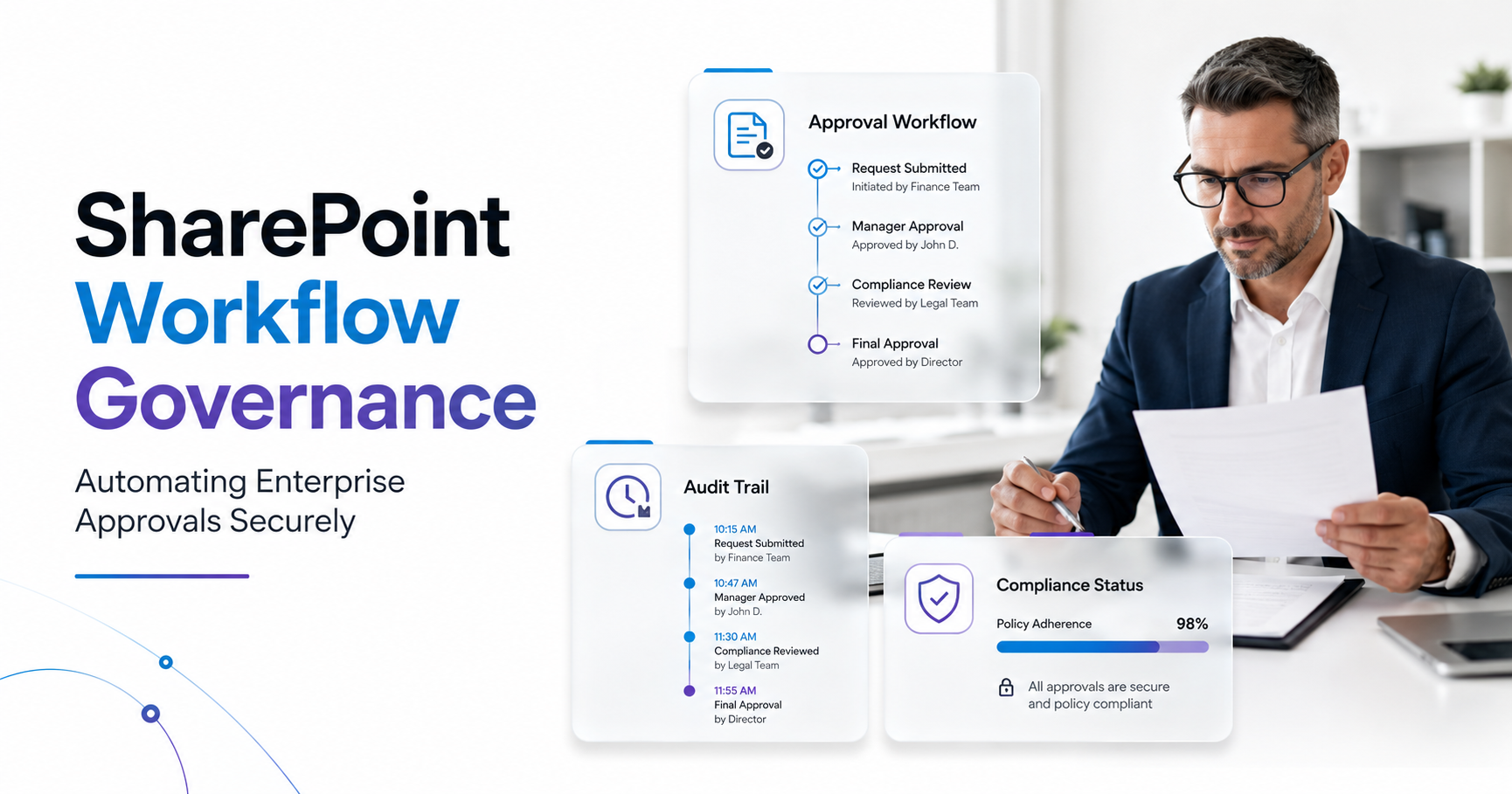
- Audit trails: Every action is logged: who approved, when they approved, any notes they added. During an audit, you have a complete, timestamped record.
- Mobile approvals: Approvers can review and approve claims on their phone. They don’t need to be at a desk, checking email.
Expert Perspective
In our work with clients, finance teams report that expense claims previously trapped in 4 to 5 email handoffs now clear approval in 1 to 2 business days. The speed increase isn’t just about moving faster. It’s about removing human friction. Automation ensures nothing gets lost, nothing requires a second request, and nothing waits for someone to check their email.
The right automation platform gives you flexibility. You’re not locked into one rigid workflow. You define your rules, and those rules can be complex. For example: “If the claim is from an employee in our Austin office and it’s a travel expense under $1,500, Manager approval only. If it’s over $1,500, route to the Director. If it’s a meal claim, regardless of amount, and the employee has exceeded their monthly meal budget, flag it for manual review and send it to the CFO.”
What to Look for in an Automation Partner
When evaluating workflow automation tools, prioritize these factors. First, ensure the platform integrates with your existing accounting and HR software. If it doesn’t connect to your systems, you’re creating new manual work: someone has to manually enter approved claims into your accounting system. Native connectors or REST APIs are essential.
Second, demand flexibility in approval rules and escalation logic. Your approval process is unique. Off-the-shelf templates rarely fit perfectly. The platform should allow you to define custom conditions without requiring heavy engineering involvement.
Third, prioritize user experience. Approvers will resist automation if the approval interface is clunky or requires multiple logins. Mobile-friendly interfaces are non-negotiable for modern workforces.
Why Leading Finance Teams Choose Workflow Automation
Leading organizations have moved beyond email-based approvals. They’ve standardized on workflow automation platforms, whether that’s Power Automate, specialized expense management software, or custom integrations built on robotic process automation (RPA) frameworks.
The shift isn’t arbitrary. There are measurable, structural differences between email-based approvals, basic manual workflows, and true automation.
| Factor | Automated Workflow Software | Email-Based Approvals |
|---|---|---|
| Approval Speed | 1 to 2 business days | 2 to 3 weeks |
| Error Rate | Low (rules-based routing) | High (manual routing errors) |
| Audit Trail | Complete, automatic, timestamped | Manual logs (error-prone) |
| Scalability | Handles thousands of claims/month | Breaks down at 50+ claims/week |
| Approver Experience | Integrated, mobile-friendly interface | Scattered across email inbox |
| Compliance Ready | Yes, built-in governance | Risky, requires manual verification |
Those differences compound over time. A finance team that automates approvals doesn’t just process claims faster. They free up staff to do higher-value work: analyzing spend trends, negotiating vendor contracts, supporting budget forecasting. The CFO gets real-time visibility into organizational spending. The organization can scale headcount without proportionally increasing finance staff.
On top of that, automation reduces fraud risk. Not through some AI magic, but through visibility and accountability. Every approved claim has a complete audit trail. Suspicious patterns, like duplicate submissions, unusual amounts, or vendors flagged for risk, can be automatically flagged for manual investigation. The system creates a check-and-balance framework that email can never provide.
Industry Applications Across Sectors
Expense approval automation applies across industries. The core problem, manual email routing creating bottlenecks, is universal. The solution adapts to different regulatory and operational contexts.
Finance and Accounting Teams
Finance departments process high volumes of claims during predictable peaks: month-end closes, year-end reconciliation, audit prep. Automated workflows absorb volume spikes without requiring temporary staff. Claims route intelligently based on amount, department, and category. Once approved, they automatically post to the general ledger. This eliminates manual data-entry errors and accelerates month-end close timelines.
Healthcare Organizations
Healthcare faces regulatory requirements around expense documentation and approval authority. Automated workflows enforce these rules: clinical supply requisitions must be approved by a department director before posting. Travel reimbursements for continuing education must be pre-approved against department budgets. The system maintains the audit trail required for HIPAA and other compliance frameworks.
Distributed and Remote Teams
Organizations with remote or field staff face particular challenges with email-based approvals. An employee submits an expense claim from a hotel room in another time zone. Their manager is asleep. The claim sits in the inbox for a day or more before approval even starts. Automated workflows send instant notifications and allow approvals from anywhere, so a manager can approve on their phone without waiting for office hours.
Manufacturing and Logistics
Field teams generate frequent expense claims: per diems, vehicle maintenance, equipment repairs. These need to be approved quickly to close the reimbursement loop before the next business day. Automated routing to regional managers, combined with mobile approvals and real-time visibility, ensures no claim gets lost and reimbursements happen fast.
How to Implement Expense Approval Automation
Implementing expense approval workflow automation isn’t a multi-quarter project. Most organizations can move from decision to live automation in a matter of weeks. Here’s the roadmap:
- Audit your current state. Document where claims get stuck, who approves what, approval rules by department and amount, and any exceptions or edge cases. This takes a week or two. Sound familiar? You’ll discover that your approval rules aren’t as clear as you thought. That’s valuable information that informs your automation design.
- Define approval logic and routing rules. Map out how each claim should be routed. Who approves travel expenses? Who approves meals? What’s the threshold for escalation to the CFO? What happens if a claim exceeds the employee’s expense budget? Write these rules down explicitly. This clarity is the foundation of your automation.
- Select your platform. Choose between Power Automate, if you’re already in the Microsoft ecosystem, a dedicated expense management tool, or a custom build on an RPA framework. Evaluate integration capabilities with your accounting software. Ensure mobile-friendly approvals are included.
- Configure and test workflows. Build your approval workflows in the platform. Test with real sample claims. Verify that integrations with your accounting system actually work. Catch configuration errors before go-live. This phase takes 2 to 4 weeks depending on complexity.
- Pilot with a subset. Run a subset of claims through the automated workflow before rolling out to everyone. A single department or a week’s worth of claims is enough to identify edge cases and train your team. Refine based on feedback before full rollout.
Throughout this process, change management matters. Approvers need to understand the new workflow and how to use the mobile interface. Finance staff need training on how to handle exceptions or claims flagged for manual review. Clear communication prevents resistance and accelerates adoption.
Frequently Asked Questions
How long does it take to implement an automated expense approval workflow?
Implementation timelines depend on your system integrations and rule complexity. Organizations using pre-built templates often go live within 3 to 4 weeks. If you require custom integrations with legacy accounting systems or highly complex approval logic, plan for 6 to 8 weeks. The bulk of time is spent on configuration and testing, not development.
Will automation work with our existing accounting software?
Most modern workflow platforms offer native connectors or REST APIs to popular accounting systems including QuickBooks, NetSuite, Xero, and SAP. During your vendor evaluation, confirm integration availability for your specific system. Legacy systems may require custom API development, which extends timelines.
What if a claim requires complex judgment or manual review?
Automation handles rule-based routing and decision-making. Claims that don’t fit your defined rules can be automatically flagged for manual review and routed to the appropriate approver instantly. This ensures complex claims reach the right person without sitting in an inbox. You’re not automating judgment. You’re automating the routing and escalation so judgment happens faster.
Do we need IT to set up and maintain our approval workflows?
Many modern platforms, like Power Automate, Zapier, and Make, allow finance teams to configure workflows using low-code or no-code interfaces. Your IT team may help with initial setup or security review, but day-to-day configuration and maintenance is often handled by finance staff. Legacy custom builds typically require ongoing IT support.
Can automation help prevent fraud or duplicate expense submissions?
Automation provides centralized visibility and audit trails that make fraud patterns visible. You can configure rules that automatically flag suspicious activity: duplicate requesters submitting multiple claims in a short period, individual claims exceeding historical norms, or vendors flagged for risk. These flagged claims route to manual investigation rather than automatic approval. Automation doesn’t prevent fraud. But it creates transparency and accountability that discourages it.
Cut Expense Approval Time in Half
Your finance team shouldn’t spend hours managing email chains. Workflow automation eliminates manual approvals, speeds reimbursements, and gives you complete visibility into organizational spend. Discover how to transform your expense process from weeks to days.