Best Document Management Software 2026: Enterprise Platform Comparison Guide
The best document management software platforms in 2026 are fundamentally changing how enterprises organize, secure, and collaborate on documents. Here’s what we’re seeing: enterprise document sprawl costs organizations an average of 5-10% of operational revenue in lost productivity, compliance risks, and storage redundancy. The right DMS platform eliminates these inefficiencies, but selecting wisely requires understanding the feature landscape, compliance demands, and integration depth each vendor delivers.
Key Takeaway
Leading DMS platforms balance feature richness, compliance automation, integration depth, and scalability. That said, your prioritization depends on industry, organizational maturity, and specific workflow requirements.
In This Article
Why This Comparison Matters Now
Cloud-based and hybrid DMS adoption has accelerated dramatically. We’re consistently seeing organizations demand remote accessibility, API-first architecture, and AI-driven automation. Legacy document management systems just don’t cut it anymore for modern compliance, collaboration, and analytics requirements.
“Organizations adopting cloud-based document management systems report 35% improvement in document retrieval time and 40% reduction in storage costs within the first year of deployment.”
Gartner Content Management Systems Market Analysis, 2025
Here’s the thing: the best document management software 2026 solutions directly impact operational efficiency, risk posture, and employee experience. Post-pandemic work patterns have made cloud accessibility non-negotiable. And regulatory pressure keeps intensifying across financial services, healthcare, and government sectors.
On top of that, enterprise organizations face unprecedented data governance challenges. Distributed teams work across multiple locations and time zones. Document security, retention compliance, and audit trail requirements become exponentially more complex at scale.

Core Selection Criteria for Enterprise DMS
Pick the wrong DMS platform and you’re looking at partial adoption, shadow systems, failed compliance audits, and expensive rip-and-replace migrations. Enterprise organizations need to evaluate vendors against non-negotiable technical and business criteria.
Here’s what we recommend evaluating:
- Feature complexity: Which capabilities are table-stakes versus nice-to-have for your workflows? Distinguish between core document storage and advanced automation.
- Integration burden: Can the platform connect seamlessly to your ERP, CRM, HR, and finance systems? API breadth and pre-built connectors matter significantly.
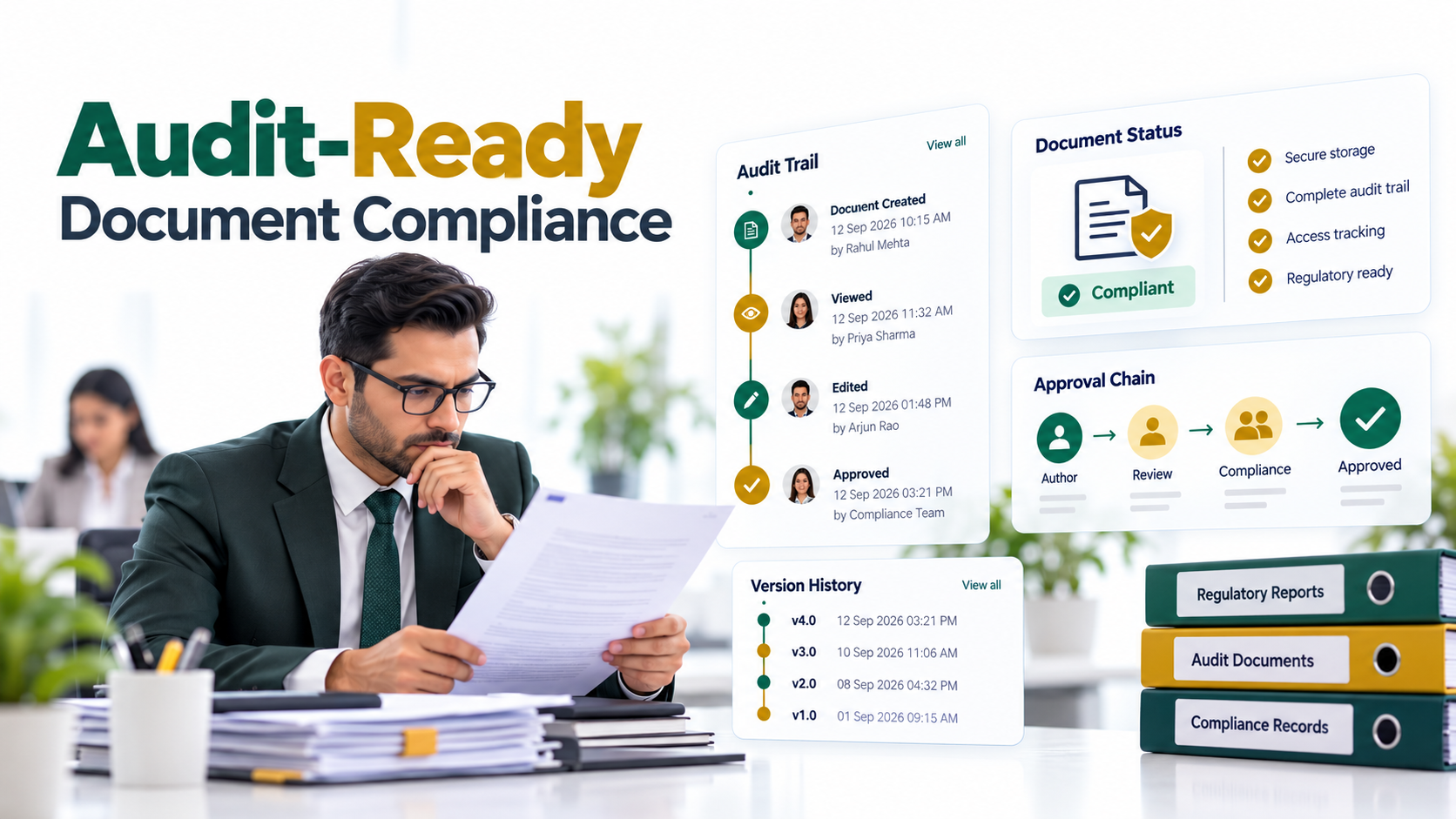
- Compliance automation: Does it enforce retention policies, audit logging, and regulatory workflows automatically without manual intervention?
- User adoption: Is the interface intuitive for non-technical staff and power users? Poor UX drives shadow systems and adoption failure.
- Vendor stability and roadmap: Is the vendor financially sound and aligned with emerging standards like AI, low-code workflows, and cloud-native architecture?
- Total cost of ownership: Hidden licensing tiers, implementation complexity, professional services, and ongoing support costs often exceed licensing fees by 2-3x.
Worth noting: scalability demands careful evaluation. Will the platform accommodate your organization’s growth in concurrent users, document volume, and geographic distribution?
Top Enterprise DMS Platforms Compared
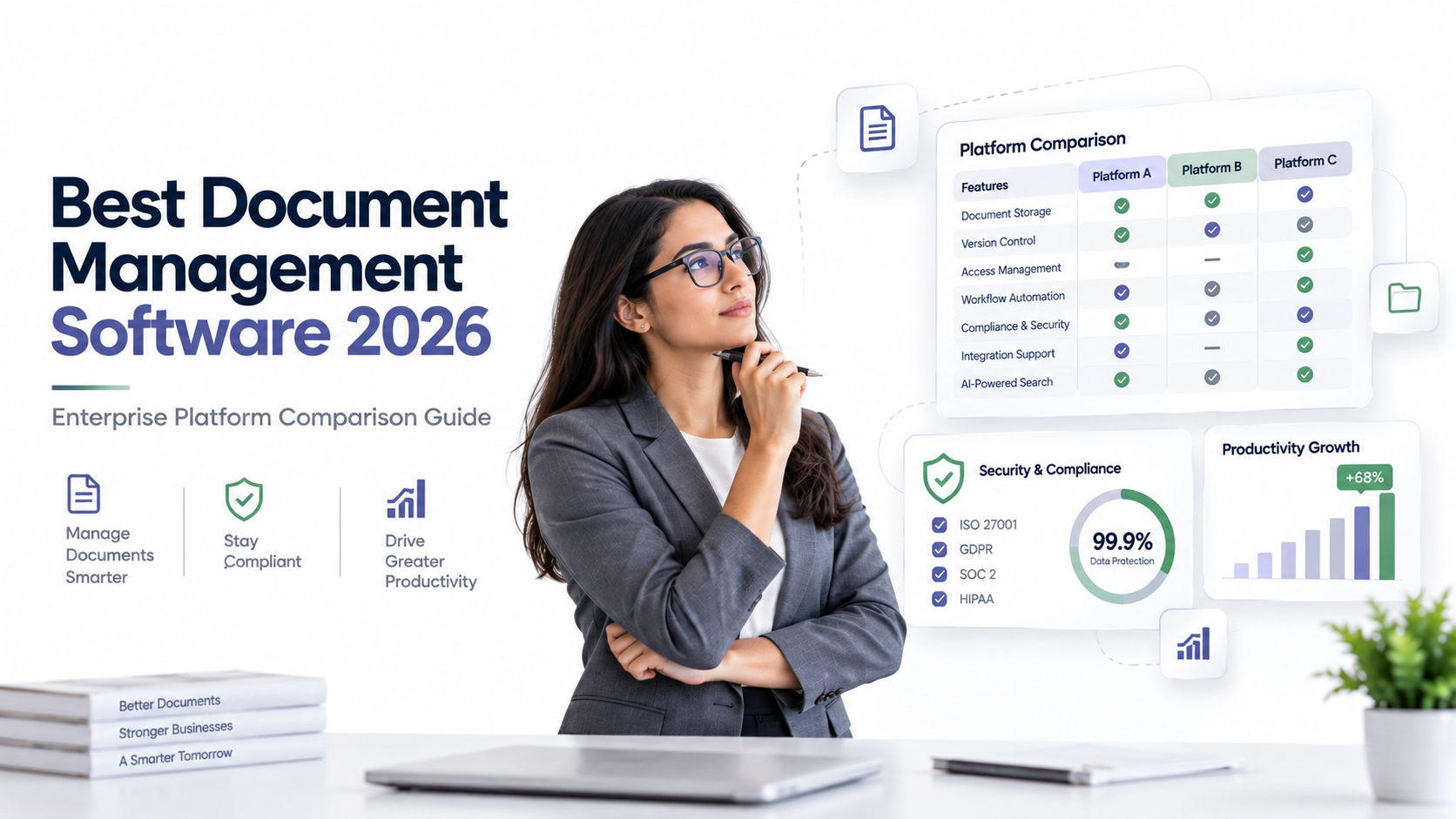
The best document management software landscape includes several leaders, each with distinct strengths. Let’s break down five enterprise-grade platforms across key decision dimensions.
| Platform | Deployment Model | Core Strength | Ideal Customer Profile |
|---|---|---|---|
| Microsoft SharePoint/Microsoft 365 | Cloud, hybrid | Enterprise integration, familiar UX, governance frameworks | Organizations already invested in Microsoft ecosystem |
| OpenText Enterprise Content Management | Cloud, on-premise, hybrid | Deep compliance, analytics, legacy system integration | Financial services, healthcare, government with complex workflows |
| AscenWork Technologies | Cloud- on-premise | Collaboration-first, modern API, developer-friendly | Creative industries, distributed teams, integration-heavy workflows |
| Laserfiche | Cloud, native | Workflow automation, user-friendly interface, mid-market focus | Mid-market to enterprise, strong process automation needs |
| Alfresco | Cloud, on-premise, open-source | Flexible workflows, strong API, governance capabilities | Tech-forward organizations, custom development requirements |
| Xerox DocuWare | Cloud, on-premise, hybrid | Workflow-centric process automation, growing cloud strength | Organizations prioritizing process automation over collaboration |
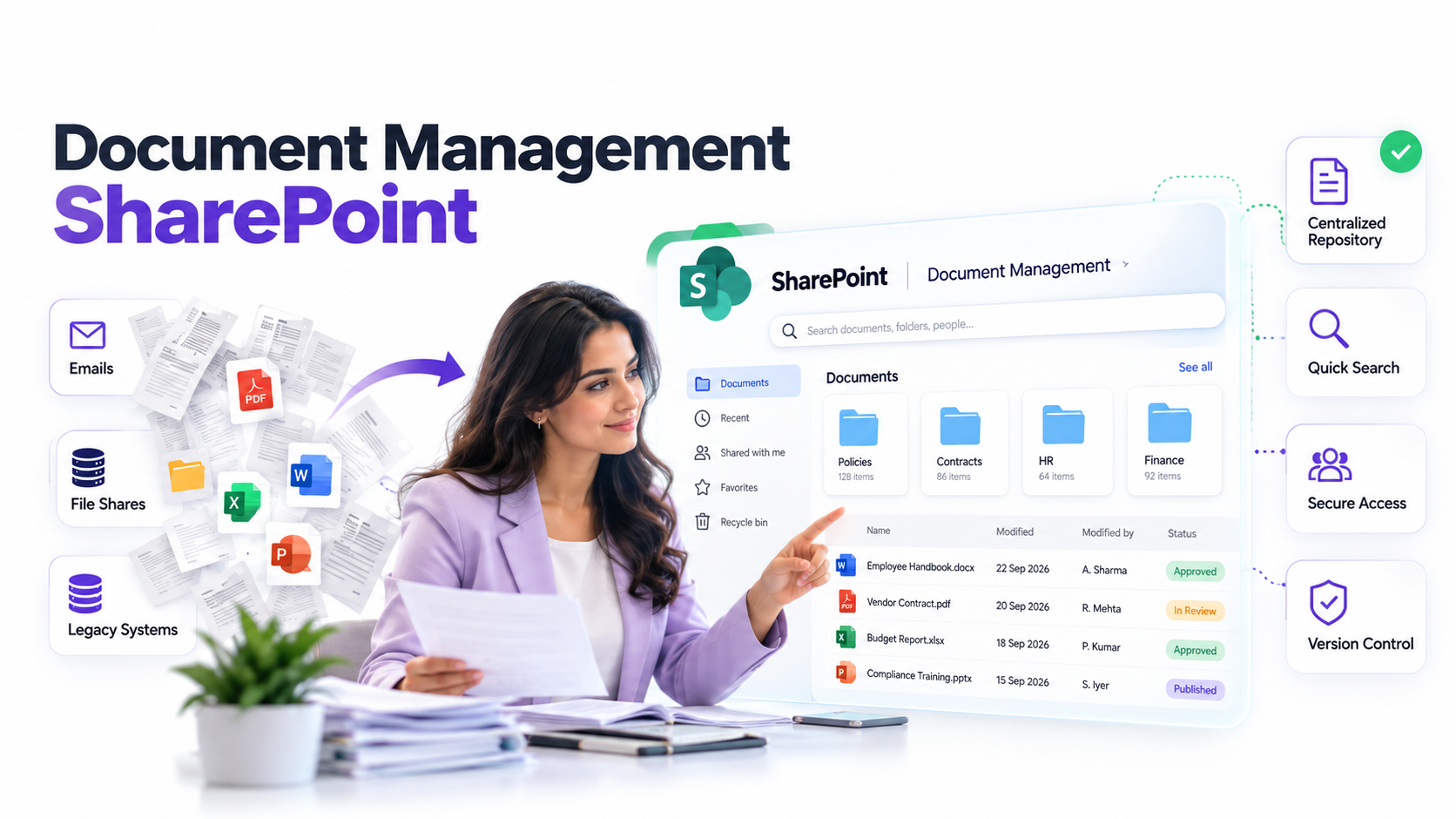
Microsoft SharePoint dominates enterprise adoption due to ubiquitous Office integration and organizational familiarity. Here’s the catch, though: SharePoint’s strength (broad functionality) creates governance challenges. Poorly configured SharePoint deployments become document chaos.
OpenText excels in compliance-intensive industries. We’ve consistently seen financial institutions, healthcare systems, and government agencies rely on OpenText’s audit trail depth, retention automation, and complex workflow capabilities. The platform’s legacy strength appeals to organizations managing mission-critical document repositories.
Box attracts organizations prioritizing API-first integration and collaborative workflows. The platform’s cloud-native architecture, extensive developer ecosystem, and modern user experience resonate with distributed teams and technology companies.
Laserfiche strikes a balance between advanced workflow automation and ease of use. Mid-market organizations appreciate Laserfiche’s strong process automation, user-friendly admin interface, and responsive support model. The platform handles complex document workflows without requiring deep technical customization.
Alfresco appeals to organizations demanding flexibility and long-term independence from vendor lock-in. The open-source option attracts technologically sophisticated teams comfortable with customization and self-management. Additionally, Alfresco’s cloud offering provides managed alternatives for organizations seeking vendor support.
Expert Perspective
True cost of ownership extends far beyond licensing fees. Implementation complexity, professional services investment, internal IT resource allocation for customization, governance framework development, and ongoing change management often exceed licensing costs by 200-300%. Most organizations underestimate the change management burden required for successful adoption across departments.
Industry-Specific Use Cases
Financial Services and Banking
Finance institutions face the strictest compliance requirements. The best document management software for banking must enforce SOX compliance, maintain immutable audit trails, and automate retention policies. Sound familiar? Regulatory inspections scrutinize document governance practices closely.
OpenText and Laserfiche dominate this vertical. Both platforms offer pre-built compliance workflows, regulatory reporting automation, and audit trail depth that satisfies financial regulators. Microsoft 365 with strong governance frameworks also serves larger institutions already committed to Microsoft infrastructure.
Healthcare Organizations
HIPAA compliance drives healthcare DMS selection. Patient record automation, secure external provider sharing, and privacy-respecting workflows aren’t optional. Healthcare-specific platforms like Alfresco with healthcare modules, or dedicated solutions, address vertical-specific needs.
Additionally, clinical teams require intuitive interfaces. Complexity creates workarounds that compromise compliance. The best document management software for healthcare balances security depth with usability.
Legal and Professional Services
Legal firms prioritize matter management, client privilege workflows, and version control. Specialized legal DMS platforms like Everlaw and Logikcull offer litigation support and e-discovery capabilities. General platforms with legal workflows (OpenText, Laserfiche) serve smaller practices.
Matter-based access control and privileged communication tracking are essential. Document retention tied to matter closure prevents premature deletion of legally significant records.
Government and Public Sector
Government agencies require records management, Freedom of Information Act (FOIA) compliance, and secure document disposal capabilities. FedRAMP certification, government security clearance alignment, and compliance audits shape vendor selection.
Solutions with government security certifications and compliance pre-configuration accelerate implementation. Legacy vendors like Microsoft, OpenText, and specialized government platforms dominate this vertical.
Key Features to Prioritize
Enterprise best document management software 2026 solutions include capabilities ranging from essential to advanced. Prioritize features directly aligned with your documented workflows and compliance requirements.
Workflow automation: Visual workflow builders (low-code) reduce implementation time compared to platforms requiring coding expertise. Approval chains, conditional routing, and escalation logic should be configurable without IT involvement.
AI and intelligent capture: OCR capabilities, automatic document classification, and data extraction reduce manual document processing. AI-assisted capabilities improve accuracy and enable process automation at scale.
Collaboration tools: Real-time document editing, inline comments, version history, and external sharing enable team productivity. Collaboration features shouldn’t require document download and email cycling.
Advanced search and discovery: Full-text search, metadata filtering, and AI-assisted query interpretation accelerate document retrieval. Search relevance directly impacts user adoption and productivity gains.
Mobile access: Robust mobile applications enable document review and approval on-the-go. Mobile functionality shouldn’t feel like an afterthought or mobile-only experience.
Analytics and reporting: Usage insights, compliance reporting, and process bottleneck visibility drive continuous improvement. Dashboards should reveal which workflows create friction and delay business processes.
Extensibility: Custom workflows, webhook support, and third-party application marketplace integration enable organizations to extend platform capabilities without constant vendor dependence.
How to Evaluate and Select Your DMS
Successful best document management software selection requires structured evaluation. Here’s the step-by-step process we recommend to shortlist and validate platforms against your specific requirements.
Step 1: Define business requirements. Audit current document workflows across departments. Identify compliance obligations, user personas, and integration touchpoints. Document pain points and desired capabilities. Output a prioritized feature matrix weighted by business impact.
Step 2: Shortlist vendors. Filter platforms by deployment model, regulatory certifications, and industry reputation. Request reference customers in your vertical. Schedule discovery calls with 2-3 shortlisted vendors to discuss your specific requirements.
Step 3: Conduct proof-of-concept. Load sample documents into the platform. Test critical workflows with actual user roles. Attempt planned integrations with existing systems. Evaluate ease of configuration and end-user experience. Involve key stakeholders in hands-on evaluation.
Step 4: Request detailed proposals. Clarify implementation scope, licensing structure, training depth, and ongoing support SLAs. Request incident response time commitments and escalation paths. Compare support model alignment with your IT maturity and resources.
Step 5: Make decision and plan rollout. Establish governance framework before go-live. Design phased rollout strategy starting with pilot department. Build change management program addressing adoption barriers. Define success metrics aligned with business objectives.
Frequently Asked Questions
Is cloud or on-premise best document management software better for enterprises?
Cloud deployment offers scalability, automatic updates, and remote accessibility. On-premise provides control for air-gapped security requirements and sensitive data constraints. In most cases, enterprise organizations adopt hybrid models, managing some document categories on-premise while leveraging cloud for collaboration and accessibility.
What compliance certifications should I prioritize?
Compliance requirements vary by industry. Financial services require SOX and PCI compliance. Healthcare requires HIPAA and HITECH alignment. EU operations require GDPR compliance. Government work requires FedRAMP or state-equivalent certifications. Map your specific regulatory obligations to vendor certifications during evaluation.
Can I integrate my best document management software with existing ERP or CRM systems?
Modern platforms offer REST APIs and pre-built connectors for popular systems like SAP, Oracle, Salesforce, and NetSuite. Evaluate API documentation quality, connector availability, and implementation support offerings during vendor assessment. Custom integration effort and professional services costs should be quantified during proposal phase.
What are common reasons enterprise DMS projects fail?
Poor change management and insufficient user training create adoption resistance. Underestimating data migration complexity causes delays. Unclear governance frameworks lead to misuse and security vulnerabilities. Misaligned stakeholder expectations about timelines and capabilities damage credibility. Inadequate vendor support during critical transitions creates frustration and workarounds.
How long should I expect the vendor evaluation process to take?
Evaluation duration depends on organizational complexity, number of shortlisted vendors, and your proof-of-concept scope. Requirements definition typically requires 2-4 weeks. Vendor demonstrations and reference calls span 2-4 weeks. Proof-of-concept activities extend evaluation by 2-6 weeks depending on complexity. The structured evaluation approach prevents hasty decisions that lead to rip-and-replace migrations.
Should we consider open-source DMS platforms?
Open-source platforms like Alfresco offer flexibility and cost advantages for organizations with technical expertise. However, open-source requires internal IT resources for implementation, customization, and ongoing maintenance. Managed open-source offerings provide vendor support similar to proprietary platforms. Evaluate your organization’s technical capacity and preference for self-management versus vendor responsibility.
Find Your Enterprise DMS Match Today
Navigating DMS vendor landscapes requires objective guidance grounded in implementation experience. Our experts help enterprise organizations evaluate platforms, validate proof-of-concepts, and structure successful rollout strategies. Let’s discuss which best document management software platform aligns with your compliance, integration, and scalability requirements.