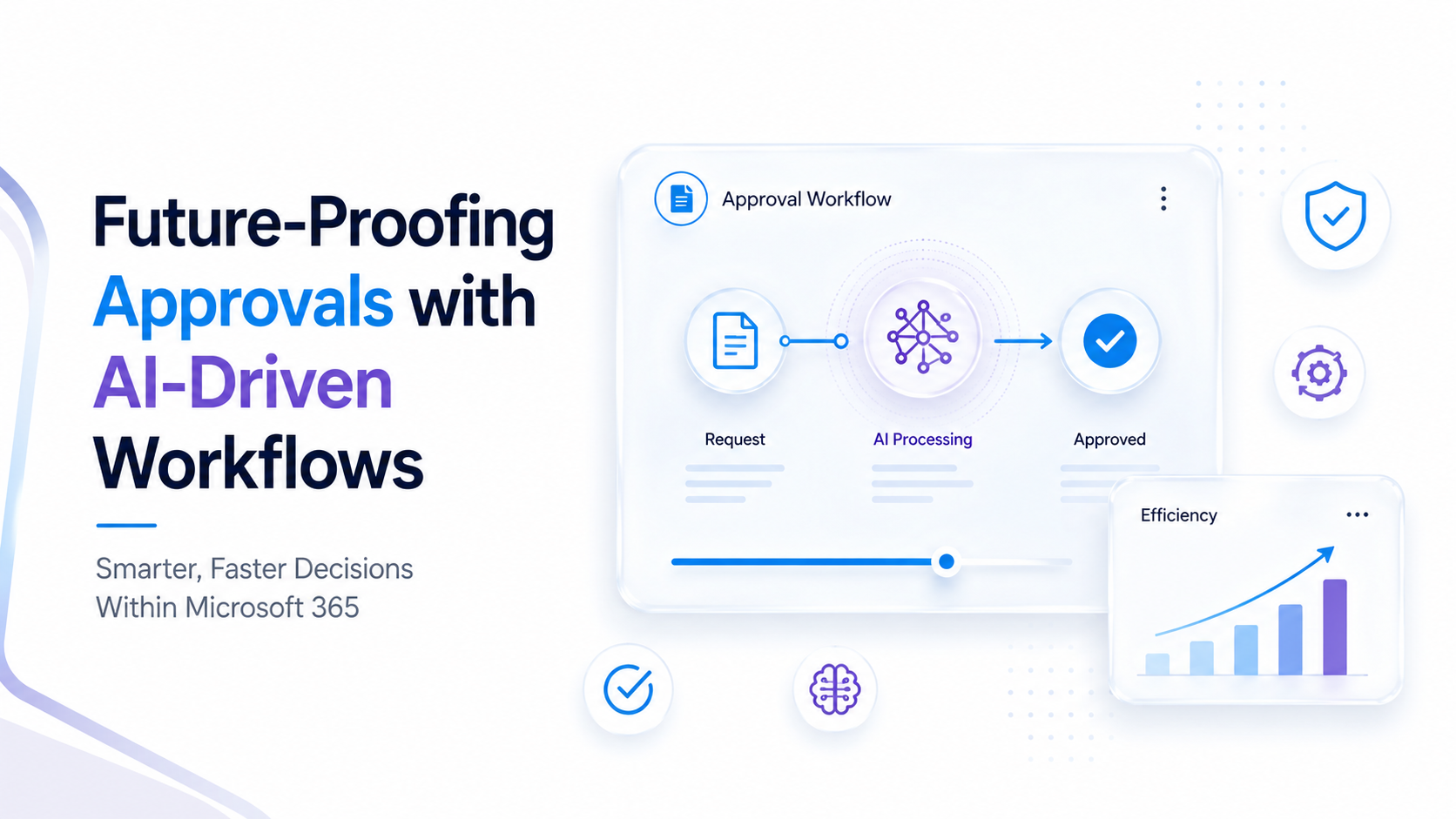
Future-Proofing Business Processes with AI-Driven Approval Workflows
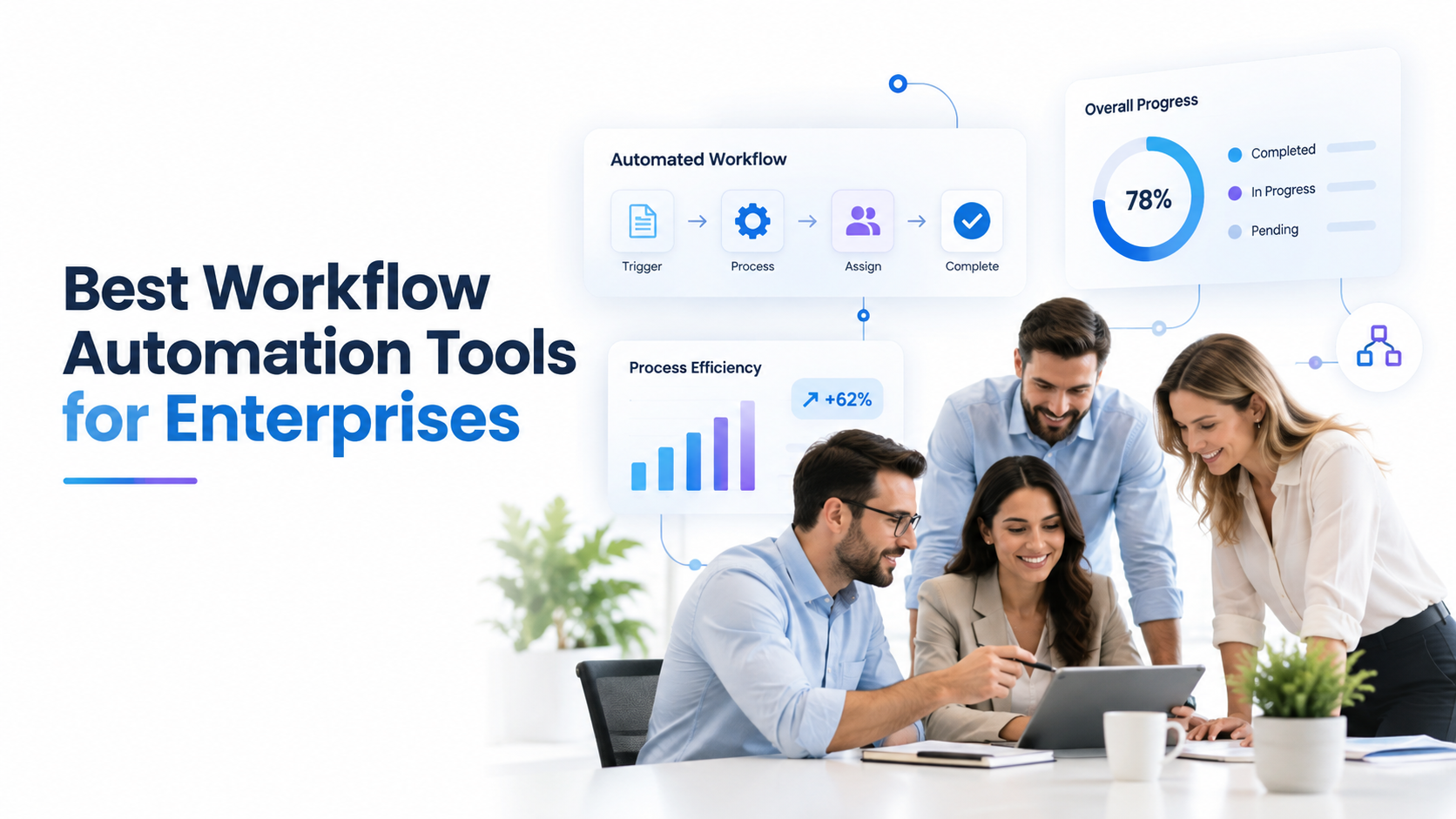
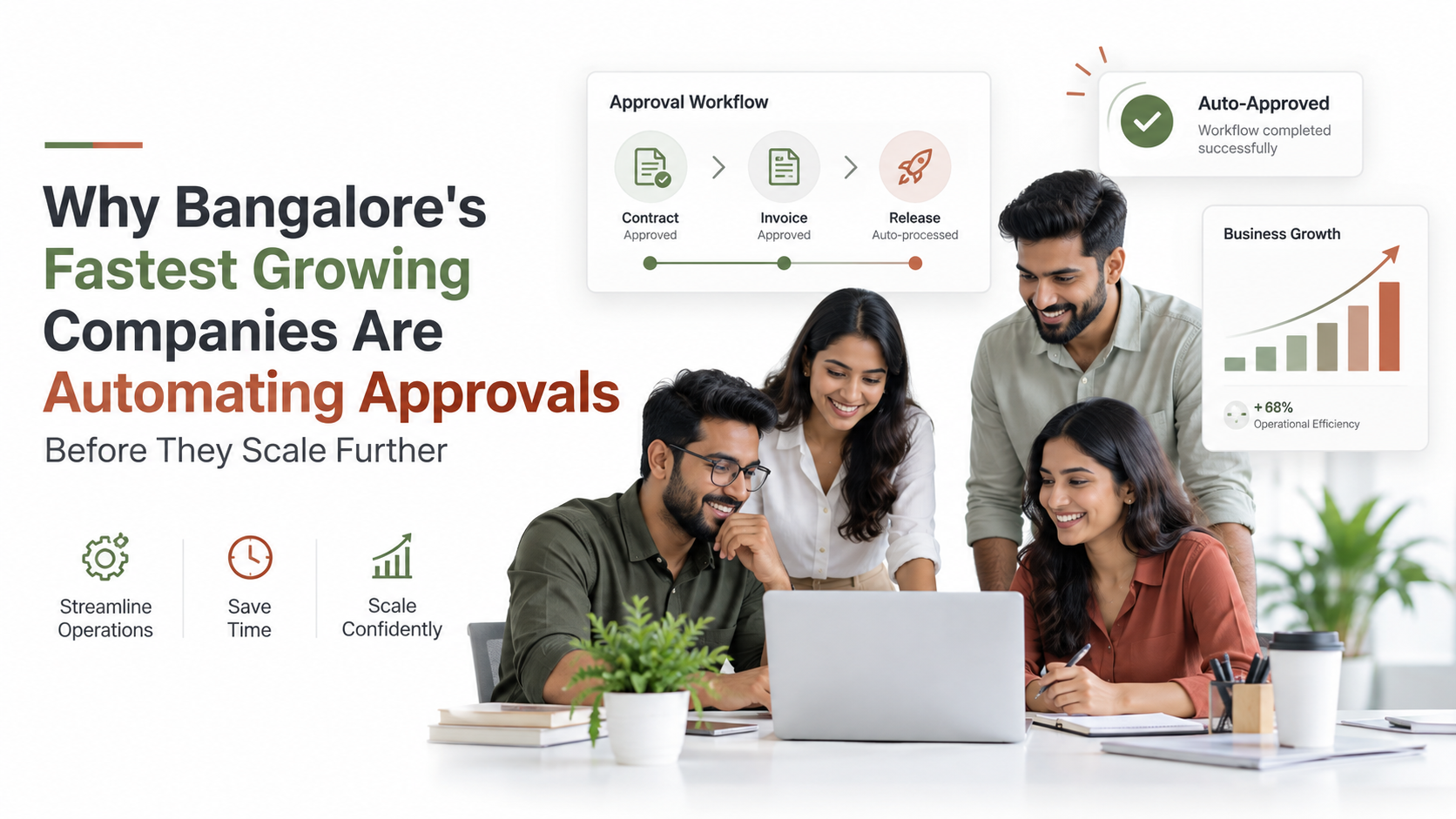
AI business process automation is transforming how enterprises handle approvals, turning bottlenecked manual workflows into intelligent, scalable systems that accelerate decision-making while strengthening compliance. For CFOs approving multi-million-dollar contracts, CIOs managing IT requests, and finance teams processing thousands of expense reports annually, approval workflows represent either a competitive advantage or a critical operational drag. When approval processes move fast and transparently, organizations seize opportunities faster, reduce risk, and free their teams from repetitive administrative work. This article explores how AI-driven approval workflows modernize operations within your existing Microsoft 365 infrastructure.
Key Takeaway
AI-driven approval workflows reduce manual touchpoints by up to 60%, accelerate decision cycles, and create auditable compliance records without replacing human judgment. Organizations that automate intelligent routing see approval cycle times drop significantly while improving accuracy and audit trail integrity.
In This Article
- Why Approval Bottlenecks Cost More Than You Think
- What Modern AI-Driven Approval Workflows Can Do
- How SharePoint and AI-Driven Approval Workflows Work Together
- Real-World Use Cases Across Industries
- Key Benefits of AI Business Process Automation for Leadership
- Implementation Considerations and Best Practices
- Frequently Asked Questions
Why Approval Bottlenecks Cost More Than You Think
Approval bottlenecks look like a minor friction point on the surface. In reality, they cascade into operational and financial consequences that most organizations underestimate. A vendor contract stuck in a multi-level approval chain delays revenue recognition. An IT access request bouncing between departments prevents a new hire from being productive. A purchase order waiting for three signatures blocks procurement and strains supplier relationships.
Beyond the obvious delays, manual approval workflows create hidden organizational costs. When official processes move slowly, employees bypass them entirely. Shadow IT emerges when teams use unapproved tools to get work done faster. Spreadsheet-based approvals create compliance vulnerabilities, with no audit trail and no accountability. Audit and regulatory risks multiply when approval decisions lack timestamps, documented reasoning, or clear ownership.
“Organizations still reliant on email and spreadsheet-based approvals face a 5-7x higher risk of compliance violations compared to those using centralized, auditable approval systems.”
Forrester Research, 2024
Here’s the thing most organizations miss: scaling headcount to handle more approvals is fundamentally inefficient. You can’t hire your way out of a process design problem. Each additional approval coordinator adds cost without solving the core bottleneck. Employee frustration also spikes when approval roles become purely administrative. High-potential staff leave these positions for more strategic work, increasing turnover in roles critical to operational continuity.
The opportunity cost compounds fast in competitive industries. Product launches delay. Market windows close. Strategic initiatives stall. Organizations clinging to spreadsheet and email-based approvals risk falling behind competitors that have modernized their workflows.
What Modern AI-Driven Approval Workflows Can Do
AI business process automation solves bottlenecks by replacing rigid rule-based routing with intelligent, learning systems that improve over time. Rather than requiring IT teams to manually configure hundreds of rules, like “if amount exceeds $50K and department is Sales, route to VP,” AI learns from your historical approval patterns and automatically routes documents to the right approver based on content, risk, amount, and department.
Intelligent Routing is where it all starts. AI classifies documents by analyzing content, metadata, and context. A purchase order for office supplies routes instantly to a manager. A request for a new vendor with a compliance gap escalates automatically to procurement leadership. Contracts with unfamiliar terms flag for legal review before financial sign-off. This happens without manual intervention or rule updates.
Predictive Bottleneck Detection prevents approvals from stalling in the first place. Systems learn typical approval timeframes from historical data. When an approval is likely to breach its SLA, the system alerts stakeholders and suggests parallel review or escalation. You stop approvals from sitting unread on someone’s desk for three days because the system nudged the right person before the deadline hit.
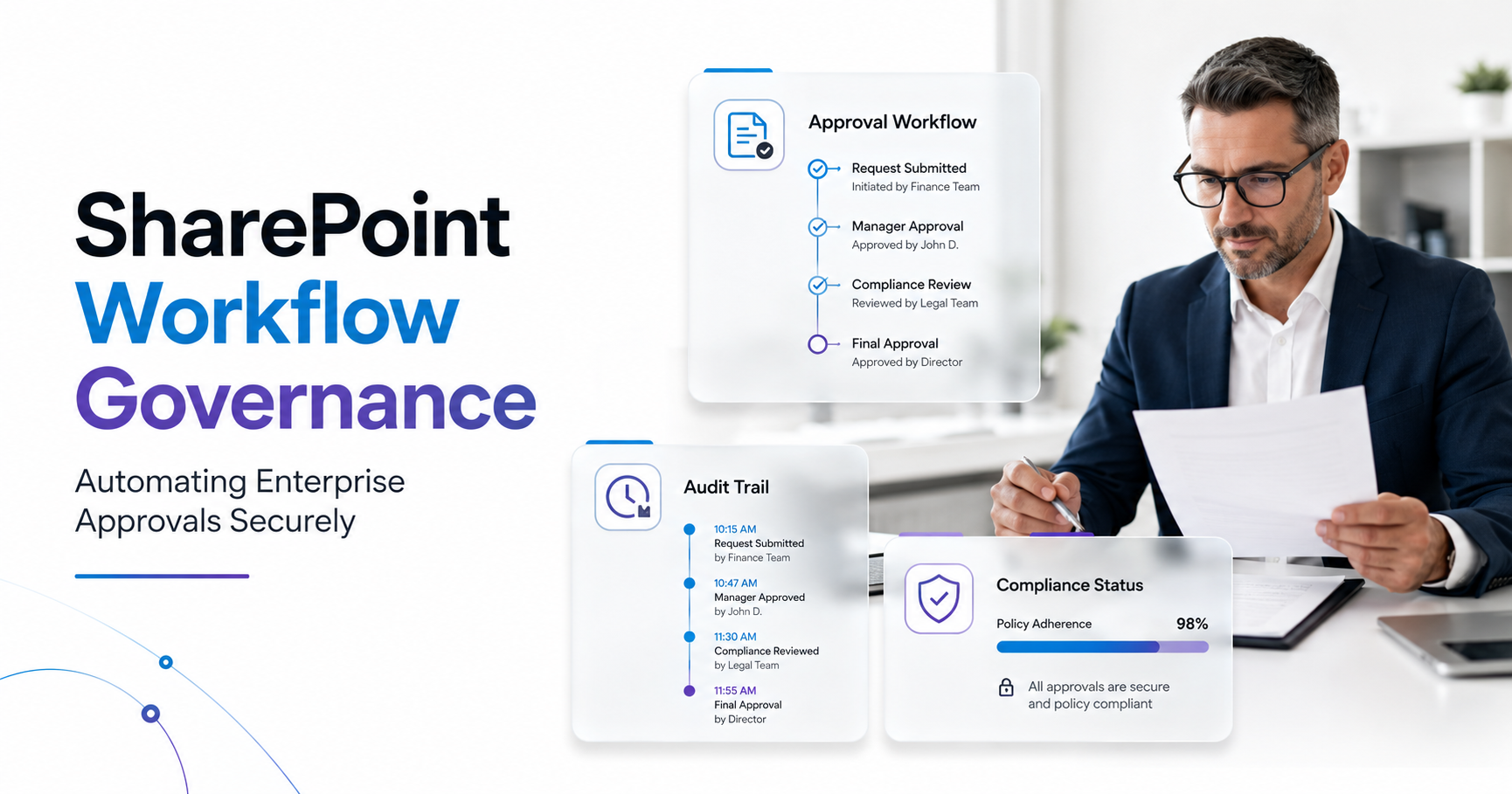
Compliance and Audit Trails become automatic. Every decision gets logged with timestamps, decision rationale, and approver identity. When regulators ask for evidence of financial controls or policy enforcement, your audit trail is complete and defensible. Email approvals disappear. Verbal sign-offs vanish. Everything is documented, traceable, and auditable.
Expert Perspective
Here’s what separates AI-driven workflows from older systems: they actually improve over time. Your approval system gets smarter as it processes more documents. Your IT team doesn’t manually reconfigure routing rules every quarter. The system adapts continuously. This kind of continuous optimization is something traditional workflows simply can’t match.
Adaptive SLA Management and real-time tracking give leadership visibility they’ve never had before. Dashboard metrics show approval cycle times, bottleneck hotspots, and escalation trends. Finance can see that expense approvals average 2 days and flag when they climb to 4. Operations can identify which department consistently delays PO approvals and address root causes with data, not guesses.
Integration with Existing Tools means you’re not ripping out SharePoint or replacing your document management system. AI-driven workflows sit on top of your Microsoft 365 infrastructure. Power Automate orchestrates intelligent routing. Teams notifications keep stakeholders informed. SharePoint remains your central document repository. Everything connects without fragmentation.
How SharePoint and AI-Driven Approval Workflows Work Together
SharePoint is the central nervous system for document management in most enterprise Microsoft 365 deployments. Adding AI-driven approval workflows means your approval system works seamlessly within the platform where your documents already live. Power Automate serves as the orchestration engine. When a document lands in a SharePoint library, a trigger instantly activates an approval workflow. AI analyzes the document, extracts key data points, and routes it to the appropriate approver based on intelligent classification.
Document classification leverages machine learning models trained on your historical documents and approvals. The system learns patterns: contracts with certain vendors need legal review first, expense reports over a threshold require additional scrutiny, purchase orders in specific categories route to different departments. As the system processes more documents, its accuracy and understanding improve automatically.

Integration with Teams ensures stakeholders receive real-time approval notifications and context without leaving their collaboration space. An approver gets a Teams message with the approval request, summary data, and document preview. They can review and approve directly from Teams. Requesters get instant status updates. The approval chain becomes visible and transparent across your entire organization.
Governance and role-based controls stay central. Your organization retains complete authority over who can approve what, escalation rules, and policy enforcement. AI doesn’t make decisions in a black box. IT and process owners define approval policies upfront. The AI system executes those policies consistently and scales them across thousands of documents without human fatigue or inconsistency.
On top of that, AI business process automation integrates with your existing audit and compliance frameworks. SharePoint’s built-in versioning, metadata, and retention policies work in concert with AI-driven approvals. When an approval happens, the system automatically logs decision data in compliance-ready formats. Your organization meets regulatory requirements without manual workarounds.
Real-World Use Cases Across Industries
AI-driven approval workflows solve distinct challenges across sectors. The pattern is consistent: when AI handles routing and classification, humans focus on judgment calls, not busywork.
Finance and Accounting
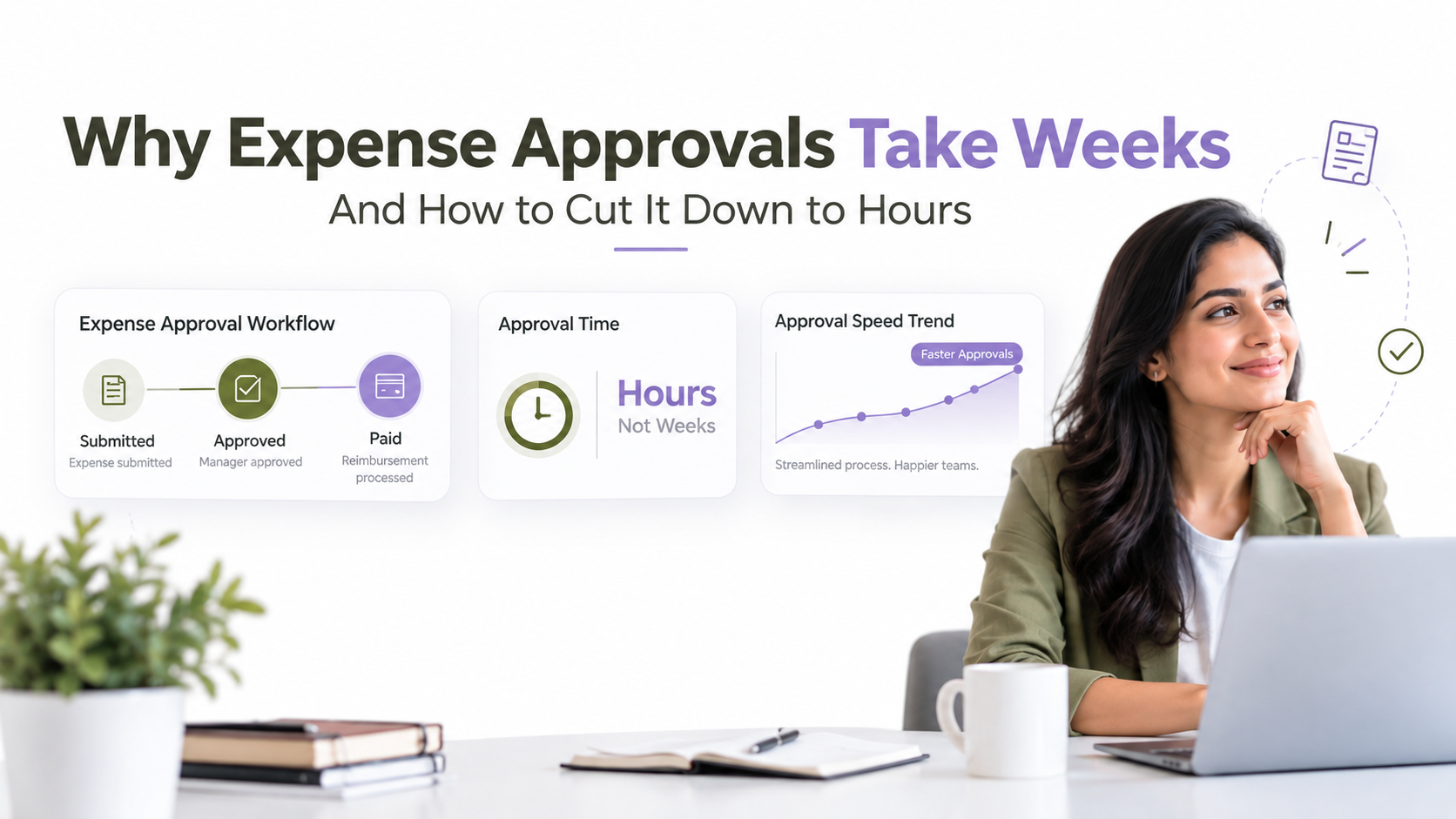
Expense reports, purchase orders, and budget transfers historically required multiple manual handoffs and email chains. AI business process automation intelligently routes expense reports based on amount, department, and policy category. A $150 meal expense auto-approves if it meets policy. A $5,000 team event flags for department head review. High-risk exceptions escalate immediately to finance leadership. Purchase orders route to the right procurement specialist based on vendor and category. Parallel approvals happen simultaneously rather than sequentially, cutting approval cycles from days to hours.
Healthcare and Insurance
Clinical trial documentation and insurance claim approvals involve complex decision logic and compliance requirements. Content-based intelligent routing directs claims to the appropriate specialist based on claim type and diagnosis codes. Documents requiring peer review automatically escalate. Approvals that meet all policy criteria auto-approve. This reduces review cycles, improves patient throughput, and keeps clinical teams focused on patient care rather than administrative workflows.
Manufacturing and Operations
Change orders, quality control exceptions, and production adjustments move through approval chains that historically bottlenecked operations. AI classifies change requests by severity and impact, routing them to the appropriate subject-matter expert. High-risk changes escalate to engineering leadership. Routine updates approve automatically if they meet criteria. Production delays caused by approval lag shrink significantly because approvals complete within hours rather than days.
Professional Services and Consulting
Project proposals, resource allocation requests, and contract amendments flow through AI business process automation that understands your service delivery model. Proposals route to the right practice leader based on service type. Resource allocation requests escalate based on conflict or availability complexity. Engagement managers stop managing status emails and focus on client relationships instead. Faster approvals mean faster project kickoffs and improved resource utilization.
Key Benefits of AI Business Process Automation for Leadership
The business case for AI business process automation rests on tangible operational and financial benefits that align with executive priorities.
Operational Agility accelerates strategic outcomes. Faster approval cycles mean faster contract closures, quicker product launches, and swifter strategic decisions. In competitive markets, the organization that can execute decisions 2-3 days faster than competitors gains meaningful advantage. You move at the speed of your decision-making, not the speed of your email queues.
Risk and Compliance improve automatically. Audit trails are generated without manual effort. Nothing falls through cracks because routing logic is consistent. Regulatory requirements are built into the workflow itself. When an auditor asks for evidence of financial controls or policy enforcement, you have complete, timestamped documentation. Compliance becomes a byproduct of your workflow, not a separate audit burden.
Cost Control follows naturally from reducing manual overhead. You don’t hire additional approval coordinators. Instead, existing staff focus on exception handling and policy decisions that require human judgment. Reallocate these higher-value employees to strategic initiatives. The cost per approval drops as volumes scale, because the system handles routing rather than asking for proportional headcount increases.
Scalability decouples approval volumes from operating costs. Add new departments, users, and approval types without proportional cost increases. Your system handles 1,000 approvals per day just as efficiently as 100. This becomes critical as organizations grow or consolidate.
Data-Driven Insights reveal optimization opportunities that intuition misses. Analytics show approval bottlenecks by department and approver. You see which policy rules cause the most delays. Metrics identify outlier approvers, like someone taking longer or more often returning items for revision. Armed with data, process owners optimize workflows based on evidence, not guesses.
Employee Experience improves across the organization. Requesters get faster approvals and transparent status visibility. Approvers spend less time on routing and classification tasks and more time on decisions that matter. Staff whose roles shift from administrative to exception handling find their work more engaging and strategically valuable.
Implementation Considerations and Best Practices
Successful AI business process automation implementations share common practices that separate smooth deployments from struggling ones.
Start with high-volume, well-defined processes. Begin with approval workflows that have clear, consistent rules. Expense approvals, PO workflows, and straightforward IT requests are ideal starting points. These processes have patterns that AI learns quickly and generate ROI fast. Avoid beginning with complex, exception-heavy workflows where judgment dominates every decision. Build expertise first with simpler workflows before tackling nuanced processes.
Involve process owners from day one. IT can’t design workflows in isolation. Finance, HR, operations, and procurement leaders must define what “intelligent routing” means for their processes. What variables matter for routing? What triggers escalation? What policies must the system enforce? Process owners provide this domain knowledge. Their buy-in also drives adoption when the system launches.
Plan for change management explicitly. Staff whose roles center on manual approvals need retraining. Their positions shift from administrative to exception handling. Some resistance is normal. Clear communication about how AI improves their work rather than replacing it reduces friction. Highlight how the system removes tedious tasks and frees them for higher-value decisions.
Establish governance early. Define who can modify approval routes, how often AI models are retrained, and who owns compliance reporting. Create a governance council with representatives from IT, finance, compliance, and key process owners. This prevents shadow AI and ensures the system evolves according to organizational policy rather than individual preferences.
Pilot and iterate ruthlessly. Deploy to one department or process first. Gather feedback from real users. Refine routing rules, escalation logic, and AI models based on what you learn. This iterative approach prevents organization-wide failures from flawed initial assumptions. Successful pilots also generate internal advocates who champion expansion to other departments.
Monitor model performance continuously. Track approval accuracy, SLA adherence, escalation rates, and user satisfaction. Set up alerts for drift in system performance. If escalation rates spike, investigate whether user behavior or policy has changed. Establish a review cadence where you evaluate model performance and adjust routing rules based on observed data. This ongoing attention prevents the system from degrading over time.

Frequently Asked Questions
How does AI improve approval routing versus traditional rule-based workflows?
Rule-based systems require IT teams to hard-code every scenario upfront. This approach doesn’t scale. You can’t predict every possible combination of variables. AI learns from historical approval patterns and automatically improves routing as it processes more documents. It handles nuance and exceptions that would require hundreds of manual rules. And here’s the thing: AI adapts as your business changes, while rule-based systems require IT intervention for every modification.
Do we need to replace our current SharePoint setup to implement AI-driven approval workflows?
No. AI-driven approval workflows integrate with your existing SharePoint environment via Power Automate and connectors. They enhance and modernize your current infrastructure rather than replacing it. SharePoint remains your document repository, governance framework, and compliance hub. The AI system operates on top of these foundations, improving how approvals route and execute.
How long does implementation typically take?
Implementation timelines vary significantly based on process complexity, organizational readiness, and scope. Some organizations complete pilots with a single process relatively quickly, while others require longer for governance alignment and multi-department rollouts. In most cases, a phased approach starting with one high-volume, well-defined process works better than attempting to automate everything simultaneously. We’d recommend discussing your specific situation to understand realistic timelines for your context.
Will AI approvals eliminate jobs or change how approval staff work?
AI automates routing and document classification, not decision-making. Approval staff transition from administrative work toward managing exceptions, edge cases, and policy decisions. This shift actually increases job satisfaction because the work becomes more strategic and less repetitive. Organizations that successfully implement AI-driven workflows redeploy these staff members to higher-value initiatives rather than eliminating positions.
How do we ensure our AI models stay compliant as regulations and policies change?
Governance and continuous monitoring are essential. Define approval policies, audit requirements, and escalation rules upfront and document them clearly. Regularly review model performance, approval trends, and compliance metrics. Establish a governance council that evaluates policy changes and updates the system accordingly. Partner with your implementation provider to stay current on regulatory developments and adjust the system proactively rather than reactively.
Transform Your Approval Workflows Today
AI business process automation isn’t a distant possibility. Organizations across finance, healthcare, manufacturing, and professional services are deploying intelligent approval workflows right now, improving decision cycles and compliance simultaneously. Discover how SharePoint-based AI workflows can modernize your operations and free your teams to focus on what humans do best: strategic judgment and exception handling.