Document Management SharePoint: Understanding the Real Costs and Advantages of Enterprise DMS
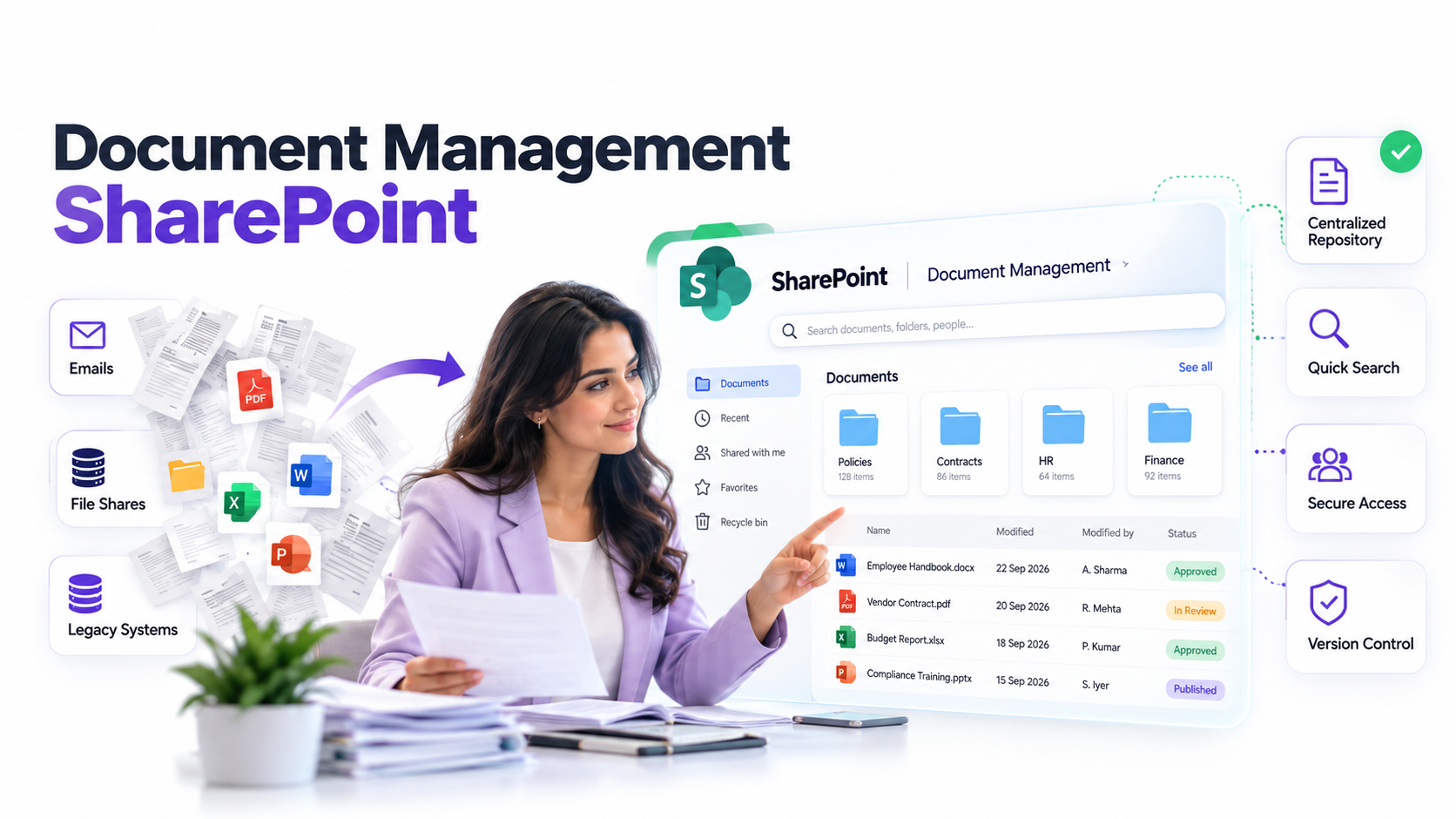
Document management SharePoint systems promise to transform how enterprises handle information, but the investment decision is rarely straightforward. Every CIO faces the same challenge: your organization is drowning in unstructured documents across email, file shares, and legacy systems. A Document Management System can fix this, but vendors rarely discuss the hidden costs or realistic implementation timelines. This guide breaks down what enterprise document management actually costs, what genuine benefits you can expect, and how to make an informed platform selection decision.
Key Takeaway
Document management system success depends less on software choice and more on understanding true costs, realistic timelines, and organizational readiness. The right DMS investment delivers measurable ROI, but only when implementation strategy, change management, and governance planning receive equal attention to technology selection.
In This Article
Why Enterprise Document Management Matters Now
Digital transformation mandates, remote work permanence, and regulatory complexity are driving document management SharePoint adoption across enterprises at an accelerating pace. Organizations that once tolerated fragmented document stores across email, network shares, and cloud services are discovering that this approach creates operational risk, governance gaps, and productivity waste.
According to Gartner’s Magic Quadrant for Content Services Platforms, 67% of enterprises have either implemented or are actively evaluating enterprise content management solutions. The market drivers are clear: compliance complexity increases, unstructured data volumes grow exponentially, and remote teams demand seamless access to information from anywhere.
“Organizations lose an average of 5-7 hours per week per employee searching for documents in unstructured repositories and managing version control through email.”
Forrester Research, 2024
Your board expects IT to enable faster decision-making, tighter compliance controls, and reduced operational costs simultaneously. Document management systems address these expectations, but only when CIOs understand the true investment required and align it with organizational maturity.
The True Cost of Enterprise Document Management
Enterprise document management SharePoint and similar platforms require investment across six primary cost categories. Understanding each one lets you build realistic budgets and avoid the common pitfall of underestimating total cost of ownership.
Licensing and Subscription Costs are visible and relatively straightforward. Microsoft 365 subscriptions, standalone DMS platforms, or hybrid approaches each carry per-user licensing models, storage fees, and feature-based pricing. Here’s the thing though: licensing is typically only 15-25% of your total implementation investment.
Implementation and Professional Services represent the largest hidden expense. Integration with enterprise systems (ERP, CRM, email servers), data migration planning, metadata taxonomy design, and workflow configuration require specialized expertise. Most enterprises allocate 30-40% of total project costs to this phase, often underestimating complexity when document stores span decades and multiple business units.
Infrastructure and Systems Integration costs depend on your current technology landscape. If you’re running document management SharePoint on Microsoft 365, infrastructure costs are lower than on-premises deployments. That said, integration with legacy systems, API development, security hardening, and disaster recovery planning add real complexity. Network bandwidth, server capacity, and backup systems all factor into total cost.
Training and Change Management is the cost category most enterprises minimize in budget discussions but find critical in execution. End-user training, administrator certification, documentation, and change management activities (communication, resistance management, adoption tracking) typically consume 25-40% of implementation effort. And here’s the thing: this isn’t optional overhead. Inadequate change management directly correlates with user adoption failure.
Data Migration and Cleanup is frequently underestimated. Your organization accumulates redundant, outdated, and trivial documents over decades. Before migrating to a document management system, you must assess data quality, establish retention policies, and remediate problematic files. We’ve seen this consistently: enterprises often discover 30-50% of their document stores can be archived or deleted, but identifying and processing those documents requires planning and tooling.
Ongoing Support and Governance extend beyond implementation. Document management SharePoint systems require ongoing administration, governance oversight, security updates, and vendor support. Without continuous governance, systems decay into the same unstructured repositories they replaced.
Expert Perspective
Most enterprises underestimate change management as a percentage of total effort. In our work with clients, we’ve observed that organizations investing less than 30% of project resources on user adoption, communication, and training experience significantly lower utilization rates. The software doesn’t fail; adoption does.
The Measurable Advantages of DMS
When implemented with clear governance and adequate change management, document management systems deliver measurable advantages that justify investment across multiple dimensions.
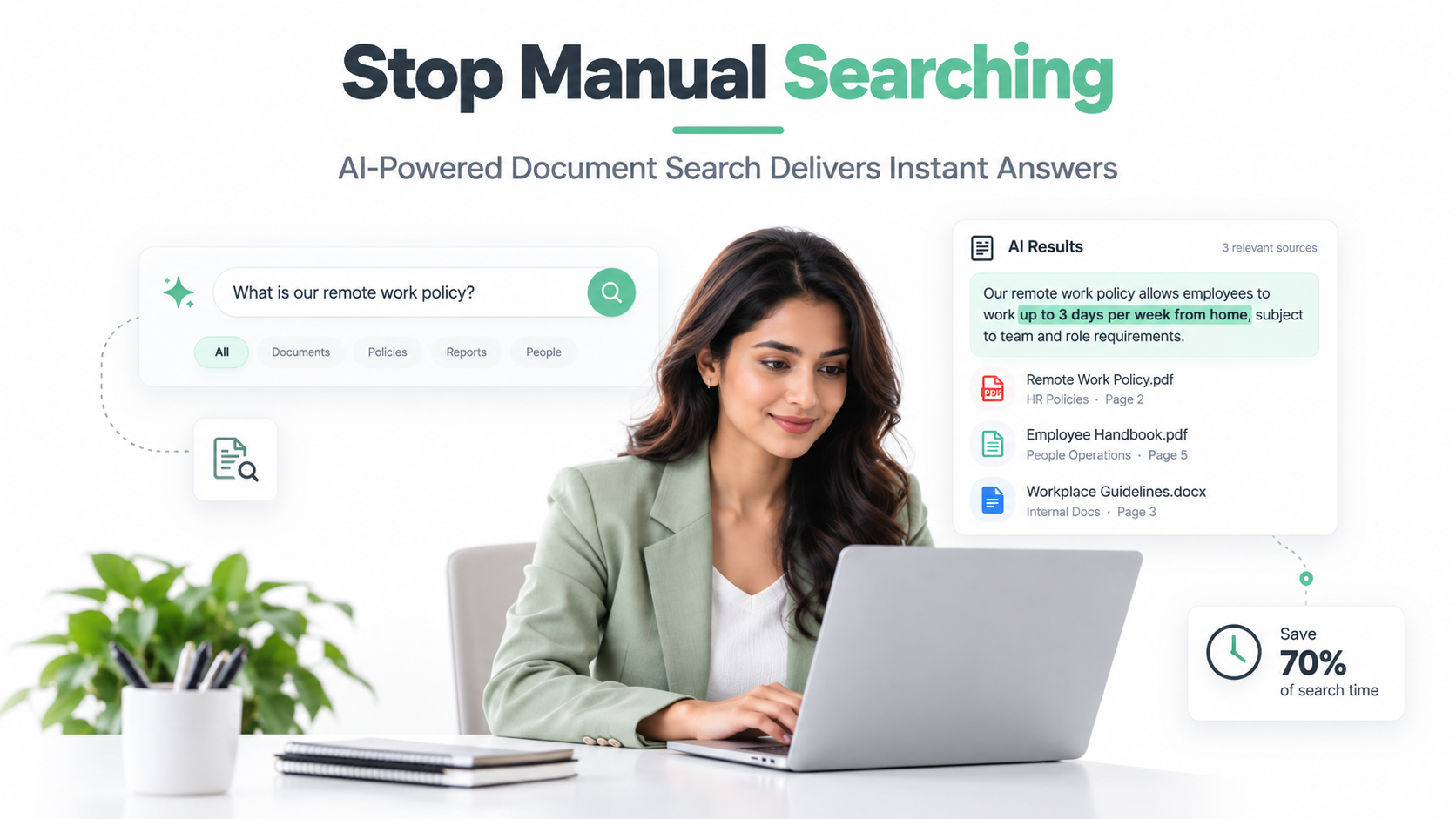
Operational Efficiency is the most immediately visible benefit. Employees spend significantly less time searching for documents, navigating multiple systems, and managing versions through email. Automated workflows reduce manual handoffs, approval cycles accelerate, and information retrieval becomes predictable. Document management SharePoint enables rapid full-text search, metadata-based filtering, and version control that transforms how teams access information.
Compliance and Risk Reduction address governance requirements that executives care about deeply. Automated retention policies ensure documents are disposed of according to regulatory requirements. Audit trails track who accessed what information and when. Permissions management prevents unauthorized access and supports data residency requirements for GDPR, HIPAA, SOX, and industry-specific regulations. For enterprises in regulated industries, this compliance foundation is non-negotiable.
Collaboration and Productivity extend beyond document retrieval. Version control eliminates confusion about which document is current. Cross-team access to project information reduces silos. Integrated workflows connect document management to business processes. Real-time collaboration features allow distributed teams to work simultaneously on shared content. These capabilities directly enable hybrid and remote work models that executives mandate.
Information Governance transforms unstructured data into an organizational asset. Centralized metadata enables consistent tagging, business context, and information classification. Searchability increases exponentially when metadata is standardized. Data loss prevention policies prevent sensitive information from leaving the organization. Organizations that implement governance-first DMS strategies build sustainable competitive advantage through better information management.
Scalability ensures your DMS investment grows with the organization. As document volumes increase, cloud-based platforms like document management SharePoint scale without proportional cost increases. Licensing remains predictable, and infrastructure doesn’t become a bottleneck to business growth.
Document Management Solutions Across Enterprise Scenarios
Financial Services and Compliance
Financial institutions face intense regulatory pressure around document retention, audit trails, and record-keeping. Document management SharePoint systems address SOX compliance requirements, FINRA documentation standards, and audit readiness. Automated workflows ensure that loan documents, compliance certifications, and regulatory submissions follow established processes. Audit trails provide regulators with evidence that information governance is controlled and auditable.
Healthcare and Patient Records
Healthcare organizations struggle with HIPAA-compliant document management at scale. Patient records must be accessible to authorized staff while remaining protected from unauthorized access. Retention policies must align with state and federal requirements. Document management systems enable secure, compliant patient information access while supporting electronic discovery for potential litigation. The operational benefit is equally significant: clinicians spend less time searching for medical histories and more time treating patients.
Manufacturing and Technical Documentation
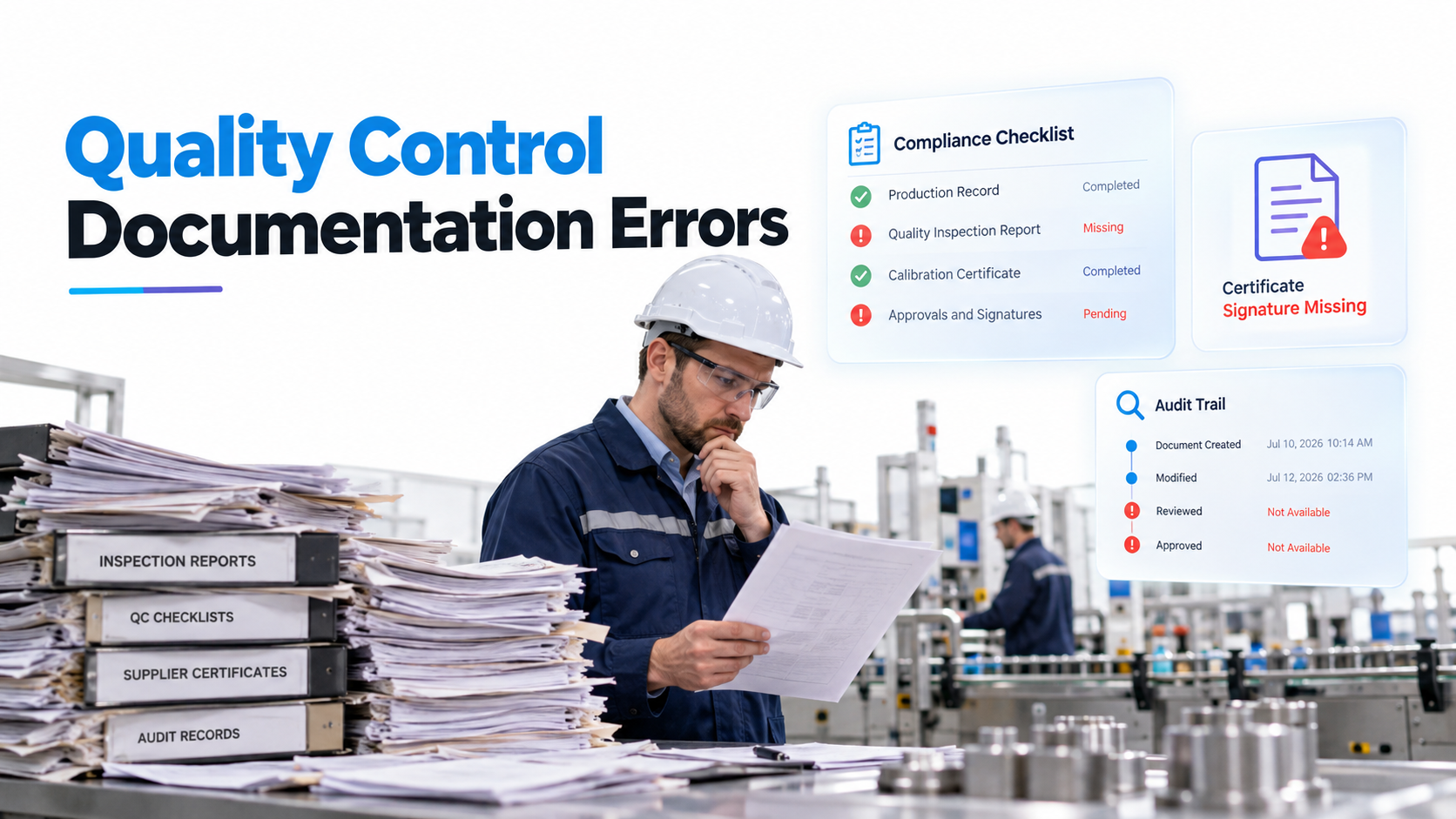
Manufacturing enterprises generate enormous volumes of technical documentation, quality records, and compliance certificates. Document management SharePoint systems control access to specifications, design drawings, and regulatory documents. Version control ensures that production lines run against current specifications, not outdated versions. Supply chain visibility improves when technical documentation is centralized and searchable.
Professional Services and Knowledge Retention
Professional services firms (consulting, legal, accounting) depend on institutional knowledge. Document management systems prevent knowledge loss when experienced employees depart. Project documentation, client work product, and methodologies remain accessible to new team members. Client document management becomes a competitive advantage when documents are securely organized and rapidly searchable.
Hidden Costs and Common Implementation Pitfalls
Beyond visible cost categories, several implementation risks materialize frequently and create unexpected expenses. Understanding these pitfalls allows you to plan mitigations upfront.
User Adoption Resistance emerges when change management receives inadequate attention. Employees comfortable with email-based document sharing and network file shares resist shifting to new document management SharePoint workflows. Shadow IT workarounds proliferate when users find the new system inconvenient. Organizations that don’t anticipate and address adoption resistance experience disappointing utilization rates and fail to realize projected ROI.
Data Quality Challenges surface during migration planning. Your document stores contain redundant files, corrupted documents, and metadata gaps. Automated migration tools can’t distinguish between duplicate versions or separate important documents from archival content. Remediation requires manual review, decision-making, and often business process changes to prevent poor data quality in the new system.
Integration Complexity with legacy enterprise systems (ERP, CRM, email servers, custom applications) often exceeds initial estimates. API limitations, authentication challenges, and workflow mismatches require custom development. Integration specialists become bottlenecks, and projects extend beyond planned timelines.
Governance Decay occurs when organizations implement document management SharePoint without establishing ongoing governance structures. Without regular metadata audits, permissions reviews, and retention policy enforcement, the system gradually accumulates the same problems it replaced. Governance is not a one-time implementation task. It’s ongoing operational responsibility.
Unexpected Customization Scope emerges as business units discover that standard platform capabilities don’t perfectly match their workflows. Each customization increases complexity, reduces supportability, and increases long-term maintenance burden. Organizations that define requirements clearly upfront minimize customization scope.
Making the Business Case to Leadership
CIOs must translate document management SharePoint implementation into business outcomes that executives understand. Rather than claiming specific ROI percentages that vary widely by organization, establish clear baseline metrics and measurement approaches.
Define Baseline Metrics before implementation. Measure current state: How much time do employees spend searching for documents? What compliance incidents occurred in the past year? How much does your organization spend on storage and archival services? What’s the cost of document-related errors or delays? These baseline metrics allow you to quantify improvement without making unsupported claims.
Identify Target Improvements specific to your organization. If document search currently takes 45 minutes per employee per week, target a 50% reduction. If compliance incidents cost $10,000 each on average, quantify the risk reduction of automated retention and audit trails. If contract reviews currently require 15 business days, establish a more aggressive timeline target. Realistic improvement targets tied to your baseline data are far more credible than generic ROI claims.
Acknowledge Variability in ROI timelines and benefit realization. Your organization’s maturity, use case prioritization, and change management effectiveness directly influence outcomes. Rather than accept vendor claims of six-month ROI, commit to measuring specific baseline metrics and comparing post-implementation results. This transparent approach builds executive confidence in your judgment.
Compare Inaction Risk to implementation cost. What happens if you don’t implement enterprise document management? Compliance risk increases. Competitive disadvantage grows as rivals capture efficiency gains. Digital transformation falls further behind board expectations. Sometimes the strongest business case for document management SharePoint investment is the risk of not investing.
Frequently Asked Questions
What is the typical ROI timeline for an enterprise document management system implementation?
ROI timelines vary significantly based on organizational readiness, implementation scope, and change management effectiveness. Rather than accept generic vendor claims, define your baseline metrics before implementation and measure actual results afterward. Organizations that prioritize use cases strategically and invest adequately in change management realize benefits sooner than those expecting overnight transformation.
How does Microsoft 365 document management compare to standalone DMS platforms?
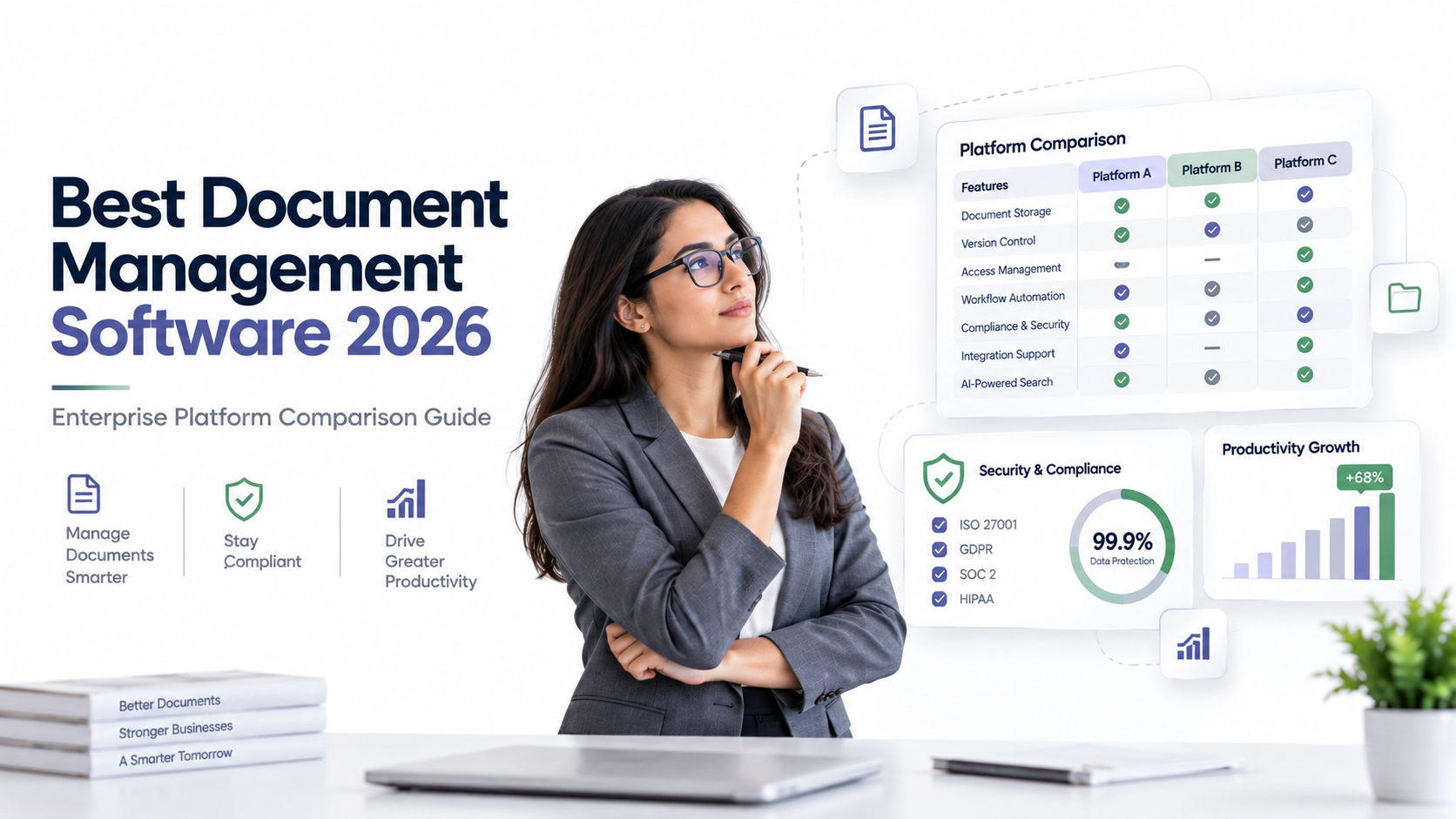
Document management SharePoint through Microsoft 365 offers integrated capabilities, lower licensing friction for existing Microsoft customers, and strong ecosystem compatibility. Standalone DMS platforms may offer specialized capabilities for certain workflows. The right choice depends on your technology landscape, user base, and specific requirements. Evaluate both approaches against your governance, scalability, and integration requirements rather than choosing based on brand preference.
What are the biggest risks of implementing a document management system?
User adoption failure is the most common risk. Organizations that don’t invest sufficiently in change management, training, and organizational readiness experience disappointing utilization despite adequate technology. Data migration complexity, inadequate governance planning, and selecting a platform misaligned with enterprise architecture are equally significant risks. Transparent discussion of these risks with vendors and implementation partners helps you build mitigation strategies upfront.
How much project effort should we allocate to change management when implementing DMS?
Expect 25-40% of implementation effort devoted to change management, training, and adoption activities. This isn’t optional overhead. It’s foundational to project success. Organizations that minimize change management budgets consistently experience lower utilization, disappointed executives, and reduced ROI realization. Change management is the activity most directly under your control to influence outcomes.
Can a document management system pay for itself through cost reduction alone?
Cost reduction alone rarely justifies DMS investment. Benefits typically come through indirect cost avoidance (reduced storage, fewer compliance incidents, faster processes) rather than dramatic headcount elimination. Frame ROI as efficiency enablement, risk reduction, and competitive capability rather than pure cost savings. Organizations that emphasize governance and compliance value alongside productivity improvement build stronger business cases than those pursuing cost reduction alone.
Strategic Planning for Document Management Success
Enterprise document management requires strategic planning that extends beyond technology selection. Your organization’s success depends on aligning document management SharePoint implementation with IT strategy, business priorities, and organizational capacity.
Start with honest assessment of current state. What document management challenges create the most business impact? Which business processes would benefit most from better information access? Which compliance requirements create operational burden? Prioritizing ruthlessly prevents you from attempting to solve every problem simultaneously.
Build implementation roadmap that sequences deployment by business value, not technical convenience. First implementation phases should target use cases with clear business impact and high user adoption probability. Quick wins build organizational confidence and fund later, more complex phases.
Invest in governance infrastructure before implementation. Define metadata standards, retention policies, and permissions frameworks aligned with business requirements. Organizations that establish governance first avoid retrofitting policies into live systems. Document management SharePoint becomes increasingly difficult to govern when standards aren’t established upfront.
Plan for ongoing governance as formal operational responsibility, not an implementation afterthought. Assign governance ownership, establish review cycles, and allocate budget for ongoing administration. Systems without ongoing governance gradually decay into the same problems they replaced.
Communicate change strategy transparently to the organization. Help employees understand what document management SharePoint investment means for their daily work, not just what it means for IT. Address adoption concerns proactively, involve business leaders in change planning, and celebrate early wins to build momentum.
Measuring Success Beyond Technology
Document management SharePoint implementations succeed or fail based on adoption, not software capability. The most advanced platform fails if employees continue using email for document sharing. The most modest platform succeeds if employees embrace it and integrate it into daily work.
Define adoption metrics alongside technical metrics. Track system logins, active user percentage, documents created in the system versus imported, and workflow usage patterns. These metrics reveal adoption reality that license counts obscure. When adoption metrics stall, intensify change management efforts before escalating to executives.
Measure business impact through use-case-specific metrics. If improving contract review speed was a primary goal, measure average review duration before and after. If compliance was the driver, track audit preparation time and incident frequency. Use-case-specific metrics demonstrate that investment generated intended business outcomes.
Establish governance health metrics alongside user engagement. Track metadata consistency, permissions accuracy, retention policy compliance, and audit log completeness. Governance health predicts long-term system sustainability. Systems with declining governance health eventually fail despite healthy user adoption metrics.
Vendor and Partner Selection Criteria
Your document management SharePoint implementation partner is as important as platform choice. Vendors and implementation partners vary dramatically in change management capability, integration expertise, and post-implementation support quality.
Evaluate partners on change management experience, not just technical certification. Ask directly about their change management methodology, organizational change experience, and adoption tracking approaches. Partners that treat change management as essential deliver better outcomes than those viewing it as optional.
Assess integration capability, not just platform feature lists. Partners should demonstrate experience integrating enterprise systems similar to yours (ERP, CRM, email systems). Ask about integration approaches, API experience, and custom development policies. Partners with strong integration experience anticipate complexity and prevent project extensions.
Confirm ongoing support structures and governance assistance. Does your partner remain involved post-implementation to support governance establishment? Do they offer training curriculum customized to your organization? Partners committed to long-term customer success provide more value than those focused exclusively on project delivery.
Request references from organizations similar to yours in size, industry, and complexity. Speak directly with customers about adoption experience, unexpected challenges, and total investment required. References provide essential grounding in realistic expectations.
Ready to Plan Your Document Management Investment
Understanding DMS costs and benefits is the foundation for strategic IT investment. Our team helps CIOs evaluate document management SharePoint and competitive approaches, build realistic business cases, and plan implementations aligned with organizational readiness. Let’s discuss your specific requirements and build a roadmap that delivers measurable outcomes.