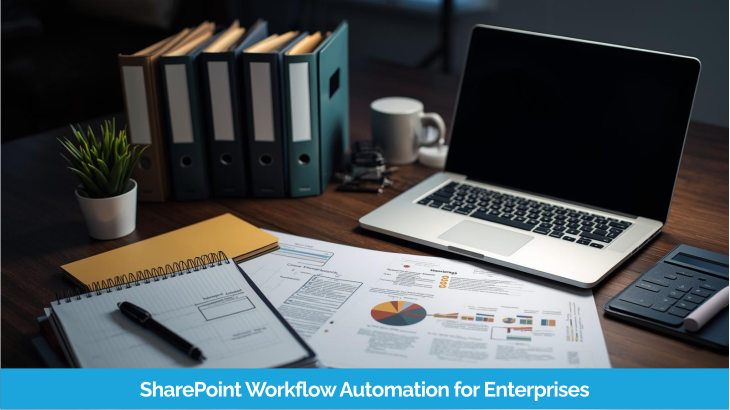
However, many enterprises still rely on manual processes for approvals, document reviews, and internal requests. These processes usually involve long email threads, spreadsheets, and multiple follow-ups between teams. Over time, this slows down operations and creates unnecessary delays. Therefore, SharePoint workflow automation becomes extremely valuable for modern enterprises. By automating business processes, organizations can eliminate repetitive manual tasks and create structured approval systems.
Instead, workflows automatically route tasks to the right people and reduce delays. The system automatically triggers notifications. And the system tracks every step of the process. For enterprises managing large teams and complex operations, SharePoint workflow automation helps improve productivity. It also ensures compliance and reduces operational bottlenecks across departments.
Automate Your Business Workflows with SharePoint
Talk to Automation ExpertsSharePoint workflow automation refers to the process of automating business tasks and approvals using SharePoint and Microsoft 365 tools.
A workflow is a sequence of actions that automatically moves tasks between users based on predefined rules. Instead of manually sending documents or requests, the system manages the entire process.
For example, when a document is uploaded for approval, the workflow can automatically:
- notify the manager for review
- send reminders if approval is delayed
- record approval history
- update document status
- Workflows can be applied to many business operations such as document approvals, employee onboarding, procurement requests, and contract reviews.
Today, many enterprises combine SharePoint with Power Automate to create advanced workflow automation solutions.
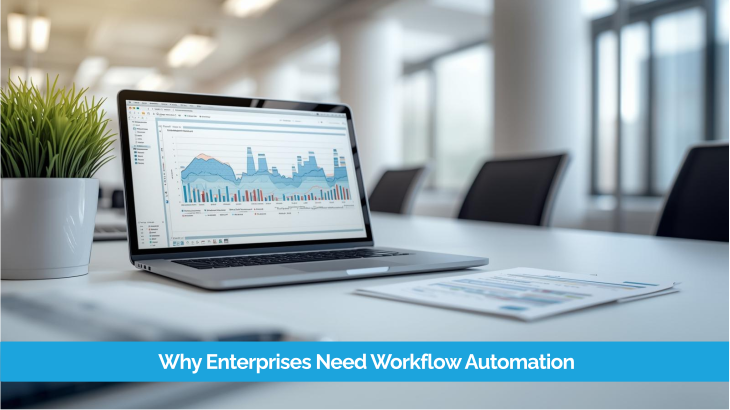
Manual processes create several operational challenges in large organizations. As the number of employees and departments increases, managing approvals manually becomes inefficient.
Some common problems enterprises face include:
Delayed Approvals
Manual approvals often require multiple email follow-ups, which delays decision making.
Lack of Process Visibility
Managers may not know where a request is stuck or who is responsible for the next action.
Compliance and Audit Challenges
Without proper tracking, organizations struggle to maintain an audit trail for approvals and document changes.
Increased Administrative Work
Employees spend time managing requests manually instead of focusing on productive tasks.
With enterprise workflow automation, businesses can streamline these processes and ensure every step is recorded, monitored, and completed efficiently.
Replace Manual Approvals with Automated Workflows
Explore Workflow SolutionsEnterprises use SharePoint workflow automation for a wide range of business processes. Below are some common use cases.
Document Approval Workflow
Document approvals are one of the most common workflows in organizations. SharePoint can automatically route documents to reviewers, collect approvals, and track version history.
This ensures that important documents follow a structured review process.
Invoice Approval Workflow
Finance teams often process large numbers of invoices. Workflow automation helps route invoices through approval hierarchies and ensures payments are approved quickly.
Employee Onboarding Workflow
When new employees join, multiple departments need to complete tasks such as account creation, equipment allocation, and training scheduling. Automated workflows help coordinate these steps.
Purchase Approval Workflow
Procurement requests usually require approvals from managers and finance teams. Workflow automation ensures requests move through the correct approval chain.
Contract Review Workflow
Legal teams often review contracts before final approval. Automated workflows help track contract status and ensure proper documentation.
These examples show how SharePoint workflow automation helps enterprises manage operations more efficiently.
Workflow Design
The business process is first mapped and converted into a structured automated workflow to ensure efficiency and consistency.
Trigger Events
Workflows start automatically when a defined event occurs such as document uploads, list updates, or form submissions.
Task Routing
The system automatically assigns tasks to the appropriate users or departments based on predefined business rules.
Approval Steps
Managers or stakeholders review requests and approve or reject them directly within the workflow process.
Notifications and Reminders
Automated alerts and reminders notify users when actions are required, ensuring processes never get delayed.
Reporting and Tracking
All workflow activities are recorded and tracked, providing complete visibility and insights into the process.
Implementing SharePoint workflow automation for enterprises offers several advantages.
Faster Approvals
Automated workflows reduce delays by routing requests directly to the right people.
Better Process Visibility
Managers can track the status of approvals and identify bottlenecks easily.
Improved Compliance
Every action within the workflow is recorded, creating a complete audit trail.
Reduced Manual Work
Automation eliminates repetitive tasks and improves overall productivity.
Scalable Business Processes
As organizations grow, workflows can be expanded to support more complex operations.
For enterprises aiming to improve operational efficiency, workflow automation is a powerful solution.
Improve Efficiency with Automated Workflows
Get Workflow Assessment| Feature | Traditional SharePoint Workflow | Power Automate |
|---|---|---|
| Automation Capability | Basic automation mainly limited to SharePoint lists and libraries. |
|
| Integration | Limited integration options mostly within SharePoint environment. |
|
| Cross-Platform Automation | Mostly restricted to SharePoint site processes. |
|
| Analytics & Monitoring | Limited reporting and tracking capabilities. |
|
Have a question? check these answers.
Start by evaluating experience, previous projects, Microsoft ecosystem expertise, customization capability, and governance knowledge. Asking the right questions during vendor evaluation helps identify reliable partners.
A SharePoint development company typically provides services such as SharePoint consulting, intranet development, document management system implementation, migration services, workflow automation, and custom application development.
The cost of SharePoint development depends on the project scope, customizations, integrations, and overall complexity. Most companies provide customized pricing based on requirements.
A specialized SharePoint partner understands enterprise architecture, security governance, and Microsoft ecosystem integration, which helps build scalable and reliable solutions.
Yes. SharePoint can be customized to support document management systems, approval workflows, employee portals, and other business processes.