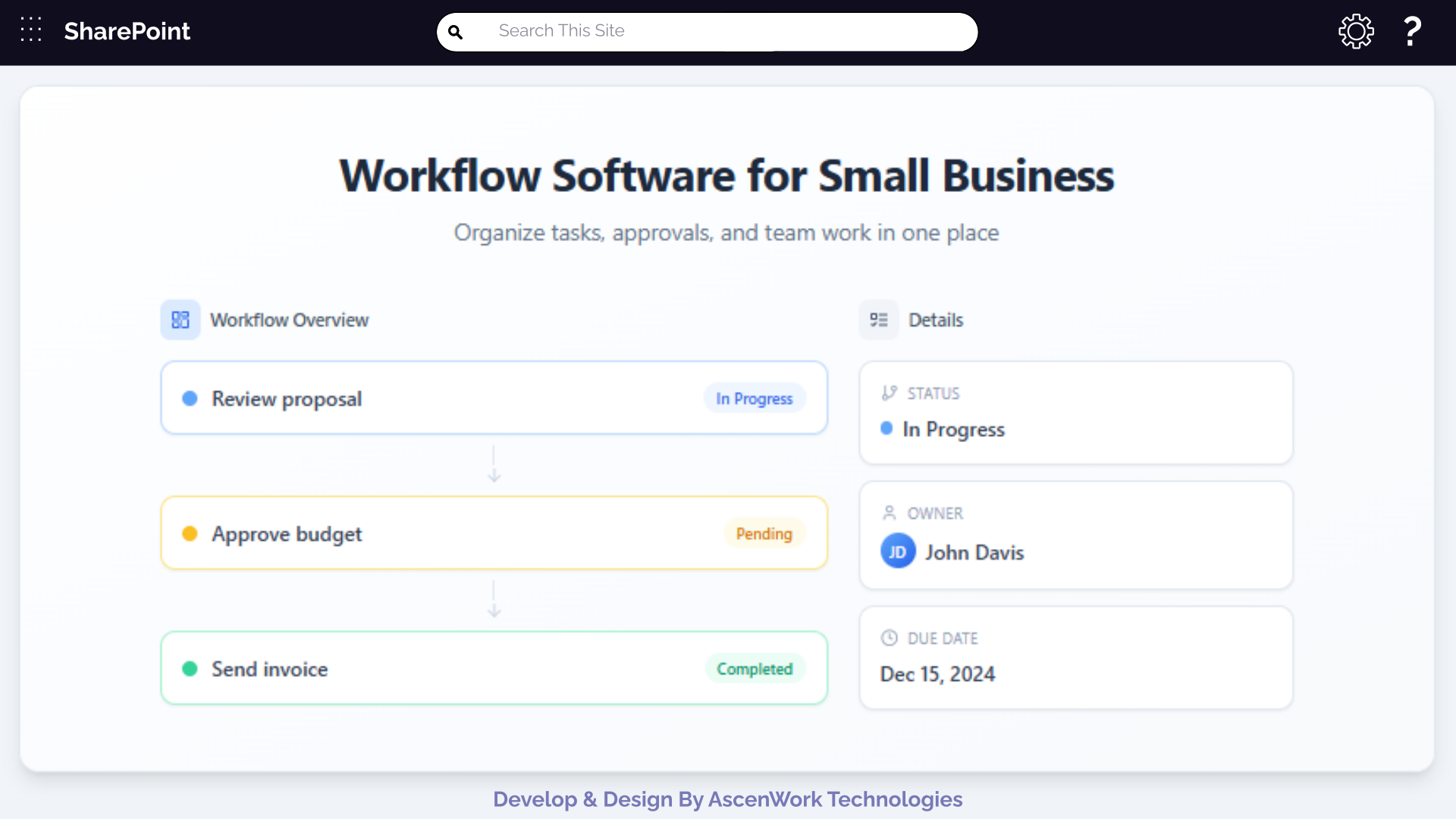
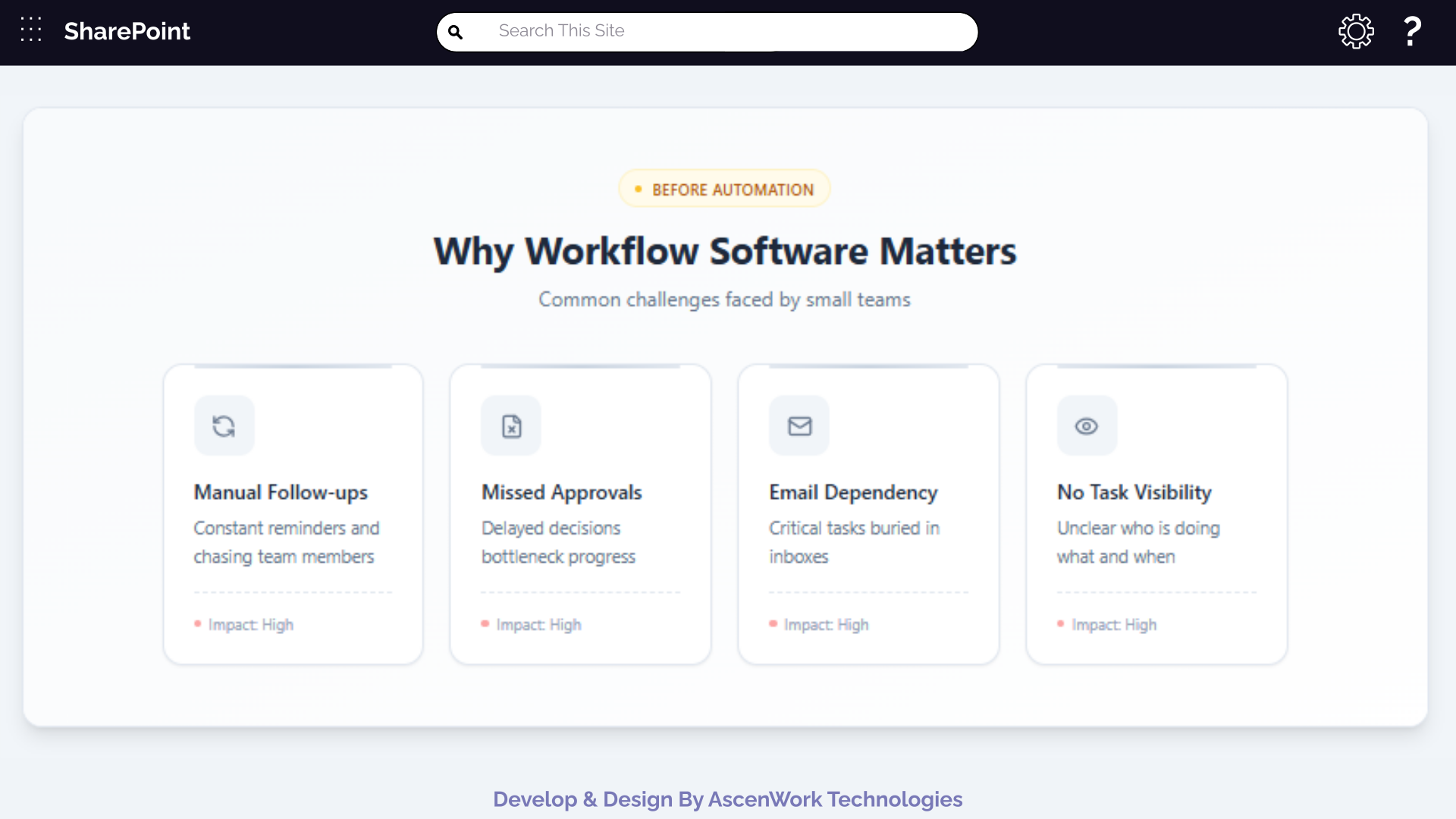
Running a small business means managing multiple tasks with limited people, time, and budget. Emails, spreadsheets, approvals, follow-ups, and reporting often stay scattered, leading to delays and confusion. This is where workflow software for small business becomes critical.
A structured workflow helps teams understand what needs to be done, by whom, and by when. With the right workflow management system, businesses can reduce manual work, improve accountability, and create repeatable processes that scale.
This guide explains workflow design, workflow automation, workflow mapping tools, and real-world use cases like CRM workflow, accounting workflow, legal and audit workflows, and Microsoft 365 workflows—all tailored for small teams.
Struggling with unclear processes?
Map your existing workflows and identify gaps before automation.Workflow design helps small businesses organise tasks, approvals, and responsibilities into a clear workflow management system. It improves team workflow management, supports workflow automation for small business, and reduces dependency on manual processes. Using platforms like SharePoint workflow and Microsoft 365, businesses can create repeatable, scalable workflows that improve visibility, accountability, and execution speed across departments.
For small teams, workflow design should be:
-
Simple and easy to understand
-
Focused on clarity rather than complexity
-
Flexible enough to change as the business grows
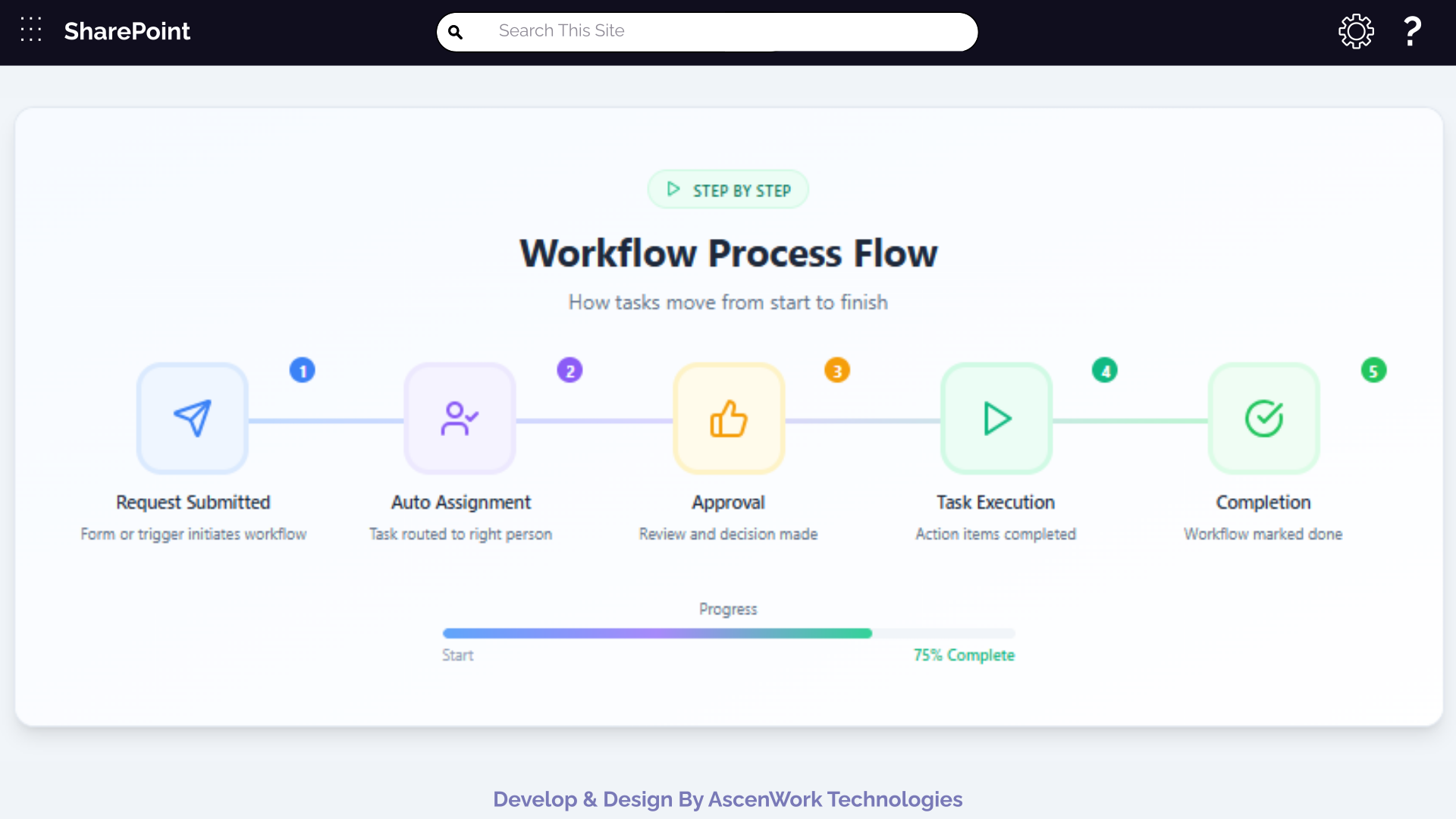
A well-designed workflow usually includes:
-
Trigger (request created)
-
Task ownership
-
Approval or review steps
-
Final output or closure
Many workflow design online tools use drag-and-drop interfaces that let non-technical users build and update workflows easily. This helps small businesses involve operations, HR, finance, and sales teams in workflow mapping without coding. Such tools support business automation workflows, improve team workflow management, and make it simpler to design scalable processes using platforms like SharePoint workflow or Microsoft 365.
A workflow mapping tool visually represents how work moves across people and systems. It helps teams:
-
Identify delays and bottlenecks
-
Understand dependencies
-
Improve handovers between departments
For example, mapping a content creation workflow can show where approvals slow down publishing. Mapping a contract workflow software process can reveal unnecessary steps.
Implement team-based workflows that scale with your business.
A business automation workflow replaces repetitive manual tasks with system-driven steps such as automatic task assignments, approval notifications, and real-time status updates. For small businesses, workflow automation for small business improves speed, accuracy, and consistency without increasing headcount. These workflows maintain human control through defined checkpoints, giving teams better visibility, accountability, and smoother execution across distributed or growing teams.
A business automation workflow replaces repetitive manual actions with system-driven steps.
Examples include:
-
Automatic task assignments
-
Email notifications for approvals
-
Status updates without manual follow-ups
For small businesses, automation improves speed without increasing headcount. A workflow automation for small business setup ensures consistency even when teams are small or distributed.
Unlike basic task tools, workflow task management links daily tasks directly to structured business processes such as onboarding, invoicing, audits, and approvals. For small businesses, this approach improves team workflow management, reduces manual follow-ups, and supports business automation workflows. When implemented using tools like SharePoint workflow or Microsoft 365, it ensures consistency, accountability, and clear process visibility across departments.
Workflow task management ensures that no task is missed and accountability is clear.
Key benefits:
-
Tasks linked to workflows instead of standalone to-do lists
-
Clear ownership and deadlines
-
Real-time progress tracking
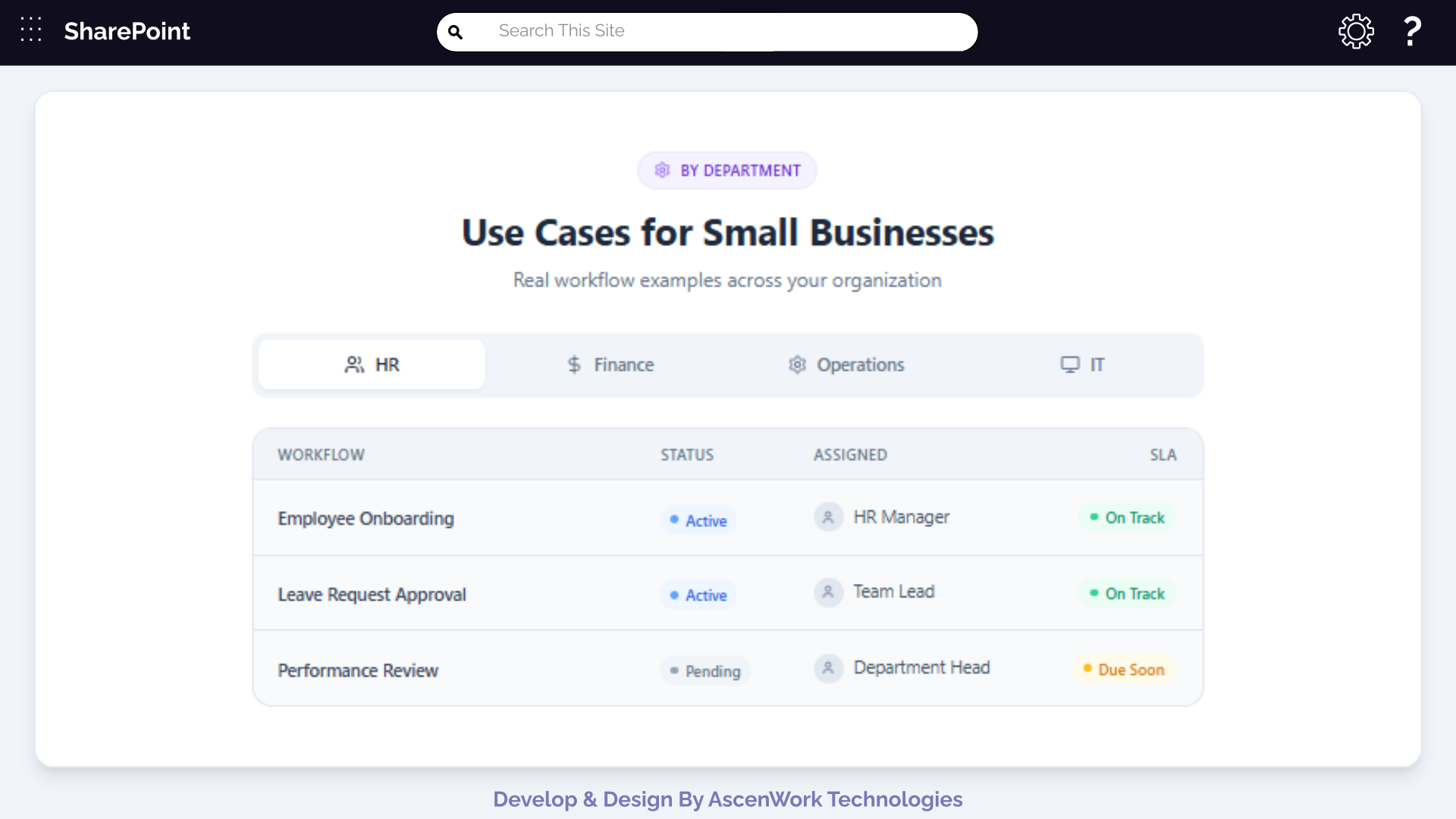
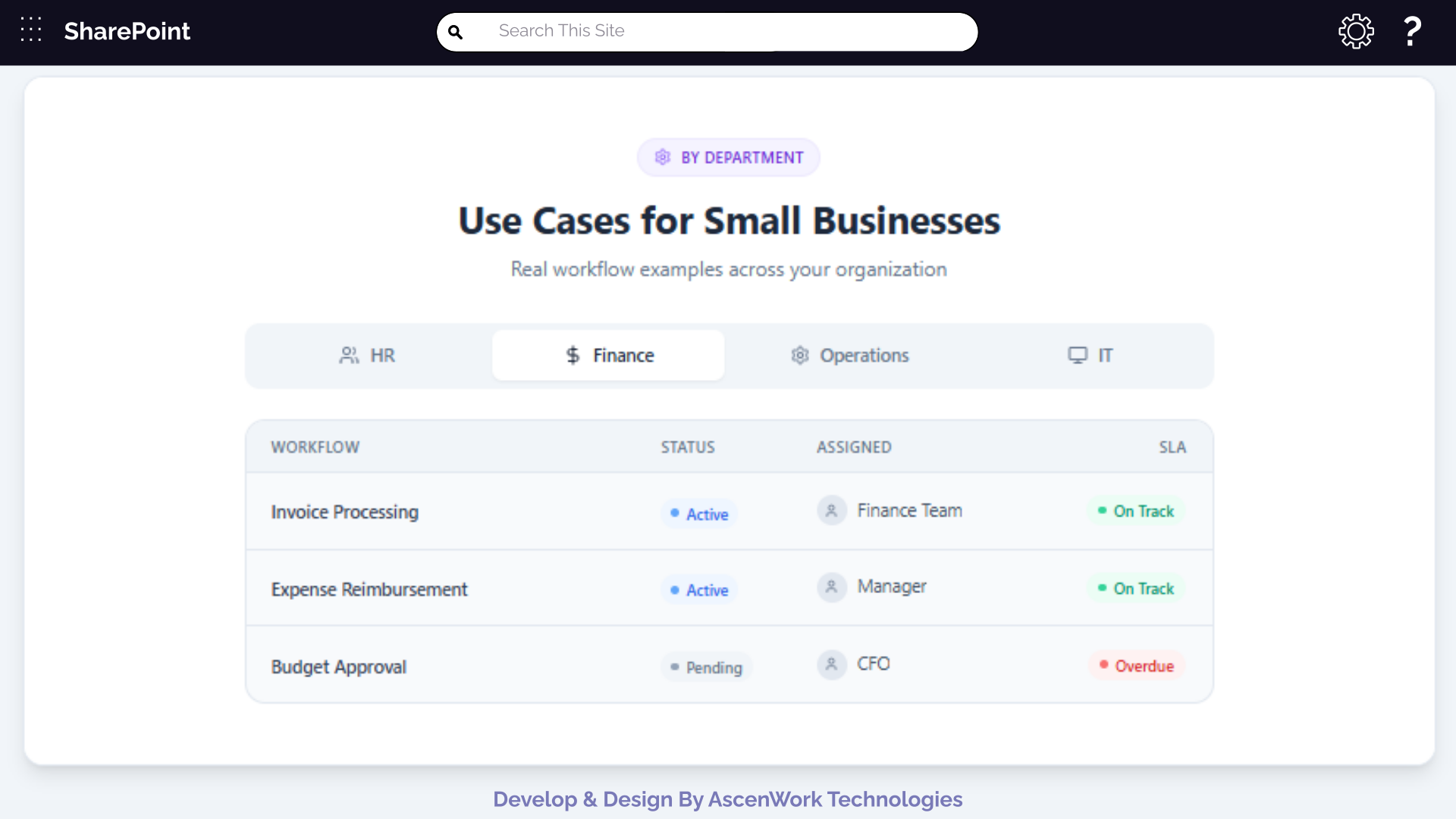
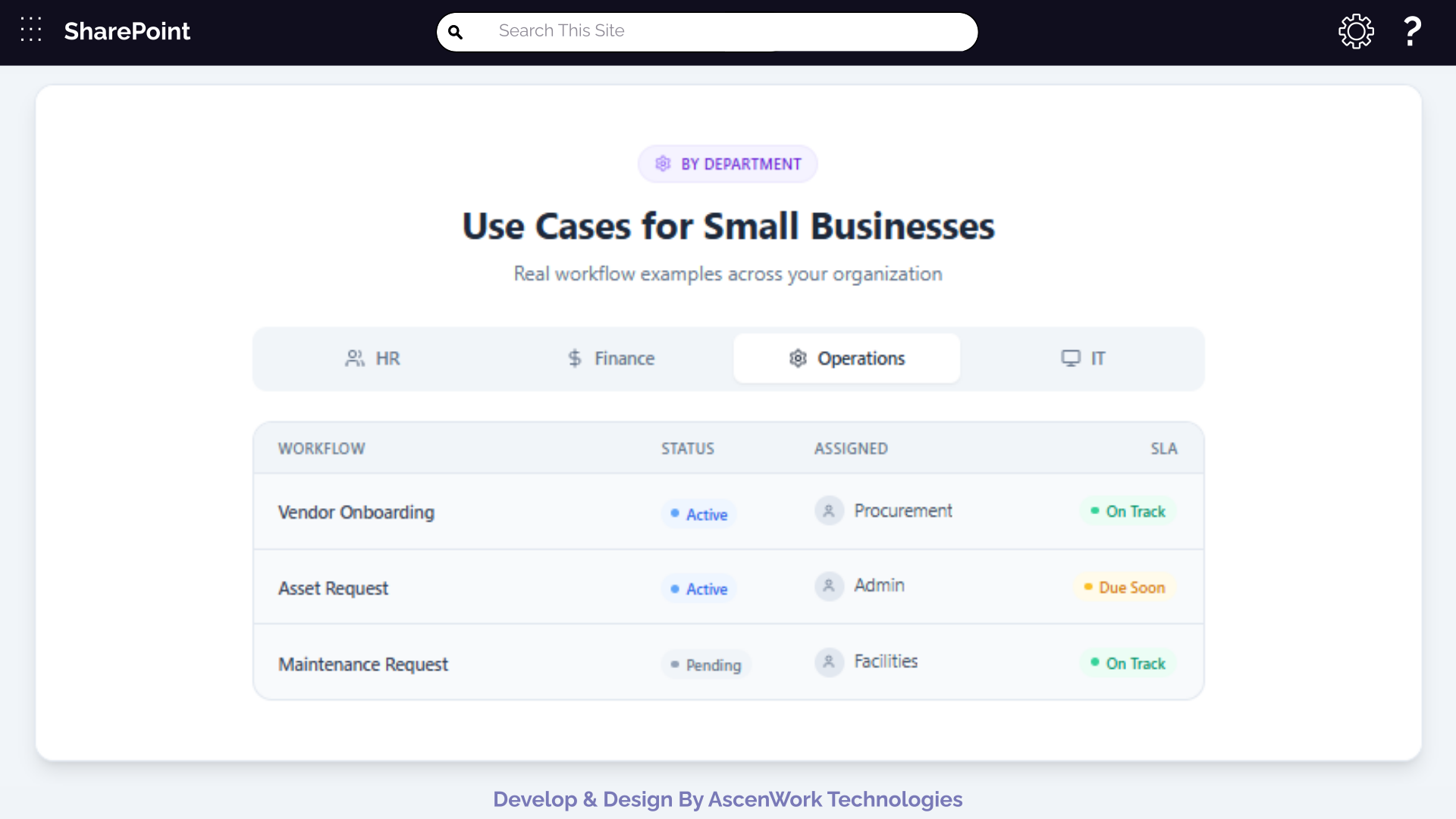
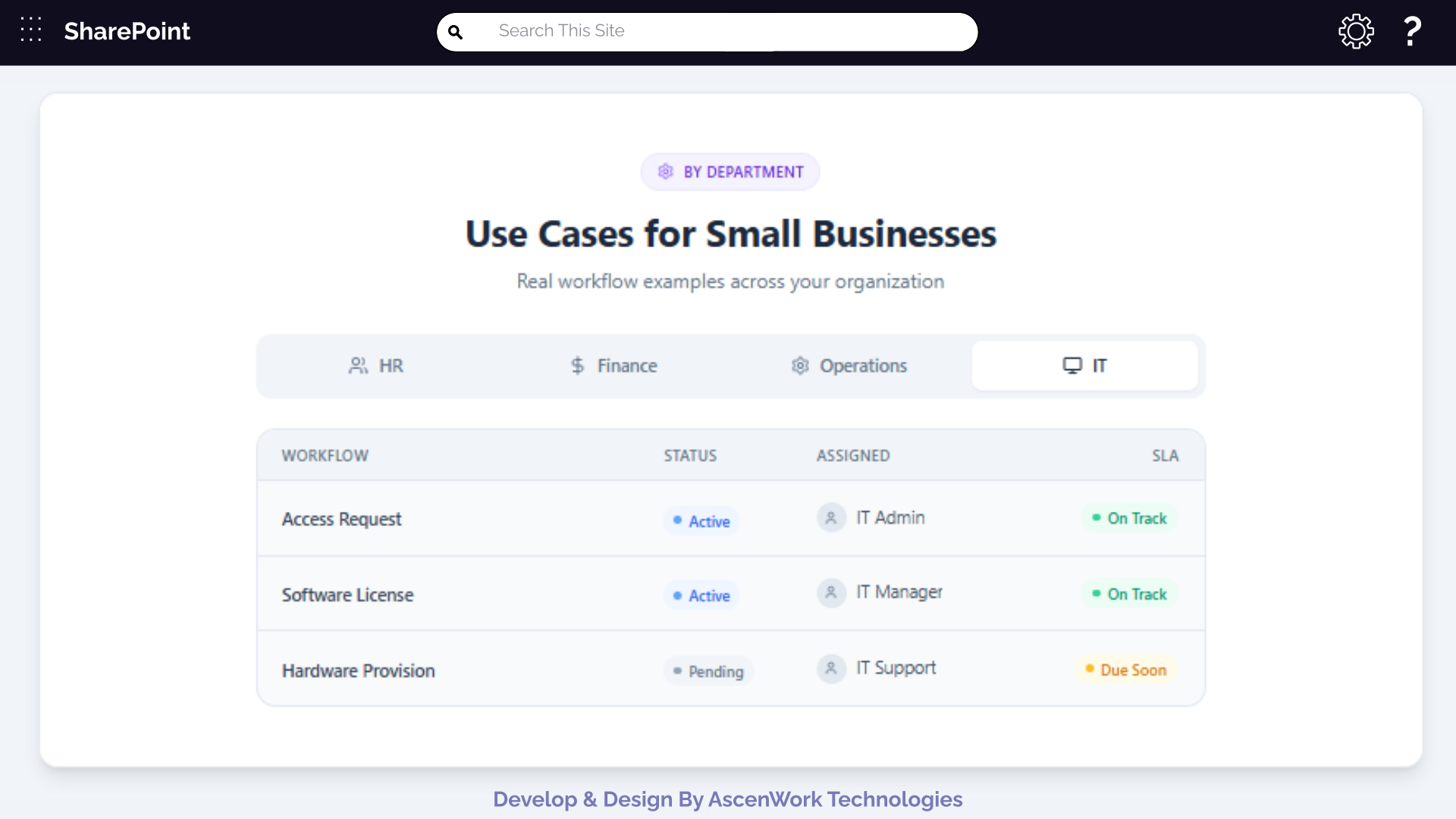
As teams grow, coordination becomes harder. Team workflow management brings alignment across departments by standardising how work happens.
Benefits include:
-
Reduced dependency on individuals
-
Transparent handovers
-
Faster decision-making
Team workflows are especially useful for hybrid and remote teams where visibility is otherwise limited.
Avoid over-complex platforms. A good workflow software for small business should simplify operations, not add overhead.
When selecting workflow software, small businesses should focus on:
-
Ease of use
-
Workflow design flexibility
-
Task and approval automation
-
Integration with existing tools
Many businesses already use Microsoft tools. SharePoint workflow and Microsoft 365 workflow solutions fit naturally into existing setups.
Common SharePoint workflow examples:
-
Document approval workflows
-
Leave and travel requests
-
Contract review processes
Microsoft 365 workflows integrate SharePoint, Outlook, Teams, and Power Automate.
Have a question? check these answers.
It helps manage tasks, approvals, and processes in a structured and automated way.
Workflow design defines how tasks move from start to completion.
It visually maps process steps to identify gaps and improvements.
It reduces manual work and speeds up approvals.
Document approvals, requests, and process automation.
Automated processes for leads, follow-ups, and sales stages.
A structured process for creating, reviewing, and publishing content.
It depends on scale, but ROI is high for growing teams.
Yes, many platforms support online workflow design tools.
Automating review and approval steps for faster decisions.