Why SharePoint Online Remains the Gold Standard Enterprise Content Platform
SharePoint Online enterprise content management has become the rational choice for organizations moving away from legacy platforms, but not because it’s the only option available. It’s chosen because it delivers the exact combination of governance depth, ecosystem integration, and continuous innovation that enterprises need to operate at scale in 2026. Teams work across geographies now. Compliance requirements multiply annually. Legacy platforms groan under maintenance costs. Yet many organizations hesitate on migration, uncertain whether SharePoint Online truly justifies the investment and effort required to leave behind systems they’ve built around for years.
Key Takeaway
SharePoint Online powers content strategies for more than 60% of Fortune 500 companies, not because it’s mandatory, but because it’s engineered specifically for enterprise complexity, seamless Microsoft 365 integration, and compliance-first architecture that legacy systems simply cannot match.
In This Article
- Why Enterprise Content Management Demands Have Evolved
- The Core Challenge: Legacy Content Platforms Can’t Keep Pace
- What Makes SharePoint Online Different: The Solution
- Why Leading Global Enterprises Trust SharePoint Online
- How SharePoint Online Powers Different Industries
- Planning Your SharePoint Migration: Realistic Expectations
- How to Get Started
- Frequently Asked Questions
Why Enterprise Content Management Demands Have Evolved
Enterprise content management isn’t what it was five years ago. The shift to hybrid work fundamentally changed how teams collaborate. Regulatory pressure from GDPR, CCPA, HIPAA, and industry-specific frameworks means governance isn’t optional anymore. Real-time collaboration across departments and geographies is table stakes now, not a nice-to-have feature.
According to Gartner’s Magic Quadrant for Content Services Platforms, enterprises increasingly recognize content management as a critical strategic investment. We’re seeing this shift accelerate in the field: organizations that previously accepted siloed content across multiple systems are now treating content governance as a core digital transformation priority.
“67% of enterprises cite unified content governance as essential to their digital transformation strategy, yet only 42% have achieved it across all business units.”
IDC Digital Transformation Research, 2023
Legacy systems built for 2005-era workflows don’t accommodate 2024 compliance demands, mobile-first collaboration, and integration requirements. The gap isn’t small. It’s widening every quarter.

The Core Challenge: Legacy Content Platforms Can’t Keep Pace
Organizations running legacy content platforms face mounting pressure from multiple directions simultaneously. Here’s what we observe across enterprise implementations:
- Infrastructure and maintenance costs spiral. On-premise systems require dedicated IT resources, hardware refresh cycles, and vendor support contracts that grow more expensive as platforms age.
- Content silos create governance and compliance gaps. When documents live across SharePoint 2013, a separate document management system, shared drives, and email, you’ve got a compliance nightmare. Metadata isn’t consistent. Retention policies don’t align. Access control becomes impossible to audit.
- Remote and hybrid collaboration suffers. Legacy platforms weren’t designed for teams working from anywhere. VPN access, slow sync speeds, and clunky mobile experiences frustrate users and drive adoption of unsanctioned tools.
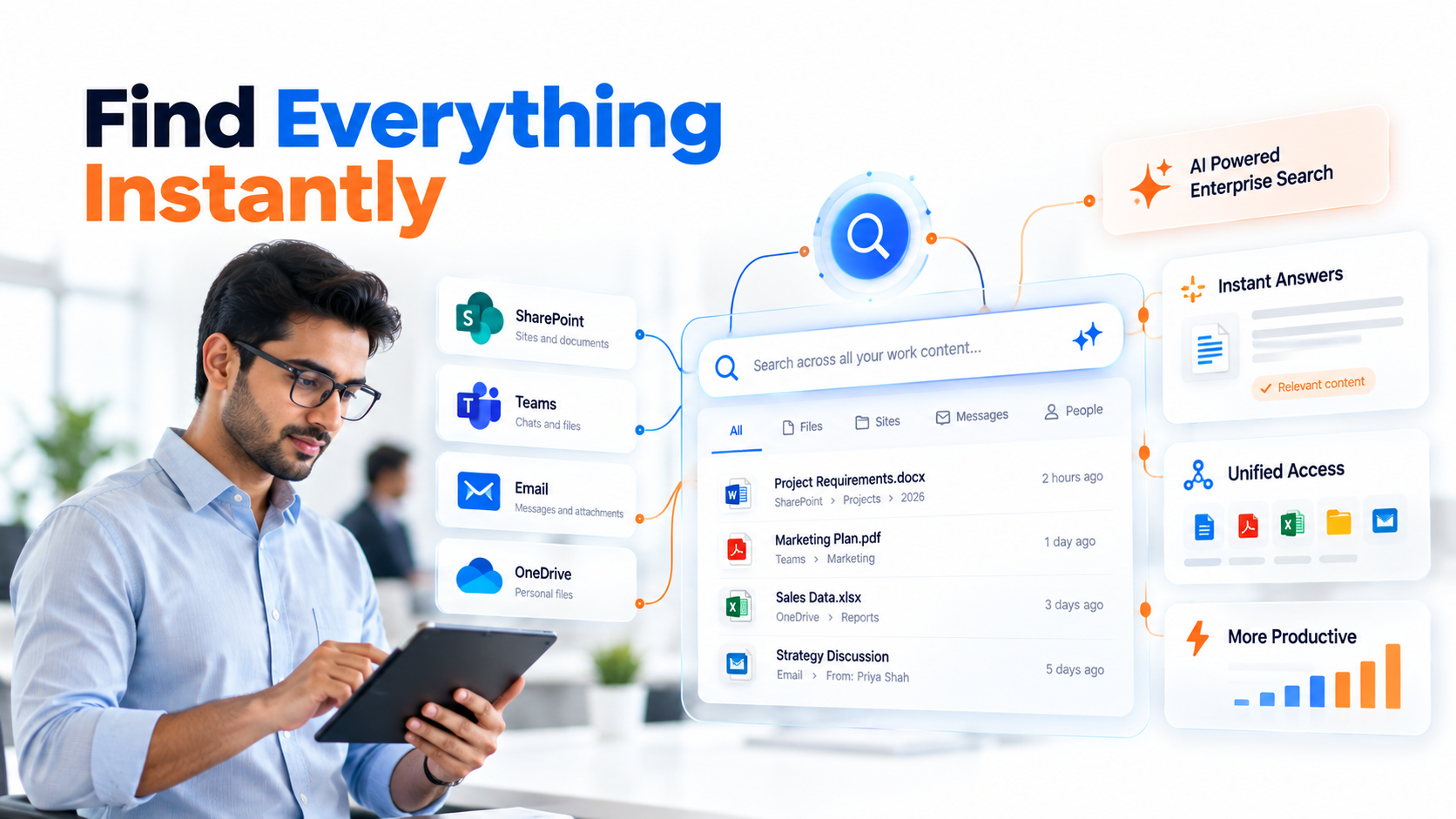
- Search and discoverability are poor. Buried content slows decision-making. Users can’t find what they need, so they recreate it or ask colleagues for copies, creating more duplicates and inconsistency.
- Integration with modern tools is weak or nonexistent. Your legacy system doesn’t talk to Teams. Power BI can’t access metadata. Automation workflows require custom development instead of point-and-click setup.
- Staff expertise concentrates on obsolete technology. Your most experienced team members understand systems nobody will hire for anymore. Knowledge walks out when they do.
The consequences compound over time. Regulatory risk increases as governance gaps widen. Decision-making slows when information is hard to find. Teams adopt shadow IT solutions to work around platform limitations. Talent attrition accelerates because nobody wants to be the expert in a dying system.
What Makes SharePoint Online Different: The Solution
SharePoint Online enterprise content management isn’t a simple document repository upgrade. It’s a complete rearchitecture of how your organization creates, manages, and discovers content within an intelligent collaboration ecosystem.
Each pain point from legacy systems has a built-in, native solution:
Cloud-native architecture eliminates infrastructure burden. You stop managing servers, applying patches, and buying hardware. Microsoft handles scale, availability, and security. Your IT team shifts from managing infrastructure to managing governance and user experience.
Unified hub via Microsoft 365 integration. SharePoint Online connects Teams for real-time collaboration, OneDrive for personal productivity, Stream for video content, and Syntex for AI-powered document processing. Content becomes central to how work actually happens, not disconnected from it.
Built-in governance from day one. Managed metadata taxonomies ensure consistency. Retention labels automate compliance. Sensitivity labels protect content. Data loss prevention (DLP) prevents accidental or intentional breaches. eDiscovery finds what you need for litigation holds or regulatory requests in minutes, not weeks.
Modern user experience on all devices. Modern SharePoint sites load fast. Mobile apps are native and responsive. Users experience the same interface whether they’re at a desk or on a phone.
Workflow automation without custom code. Power Automate integrates with SharePoint to build approval workflows, notification systems, and document processing pipelines without hiring developers.
AI-powered intelligence is integrated, not bolted-on. Microsoft Syntex uses machine learning to automatically classify documents and extract metadata. Copilot (in preview) helps users find and understand content faster.
Expert Perspective
SharePoint Online’s real strength isn’t a single feature. It’s the ecosystem. When your content layer connects to Teams collaboration, Power BI analytics, and Copilot intelligence, content stops being static and becomes strategic, powering smarter decisions, faster approvals, and better compliance outcomes.
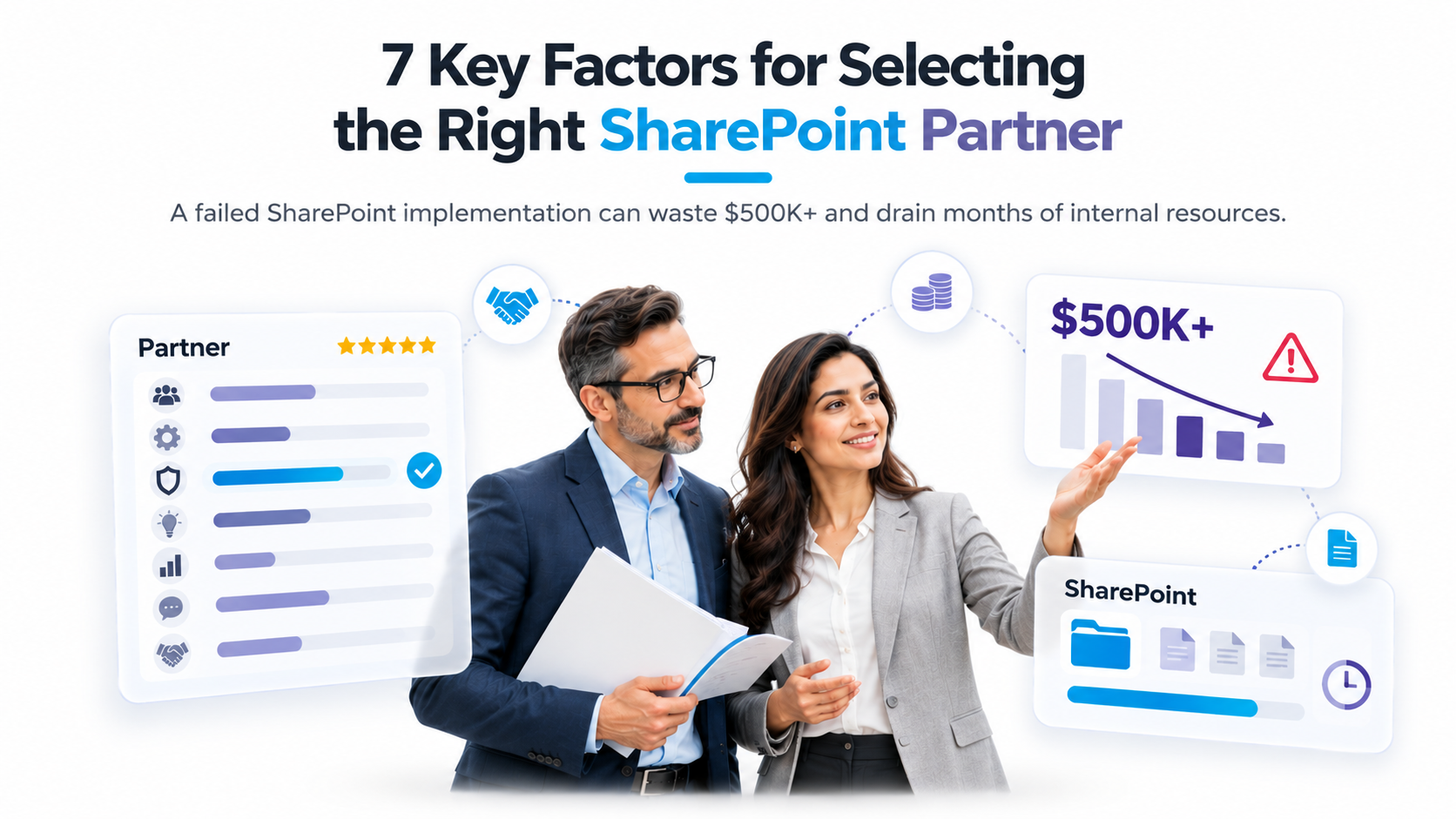
What separates successful SharePoint migrations from painful ones is this: enterprises that prioritize governance-first architecture succeed. Those that treat SharePoint like a file dump struggle. When you’re choosing a migration partner, look for deep experience in your specific legacy system, a governance-first mindset, strong change management support, and a commitment to post-migration optimization, not just cutover.
Why Leading Global Enterprises Trust SharePoint Online
The decision to move to SharePoint Online comes down to competitive differentiation across three dimensions:
| Factor | SharePoint Online | Legacy On-Premise Systems |
|---|---|---|
| Microsoft 365 Integration | Native and seamless, Teams, OneDrive, Stream, Syntex all connect natively | Requires expensive third-party connectors, often incomplete integration |
| Scalability | Unlimited content storage, built for growth without infrastructure investment | Fixed by server capacity, scaling requires capital investment and downtime |
| Governance and Compliance | Advanced native features: labels, retention, DLP, eDiscovery, audit logging | Manual or custom-built, complex to audit, often insufficient for regulated industries |
| Mobile Experience | Native mobile apps with full feature parity to desktop | Often poor or nonexistent, VPN-dependent, slow synchronization |
| Support and Innovation Roadmap | Continuous updates tied to Microsoft 365 cadence, guaranteed long-term support | Declining vendor support, eventually reaches end-of-life, no new features |
| Total Cost of Ownership (5+ years) | Lower, no infrastructure maintenance, no license renewal complexity | High and rising, infrastructure, licensing, increasingly specialized staff costs |
The hidden cost of staying with legacy systems is opportunity cost. Every dollar spent maintaining aging infrastructure is a dollar not invested in competitive advantage, user experience, or business innovation. Organizations that complete SharePoint Online migrations report faster decision-making, higher content governance compliance, and measurably better user adoption of collaboration features.
Here’s what most organizations miss: SharePoint Online represents a future-proof investment. Microsoft’s continuous innovation cycle means your platform improves every month, not every few years. New AI capabilities, search enhancements, and collaboration features roll out without you managing upgrades. Legacy systems face eventual end-of-life, forcing you to migrate anyway, but on a compressed timeline with fewer options.

How SharePoint Online Powers Different Industries
Finance and Banking
Financial institutions manage compliance at extreme complexity. SharePoint Online’s retention policies, sensitivity labels, and eDiscovery capabilities handle regulatory filing management, audit trails, and litigation holds. Multi-site governance ensures that sensitive documents stay protected across business units while remaining discoverable for authorized users and regulators.
Healthcare and Life Sciences
HIPAA compliance demands strict content governance that SharePoint Online delivers natively. Patient records, clinical trial documentation, and regulatory submissions live in a locked-down environment with granular access control, audit logging, and automatic retention. Sensitive labels ensure that protected health information stays protected throughout its lifecycle.
Manufacturing and Supply Chain
Cross-site collaboration on product development and supply chain documentation requires version control, approval workflows, and transparent change tracking. SharePoint Online’s content type syndication, workflow automation, and search capabilities help manufacturing organizations manage engineering specs, supplier contracts, and quality documentation across global teams.
Government and Public Sector
Transparent records management and citizen-facing content publishing demand compliance with Freedom of Information Act (FOIA) requirements and public records retention. SharePoint Online’s audit logging, retention policies, and search capabilities enable secure cross-agency collaboration while maintaining transparency and legal compliance.
Planning Your SharePoint Migration: Realistic Expectations
Successful SharePoint Online enterprise content management migration follows an iterative, validation-first approach rather than a “big bang” cutover. Here’s the realistic framework:
- Assess your current state. Inventory legacy content, map information architecture, and identify governance gaps. This gives you a baseline understanding of what you’re moving, where complexity exists, and what risks you face. Outcome: a detailed assessment document and risk profile that informs all downstream decisions.
- Define your governance model. Design your metadata taxonomy, retention policies, access control strategy, and compliance requirements before moving a single document. This isn’t optional, it’s the difference between success and chaos. Outcome: a governance playbook that teams follow consistently.
- Pilot with a subset. Migrate one department or business unit to SharePoint Online. Test workflows, measure performance, gather user feedback, and identify gaps before full rollout. Learn what works and what doesn’t at small scale. Outcome: a proof of concept and validated approach for broader migration.
- Plan phased rollout. Develop a migration schedule that staggers departments, minimizes disruption, and builds organizational muscle memory. Include training, change management, and support resources. Outcome: a de-risked, staged approach with clear milestones and success metrics.
- Optimize post-launch. Migration doesn’t end at cutover. Analyze usage patterns, refine governance, troubleshoot adoption barriers, and scale advanced features like workflows and AI. Outcome: full realization of SharePoint Online’s value as teams increasingly leverage collaboration features.
The most important mindset shift: treat this as an iterative journey, not a project with a fixed end date. SharePoint Online improves as your teams learn how to use it. Your governance model evolves as you discover patterns in how content flows through your business. Success comes from starting with solid foundations and refining continuously.
How to Get Started
Beginning a SharePoint Online enterprise content management initiative doesn’t require heroic effort. It requires clarity on three fronts:
First, assess readiness. Who owns content governance in your organization? Do you have a data classification framework? What compliance requirements apply to your content? If you can answer these questions, you’re ready to start. If you can’t, that’s the first problem to solve, because it affects every legacy system, not just SharePoint.
Second, identify a pilot department. Choose a team that’s motivated to move, frustrated with current tools, but not mission-critical so failures have limited business impact. Collaboration-heavy teams like marketing or product development make excellent pilots. Outcome: you learn what works before committing your finance or HR department.
Third, build your core team. You need someone who understands your business and content, someone who understands SharePoint Online architecture and governance, and someone who can manage change and adoption. You don’t need all three roles filled by different people, but you need all three skills present in the initiative.
From there, the path becomes clearer. You assess your current content, design governance, pilot with a small team, and scale thoughtfully. No surprises. No heroic all-nighters.
The most common mistake we see: trying to replicate legacy system functionality in SharePoint Online instead of redesigning workflows for modern collaboration. SharePoint Online isn’t better at being your old system, it’s fundamentally different and better at being a modern collaboration platform. Embrace that difference or you’ll fight it the entire way.
Frequently Asked Questions
Is SharePoint Online too complex for our organization?
SharePoint Online scales from simple document libraries to enterprise governance complexity. The platform itself isn’t complex, customization choices make it complex. Start with foundational governance features like managed metadata and retention labels. Avoid custom development unless there’s a clear business requirement. Most enterprise content management needs are met by standard features that require no coding.
How does SharePoint Online compare to our current legacy system?
SharePoint Online isn’t just a replacement for your legacy system. It’s a fundamental shift from “document storage platform” to “collaboration and governance platform.” You’re not getting better file management; you’re getting content that powers Teams collaboration, Power BI analytics, Power Automate workflows, and intelligent search. If your current system is purely content-focused, you’re also gaining significant new capabilities.
What’s the learning curve for our teams?
Modern SharePoint (hub sites, Teams integration, modern pages) is intuitive for most users already using Microsoft 365. Administrative governance requires training, and power users benefit from metadata expertise. Change management and adoption planning are critical success factors, not because SharePoint is hard, but because you’re changing how people work, and that always requires intentional support.
Can we avoid over-customization and consulting costs?
Yes. Start with out-of-the-box features: managed metadata, retention labels, sensitivity labels, modern pages, hub sites. Avoid custom code unless there’s a specific, high-value business requirement. Most enterprises spend too much on customization and too little on governance and adoption. Flip that ratio and you’ll see better outcomes at lower cost.
What about security and compliance during migration?
SharePoint Online includes native encryption at rest and in transit, comprehensive audit logging, and eDiscovery capabilities. During migration, use Microsoft-approved tools like Mover or Metalogix to maintain data integrity and compliance. Plan for validation and testing before cutover. Security isn’t something you add after migration, it’s built in from the start.
Ready to Transform Your Content Strategy
Enterprise content management doesn’t have to be complicated. Our SharePoint migration specialists work with organizations like yours to design governance that scales, migrate content safely, and build adoption that sticks. Start with a conversation about your current challenges and where you want to be.