Stop Manual Searching: How AI-Powered Document Search Delivers Instant Answers
AI-powered document search transforms how employees access company information. Instead of hunting through folders or waiting for colleagues to respond, teams ask natural language questions and get instant answers from your entire knowledge base. Research shows knowledge workers spend 9.3 hours per week searching for information, nearly a full workday lost to navigation instead of productive work.
Key Takeaway
AI search isn’t about replacing Google for your intranet. It’s about making your company’s collective knowledge instantly conversational, turning “Where is the file?” into “What do you need to know?”
In This Article
- The Information Overload Problem: Why Employees Are Drowning in Documents
- The Core Challenge: Why Traditional Search Fails
- The Solution: AI-Powered Document Search Reimagined
- Real-World Impact: Where AI Document Search Makes the Biggest Difference
- Addressing Common Misconceptions
- Key Capabilities to Demand in an AI Search Solution
- How to Evaluate and Implement AI-Powered Document Search
- Frequently Asked Questions
The Information Overload Problem: Why Employees Are Drowning in Documents
Modern enterprises face a critical knowledge crisis. Employees navigate SharePoint repositories, Teams channels, OneDrive folders, email archives, and legacy systems all at once. No single system indexes everything. The result is information sprawl that paralyzes decision-making.
“Knowledge workers spend 15-30% of their workday searching for information across fragmented systems, or asking colleagues who might know where to find it.”
Microsoft Work Trend Index, 2023
This fragmentation costs organizations significantly. Compliance teams miss regulatory updates buried in old documentation. Sales teams recreate proposals instead of finding templates. Operations teams delay responses while hunting for standard procedures. Version confusion adds another layer of risk when outdated policies surface in search results.
And here’s the thing: when information is hard to find, employees overshare through unofficial channels. Someone emails confidential documents to a colleague instead of directing them to the secure repository. Security exposure increases. Governance breaks down. The intended safeguards fail because the system created friction rather than enabling access.

The Core Challenge: Why Traditional Search Fails
Keyword-based search has dominated enterprise information retrieval for decades. But here’s the thing: this approach requires users to think like the system, not like humans. You must remember exact file names, folder paths, or the precise terminology used when the document was created.
Traditional search fails in five critical ways:
- Requires exact terminology: Searching for “budget constraints” returns nothing if the document says “fiscal limitations” or “spending boundaries.”
- No semantic understanding: The system matches keywords, not intent. Ask “What are our Q3 financial guardrails?” and it retrieves unrelated hits mentioning those words separately.
- Fragmented repositories: Users must search Teams, then SharePoint, then OneDrive, then email separately. A single question requires multiple searches across disconnected systems.
- Version chaos: When ten versions of a policy document exist, traditional search surfaces all of them, or the wrong one, leaving users unsure which is authoritative.
- Skills barrier: Advanced search syntax intimidates most employees. Many don’t use search at all. They ask colleagues instead, creating bottlenecks and inconsistent information spread.
On top of that, security concerns emerge when search limitations frustrate users. They share documents through email or messaging apps instead of directing colleagues to proper repositories. Governance frameworks become suggestions rather than requirements. The harder the system is to use correctly, the more workarounds employees invent.
The Solution: AI-Powered Document Search Reimagined
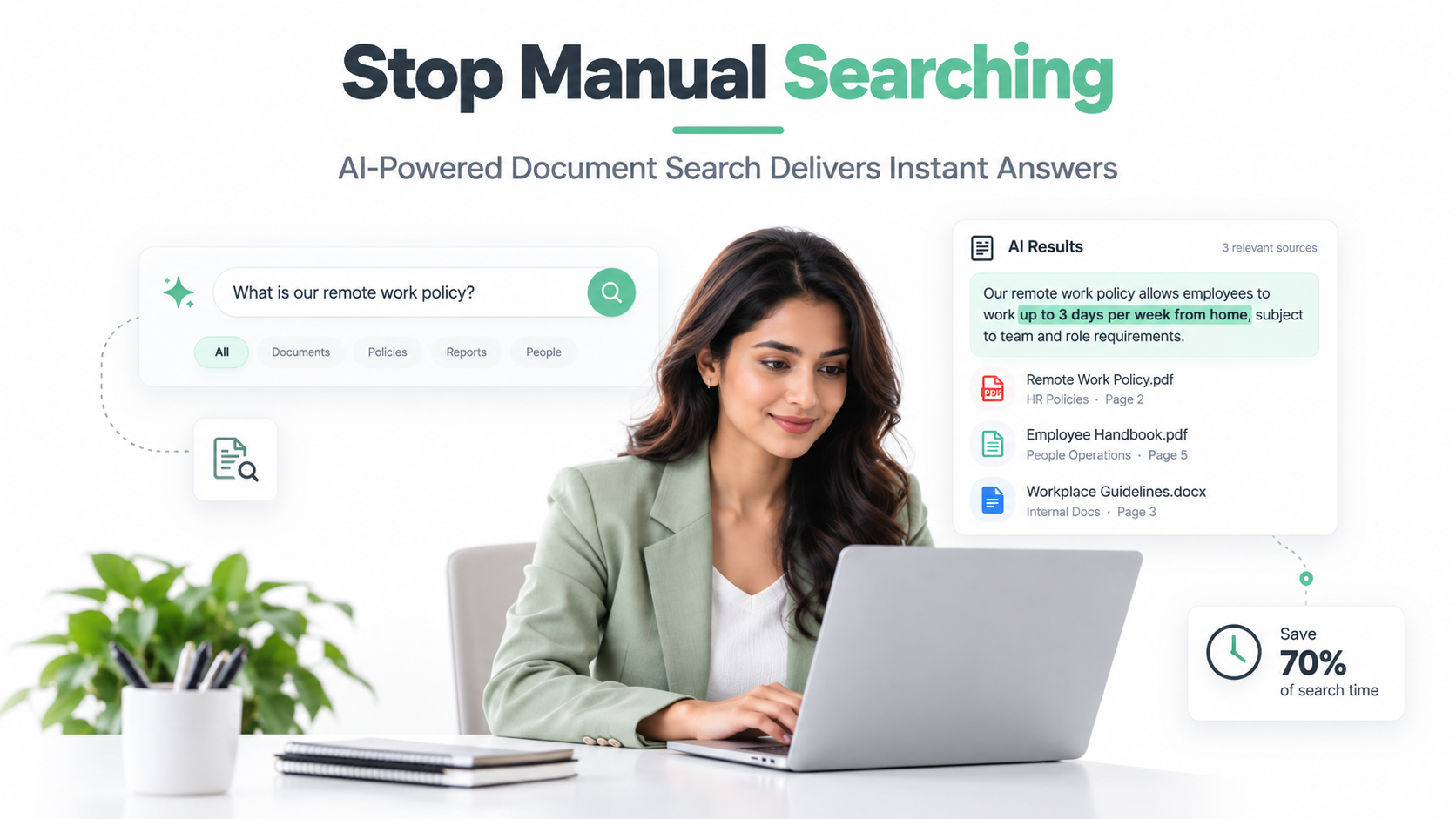
AI-powered document search fundamentally changes how employees access information. Instead of typing keywords, users ask conversational questions. The system understands intent, aggregates results from all repositories, and returns contextual answers with source citations.
Here’s how it works in practice: An employee asks, “What are our Q3 budget constraints for marketing?” The AI system processes this natural language query, searches SharePoint, Teams, OneDrive, email, and any integrated databases simultaneously, then synthesizes results into a coherent answer. It cites which documents informed the response. It prioritizes recent, authoritative sources. It surfaces related information the employee didn’t explicitly ask for but likely needs.
Expert Perspective
In our work with enterprise clients, we’ve seen AI search succeed when it’s built on three foundations: integration with existing tools like Teams and SharePoint, training on company-specific language and terminology, and transparent source attribution. Out-of-the-box performance varies dramatically depending on your data quality and governance maturity.
The core capabilities of modern AI-powered document search include:
- Natural language processing: Ask complex, multi-part questions. The system grasps nuance, context, and intent, not just keyword matching.
- Multi-source aggregation: Results pull from SharePoint, Teams, OneDrive, cloud storage, databases, and external systems in one unified search.
- Semantic understanding: AI learns that “budget limits,” “spending caps,” and “fiscal constraints” mean the same thing, even if documents use different words.
- Instant retrieval: Answers arrive in seconds, not hours of manual folder navigation.
- Conversational follow-up: Ask clarifying questions, drill deeper into specific areas, or request related information without restarting your search.
- Confidence scoring: The system indicates how certain it is about each answer, preventing false certainty.
- Source transparency: Users see exactly which documents informed each answer, enabling verification and further exploration.

When evaluating an AI search partner, look for these non-negotiable elements:
- Security-first architecture: Data residency guarantees, encryption at rest and in transit, role-based access control that mirrors your existing permissions structure.
- Hallucination mitigation: Confidence thresholds, source citation requirements, and hybrid search (combining AI with keyword ranking) to prevent false answers.
- Integration breadth: Native connectors to Microsoft 365, Salesforce, Slack, and your custom databases rather than requiring manual data exports.
- Compliance readiness: Audit trails, HIPAA/GDPR/SOC 2 compliance where relevant, and transparent handling of sensitive data.
- Governance controls: Administrators can exclude certain document types, restrict searches to specific departments, or require additional verification for sensitive queries.
That’s why selecting the right AI search solution requires more than impressive marketing. You need a partner who understands your industry’s compliance constraints, your existing technology stack, and your organization’s readiness for change.
Real-World Impact: Where AI Document Search Makes the Biggest Difference
Different industries experience distinct advantages from AI-powered document search. Understanding where the impact is greatest helps you prioritize your implementation.
Financial Services and Compliance
Compliance teams manage thousands of regulatory documents, policy updates, and audit trails. AI search lets them answer questions like “What are our current AML procedures for international transfers?” in seconds. No more compliance delays while teams hunt through archived regulations. Risk assessment accelerates because the right policies surface immediately.
Legal and In-House Counsel
Contract discovery and precedent research used to consume paralegal hours. Now AI-powered document search enables lawyers to ask, “Show me all non-compete clauses in tech vendor contracts from the past three years.” The system retrieves relevant precedents instantly, identifying patterns and potential issues. Worth noting: junior attorneys learn faster when they can independently access institutional knowledge rather than waiting for senior lawyer reviews.
Healthcare Operations
Clinical teams need evidence-based protocols instantly. A nurse can ask, “What’s our current sepsis response procedure?” and receive the authoritative protocol with recent updates. Patient context queries become safer when teams access verified procedures without delay. Additionally, administrative staff reduce overhead by finding benefits documentation, compliance requirements, and billing procedures through natural language questions instead of ticket systems.
Manufacturing and Operations
Maintenance technicians access equipment manuals, historical troubleshooting logs, and safety procedures. Instead of waiting for a supervisor to locate documentation, a technician asks, “How do we reset the hydraulic pressure sensor on Line 3?” and gets the correct procedure with relevant historical failures. Production delays decrease. Safety compliance strengthens. Institutional knowledge transfers faster to new technicians because documentation is discoverable rather than buried.
Human Resources and Employee Services
HR departments field hundreds of questions about benefits, policies, leave procedures, and compliance requirements. AI-powered document search enables employees to self-serve. “What’s our parental leave policy?” “How do I request a sabbatical?” “What are the stock option vesting schedules?” These questions resolve instantly without HR ticket overhead. Employee satisfaction increases when answers arrive immediately.
Addressing Common Misconceptions
Organizations evaluating AI-powered document search often hold assumptions that don’t match reality. Clarifying these misconceptions prevents poor implementation decisions.
Misconception 1: It’s Just Google for Your Intranet
Traditional web search optimizes for public internet queries. AI-powered document search is fundamentally different. It understands company context, enforces security permissions, synthesizes multi-document insights, and maintains conversation history. You can ask follow-up questions, request related information, and dive deeper without restarting. Google search would fail most internal business queries because it lacks company-specific knowledge and security context.
Misconception 2: It Works Perfectly Out of the Box
Implementation requires planning. Your data needs sufficient quality. Metadata must be standardized. Integration points must be configured. User training shapes adoption. Organizations that expect plug-and-play deployment experience disappointment. However, organizations that invest in proper setup see dramatic returns because their data becomes discoverable and actionable.
Misconception 3: It Will Completely Replace Manual Searching
AI search is powerful but not omniscient. Complex research may still benefit from human expertise. Unusual document combinations might require manual assembly. However, AI search eliminates the routine manual work and surfaces relevant information faster than any human could. The goal is augmentation, not replacement.
Misconception 4: AI Search Means Less Security
Modern AI search enforces security policies. If a user lacks permission to access a document in SharePoint, they can’t see it in AI search results. Encryption standards apply. Audit trails log all queries. In practice, AI search often strengthens security because it provides approved access paths instead of encouraging workarounds like email sharing.
Misconception 5: Implementation Takes Months to Show Value
Early adopters report improved search satisfaction within their first week of use. However, organization-wide productivity gains depend on adoption rates and use case maturity. Avoid claims about specific timelines. Focus instead on identifying your highest-impact use cases and measuring them continuously.
Key Capabilities to Demand in an AI Search Solution
Not all AI search platforms are created equal. Demanding specific capabilities prevents you from settling for systems that don’t deliver real value.
Natural Language Processing Excellence: The system should handle complex, multi-part queries. “Show me all customer complaints about payment delays in the past quarter, grouped by region and sorted by severity” should work as naturally as “customer complaints payment delays.” If the system fails on sophisticated queries, it’ll frustrate advanced users.
Real-Time Indexing Across Repositories: When a new policy is published or a document is updated, AI search should reflect those changes within minutes, not hours or days. Stale index data erodes trust and leads teams back to manual verification.
Role-Based Access Control: The system must respect existing permission structures. A contractor should never see confidential employee records. An intern should never access executive communications. Your security model must be enforced consistently across all search queries.
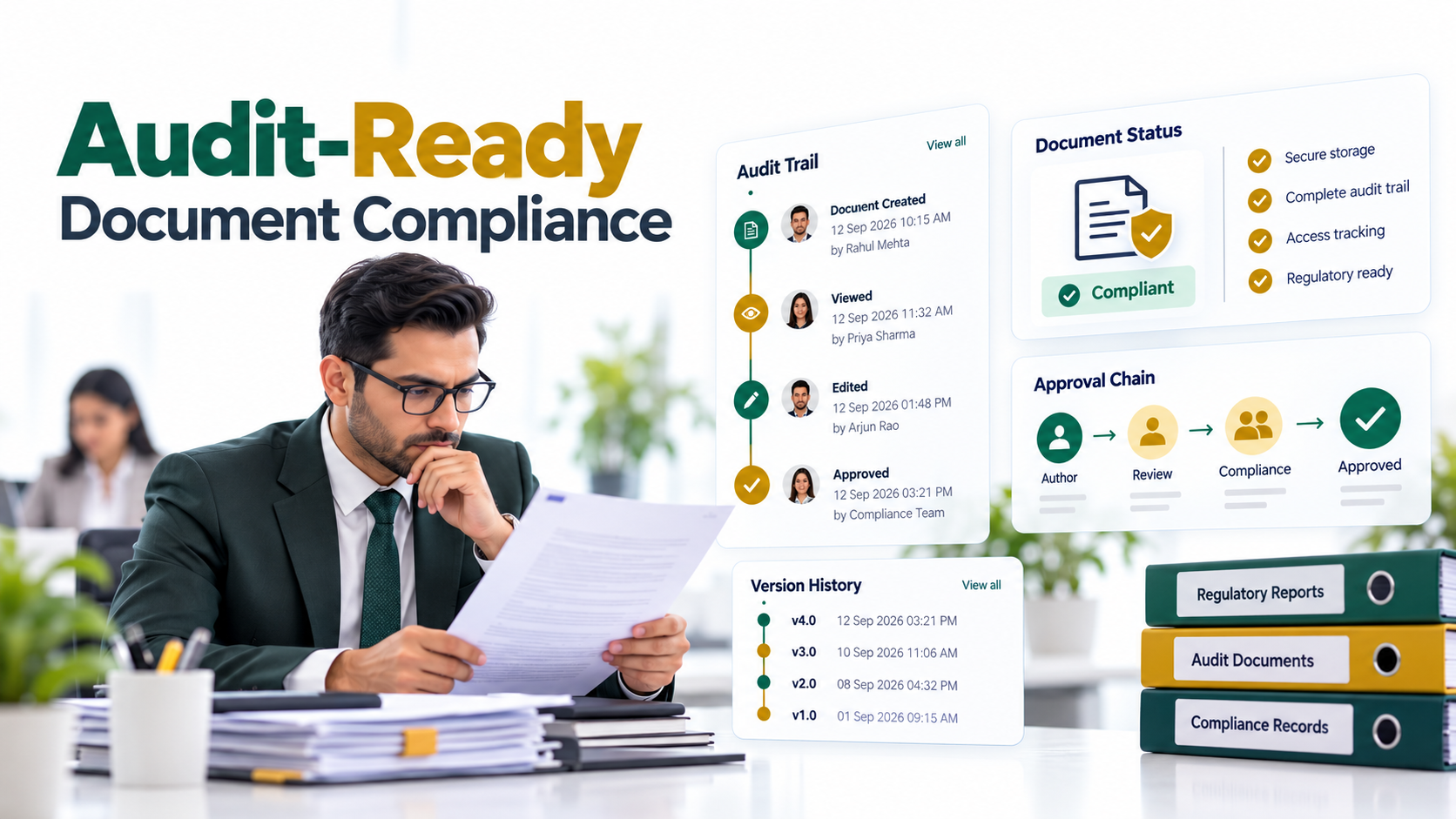
Comprehensive Audit Trails: Track what was searched, who accessed which documents, and when sensitive queries occurred. Compliance requirements and security investigations often demand this visibility. A system without audit capability can’t serve regulated industries.
Explainability and Source Citation: Every answer should cite specific documents. Users need to verify claims and explore further. If the system says “Our maximum liability is $5M” but can’t show which document supports that, the answer is worthless and potentially dangerous.
Integration Breadth and Depth: The system should connect to Microsoft 365, Slack, Salesforce, your HR system, your ERP, and any custom databases your organization uses. Limited integration means data remains siloed and unsearchable.
How to Evaluate and Implement AI-Powered Document Search
Successful implementation follows a structured process. Avoid rushing into full deployment without proper groundwork.
- Assess Your Knowledge Landscape: Inventory all data repositories, document types, access patterns, and governance gaps. Realistic scope emerges only after understanding your current state. This typically reveals fragmentation you hadn’t previously quantified.
- Define Use Cases by Role: Different teams have fundamentally different search needs. Finance teams search for budget documents and compliance records. Operations teams search for procedures and equipment specs. Marketing teams search for brand guidelines and campaign history. Prioritize use cases by impact and adoption likelihood.
- Run a Pilot Program: Deploy AI search with one department for 30-60 days before full rollout. This approach surfaces integration issues, reveals training gaps, and provides authentic adoption metrics. Pilot participants become advocates when they experience genuine value.
- Invest in Change Management and Training: Users need to learn how to formulate effective questions. Providing training on query composition, results interpretation, and governance policies accelerates adoption. Additionally, communicating success stories from early adopters encourages skeptical teams to engage.
- Measure, Iterate, and Expand: Track search satisfaction, time-to-answer, and business outcomes. Measure adoption rates by department. Identify where the system is underutilized and adjust training or messaging. Continuous improvement enables you to expand confidently to additional teams and use cases.
Frequently Asked Questions
How does AI-powered document search handle confidential or sensitive data?
Enterprise solutions enforce the same access controls as your existing systems. If a user isn’t authorized to view a document in SharePoint, they won’t see it in AI search results. Encryption at rest and in transit protects data. Role-based access control remains the foundation. AI search doesn’t circumvent security; it reinforces it by providing approved access paths.
Can AI search return outdated or incorrect information?
AI can prioritize irrelevant results if data quality is poor or if documents are outdated. Solutions mitigate this risk through source citation (so users verify claims), confidence scoring (indicating certainty levels), and hybrid search approaches (combining AI ranking with keyword-based results). Most importantly, proper data governance, deduplication, metadata standardization, and regular document reviews ensure the system returns reliable information.
Will AI search replace our knowledge management or IT support team?
No. AI search augments their work rather than replacing it. Knowledge management teams still organize, tag, and maintain high-quality documentation. Their efforts become more valuable because AI search surfaces those carefully curated documents to users who need them. Support teams shift from answering routine “Where is the document?” questions to handling complex issues requiring human judgment.
How quickly can we see results from implementing AI-powered document search?
Early adopter teams often report improved search experience within their first week. However, organization-wide productivity gains depend on adoption rates, use case maturity, and how well the system integrates with existing workflows. Rather than expecting specific timelines, focus on measuring concrete outcomes: search satisfaction ratings, time-to-answer metrics, and adoption rates by department.
What if our company documents are messy or poorly organized?
AI search actually improves outcomes for messy data because it relies on semantic meaning rather than folder structure. However, data quality initiatives strengthen performance significantly. Deduplication, metadata standardization, and regular reviews increase confidence in results. Organizations with pristine data see better performance, but even teams with chaotic documentation experience dramatic improvements over traditional search approaches.
Why Leading Organizations Choose AI-Powered Document Search
The shift from manual document hunting to conversational AI search represents a fundamental change in enterprise productivity. Organizations that implement this technology gain competitive advantage through faster decision-making, reduced administrative overhead, and improved employee experience.
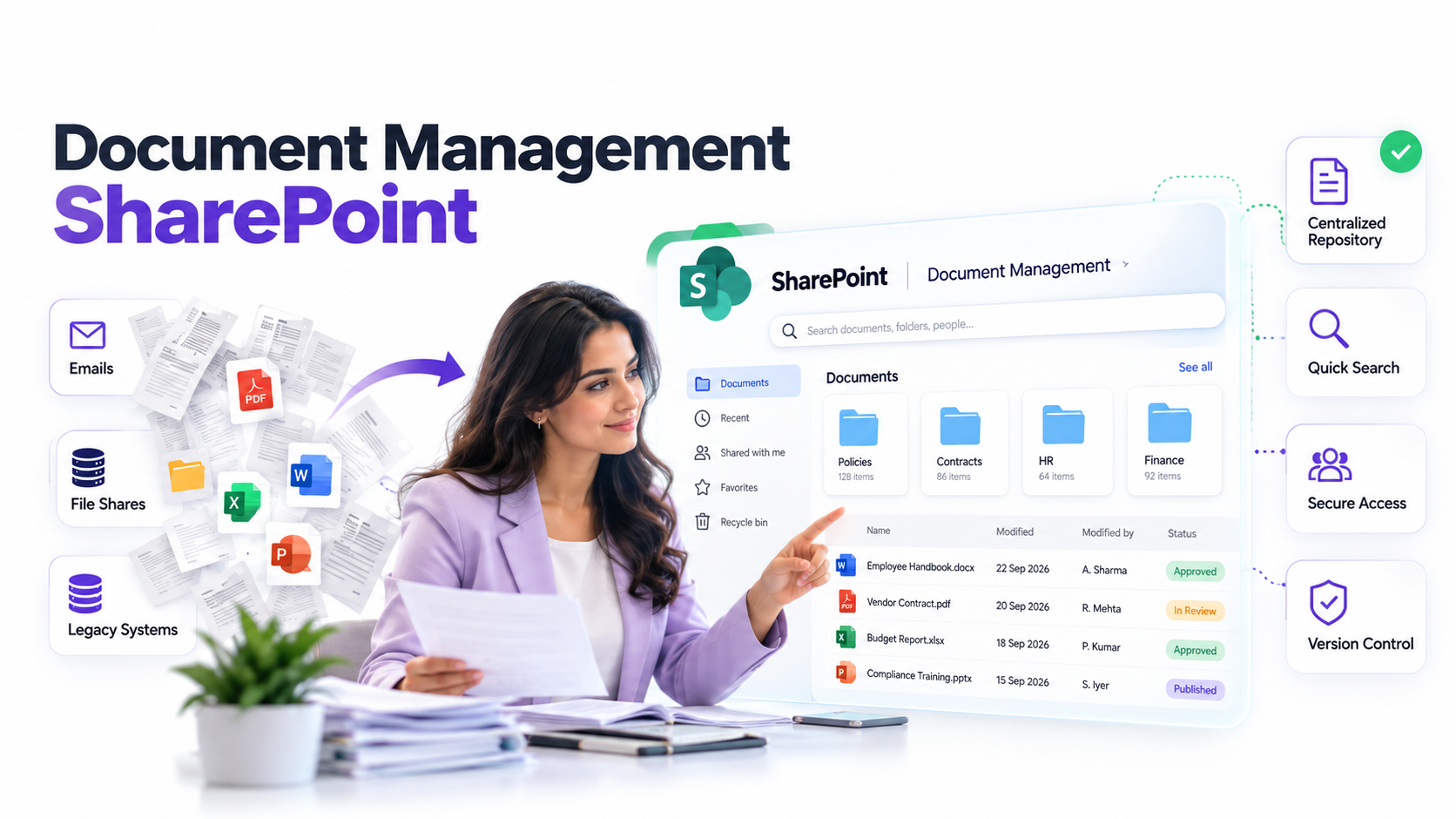
Additionally, document search solutions must integrate seamlessly with existing infrastructure. SharePoint’s document management features provide a strong foundation, and AI layers on top dramatically improve usability. When teams can find business documents when files are scattered across multiple locations, information becomes a competitive asset rather than a bottleneck.
The comparison below shows how AI-powered document search differs from traditional approaches:
| Capability | AI-Powered Search | Traditional Keyword Search |
|---|---|---|
| Query Style | Natural language conversational questions | Keywords, exact terminology required |
| Repository Coverage | Searches all integrated systems simultaneously | Single system searched at a time |
| Semantic Understanding | Understands intent and context | Matches keywords only, misses synonyms |
| Result Quality | Ranked by relevance and recency | Often returns irrelevant matches |
| Source Citation | Transparent source attribution | Results lack context or verification |
| Follow-Up Capability | Conversational drill-down and refinement | Must restart search from beginning |
Organizations implementing AI-powered document search report higher employee satisfaction with information access. Support ticket volume decreases when employees find answers independently. Compliance improves when authoritative procedures are instantly accessible. Decision cycles accelerate when teams stop spending time hunting for information and start analyzing it.

Furthermore, implementing effective document search requires understanding your organization’s unique constraints. Addressing access and permission issues ensures security policies enforce consistently. When teams properly manage business records across multiple departments, AI search becomes dramatically more effective because data quality improves.
The transformation from manual document navigation to AI-powered search isn’t just about technology adoption. It’s about fundamentally changing how employees access knowledge. Instead of “Where is that file?” becoming “What information do I need?”, a subtle shift that unlocks tremendous productivity gains.
Transform Your Document Access Today
Stop wasting time searching for answers buried in company documents. AI-powered document search delivers instant responses to your team’s questions, turning fragmented information into a competitive asset. Discover how leading organizations are reimagining enterprise knowledge access.