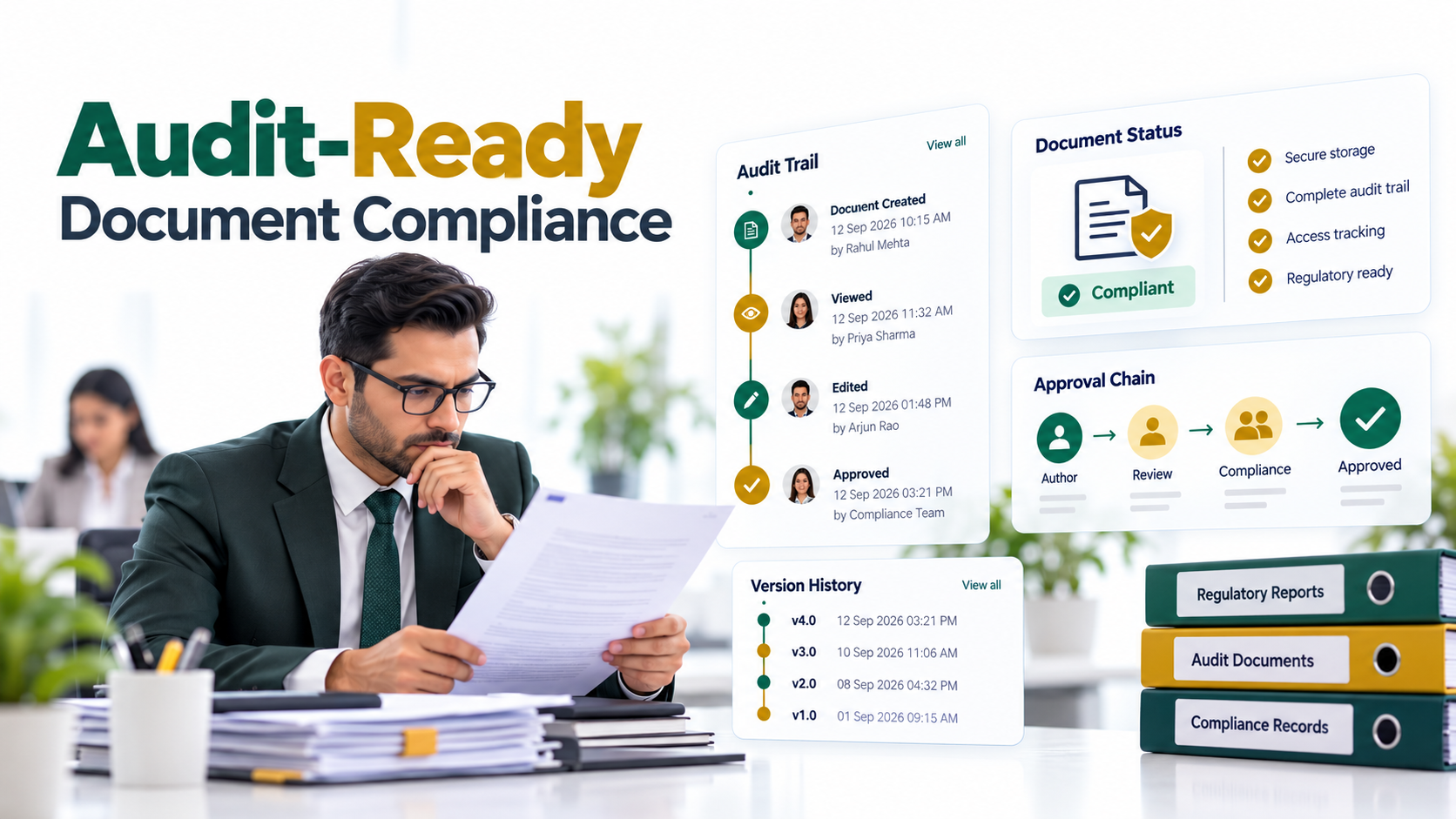
Transform Your Document Management: How Power BI Dashboards Enhance Efficiency
Power BI dashboards for document management unlock hidden operational insights that most organizations leave on the table. Enterprise document repositories capture rich metadata, approval cycles, retention schedules, access patterns, processing times, yet this data remains invisible to decision-makers. Without analytics layered on top, leaders can’t measure workflow efficiency, assess compliance readiness, or justify continued investment in document infrastructure. Power BI bridges this gap by transforming your DMS from a static content repository into a strategic intelligence asset.
Key Takeaway
Power BI dashboards unlock visibility into document workflows, compliance metrics, and governance KPIs without replacing your existing document management system. Real-time analytics drive faster decisions and measurable operational improvements.
In This Article
- Why Document Management Analytics Matters for Leadership
- The Core Challenge: Hidden Metrics in Your DMS
- The Solution: Power BI Dashboards for Document Management
- Why Leading Organizations Choose AscenWork
- Industry Applications Across Document Workflows
- How to Get Started: A Strategic Approach
- Frequently Asked Questions
Why Document Management Analytics Matters for Leadership
Most enterprise organizations face a fundamental paradox. Their document management systems contain voluminous operational data, yet stakeholders can’t answer basic questions about efficiency, compliance, or risk. How long does document approval actually take? Which departments consistently miss retention deadlines? Are we audit-ready for the next compliance review?
These questions matter because document workflows directly impact business outcomes. In finance, slow invoice approval cycles tie up working capital. In healthcare, incomplete documentation delays patient care and increases audit exposure. In legal, missed contract renewal deadlines create compliance violations. Yet without Power BI dashboards or similar analytics tools, these inefficiencies remain hidden until crisis strikes.
According to Gartner’s Enterprise Content Management research, organizations that implement analytics on top of document management systems report faster process optimization, clearer compliance visibility, and stronger stakeholder alignment. The shift from reactive document management to proactive, data-driven governance is no longer optional for enterprises competing on efficiency.
“Organizations without real-time visibility into document workflows waste an average of 30% of operational time on manual reporting, duplicate work, and bottleneck resolution.”
IDC Digital Transformation Study, 2023
Power BI dashboards for document management address this gap directly. They enable CTOs, compliance officers, and operations leaders to measure what matters, identify bottlenecks in real-time, and build a data-driven business case for modernization.

The Core Challenge: Hidden Metrics in Your DMS
Document management systems excel at one thing: storing and organizing content. They don’t excel at making operational metrics visible to decision-makers. Here’s what we see across enterprises repeatedly.
Most organizations face at least one of these pain points:
- Lack of Real-Time Visibility. DMS data exists but sits locked in databases, invisible to leadership. Reporting is manual, delayed, and inconsistent across teams.
- Compliance Blind Spots. Retention policies are defined, but no one can easily verify whether documents are actually retained or disposed of on schedule. Audit readiness is unknown until the auditors arrive.
- Process Inefficiency. Approval cycles, processing times, and workflow bottlenecks are opaque. Teams can’t pinpoint where time and resources are wasted without manual investigation.
- Disconnected Data Silos. Document metadata lives in the DMS, while financial data lives in ERP, and operational data lives in separate systems. No unified view of how document processes impact business metrics.
- Limited Stakeholder Alignment. Leadership can’t easily communicate document governance status, ROI, or risk to the board or cross-functional partners without custom, manually built reports.
- Scalability Breakdown. As document volumes grow exponentially, manual reporting becomes unsustainable. Scaling insights requires expensive IT resources or external consulting.
The consequence is predictable: organizations remain blind to operational inefficiencies, can’t prove compliance readiness, fail to optimize workflows, and struggle to justify continued investment in document management. This often leads to redundant systems, process failures, and governance gaps that expose the organization to risk.
The Solution: Power BI Dashboards for Document Management
Power BI dashboards for document management transform how enterprises measure and optimize document operations. Rather than replacing your DMS, Power BI sits alongside it, extracting metadata and operational signals to create real-time visibility into workflows, compliance, and governance.
Here’s how Power BI addresses each core pain point:
| Pain Point | Power BI Solution | Business Impact |
|---|---|---|
| Real-time visibility | Automated, live dashboards pulling DMS metadata with instant alerts on KPIs | Leadership sees metrics as they happen, not days later |
| Compliance blind spots | Retention schedule tracking, access audit trails, overdue disposition tasks visualized | Compliance teams prove readiness before audits arrive |
| Process inefficiency | Workflow stage timings, bottleneck identification, resource utilization by team and document type | Operations identify quick wins and optimize approval cycles |
| Disconnected silos | Unified data model combining DMS, finance, and HR data for holistic insights | Finance sees invoice approval impact on cash flow, operations sees staffing impact on processing |
| Stakeholder alignment | Executive summaries, drill-down dashboards, automated board reporting on governance | CFO and General Counsel align on risk and ROI without meetings |
| Scalability | Automated data pipelines replace manual reporting, scales infinitely with data volume | Compliance and operations teams redeploy time to strategy instead of reporting |
Power BI dashboards typically track governance and operational metrics that matter most. Governance metrics include document completion percentage, retention compliance rate, and overdue disposition tasks. Process metrics include average approval time, documents processed per full-time equivalent, and cycle time by document type. Access and security metrics track document access patterns, user roles versus permissions alignment, and suspicious access activity. Lifecycle metrics measure new documents ingested, archived, and deleted by category and department.
Expert Perspective
Success requires three non-negotiable foundations: clean metadata in your DMS, taxonomies and classifications must be consistent, a strategic data model, decide which document metrics actually matter to your business, and genuine change management, equip teams to act on insights, not just view charts. We’ve seen organizations invest in dashboards, only to have adoption stall because workflows didn’t change to support the insights. The dashboard is only as valuable as the decisions it drives.
When evaluating a partner to build Power BI dashboards for document management, look for proven experience integrating with your specific DMS platform, whether SharePoint, M-Files, OpenText, or another enterprise system. Seek partners who understand information architecture and metadata governance, not just dashboard design. Verify their ability to address compliance and security considerations, such as data residency, role-based access controls, and audit logging.

Why Leading Organizations Choose AscenWork
Building effective Power BI dashboards for document management requires more than dashboard design skills. It demands deep understanding of document workflows, metadata governance, and compliance requirements across industries. AscenWork specializes in exactly this intersection: we help enterprises unlock the operational and compliance value hidden in their document management systems.
Here’s how AscenWork approaches Power BI dashboards for document management differently than typical development agencies or in-house teams:
| Factor | AscenWork | Generic Development Agency |
|---|---|---|
| Document Domain Expertise | Deep experience with SharePoint DMS, information architecture, metadata governance, and compliance workflows across finance, healthcare, and legal | General Power BI skills, limited understanding of document-specific metadata modeling or governance |
| Data Quality Assessment | We audit your DMS metadata upfront, identify cleansing needs, and build dashboards that account for real-world data imperfections | Assumes clean data, often delivers dashboards that fail when deployed against actual messy enterprise metadata |
| Change Management + Adoption | We train teams on how to act on dashboard insights, redesign workflows to operationalize findings, and measure adoption over time | Delivers dashboard, assumes users will naturally adopt and change behavior without guidance or reinforcement |
| Compliance + Security Alignment | We embed compliance-by-design: audit trails, role-based access, data residency, and documentation required for SOX, HIPAA, or GDPR audits | Focuses on visual design and technical execution, compliance often treated as afterthought or custom request |
| Ongoing Optimization | We monitor adoption, refine dashboards based on feedback, and expand analytics as organizational needs evolve | Typically one-off delivery, post-launch support is minimal or requires additional consulting engagements |
Organizations choose AscenWork because we understand that Power BI dashboards for document management aren’t just about visualization. They’re about unlocking insights that drive operational change, proving compliance readiness, and building the business case for modernization. We’ve helped finance teams reduce invoice approval cycles, healthcare organizations improve documentation compliance, and legal teams prevent missed contract renewals. Our approach starts with understanding your document workflows, your governance challenges, and your business outcomes. Then we design and deliver dashboards that drive measurable change.
Whether you’re modernizing a legacy document management system, implementing SharePoint as your central repository, or layering analytics on top of an existing platform, AscenWork brings both technical depth and pragmatic business perspective. We know that dashboards only succeed when teams understand how to use them and when workflows adapt to act on insights. That’s why we embed change management, training, and ongoing optimization into every engagement.
Industry Applications Across Document Workflows
Power BI dashboards for document management deliver value across industries. Here’s how leading organizations apply these capabilities to solve their most pressing challenges.
Finance and Accounting
Finance teams drown in invoice approval delays. Power BI visualizes approval cycle time by vendor, identifies slowest approvers, tracks exceptions, and correlates approval delays with days payable outstanding (DPO) impact. Finance teams use these insights to re-engineer approval workflows, reduce processing bottlenecks, and optimize cash flow. One finance director we worked with reduced average invoice approval time by identifying that 40% of delays occurred at a single approval stage, leading to process redesign and a measurable improvement in working capital.
Healthcare and Life Sciences
Patient records and clinical documentation are scattered across multiple systems. Power BI unifies visibility into documentation completion rates, compliance with electronic health record (EHR) documentation requirements, and audit-trail visibility. Compliance teams spot documentation gaps before auditors do. Clinical teams identify which document types consistently arrive late, driving workflow improvements that accelerate care delivery. Regulatory teams prove documentation compliance during accreditation reviews without manual chart audits.
Legal and Compliance
Contract repositories hold thousands of agreements, each with renewal dates and compliance obligations. Power BI dashboards track contract expiration, renewal status, obligation fulfillment by department, and vendor across the entire portfolio. Legal teams prevent missed renewals, identify compliance violations before they occur, and allocate review capacity based on data rather than guess. One general counsel used Power BI contract analytics to discover that procurement was consistently negotiating one-year renewals for multi-year contracts, saving millions in renegotiation risk.
Manufacturing and Supply Chain
Work orders, certifications, and logistics documentation flow through document systems. Power BI maps document processing timelines against production schedules, identifies when document delays trigger production delays, and highlights process bottlenecks. Operations teams reduce document-related production stalls, improve on-time shipment, and optimize resource allocation in document processing functions.
How to Get Started: A Strategic Approach
Implementing Power BI dashboards for document management is a structured journey, not a black-box project. Here’s how forward-thinking organizations approach it.
- Assess Your Data Foundation. Audit your DMS for data quality, metadata completeness, and taxonomy consistency. Identify data gaps and plan cleansing or enrichment strategies before connecting to Power BI. Outcome: You understand what insights are actually possible given your current data state.
- Define Key Metrics and Dashboards. Work with cross-functional stakeholders, Compliance, Operations, Finance, to agree on 5 to 10 critical KPIs and dashboard designs. Outcome: Leadership, operations, and compliance teams align on what “good” looks like and how success will be measured.
- Design Your Data Architecture. Plan how DMS data will flow to Power BI: direct API connection, data warehouse, or ETL process. Model dimensions and facts to support your KPIs. Outcome: You establish a scalable, maintainable foundation that grows with your analytics maturity.
- Build and Iterate Dashboards. Start with a pilot dashboard focused on one department or use case, invoice approvals, contract compliance, or retention tracking. Gather feedback and refine. Outcome: You prove value quickly, build internal advocacy, and reduce risk before broader rollout.
- Establish Governance and Change Management. Define ownership, refresh cycles, training requirements, and how insights drive decisions. Outcome: Dashboards become embedded in how teams work, not a novelty that fades after launch.
At each stage, AscenWork partners with your team to ensure decisions align with your business outcomes and technical constraints. We don’t believe in one-size-fits-all implementations. Your organization’s data quality, governance maturity, and compliance requirements are unique. Your Power BI strategy should reflect that reality.
Frequently Asked Questions
Can I use Power BI with my existing document management system?
Yes. Power BI integrates with most enterprise DMS platforms via APIs, direct database connections, or data export pipelines. Compatibility depends on your specific platform, SharePoint, M-Files, OpenText, Alfresco, Box, or others. We recommend a pre-engagement technical assessment to map integration pathways and identify data quality or architecture constraints.
What data quality issues should I expect from my DMS?
Common challenges include inconsistent metadata tagging, incomplete document classifications, missing or duplicate entries, and taxonomy variations across departments. These issues are typical and addressable through data cleansing workflows, enforced metadata policies in your DMS, and upstream governance changes. We help organizations prioritize which data quality issues to address first based on impact to your highest-value dashboards.
How does Power BI improve compliance and audit readiness?
Power BI provides real-time visibility into retention compliance, access audit trails, document disposition status, and overdue remediation tasks. Compliance teams can verify that documents are retained or disposed of according to policy, track which users accessed sensitive records, and generate audit reports on demand. This transforms compliance from reactive auditing to proactive risk management.
Do I need advanced Power BI skills in-house?
Not necessarily. A skilled Power BI developer can build and maintain dashboards, however, organizations benefit most when they have an internal champion, someone who understands your document workflows and can advocate for adoption, gather feedback, and identify optimization opportunities. We often help clients develop this internal capability through training and knowledge transfer.
What happens if my DMS metadata is inconsistent or incomplete?
Inconsistent metadata is common and manageable. We assess your data quality upfront, recommend a phased approach to cleansing and enrichment, and build dashboards that account for real-world imperfections. We also help you establish governance policies to prevent metadata degradation going forward. The goal is usable insights, not perfect data.

Questions about how Power BI dashboards for document management specifically apply to your organization? Our team can discuss your document workflows, compliance requirements, and analytics goals during a discovery conversation. We’ll help you understand the opportunities and realistic implementation approach for your unique situation.
Unlock Visibility Into Your Document Operations
Power BI dashboards transform your DMS from a content repository into a strategic asset. Connect with our team to explore how real-time analytics can drive efficiency, ensure compliance, and prove ROI to stakeholders. We’ll assess your document data, identify quick wins, and design a roadmap tailored to your organization.