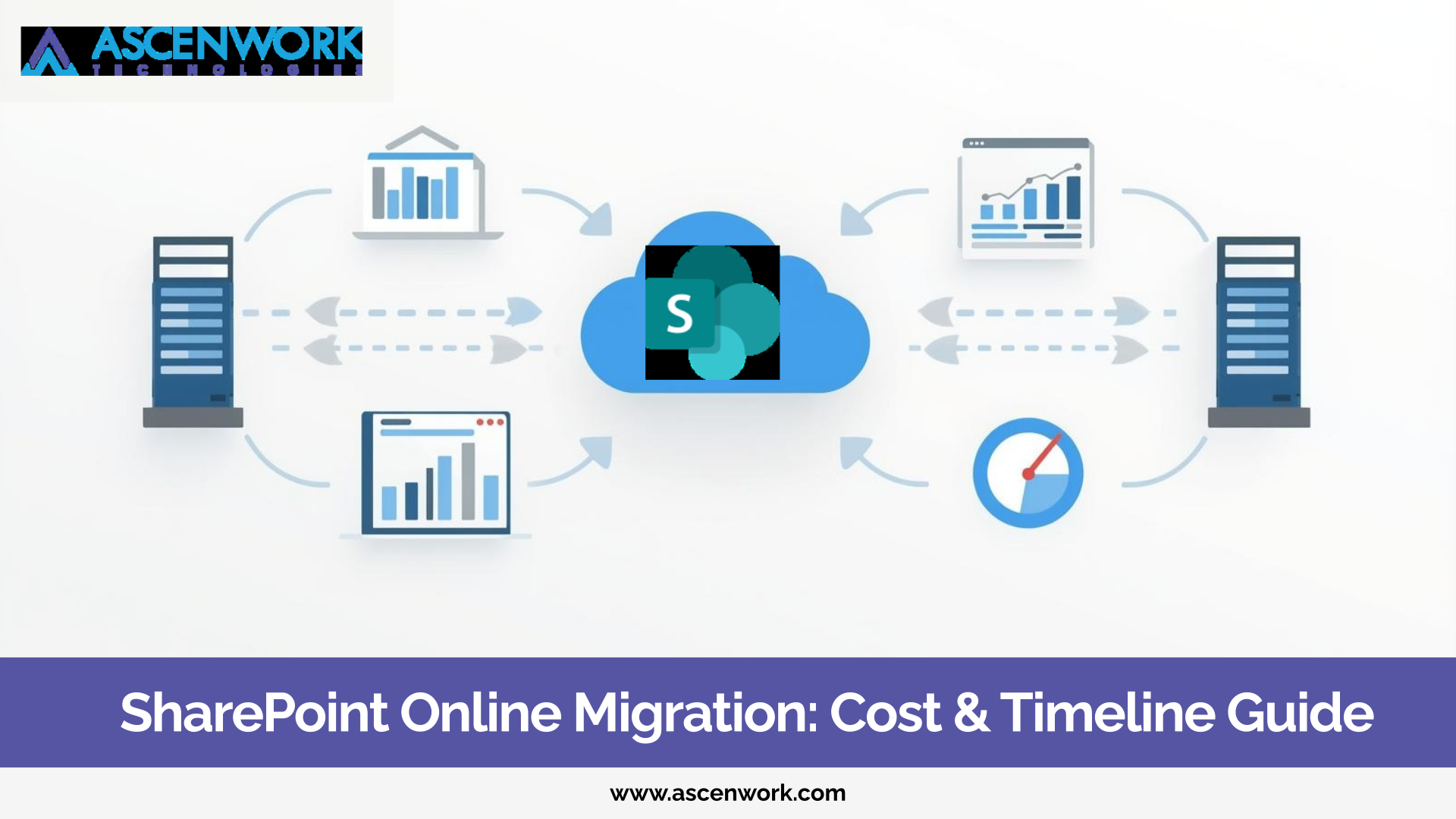
SharePoint Online migration cost and timeline are two of the most common questions enterprises ask before moving to Microsoft 365. Whether you are running SharePoint on-premises or managing large file repositories, migration is not just a technical shift. It is a business decision. Many organizations delay migration because they are unsure about the cost, timeline, and possible risks. But the longer you wait, the more complex and expensive it becomes to maintain legacy systems. In this guide, we will explain what affects SharePoint Online migration cost, how long the process usually takes, and what enterprises should plan before starting.
Supercharge your SharePoint strategy with a structured migration roadmap
Plan My MigrationOver the last few years, global organizations have shifted from on-premises infrastructure to cloud platforms. SharePoint Online offers flexibility, remote collaboration, and better integration with Microsoft 365 tools like Teams, OneDrive, and Power Automate.
Here are some common reasons enterprises are migrating:
-
High maintenance cost of on-prem servers
-
Security and compliance concerns
-
Limited scalability
-
Lack of seamless remote collaboration
-
Difficulty in upgrading legacy versions
Cloud-based SharePoint allows centralized document management, version control, and real-time collaboration without heavy infrastructure investment.
When businesses search for “SharePoint Online migration cost,” they expect a fixed number. But in reality, migration cost depends on multiple factors.
1. Data Volume and Structure
The amount of data you are migrating plays a major role. Large document libraries, deeply nested folders, and outdated content increase migration effort.
2. Custom Workflows and Integrations
If your current SharePoint environment includes custom workflows, third-party integrations, or legacy forms like InfoPath, migration becomes more complex.
3. Permission and Security Mapping
Enterprises often have complex permission hierarchies. Proper mapping is critical to avoid data access issues after migration.
4. Governance and Compliance Requirements
If your organization operates under strict compliance rules, additional planning and validation steps are required.
5. User Training and Change Management
Migration is not only about moving data. Users must adapt to the new system. Training sessions and adoption planning add to the overall effort.
Instead of looking for a generic cost number, enterprises should focus on a structured assessment.
Still on SharePoint 2013 or 2016?
Start Migration PlanningAnother major concern is timeline. Many IT managers ask: “How long does SharePoint migration take?”
The timeline depends on these phases:
Discovery and Assessment
This includes analyzing current data, customizations, and technical dependencies.
Planning and Architecture Design
A clear migration roadmap is created, including governance policies and information architecture.
Pilot Migration
A small data set is migrated first to test processes and identify risks.
Full Migration Execution
Bulk data transfer happens in controlled phases.
Testing and Validation
Post-migration testing ensures permissions, workflows, and integrations work properly.
For small environments, migration may take a few weeks. For large enterprises, it may extend over several months depending on complexity.
Many organizations worry about downtime and data loss. These concerns are valid. Poor planning can lead to:
-
Broken permissions
-
Missing metadata
-
Workflow failures
-
User confusion
-
Extended downtime
A well-planned migration minimizes these risks by:
-
Performing data cleanup before migration
-
Running pilot testing
-
Using proven migration tools
-
Implementing rollback strategies
Enterprises that invest time in proper planning reduce both cost and timeline delays.
A structured SharePoint Online migration approach typically includes:
-
Environment Audit
-
Data Classification and Cleanup
-
Information Architecture Planning
-
Governance Framework Setup
-
Phased Migration Execution
-
Post-Migration Optimization
This framework ensures smooth transition without disrupting business operations.
Migration should not be treated as a simple technical upgrade. It is an opportunity to modernize document management, improve collaboration, and strengthen compliance.
Upgrade from SharePoint 2013 or 2016 to Modern SharePoint Online Today
Talk to Migration ExpertsHave a question? check these answers.
The cost depends on data size, customizations, workflow complexity, and governance requirements. A detailed assessment is required to provide an accurate estimate.
Migration timeline varies from a few weeks to several months depending on the size and complexity of the environment.
Yes, with proper planning and phased execution, downtime can be minimized significantly.
Common risks include data loss, permission issues, workflow failures, and user adoption challenges.
Yes, for most enterprises it improves scalability, security, collaboration, and long-term cost efficiency.