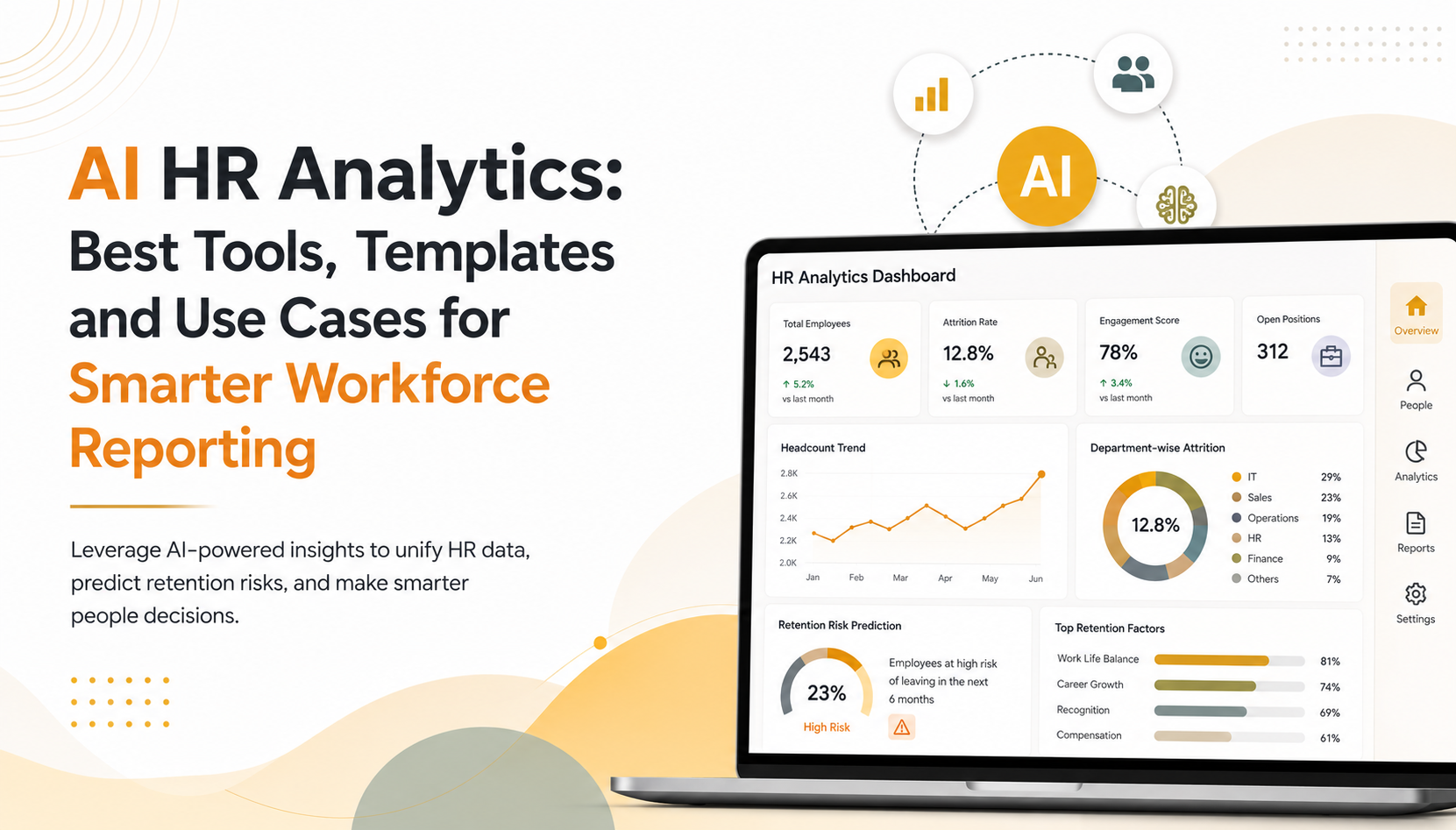
AI HR Analytics: Best Tools, Templates and Use Cases for Smarter Workforce Reporting
AI HR analytics transforms how organizations manage workforce data and make people decisions. Instead of spending weeks on manual spreadsheet reporting, AI-powered platforms like Power BI unify employee data across systems, surface hidden patterns, and predict retention risks before they become costly turnover. This shift from reactive to predictive HR strategy is reshaping how mid-market and enterprise organizations approach talent management, engagement, and succession planning.
Key Takeaway
AI HR analytics combines machine learning with unified workforce data to automate reporting, predict employee flight risk, identify skill gaps, and enable data-driven retention and hiring decisions that outpace manual, spreadsheet-based approaches.
In This Article
- Why AI HR Analytics Matters Now
- The Core Challenges HR Managers Face Without AI Analytics
- The Solution: AI HR Reporting and Workforce Insights
- Why Leading Organizations Choose Power BI for AI HR Analytics
- Industry Applications: AI HR Insights in Action
- How to Get Started with AI HR Analytics
- Frequently Asked Questions
Why AI HR Analytics Matters Now
Human resources leaders today face a unique pressure: workforce complexity is increasing while decision-making timelines are shrinking. The average HR manager spends roughly 40% of their time on manual reporting, leaving little capacity for strategic workforce planning or proactive retention efforts. Meanwhile, the cost of replacing a mid-level employee ranges from 50% to 200% of their annual salary when accounting for recruitment, onboarding, and lost productivity.
On top of that, modern workforces are more distributed, diverse, and dynamic than ever. A spreadsheet-based HR reporting approach just can’t keep pace with the real-time insights needed to identify flight risks, optimize staffing, or connect HR investments to business outcomes. This gap between data and decision-making is where AI-driven HR analytics comes in.
“Organizations that leverage AI-powered people analytics report 25% improvement in retention prediction accuracy and identify high-potential talent 40% faster than peer organizations relying on manual processes.”
Gartner, 2023
The business case is clear: AI HR analytics moves HR from a compliance-focused, reactive function to a strategic, insight-driven partner in growth.

The Core Challenges HR Managers Face Without AI Analytics
Without AI HR analytics, HR teams operate with significant blind spots. Sound familiar?
- Manual report creation from fragmented systems: HRIS, ATS, payroll, and engagement survey platforms stay siloed. HR managers spend hours pulling data from multiple sources, reconciling discrepancies, and building dashboards in Excel. The result is outdated insights delivered too late to act.
- Reactive rather than proactive: Most organizations discover flight risk after an employee resigns. By then, it’s too late. Without predictive analytics, HR can’t identify at-risk talent early enough to intervene with career development, compensation adjustments, or role changes.
- Inability to spot skill gaps in real time: Understanding which roles are understaffed or which critical skills are in short supply requires manual analysis. This delays hiring decisions and leaves organizations unprepared for growth or competitive threats.
- Limited visibility into engagement and turnover drivers: Managers lack clear visibility into which departments have high engagement, which have high turnover, and why. Without this clarity, investments in retention often miss the root causes.
- Difficulty connecting HR metrics to business outcomes: CFOs and business leaders struggle to see the ROI of HR investments. Without clear data linking retention to revenue, talent development to performance, or hiring speed to time-to-revenue, HR budgets face constant scrutiny.
- Compliance and governance blind spots: Scattered data creates audit and regulatory risks. Organizations can’t quickly demonstrate fair hiring practices, pay equity analysis, or diversity metrics when data lives in multiple systems.
The consequence is significant: preventable turnover, missed promotion opportunities, compliance risk, and misaligned HR investment. In our work with clients, we’ve seen organizations lose 1-2 top performers per year to unexpected attrition that earlier predictive insights could have prevented.
The Solution: AI HR Reporting and Workforce Insights
AI HR analytics directly addresses each of these pain points by combining unified data, predictive modeling, and self-service exploration in one platform. Here’s how it works in practice.
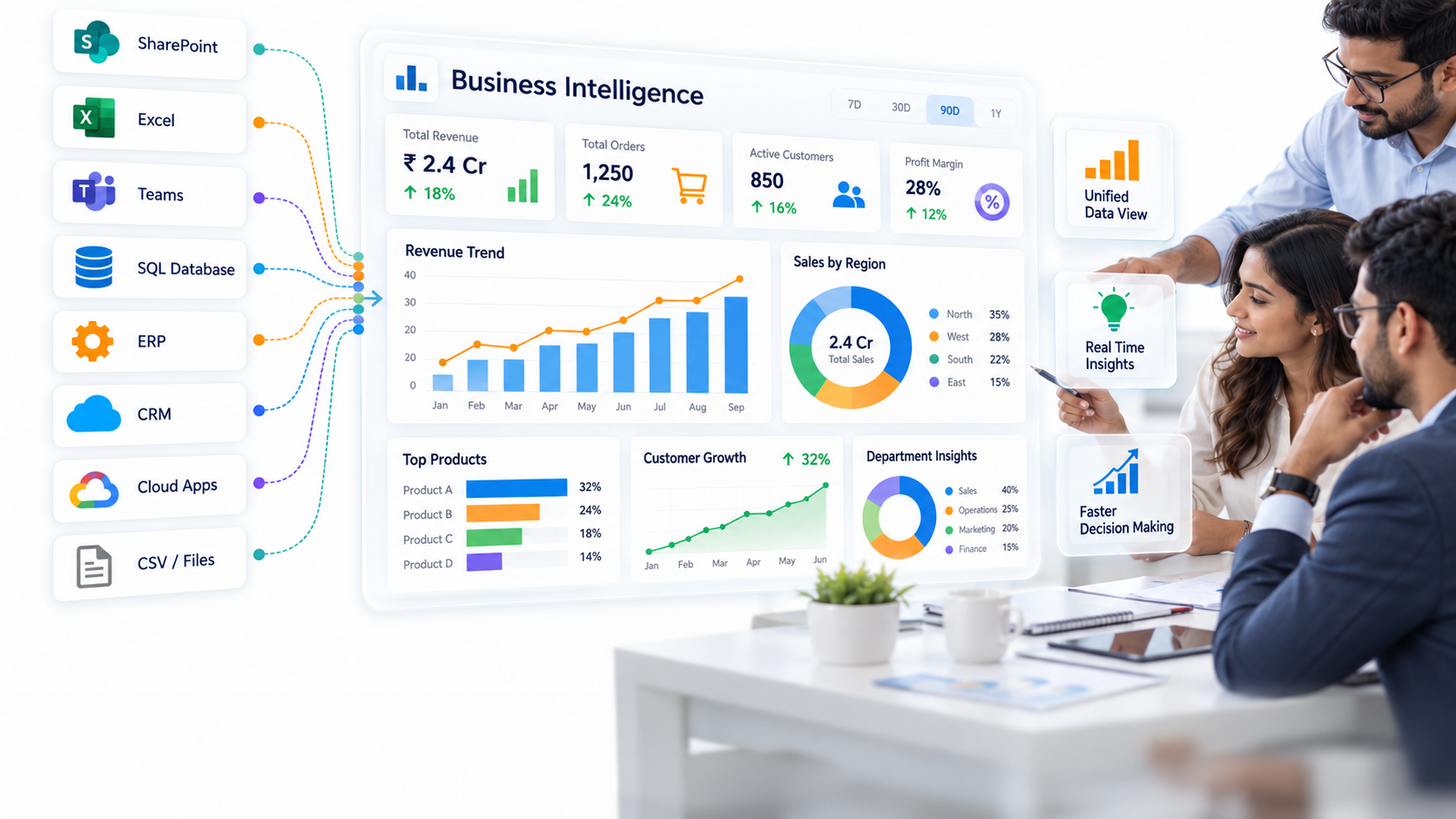
Unified reporting from a single source of truth: Instead of pulling data from five systems, AI HR analytics connects your HRIS, ATS, payroll, and engagement platforms in real time. Dashboards refresh automatically, eliminating manual spreadsheet updates and keeping insights current.
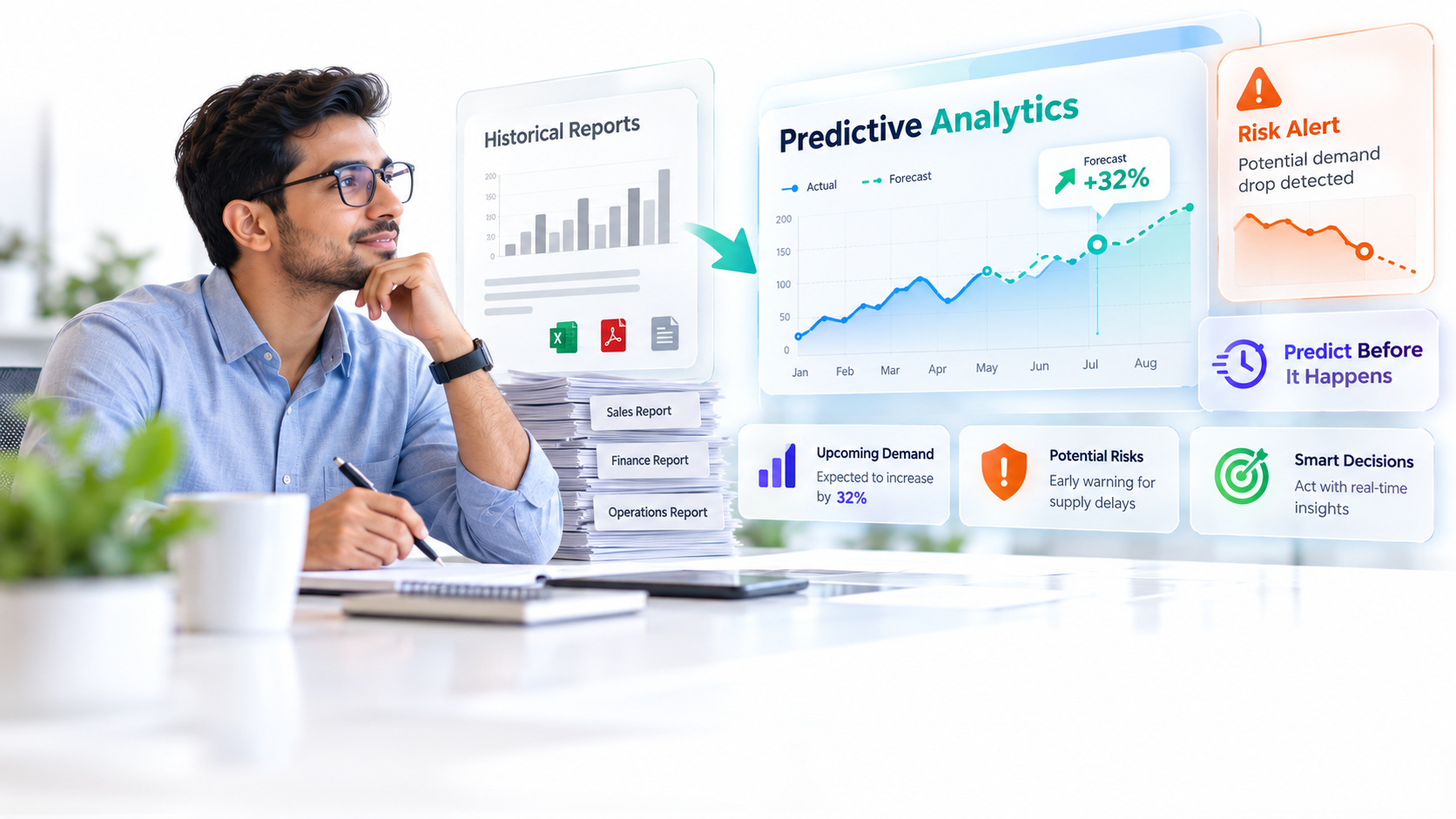
Predictive insights that enable proactive decisions: Machine learning models analyze historical employee data to predict who’s at risk of leaving. Rather than reacting to resignations, HR can identify flight risks within the next 90 days and intervene with targeted retention actions.
Self-service analytics for non-technical HR users: Natural language query capabilities allow HR managers to ask questions like “Which departments have the highest turnover?” or “What skills are underrepresented in our engineering team?” without requiring SQL or Python expertise. Answers appear in seconds.
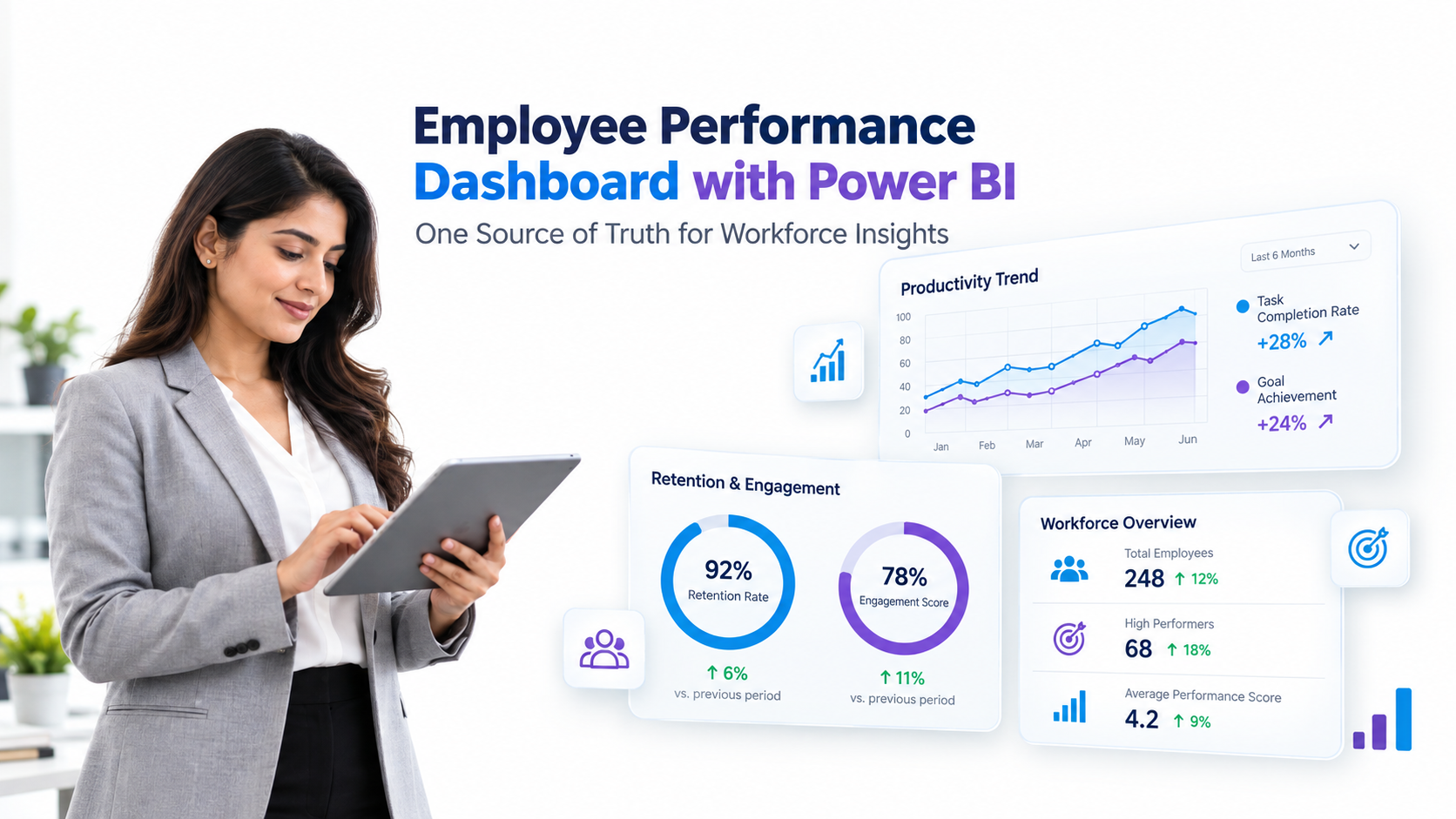
Real-time dashboards across workforce KPIs: Instant visibility into headcount, turnover rate, time-to-fill, internal promotion rate, diversity metrics, and engagement scores. Drill down by department, manager, or role to spot patterns and opportunities.
Expert Perspective
AI HR analytics delivers the most value when organizations focus on foundational metrics first: retention rate, time-to-fill, internal promotion rate, and engagement score. Start with clean data in these areas, validate the insights with your HR leadership team, and expand from there. We’ve seen projects stall because teams try to ingest and model every possible HR metric at once. Narrow your focus. Quality insights from good data beats broad, unreliable analysis every time.
When evaluating an AI HR analytics solution, look for these capabilities. First, ensure the platform connects to your specific HR tech stack: Workday, SAP SuccessFactors, BambooHR, Rippling, and others. Second, prioritize pre-built HR analytics templates so you’re getting insights in weeks, not months of custom development. Third, confirm support for natural language Q&A so your entire HR team can explore data without becoming data scientists. Finally, verify security and compliance features including GDPR, CCPA, SOC 2, and role-based access control for sensitive employee data.
Why Leading Organizations Choose Power BI for AI HR Analytics
Microsoft Power BI has emerged as the leading choice for mid-market and enterprise HR analytics, particularly when combined with pre-built HR data models and templates. The platform offers distinct advantages over generic business intelligence tools and specialized HR analytics platforms.
| Feature | Power BI | Generic BI Tools | Specialized HR Platforms |
|---|---|---|---|
| HR-specific data models and templates | Yes, extensive | No, requires custom build | Yes, but limited customization |
| AI-powered insights out of the box | Yes (anomaly detection, key influencers, Q&A) | Limited or requires data science | Yes, but often rigid |
| Real-time data refresh | Yes, sub-minute | Yes | Limited, often batch |
| Self-service for HR non-analysts | High (natural language Q&A) | Moderate (requires training) | Moderate (UI-based) |
| Cost for 50-500 employee organizations | Moderate per user | Varies widely | High, often $50K+ annually |
| Integration with Microsoft workplace tools | Native (Teams, Excel, SharePoint) | Limited | Limited |
Three differentiators explain why Power BI dominates enterprise AI HR analytics adoption. First, AI-powered insights emerge automatically without manual model building. Anomaly Detection surfaces unusual turnover patterns or compensation outliers. Key Influencers automatically identifies which variables correlate with retention or performance. Organizations get machine learning insights without maintaining a data science team.
Second, Power BI’s natural language Q&A capability removes the technical barrier. Non-technical HR managers ask questions in plain English and get visual answers instantly. This democratizes data exploration across HR organizations, not just among analysts. Third, Power BI integrates natively with Microsoft’s workplace ecosystem: Teams, Excel, SharePoint. This lets HR teams share insights, embed reports in workflows, and collaborate on people decisions without switching between platforms.
Worth noting: Power BI’s pricing model scales more predictably than specialized HR analytics vendors, making it accessible for mid-market organizations while remaining powerful enough for enterprise deployments.
Industry Applications: AI HR Insights in Action
Finance and Banking
Financial services organizations use AI HR analytics to predict high-performer attrition, protecting key traders and analysts from unexpected departures. The platform identifies which compensation levels, team dynamics, or management styles correlate with retention of top performers. On top of that, AI analytics surface upskilling needs in emerging areas like fintech and data science. For compliance-heavy financial organizations, AI HR analytics also provide transparent audit trails and decision documentation essential for regulated hiring and promotion processes.
Healthcare and Life Sciences
Healthcare systems leverage AI HR analytics to flag nursing and clinician burnout before turnover occurs. Predictive models identify staff at high risk based on overtime patterns, sick leave trends, and engagement survey responses. The platform also matches critical clinical skills to staffing gaps, enabling proactive recruitment before shortages impact patient care. Emerging research suggests strong correlations between staff retention rates and patient outcomes, making AI-driven retention analytics a quality and safety issue.
Technology and Software
Tech companies use AI HR analytics to identify engineer flight risk, often among high-performing individual contributors targeted by competitors. The platform recommends mentorship matches and career development paths to retain talent. Additionally, AI analytics surface emerging skill gaps in critical areas like AI/ML, cloud architecture, or cybersecurity, enabling rapid hiring and training decisions. For fast-scaling tech organizations, reducing time-to-hire for critical engineering roles directly impacts product roadmaps and time-to-market.
Retail and Hospitality
Retail and hospitality leaders use AI HR analytics to predict store-level turnover seasonally and intervene with proactive hiring, scheduling optimization, and engagement initiatives. The platform identifies high-potential assistant manager candidates early, enabling targeted leadership development pipelines. For organizations managing thousands of hourly employees across multiple locations, predictive analytics enable workforce planning at scale.
How to Get Started with AI HR Analytics
Implementing AI HR analytics doesn’t require a massive, multi-year transformation. A phased approach minimizes risk and accelerates time-to-insight.
- Audit your HR data landscape. Identify all HR systems in use: HRIS, ATS, payroll, learning management system, engagement surveys. Assess data quality. Document which systems own which employee attributes and whether data is current and accurate. This audit reveals integration priorities and data cleanup work needed before analytics.
- Define your core metrics and key questions. Work with HR leadership to identify 5-8 KPIs that matter most to your business. Examples include voluntary turnover rate, time-to-fill for critical roles, internal promotion rate, engagement score, and diversity representation. Align on the specific people decisions these metrics should inform.
- Connect your HR systems to a unified data platform. Use native Power BI connectors or middleware (Azure Data Factory, Informatica) to sync data from HRIS, ATS, and payroll into a central data warehouse. Configure real-time or daily refresh schedules to keep insights current.
- Pilot pre-built AI HR dashboards and predictive models. Deploy Power BI HR analytics templates covering core metrics, turnover analysis, and high-potential identification. These templates include baseline machine learning models you can refine with your specific data. In our experience, most organizations see actionable insights emerge in weeks, not months.
- Enable self-service exploration and operationalize insights. Train your HR team on Power BI’s Q&A feature, dashboard filters, and drill-down capabilities. Create regular report cycles so leaders see monthly or quarterly people insights. Link dashboards to actual HR processes: if analytics identify flight risk, trigger a career conversation. If they surface skill gaps, trigger a hiring requisition.
Throughout this process, maintain focus on data quality and business alignment. Clean data and clear ownership of KPI definitions prevent missteps later.
Frequently Asked Questions
How does AI HR analytics differ from standard HR reporting?
Standard HR reporting shows what happened in the past. A typical report states “We had 8% voluntary turnover last quarter.” AI HR analytics explains why and predicts what comes next. An AI-powered report identifies that “Engineers with less than 2 years tenure in roles reporting to Manager X have 3x the churn risk of the engineering average” and “These 12 high-performers show behavioral signals consistent with a 70% likelihood of departure in the next 90 days.” This shift from descriptive to predictive enables HR to act proactively rather than react after the damage is done.
Do I need a data science team to use AI HR analytics?
No. Power BI’s AI features like Anomaly Detection and Key Influencers generate machine learning insights without any coding. Your HR team can explore data using natural language Q&A and get answers in seconds. That said, if you want to build custom predictive models tailored to your unique business, you may benefit from data science support or pre-built HR analytics templates that include specialized models. Most mid-market organizations find pre-built templates sufficient for their needs.
What HR data should I prioritize if I’m just starting?
Start with your core HRIS foundation: headcount, tenure, role, manager, department, location, performance ratings, and compensation. Add ATS data showing your hiring funnel and time-to-fill. Include engagement survey scores if available. Avoid trying to ingest every possible data source at once. Quality foundational data beats incomplete comprehensive data. Clean and validate your core data first, then expand to secondary data sources once your foundational analytics are running reliably.
How do I ensure compliance and privacy when analyzing employee data?
Implement role-based access control in Power BI so managers see only their team’s data and HR leadership sees approved aggregate metrics. Follow GDPR and CCPA guidance for data retention, anonymization in dashboards, and employee access rights. Audit who accesses reports and maintain documentation for compliance reviews. Consider data minimization: if you don’t need individual salary data for a particular insight, use department-level aggregates instead. Work with your legal and compliance teams to define which employee attributes can be used in analytics and how results must be presented.
What ROI should I expect from AI HR analytics?
ROI depends on your starting point and focus areas. We’ve seen organizations commonly report improved retention prediction accuracy, faster time-to-fill for critical roles, and higher internal promotion rates. Some experience measurable productivity improvements from data-driven engagement initiatives. The strongest ROI typically comes from preventing unexpected loss of high-performing employees. Start by calculating your replacement cost for key roles, then estimate how many departures earlier predictive insights might have prevented. This forms your business case baseline.
Ready to Transform Your Workforce Strategy
AI HR analytics shifts your organization from reacting to people decisions to predicting and planning them. Unified data, predictive insights, and real-time dashboards empower your HR team to make smarter, faster decisions that protect talent and drive business outcomes.