Enterprise Search AI: Why Your Team Spends Hours Searching for Information (And How to Fix It)
Enterprise search AI is reshaping how organizations unlock knowledge trapped across fragmented systems. In today’s hybrid workplace, your team juggles SharePoint, Teams, email, OneDrive, and dozens of other platforms, yet they still can’t find what they need without asking colleagues or wasting hours digging through digital archives. This isn’t a minor inconvenience. It’s a measurable productivity crisis that impacts every function, from legal to finance to operations.
Key Takeaway
Knowledge workers spend an average of 9.3 hours per week searching for information or hunting down the right person to ask. That’s more than a full workday lost to search friction every week.
In This Article
- The Real Cost of Information Overload
- Why This Problem Matters More Now Than Ever
- The Five Core Challenges Your Organization Faces
- The Solution: AI-Powered Enterprise Knowledge Search
- Why Leading Organizations Choose Enterprise Search AI
- Industry Applications Across Sectors
- How to Get Started: 5-Step Implementation Path
- Frequently Asked Questions
The Real Cost of Information Overload
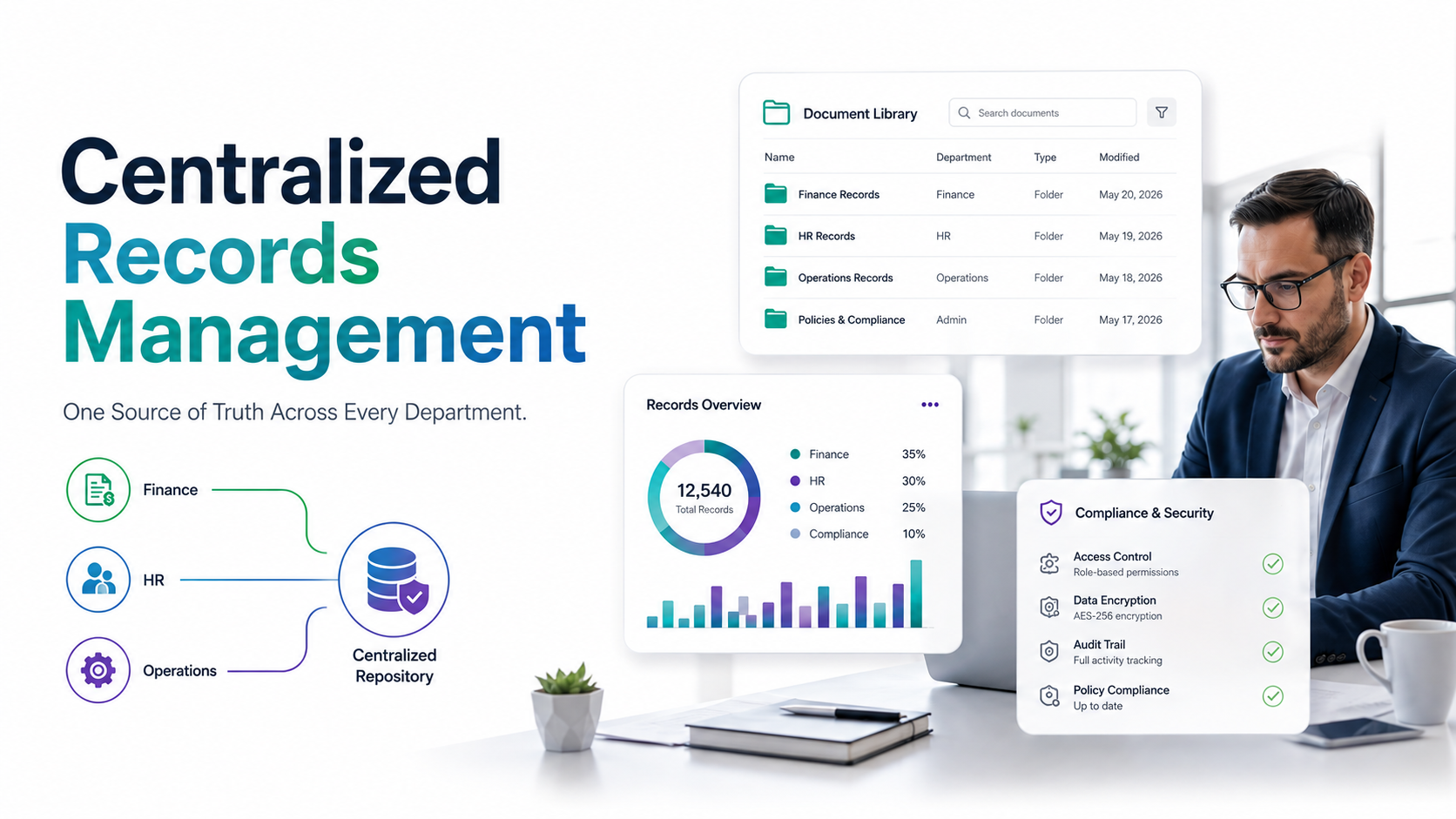
Modern knowledge work has become fragmented. Data lives everywhere, yet most employees can’t find what they need without friction. In Microsoft 365 deployments alone, teams maintain separate repositories for policies, projects, emails, and team chats, creating a maze of disconnected information silos.
On top of that, the post-pandemic shift to hybrid work has multiplied the problem. Remote employees can’t walk to a colleague’s desk to ask a quick question. Instead, they send Slack messages, schedule meetings, or spend hours cross-checking systems hoping to find the right answer.
The consequence is real and measurable: lost productivity, delayed decisions, and frustrated employees who lose trust in their organization’s systems. When people can’t find information, they either reinvent solutions or make decisions with incomplete data.
“The average knowledge worker spends 9.3 hours per week searching for information or trying to locate the right person to ask. That’s more than a full workday lost to search friction every week.”
McKinsey, 2023

Why This Problem Matters More Now Than Ever
Three major forces are converging to make enterprise search a strategic priority for organizations of all sizes. First, digital transformation initiatives have exploded data creation without improving data accessibility. Companies now generate more information than ever, yet employees struggle to surface it in workflows.
Second, Microsoft 365 adoption has created sprawl within a single vendor ecosystem. Teams, SharePoint, OneDrive, Exchange, and Project all hold critical knowledge, but no unified layer connects them for end users. Fragmentation persists even within your “unified” platform.
Third, generative AI has reset user expectations. After ChatGPT-style conversational interfaces, employees now expect to ask questions in natural language instead of crafting Boolean operators. Legacy search tools feel clunky and obsolete by comparison.
According to Gartner research, organizations deploying AI-augmented knowledge management reduce the average time to locate information by 40 to 60%, but only when search is truly unified and context-aware.
Gartner, 2024
Worth noting: compliance and governance requirements are tightening. Auditors demand visibility into who accessed what, when, and why. A search system that ignores permissions or leaves information discoverable to unauthorized users creates risk, not value.
The Five Core Challenges Your Organization Faces
Before exploring solutions, it’s important to understand the specific pain points that enterprise search AI addresses. Here are the five barriers most organizations encounter:
- Information Sprawl: Data lives everywhere with no single source of truth. Employees waste time cross-checking systems, asking “Is this the latest version?” and duplicating effort because they don’t know what already exists.
- Permissions Chaos: Generic search returns results the user can’t access. The frustration that follows erodes confidence in the search tool itself, pushing employees back to manual browsing or colleague queries.
- Context Blindness: Keyword matching doesn’t understand business meaning. A search for “Q3 forecast” returns hundreds of results because the engine doesn’t know which forecast matters in your industry, role, or department.
- Low Discoverability: Institutional knowledge stays hidden. Employees often say, “I didn’t even know this document existed,” meaning value created by one team never reaches teams that could benefit from it.
- Change Management Fatigue: Legacy search tools feel clunky and slow compared to consumer search. Employees default to asking colleagues instead, bypassing the search system entirely and overloading high-visibility people.
The ripple effects of these challenges compound. Slower decision-making cycles, duplicated work, higher support burden on IT teams, and employee frustration all add up to measurable competitive disadvantage in fast-moving industries.
The Solution: AI-Powered Enterprise Knowledge Search
Enterprise search AI fundamentally changes how organizations unlock knowledge. Unlike generic keyword search, AI-powered systems understand meaning, respect permissions in real time, and deliver results tailored to context and role. Here’s what modern enterprise search AI actually does:
- Semantic Understanding: The system doesn’t just match keywords. It understands intent and meaning behind the query. “Show me Q3 sales forecasts” returns relevant forecasts, not every document containing those words.
- Permissions-Aware Ranking: Results automatically filter based on the user’s access level. Only documents the user can access appear in results, eliminating frustration and protecting sensitive information.
- Conversational Retrieval: Natural language queries work like ChatGPT. Employees ask questions the way they think, not in Boolean syntax or keyword combinations.
- Context Enrichment: The engine connects related documents, identifies internal experts, and suggests reference materials the user might not have thought to search for.
- Continuous Learning: As usage patterns grow, the system improves result quality. The more your organization uses it, the smarter it becomes for your specific vocabulary, workflows, and knowledge patterns.
Expert Perspective
Leading IT teams deploying enterprise search AI report that the biggest win isn’t speed alone. It’s confidence. Employees trust that a single search box will surface the right answer, dramatically reducing context-switching, email queries, and meetings that exist solely to answer “Where is X?”
When evaluating an enterprise search AI solution, focus on three capabilities. First, deep integration with your existing Microsoft 365 or enterprise systems: you shouldn’t need a rip-and-replace migration. Second, transparency about why results ranked in a particular order; you need to understand the algorithm, not just trust it. Third, governance controls and compliance as first-class features, not add-ons bolted on later.

Why Leading Organizations Choose Enterprise Search AI
Modern enterprise search AI outperforms traditional and generic approaches across multiple dimensions. Here’s how the leading solutions compare:
| Capability | Enterprise Search AI | Traditional Keyword Search |
|---|---|---|
| Understanding Intent | Semantic understanding with business context awareness | Keyword matching only; no context understanding |
| Permissions Awareness | Real-time, role-based filtering; only authorized results | Manual indexing; often lagged or incomplete enforcement |
| System Integration | Deep integration with M365, enterprise apps, and legacy systems | Single system only (e.g., SharePoint) or limited connectors |
| User Experience | Conversational AI; natural language queries; follow-up refinement | Boolean operators required; steep learning curve for users |
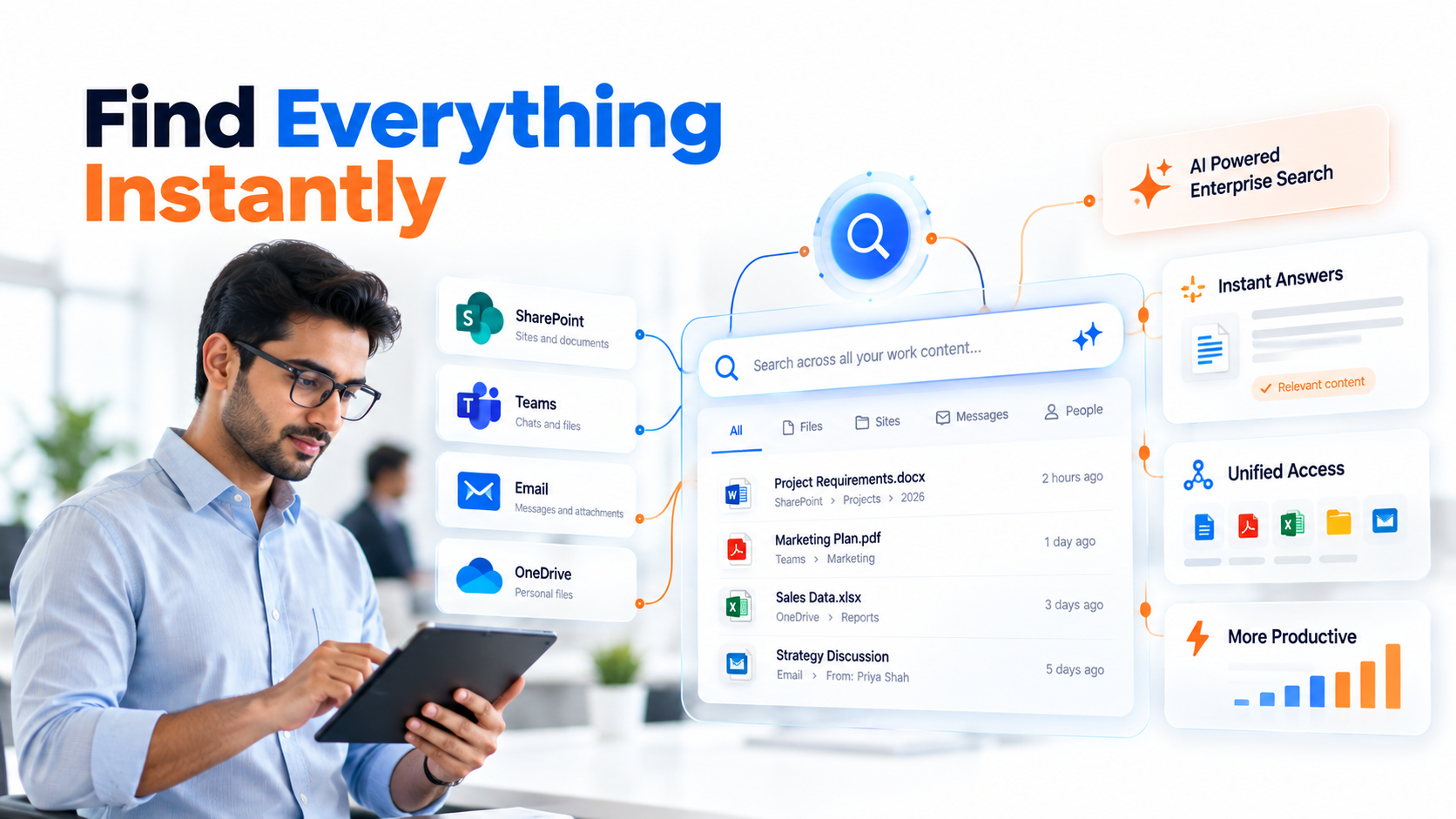
Three differentiating factors explain why enterprise search AI delivers measurable value. First, organizational intelligence: the system learns your company’s language, acronyms, and business logic instead of treating every organization generically. Second, a unified access layer that consolidates search across SharePoint, Teams, email, and enterprise applications into one experience, reducing cognitive load on users. Third, embedded trust and security with compliance reporting, DLP enforcement, and explicit access controls that give IT confidence, not anxiety.
Organizations adopting enterprise search AI to reduce time searching for information report faster project cycles, fewer “knowledge rediscovery” moments, and improved employee satisfaction. The ROI isn’t just in hours saved. It’s in better decision-making when the right information reaches the right person at the right time.
Industry Applications Across Sectors
Enterprise search AI creates measurable impact across every vertical. Here’s how leading organizations in key sectors are accelerating knowledge discovery:
Financial Services and Capital Markets
Compliance teams rapidly locate precedent documents, regulatory guidance, and policy updates without manual browsing. Portfolio managers access research, market reports, and deal history in seconds. Investment teams uncover similar past transactions and relevant market intelligence during due diligence. Enterprise search AI surfacing relevant client history and deal precedents accelerates due diligence and reduces time spent on document hunting.
Healthcare and Life Sciences
Clinical staff find protocol documents, safety updates, and peer research without leaving patient workflows. Regulatory teams compile audit trails and documentation on demand. Research teams discover related studies and institutional knowledge faster. AI knowledge search tools reduce time clinicians spend on administrative lookups, letting them focus on patient care instead of document retrieval.
Manufacturing and Operations
Production teams quickly access equipment manuals, maintenance histories, and process documentation. Supply chain teams locate vendor information, pricing agreements, and inventory records instantly. Quality teams find historical test data and compliance records during investigations. Company-wide AI search cuts production delays caused by missing or hard-to-find documentation, improving overall equipment effectiveness.
Professional Services and Legal
Associates locate precedents, case law, and internal playbooks rapidly, reducing non-billable administrative hours. Client teams pull engagement history, prior recommendations, and deliverables instantly. Project managers access lessons learned and methodologies across the organization. Enterprise search AI enables faster client onboarding and accelerates proposal development by surfacing relevant historical work and methodologies.
How to Get Started: 5-Step Implementation Path
Deploying enterprise search AI doesn’t require a disruptive rip-and-replace. Here’s a realistic, phased approach:
- Assess Current State: Inventory where company knowledge lives (SharePoint, Teams, email, legacy systems), identify top search pain points, and map which teams struggle most with information discovery. Outcome: A clear map of your information landscape and quick-win opportunities that will show value fastest.
- Pilot with a High-Impact Team: Deploy enterprise search AI with one department or function where search friction is highest, such as legal, compliance, or finance. Gather feedback, refine configuration, and build early adoption advocates. Outcome: Proof of concept and user testimonials that accelerate broader adoption.
- Integrate with Existing Systems: Connect the search solution to your Microsoft 365 environment or enterprise platform; ensure permissions sync correctly and metadata is properly indexed. Outcome: A unified search experience that requires no new logins or isolated tools.
- Launch Governance and Training: Define what’s searchable, establish audit logs, and conduct user training. Create clear ownership for search governance and policy. Outcome: Confident rollout with reduced support burden and faster user adoption.
- Measure and Iterate: Track adoption rates, user satisfaction, and information retrieval efficiency metrics. Refine algorithms based on actual usage patterns and expand scope to additional teams. Outcome: Continuous improvement and data-driven optimization over time.
This phased approach reduces risk, builds organizational buy-in, and generates momentum. Each step validates assumptions and improves the case for wider deployment.

Frequently Asked Questions
How does enterprise search AI differ from Google or Bing?
Consumer search engines optimize for public internet content and advertising revenue. Enterprise search AI is purpose-built for your organization’s internal knowledge. It understands company-specific context, respects access controls in real time, and integrates directly with internal systems like SharePoint, Teams, and email. You’re searching your company’s knowledge, not the world’s.
Will AI search replace our IT support team?
No. Enterprise search AI reduces routine “where is X” queries, freeing IT to focus on strategic work like data governance, security, and system architecture. IT teams remain critical for setting policy, monitoring compliance, and maintaining infrastructure. AI search enhances IT’s impact by automating repetitive support tasks.
Do we need to reorganize our SharePoint structure for AI search to work?
Not necessarily. Enterprise search AI works best with consistent metadata and clear governance, but doesn’t require a complete restructure. A phased approach to improving data quality and tagging often yields better results than a disruptive reorganization. Your implementation partner should help you prioritize quick wins first.
How does the system enforce security and compliance?
Enterprise search AI built for security respects access controls in real time, encrypts data end-to-end, maintains detailed audit trails, and integrates with compliance frameworks (SOC 2, HIPAA, GDPR). Look for solutions where security is a first-class design principle, not an afterthought. Ask about data residency options and how they handle sensitive information.
What happens if our data quality is poor or inconsistent?
Poor metadata and inconsistent tagging reduce search quality, but don’t prevent AI from working. Many organizations start with “good enough” data and improve it over time as they see the value. Your partner should help you identify the most critical data quality issues and create a realistic roadmap for improvement without halting the entire initiative.
Ready to Stop Wasting Hours on Information Discovery
Enterprise search AI unlocks knowledge that’s currently trapped in fragmented systems, giving your team instant access to the answers they need. Discover how organizations like yours are reducing search friction and accelerating decision-making with unified, AI-powered knowledge discovery.