How to Turn Your SharePoint Intranet Into an Enterprise Knowledge Management Platform
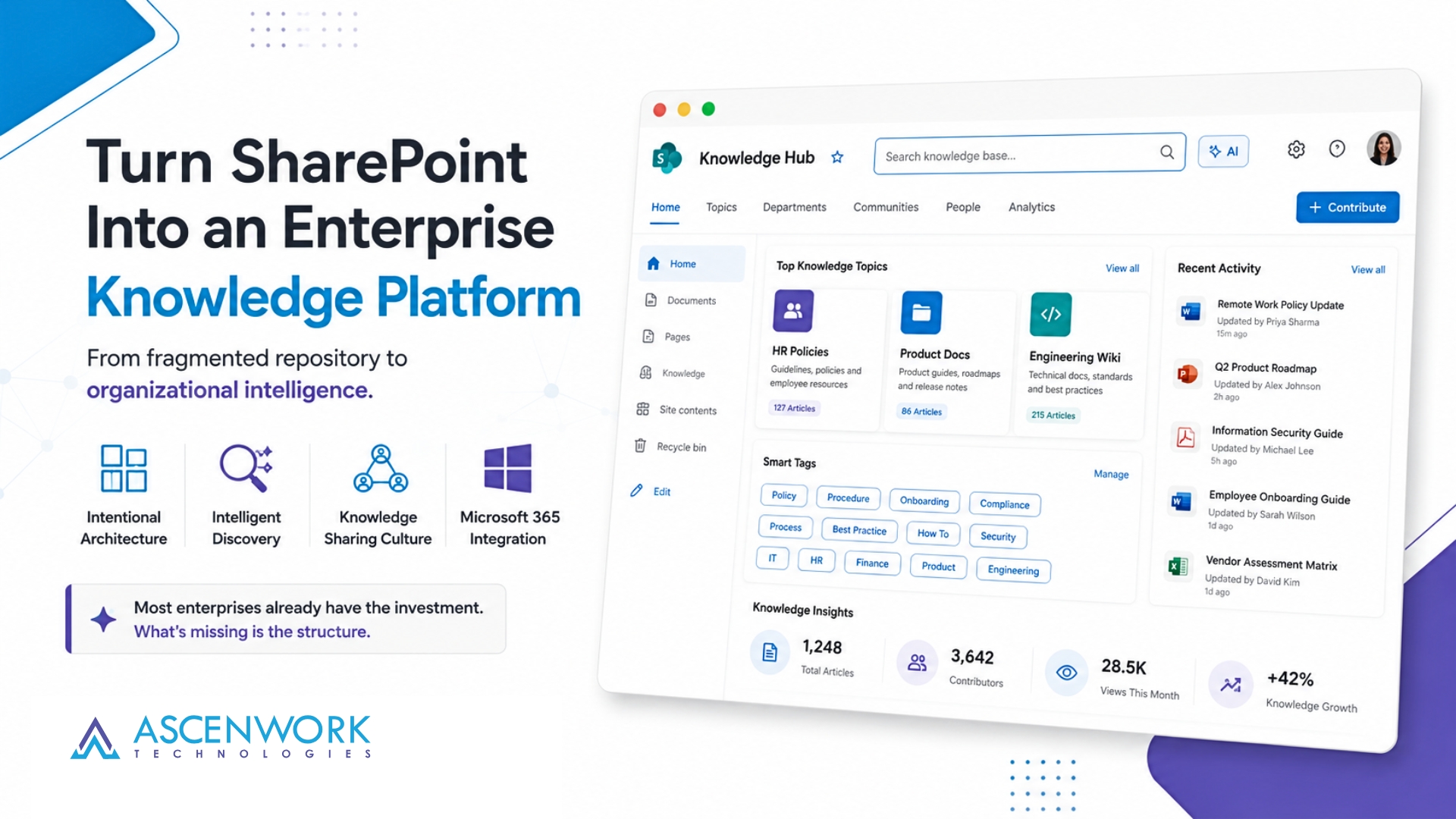
SharePoint knowledge management is the bridge between information chaos and organizational intelligence. Most enterprises have already invested millions in Microsoft 365, but their SharePoint intranets remain fragmented repositories where employees struggle to find answers. The transformation from a static document repository into a true knowledge management platform requires intentional architecture, intelligent discovery systems, and a cultural shift toward knowledge sharing.
Key Takeaway
SharePoint is the foundation, not the finish line. A true enterprise knowledge management platform requires layered architecture: governance frameworks, intelligent discovery systems, content curation workflows, and change management to drive adoption.
In This Article
- Why Enterprise Knowledge Management Matters Now
- The Knowledge Management Gap: What Most Organizations Face
- The Solution: Building an Enterprise Knowledge Management Platform on SharePoint
- Key Capabilities That Transform SharePoint Into a Knowledge Platform
- How to Get Started: A 5-Step Transformation Path
- Industry-Specific Applications
- Frequently Asked Questions
Why Enterprise Knowledge Management Matters Now
Enterprise knowledge management has shifted from a nice-to-have to a business imperative. According to research from the Gartner Magic Quadrant for Enterprise Content Management, organizations that implement structured knowledge platforms see measurable improvements in employee productivity, faster decision-making, and reduced operational redundancy.
“Knowledge workers spend approximately 30% of their workday searching for information across disconnected systems, with only 50% of that search proving successful.”
McKinsey Global Institute, 2023
Remote and hybrid work have made this challenge even more acute. When your teams are distributed across time zones and geographies, a centralized, intelligent knowledge platform becomes the connective tissue of organizational culture. Without it, institutional knowledge walks out the door when employees leave.
On top of that, regulatory compliance has become tightly interwoven with knowledge management. GDPR, HIPAA, SOX, and industry-specific data retention laws require organizations to know what knowledge they hold, where it lives, and who can access it. SharePoint knowledge management systems, when properly configured, provide the governance and audit trails you need to meet these requirements.
The Knowledge Management Gap: What Most Organizations Face
The typical enterprise faces a predictable set of challenges when it comes to SharePoint knowledge management. Sound familiar? These pain points are so common that they’ve become almost normalized, yet they cost organizations billions annually in lost productivity and rework.
- Information silos: Knowledge trapped in individual SharePoint sites, Teams channels, email archives, and legacy systems with no cross-functional visibility or unified search. Employees don’t know what knowledge exists elsewhere in the organization.
- Poor discoverability: Default SharePoint search returns irrelevant results because content lacks consistent metadata tagging. Employees resort to recreating work because finding existing solutions feels impossible.
- Inconsistent metadata and taxonomy: Without governance frameworks, content becomes untagged and unfindable. One department might use “contract” while another uses “agreement”. The taxonomy breaks down, and the knowledge platform becomes unreliable.
- No knowledge lifecycle management: Outdated, redundant, or sensitive content remains accessible indefinitely, creating compliance risks and confusing employees about what information is current and trustworthy.
- Low adoption and engagement: Employees default to familiar channels like email and personal shared drives because the knowledge platform feels fragmented or difficult to navigate. Training happens once. Adoption requires ongoing reinforcement and friction reduction.
- Compliance and governance risks: Unmanaged knowledge assets expose organizations to regulatory violations, data breaches, and legal liability when sensitive information can’t be controlled or audited.
The cumulative effect is organizational knowledge debt. Employees recreate work. Institutional knowledge leaves when people depart. Onboarding takes longer. Decision-making becomes slower. Leadership struggles to understand what the organization actually knows.
Here’s the thing, though: SharePoint knowledge management solves these challenges when implemented with the right strategy. The platform has all the foundational capabilities you need. The missing piece is intentional architecture and governance.
The Solution: Building an Enterprise Knowledge Management Platform on SharePoint
SharePoint knowledge management transforms from a document repository into an intelligent knowledge platform through five core components working in concert. Each component addresses a specific challenge, and together they create a system where knowledge is discoverable, trustworthy, and accessible at the point of need.
1. Information Architecture and Governance
Governance is where most SharePoint knowledge management initiatives either succeed or fail. Define clear ownership, roles, and responsibilities for content creation, review, and retirement. Establish metadata standards and controlled taxonomies so all content is tagged consistently.
Create content lifecycle policies that define how long content lives, when it should be reviewed, and when it should be archived or deleted. Implement site templates and governance frameworks to prevent sprawl and enforce standards from day one.
2. Intelligent Enterprise Search
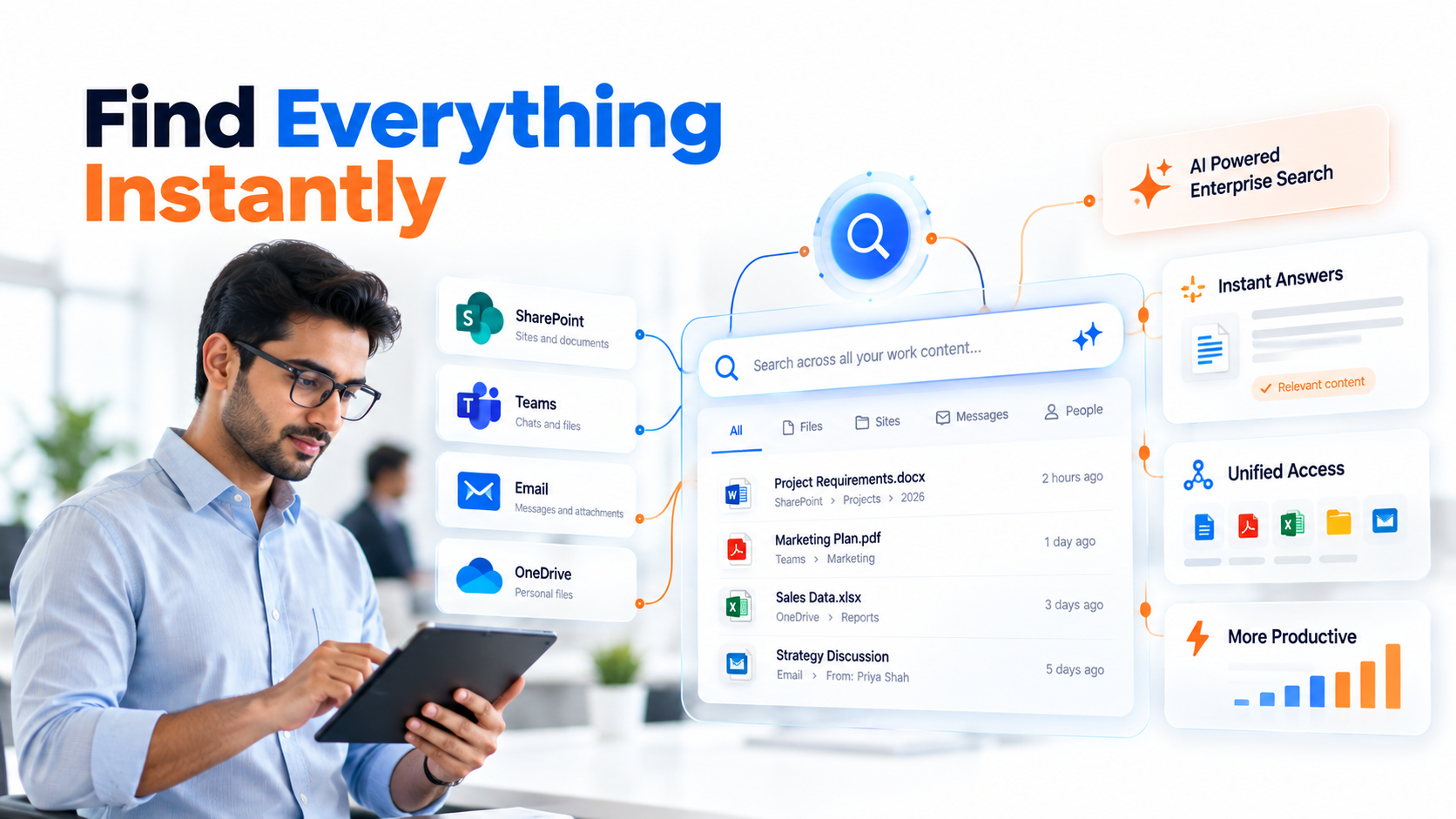
The search experience is make-or-break for SharePoint knowledge management adoption. Leverage Microsoft Search enhancements or complementary third-party solutions that apply semantic understanding and AI-powered relevance ranking. Enable cross-platform search so employees can find knowledge across SharePoint, Teams, OneDrive, and Exchange simultaneously.
Implement AI-powered tagging and automated content classification to ensure metadata consistency even when humans forget. Use search analytics to identify knowledge gaps and opportunities to improve curation.
3. Knowledge Discovery and Curation
Move beyond passive search to active knowledge surfacing. Design curated knowledge hubs organized by business function, product line, or process. Implement recommendation engines that surface relevant content contextually based on employee role and past behavior.
Create employee knowledge bases with templated Q&A repositories. Use trending content dashboards to highlight the most valuable knowledge. Assign subject matter experts as curators to ensure quality and relevance over time.
4. Digital Workplace Integration
Knowledge management fails when it requires employees to change their workflows. Embed knowledge access into daily tools: Microsoft Teams, Outlook, Microsoft 365 apps. Use solutions like Viva Connections and Viva Topics to surface knowledge contextually without requiring navigation to a separate portal.
Create feedback loops so employee questions and gaps automatically improve the knowledge base. When someone asks a question in Teams, that becomes a signal to create or refine documentation.
5. Change Management and Adoption
Technology is 20% of SharePoint knowledge management success. The remaining 80% is organizational change. Establish a Center of Excellence to oversee the platform, develop training programs, and track adoption metrics.
Measure engagement through search analytics, content contribution rates, and employee feedback. Iterate based on actual behavior. Reward knowledge sharing and contribution through recognition programs and incentives.
Expert Perspective
The most successful enterprise knowledge management implementations we’ve observed treat SharePoint as infrastructure, not the solution itself. The platform needs governance frameworks that prevent chaos, intelligent discovery systems that surface the right knowledge at the right moment, curated pathways that guide employees, and a change management strategy that gets people to actually use it. Without all five components working together, the initiative stalls.
Key Capabilities That Transform SharePoint Into a Knowledge Platform
SharePoint knowledge management capabilities have evolved substantially. Modern configurations leverage AI, automation, and intelligent integration to create platforms that feel less like document repositories and more like knowledge assistants.
Microsoft 365 Integration and AI Enhancements
Viva Topics automatically identifies expertise areas within your organization and creates topic cards that connect related knowledge. Viva Connections creates a personalized dashboard where employees discover relevant knowledge without leaving their daily workspace. Microsoft Copilot integration enables natural language queries that surface knowledge conversationally.
These capabilities transform SharePoint knowledge management from keyword-based search into semantic, contextual knowledge discovery. Employees get smarter answers with less effort.
Search Intelligence and Personalization
Microsoft Search applies machine learning to understand user intent. When someone searches “approval process,” the system returns relevant templates, policies, and guidance rather than every document containing those words. Search personalization adapts results based on role, team, and past behavior.
Worth noting: search analytics reveal what employees are looking for but not finding. These gaps become your roadmap for content creation and curation priorities.
Content Organization and Information Architecture
Hub sites create parent-child relationships between SharePoint sites, enabling navigation across related knowledge domains. Modern pages replace static documents with interactive content experiences. Site templates enforce consistent structure and governance from creation.
Metadata taxonomies and content types ensure consistent tagging and organization. When properly implemented, these frameworks make knowledge predictable and discoverable.
Automation and Workflow Integration
Power Automate workflows automate content routing, tagging, and lifecycle management. When new content is created, automation can route it to subject matter experts for review, apply metadata based on rules, or notify relevant teams.
That said, streamlining approval workflows with Power Automate requires careful design to avoid creating bottlenecks. The goal is frictionless process, not process theater.
Analytics and Continuous Improvement
Search telemetry, page analytics, and engagement metrics reveal how your knowledge platform actually performs. These insights drive iteration. If a knowledge hub has zero traffic, it either needs promotion or content improvement.
| Capability | Enterprise Knowledge Management Benefit | Implementation Consideration |
|---|---|---|
| Viva Topics and Copilot | Semantic knowledge discovery without search skills | Requires quality metadata foundation to work effectively |
| Microsoft Search | Intelligent, intent-based results across M365 | Benefits from consistent tagging and metadata governance |
| Hub Sites | Unified navigation across related knowledge domains | Requires clear taxonomy and organizational structure |
| Power Automate | Automated content workflow and lifecycle management | Needs careful design to avoid process bottlenecks |
| Search Analytics | Data-driven insight into knowledge gaps and user behavior | Requires regular review and action to drive value |
These capabilities work best when all are configured together. Search alone isn’t enough. Governance alone creates compliance but kills adoption. The power emerges from integrated architecture.

How to Get Started: A 5-Step Transformation Path
Transforming SharePoint into an enterprise knowledge management platform doesn’t happen overnight, but a clear roadmap prevents false starts and wasted effort. Following this structured approach ensures alignment and measurable progress at each stage.
Step 1: Audit and Assessment
Action: Document your current knowledge assets, systems, pain points, and stakeholder landscape. Identify governance gaps, metadata inconsistencies, and adoption barriers.
Outcome: A clear baseline, business case for transformation, and prioritized list of opportunities with estimated impact.
Step 2: Design Information Architecture
Action: Define your taxonomy, metadata standards, site structure, governance policies, and curation workflows. Align architecture with business functions and actual employee workflows.
Outcome: A blueprint document that guides all subsequent implementation and ensures consistency as the platform scales.
Step 3: Build Core Knowledge Hubs
Action: Launch pilot hubs for high-value knowledge domains like product information, process documentation, or employee resources. Implement curation workflows and identify subject matter experts.
Outcome: Proof of concept demonstrating value to the organization and identifying what works before scaling enterprise-wide.
Step 4: Enable Intelligent Discovery
Action: Configure enhanced search capabilities, implement AI-powered tagging, integrate knowledge access into Teams and Outlook, and deploy Viva solutions where appropriate.
Outcome: Employees can find knowledge contextually, reducing search friction and improving adoption through convenience.
Step 5: Operationalize and Iterate
Action: Establish governance roles, measure adoption and engagement continuously, gather employee feedback, and iterate on content curation and user experience based on actual usage patterns.
Outcome: A sustainable knowledge management culture with continuous improvement built into operations.
Industry-Specific Applications
Enterprise knowledge management solves unique problems across industries. The SharePoint knowledge management platform adapts to specific workflows and compliance requirements while maintaining consistent architecture principles.
Financial Services and Wealth Management
Financial institutions use SharePoint knowledge management to centralize compliance frameworks, regulatory guidance, and product information for advisors and underwriters. Faster access to governance policies and precedents reduces compliance risk and accelerates deal approval. SharePoint vs traditional file servers reveals clear advantages for regulated environments because governance, audit trails, and access controls are built into the platform.
Healthcare and Life Sciences
Clinical knowledge repositories built on SharePoint knowledge management standardize care protocols, connect staff to evidence-based practices, and accelerate information sharing across facilities. Better knowledge access improves care consistency and patient outcomes while reducing liability from outdated or inconsistent information.
Manufacturing and Operations
Manufacturing organizations capture engineering, maintenance, and quality knowledge in searchable repositories. Technicians find solutions and best practices instantly, reducing downtime and equipment failures. Documentation of processes and lessons learned prevents knowledge loss when experienced technicians retire.
Professional Services and Consulting
Professional services firms build methodology libraries, project templates, and best practice repositories on SharePoint knowledge management platforms. Consultants deliver faster project delivery and higher quality work by leveraging organizational knowledge. Knowledge becomes a competitive advantage.
Frequently Asked Questions
Can we build an enterprise knowledge management platform using only SharePoint, or do we need additional tools?
SharePoint provides the core foundation and has improved substantially with AI capabilities. However, most enterprises benefit from complementary solutions: specialized search engines for semantic understanding, Power Automate for workflow automation, or third-party knowledge management tools for advanced features. The right approach depends on your specific requirements and existing technology investments.
How do we get employees to actually use the new knowledge management platform?
Adoption succeeds when you reduce friction, provide training, and build the knowledge platform into daily workflows. Embedding knowledge access in Teams, Outlook, and Microsoft 365 apps eliminates the need for separate navigation. Recognition programs and leadership modeling of knowledge sharing behavior drive cultural adoption. Analytics help you identify adoption blockers and iterate quickly.
What happens to our existing SharePoint sites and documents when we implement knowledge management?
You don’t throw away existing content. Instead, you rationalize and reorganize it according to new governance and metadata standards. This involves some content migration, deduplication, and retiring obsolete documents. The process takes sustained effort but prevents information chaos from multiplying.
How do we maintain metadata quality and governance over time?
Governance survives through three mechanisms: automation, clear ownership, and regular audits. Use Power Automate to enforce metadata standards when content is created. Assign content stewards who own specific knowledge domains and maintain quality. Review analytics quarterly to identify drift or abandoned content.
Can we integrate our SharePoint knowledge management platform with Teams and other Microsoft 365 apps?
Yes. That’s actually a core strength of building your knowledge platform on SharePoint and Microsoft 365. Viva Connections, Viva Topics, and Microsoft Search all work natively across the ecosystem. You can surface knowledge contextually in Teams conversations, Outlook, and daily productivity apps without requiring separate navigation.
Ready to Transform Your SharePoint Intranet
A well-designed enterprise knowledge management platform multiplies the value of your Microsoft 365 investment while solving the information chaos that drains productivity. Let our team assess your current environment and design a roadmap that fits your organization’s unique needs and culture.