Why Your Organization Needs SharePoint Development Services to Transform Collaboration and Productivity
SharePoint development services empower organizations to build custom collaboration solutions that connect teams, automate workflows, and eliminate information silos. Most businesses adopt Microsoft 365 but fail to maximize its potential because out-of-the-box configurations don’t align with unique organizational needs. Strategic SharePoint development transforms generic platforms into enterprise knowledge hubs that drive measurable productivity gains.
Key TakeawayStrategic SharePoint development isn’t just an IT project, it’s a business transformation that directly impacts employee productivity, document governance, and operational efficiency by connecting your entire Microsoft 365 ecosystem into a unified collaboration platform.
In This Article
- Why Collaboration Challenges Cost Organizations More Than They Realize
- Core Collaboration Challenges Holding Your Organization Back
- The Solution: Strategic SharePoint Development Services
- Why Leading Organizations Choose Strategic SharePoint Development
- Industry Applications: How SharePoint Development Drives Results
- How to Get Started With SharePoint Development Services
- Frequently Asked Questions
Why Collaboration Challenges Cost Organizations More Than They Realize
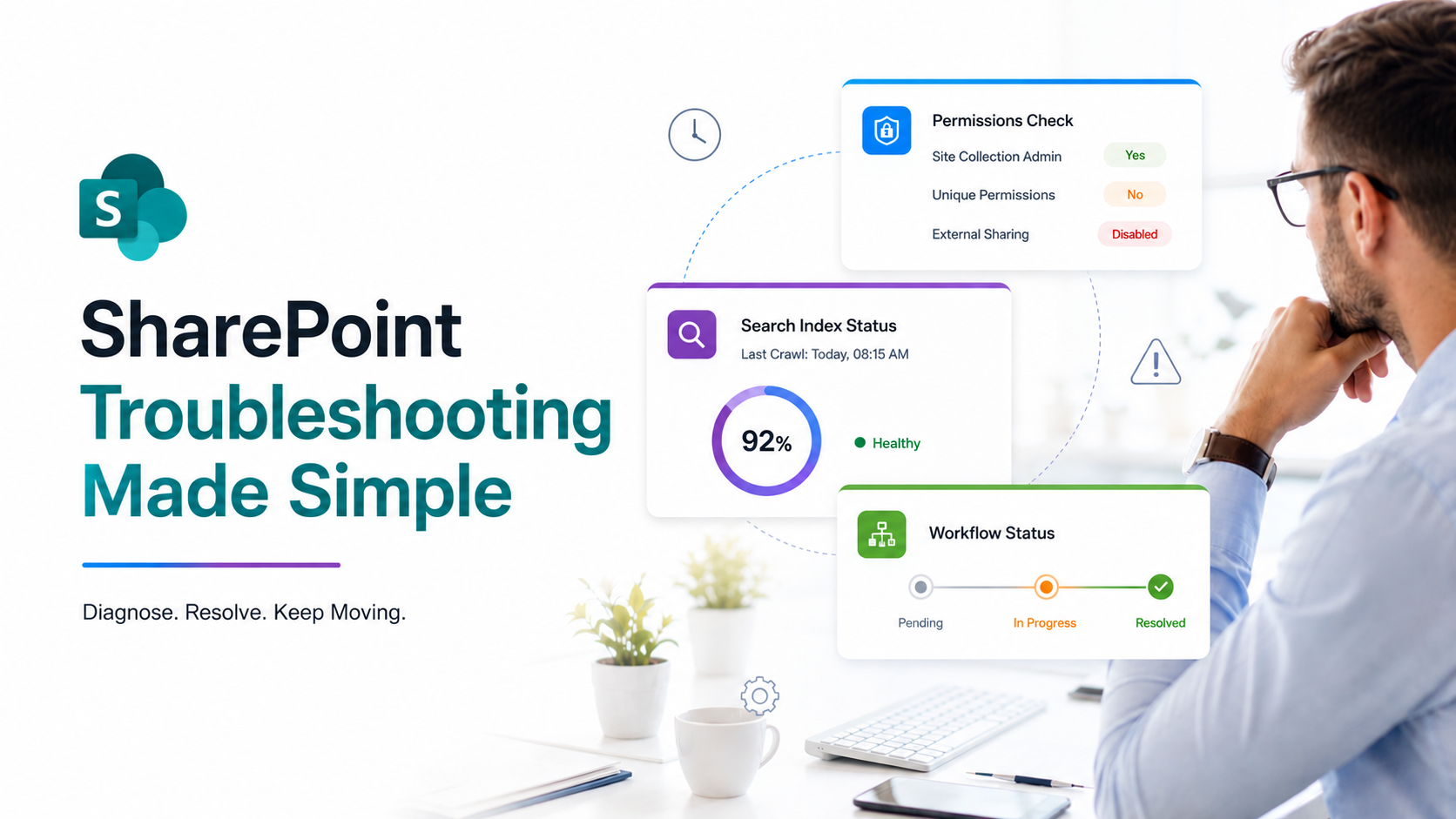
Global organizations face unprecedented pressure to collaborate seamlessly across departments, time zones, and remote locations. Microsoft 365 adoption is near-universal, yet most deployments remain fragmented and underoptimized. Without intentional SharePoint development strategies, teams keep searching for information across disconnected systems, approvals get stuck in email chains, and compliance gaps create organizational risk.
The cost of poor collaboration extends beyond wasted time. Knowledge workers lose productivity searching for information, onboarding takes longer, compliance incidents increase, and employee engagement suffers when tools feel cumbersome.
“Knowledge workers spend an average of 9.3 hours per week searching for and gathering information across disconnected systems, a loss equivalent to 1.5 full workdays weekly per employee.”
McKinsey Global Survey on Knowledge Worker Productivity, 2023
Organizations that modernize their collaboration infrastructure through strategic SharePoint development gain competitive advantage. They accelerate decision-making, reduce compliance risk, and create employee experiences that drive retention.

Core Collaboration Challenges Holding Your Organization Back
Every organization faces unique collaboration obstacles. But we’ve seen several patterns emerge consistently across enterprises that haven’t yet invested in strategic SharePoint development services:
- Information silos across systems: Documents scattered across OneDrive, Teams, email, and local drives create no single source of truth. Employees waste time searching multiple locations and often duplicate work because they can’t find existing resources.
- Manual, error-prone workflows: Approvals, document reviews, and process handoffs require constant manual intervention. Bottlenecks accumulate. Human error increases. Audit trails disappear.
- Poor user experience and low adoption: Employees don’t adopt tools they find difficult to navigate. Engagement remains low. Your Microsoft 365 investment underperforms.
- Compliance and governance gaps: Without managed retention policies, access controls, and audit logging, organizations face e-discovery complexity, regulatory risk, and data breach vulnerability.
- Underutilized Microsoft 365 investment: You’ve paid for Teams, OneDrive, Power Automate, and Power BI, but they operate independently instead of as an integrated system.
- Slow onboarding and knowledge transfer: New employees struggle to find policies, procedures, and organizational knowledge. They rely on colleagues for information that should be centralized and discoverable.
Organizations that ignore these challenges experience higher turnover, compliance violations, inefficiency, and missed competitive opportunities. Meanwhile, competitors who modernize their collaboration infrastructure accelerate project delivery, improve governance, and strengthen employee engagement.
The Solution: Strategic SharePoint Development Services
Custom SharePoint development services directly address each of these pain points by creating an integrated, governed, and user-centric collaboration ecosystem. SharePoint development goes far beyond out-of-the-box configuration. It requires deep understanding of your business processes, organizational culture, and strategic objectives.
Here’s what SharePoint development services deliver:
Centralized Enterprise Intranet Portal
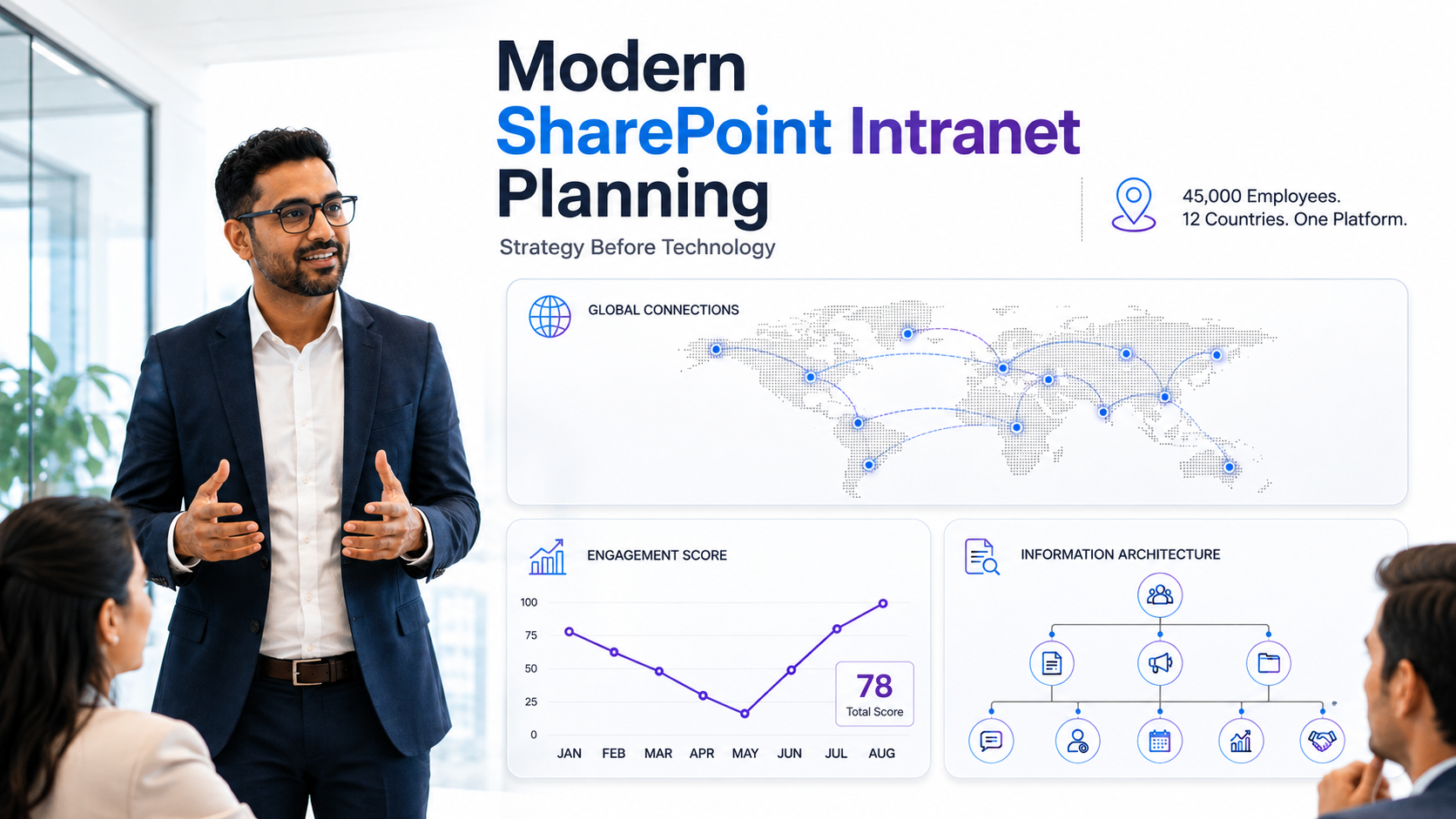
A custom-built enterprise intranet portal serves as the single destination for all organizational information, policies, resources, and announcements. Modern SharePoint intranet development integrates seamlessly with Microsoft 365 search, ensuring employees find critical information 70% faster than navigating multiple systems. Content type strategy, intelligent metadata, and intuitive navigation design drive adoption and engagement.
On top of that, enterprise intranet portals powered by SharePoint development services connect leadership communications, HR resources, compliance documentation, and team-specific content into one accessible hub. Employees spend less time searching and more time executing.
Workflow Automation and Business Process Optimization
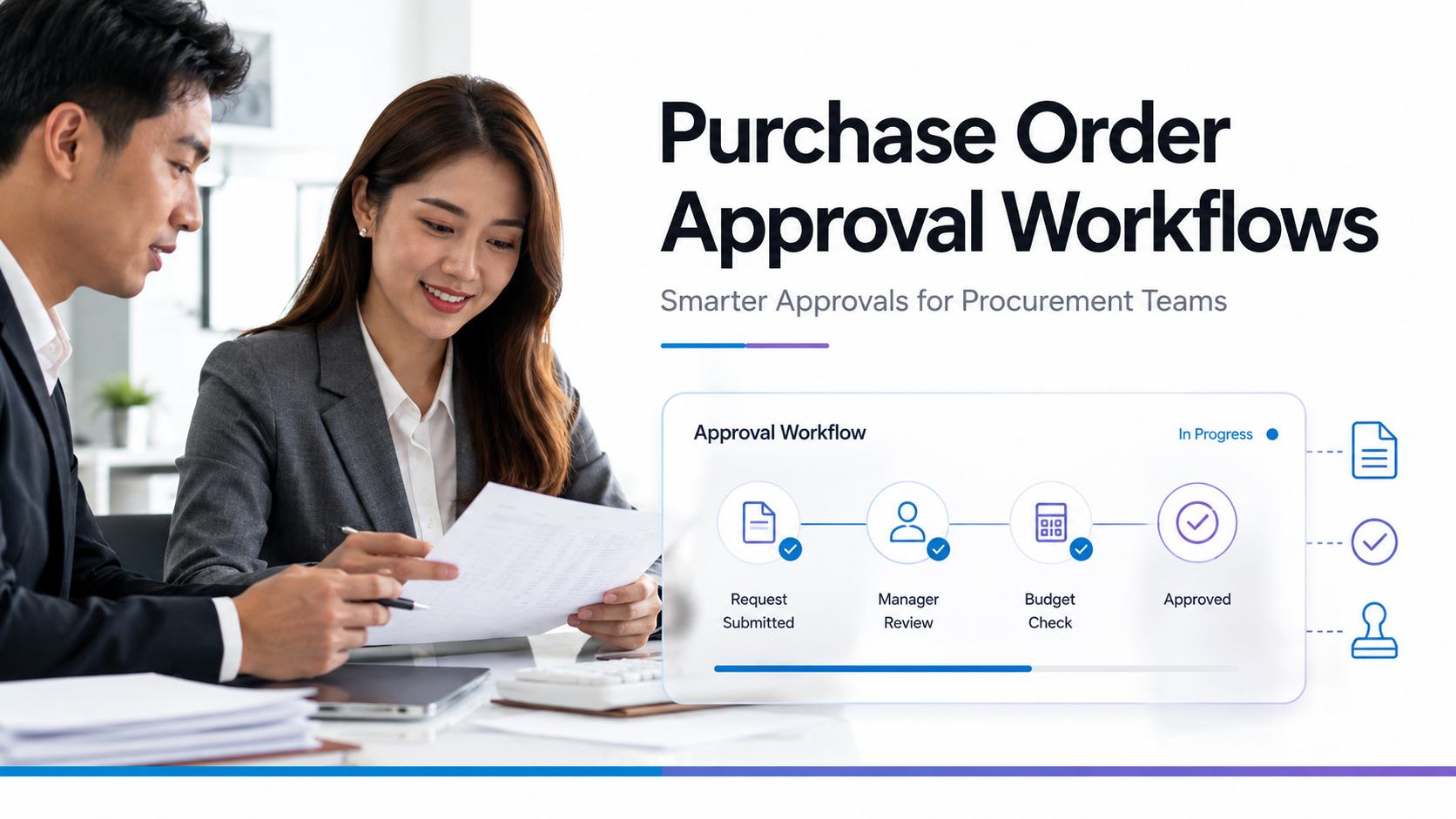
SharePoint workflow automation powered by Power Automate eliminates manual handoffs and creates auditable, repeatable processes. Custom workflow development routes approvals through correct gatekeepers, automates notifications, and captures process metrics for continuous improvement. Document review cycles accelerate. Procurement approvals move faster. Compliance workflows execute consistently.
And here’s the thing: SharePoint development services integrate workflow logic with your broader Microsoft 365 ecosystem. When a document reaches approval status, Power Automate can notify Teams channels, update Power BI dashboards, and trigger downstream processes automatically.
SharePoint Document Management System (DMS)
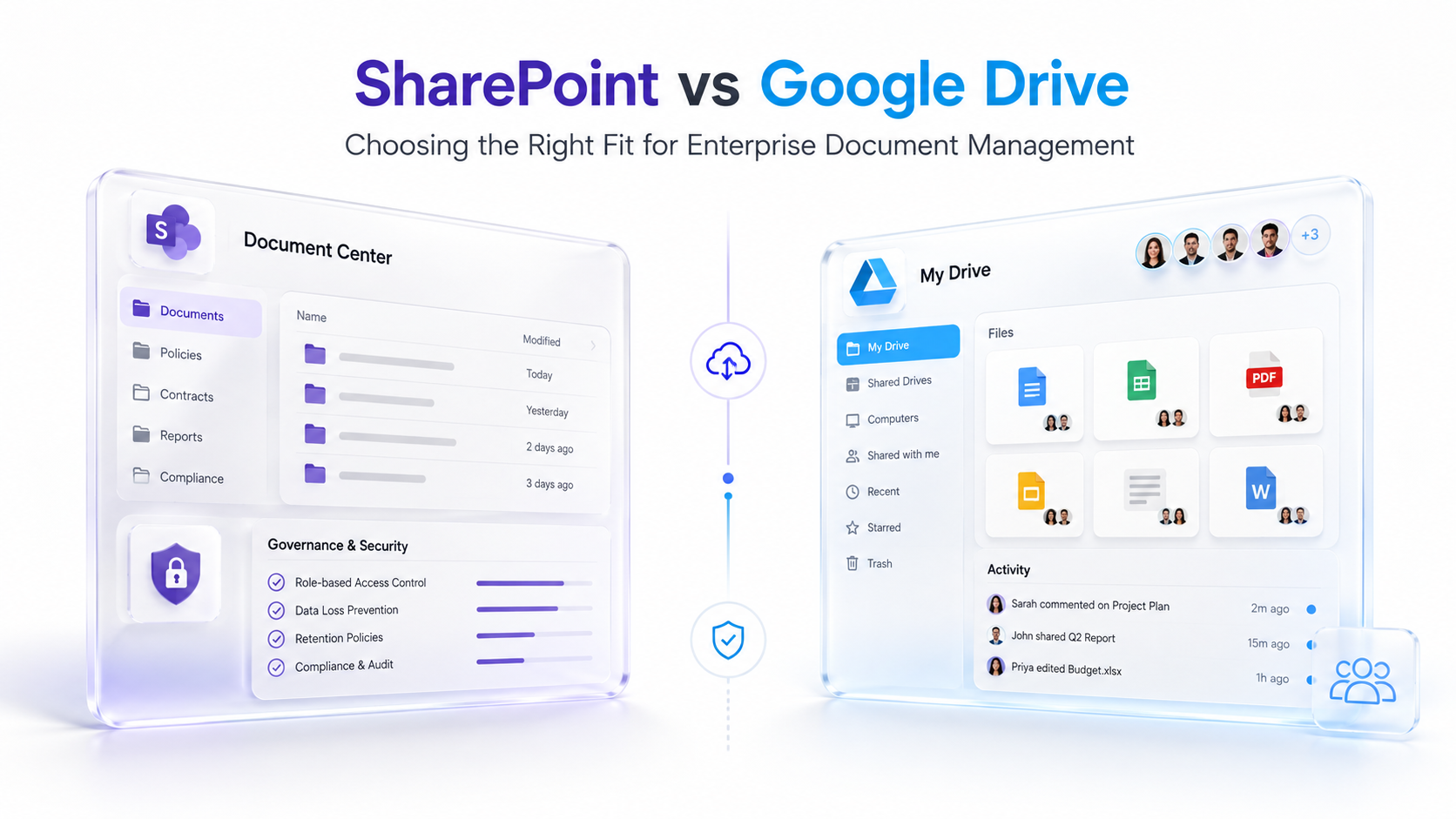
A purpose-built document management system built on SharePoint provides centralized, governed repository with retention policies, metadata classification, version control, and access permissions. Custom SharePoint DMS development ensures compliance with regulatory requirements like GDAA, HIPAA, or SOX. Records management becomes automated. E-discovery readiness improves. Audit trails become comprehensive.
Through SharePoint development services, organizations establish governance frameworks that enforce data retention automatically, manage access based on user role, and flag documents approaching expiration for review.
SPFx Development and Modern Intranet Design
SharePoint Framework (SPFx) development enables custom web parts, advanced integrations, and unique user experiences that generic platforms can’t deliver. Custom search experiences, executive dashboards, team-specific portals, and third-party API integrations become possible through SPFx development. User adoption accelerates when interfaces match how people actually work.
Expert PerspectiveTrue SharePoint development services go beyond technical implementation. It requires understanding your organizational culture, business processes, existing tool landscape, and user behavior patterns to drive adoption and lasting impact. The best SharePoint solutions are invisible to users. They simply work the way business already happens, making collaboration effortless.
When evaluating SharePoint development partners, prioritize firms with experience in governance design, change management, and user adoption, not just technical coding capability. The vendor should ask questions about your current pain points, strategic objectives, and organizational readiness before proposing technical solutions.
Why Leading Organizations Choose Strategic SharePoint Development
Organizations ranging from Fortune 500 companies to mid-market enterprises choose to invest in custom SharePoint development services rather than attempting generic implementations. The difference in outcomes is dramatic.
| Factor | Strategic SharePoint Development | Generic DIY / Template Approach |
|---|---|---|
| Intranet Design & User Experience | Custom-designed around user workflows, brand alignment, accessibility standards, and organizational hierarchy | Template-based, limited customization, generic navigation, inconsistent with organizational culture |
| Workflow & Process Automation | End-to-end automation with Power Automate orchestration, routing logic, notification systems, and audit capture | Manual processes or basic flows; bottlenecks persist; limited integration across tools |
| Governance & Compliance | Enterprise-grade governance framework, automated retention enforcement, role-based access, comprehensive audit trails | Basic controls, retention gaps, access sprawl, e-discovery complexity |
| Microsoft 365 Integration | Unified ecosystem: Teams channels, Power BI reporting, Power Automate workflows, Azure AD identity management | Disconnected tools, redundant effort, data silos, manual data entry across systems |
| Change Management & User Adoption | Structured adoption program, change communications, training delivery, ongoing optimization based on usage analytics | Minimal support, low user engagement, platform underutilization, frustration with tools |
| Scalability & Ongoing Support | Scalable architecture, vendor expertise, continuous improvement, clear roadmap for evolution | Limited support, knowledge silos in internal IT, technical debt accumulates, innovation stalls |
The three differentiating factors that make strategic SharePoint development services worth the investment are end-to-end strategic alignment, not just building features, integration across your entire Microsoft 365 ecosystem instead of tool silos, and proven change management methodologies that drive sustained adoption.
We’ve seen organizations that partner with experienced SharePoint development firms report faster information discovery, fewer compliance incidents, streamlined approval cycles, and measurably higher employee engagement with collaboration tools.

Industry Applications: How SharePoint Development Drives Results
Strategic SharePoint development services deliver measurable outcomes across industry verticals. The collaboration challenges may vary, but the approach remains consistent: understand pain points, design integrated solutions, and drive adoption through change management.
Finance & Professional Services
Financial institutions and professional services firms handle sensitive client information, complex engagement records, and strict regulatory requirements. Custom SharePoint intranet development consolidates client documents, engagement histories, compliance logs, and precedent libraries into secure, governed repositories. Workflow automation routes approvals through required gatekeepers. Advanced search helps associates find relevant precedents in seconds instead of hours.
Result: Reduced project setup time, improved compliance posture, faster client service delivery, and better knowledge reuse across the organization.
Healthcare & Life Sciences
Healthcare organizations managing clinical protocols, regulatory submissions, and patient research require extraordinary access controls and audit accountability. SharePoint document management systems built through custom development enforce HIPAA-compliant access, maintain immutable audit trails, and integrate with Azure security for data residency compliance.
Result: Faster regulatory submissions, reduced compliance violations, improved collaboration between clinical and administrative departments.
Manufacturing & Supply Chain
Manufacturers managing supply chain complexity benefit from enterprise intranet portals that serve as hubs for supplier management procedures, quality standards, and procurement workflows. SharePoint development services integrate workflow automation with ERP systems for real-time visibility into purchase orders, approvals, and vendor performance.
Result: Faster procurement cycles, fewer manual errors, better vendor alignment, and improved supply chain visibility.
Government & Public Sector
Government agencies managing records with specific retention laws benefit from SharePoint development services that establish governance frameworks aligned with federal record requirements. Workflow automation ensures audit compliance. Enterprise intranet portals provide single sources of truth for policies across distributed agencies.
Result: Faster FOIA responses, improved records management compliance, better internal coordination across departments.
How to Get Started With SharePoint Development Services

Implementing strategic SharePoint development services follows a structured approach that moves from understanding to strategy to implementation to sustained adoption.
- Discovery & Assessment: Engage in consultative discovery to understand organizational pain points, current technology landscape, strategic objectives, and stakeholder needs. Outcome: Clear roadmap, business case aligned with executive priorities, and shared stakeholder vision.
- Strategy & Design: Develop SharePoint governance model, intranet architecture, workflow automation strategy, and detailed user personas. Create adoption plan and success metrics. Outcome: Design documentation serving as implementation blueprint, executive alignment, and clear measures of success.
- Development & Implementation: Build custom SharePoint solutions, SPFx components, workflow automations, and Microsoft 365 integrations in phased approach. Establish governance operating procedures. Outcome: Functional enterprise intranet portal, automated workflows, tested governance framework ready for launch.
- Adoption & Training: Launch structured change management program, conduct user training, establish communities of practice, and communicate value proposition. Outcome: High user adoption rates, smooth transition from legacy systems, organizational readiness for new ways of working.
- Optimization & Support: Monitor usage analytics, gather user feedback, optimize based on real-world performance, and provide ongoing enhancements. Outcome: Continuous improvement, sustained ROI, platform that evolves with changing business needs.
Each phase builds on previous work. Rushing from discovery directly to development creates implementation risk. That said, spending excessive time in strategy delays value realization. Experienced SharePoint development services partners establish pace that balances speed with thoughtful planning.
Frequently Asked Questions
How does custom SharePoint development differ from using out-of-the-box Microsoft 365?
Out-of-the-box Microsoft 365 provides foundational tools but doesn’t align with unique business processes or organizational structure. Custom SharePoint development services design intranet architectures, governance frameworks, and workflow automations specific to your organization. Plus, SPFx development enables custom experiences that generic platforms can’t deliver. The difference is comparable to buying a house versus designing and building one to your exact specifications.
What is the role of change management in SharePoint development success?
Technical excellence alone doesn’t guarantee adoption. Change management programs communicate why transformation matters, provide training resources, celebrate early wins, and address adoption barriers. Organizations that invest in structured change management during SharePoint development initiatives see user adoption rates 3-4x higher than those focusing only on technical delivery. User adoption directly determines ROI realization.
How does SharePoint development integrate with Teams, Power BI, and Power Automate?
Modern SharePoint development services treat Microsoft 365 as an integrated ecosystem rather than isolated tools. SharePoint intranet portals embed Teams channels for department-specific conversations. Power Automate workflows route approvals and trigger notifications. Power BI dashboards report on collaboration metrics. Azure AD manages identity and access. Strategic development connects these tools into unified experience rather than requiring users to switch between disconnected applications.
Can small organizations benefit from custom SharePoint development services?
SharePoint development services scale across organizational size. Smaller organizations may focus on essential components like enterprise intranet portal, document management, and workflow automation before expanding. The principles remain consistent: understand pain points, design integrated solutions, and drive adoption. Firms with 50 employees benefit from eliminating information silos just as much as organizations with 5,000 employees.
What governance frameworks should SharePoint development establish?
Effective governance frameworks define content ownership, retention policies, access permissions, naming conventions, and approval workflows. Governance prevents data sprawl, ensures compliance, and maintains information quality. SharePoint development services establish governance during design phase rather than retrofitting it later. When governance feels natural rather than burdensome, users adopt it without resistance.
Transform Your Organization’s Collaboration Today
Strategic SharePoint development services unlock the full potential of your Microsoft 365 investment by connecting teams, automating workflows, and creating unified collaboration experiences. Let’s discuss how custom solutions can address your specific collaboration challenges and deliver measurable business outcomes.