Top 5 Document Management Mistakes and How to Fix Them
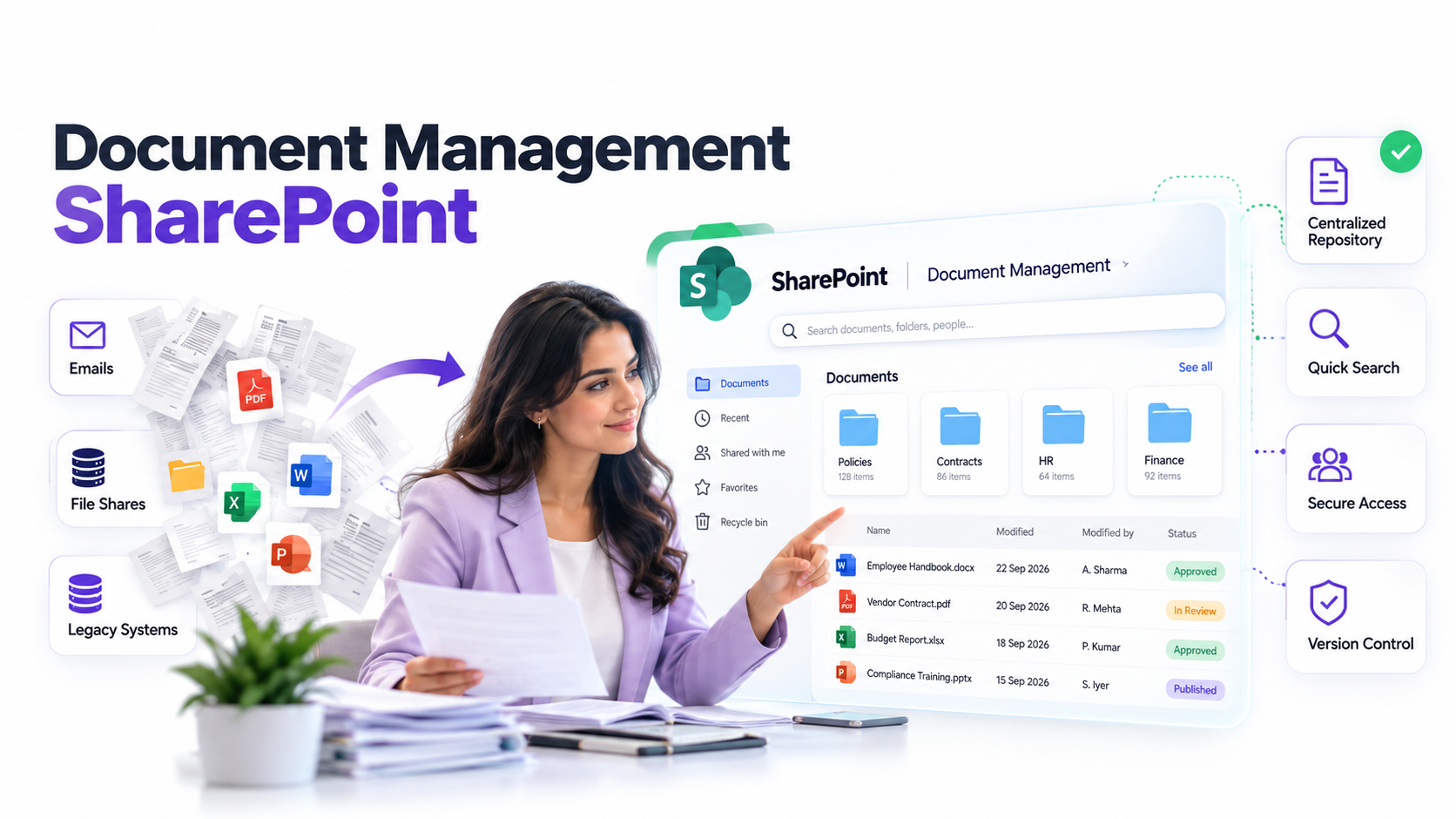
Document management SharePoint systems are powerful tools, yet operations teams consistently make the same critical governance mistakes. These errors cascade quickly: compliance violations emerge, storage costs spike, security gaps widen, and user adoption collapses within months. Here’s the good news, though: most SharePoint document management failures aren’t technical. They’re preventable through intentional strategy and clear governance.
Key Takeaway
The costliest SharePoint document management mistakes stem from governance failures, not technical configuration. A clear information architecture, explicit permissions model, and enforced retention strategy prevent approximately 80% of common problems.
In This Article
- Why Document Management Governance Matters in SharePoint
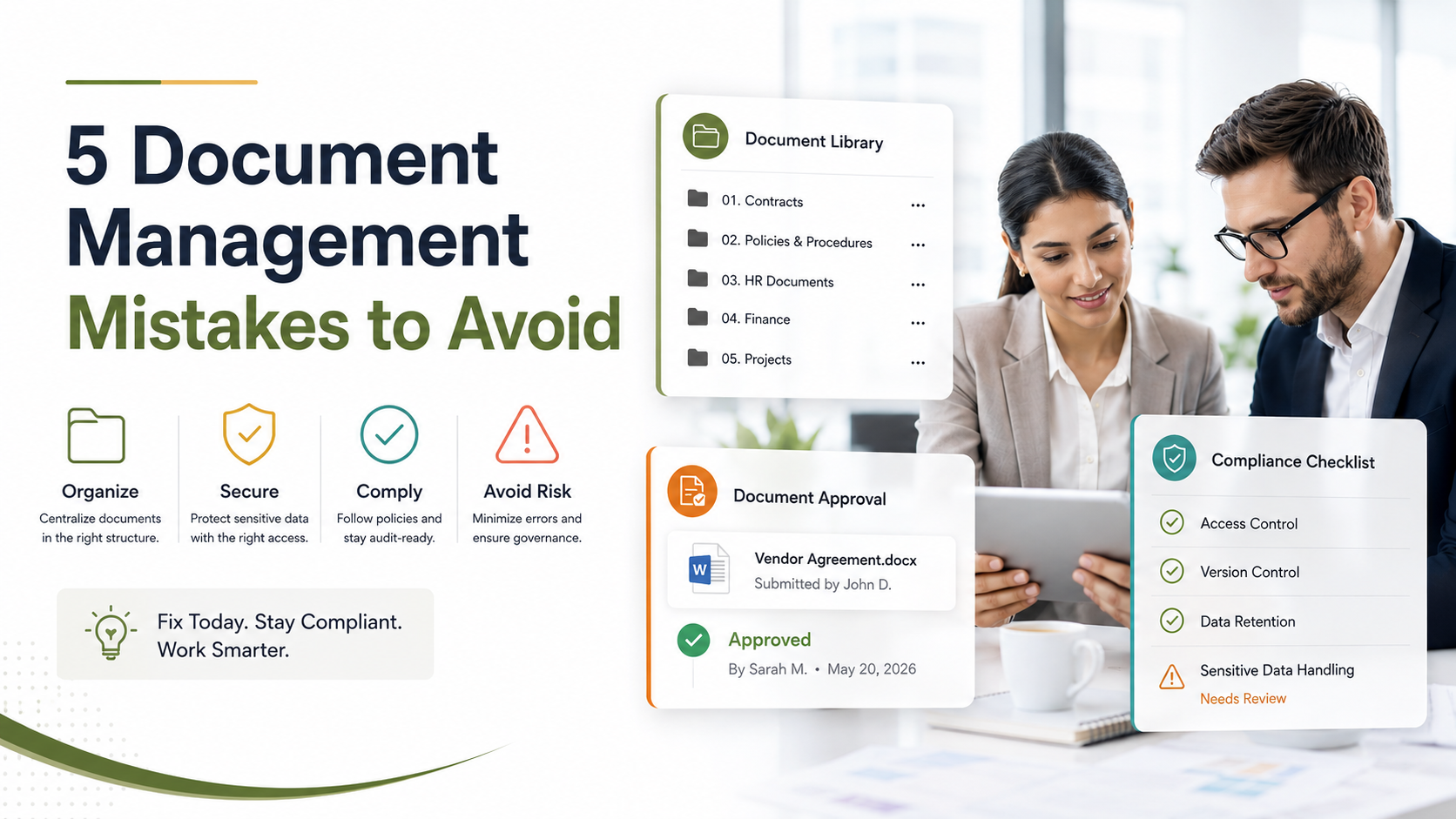
- 5 Critical SharePoint Document Management Mistakes
- Mistake 1: No Clear Folder Structure or Information Architecture
- Mistake 2: Ignoring Metadata and Content Types
- Mistake 3: Weak Permission and Access Control
- Mistake 4: No Retention or Deletion Policy
- Mistake 5: Poor Version Control Practices
- SharePoint Document Management Best Practices
- How to Audit Your Current SharePoint Setup
- Frequently Asked Questions
Why Document Management Governance Matters in SharePoint
SharePoint’s flexibility is simultaneously its greatest strength and its highest risk. Without intentional governance, organizations let folder structures evolve organically, permissions drift, and retention policies go unenforced. The result is a system that technically works but operationally fails.
According to Gartner research on enterprise content management, organizations that implement formal information governance frameworks report 40% faster document retrieval and 35% lower storage costs compared to ad-hoc deployments.
“Organizations without a documented document management strategy spend an average of 18% of operational time searching for or recreating documents.”
Gartner Enterprise Content Management Study, 2023
For operations teams, this gap translates directly to compliance risk, wasted labor, and frustrated users. Document management SharePoint implementations fail not because the platform is inadequate, but because governance expectations were never defined, communicated, or enforced from day one.

5 Critical SharePoint Document Management Mistakes
In our work with operations leaders across financial services, healthcare, and professional services, we’ve seen recurring patterns emerge. Here are the five mistakes that cause the most damage when left unaddressed.
Mistake 1: No Clear Folder Structure or Information Architecture
The most common document management SharePoint error we encounter is the absence of a deliberate taxonomy. Without a defined information architecture, users create folders intuitively based on personal preference. One team organizes by date. Another by project. A third by department. Within months, the structure becomes a maze.
What does that mean in practice? Duplicated documents pile up because users can’t find existing ones, so they create new versions. Deep folder nesting makes searching impossible. Naming conventions become inconsistent: is it “2024_Budget_Final” or “Budget_2024_FINAL_v2”? When a compliance audit arrives, no one can confidently locate the documents the auditor requests.
The fix begins before SharePoint goes live. Define a taxonomy aligned with your organization’s business processes. If you have multiple business units, involve representatives from each. Document naming conventions explicitly. Use SharePoint’s content type system to enforce structure rather than relying on user discipline alone. We worked with a healthcare network that reduced search time by 60% by moving from 12 nested folder levels to a 3-level taxonomy with managed metadata.
Mistake 2: Ignoring Metadata and Content Types
Metadata is the connective tissue of document management SharePoint systems. It allows search algorithms to understand what a document contains, enables filters and refinement, and supports automated workflows. Yet many organizations deploy SharePoint with minimal metadata strategy.
Here’s what happens: without metadata, search becomes unreliable. Users resort to browsing folder hierarchies manually. Document discoverability collapses. During regulatory audits, proving that you’ve identified all relevant documents becomes nearly impossible. A financial services firm we worked with discovered that 40% of their documents were duplicated across multiple locations because users couldn’t find the originals through search.
Start by defining a managed metadata hierarchy. What tags matter to your business? Department. Cost center. Document type. Retention schedule. Confidentiality level. Create content types that enforce which metadata fields are mandatory. Configure search to surface refiners based on these metadata fields. This investment pays immediate dividends in user experience and audit readiness.
Expert Perspective
Operations teams often view metadata as technical overhead. In reality, metadata transforms SharePoint from a file storage system into an intelligent document management SharePoint environment. The organizations we’ve worked with that treat metadata as a core governance requirement, not an afterthought, consistently outperform those that don’t. Your metadata strategy should map directly to your business questions: What documents do I need? Who needs access to them? How long do I keep them?
Mistake 3: Weak Permission and Access Control
Permission misconfiguration creates two distinct problems: over-sharing and under-sharing. Sound familiar?
Over-sharing happens when teams grant “Contribute” or “Edit” permissions too broadly, or when SharePoint inherits permissions from parent site collections in unexpected ways. A legal department might inadvertently expose confidential client agreements to the entire organization. A healthcare provider might expose patient records. Under-sharing occurs when permission inheritance gets interrupted, creating “orphaned” documents that neither the original team nor new users can access.
The fix requires disciplined permission governance. Map organizational roles to permission levels explicitly. Audit permissions quarterly to catch drift. Use SharePoint’s permission inheritance model intentionally rather than making exceptions. Break inheritance only when a specific business case justifies it, and document why. Most organizations benefit from a centralized permissions audit schedule and clear escalation paths for permission requests.
Mistake 4: No Retention or Deletion Policy
Without an enforced retention policy, documents accumulate indefinitely. SharePoint storage grows. Search performance degrades. Compliance obligations become unclear: “Do we still need this 2015 contract?” Storage costs rise. Most critically, if documents are never deleted, your organization can’t prove it has a defensible retention schedule during regulatory investigations or litigation.
Retention policy absent from document management SharePoint systems often means emails, contracts, and operational records persist in perpetuity. Regulators view this as evidence of non-compliance. GDPR, HIPAA, and industry-specific regulations typically require that organizations delete data when it no longer serves a business purpose.
Define retention schedules for each content type before launch. Legal contracts might retain for 7 years post-closure. Operational emails might retain for 3 years. Draft or superseded versions often can be deleted immediately. Use SharePoint’s retention management and eDiscovery features to enforce these schedules automatically. Document your retention policy and ensure it aligns with legal counsel’s requirements and regulatory obligations.
Mistake 5: Poor Version Control Practices
Version control failures create confusion, lost work, and incorrect business decisions. Without clear versioning practices, users wonder: “Is this the approved budget, or last month’s draft?” Versioning gets disabled in the interest of simplicity. Overwrites happen. Critical changes disappear.
SharePoint supports versioning natively, yet many teams either disable it (creating risk) or enable it without establishing clear conventions (creating confusion). Should users always use check-in and check-out? How many versions should the system retain? What constitutes a “major” versus “minor” version change?
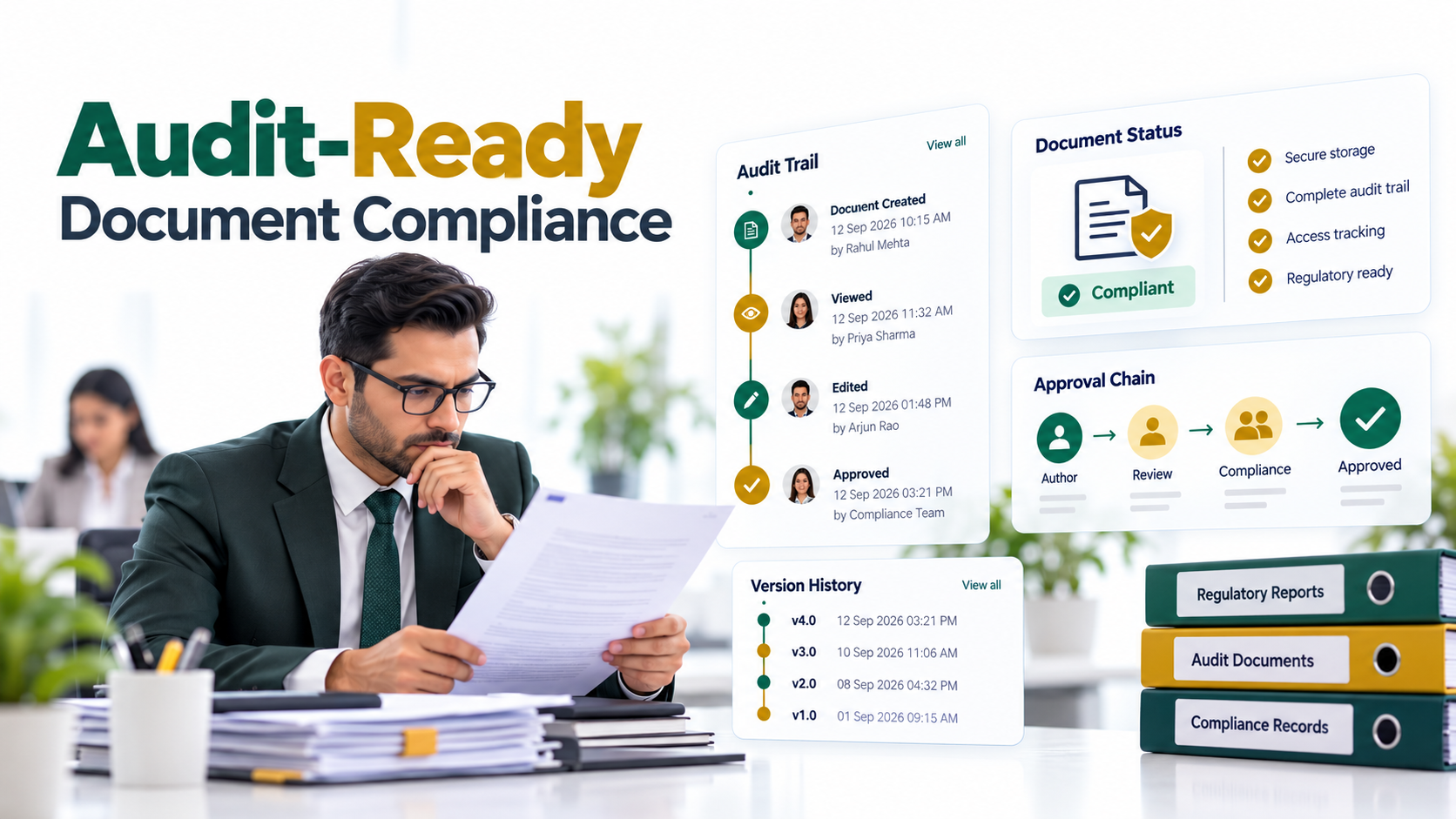
Enable versioning for all document libraries containing business-critical documents. Establish a naming convention: “Document_Name_v1.0_DRAFT” becomes “Document_Name_v2.0_FINAL” when approved. Use check-in and check-out for documents that multiple people edit sequentially. Train users explicitly on these conventions. Consider using approval workflows to mark which version is the “official” version. This eliminates ambiguity and provides an audit trail of who approved what and when.
SharePoint Document Management Best Practices
Document management SharePoint success rests on three foundational pillars. Structure ensures users find what they need. Security ensures only authorized people access sensitive content. Sustainability ensures the system remains efficient, compliant, and affordable long-term.
Here are the core best practices that address each pillar.
- Define and document your information architecture. Create a taxonomy that reflects your business. Apply it consistently across all sites. Train users before launch.
- Build a managed metadata strategy. Identify metadata fields that matter to your business. Use content types to enforce mandatory fields. Make search refiners visible to users.
- Map roles to permission levels explicitly. Audit permissions quarterly. Use site collection administrators to govern permission changes. Break permission inheritance rarely, and document exceptions.
- Establish retention schedules aligned with legal and regulatory requirements. Delete documents per schedule. Prove defensible retention practices during audits. Update schedules as regulations change.
- Enable and enforce version control conventions. Use check-in and check-out for collaborative documents. Train users on naming conventions. Consider approval workflows for official versions.
- Invest in user training and governance champions. A system is only as good as its adoption. Assign governance champions from key business teams. Conduct quarterly training refreshers.
On top of that, review Document Management Systems: Avoiding Common Implementation Mistakes for a deeper look at DMS strategy beyond SharePoint. And if you’re concerned about your current intranet foundation, take a look at Why SharePoint Intranet Development Fails and How to Succeed to assess whether your governance extends beyond document management to collaboration and communication.
How to Audit Your Current SharePoint Setup
If your organization already runs SharePoint document management, a structured audit reveals gaps and priorities for remediation. Follow this five-step approach.
- Step 1: Assess Current Structure, Interview key users about folder navigation. Document the current hierarchy. Identify whether a deliberate taxonomy exists or if folders evolved organically. Measure average time users spend searching for documents.
- Step 2: Review Permissions, Audit permission settings across all sites and libraries. Identify over-shared areas, where sites have “Contribute” access for more than 50% of the organization. Spot permission inheritance breaks. Compare permission levels to your organizational roles.
- Step 3: Check Retention and Storage, Review retention policies, or note where they’re absent. Calculate storage utilization. Identify stale documents, unchanged in 3+ years. Confirm whether deletion processes operate automatically or manually.
- Step 4: Test Search and Discoverability, Search for 10 common documents your team needs regularly. Document search success rate. Check whether refiners surface useful metadata. Evaluate whether users find results on the first page or must dig deeper.
- Step 5: Survey User Adoption, Assess whether teams use SharePoint consistently or maintain shadow file stores, like local folders or email attachments. Identify departments with low adoption. Gather feedback on usability pain points.
Once you’ve completed the audit, prioritize remediation by impact and effort. Start with governance gaps, like structure, metadata, and permissions, before addressing lower-level technical optimizations. Document your findings and share them with stakeholders. This baseline informs a realistic roadmap for improving document management SharePoint governance.

Frequently Asked Questions
What is the most common SharePoint document management mistake?
The most prevalent error is implementing SharePoint without a defined information architecture and taxonomy. Most organizations let folder structures evolve organically based on user preference rather than business logic. Within a year, the structure becomes unnavigable. Users can’t find documents through search. Duplicate files proliferate. This cascades into every downstream problem: poor metadata adoption, permission confusion, compliance risk.
How often should we audit our SharePoint document management structure?
At minimum, quarterly. As your organization grows and users evolve their practices, permission settings drift, metadata gets applied inconsistently, and retention policies go unenforced. A quarterly audit, even a lightweight one focused on permissions and search performance, catches gaps before they become systemic. Some organizations conduct semi-annual comprehensive audits and monthly spot-checks on high-risk content areas.
Can we fix document management SharePoint problems after they start?
Yes, but remediation requires significant effort. Cleaning up an existing SharePoint with years of uncontrolled growth is more labor-intensive than establishing governance upfront. You’ll need to reorganize content, apply retroactive metadata, correct permissions, and revalidate retention decisions. Many organizations underestimate the effort required. That said, remediation is possible and worthwhile. The alternative is ongoing compliance and security risk.
What role should IT versus business teams play in SharePoint governance?
Successful document management SharePoint governance requires partnership. IT owns technical configuration: site collections, permission inheritance, search schema, versioning settings, and compliance features. Business teams, like operations, compliance, records management, and individual departments, define what content types exist, what metadata matters, what retention schedules apply, and what approval workflows are necessary. Neither can succeed alone.
Do we need external help to optimize SharePoint document management?
It depends on your team’s expertise, capacity, and the complexity of your environment. Organizations with dedicated information governance roles and experienced SharePoint administrators often manage optimization internally. That said, many benefit from external guidance to design governance strategy, establish best practice implementations, and accelerate remediation of existing gaps. External experts can also serve as accelerators during large-scale implementations or migrations.
Strengthen Your SharePoint Governance Today
Document management SharePoint mistakes compound over time, but they’re preventable with clear strategy and intentional governance. Our team specializes in auditing SharePoint environments, designing governance roadmaps, and remediating common mistakes across operations, compliance, and IT functions.