

Support and maintenance for what you already run
We look after SharePoint, Power BI, Power Apps and Power Automate solutions that are already live, whether we built them or not. You get fixes, small changes and regular reviews from people who know the platform.
Book a free consultation
Trusted by teams at












What is covered
What a support plan can include
We agree the scope with you in writing, based on what you run.
Fixes
Something broke or behaves wrongly. We find the cause and fix it.
Small changes
New fields, new report pages, changes to a workflow or a form.
Permission and access reviews
A regular check of who can see and change what.
Monitoring
Checks on refresh, flows and sites, so problems are found early.
Upgrades
Keeping solutions working through Microsoft changes.
Advice
A person to ask when your team is unsure how to do something.
How it works
How support works
Review what you run
We look at your solutions and agree what the plan covers.
Agree the plan
The scope, how you raise requests and how we respond, in writing.
Raise requests
Your team sends requests to us and we work through them.
Regular review
A short review of what was done and what to improve.
How a request is handled
What happens when you raise a support request
Every request follows the same short path, so you always know who has it and what comes next.
Logged
Your request is recorded with what you saw and how urgent it is.
Triaged
We separate a fault from a small change and from a new request.
Fixed or planned
Faults are fixed. Changes are estimated and agreed before work starts.
Tested
Each fix is tried on a copy before it touches live data.
Confirmed
You confirm it works before the request is closed.
Reviewed
Repeat issues are looked at together, so the cause is removed.
Case studies
Services projects we have delivered
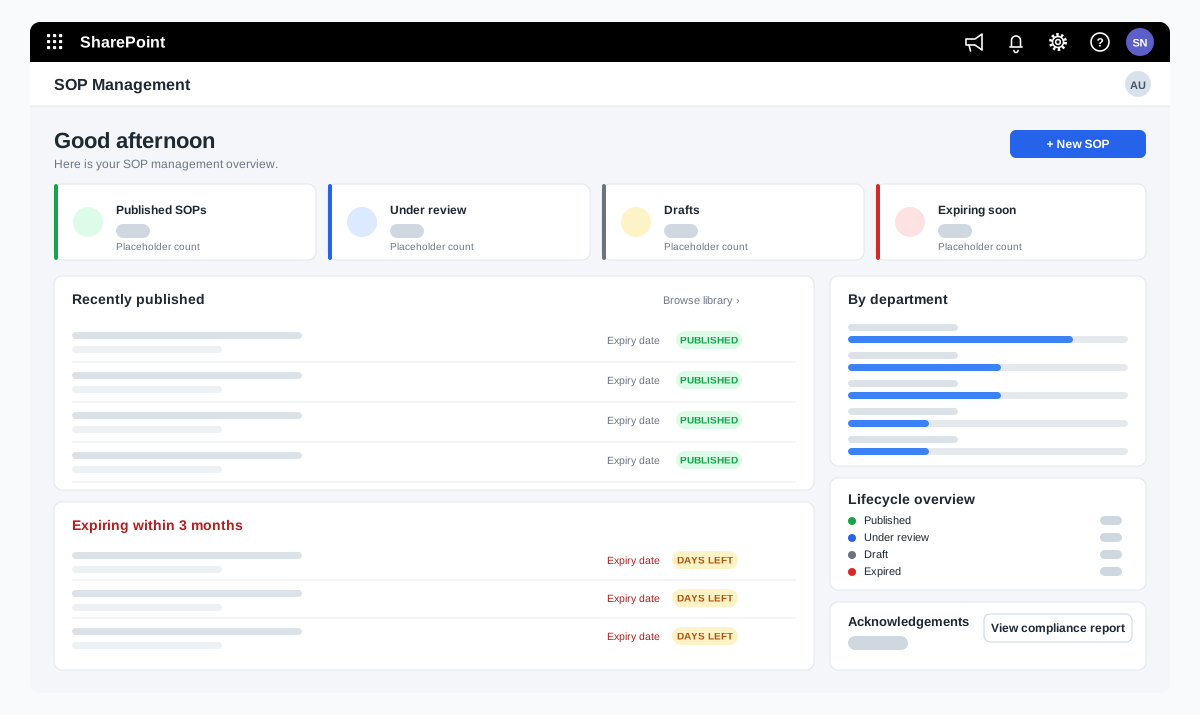
SOP management on SharePoint for a food manufacturer
A bakery ingredients manufacturer wanted procedures that are approved, read and proven to be understood. We adapted our SOP Management product on SharePoint and added reading time with a quiz, renewal and revision, and print-ready controlled copies.
A bakery ingredients manufacturer in India, part of a global group
Read the case study →SharePoint · Microsoft 365 · Technology and IT services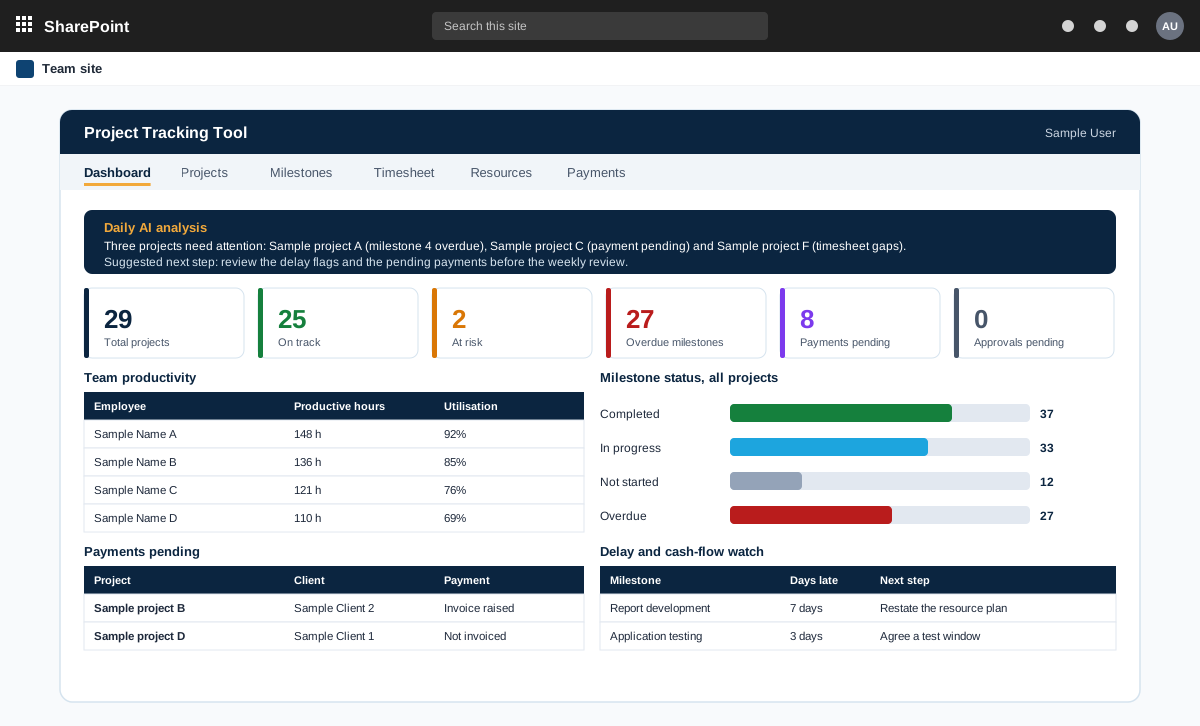
Project management tool on SharePoint with AI analysis
A project management tool built on SharePoint in the customer tenant. It tracks projects, milestones, timesheets and payments, and adds AI analysis through an n8n workflow.
A product sold to external customers. The customer is not named.
Read the case study →SharePoint · .NET and ASP.NET · Automotive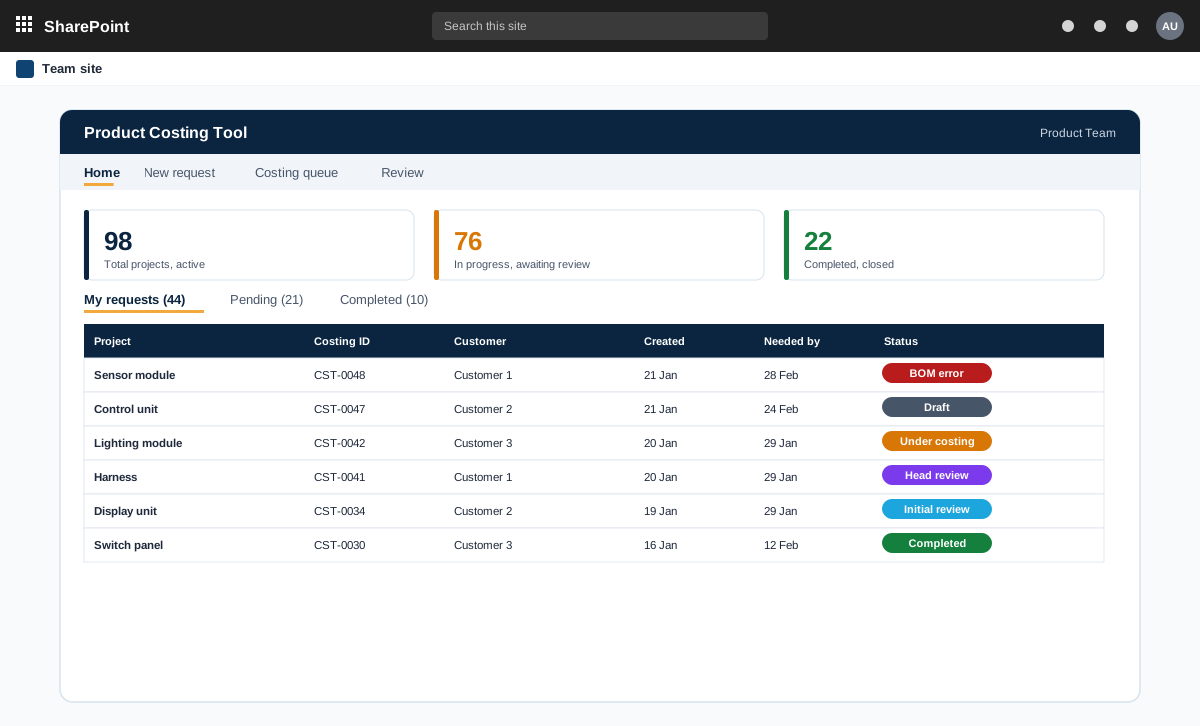
SharePoint and ASP.NET product costing tool for bills of materials
A product costing tool for an automotive component maker. Product teams raise costing requests with a bill of materials, the costing team prices every line at the lowest landed cost, and the costing head reviews and signs off.
An automotive component manufacturer with product teams and a central costing team
Read the case study →Support questions
Can you support something you did not build?
Yes. We start with a short review of what you run, fix what is urgent and then support it.
Which platforms do you support?
SharePoint, Power BI, Power Apps, Power Automate and Copilot solutions on Microsoft 365.
How do we raise a request?
We agree the way with you, for example by email or a shared channel, as part of the plan.
How do we get a price?
Book a free consultation. After a short scoping call we send a proposal with one price for the core scope, separate prices for optional add-ons, and the assumptions written down.
Contact