

Power Automate workflows that move work along on their own
We build workflows that route approvals, send reminders, move files and connect your systems, so people stop chasing each other by email.
Talk to a Power Automate consultant
Clients using Power Automate












What we do
Ways we work on Power Automate
Pick the one that matches where you are today. Many clients start with one and add another later.
Workflow development
Approvals, notifications, document processes and data transfers, built in your Microsoft 365.
Power Automate development →Apps and forms
Power Apps forms that start the workflow and show where each request is.
Power Apps →Power Platform consulting
A review of the flows you already run and a plan to make them reliable.
Power Platform consulting →SharePoint workflows
Approvals and document processes on SharePoint libraries and lists.
SharePoint development →Copilot Studio agents
Agents that start flows and answer questions from your data.
Copilot Studio →Dedicated developers
Power Platform developers who work as part of your team, month to month.
Hire developers →How it works
How a Power Automate flow works
Something starts the flow, it checks the rules and asks for approval where needed, then updates your data and tells the right people.
- Routine steps run on their own
- Reminders when nobody acts
- Every step is visible
Quick enquiry
Which process would you automate first?
Where to start
Where to start with Power Automate
Match your situation to a starting point. If none fits, send us a note and we will point you the right way.
Approvals run on email
Nobody knows who has it now.
Start with workflow development
Approval workflow product →People copy data between systems
The same entry is typed twice.
Start with a data flow
ERP and system integration →Documents go through steps by hand
Review, sign-off and filing.
Start with SharePoint workflows
SharePoint workflow guide →Flows break and nobody knows why
Created by people who have left.
Start with consulting
Governance for flows →We need a form that starts a process
And a screen to track it.
Start with Power Apps
SharePoint list forms →We need extra hands
The roadmap is clear but you need more delivery capacity.
Add dedicated developers
Staff augmentation →How we work
Fewer steps, clearer ownership
We map the process first, remove steps that do not need to exist, and then automate what is left.
- Built in your own Microsoft 365Flows run in your tenant. We do not host your data.
- Error handling built inFlows tell the right person when something fails, instead of failing quietly.
- Clear ownershipEach flow has an owner and is not tied to one person alone.
- DocumentedA plain description of what each flow does and what it connects to.
Case studies
Power Automate projects we have delivered
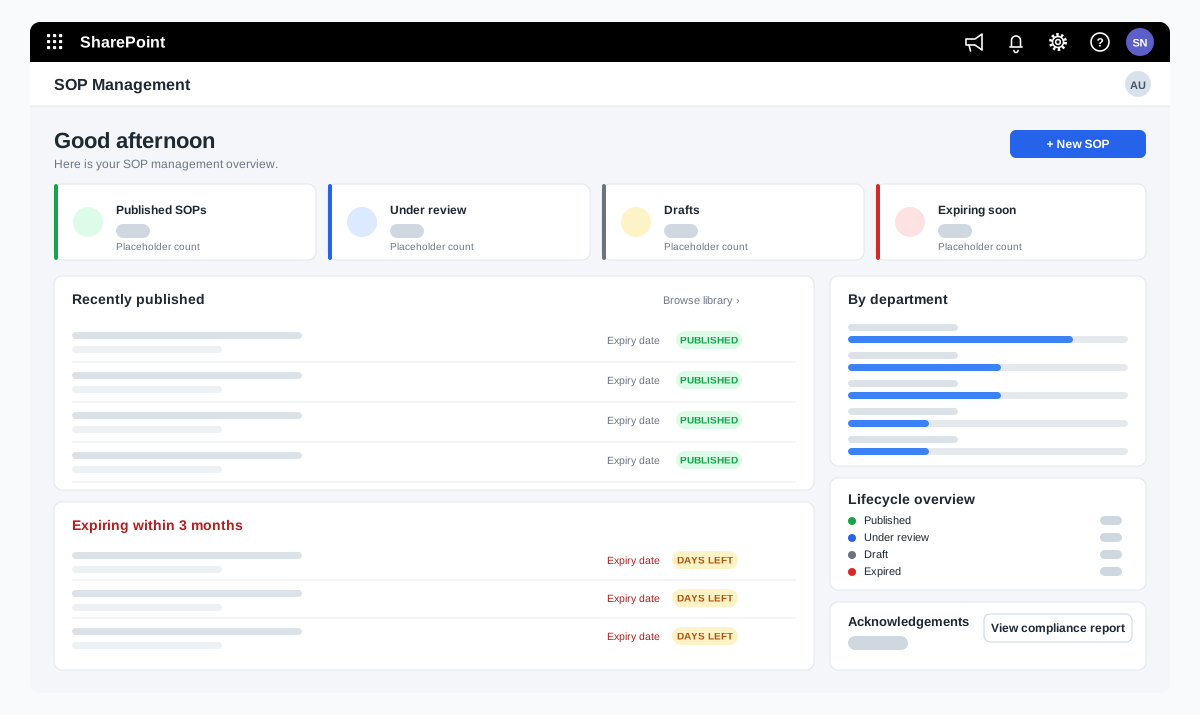
Ownership and failures
Every flow has an owner and tells someone when it fails
Most broken flows were built by someone who has since left. We make sure that never leaves you stuck.
- Named owner and a short descriptionWritten inside each flow, so anyone can see what it does.
- Service accounts for connectionsFlows run on service accounts, not on one person’s login.
- Failure alertsErrors sent to a person who can act on them.
- Review when systems changeFlows checked whenever a connected system or process changes.
Power Automate questions we hear often
What can Power Automate automate?
Approvals, notifications and reminders, moving files, copying data between systems, collecting form responses, and scheduled tasks. It connects to Microsoft 365 apps and to many other systems.
What is the difference between cloud flows and desktop flows?
Cloud flows connect online services and run without a person. Desktop flows automate steps in software that has no connector, such as an older desktop application.
Do we need extra licences?
Some flows use licences you already have in Microsoft 365. Others, for example those using premium connectors, need extra licences. We check this on the first call.
Can you fix flows we already have?
Yes. We review flows that fail or nobody understands, fix the cause and document them.
How do we get a price?
Book a free consultation. After a short scoping call we send a proposal with one price for the core scope, separate prices for optional add-ons, and the assumptions written down.
Contact