

SharePoint services for teams that run on Microsoft 365
We plan, build, move and support SharePoint sites, intranets and document systems. We have worked on SharePoint since 2010, from SharePoint 2007 to SharePoint Online.
Talk to a SharePoint consultant
Clients using SharePoint












What we do
Five ways we work on SharePoint
Pick the one that matches where you are today. Many clients start with one and add another later.
SharePoint consulting
A review of your sites, permissions and licences, and a plan for what to fix, keep or build next.
SharePoint consulting →SharePoint development
Custom web parts, document systems, approval workflows and integrations, built in your own Microsoft 365.
SharePoint development →Intranet development
A company intranet with news, policies, people and everyday requests, working on desktop, mobile and Teams.
Intranet development →SharePoint migration
Move from file shares, Google Drive or older SharePoint to SharePoint Online, with clean-up before the move.
SharePoint migration →Subscription Edition upgrade
Move SharePoint Server 2016 or 2019 to Subscription Edition when your data has to stay on your own servers.
Subscription Edition upgrade →Dedicated developers
SharePoint developers who work as part of your team, month to month.
Hire SharePoint developers →Where to start
Where to start with SharePoint
Match your situation to a starting point. If none fits, send us a note and we will point you the right way.
We need a better intranet
Staff cannot find news, policies or forms.
Start with intranet development
Intranet Portal product →Our SharePoint is old or messy
Permissions are unclear, sites are duplicated, search is poor.
Start with a review of your sites
Classic SharePoint modernization →We are on SharePoint 2016 or 2019
Microsoft support ended in July 2026.
Start with a migration or upgrade plan
Migration guide →We have a process on email and Excel
Approvals, requests and documents are tracked by hand.
Start with an approval workflow
Approval workflow product →We want Copilot to work well
Copilot only answers well from content that is tidy and correctly shared.
Start with a readiness review
Copilot implementation →We need extra hands
The roadmap is clear but you need more delivery capacity.
Add dedicated developers
Staff augmentation →How we work
One team from first workshop to support
The people who scope your project also build it and support it, so nothing is lost in a handover.
- Built in your own Microsoft 365Content, security and sign-in stay in your tenant. We do not host your data.
- Working screens earlyYou react to something real before the full build, not to a long document.
- Scope in writingWe agree the scope, assumptions and what is not included before we start.
- Support after go-liveFixes, small changes, permission reviews and upgrades under a support plan.
Ready-made
Start from a product instead of a blank site
We have 18 ready-made products built on SharePoint. They run in your own Microsoft 365 and can be adjusted to your process.
Case studies
SharePoint projects we have delivered
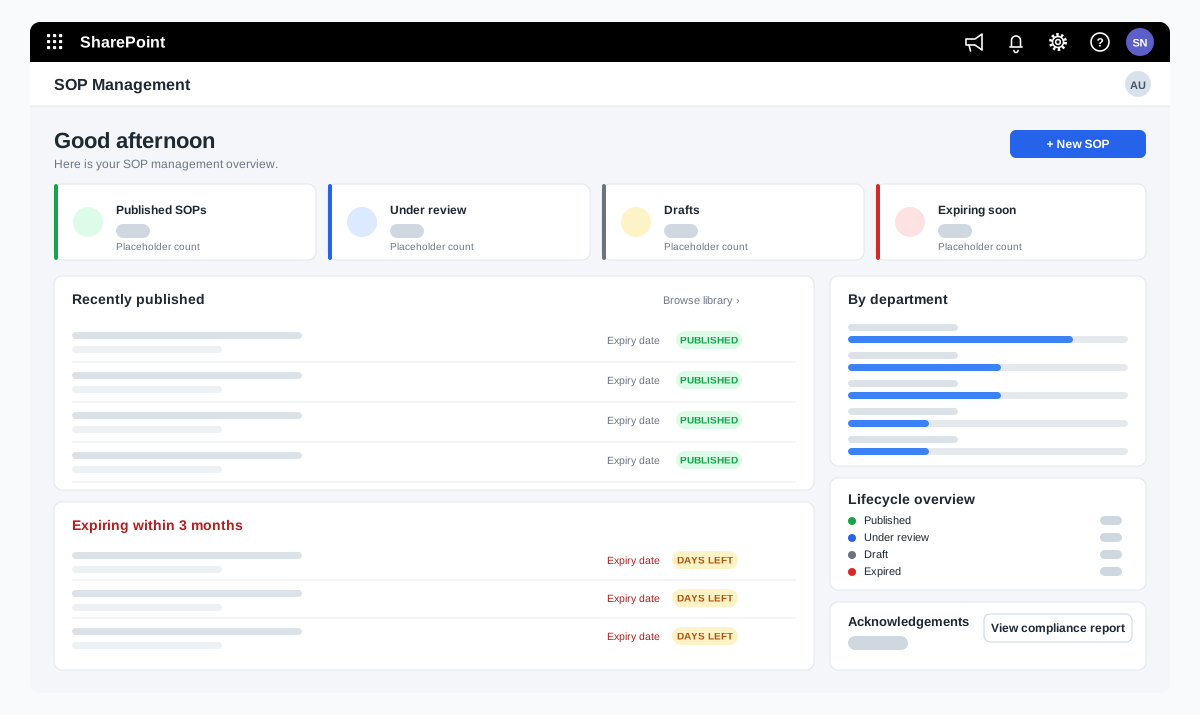
SOP management on SharePoint for a food manufacturer
A bakery ingredients manufacturer wanted procedures that are approved, read and proven to be understood. We adapted our SOP Management product on SharePoint and added reading time with a quiz, renewal and revision, and print-ready controlled copies.
A bakery ingredients manufacturer in India, part of a global group
Read the case study →SharePoint · Microsoft 365 · Technology and IT services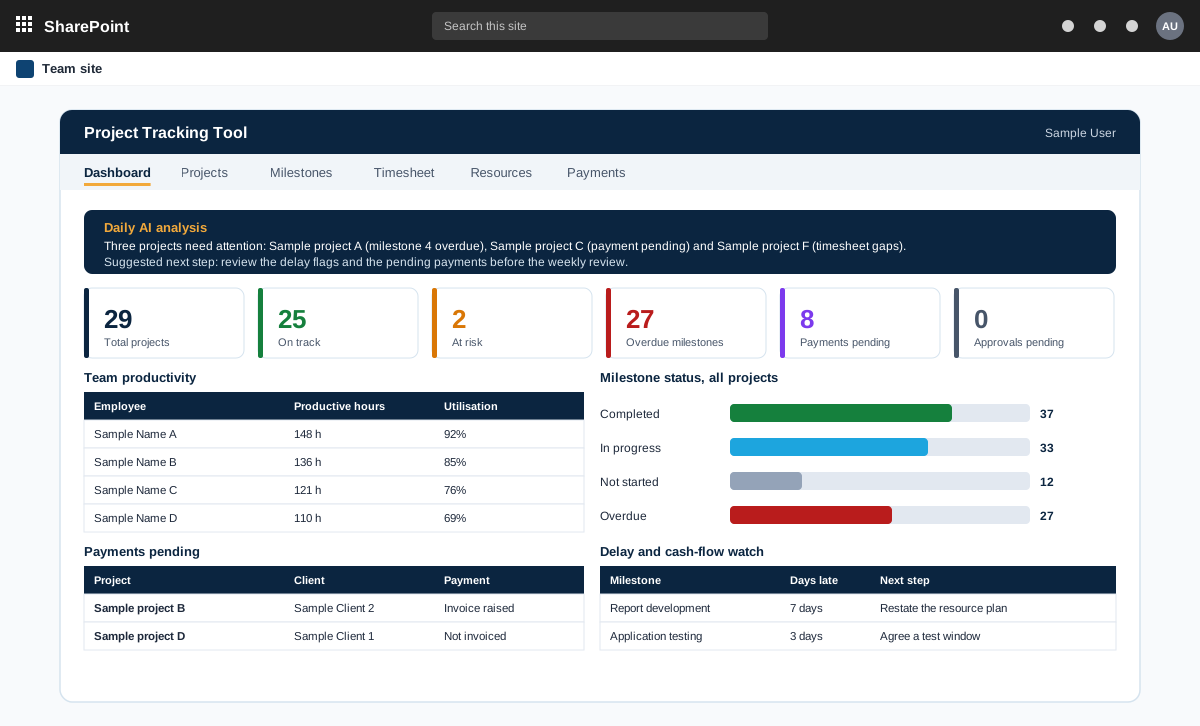
Project management tool on SharePoint with AI analysis
A project management tool built on SharePoint in the customer tenant. It tracks projects, milestones, timesheets and payments, and adds AI analysis through an n8n workflow.
A product sold to external customers. The customer is not named.
Read the case study →SharePoint · .NET and ASP.NET · Automotive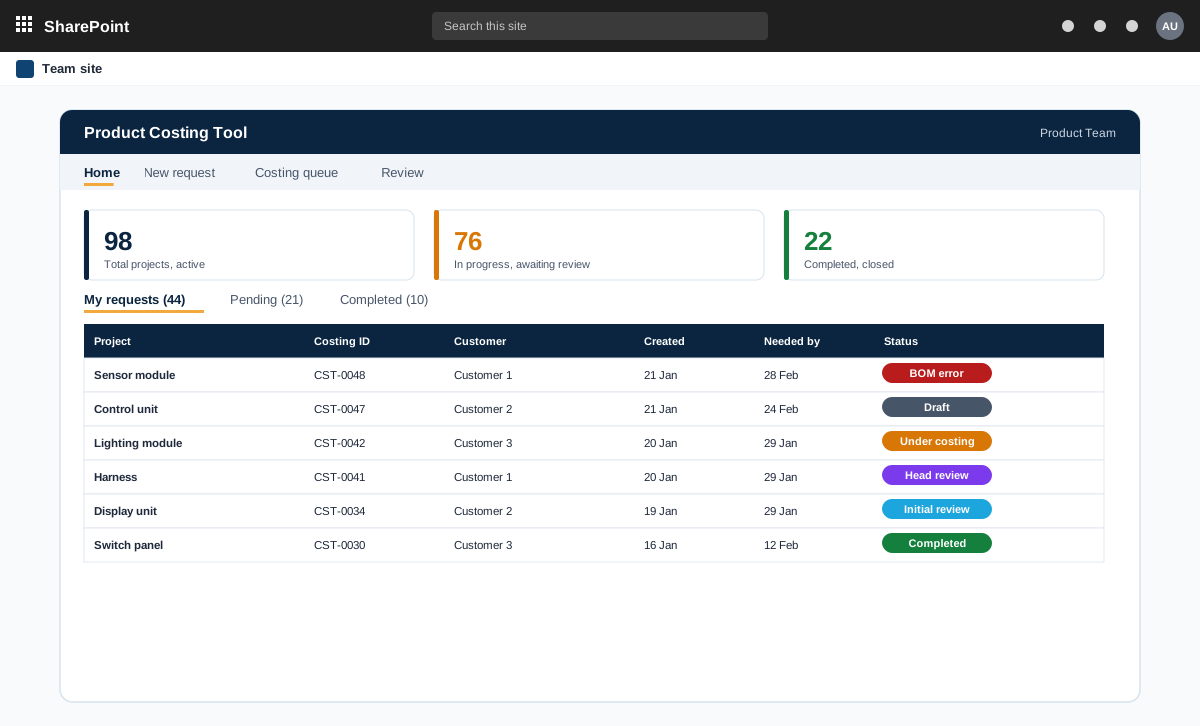
SharePoint and ASP.NET product costing tool for bills of materials
A product costing tool for an automotive component maker. Product teams raise costing requests with a bill of materials, the costing team prices every line at the lowest landed cost, and the costing head reviews and signs off.
An automotive component manufacturer with product teams and a central costing team
Read the case study →SharePoint · Other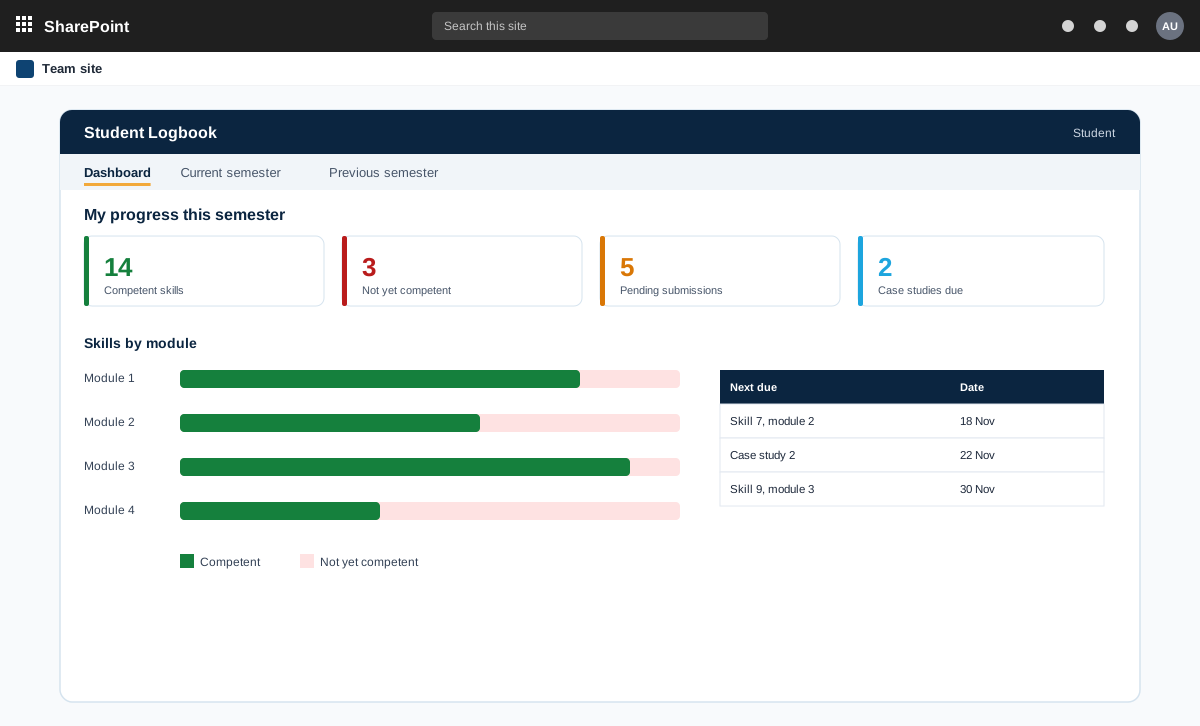
SharePoint student eLogbook for practical skills and case studies
A SharePoint eLogbook for a higher education institution. Students submit practical skills and case studies, staff review them and mark competency, and admins run the masters, templates and academic year.
A higher education institution with students, teaching staff and an admin office
Read the case study →SharePoint · Manufacturing and engineering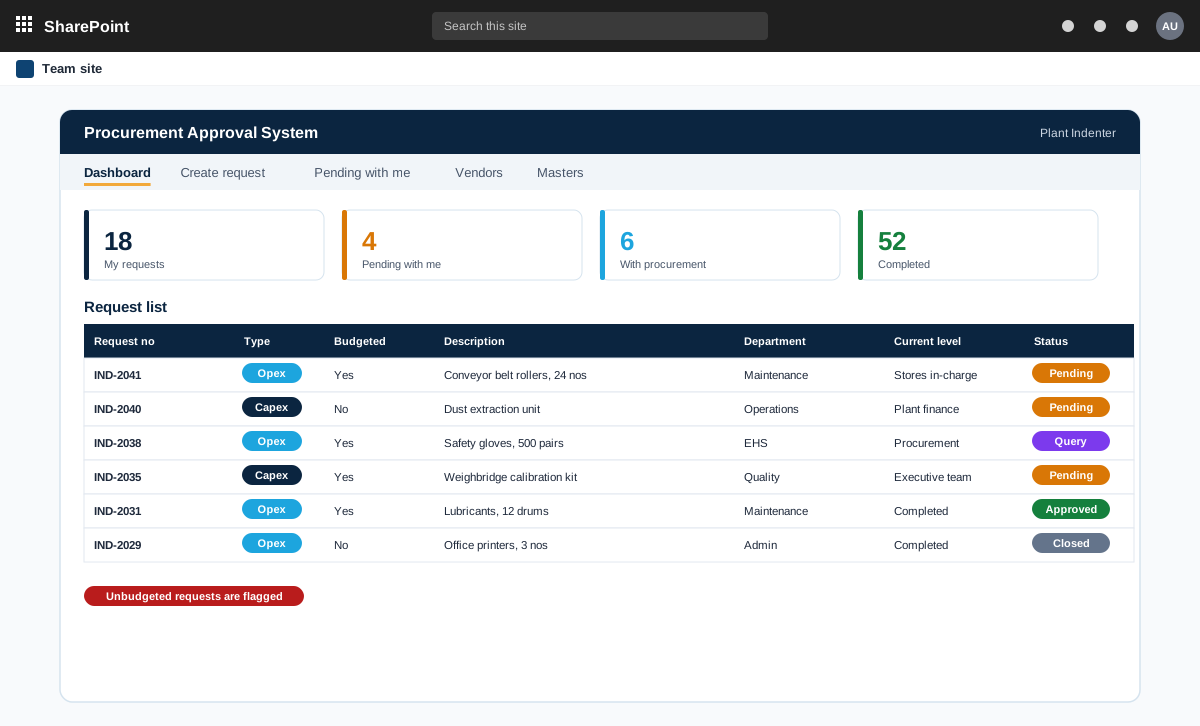
SharePoint capex and opex approval workflow with parallel and sequential approvals
A SharePoint procurement approval system for an industrial group with several plants. One request moves through user and team approvals, some in sequence and some in parallel, with routes and limits that differ by plant.
An industrial group with several plants, a central purchase cell and an executive team
Read the case study →SharePoint · Retail and consumer goods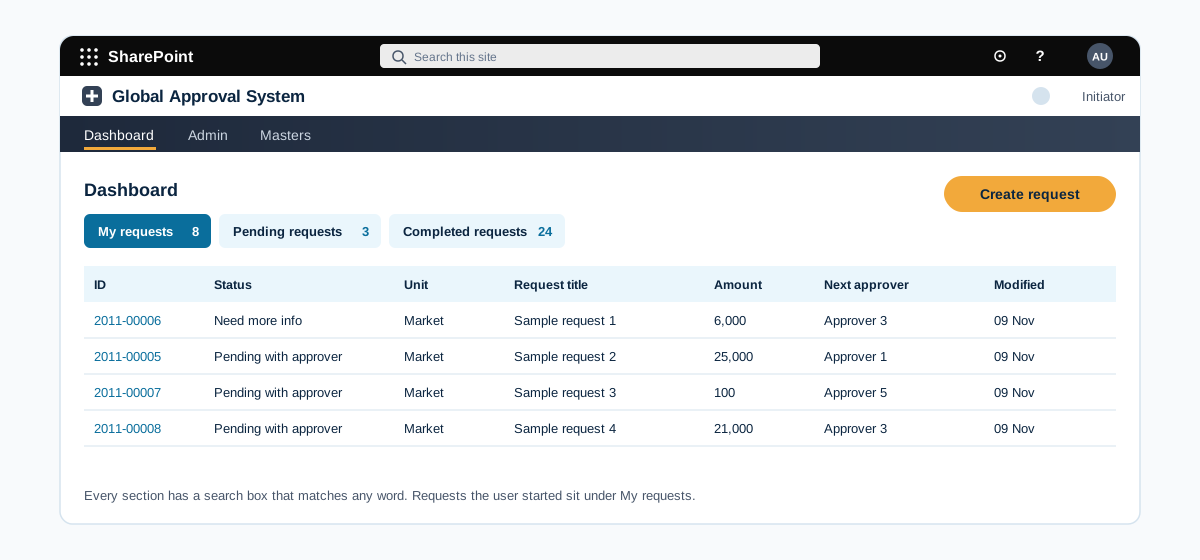
Multi-region approval workflow where the route is set by request type and amount
A SharePoint approval system for a consumer products group with units in several regions. The approver route is built from the unit, the request type and the amount, and approvers act from an email or a dashboard.
A global consumer products group with business units across several regions and approval levels
Read the case study →Permissions first
Who can see what is checked before we build
Most SharePoint problems start with access. We review it first, so the build does not repeat old mistakes.
- Site and library accessEach site and library checked for who can open, edit and share.
- Broken inheritance fixedItems with their own permissions brought back in line, where that is the right result.
- Groups instead of single usersAccess given through groups that match how your teams work.
- A permission report to keepA list of who has access to what, so the next review is quick.
Contact