

Upgrade to SharePoint Server Subscription Edition
Microsoft ended support for SharePoint Server 2016 and 2019 in July 2026. If your data has to stay on your own servers, we plan and run the upgrade to Subscription Edition, and support the farm afterwards.
Get a free upgrade assessment
Trusted by teams at












Subscription Edition or SharePoint Online?
Both are valid. The right one depends on where your data must live and how much you want to run yourself.
| Compared on | SharePoint Server Subscription Edition | SharePoint Online |
|---|---|---|
| Where it runs | Your own servers or private cloud | Microsoft cloud, part of Microsoft 365 |
| Updates | Installed and tested by your IT team | Automatic, managed by Microsoft |
| Best for | Strict data residency or regulated environments | Most organisations already on Microsoft 365 |
| Copilot and newer cloud features | Limited, needs extra set-up | Works with Microsoft 365 Copilot and Teams |
| Effort to move | An upgrade of your existing farm | A migration of content and customisations |
What we do
What an upgrade project covers
The supported upgrade path depends on your current version and farm. We confirm it in the assessment.
Readiness assessment
Current version, servers, databases, customisations, third-party add-ons and what each needs.
Compatibility check
Custom solutions and add-ons tested against Subscription Edition, with a fix, replace or retire list.
Target farm design
Servers, SQL Server, search, authentication and high availability planned for your size.
Test upgrade
A rehearsal on a copy of your data, so timings and issues are known before the real upgrade.
Cut-over
The live upgrade in an agreed window, with checks and a rollback plan.
Support
Patching advice, monitoring and support for the Subscription Edition farm after go-live.
How we work
How an upgrade runs
We rehearse before the real thing.
Assess
Inventory of your farm and customisations, and a recommendation on upgrade or move to the cloud.
Design
Target farm, upgrade path, schedule and a plan for users.
Rehearse
A test upgrade on a copy of your data, with fixes for what breaks.
Upgrade and support
The live upgrade, checks, and support in the first weeks.
Case studies
SharePoint projects we have delivered
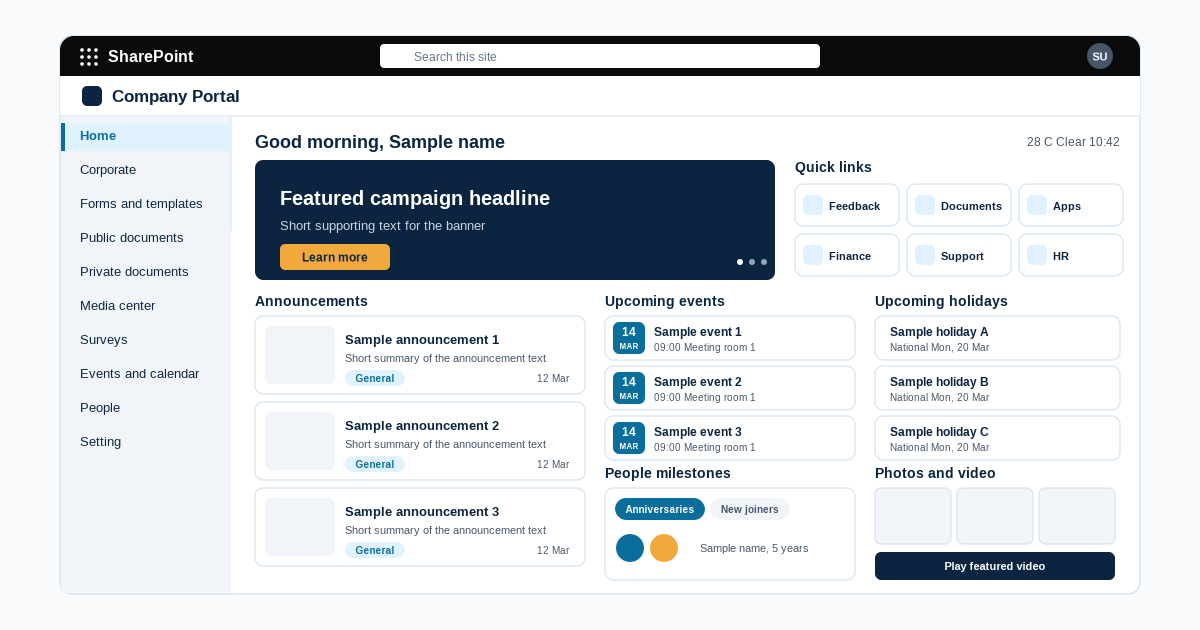
Company intranet portal on SharePoint Online for an airport operator
An airport operating company wanted one place for news, corporate information, business systems, media, surveys, events and a staff directory. We built a SharePoint Online intranet with an admin panel, so named editors publish content under controlled rights.
Read the case study →SharePoint · Power Automate · Food and beverage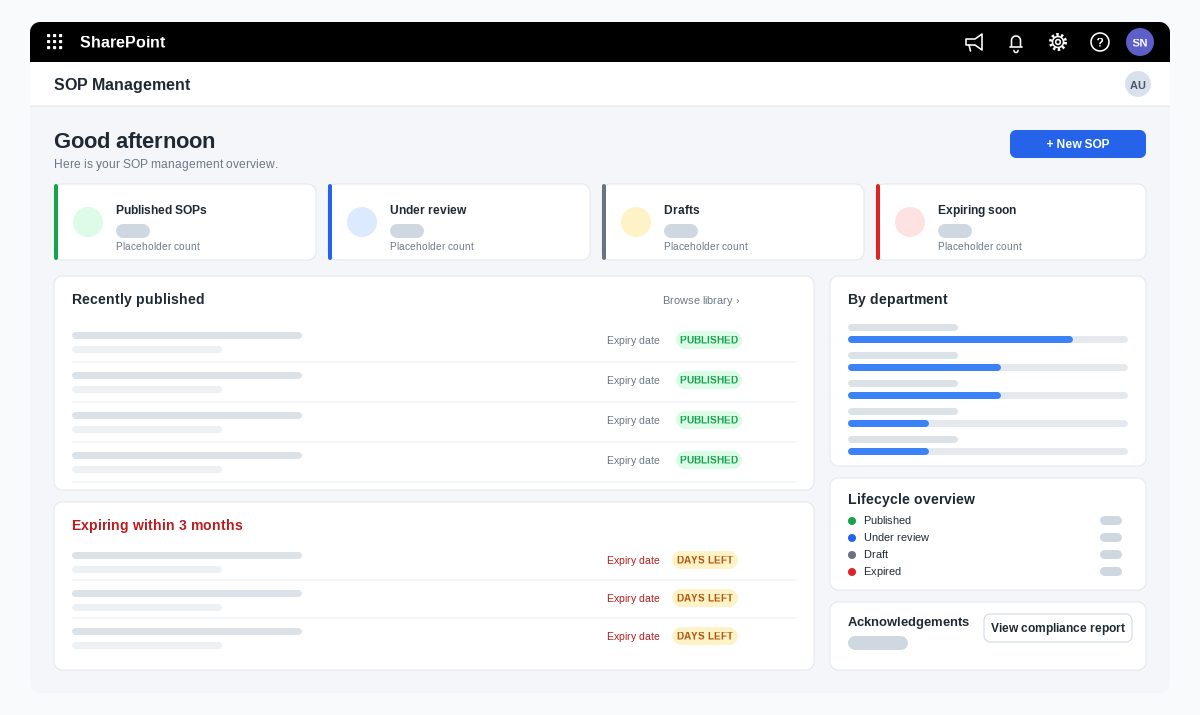
SOP management on SharePoint for a food manufacturer
A bakery ingredients manufacturer wanted procedures that are approved, read and proven to be understood. We adapted our SOP Management product on SharePoint and added reading time with a quiz, renewal and revision, and print-ready controlled copies.
Read the case study →SharePoint · Power Automate · AI and automation · Technology and IT services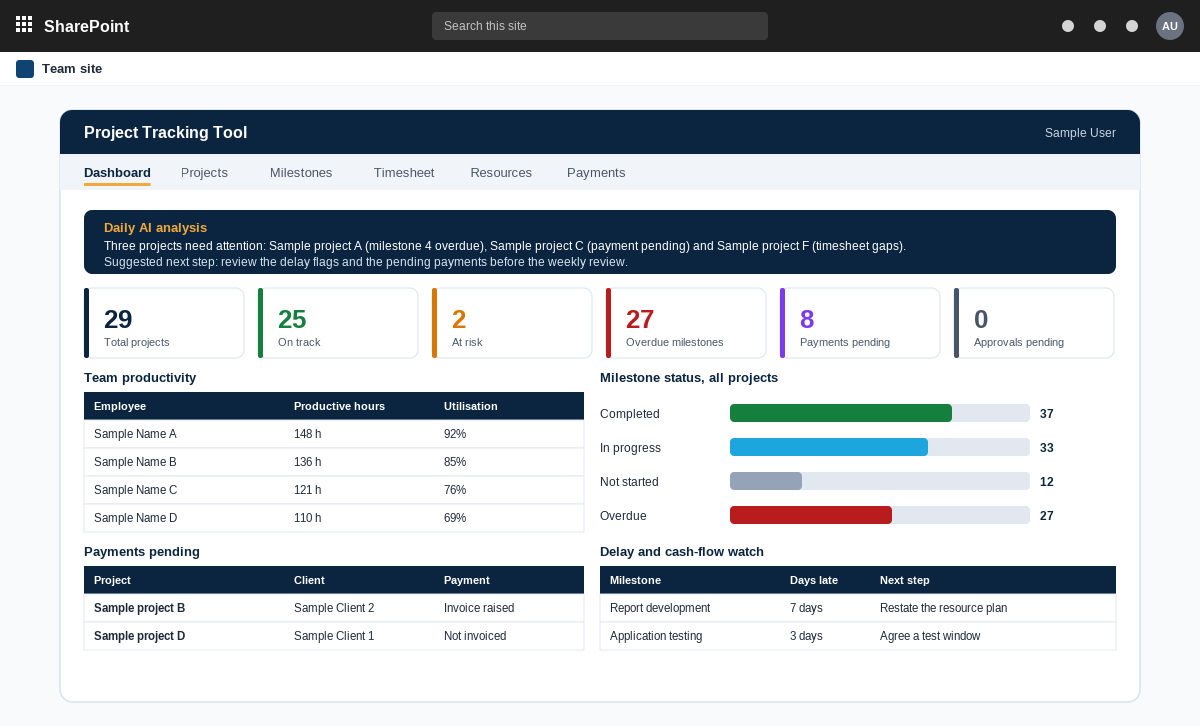
Project management tool on SharePoint with AI analysis
A project management tool built on SharePoint in the customer tenant. It tracks projects, milestones, timesheets and payments, and adds AI analysis through an n8n workflow.
Read the case study →Subscription Edition questions
What is SharePoint Server Subscription Edition?
It is the current version of SharePoint Server that you run on your own servers. Microsoft updates it continuously, and your team installs those updates. It replaces SharePoint Server 2016 and 2019 for organisations that need to keep SharePoint on-premises.
Is SharePoint Server 2016 or 2019 still supported?
No. Microsoft ended support for SharePoint Server 2016 and 2019 in July 2026. Running them means no security updates, so plan a move to Subscription Edition or SharePoint Online.
Can we upgrade directly from our version?
The supported path depends on your current version and how your farm is set up. We confirm the path during the assessment and tell you if an intermediate step is needed.
Will our custom solutions still work?
Some will, some need changes and some are better replaced. We test each custom solution and add-on during the compatibility check and give you a clear list.
Should we move to SharePoint Online instead?
If you can keep data in the Microsoft cloud, SharePoint Online is usually simpler to run and works with Copilot and Teams. If you must keep data on your own servers, Subscription Edition is the right target. We recommend based on your situation, not on what is easier for us to sell.
How long does it take and what does it cost?
It depends on the size of the farm, the customisations and the amount of content. After a free assessment we give you a timeline range and a price with assumptions.
Contact